Is liquid cooling hard to install?
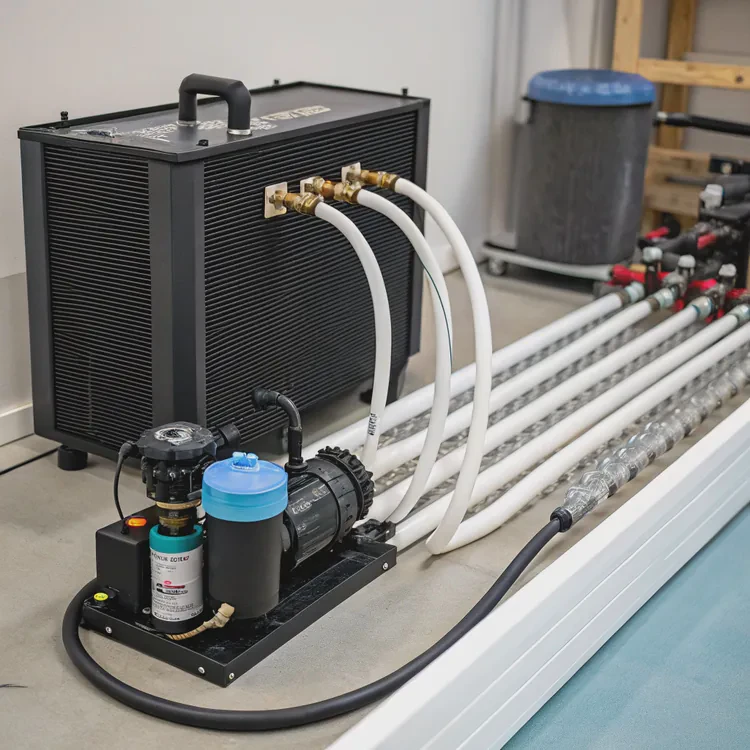
Sometimes, the idea of installing a liquid cooling system can feel overwhelming. Tubes, pumps, and coolant look complicated to beginners.
Liquid cooling is not as hard as it seems when using the right design, tools, and preparation. Understanding each step before starting makes installation smooth and reliable.
Many people think liquid cooling is only for experts. But with prebuilt kits, modular components, and clear guides, the process is now accessible even for first-time builders. Let’s explore what installation involves, why prebuilt systems are popular, and how the latest plug-and-play trends are changing the experience.
What does installation involve?
When people first open a cooling kit, they often feel nervous about leaks, fittings, and wiring.
Installing liquid cooling means connecting the main components—pump, radiator, block, tubing, and coolant—into a sealed system that transfers heat away from your device.
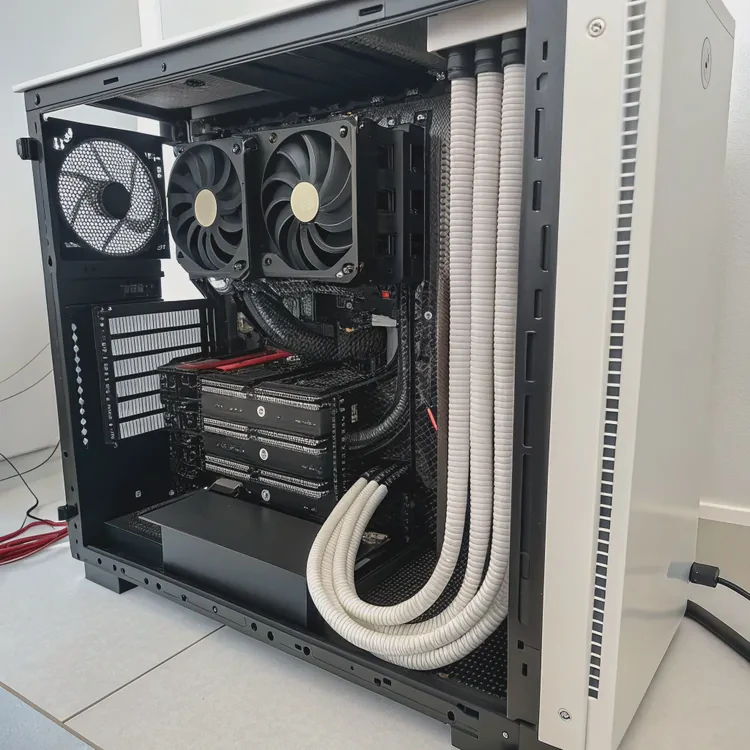
To make sense of the process, it helps to understand each part and what it does:
| Component | Function | Key Tip |
|---|---|---|
| Pump | Moves coolant through the system | Always mount below the reservoir |
| Radiator | Dissipates heat to air | Ensure proper airflow direction |
| Water Block | Contacts the heat source (CPU, GPU, etc.) | Apply thermal paste evenly |
| Tubing | Connects all components | Avoid sharp bends |
| Reservoir | Stores excess coolant | Fill halfway to prevent overflow |
Step-by-step overview
Plan the layout.
I always start by visualizing where each part will go inside the case. Planning helps avoid messy tubing paths later.Mount the radiator and fans.
Airflow direction matters. Fans should push or pull air through the radiator toward the exhaust.Install the water block.
Apply a small, even layer of thermal paste on the heat source. Tighten screws gently but firmly.Connect tubing.
Use flexible tubes and double-check fitting sizes. Every connection must be airtight.Add the pump and reservoir.
Keep the pump below the reservoir level for better priming.Fill and test.
Run a leak test with paper towels underneath joints for at least 12 hours.
Common mistakes
Beginners sometimes fill too quickly, trapping air bubbles. Others forget to check fitting sizes or skip leak tests. These errors cause most installation problems, not the cooling system itself.
Once you understand these basics, the process feels much easier. It becomes more like building blocks than complex plumbing.
What are the benefits of prebuilt systems?
Even though building your own liquid cooling system can be fun, it is not always necessary.
Prebuilt liquid cooling systems remove the complexity of custom loops, offering plug-and-play performance with minimal risk and installation time.
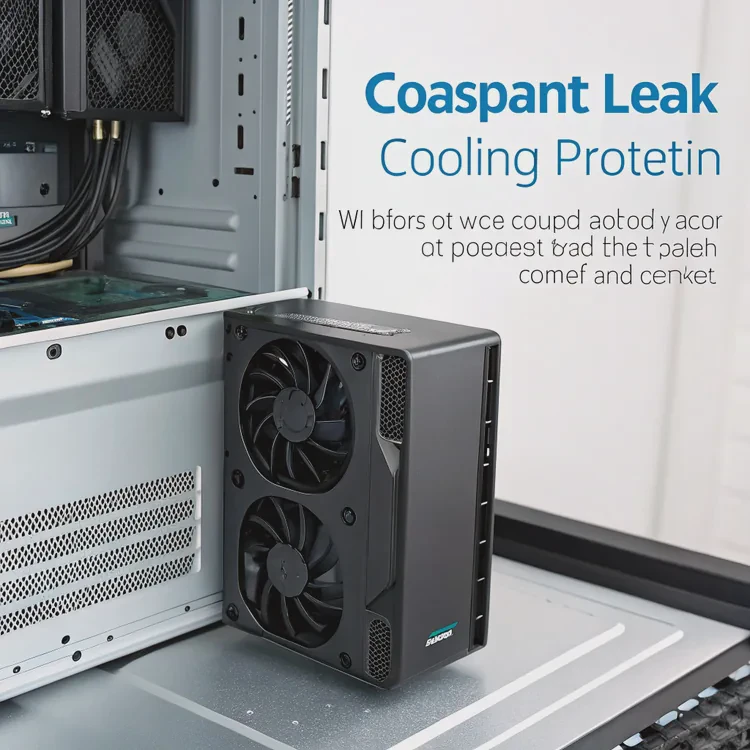
Prebuilt systems—also known as AIO (All-in-One) coolers—come as sealed, prefilled units. They do not require tubing cuts, coolant filling, or special tools. The manufacturer does all the assembly and testing.
Why prebuilt systems make sense
| Advantage | Description |
|---|---|
| Ease of use | Mount and plug—no need to handle coolant |
| Compact design | Fits most standard cases |
| Leak protection | Factory-sealed, tested for safety |
| Cost-effective | Lower upfront cost than custom loops |
| Maintenance-free | No refilling or cleaning for years |
A closer look
I remember when I first used a prebuilt AIO for my workstation. It took less than 20 minutes to install. I mounted the radiator, connected the pump cable, and was done. The cooling was stable, quiet, and leak-free.
For most users—especially system builders and manufacturers—prebuilt systems are the ideal choice. They combine performance and simplicity. OEM suppliers also prefer them for batch assembly and standardized quality.
Practical tip
If you want high performance without complex installation, prebuilt units are perfect. But if you need custom routing for multiple components or unique layouts, a custom loop may still be worth the effort.
How to make installation easier?
Many people stop before starting because they fear leaks or long setup times.
Making liquid cooling installation easier starts with preparation, tool organization, and choosing modular components that simplify assembly.
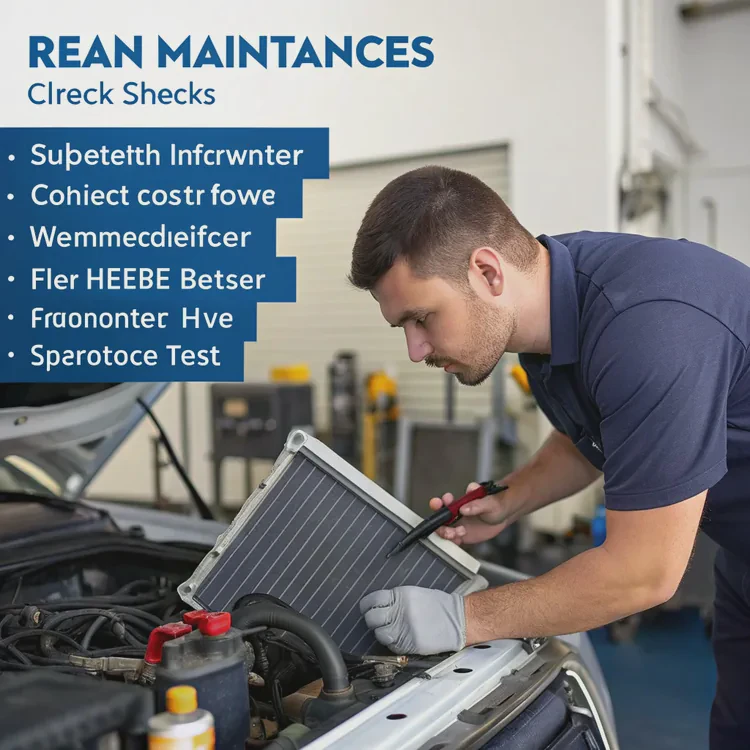
Preparation checklist
Before starting, I prepare everything in a clean, well-lit workspace. Here’s a simple checklist that I follow:
| Step | What to Check | Why It Matters |
|---|---|---|
| 1 | Layout design | Avoids tubing overlap |
| 2 | Component fit | Ensures no clearance issues |
| 3 | Power off device | Prevents damage |
| 4 | Clean surfaces | Improves thermal contact |
| 5 | Test radiator fans | Confirms airflow direction |
| 6 | Leak test | Detects problems early |
Use modular kits
Today’s modular kits make installation easier than ever. These systems use quick-connect fittings, flexible tubes, and snap-in brackets. They reduce the need for tools and adjustments. Some even include smart sensors that monitor coolant levels and temperature automatically.
Simplify with design thinking
When I help design thermal systems, I focus on “assembly-first” principles. Every part should fit naturally with minimal steps. For instance, using standardized quick couplings saves hours during installation and testing.
Keep documentation handy
Manufacturers now provide detailed manuals, videos, and 3D guides. Reviewing them before starting reduces errors and boosts confidence. This small step often prevents most of the stress people feel.
What are the trends in plug-and-play cooling?
Technology evolves fast, and cooling is no exception.
The latest plug-and-play liquid cooling systems focus on full modularity, smart control, and sustainability, making professional-grade cooling easy for everyone.
Smart control systems
Modern coolers now include sensors and microcontrollers. These automatically adjust pump speed, fan curves, and coolant flow based on temperature data. Through simple USB or Bluetooth connections, users can monitor everything in real time.
Modular integration
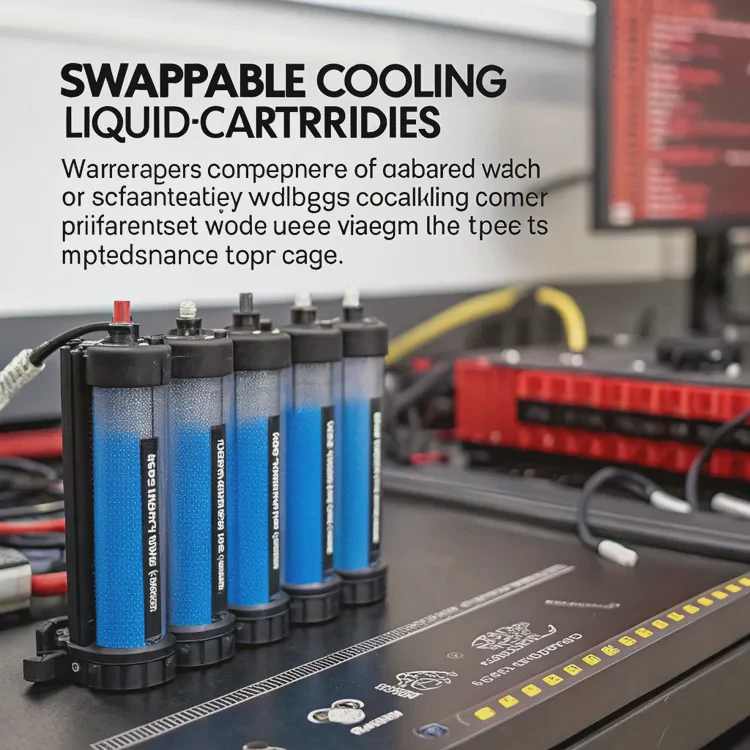
Many industrial systems and high-end computers now use modular cold plates or swappable cooling cartridges. These units can be replaced or upgraded without draining the loop. It saves maintenance time and extends system life.
Eco-friendly materials
Manufacturers are replacing traditional coolants with non-toxic, biodegradable fluids. Aluminum and copper components are being recycled or replaced with lightweight composites. This trend reduces environmental impact while keeping high thermal performance.
Plug-and-play for industry
In industrial and energy systems, plug-and-play designs are a game-changer. For example, some energy storage systems use pre-filled quick-connect liquid loops. Technicians can install or replace thermal modules within minutes without special tools.
AI-driven optimization
Artificial intelligence is also entering the cooling space. Some high-end platforms use predictive algorithms to manage thermal loads dynamically. The system learns user patterns and adjusts flow rates to maintain ideal performance while saving energy.
Example use case
When I worked with a client in renewable energy, we used modular plug-and-play liquid cooling blocks for battery systems. Installation time dropped by 60%, and leak risk fell close to zero. The technicians appreciated that they could swap modules without draining coolant. This example shows how future-ready systems combine simplicity with reliability.
Conclusion
Liquid cooling installation is easier than most people think. With planning, modular tools, and prebuilt systems, anyone can achieve professional-grade cooling without stress. Plug-and-play innovation continues to make it even simpler, safer, and smarter for the future.
TAGS
Latest Articles

Volume discount levels for heat sink orders?
Buyers often ask when heat sink prices start to drop with volume. Many worry they’re overpaying for small orders. This guide explains how B2B volume pricing works for thermal components. Heat sink
21 Dec,2025
Heat sink long-term supply contract options?
Many buyers want stable pricing and reliable delivery for heat sinks. But without a clear contract, risks grow over time. This article explores how to secure better long-term supply deals. Long-term
21 Dec,2025
Tooling cost for new heat sink profiles?
Many engineers struggle to understand why tooling for custom heat sinks costs so much. They worry about budgeting and production timelines. This article breaks down the cost drivers behind tooling.
21 Dec,2025
Heat sink custom sample process steps?
Sometimes, starting a custom heat sink project feels overwhelming—too many steps, too many unknowns, and too many risks. You want a sample, but not endless delays. The process for requesting and
20 Dec,2025
Standard B2B terms for heat sink payments?
When buyers and sellers in B2B heat sink markets talk about payment, many don’t fully understand what’s standard. This can lead to delayed orders, miscommunication, and even lost business
20 Dec,2025
Heat sink pricing factors for large orders?
Heat sinks are vital for many systems. When prices rise, projects stall and budgets break. This problem can hit teams hard without warning. Large order heat sink pricing depends on many factors. You
20 Dec,2025Related Articles
- Does Ryzen 9 5950X need liquid cooling?
- Which PowerEdge server supports direct liquid cooling?
- How does CPU liquid cooling work?
- How to install GPU liquid cooling?
- What does liquid cooled mean?
- How does the liquid cooling system work?
- Does Ryzen 7 7700X Need Liquid Cooling?
- Is liquid cooling quiet?
- How to do liquid cooling?
- What liquid is used in water cooling?
- Is liquid or fan cooling better?
- Is liquid cooling safe?
Author
Dr. Emily Chen
Chief AI Researcher
Leading expert in thermal dynamics and AI optimization with over 15 years of experience in data center efficiency research.
Categories
Latest Products






Recommend Categories
- Liquid cooling plate Manufacturer
- Industrial Heat Sink Manufacturer
- Standard Heat Sink Manufacturer
- Aluminum Heat Sink Manufacturer
- Copper Heat Sink Manufacturer
- Anodized Heatsink Manufacturer
- Stamping heat sink Manufacturer
- Die Casting Heatsink Manufacturer
- Soldering heat sink Manufacturer
- CNC Parts Manufacturer
Latest Products
- Wholesale Aluminum Radiator
- Water Cooling Plate Kit
- Water Cooling Heat Sink
- Water Cooling Heat Sink Kit
- Stainless Steel Water Distributor
- Server Water Cooling Plate Kit
- Server Liquid Cooling System
- Server Aluminum Cooling Kit
- S19 Full Cover Cooling Plate
- S19 Cooling Plate Kit
- S19 Aluminum Cooling Plate
Contact Expert
Have questions about this article? Reach out to our experts directly.