How to check if my liquid cooling is working?
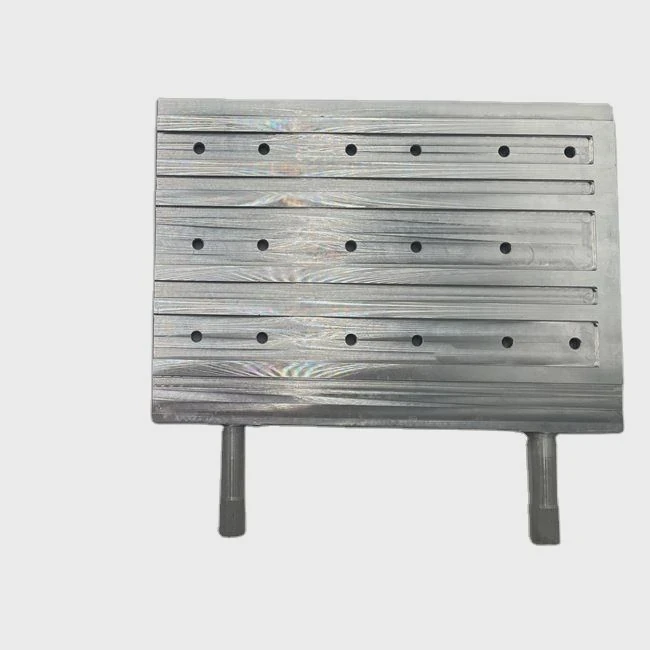
When your computer or industrial device starts running hotter than usual, it’s easy to worry that the liquid cooling system might have stopped working. Small mistakes in setup or unnoticed failures can lead to overheating and even permanent damage.
You can check if your liquid cooling is working by monitoring temperature changes, listening for pump sounds, feeling for vibration, and checking fluid flow and fan operation.
Even if everything seems fine, knowing the signs of a normal system and catching early failures can help prevent expensive downtime.
What are the signs of normal operation?
When a liquid cooling system is running normally, the system temperature remains stable under different loads. You can hear a soft pump hum, and you can feel a slight vibration or warmth on the tubes and radiator.
Normal operation is shown by steady coolant flow, quiet pump noise, balanced temperatures, and fans that speed up only when the system heats up.
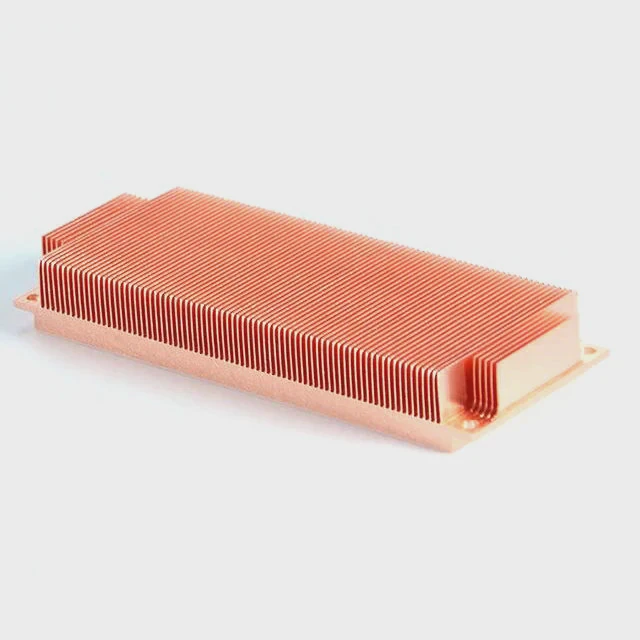
To go deeper, I always start by checking four main indicators — temperature stability, sound, vibration, and visual inspection.
Temperature stability
The coolant temperature should stay within 30–60°C depending on your setup. When I test, I use hardware monitoring software like HWMonitor or MSI Afterburner. Under normal load, CPU and GPU temperatures should rise gradually, then level off. If the temperature keeps climbing, it might mean poor circulation or a failing pump.
Sound and vibration
A normal pump has a low humming sound, like a quiet fridge motor. Too much noise or clicking means trapped air or a worn-out bearing. If I lightly touch the pump body, I should feel a soft vibration. No vibration means the pump is not spinning.
Visual check and tubing
Next, I check the tubes and fittings. Clear tubing lets me see if the coolant is moving. I also look for tiny air bubbles that can block flow. Radiator fins should be free of dust so that airflow is not blocked.
| Normal Operation Signs | Description |
|---|---|
| Temperature | Steady under load, rises slowly |
| Pump Noise | Low, continuous hum |
| Vibration | Soft and regular |
| Coolant Flow | Visible and bubble-free |
| Fans | Speed up with temperature |
When all these signs match, I can be confident that the system works as intended.
What causes liquid cooling failure?
Many things can cause failure — from simple air blockages to pump damage or even corrosion. I have seen systems fail after only a few months because of neglected maintenance or low-quality coolant.
Liquid cooling fails mostly due to pump malfunction, air bubbles, leaks, blocked radiators, or poor coolant quality.
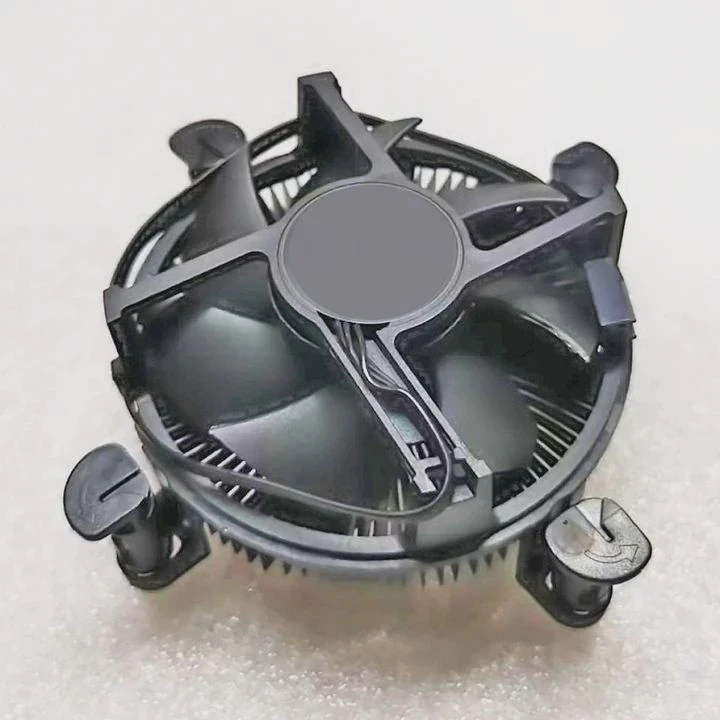
To understand failure, we can break it into three main categories: mechanical, thermal, and chemical causes.
1. Mechanical issues
These are the most common. The pump motor may fail or slow down after long use. Sometimes the impeller gets stuck due to debris. Loose fittings can also cause leaks that lower the coolant level and stop circulation.
If I see coolant stains around connectors, it means a slow leak has already started. Replacing O-rings or tightening the fittings usually fixes it.
2. Thermal issues
If the radiator or fans are clogged with dust, heat cannot escape. The coolant will overheat and expand, sometimes forming vapor pockets. These bubbles stop circulation and create “hot spots.”
When I clean systems, I use compressed air and soft brushes to clear the radiator fins every few months. Even a thin layer of dust can raise temperatures by 10°C.
3. Chemical issues
Coolant that contains impurities or reacts with metal can form deposits or corrosion inside tubes. Over time, it becomes thick and slows the flow. This is common when people mix different coolant brands. I always use the same type of pre-mixed coolant and replace it every year.
| Failure Cause | Typical Symptom | Prevention |
|---|---|---|
| Pump damage | No vibration or flow | Replace pump, check power |
| Air bubbles | Gurgling sound, heat spikes | Refill coolant, bleed air |
| Leak | Visible liquid or smell | Tighten fittings, replace seals |
| Dusty radiator | High temperature | Clean regularly |
| Corrosion | Discolored coolant | Use proper additives |
By watching for these symptoms, I can usually detect and fix a failing system before it causes harm.
How to test the pump and fans?
When the system overheats, I always start by testing the pump and fans. These two components keep the coolant moving and the air flowing through the radiator.
To test a liquid cooling pump and fans, check their power connections, listen for operation, and measure temperature changes when they are on and off.
Testing is not hard if you follow a step-by-step approach.
Step 1: Visual and power check
I first make sure the pump and fans are connected to the correct headers on the motherboard or controller. If they connect to a SATA power cable, I ensure the connector is tight. Loose or bent pins can cause intermittent operation.
Step 2: Listen and feel
When the system starts, I put my hand lightly on the pump. If it vibrates gently, it means the impeller is turning. A quiet pump is normal, but if it’s totally silent and the temperature rises quickly, it’s likely dead.
Step 3: Fan spin test
I observe all radiator fans. They should start spinning as soon as the system powers on. If one does not move, I test it directly with a 12V source or another fan header to confirm if it’s faulty.
Step 4: Temperature reaction
Finally, I compare the CPU temperature with the pump on and off. If there’s no change in temperature after turning the pump off, it means the coolant is not circulating properly. With a working pump, the temperature should rise rapidly when it stops and cool down again when it restarts.
Pro tip:
Sometimes the pump RPM signal is available in the BIOS or monitoring software. If I see a steady RPM reading (e.g., 3000 RPM), it’s usually working fine. Fluctuating or zero RPM is a warning sign.
By repeating these checks, I can confirm whether the cooling system’s heart — the pump and fans — are working together.
What are the trends in automatic diagnostics?
Technology in liquid cooling has evolved fast. Modern systems are smarter than ever, with self-monitoring and automatic diagnostics that alert users before a failure happens.
New cooling systems use built-in sensors, software, and AI algorithms to monitor temperature, pressure, flow, and vibration for automatic fault detection.
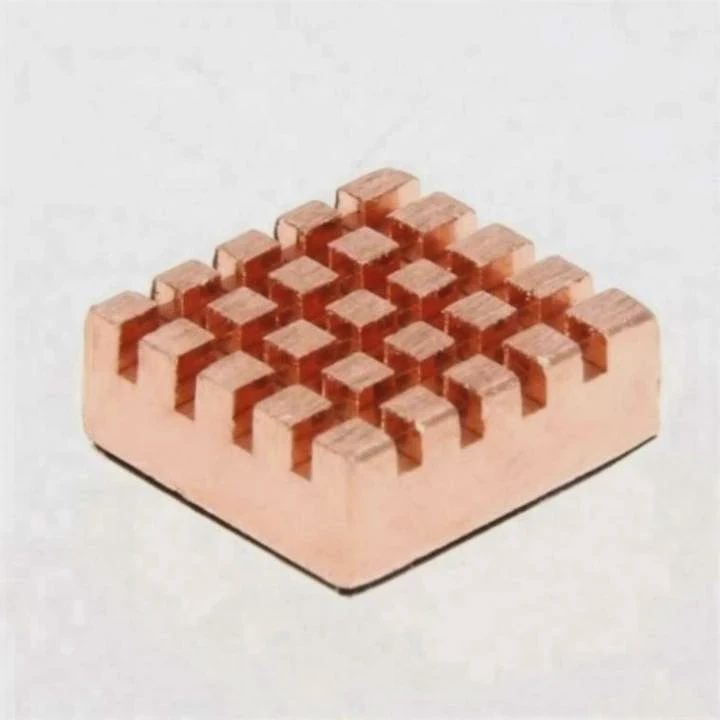
These innovations make maintenance easier and more predictable, especially for high-performance servers, electric vehicles, and industrial devices.
Smart sensors
Today, sensors are installed inside pumps, radiators, and coolant reservoirs. They measure not just temperature, but also flow rate, pressure, and even coolant quality. Data is collected in real-time and analyzed by control software.
When the software detects an abnormal trend — for example, a sudden drop in flow rate — it sends an alert or automatically adjusts fan speed to prevent overheating.
Predictive maintenance
Some systems now use AI-based predictive maintenance. Instead of waiting for a fault, the system learns normal behavior patterns. It tracks how the pump sounds, how fast the coolant heats up, or how fans respond. When it notices even a small deviation, it warns the operator early.
This technology is already used in data centers and aerospace applications. It helps avoid downtime by replacing parts before failure occurs.
Remote monitoring
Through IoT (Internet of Things) connectivity, many systems now allow remote control and monitoring. I can log into a dashboard and view the system’s temperature, flow, and vibration in real-time from anywhere. This feature is becoming standard in modern liquid cooling systems for industrial clients.
| Diagnostic Trend | Description | Benefit |
|---|---|---|
| Smart Sensors | Real-time measurement of temperature, pressure, flow | Quick fault detection |
| AI Prediction | Detects early signs of failure | Prevents downtime |
| Remote Monitoring | IoT dashboards and alerts | Convenient supervision |
| Self-Calibrating Fans | Adjust speed automatically | Energy efficiency |
Integration with control systems
In some setups, liquid cooling diagnostics are linked to PLC (Programmable Logic Controller) systems. These allow automatic shutdown when the temperature passes a threshold. For high-value electronics, this kind of protection is critical.
As technology continues to advance, I believe automatic diagnostics will become the new standard for all liquid cooling systems — from gaming PCs to industrial automation.
Conclusion
Checking if your liquid cooling is working is not complicated. Watch temperatures, listen for pump sounds, and look for steady coolant flow. By knowing normal signs, testing components, and following new diagnostic trends, you can keep your cooling system reliable and efficient for years.
TAGS
Latest Articles

Volume discount levels for heat sink orders?
Buyers often ask when heat sink prices start to drop with volume. Many worry they’re overpaying for small orders. This guide explains how B2B volume pricing works for thermal components. Heat sink
21 Dec,2025
Heat sink long-term supply contract options?
Many buyers want stable pricing and reliable delivery for heat sinks. But without a clear contract, risks grow over time. This article explores how to secure better long-term supply deals. Long-term
21 Dec,2025
Tooling cost for new heat sink profiles?
Many engineers struggle to understand why tooling for custom heat sinks costs so much. They worry about budgeting and production timelines. This article breaks down the cost drivers behind tooling.
21 Dec,2025
Heat sink custom sample process steps?
Sometimes, starting a custom heat sink project feels overwhelming—too many steps, too many unknowns, and too many risks. You want a sample, but not endless delays. The process for requesting and
20 Dec,2025
Standard B2B terms for heat sink payments?
When buyers and sellers in B2B heat sink markets talk about payment, many don’t fully understand what’s standard. This can lead to delayed orders, miscommunication, and even lost business
20 Dec,2025
Heat sink pricing factors for large orders?
Heat sinks are vital for many systems. When prices rise, projects stall and budgets break. This problem can hit teams hard without warning. Large order heat sink pricing depends on many factors. You
20 Dec,2025Related Articles
- Is liquid cooling safe?
- Is liquid or fan cooling better?
- What liquid is used in water cooling?
- How to do liquid cooling?
- Is liquid cooling quiet?
- Does Ryzen 7 7700X Need Liquid Cooling?
- How to replace liquid cooling?
- Which is better, oil-cooled or liquid-cooled engine?
- Is liquid cooling quieter than fans?
- Is a Liquid CPU Cooler Worth It?
- What is the difference between water cooling and liquid cooling?
- How to check if a liquid cooler is working?
Author
Dr. Emily Chen
Chief AI Researcher
Leading expert in thermal dynamics and AI optimization with over 15 years of experience in data center efficiency research.
Categories
Latest Products






Recommend Categories
- Liquid cooling plate Manufacturer
- Industrial Heat Sink Manufacturer
- Standard Heat Sink Manufacturer
- Aluminum Heat Sink Manufacturer
- Copper Heat Sink Manufacturer
- Anodized Heatsink Manufacturer
- Stamping heat sink Manufacturer
- Die Casting Heatsink Manufacturer
- Soldering heat sink Manufacturer
- CNC Parts Manufacturer
Latest Products
- Wholesale Aluminum Radiator
- Water Cooling Plate Kit
- Water Cooling Heat Sink
- Water Cooling Heat Sink Kit
- Stainless Steel Water Distributor
- Server Water Cooling Plate Kit
- Server Liquid Cooling System
- Server Aluminum Cooling Kit
- S19 Full Cover Cooling Plate
- S19 Cooling Plate Kit
- S19 Aluminum Cooling Plate
Contact Expert
Have questions about this article? Reach out to our experts directly.