What is a CPU fan and heatsink?
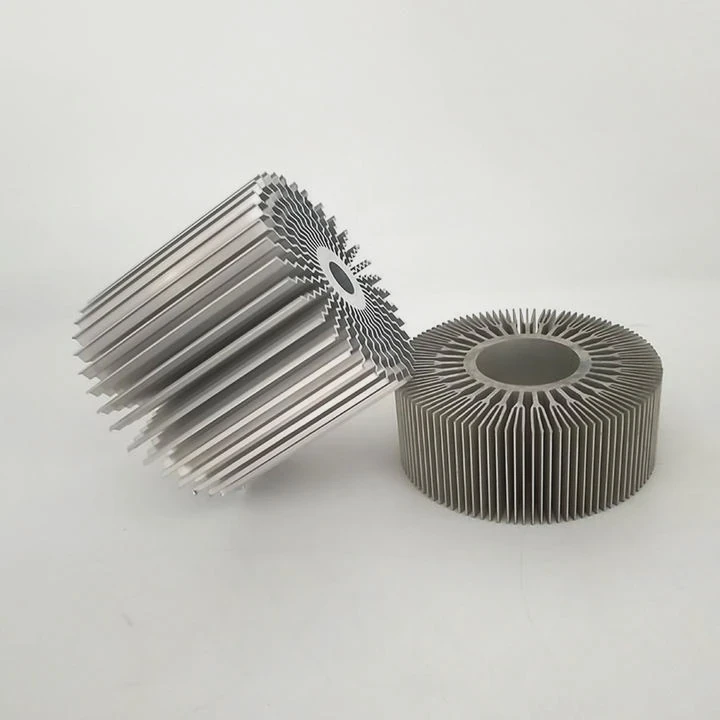
Many wonder why computer processors need extra parts just to stay cool. Without proper cooling, CPUs can fail fast. So understanding this hardware is key.
A CPU fan and heatsink are components designed to cool the processor by transferring heat away from it and dispersing it into the air, preventing overheating and damage.
This combo helps computers run fast and safe. But how they work—and what makes them efficient—is more than just metal and airflow.
Why CPUs need active cooling?
Computers may look cool on the outside, but the real heat builds up inside. The processor is often the hottest part.
CPUs generate heat constantly during operation. Active cooling—using fans with heatsinks—is necessary to maintain safe temperatures and ensure stable performance.
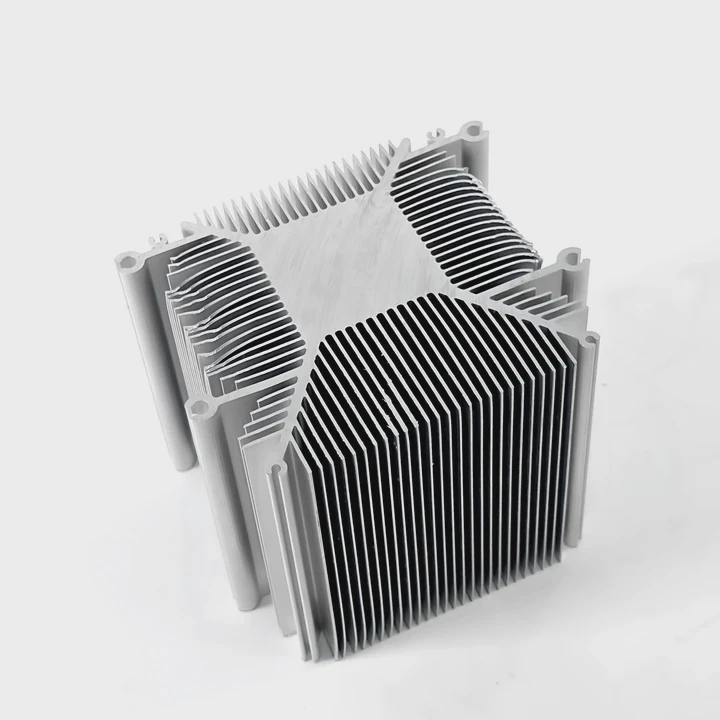
CPUs are small but powerful
Modern CPUs process billions of instructions per second. This high activity draws power, and that power becomes heat. Even at low usage, some CPUs can hit over 60°C without cooling.
Passive vs. active
Passive cooling relies on metal parts alone to move heat into the air. Active cooling adds a fan to move air across those metal parts, carrying heat away faster.
| Cooling Type | Method | Efficiency |
|---|---|---|
| Passive | Natural heat dissipation | Low |
| Active (Fan) | Forced air over heatsink | High |
| Liquid | Water or coolant circulation | Very High |
Why fans matter
Without a fan, a heatsink can only do so much. Heat will build up until the CPU slows down or shuts off. Fans keep air moving, which is key to cooling performance.
Thermal throttling
If a CPU gets too hot, it slows down automatically. This protects the chip, but hurts performance. Active cooling prevents throttling and keeps your system running at full speed.
How do fins spread heat?
Heatsinks are full of metal fins—but why? These thin pieces do more than just look cool. They are vital for moving heat.
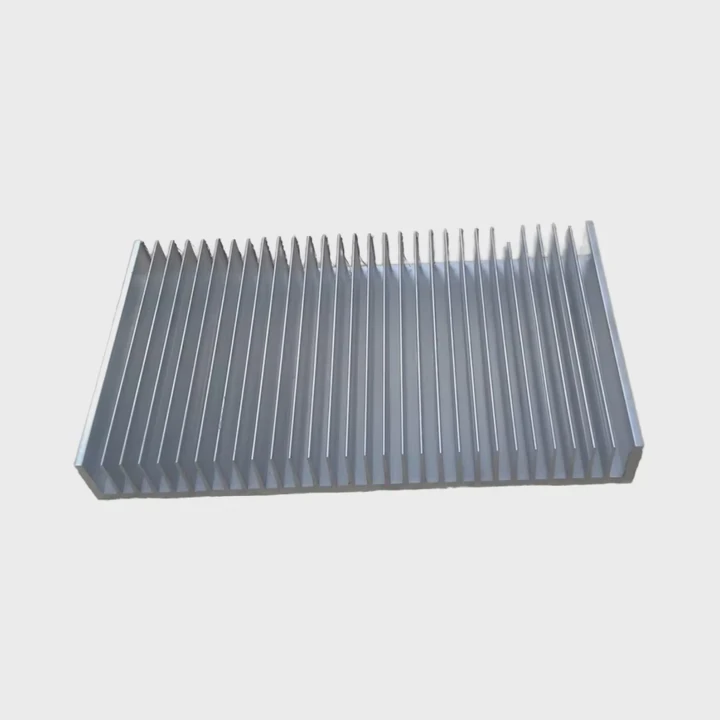
Heatsink fins increase surface area, allowing more heat to transfer from the CPU into the air. More fins usually mean better cooling performance.
Surface area is everything
The more surface area a heatsink has, the more heat it can release into the air. Fins create extra area without adding much size or weight.
Fins are heat highways
Heat moves from the base of the heatsink up into the fins. From there, it’s pushed into the air by the fan. Each fin acts like a road for heat to travel out.
Design matters
Fins need to be thin enough for air to pass through, but thick enough to carry heat. Too close together, and airflow is blocked. Too far apart, and surface area is lost.
| Fin Design | Airflow Resistance | Cooling Effect |
|---|---|---|
| Wide Spacing | Low | Moderate |
| Tight Spacing | High | High (with strong fan) |
| Stacked (layered) | Medium | High |
Types of fin layouts
- Straight fins – Simple and cheap, common in basic heatsinks.
- Wave fins – Curve slightly to improve airflow patterns.
- Pin fin – Small vertical rods, often used in compact designs.
Which designs lower temps best?
Not all heatsinks are equal. Some are cheap and small, others are huge with multiple fans. Design makes a big difference in cooling.
Tower-style heatsinks with heat pipes and high-quality fans offer the best cooling for most CPUs, especially under heavy workloads.
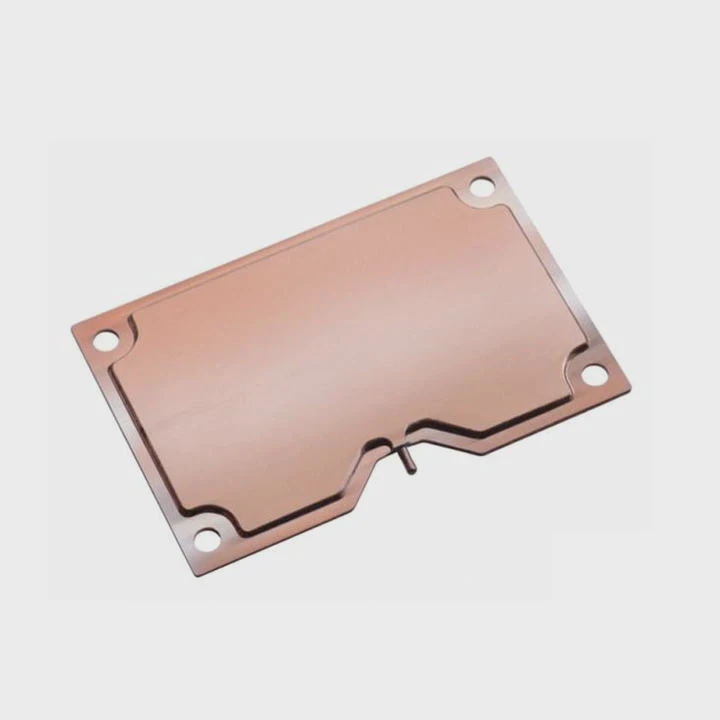
Common designs
- Stock coolers – Included with many CPUs. Good for basic use, but limited in thermal performance.
- Top-down (blower) – Fan pushes air down onto the motherboard. Compact, but not ideal for high-end CPUs.
- Tower-style – Large heatsinks with vertical fins and side-mounted fans. Excellent airflow and heat dissipation.
Heat pipes improve cooling
Many tower coolers use copper heat pipes. These transport heat quickly from the CPU base to the fins. This makes them more efficient than solid-metal blocks alone.
| Cooler Type | Average Temp Reduction | Size | Noise Level |
|---|---|---|---|
| Stock Cooler | ~20°C | Small | Low-Medium |
| Top-down Cooler | ~30°C | Medium | Medium |
| Tower Cooler | ~40–50°C | Large | Medium-High |
Push-pull fan setup
Some coolers have two fans—one pushes air in, the other pulls it out. This doubles airflow and improves heat transfer, especially on large heatsinks.
Compatibility
Big coolers need space. Always check if the cooler fits your case and motherboard. RAM clearance can also be an issue with large heatsinks.
Do materials affect efficiency?
Cooling is about moving heat, and the material you use matters a lot. Not all metals are created equal.
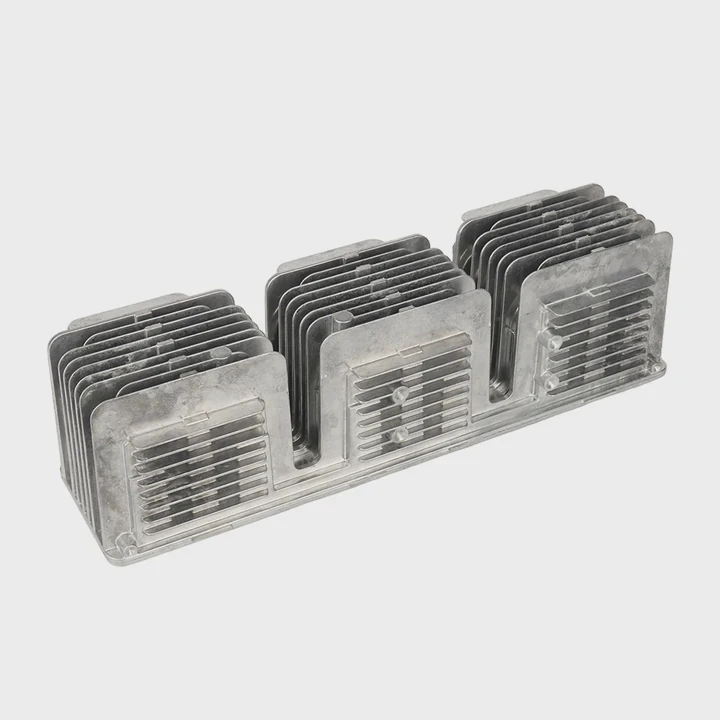
Yes, the materials used in heatsinks—like copper and aluminum—greatly affect how well heat is transferred and dissipated.
Thermal conductivity is key
Different metals transfer heat at different speeds. The faster the heat moves, the better the cooling. Copper is one of the best materials for this.
| Material | Thermal Conductivity (W/m·K) | Cost | Weight |
|---|---|---|---|
| Copper | ~400 | High | Heavy |
| Aluminum | ~205 | Low | Light |
| Steel | ~50 | Low | Heavy |
Copper for speed, aluminum for weight
- Copper conducts heat better, so it’s used in heat pipes and heatsink bases.
- Aluminum is lighter and cheaper, so it’s used for fins and outer structures.
- Mixed designs use both for the best of both worlds.
Coatings and finishes
Some heatsinks are nickel-plated to prevent corrosion. Others use black anodizing to improve radiant heat transfer. While these don’t affect core conductivity much, they help long-term durability.
Real-world performance
A full-copper cooler might cool slightly better, but it’s heavier and more expensive. For most users, a hybrid cooler (copper pipes with aluminum fins) offers the best balance.
Conclusion
CPU fans and heatsinks work together to keep processors cool and stable. Fins, materials, and smart design all play a role in how well they perform. Always choose cooling based on your CPU’s needs and system space.
TAGS
Latest Articles

Volume discount levels for heat sink orders?
Buyers often ask when heat sink prices start to drop with volume. Many worry they’re overpaying for small orders. This guide explains how B2B volume pricing works for thermal components. Heat sink
21 Dec,2025
Heat sink long-term supply contract options?
Many buyers want stable pricing and reliable delivery for heat sinks. But without a clear contract, risks grow over time. This article explores how to secure better long-term supply deals. Long-term
21 Dec,2025
Tooling cost for new heat sink profiles?
Many engineers struggle to understand why tooling for custom heat sinks costs so much. They worry about budgeting and production timelines. This article breaks down the cost drivers behind tooling.
21 Dec,2025
Heat sink custom sample process steps?
Sometimes, starting a custom heat sink project feels overwhelming—too many steps, too many unknowns, and too many risks. You want a sample, but not endless delays. The process for requesting and
20 Dec,2025
Standard B2B terms for heat sink payments?
When buyers and sellers in B2B heat sink markets talk about payment, many don’t fully understand what’s standard. This can lead to delayed orders, miscommunication, and even lost business
20 Dec,2025
Heat sink pricing factors for large orders?
Heat sinks are vital for many systems. When prices rise, projects stall and budgets break. This problem can hit teams hard without warning. Large order heat sink pricing depends on many factors. You
20 Dec,2025Related Articles
- What is the best heatsink compound available?
- Is the stock i7 heatsink good?
- how to install heatsink on xbox 360 hana ana chips?
- Are stock GPU heatsinks suitable?
- Does air blow through heatsink?
- Can you run a computer without a heatsink CPU fan?
- What is heatsink pad?
- Are all GTX 1080 heatsinks the same?
- How to polish heatsink?
- How to mount LED to heatsink?
- What is a computer fan and heatsink?
- Can heatsinks support multiple socket types?
Author
Dr. Emily Chen
Chief AI Researcher
Leading expert in thermal dynamics and AI optimization with over 15 years of experience in data center efficiency research.
Categories
Latest Products

M.2 Heatpipe Heatsink With Dual Fans For Pc Case
19 Mar,2026

Heavy-Duty Aluminum Heat Sink Custom
19 Mar,2026

Oem Skived Fin Heatsink Aluminum Radiator For Plants
19 Mar,2026

Water Cooled Cnc Aluminum Heat Sink For Medical
19 Mar,2026

High Density 6000 Series Aluminum Heat Sink Profile
19 Mar,2026

High-Density Extruded Aluminum & Bonded-Fin Heat Sink Profile
19 Mar,2026
Recommend Categories
- Liquid cooling plate Manufacturer
- Industrial Heat Sink Manufacturer
- Standard Heat Sink Manufacturer
- Aluminum Heat Sink Manufacturer
- Copper Heat Sink Manufacturer
- Anodized Heatsink Manufacturer
- Stamping heat sink Manufacturer
- Die Casting Heatsink Manufacturer
- Soldering heat sink Manufacturer
- CNC Parts Manufacturer
Latest Products
- M.2 Heatpipe Heatsink With Dual Fans For Pc Case
- Heavy-Duty Aluminum Heat Sink Custom
- Oem Skived Fin Heatsink Aluminum Radiator For Plants
- Water Cooled Cnc Aluminum Heat Sink For Medical
- High Density 6000 Series Aluminum Heat Sink Profile
- High-Density Extruded Aluminum & Bonded-Fin Heat Sink Profile
- Dongguan Cnc Aluminum Heat Sink For Led & Brass Parts
- Wholesale Cnc Aluminum Heat Sink - Custom Extruded
- Led Cnc Round Heat Sink With Screw Holes
- Copper Pin-Fin Heat-Sink Large-Area For Photoled Cooling
- Telecom Heatsink Zipper Fin Wcopper Tubes Oem
Contact Expert
Have questions about this article? Reach out to our experts directly.