What is a computer fan and heatsink?
Computers get hot, even if you’re just browsing the web. That heat comes from the components working hard. So how do systems stay cool and avoid damage?
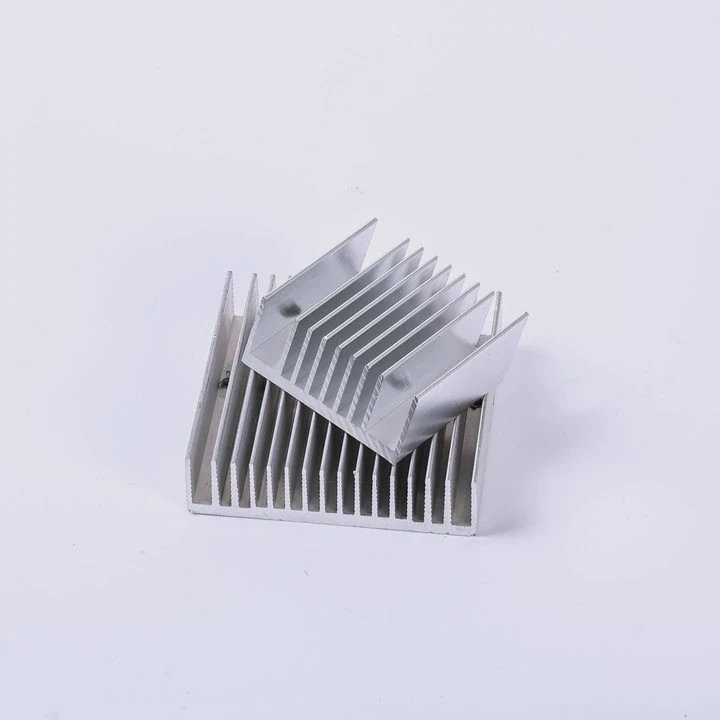
A computer fan and heatsink work together to cool hardware components like the CPU and GPU by removing excess heat and preventing overheating that could harm performance or stability.
Every PC has a cooling system—some simple, some complex. Knowing how fans and heatsinks work helps you keep your machine running smoothly.
Why components overheat?
Computers process data at incredible speeds. That speed needs power. And power always brings heat.
Components like CPUs, GPUs, and power supplies generate heat while operating. Without cooling, heat builds up, causing slowdowns, crashes, or even hardware failure.
Why heat builds up
All electronic components have resistance. When electricity flows through them, they get hot. The harder they work, the hotter they get. If there’s no way to remove that heat, temperatures keep rising.
Which parts get hot?
- CPU (Central Processing Unit) – Constant processing.
- GPU (Graphics Processing Unit) – Handles visuals and 3D tasks.
- VRMs (Voltage Regulator Modules) – Power delivery for CPU and RAM.
- SSD/Storage – High-speed NVMe drives can heat up fast.
| Component | Typical Max Temperature | Cooling Required |
|---|---|---|
| CPU | ~100°C | Yes |
| GPU | ~95°C | Yes |
| VRMs | ~85°C | Yes (indirect) |
| SSD | ~70°C | Optional |
Heat causes issues
Once components pass safe temperatures, problems start. First, they slow down to reduce heat. If that fails, systems crash or shut down. Long-term overheating also shortens lifespan.
How airflow removes heat?
Air seems harmless, but it’s one of the best tools for cooling computers. With the right setup, it can move heat fast.
Airflow moves warm air away from hot components and brings in cooler air. Fans push this air across heatsinks to speed up heat transfer.
Hot air rises
Heat naturally travels upward. That’s why many computer cases place fans near the bottom for intake and near the top for exhaust.
Intake and exhaust fans
- Intake fans pull cool air into the case.
- Exhaust fans push hot air out.
This creates an airflow loop that constantly replaces warm air with cooler air.
| Fan Placement | Role | Effectiveness |
|---|---|---|
| Front Intake | Pulls in air | High |
| Rear Exhaust | Pushes out | High |
| Top Exhaust | Removes rising heat | Medium |
| Bottom Intake | Optional | Medium |
Role of heatsinks
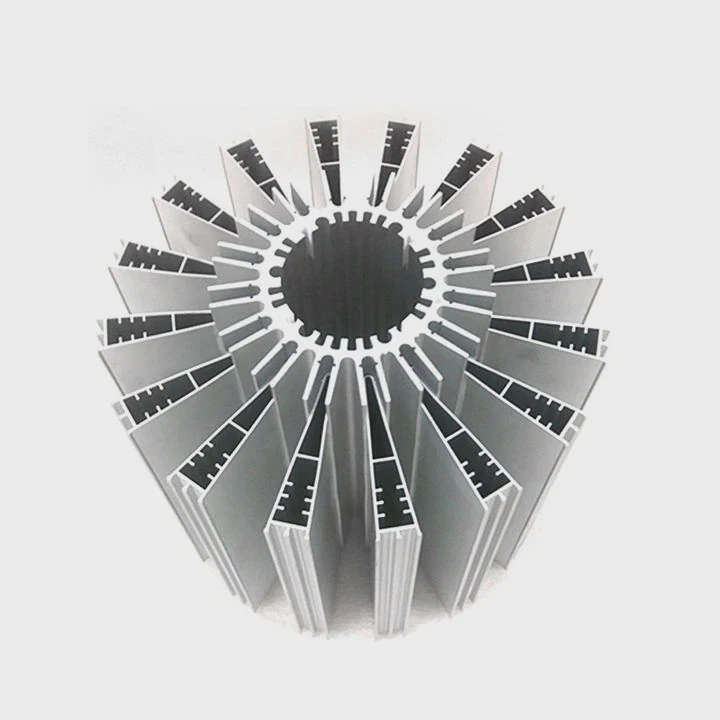
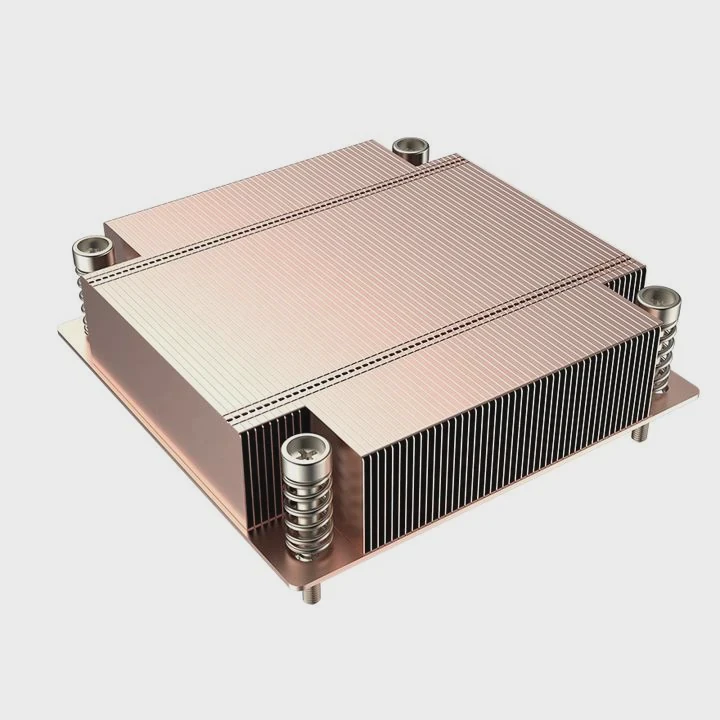
Heatsinks draw heat from the component and spread it across fins. When fans blow air through those fins, heat is carried away by the moving air.
Positive vs. negative pressure
- Positive pressure: More intake than exhaust. Helps reduce dust.
- Negative pressure: More exhaust than intake. Improves airflow speed.
Balanced airflow keeps temps low and dust under control.
Which sinks cool best?
All heatsinks aim to remove heat. But some are better than others. Their design, shape, and materials matter.
Tower-style heatsinks with heat pipes offer the best air-cooling performance, especially when paired with high-pressure fans and good case airflow.
Types of heatsinks
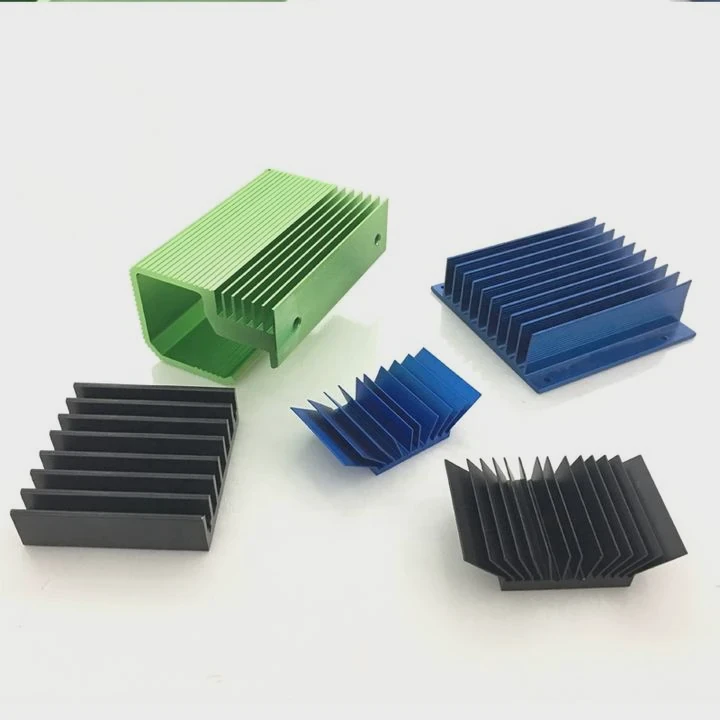
- Stock coolers – Basic cooling, often included with CPUs.
- Low-profile – Compact for small cases.
- Tower-style – Tall with large fin stacks and side-mounted fans.
- Dual tower – Two heatsinks with a fan in between.
- Aftermarket GPU coolers – Designed for gaming or creative workloads.
Performance depends on…
- Fin density – More fins mean more surface area for heat transfer.
- Base contact – Flat and smooth bases transfer heat better.
- Heat pipes – Copper pipes move heat from base to fins quickly.
| Heatsink Type | Surface Area | Airflow Needed | Cooling Power |
|---|---|---|---|
| Stock Cooler | Low | Low | Basic |
| Low-profile | Medium | Medium | Moderate |
| Tower-style | High | High | Excellent |
| Dual Tower | Very High | Very High | Extreme |
Active vs. passive
- Active cooling: Has fans, moves air quickly.
- Passive cooling: No fans, silent but limited.
For most users, active tower-style heatsinks are best for both performance and safety.
Do fan speeds affect noise?
Many fear loud computers. But faster fans often mean more noise. Still, there are ways to balance both.
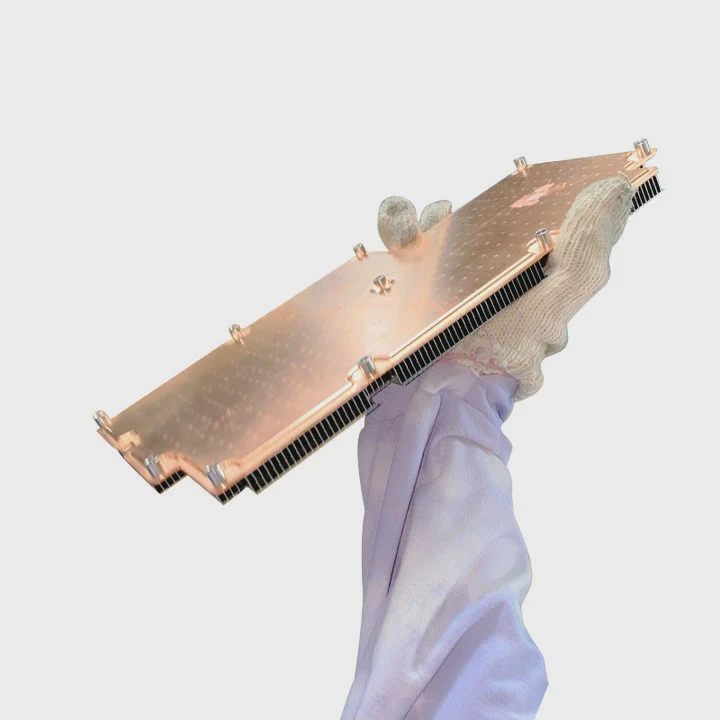
Yes, faster fan speeds increase noise. But smart fan curves and quiet designs can keep systems cool without being loud.
How speed affects sound
Fan noise comes from blades cutting through the air. At low speeds, this is minimal. At high speeds, especially above 2000 RPM, it gets noticeable.
| Fan Speed (RPM) | Noise Level (dB) | Typical Use |
|---|---|---|
| <1000 | <20 dB (whisper) | Silent builds |
| 1000–1500 | 20–30 dB | Normal use |
| 1500–2000 | 30–40 dB | Gaming load |
| >2000 | 40+ dB | High cooling |
Fan curves
Most motherboards allow fan control. A fan curve adjusts speed based on temperature. This way, fans stay quiet when idle and speed up only when needed.
Quiet fan designs
- Fluid dynamic bearings – Less friction, quieter.
- Larger fans (120mm, 140mm) – Move more air at lower speeds.
- Anti-vibration mounts – Reduce buzzing and rattling.
Balance is key
Silence comes with tradeoffs. Slower fans reduce noise but may raise temperatures. The best solution is a well-ventilated case with efficient airflow so fans don’t need to spin fast.
Conclusion
A computer fan and heatsink are critical to keeping components safe and fast. Proper airflow, smart design, and good materials all work together to stop overheating and reduce noise.
TAGS
Latest Articles

Volume discount levels for heat sink orders?
Buyers often ask when heat sink prices start to drop with volume. Many worry they’re overpaying for small orders. This guide explains how B2B volume pricing works for thermal components. Heat sink
21 Dec,2025
Heat sink long-term supply contract options?
Many buyers want stable pricing and reliable delivery for heat sinks. But without a clear contract, risks grow over time. This article explores how to secure better long-term supply deals. Long-term
21 Dec,2025
Tooling cost for new heat sink profiles?
Many engineers struggle to understand why tooling for custom heat sinks costs so much. They worry about budgeting and production timelines. This article breaks down the cost drivers behind tooling.
21 Dec,2025
Heat sink custom sample process steps?
Sometimes, starting a custom heat sink project feels overwhelming—too many steps, too many unknowns, and too many risks. You want a sample, but not endless delays. The process for requesting and
20 Dec,2025
Standard B2B terms for heat sink payments?
When buyers and sellers in B2B heat sink markets talk about payment, many don’t fully understand what’s standard. This can lead to delayed orders, miscommunication, and even lost business
20 Dec,2025
Heat sink pricing factors for large orders?
Heat sinks are vital for many systems. When prices rise, projects stall and budgets break. This problem can hit teams hard without warning. Large order heat sink pricing depends on many factors. You
20 Dec,2025Related Articles
- How to mount LED to heatsink?
- How to polish heatsink?
- Are all GTX 1080 heatsinks the same?
- What is heatsink pad?
- What is a CPU fan and heatsink?
- What is the best heatsink compound available?
- Can heatsinks support multiple socket types?
- How to remove an Intel i3 heatsink?
- What metal is used in GPU heatsinks?
- Is Vapor Chamber suitable for high altitude use?
- Vapor Chamber application in hazardous areas?
- Can Vapor Chamber reduce carbon footprint?
Author
Dr. Emily Chen
Chief AI Researcher
Leading expert in thermal dynamics and AI optimization with over 15 years of experience in data center efficiency research.
Categories
Latest Products

M.2 Heatpipe Heatsink With Dual Fans For Pc Case
19 Mar,2026

Heavy-Duty Aluminum Heat Sink Custom
19 Mar,2026

Oem Skived Fin Heatsink Aluminum Radiator For Plants
19 Mar,2026

Water Cooled Cnc Aluminum Heat Sink For Medical
19 Mar,2026

High Density 6000 Series Aluminum Heat Sink Profile
19 Mar,2026

High-Density Extruded Aluminum & Bonded-Fin Heat Sink Profile
19 Mar,2026
Recommend Categories
- Liquid cooling plate Manufacturer
- Industrial Heat Sink Manufacturer
- Standard Heat Sink Manufacturer
- Aluminum Heat Sink Manufacturer
- Copper Heat Sink Manufacturer
- Anodized Heatsink Manufacturer
- Stamping heat sink Manufacturer
- Die Casting Heatsink Manufacturer
- Soldering heat sink Manufacturer
- CNC Parts Manufacturer
Latest Products
- M.2 Heatpipe Heatsink With Dual Fans For Pc Case
- Heavy-Duty Aluminum Heat Sink Custom
- Oem Skived Fin Heatsink Aluminum Radiator For Plants
- Water Cooled Cnc Aluminum Heat Sink For Medical
- High Density 6000 Series Aluminum Heat Sink Profile
- High-Density Extruded Aluminum & Bonded-Fin Heat Sink Profile
- Dongguan Cnc Aluminum Heat Sink For Led & Brass Parts
- Wholesale Cnc Aluminum Heat Sink - Custom Extruded
- Led Cnc Round Heat Sink With Screw Holes
- Copper Pin-Fin Heat-Sink Large-Area For Photoled Cooling
- Telecom Heatsink Zipper Fin Wcopper Tubes Oem
Contact Expert
Have questions about this article? Reach out to our experts directly.