Does air blow through heatsink?
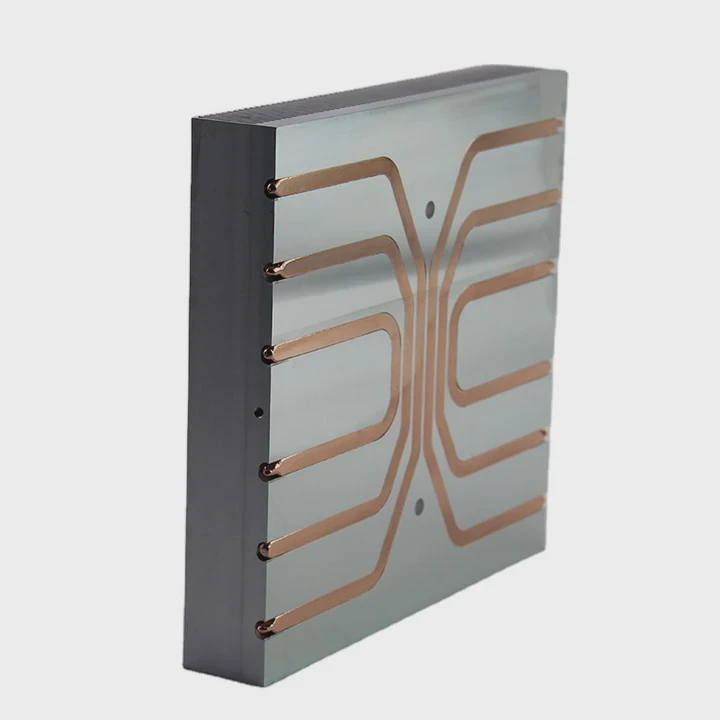
When it comes to cooling your system, it’s easy to assume that as long as the fan is spinning, everything’s fine. But the direction of airflow actually makes a big difference.
Yes, air does blow through a heatsink—but how and where it flows is crucial. The direction, speed, and pressure of airflow directly affect how much heat gets removed from your system.
If you’ve ever wondered why some setups cool better than others even with similar fans, airflow direction is likely the missing piece. Let’s look into how air interacts with a heatsink and why that matters so much.
Why airflow direction matters?
You might think air is air—it moves, it cools, it works. But if it’s flowing the wrong way, it can do more harm than good.
Airflow direction matters because it controls where heat is carried away. Wrong airflow can trap hot air inside the case or cause turbulence, reducing overall cooling.
Understanding front-to-back airflow
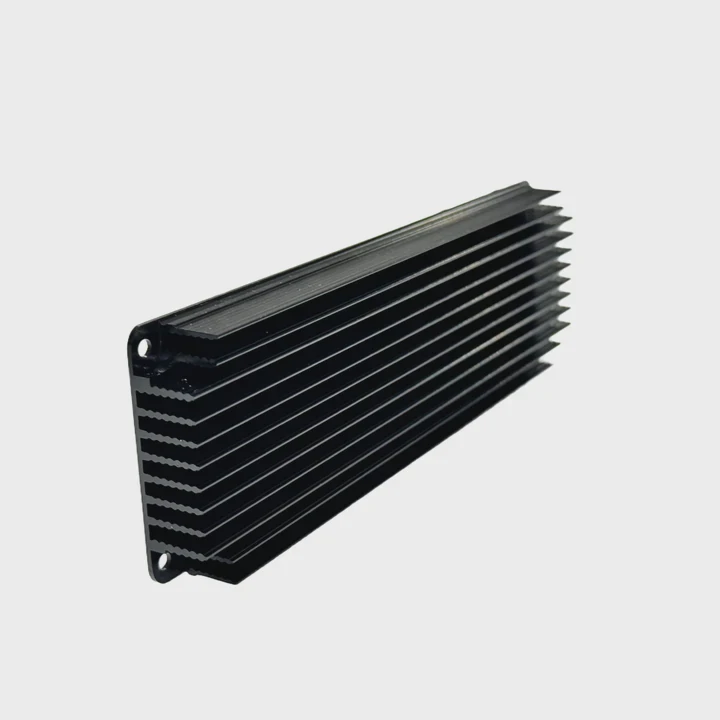
Most PC cases are designed with a “front-to-back” airflow layout. Cool air comes in from the front or bottom, hot air exits through the back or top. Heatsinks are built to follow this path.
If your heatsink fan blows in the wrong direction—say, toward the front of the case—it fights against the natural airflow. This causes warm air to swirl inside the case instead of leaving it.
Let’s compare two setups:
| Airflow Setup | Result | Notes |
|---|---|---|
| Fan blows toward rear | Efficient heat exhaust | Works with case airflow |
| Fan blows toward front | Heat buildup, turbulence | Opposes case airflow |
GPU and VRM interaction
CPU heatsinks aren’t alone in the system. The GPU and VRMs also produce heat. If your CPU cooler is blowing hot air toward the GPU, you’re stacking heat zones, not cooling them.
That’s why airflow direction isn’t just about the CPU. It affects the entire thermal design of your build.
How do fins guide air?
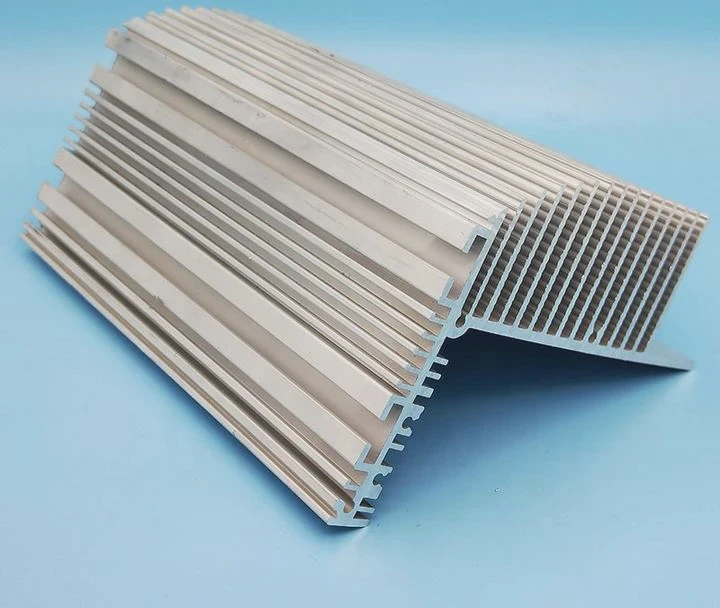
Fins on a heatsink aren’t just for show. Their shape, spacing, and direction tell the air where to go. It’s one of the most engineered parts of any cooling system.
Heatsink fins are designed to guide airflow in a straight path, maximizing contact with hot surfaces and allowing heat to transfer to the air efficiently.
How fin orientation controls flow
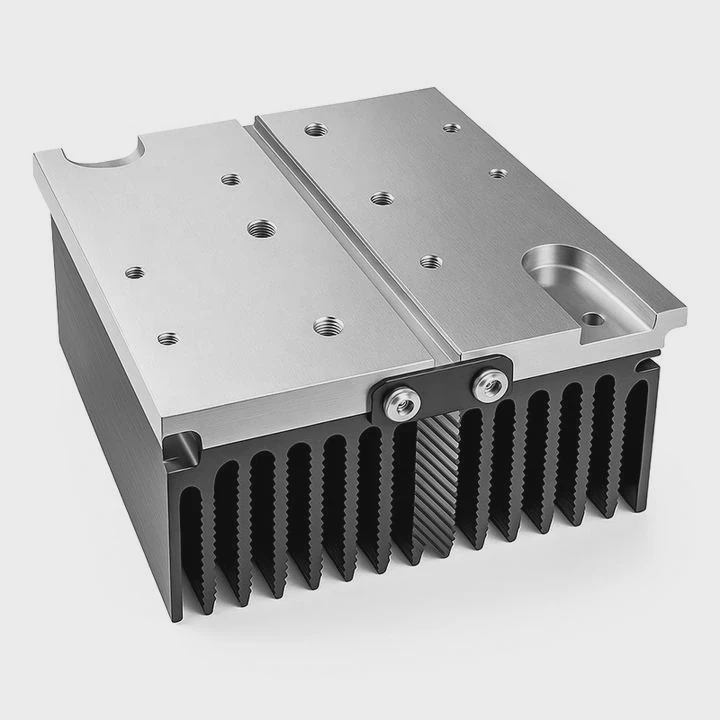
Fins usually run parallel to airflow—front to back. This reduces resistance and lets the air pass smoothly. If air hits the fins at an angle or from the wrong side, it can create back-pressure or turbulence.
Here’s what fin orientation looks like in action:
| Fin Orientation | Air Path | Cooling Efficiency |
|---|---|---|
| Aligned with fan | Straight | High |
| Perpendicular | Blocked | Low |
| Angled fins | Twisted | Moderate |
Why surface area matters
Each fin adds more surface area. More surface means more heat can transfer. But that only works if air can touch all of it. Dense fins trap air if the fan pressure isn’t high enough.
That’s why high-performance coolers use fans with high static pressure. These fans can push air through tight fin arrays without slowing down.
In short, the fins don’t just sit there—they act like air highways, channeling flow in one direction for maximum effect.
Can reversed flow hurt temps?
Some users flip their fans to see if “pull” instead of “push” improves cooling. While it sometimes works in special cases, reversing airflow usually makes things worse.
Yes, reversed airflow can hurt temperatures by disrupting thermal flow and increasing the chances of heat buildup and turbulence inside the case.
Push vs. pull vs. reversed
There’s a difference between pull setups and reversed airflow. Pull means the fan is behind the heatsink, drawing air through it. Reversed airflow means air goes opposite the case’s intended direction.
Push is more common because it matches airflow and fan pressure dynamics. Pull can work but usually needs stronger fans. Reversed flow—air going toward the front—is rarely helpful.
Here’s a breakdown:
| Setup Type | Air Direction | Efficiency | When Useful |
|---|---|---|---|
| Push (standard) | Front → back | High | Default, effective |
| Pull (fan behind) | Front → back | Medium | Limited by pressure |
| Reverse | Back → front | Low | Rare, mostly for experiments |
Turbulence and stagnation
Reversed airflow can cause turbulence where airflow from case fans collides. This leads to heat pockets, which slow down cooling. Also, motherboard VRMs and memory might get less airflow than needed.
In setups with tower coolers, reversed airflow often causes the exhaust air to hit intake fans. That means heat just cycles in the system instead of escaping.
Do push-pull setups help?
The push-pull configuration is a classic modding tip. Add one fan to push air in, and one to pull air out of the heatsink. The idea is simple: double the airflow, double the cooling.
Yes, push-pull setups often improve heatsink performance by increasing airflow through the fins, especially in dense or high-thermal-load coolers.
When it works best
Push-pull shines when your heatsink has:
- Tall fin stacks
- Narrow spacing
- High heat loads
In these situations, a single fan might not push enough air all the way through. A second fan helps finish the job.
For example, tower coolers like Noctua NH-D15 or DeepCool Assassin III benefit from dual fans. Tests show 2–4°C improvement in CPU temps under load.
Here’s a comparison:
| Setup | Temp (Load) | Notes |
|---|---|---|
| Single push fan | 78°C | Baseline setup |
| Push-pull fans | 74°C | Better airflow, more stable |
Things to watch out for
Push-pull isn’t always a win. You need to:
- Match fan speeds to avoid backflow
- Leave space between fans and RAM
- Avoid noise from high RPM fans
Also, if your case has limited airflow, adding fans to the cooler might not help much unless you improve case ventilation too.
Conclusion
Yes, air does blow through a heatsink, but the way it moves matters. Direction, fin alignment, and fan setup all shape cooling results. Always match airflow with your case and use push-pull only when it fits your system design.
TAGS
Latest Articles

Volume discount levels for heat sink orders?
Buyers often ask when heat sink prices start to drop with volume. Many worry they’re overpaying for small orders. This guide explains how B2B volume pricing works for thermal components. Heat sink
21 Dec,2025
Heat sink long-term supply contract options?
Many buyers want stable pricing and reliable delivery for heat sinks. But without a clear contract, risks grow over time. This article explores how to secure better long-term supply deals. Long-term
21 Dec,2025
Tooling cost for new heat sink profiles?
Many engineers struggle to understand why tooling for custom heat sinks costs so much. They worry about budgeting and production timelines. This article breaks down the cost drivers behind tooling.
21 Dec,2025
Heat sink custom sample process steps?
Sometimes, starting a custom heat sink project feels overwhelming—too many steps, too many unknowns, and too many risks. You want a sample, but not endless delays. The process for requesting and
20 Dec,2025
Standard B2B terms for heat sink payments?
When buyers and sellers in B2B heat sink markets talk about payment, many don’t fully understand what’s standard. This can lead to delayed orders, miscommunication, and even lost business
20 Dec,2025
Heat sink pricing factors for large orders?
Heat sinks are vital for many systems. When prices rise, projects stall and budgets break. This problem can hit teams hard without warning. Large order heat sink pricing depends on many factors. You
20 Dec,2025Related Articles
- Can you run a computer without a heatsink CPU fan?
- do you have to reapply thermal paste after removing heatsink?
- Are gigabyte m.2 heatsinks good?
- How to get legendary heatsinks?
- Is it hard to install a heatsink to a CPU?
- is paste on new heatsink enough?
- Are stock GPU heatsinks suitable?
- how to install heatsink on xbox 360 hana ana chips?
- Is the stock i7 heatsink good?
- What is the best heatsink compound available?
- What is a CPU fan and heatsink?
- What is heatsink pad?
Author
Dr. Emily Chen
Chief AI Researcher
Leading expert in thermal dynamics and AI optimization with over 15 years of experience in data center efficiency research.
Categories
Latest Products

M.2 Heatpipe Heatsink With Dual Fans For Pc Case
19 Mar,2026

Heavy-Duty Aluminum Heat Sink Custom
19 Mar,2026

Oem Skived Fin Heatsink Aluminum Radiator For Plants
19 Mar,2026

Water Cooled Cnc Aluminum Heat Sink For Medical
19 Mar,2026

High Density 6000 Series Aluminum Heat Sink Profile
19 Mar,2026

High-Density Extruded Aluminum & Bonded-Fin Heat Sink Profile
19 Mar,2026
Recommend Categories
- Liquid cooling plate Manufacturer
- Industrial Heat Sink Manufacturer
- Standard Heat Sink Manufacturer
- Aluminum Heat Sink Manufacturer
- Copper Heat Sink Manufacturer
- Anodized Heatsink Manufacturer
- Stamping heat sink Manufacturer
- Die Casting Heatsink Manufacturer
- Soldering heat sink Manufacturer
- CNC Parts Manufacturer
Latest Products
- M.2 Heatpipe Heatsink With Dual Fans For Pc Case
- Heavy-Duty Aluminum Heat Sink Custom
- Oem Skived Fin Heatsink Aluminum Radiator For Plants
- Water Cooled Cnc Aluminum Heat Sink For Medical
- High Density 6000 Series Aluminum Heat Sink Profile
- High-Density Extruded Aluminum & Bonded-Fin Heat Sink Profile
- Dongguan Cnc Aluminum Heat Sink For Led & Brass Parts
- Wholesale Cnc Aluminum Heat Sink - Custom Extruded
- Led Cnc Round Heat Sink With Screw Holes
- Copper Pin-Fin Heat-Sink Large-Area For Photoled Cooling
- Telecom Heatsink Zipper Fin Wcopper Tubes Oem
Contact Expert
Have questions about this article? Reach out to our experts directly.