Which is better, liquid cooling or fan?
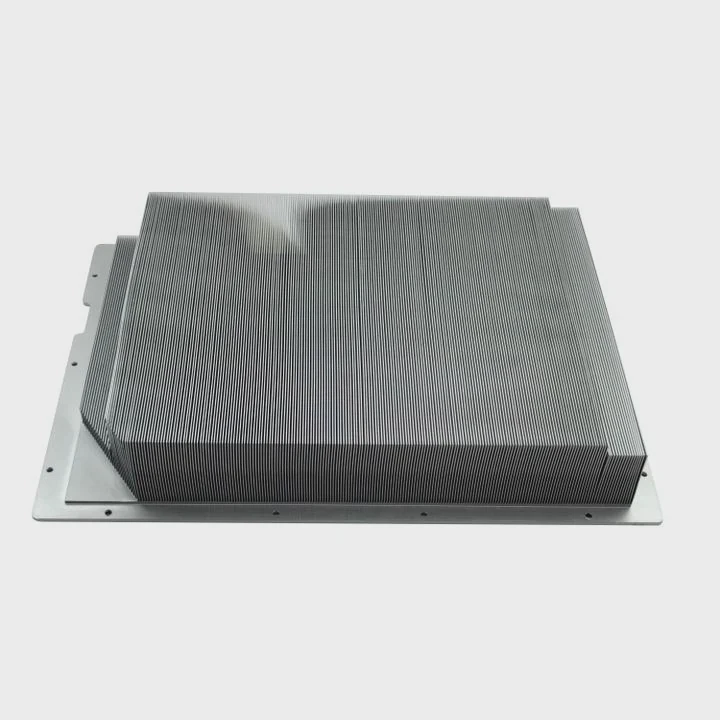
When I built my first gaming PC, I stood at a crossroads: should I go for the simplicity of air cooling or dive into the sleek world of liquid cooling? Both promised to keep my system cool, but each came with its own strengths and quirks. That question—liquid or fan cooling?—has divided PC builders for years.
Liquid cooling delivers better thermal efficiency and quieter operation for high-performance systems, while fan (air) cooling remains more affordable, reliable, and easier to maintain.
Choosing the right one depends on your performance needs, budget, and comfort level with maintenance.
What are liquid and fan cooling systems?
Before comparing, let’s define what each system actually does and how they differ in principle.
Liquid cooling uses circulating coolant to absorb heat from components and dissipate it through a radiator, while fan cooling (air cooling) relies on heat sinks and fans to move hot air away from the CPU or GPU.
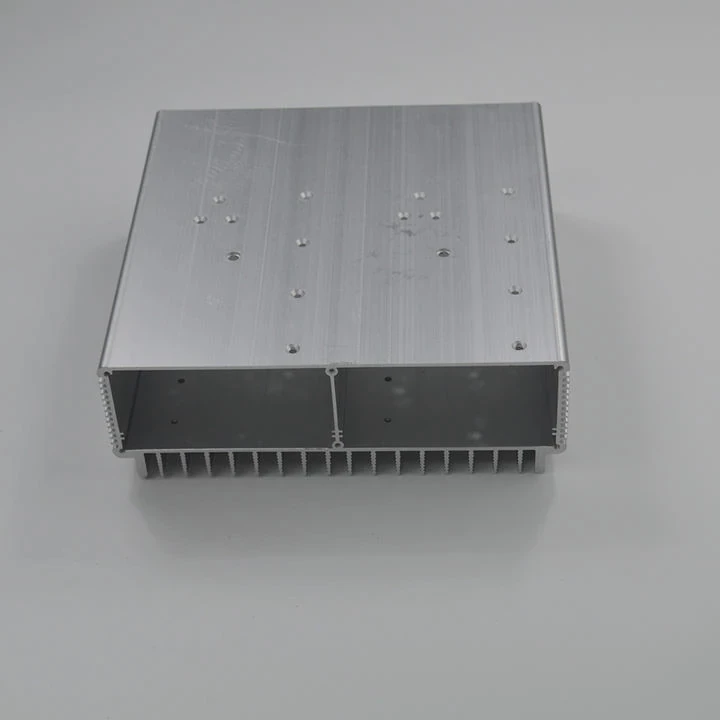
Liquid cooling system
A liquid cooling loop transfers heat using a fluid medium—typically water mixed with additives. It includes a water block, pump, radiator, and fans. The pump circulates coolant through the system, carrying heat away from the CPU or GPU and releasing it via the radiator.
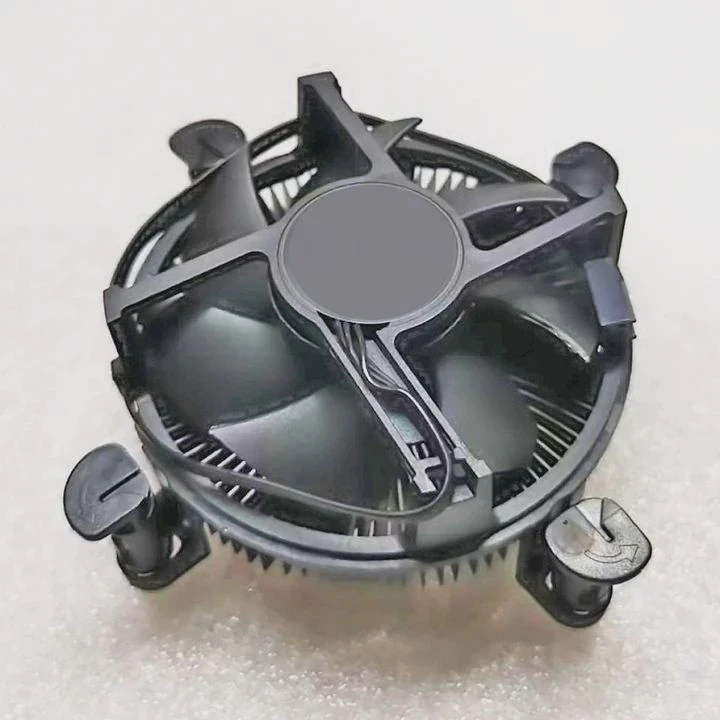
Fan (air) cooling system
Air cooling uses a heat sink—a metal block with fins—to absorb heat from the CPU. A fan blows air through the fins, transferring the heat into the surrounding air inside the PC case. Case fans then exhaust it out of the system.
| Feature | Liquid Cooling | Fan (Air) Cooling |
|---|---|---|
| Heat Transfer Medium | Liquid coolant | Air |
| Main Components | Pump, radiator, tubes, fans | Heatsink, fans |
| Cooling Mechanism | Convection through liquid | Direct airflow |
| Installation | Moderate to complex | Simple |
| Maintenance | Occasional (refills, checks) | Minimal |
How they operate
Both systems rely on conduction (transferring heat from CPU to metal) and convection (moving heat away through fluid or air). The main difference is how fast each system can carry heat away—and how quietly it does it.
What are the advantages of each?
Every system has trade-offs. Some users value simplicity and reliability, while others crave silent, high-performance cooling. Here’s how each cooling method stands out.
Liquid cooling offers higher thermal efficiency and quieter operation; air cooling offers lower cost, easier maintenance, and long-term reliability.
Advantages of liquid cooling
- Superior heat dissipation
Liquid absorbs and transfers heat more efficiently than air. This allows liquid coolers to handle high thermal loads from overclocked CPUs or GPUs.
- Quieter performance
Radiator fans can spin slower than typical air coolers, reducing noise levels even during heavy workloads.
- Better temperature stability
Because the coolant circulates continuously, liquid systems maintain more consistent temperatures under sustained load.
- Aesthetic appeal
Custom water loops and RGB-lit tubing add visual flair to PC builds. Many enthusiasts choose liquid cooling for both looks and performance.
- More flexible layout
Radiators can be mounted in different positions (top, front, side), freeing up space around the CPU socket.
Advantages of fan (air) cooling
- Lower cost
Air coolers are more affordable, often delivering excellent performance for half the price of a liquid system.
- Simplicity and reliability
Fewer components mean fewer potential points of failure—no pump, tubes, or liquid to worry about.
- Low maintenance
Air coolers only require periodic dust cleaning. There’s no coolant to replace or check for leaks.
- Longer lifespan
A high-quality air cooler can last a decade or more with minimal wear.
- Ease of installation
Installing a fan cooler usually takes minutes, while liquid systems can be more complex.
| Advantage Type | Liquid Cooling | Air Cooling |
|---|---|---|
| Thermal Efficiency | ★★★★★ | ★★★★ |
| Noise Level | ★★★★★ | ★★★ |
| Maintenance | ★★ | ★★★★★ |
| Cost | $$$ | $ |
| Reliability | ★★★ | ★★★★★ |
| Installation | Moderate | Easy |
Performance examples
- A 240mm liquid cooler may keep a high-end CPU at 60°C under load.
- A premium air cooler may hold it around 70°C under the same conditions.
The difference is noticeable for enthusiasts but minimal for casual users.
How to decide which is better for your PC?
Choosing the right cooling method isn’t just about performance—it’s about matching your PC’s purpose and your comfort level as a builder.
Liquid cooling is better for high-performance or overclocked systems, while air cooling is ideal for everyday users who value simplicity and reliability.
1. Identify your usage
Ask yourself:
- Do you play demanding games or use heavy editing/rendering software?
- Do you plan to overclock your CPU or GPU?
- Do you want a quiet system?
If your answer is “yes,” liquid cooling can provide the extra headroom you need. If you mostly browse, stream, or do light gaming, air cooling is more than enough.
2. Check your case size
- Small form factor (ITX): stick to air coolers or compact AIOs (120mm).
- Mid-tower or full-tower: support larger radiators (240mm, 360mm).
Ensure you have space for tubes and radiators before buying a liquid cooler.
3. Consider maintenance
- Air coolers: Just clean the dust filters every few months.
- Liquid coolers: Check coolant levels (for custom loops) and monitor for leaks or pump noise.
If you prefer a “set and forget” solution, air cooling wins.
4. Noise tolerance
If silence is a top priority, liquid systems with large radiators and slow fans will give you a nearly silent PC.
5. Budget and lifespan
| Cooling Type | Typical Cost | Average Lifespan | Maintenance |
|---|---|---|---|
| Air Cooler | \(40–\)120 | 7–10 years | Minimal |
| AIO Liquid Cooler | \(100–\)250 | 5–6 years | Low |
| Custom Loop | \(300–\)700+ | 5–8 years | Moderate |
Choose air cooling for budget and reliability. Choose liquid if you want premium performance and aesthetics.
6. System aesthetics
If your PC case has a glass side panel, a liquid cooler can elevate your build visually. Air coolers, while bulkier, are improving in design with RGB fans and compact heat sinks.
7. Environmental factors
If you live in a hot climate or have limited airflow in your room, liquid cooling can maintain consistent temperatures more effectively.
What are the hybrid cooling trends?
In 2025, cooling technology is moving beyond “air vs. liquid.” Manufacturers are combining the best of both worlds.
Hybrid cooling systems use liquid for direct component cooling and fans for airflow, blending performance with simplicity.
1. Liquid-assisted air coolers
These systems combine a sealed liquid chamber with heat pipes, allowing fluid evaporation and condensation cycles to improve thermal transfer—similar to vapor chamber technology in GPUs and consoles.
2. AI-controlled cooling
Smart motherboards and controllers use temperature sensors to predict thermal spikes, adjusting fan speeds and pump flow dynamically. This reduces noise and power consumption.
3. Phase-change cooling
This emerging tech uses fluids that vaporize at specific temperatures, carrying heat away more efficiently. It’s like a mini-refrigeration cycle built into a CPU block.
4. Dual-loop systems
Some modern gaming PCs feature separate loops for CPU and GPU, each controlled by smart pumps that optimize cooling only when needed.
5. Compact and modular radiators
Manufacturers are designing slim radiators and detachable tubes for easier installation, especially in small form-factor builds.
| Trend | Description | Key Advantage |
|---|---|---|
| Hybrid Coolers | Combine vapor chamber + fans | Balanced cooling |
| AI Regulation | Dynamic pump/fan control | Quieter operation |
| Phase-Change Systems | Vaporization-based cooling | High efficiency |
| Dual Loops | Separate CPU/GPU circuits | Better optimization |
| Compact Radiators | Thinner, modular design | Easy installation |
6. Environmentally safe coolants
New coolants use biodegradable, non-toxic compounds with improved heat capacity. These fluids reduce maintenance needs and align with eco-friendly product goals.
7. Passive cooling revival
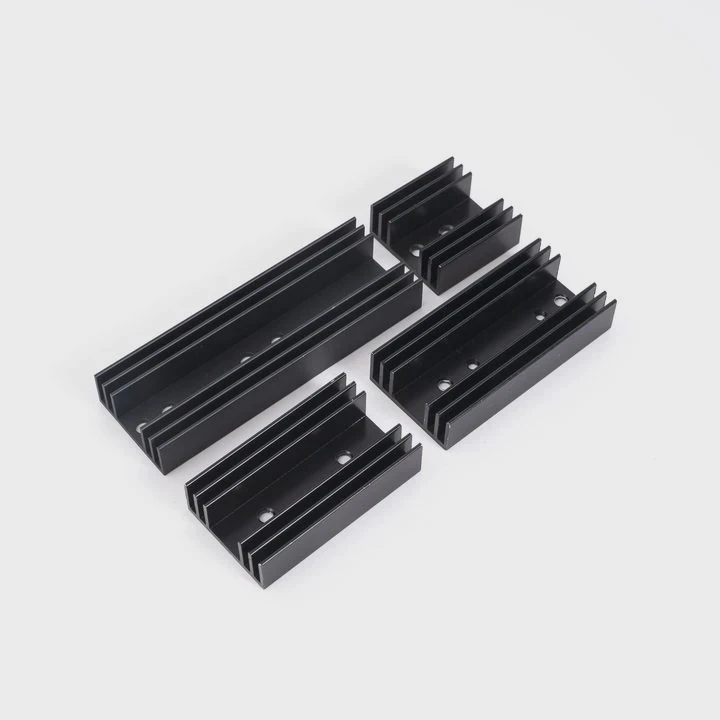
For ultra-efficient CPUs and low-power systems, passive cooling—large heat sinks with no moving parts—is returning. It offers silent operation and zero maintenance.
8. Integration with case design
PC cases now come with built-in airflow channels, vapor chambers, and optimized layouts to improve cooling without extra fans.
9. Customizable aesthetics
Hybrid systems now integrate RGB lighting, smart displays, and programmable sensors, merging form and function.
10. The future of hybrid cooling
By 2030, we may see self-regulating cooling ecosystems—liquid-air systems that clean themselves, monitor coolant chemistry, and report real-time thermal health directly to your system dashboard.
Conclusion
Liquid and fan cooling each serve different needs. Air cooling remains the best choice for users who want simplicity, low cost, and reliability. Liquid cooling excels in high-performance and quiet systems where aesthetics and precision matter. With hybrid technologies combining both methods, the line between air and liquid cooling is blurring. In the end, the best cooling system is the one that fits your PC’s goals—and keeps your system running cool, quiet, and efficient for years to come.
TAGS
Latest Articles

Volume discount levels for heat sink orders?
Buyers often ask when heat sink prices start to drop with volume. Many worry they’re overpaying for small orders. This guide explains how B2B volume pricing works for thermal components. Heat sink
21 Dec,2025
Heat sink long-term supply contract options?
Many buyers want stable pricing and reliable delivery for heat sinks. But without a clear contract, risks grow over time. This article explores how to secure better long-term supply deals. Long-term
21 Dec,2025
Tooling cost for new heat sink profiles?
Many engineers struggle to understand why tooling for custom heat sinks costs so much. They worry about budgeting and production timelines. This article breaks down the cost drivers behind tooling.
21 Dec,2025
Heat sink custom sample process steps?
Sometimes, starting a custom heat sink project feels overwhelming—too many steps, too many unknowns, and too many risks. You want a sample, but not endless delays. The process for requesting and
20 Dec,2025
Standard B2B terms for heat sink payments?
When buyers and sellers in B2B heat sink markets talk about payment, many don’t fully understand what’s standard. This can lead to delayed orders, miscommunication, and even lost business
20 Dec,2025
Heat sink pricing factors for large orders?
Heat sinks are vital for many systems. When prices rise, projects stall and budgets break. This problem can hit teams hard without warning. Large order heat sink pricing depends on many factors. You
20 Dec,2025Related Articles
- Does Xbox Series X have liquid cooling?
- What is the best liquid for water cooling?
- Is liquid cooling CPU worth it?
- Who makes liquid-cooled servers?
- How to refill a liquid cooler?
- Where to plug in a liquid cooling pump?
- What happens when a liquid is cooled?
- How does liquid cooling work in data centers?
- Is glass a super-cooled liquid?
- Why has the liquid cooling system replaced the air types?
- How to cool liquid quickly?
- Why is liquid cooling better?
Author
Dr. Emily Chen
Chief AI Researcher
Leading expert in thermal dynamics and AI optimization with over 15 years of experience in data center efficiency research.
Categories
Latest Products






Recommend Categories
- Liquid cooling plate Manufacturer
- Industrial Heat Sink Manufacturer
- Standard Heat Sink Manufacturer
- Aluminum Heat Sink Manufacturer
- Copper Heat Sink Manufacturer
- Anodized Heatsink Manufacturer
- Stamping heat sink Manufacturer
- Die Casting Heatsink Manufacturer
- Soldering heat sink Manufacturer
- CNC Parts Manufacturer
Latest Products
- Wholesale Aluminum Radiator
- Water Cooling Plate Kit
- Water Cooling Heat Sink
- Water Cooling Heat Sink Kit
- Stainless Steel Water Distributor
- Server Water Cooling Plate Kit
- Server Liquid Cooling System
- Server Aluminum Cooling Kit
- S19 Full Cover Cooling Plate
- S19 Cooling Plate Kit
- S19 Aluminum Cooling Plate
Contact Expert
Have questions about this article? Reach out to our experts directly.