How to install liquid cooling on GPU?
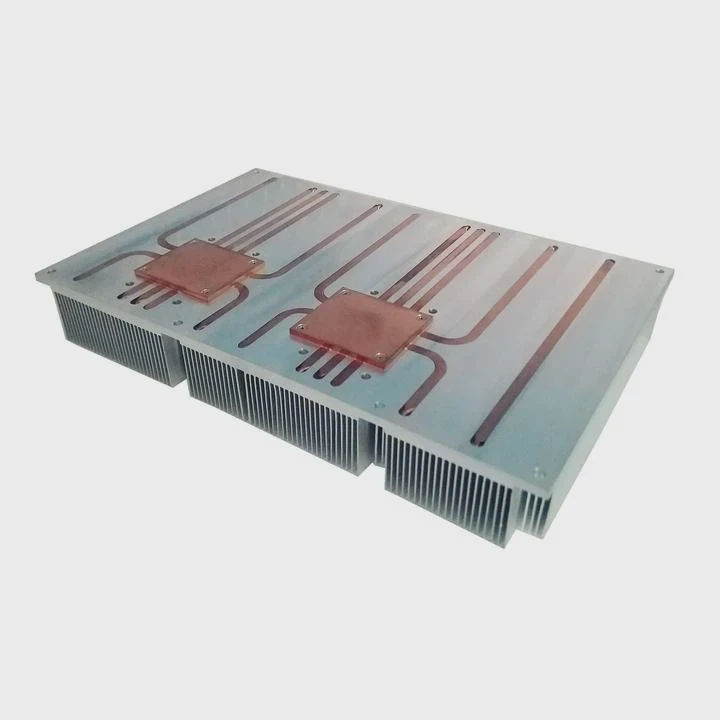
High-end graphics cards generate massive heat. Air coolers often struggle to keep temperatures low, leading to throttling and noise.
To install liquid cooling on a GPU, replace the stock cooler with a compatible water block, connect it to a cooling loop, and ensure proper sealing and flow.
Installing liquid cooling on a GPU can significantly improve performance, stability, and overall lifespan—especially in gaming, rendering, or AI workloads.
What is GPU liquid cooling?
Modern GPUs work at extreme performance levels. They demand advanced cooling to prevent overheating and maintain stable frequency.
GPU liquid cooling is a thermal management system that uses coolant to transfer heat from the GPU chip to a radiator through a closed loop.
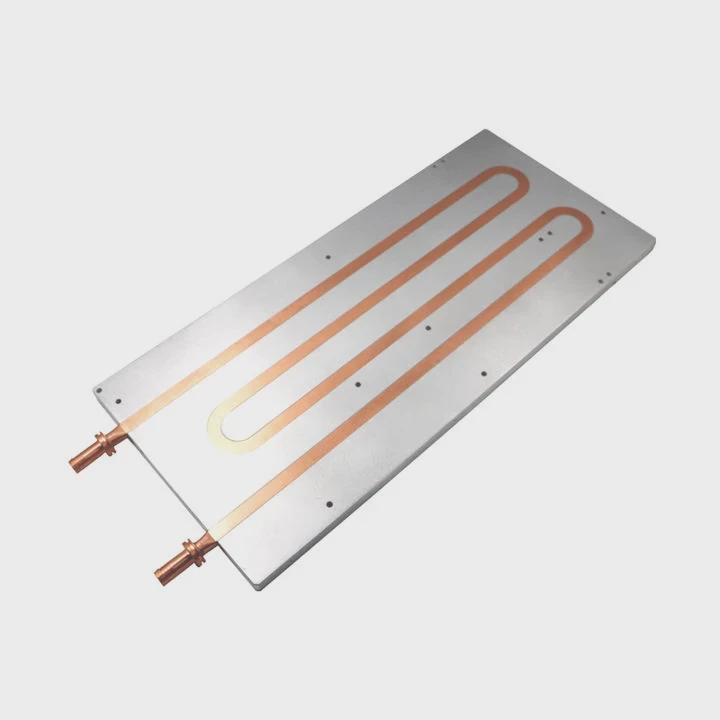
How It Works
- A cold plate or water block is mounted directly on the GPU chip.
- A pump circulates coolant through tubes.
- The radiator releases heat into the air.
- The coolant returns to the GPU to repeat the process.
Key Components
| Component | Function |
|---|---|
| GPU Water Block | Absorbs heat from the GPU die |
| Pump | Drives coolant circulation |
| Radiator | Dissipates heat to the air |
| Tubing | Connects all parts and channels fluid |
| Coolant | Transfers heat through the loop |
GPU liquid cooling can be custom or all-in-one (AIO). Custom loops offer flexibility for multiple GPUs or CPUs, while AIO kits are simpler and preassembled.
What benefits does it bring to performance?
When GPUs heat up, they throttle performance to protect components. Liquid cooling prevents this by keeping temperatures stable even under heavy load.
GPU liquid cooling provides lower temperatures, quieter operation, higher clock speeds, and longer lifespan for graphics cards.
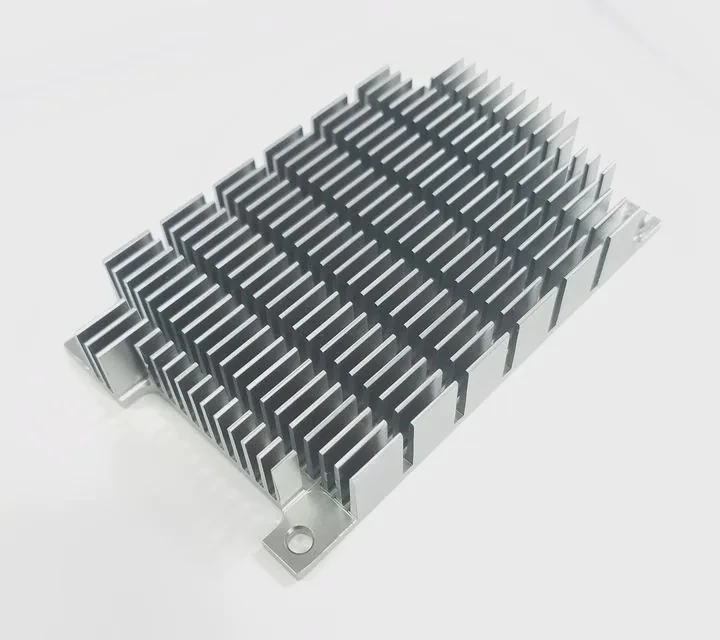
Main Benefits
Lower Temperatures
Liquid conducts heat better than air. It keeps the GPU 20–30°C cooler during gaming or rendering.Stable Performance
Cooler operation prevents thermal throttling, ensuring consistent frame rates and processing speed.Quiet Operation
Fans spin slower since the radiator efficiently disperses heat, making the system quieter.Overclocking Potential
With temperatures under control, users can safely push GPU frequencies higher.Longer Component Life
Reduced heat stress extends the life of VRMs, memory chips, and other GPU parts.
Performance Comparison
| Feature | Air Cooling | Liquid Cooling |
|---|---|---|
| GPU Temperature | 75–85°C | 45–55°C |
| Fan Noise | High | Low |
| Overclocking Headroom | Limited | High |
| Aesthetic Appearance | Standard | Premium look |
| Maintenance Frequency | Low | Moderate |
For creative professionals and gamers using RTX 4090 or AMD RX 7900 cards, liquid cooling allows full use of the GPU’s potential without overheating.
How to install it correctly on a GPU?
Installing GPU liquid cooling is delicate but manageable if done carefully. The key is preparation and patience.
To install GPU liquid cooling correctly, remove the stock cooler, apply thermal paste, mount the water block, and connect it to your cooling loop while ensuring no leaks.
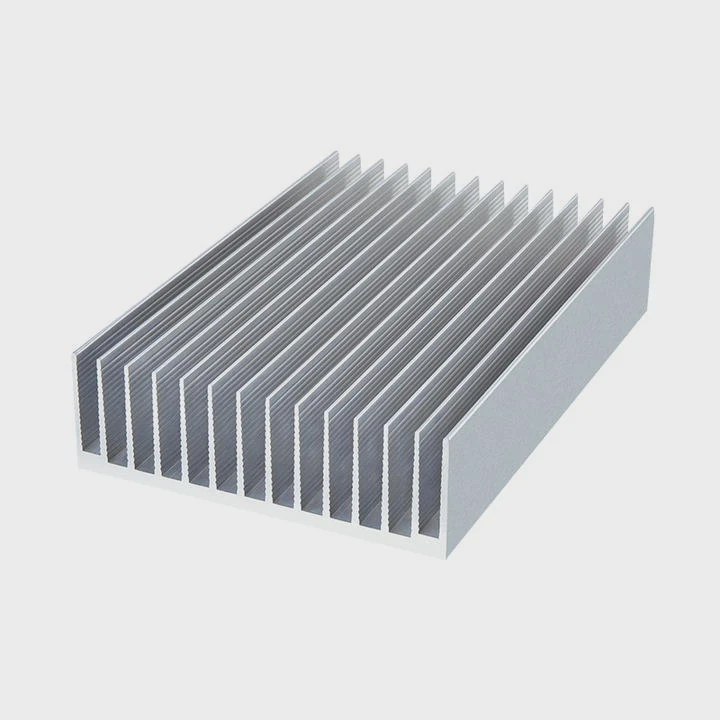
Step-by-Step Installation Guide
Prepare Tools and Workspace
Use an anti-static mat, screwdriver, thermal paste, and cleaning wipes. Work in a clean area.Remove the Stock Cooler
Unscrew the GPU backplate and fans. Gently detach the old heatsink and unplug RGB or fan cables.Clean GPU Die and Memory
Use isopropyl alcohol to remove old thermal paste or pads. Make sure surfaces are smooth and dry.Apply New Thermal Paste
Add a small drop on the GPU die. Use pads or paste for VRAM and VRM areas as instructed in the kit.Install the Water Block
Align the block over the die and screw it evenly in a crisscross pattern to ensure pressure balance.Connect Tubes and Fittings
Attach inlet and outlet tubes. Tighten fittings firmly but gently to avoid cracks.Integrate into Cooling Loop
Connect the GPU into the cooling loop with pump, reservoir, and radiator. Check coolant flow direction.Leak Test
Run the pump only (without powering the system) for several hours to confirm there are no leaks.Power Up and Monitor
Start the system and monitor temperatures with software like MSI Afterburner or HWMonitor.
Important Tips
- Always double-check fittings for leaks before powering on.
- Use non-conductive coolant for safety.
- Ensure radiator fans face the correct direction.
- Label tubing for easier maintenance later.
Example: AIO GPU Liquid Cooling Kit
All-in-one kits like NZXT Kraken G12 or Corsair Hydro Series simplify installation. They come with prefilled coolant and integrated pumps. The process is plug-and-play—ideal for beginners who want liquid cooling without full custom loops.
What are the trends in GPU cooling design?
As GPUs grow more powerful, cooling systems evolve rapidly. Engineers now combine smart control, modular design, and sustainable materials to meet future demands.
The latest GPU cooling trends focus on hybrid designs, AI-controlled cooling, and eco-friendly materials for improved performance and durability.
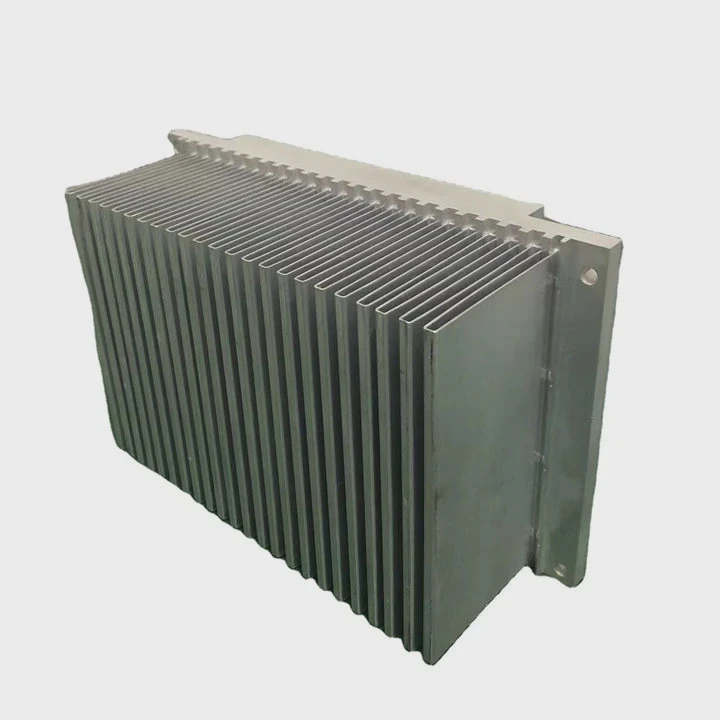
1. Hybrid Cooling Systems
Manufacturers now blend air and liquid cooling in one unit. These hybrid GPUs use both fans and liquid loops for balanced performance and minimal noise.
2. AI and Smart Fan Control
Next-generation GPUs include AI-based thermal management. Software automatically adjusts pump speed, fan curve, and coolant temperature based on real-time data.
3. Integrated Cold Plate Design
Future GPUs will integrate liquid channels directly into the die or substrate. This shortens the heat path, improving efficiency by 20–30%.
4. Compact and Modular Loops
Modular liquid cooling allows users to swap components without draining the system. This trend reduces maintenance time and supports multi-GPU setups.
5. Sustainable Coolants and Materials
With environmental awareness increasing, new coolants are biodegradable and low-toxicity. Aluminum and composite materials replace copper to reduce weight and cost.
Example: Data Center and AI GPUs
NVIDIA and AMD are developing direct-to-chip cooling for AI servers. These solutions use liquid channels built into cold plates that directly touch GPU cores, maximizing efficiency at minimal power cost.
These trends show how GPU cooling is becoming smarter and greener. It’s not only about reducing heat—it’s about building intelligent systems that adapt and protect high-value hardware automatically.
Conclusion
Installing liquid cooling on a GPU boosts temperature control, performance, and system stability. With proper setup and smart design, it transforms both function and aesthetics. As AI-driven and sustainable cooling advances, GPUs will stay faster, cooler, and quieter for the next generation of computing.
TAGS
Latest Articles

Volume discount levels for heat sink orders?
Buyers often ask when heat sink prices start to drop with volume. Many worry they’re overpaying for small orders. This guide explains how B2B volume pricing works for thermal components. Heat sink
21 Dec,2025
Heat sink long-term supply contract options?
Many buyers want stable pricing and reliable delivery for heat sinks. But without a clear contract, risks grow over time. This article explores how to secure better long-term supply deals. Long-term
21 Dec,2025
Tooling cost for new heat sink profiles?
Many engineers struggle to understand why tooling for custom heat sinks costs so much. They worry about budgeting and production timelines. This article breaks down the cost drivers behind tooling.
21 Dec,2025
Heat sink custom sample process steps?
Sometimes, starting a custom heat sink project feels overwhelming—too many steps, too many unknowns, and too many risks. You want a sample, but not endless delays. The process for requesting and
20 Dec,2025
Standard B2B terms for heat sink payments?
When buyers and sellers in B2B heat sink markets talk about payment, many don’t fully understand what’s standard. This can lead to delayed orders, miscommunication, and even lost business
20 Dec,2025
Heat sink pricing factors for large orders?
Heat sinks are vital for many systems. When prices rise, projects stall and budgets break. This problem can hit teams hard without warning. Large order heat sink pricing depends on many factors. You
20 Dec,2025Related Articles
- How to refill liquid cooling?
- Why use liquid cooling?
- Is the PS5 liquid cooled?
- What is liquid metal cooling?
- How to remove a liquid cooler?
- When a sample of liquid is cooled, its thermal energy?
- Is it hard to install liquid cooling?
- How does liquid cooling work in computers?
- How to cool hot liquid fast?
- Why is my liquid cooling so hot?
- What liquid is used for liquid cooling?
- What is AIO liquid cooling?
Author
Dr. Emily Chen
Chief AI Researcher
Leading expert in thermal dynamics and AI optimization with over 15 years of experience in data center efficiency research.
Categories
Latest Products






Recommend Categories
- Liquid cooling plate Manufacturer
- Industrial Heat Sink Manufacturer
- Standard Heat Sink Manufacturer
- Aluminum Heat Sink Manufacturer
- Copper Heat Sink Manufacturer
- Anodized Heatsink Manufacturer
- Stamping heat sink Manufacturer
- Die Casting Heatsink Manufacturer
- Soldering heat sink Manufacturer
- CNC Parts Manufacturer
Latest Products
- Wholesale Aluminum Radiator
- Water Cooling Plate Kit
- Water Cooling Heat Sink
- Water Cooling Heat Sink Kit
- Stainless Steel Water Distributor
- Server Water Cooling Plate Kit
- Server Liquid Cooling System
- Server Aluminum Cooling Kit
- S19 Full Cover Cooling Plate
- S19 Cooling Plate Kit
- S19 Aluminum Cooling Plate
Contact Expert
Have questions about this article? Reach out to our experts directly.