Do you need heatsinks in liquid cooling?
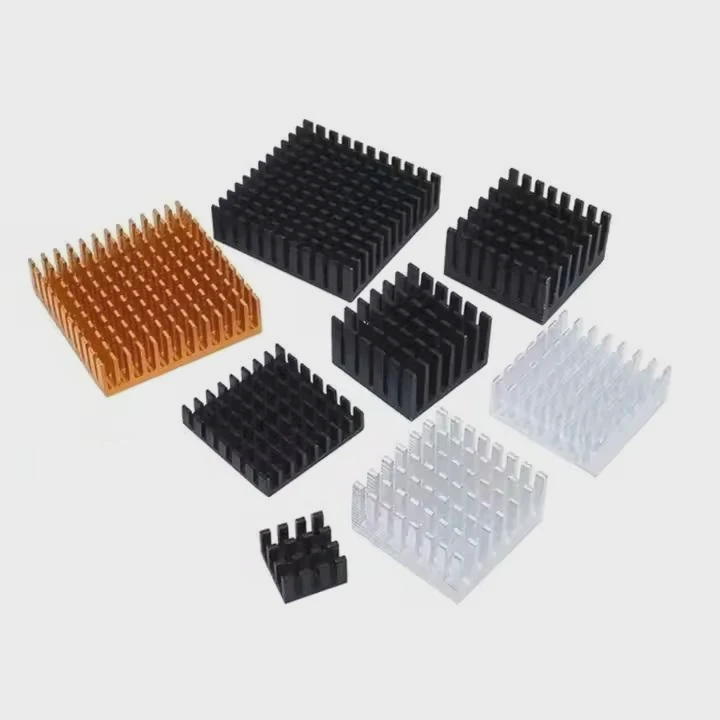
I often meet builders who think liquid cooling solves every heat problem and removes the need for any heatsinks on the board.
You still need heatsinks in many liquid-cooled systems because some components do not sit on the water blocks, and they still produce heat that needs a direct surface to escape.
I want to explain why this happens and how to plan a setup that keeps every part cool, safe, and stable.
Why do VRMs need extra cooling?
I remember one of my early builds where I installed a clean liquid loop on the CPU and GPU. I felt proud of the setup until the system crashed during stress tests. The VRM area was hot enough to smell warm plastic.
VRMs need extra cooling because they convert power at high speed and produce steady heat that does not reach the liquid loop. Their heat must move through small heatsinks or airflow to stay within safe operating limits.
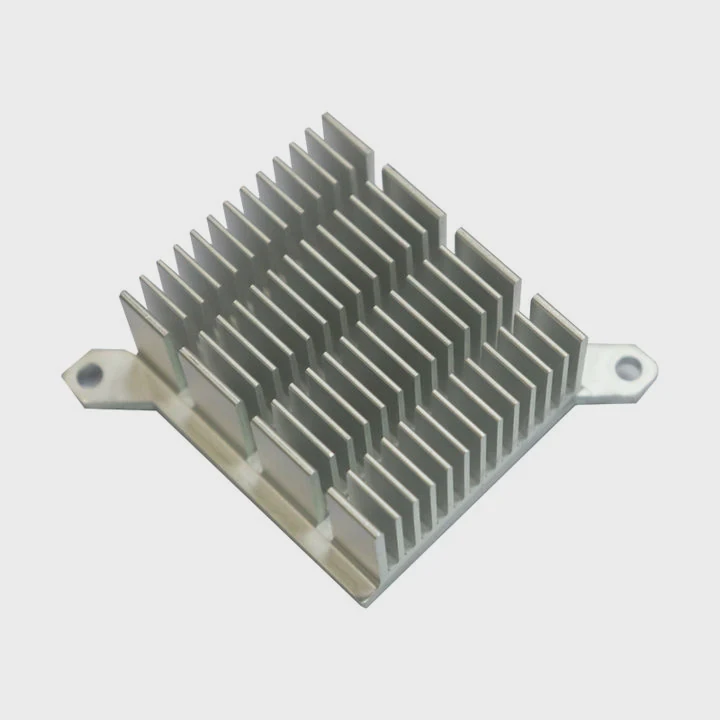
Many people focus on the CPU block and ignore the VRMs. But VRMs feed the CPU. When the CPU pulls more current, the VRMs must work harder. This makes them warm very fast. Even when the CPU is under full liquid cooling, the VRMs still run on their own and need a way to lose heat.
Why VRMs heat up so fast
- They switch power thousands of times per second
- They handle large currents
- They sit close to the CPU socket
- They have small contact areas
- They rely on board-level cooling
Typical VRM temperature ranges
| Load Level | Normal VRM Temp | High Stress Range |
|---|---|---|
| Light | 40–55°C | 60–70°C |
| Medium | 55–70°C | 70–85°C |
| Heavy OC | 70–85°C | 85–100°C |
Why heatsinks help VRMs
A simple block of metal on the VRMs spreads heat across its surface. Air passing over the fins carries heat away. Even slow airflow helps. Without that metal, the VRM chips hold heat and rise to unsafe levels quicker.
What I see in many builds
People remove the stock CPU air cooler, which used to move air across the VRMs. After switching to liquid, the VRMs lose this airflow. They get hotter even at the same CPU load. A small heatsink or a small fan fixes this right away.
My habit
I always check the VRM heatsinks when I plan a loop. If the board has small heatsinks, I keep them. If the board has none, I add aftermarket ones.
Which loops improve component temps?
I learned over time that not all liquid loops cool the same parts. Some cool only the CPU. Some cool both CPU and GPU. Some cool almost everything.
Loops that include full-cover GPU blocks, dedicated VRM blocks, chipset blocks, or water-cooled memory modules can improve temperatures across the whole system. Larger loops with more blocks cool more components.
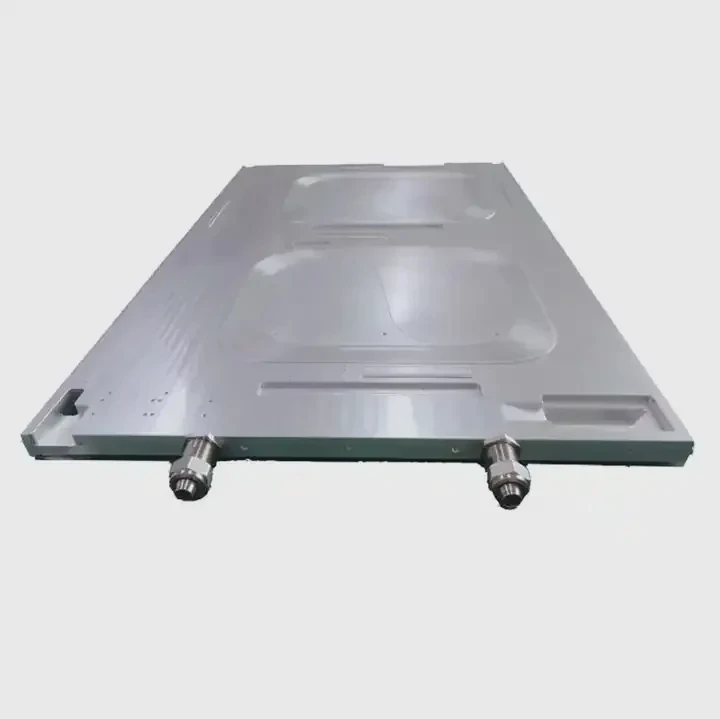
The idea of liquid cooling sounds simple: pump cold water across the hot parts. But not all hot parts sit under the block. The loop cools only what it touches.
Types of loops and their coverage
| Loop Type | Components Cooled | Coverage Level |
|---|---|---|
| CPU-only | CPU | Basic |
| CPU + GPU | CPU + GPU | Strong |
| Full loop | CPU + GPU + VRM + chipset | High |
| Custom extended | CPU + GPU + VRM + chipset + storage | Very High |
Why wider loops help
The more blocks in the loop, the more heat the coolant carries out to the radiator. When the VRMs or chipset join the loop, their temps fall sharply. But wide loops cost more and are harder to build.
My experience with mid-range loops
I built a CPU + GPU loop for a long time. It kept my system cool under games and heavy creative work. But the chipset ran warm because it sat under the GPU. I added a small water block later. The improvement was clear and steady.
How to decide
If you run strong overclocks or heavy AI processing, a broader loop helps. If you run simple workloads, a CPU + GPU loop is enough. I always match the loop size to the system load.
What I avoid
I avoid loops that cool only the CPU in systems where the GPU sits close to the VRMs. The heat from the GPU warms the VRM zone, and without airflow, the area becomes too hot.
Can airflow remain necessary?
When I moved to full custom loops, I wanted a silent build with no fans inside. I thought airflow was old tech. But I learned that even liquid systems need some air movement.
Yes. Airflow remains necessary because heatsinks on VRMs, chipsets, and storage still need moving air to take heat away. Liquid cooling removes heat from the blocks, but not from every part of the board.
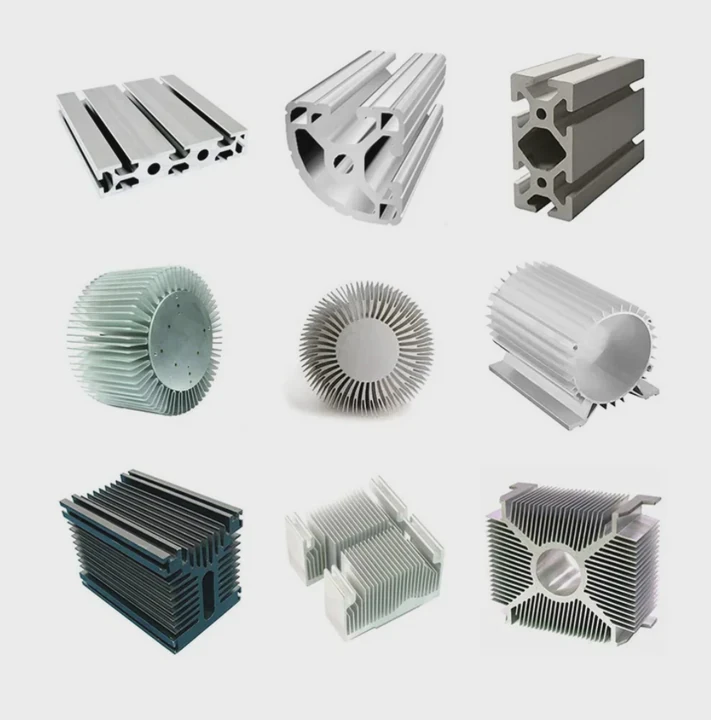
Air is still the final stage of cooling. Even liquid needs air to cool the radiators. When the air moves, it carries heat out of the case. Without that movement, heat collects around the board.
Why airflow still matters
- VRMs still use passive heatsinks
- Chipsets often sit under the GPU
- M.2 drives get hot during sustained writes
- RAM has no liquid block in most loops
- Fans help clear hot pockets from the case
Common airflow mistakes I see
- Builders turn all fans very slow to reduce noise
- Cases have front glass that blocks intake
- Radiators push warm air into the case
- GPU heat rises up and warms the VRMs
My method for silent airflow
I run two front fans at low speed. They move a little air but keep the VRMs cool. I also keep one exhaust fan at the back. This keeps pressure balanced and removes warm air.
Airflow patterns that help
- Front in, rear out
- Bottom in, top out
- Side in, back out
None of these need loud fans. Even slight airflow makes the heatsinks do their job.
When airflow becomes critical
When you push the CPU or GPU to the limit, the VRMs work hard. They need air to prevent heat build-up. Without cooling, VRM temps can jump very fast and cause system drops.
Where do hybrid systems excel?
I built my first hybrid system when I worked on a compact gaming PC. I combined a small liquid loop with a strong case fan layout. I was surprised at how stable the system became.
Hybrid systems excel when you need strong cooling for the CPU and GPU while keeping airflow for VRMs, chipset, and storage. Liquid handles the core heat, and air supports the rest.
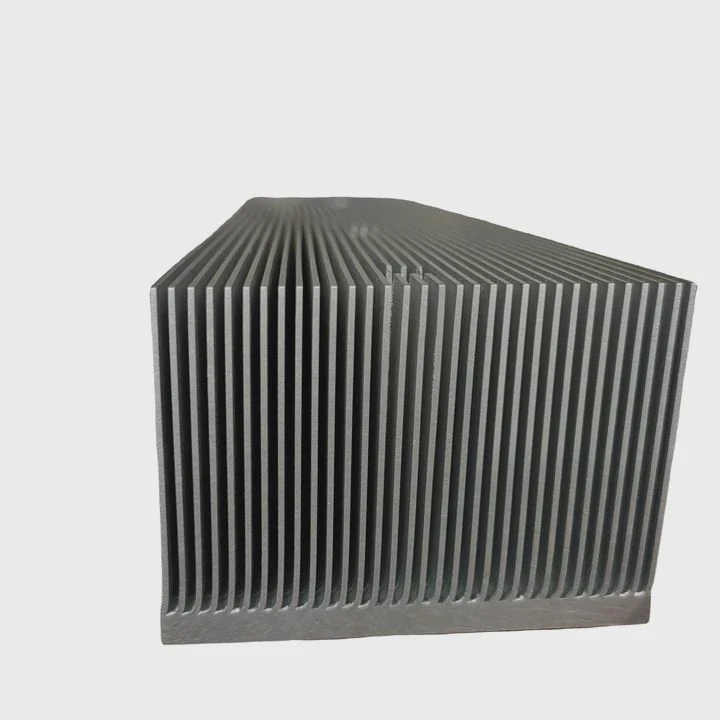
A hybrid setup gives the best of both worlds. It lets the liquid loop handle the big heat loads while the air coolers remove leftover heat that builds around the board.
What a hybrid system looks like
- CPU under a liquid block
- GPU under a liquid block
- VRMs under passive heatsinks
- Chipset with small fan or heatsink
- M.2 drives under flat heatsinks
- Two or three slow fans moving air
Why hybrid cooling works so well
Liquid carries heat away fast. Air removes heat from the board surfaces. When both work together, no area becomes a trapped heat zone.
Situations where hybrid systems shine
Small cases
Liquid cools the main parts. Air removes hot pockets.High-load workstations
VRMs and chipset stay stable during hours of stress.Overclocking setups
Airflow protects the VRMs while liquid keeps the CPU cool.Multi-GPU builds
Liquid cools the GPUs. Air keeps the board alive.
Small tips for hybrid layouts
I place one fan to blow toward the VRM area. I keep one fan near the M.2 drives. I let the radiator fans handle the rest of the airflow. Even low-speed fans help a lot.
My simple rule
If the liquid loop cools the main chips, I use air to cool the rest. This balance keeps everything safe.
Conclusion
Liquid cooling handles the biggest heat sources, but many small parts still need heatsinks and airflow. VRMs, chipsets, and storage stay healthy when both liquid and air work together, making hybrid cooling the safest and most stable choice for many builds.
TAGS
Latest Articles

Volume discount levels for heat sink orders?
Buyers often ask when heat sink prices start to drop with volume. Many worry they’re overpaying for small orders. This guide explains how B2B volume pricing works for thermal components. Heat sink
21 Dec,2025
Heat sink long-term supply contract options?
Many buyers want stable pricing and reliable delivery for heat sinks. But without a clear contract, risks grow over time. This article explores how to secure better long-term supply deals. Long-term
21 Dec,2025
Tooling cost for new heat sink profiles?
Many engineers struggle to understand why tooling for custom heat sinks costs so much. They worry about budgeting and production timelines. This article breaks down the cost drivers behind tooling.
21 Dec,2025
Heat sink custom sample process steps?
Sometimes, starting a custom heat sink project feels overwhelming—too many steps, too many unknowns, and too many risks. You want a sample, but not endless delays. The process for requesting and
20 Dec,2025
Standard B2B terms for heat sink payments?
When buyers and sellers in B2B heat sink markets talk about payment, many don’t fully understand what’s standard. This can lead to delayed orders, miscommunication, and even lost business
20 Dec,2025
Heat sink pricing factors for large orders?
Heat sinks are vital for many systems. When prices rise, projects stall and budgets break. This problem can hit teams hard without warning. Large order heat sink pricing depends on many factors. You
20 Dec,2025Related Articles
- what is a heatsink and fan?
- which to 220 heatsink?
- do noctua chromax heatsink covers impact?
- how to clean heatsink?
- Do transistors need to have a heatsink?
- is replacing laptop heatsink worth it?
- what is a processor heatsink?
- Does Coffee Lake come with heatsink and fans?
- a cpu heatsink?
- how to remove hyperx ram heatsink?
- how to connect a heatsink to 7805?
- how to install ryzen heatsink?
Author
Dr. Emily Chen
Chief AI Researcher
Leading expert in thermal dynamics and AI optimization with over 15 years of experience in data center efficiency research.
Categories
Latest Products






Recommend Categories
- Liquid cooling plate Manufacturer
- Industrial Heat Sink Manufacturer
- Standard Heat Sink Manufacturer
- Aluminum Heat Sink Manufacturer
- Copper Heat Sink Manufacturer
- Anodized Heatsink Manufacturer
- Stamping heat sink Manufacturer
- Die Casting Heatsink Manufacturer
- Soldering heat sink Manufacturer
- CNC Parts Manufacturer
Latest Products
- Wholesale Aluminum Radiator
- Water Cooling Plate Kit
- Water Cooling Heat Sink
- Water Cooling Heat Sink Kit
- Stainless Steel Water Distributor
- Server Water Cooling Plate Kit
- Server Liquid Cooling System
- Server Aluminum Cooling Kit
- S19 Full Cover Cooling Plate
- S19 Cooling Plate Kit
- S19 Aluminum Cooling Plate
Contact Expert
Have questions about this article? Reach out to our experts directly.