Does Coffee Lake come with heatsink and fans?
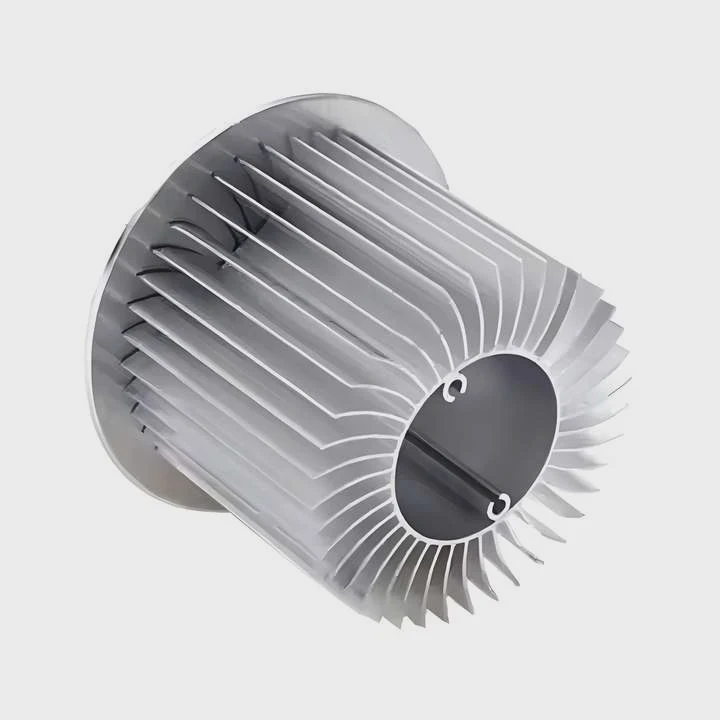
I remember the first time I bought a Coffee Lake CPU and opened the box, unsure if a cooler would be inside because Intel changed its policy across generations.
Most mainstream Coffee Lake boxed CPUs include a stock heatsink and fan, but high-end K-series models usually exclude them, so users must buy their own coolers.
I want to explain how this works so you always know what you are getting before you order a processor.
Why do boxed CPUs include coolers?
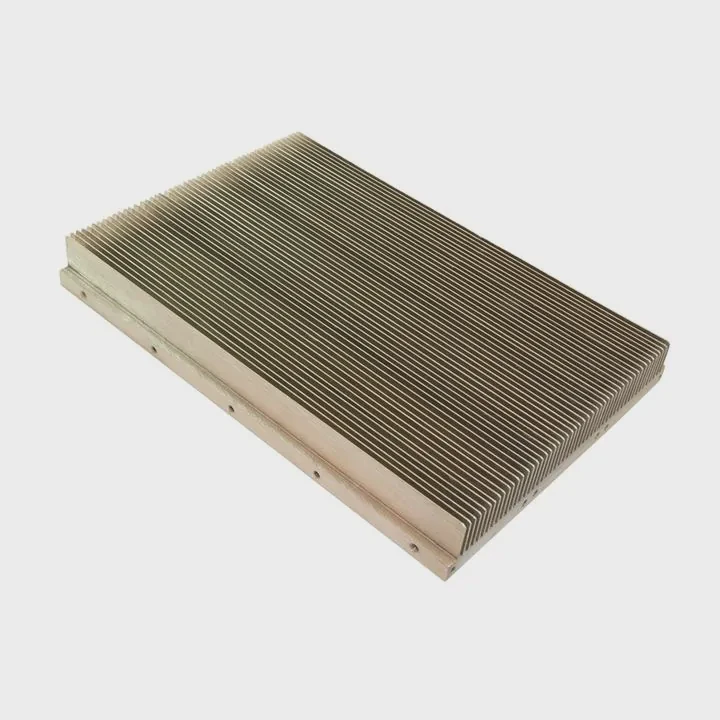
I used to buy CPUs without thinking much about cooling, and I always assumed a cooler came inside the box. When Coffee Lake arrived, I learned why mainstream models still include them.
Boxed CPUs include coolers because Intel wants buyers to have a ready-to-run system, ensure thermal safety, and avoid user mistakes that come from running CPUs without proper cooling.
Why Intel adds coolers to most packages
Intel adds stock coolers to many non-K Coffee Lake processors for simple reasons. The cooler helps new users avoid overheating. It gives everyone a basic cooling setup that works out of the box. It makes system building easier for people who do not want to pick their own cooler. Intel also designs the stock cooler to match the CPU’s rated power limit. This means the cooler can keep the processor at safe temperatures for normal loads.
What the stock cooler does well
Here is a table that shows the basic benefits of Intel’s included cooler:
| Feature | What It Helps With | Why It Matters |
|---|---|---|
| Pre-applied paste | Easy setup | No need to buy paste |
| Matched thermal rating | Safe temps for stock settings | Works for everyday tasks |
| Standard mounting | Simple install | Fits most motherboards |
| Low cost | Included with CPU | Good for budget builds |
These coolers are simple, but they do the job. They give users confidence when building their first PC.
Why Intel still includes coolers on some models
Intel knows many users buy entry-level and mid-range CPUs for office work, browsing, smart home setups, and school systems. These systems do not need high-end coolers. A simple heatsink and fan is enough. Including the cooler avoids confusion and makes the package complete. It is one less thing for buyers to worry about.
Which models exclude stock coolers?
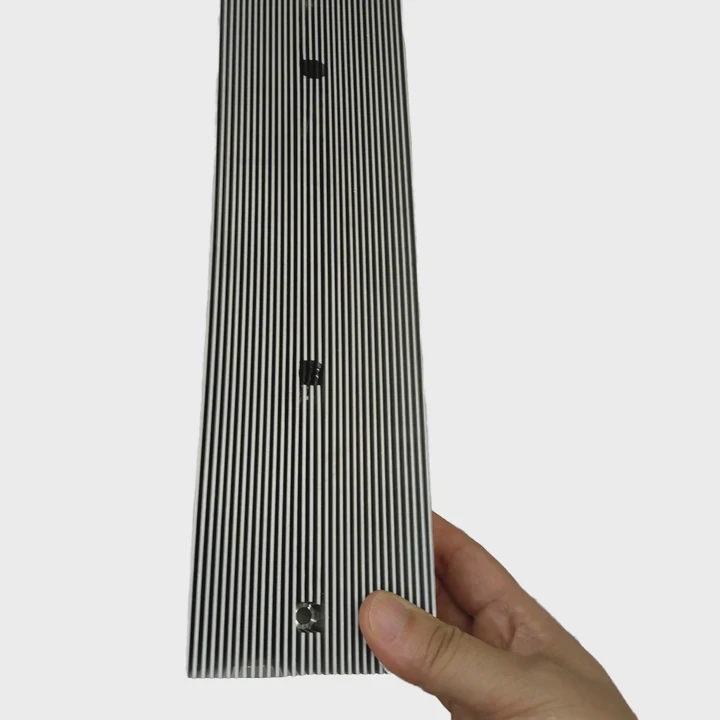
I remember buying a Coffee Lake K-series CPU and seeing an empty space where a cooler should have been. That moment taught me that not all processors come with the same package.
Most Coffee Lake K-series CPUs exclude stock coolers because they run hotter, draw more power, and are meant for users who prefer stronger aftermarket cooling.
Why K-series CPUs ship without coolers
K-series CPUs can run at higher power levels, especially under sustained loads. They can be overclocked. They need better cooling than the basic Intel cooler can provide. If Intel included a cooler, users might run the chip too hot or hit thermal throttling. Intel expects K-series buyers to choose their own cooler, so the package leaves the cooler out on purpose.
Which models include or exclude coolers
Here is a simple breakdown:
| Coffee Lake Model Type | Includes Cooler? | Reason |
|---|---|---|
| i3 (non-K) | Yes | Low power, safe with stock cooler |
| i5 (non-K) | Yes | Moderate power, cooler is enough |
| i7 (non-K) | Yes | Works for normal workloads |
| i5-K | No | Higher heat and user-chosen cooling |
| i7-K | No | Needs stronger cooling |
| i9 (Extreme models) | No | Thermal design expects aftermarket coolers |
This table reflects typical packaging. K-series means performance and customization, so Intel leaves cooling to the user.
Why this difference matters
When I built systems for friends, many were surprised that their new high-end CPU came without a cooler. They expected a complete box. Knowing which model includes a cooler prevents last-minute panic. You do not want to start a build only to realize you cannot power on the system without a cooler.
Can aftermarket coolers improve temps?
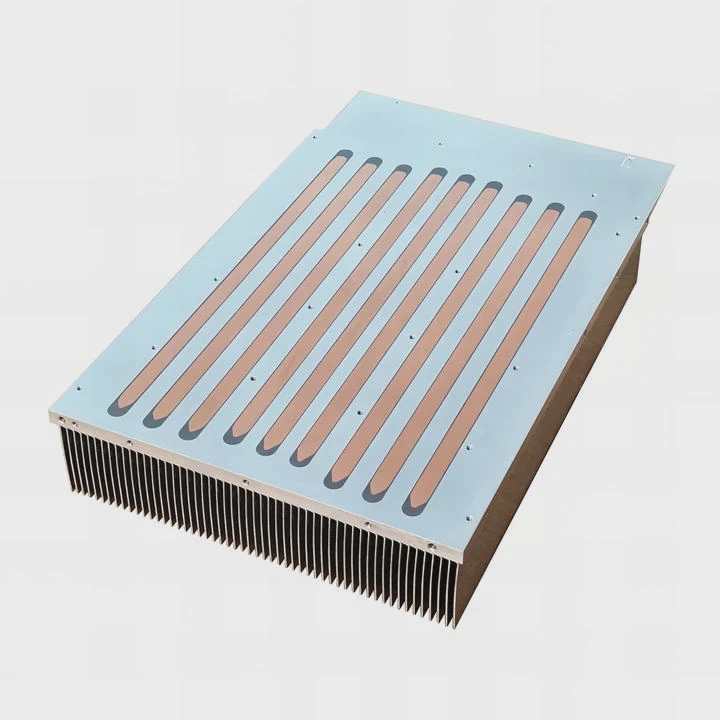
When I upgraded from the Intel stock cooler to a tower cooler, I was shocked by the temperature drop. It changed my understanding of cooling.
Aftermarket coolers can improve temperatures because they use larger heatsinks, stronger fans, better heatpipes, and quieter designs that move heat more efficiently than stock coolers.
What aftermarket coolers improve
Aftermarket coolers offer better heat dissipation. They often include copper heatpipes. They have larger fin stacks. Their fans push more air. Many include better mounting systems. All these upgrades reduce heat faster and keep the CPU stable under high load. For Coffee Lake CPUs that boost to high frequencies, better cooling keeps speeds steady.
Types of aftermarket coolers
1. Tower air coolers
Tall fin stacks, one or two fans, strong cooling power.
2. Top-down coolers
Good for small cases and airflow around VRMs.
3. AIO liquid coolers
Radiators of 120mm, 240mm, or larger. Very strong cooling.
4. Low-profile mini coolers
Best for compact builds with limited space.
Why aftermarket coolers help performance
Better cooling means the CPU stays within safe thermal limits. When temps stay low, the CPU avoids throttling. It boosts longer. It works at higher sustained speeds. Users who do heavy workloads—video editing, simulation, compiling, or gaming—see smoother performance.
What I noticed in my own systems
When I switched my Coffee Lake CPU from a stock cooler to a 120mm tower cooler, I saw a drop of around 15–20°C under full load. The system stayed quieter. The fan ramped up less often. Even the VRMs stayed cooler because the airflow improved around the socket area. That experience convinced me to always check cooling options before building.
Where to confirm package contents?
I have seen many online listings that show the wrong box picture. Some show a cooler that is not included. Some show no cooler when one actually comes inside.
You can confirm package contents by checking Intel’s official product page, the seller’s specification list, and the box label that states whether the CPU includes a heatsink and fan.
Why package confirmation is important
CPU boxes look similar for different models. Some sellers reuse pictures. Some listings mix Coffee Lake with other generations. This can cause confusion. You do not want to order a non-K CPU thinking you will get a cooler only to find out it is missing. It is always best to confirm before buying.
Where I check package information
Here are the places I trust:
| Source | What It Tells You | Why It Helps |
|---|---|---|
| Intel ARK website | Official specs and package contents | Most accurate source |
| Retail box label | Includes or excludes cooler notice | Good for in-store checks |
| Seller product page | Package details | Useful but sometimes wrong |
| User reviews | Real buyer confirmations | Helps verify unclear listings |
I always check at least two sources. If the listing looks confusing, I go straight to Intel’s ARK page. It lists everything clearly.
How sellers mark cooler information
Many sellers include terms like:
- “With fan”
- “No cooler”
- “CPU only”
- “With thermal solution”
- “Boxed with cooler”
- “Tray version”
Tray versions almost never include coolers because they are meant for system builders. Boxed versions usually include coolers unless the model is one of the high-end K-series CPUs.
Why this step avoids headaches
I once ordered a CPU for a quick-build system and assumed a cooler would be inside. It was not. I had to delay the build for two days while waiting for a cooler. That taught me to double-check package contents every single time.
Conclusion
Most Coffee Lake CPUs come with coolers, but K-series models usually do not. Understanding Intel’s packaging helps you plan your build, choose better cooling, and avoid unexpected delays.
TAGS
Latest Articles

Volume discount levels for heat sink orders?
Buyers often ask when heat sink prices start to drop with volume. Many worry they’re overpaying for small orders. This guide explains how B2B volume pricing works for thermal components. Heat sink
21 Dec,2025
Heat sink long-term supply contract options?
Many buyers want stable pricing and reliable delivery for heat sinks. But without a clear contract, risks grow over time. This article explores how to secure better long-term supply deals. Long-term
21 Dec,2025
Tooling cost for new heat sink profiles?
Many engineers struggle to understand why tooling for custom heat sinks costs so much. They worry about budgeting and production timelines. This article breaks down the cost drivers behind tooling.
21 Dec,2025
Heat sink custom sample process steps?
Sometimes, starting a custom heat sink project feels overwhelming—too many steps, too many unknowns, and too many risks. You want a sample, but not endless delays. The process for requesting and
20 Dec,2025
Standard B2B terms for heat sink payments?
When buyers and sellers in B2B heat sink markets talk about payment, many don’t fully understand what’s standard. This can lead to delayed orders, miscommunication, and even lost business
20 Dec,2025
Heat sink pricing factors for large orders?
Heat sinks are vital for many systems. When prices rise, projects stall and budgets break. This problem can hit teams hard without warning. Large order heat sink pricing depends on many factors. You
20 Dec,2025Related Articles
- what is a processor heatsink?
- Do you need heatsinks in liquid cooling?
- what is a heatsink and fan?
- which to 220 heatsink?
- do noctua chromax heatsink covers impact?
- how to clean heatsink?
- a cpu heatsink?
- how to remove hyperx ram heatsink?
- how to connect a heatsink to 7805?
- how to install ryzen heatsink?
- Is heatsink necessary for SSD?
- can you overclock ram without a heatsink on them?
Author
Dr. Emily Chen
Chief AI Researcher
Leading expert in thermal dynamics and AI optimization with over 15 years of experience in data center efficiency research.
Categories
Latest Products






Recommend Categories
- Liquid cooling plate Manufacturer
- Industrial Heat Sink Manufacturer
- Standard Heat Sink Manufacturer
- Aluminum Heat Sink Manufacturer
- Copper Heat Sink Manufacturer
- Anodized Heatsink Manufacturer
- Stamping heat sink Manufacturer
- Die Casting Heatsink Manufacturer
- Soldering heat sink Manufacturer
- CNC Parts Manufacturer
Latest Products
- Wholesale Aluminum Radiator
- Water Cooling Plate Kit
- Water Cooling Heat Sink
- Water Cooling Heat Sink Kit
- Stainless Steel Water Distributor
- Server Water Cooling Plate Kit
- Server Liquid Cooling System
- Server Aluminum Cooling Kit
- S19 Full Cover Cooling Plate
- S19 Cooling Plate Kit
- S19 Aluminum Cooling Plate
Contact Expert
Have questions about this article? Reach out to our experts directly.