which to 220 heatsink?
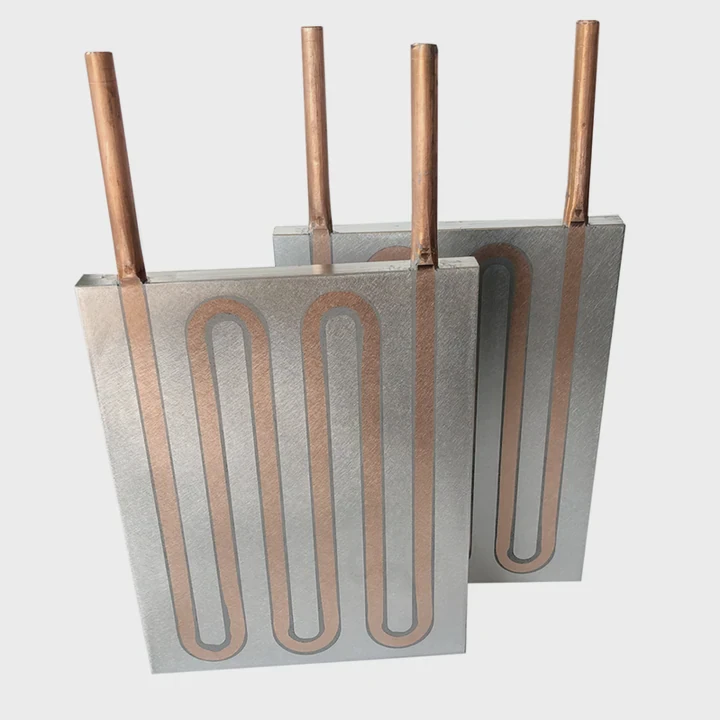
I often hear beginners ask which heatsink works best for a TO-220 device, and they worry because the options look similar but behave very differently in real circuits.
You choose a TO-220 heatsink by looking at its size, airflow, material, and mounting style so the device can stay cool under its real load.
I learned this the hard way after burning a few voltage regulators during my early projects, so I now pay close attention to every detail.
Why size matters for TO-220?
Many people think any small finned block can cool a TO-220 transistor or regulator, but that is not true.
Size matters because a TO-220 part generates heat based on load, and only a sink with enough surface area can pull that heat away to keep the part below its safe temperature.
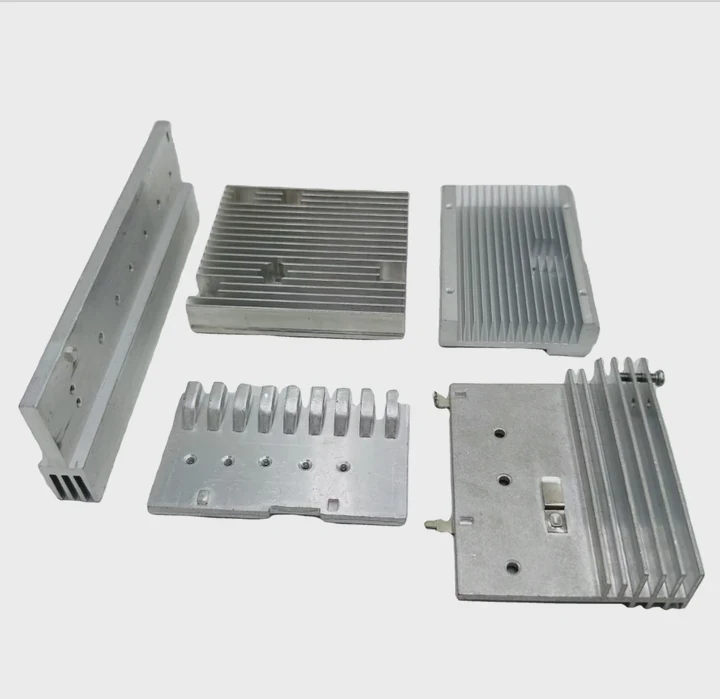
I burned my first TO-220 regulator when I used a tiny clip-on sink for a high-current load. The part became too hot to touch within seconds. That moment taught me that heatsink size is not about looks but about heat capacity.
How load shapes heatsink needs
A TO-220 package handles power through a small metal tab. High current or high voltage drop pushes a lot of heat into this tab. If the sink is too small, heat builds fast. Heat then pushes the junction temperature toward failure.
Basic size guidelines
I now group TO-220 loads into simple levels so beginners can choose safely.
| Load Level | Typical Case | Suggested Sink Type |
|---|---|---|
| Low (under 2W) | Small regulators, LED drivers | Tiny clip-on sink |
| Medium (2–8W) | Motor drivers, audio stages | Medium finned sink |
| High (8–18W) | Power amps, DC regulators | Large finned sink with long fins |
| Very high (18W+) | Heavy drivers, industrial loads | Big sink plus forced airflow |
Why fin length matters
Longer fins add more air contact area. More area gives more cooling. I compare this to the difference between a small radiator and a full-size one in a car. The bigger one always cools better.
Why thick bases help
A thick base spreads heat from the transistor tab across the whole sink. If the base is too thin, heat stays near the mounting point. That creates a hot spot even when the sink looks big.
Story from my bench
I once experimented with DC motor drivers. Two TO-220 parts shared a small sink. During long tests, only the transistor closest to the screw overheated. The base was too thin. After I switched to a sink with a thicker base, both parts stayed cool. That test showed me how small details matter.
How do mounting holes align?
I see confusion when people try to mount a TO-220 device on a sink and the holes do not line up well.
Mounting holes align by matching the TO-220 tab pattern to the heatsink’s drilled hole, and the screw must sit through the tab, the insulator, and the sink without twisting the device.
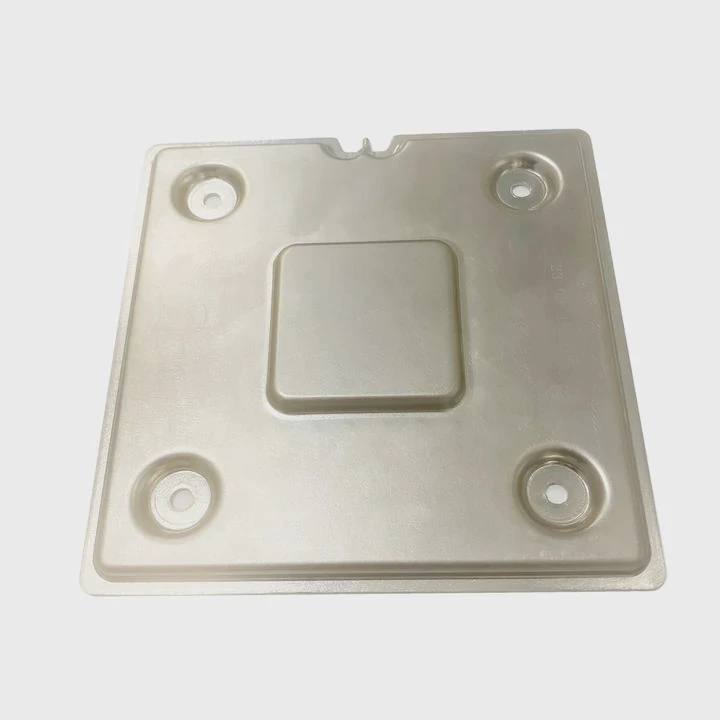
I struggled with this when I first used a batch of cheap sinks that had misaligned holes. The transistor twisted sideways, and the paste spread unevenly. It caused poor thermal contact.
Standard TO-220 hole layout
The TO-220 tab has a center hole. Most sinks follow this pattern. But some sinks are made for multi-device assemblies, where the hole sits slightly higher or lower. You must check this before mounting.
Why alignment affects cooling
If the screw is off-center, the transistor leans. The leaning creates air gaps under the tab. These gaps trap heat. The device then runs hotter even with a good sink.
Mounting steps that help alignment
Step 1: Place the insulator
I put the mica or pad on the sink first. This stops it from shifting later.
Step 2: Add the screw with washer
I insert the screw through the washer so I do not forget insulation.
Step 3: Position the transistor
I make sure the tab hole lines up with the sink hole before tightening.
Step 4: Tighten slowly
I keep checking that the transistor stays flat. I stop when pressure feels even.
Mounting hole shapes
Some sinks have round holes. Some have slotted holes. Slotted holes allow small adjustments. They help when using multi-device sinks.
Example table of hole types
| Hole Type | Benefit | Best Use Case |
|---|---|---|
| Round hole | Strong and stable | Single-device mounting |
| Slotted hole | Allows small alignment changes | Multi-device assemblies |
| Oversized hole | Works with shoulder washers | Insulated high-voltage setups |
Common mistakes I see
People often force misaligned holes. The screw turns at an angle. The transistor bends. This small bend may crack solder joints on the board. I always remind beginners to check hole alignment before applying paste.
Which materials dissipate best?
When people compare sinks, they notice aluminum sinks and copper sinks. They often wonder which one is better.
Materials like aluminum and copper dissipate heat best, with copper carrying heat faster and aluminum offering strong cooling at lower weight and cost.
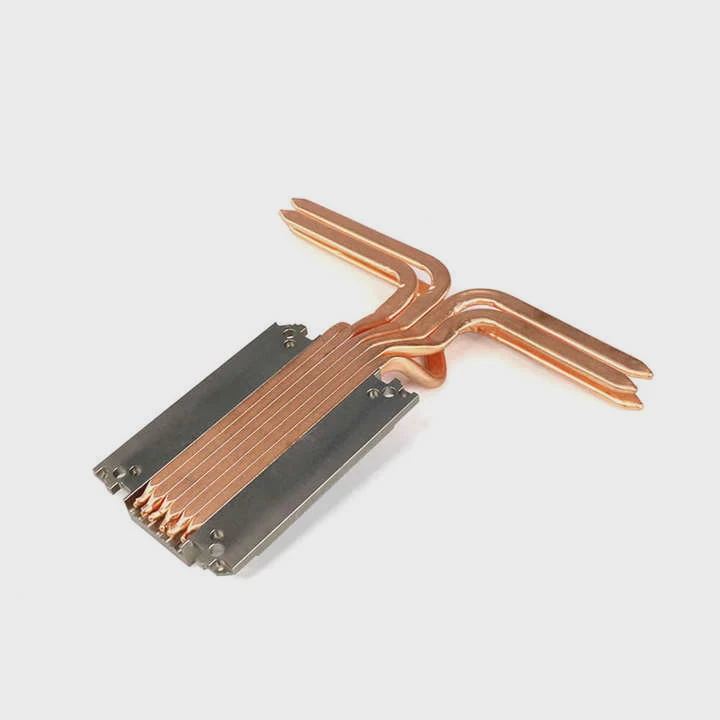
I used a copper sink once for a high-power TO-220 demo. It worked very well, but it was heavy and expensive. For everyday use, aluminum works well enough.
Material comparison
Aluminum
It is light and cheap. It has good thermal conductivity. Most TO-220 sinks are aluminum. It is easy to drill and shape.
Copper
It holds heat better and moves heat faster. But it is heavy and costs more. It is best for extreme loads.
Anodized aluminum
Some sinks have an anodized coating. This coating adds durability but also adds a thin thermal barrier. In most cases, the effect is small.
Hybrid sinks
Some sinks mix aluminum fins with a copper base. These move heat fast from the transistor into the fin structure.
Simple material table
| Material | Heat Flow | Weight | Cost | Best Use Case |
|---|---|---|---|---|
| Aluminum | Good | Light | Low | General TO-220 cooling |
| Anodized aluminum | Good | Light | Low | Durable and clean builds |
| Copper | Very high | Heavy | High | Extreme heat loads |
| Hybrid copper+Alu | Very high | Medium | High | High efficiency sinks |
Why fins need airflow
Even the best material fails without airflow. Without air moving around the fins, heat just sits on the metal. This is why natural convection matters.
What I learned from experiments
I once placed a copper sink in a closed box with no airflow. It still overheated. Then I placed a medium aluminum sink in an open area with airflow. It stayed cool. This showed me that airflow matters more than material in many real builds.
Can fans enhance small sinks?
Beginners often ask if adding a small fan can turn a tiny heatsink into a powerful one.
Fans can enhance small sinks by forcing air across the fins, which increases cooling and lets the TO-220 device handle higher loads safely.
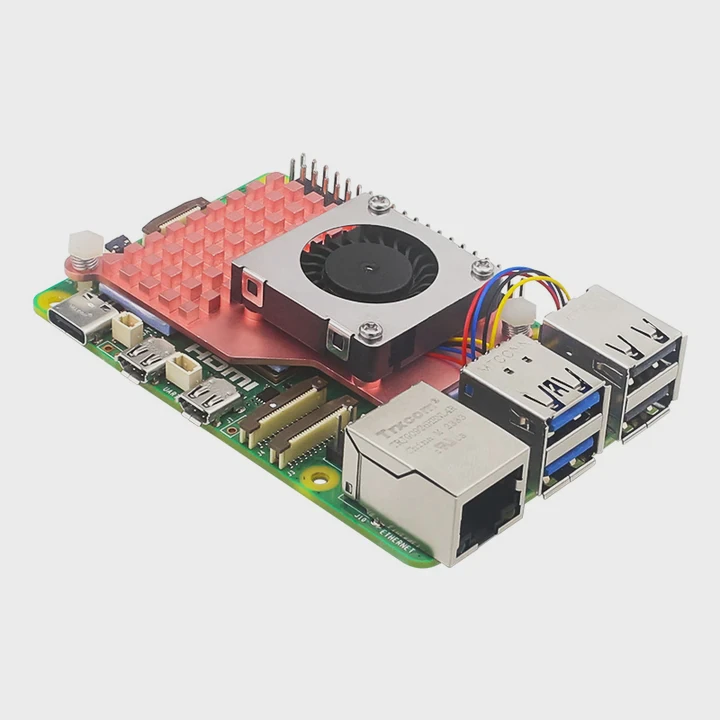
I used fans many times in small power projects. A small fan can make a simple sink perform like a larger one. But airflow must be steady.
Why fans help
A fan blows cool air across the fins. This removes heat faster. A sink that was too small becomes usable for higher loads.
How to place a fan
Position it close
I place the fan near the fins so air moves directly across them.
Keep airflow straight
I avoid blocking the air path. I leave space for warm air to escape.
Choose quiet fans
Small fans can be loud. I pick slow, quiet ones when possible.
When fans make a big difference
A 5W load on a small sink may overheat without airflow. With a fan, the sink can handle 10–15W easily. This is useful when space is tight.
When fans fail
Fans fail when:
- Dust blocks blades
- The fan runs too slow
- Airflow hits a wall or panel
- The system runs in a closed box
Fan and sink comparison
| Cooling Setup | Performance Level | Notes |
|---|---|---|
| Small sink only | Low | Works only for small loads |
| Small sink + slow fan | Medium | Good for stable loads |
| Small sink + strong fan | High | Best for limited space |
| Large sink, no fan | Medium–High | Depends on airflow in the room |
Real story from a maker project
I once built a bench power supply. The TO-220 pass transistor ran very hot. I used a medium sink, but it was still warm. When I added a tiny fan, the temperature dropped by almost half. That moment made me trust small fans as real upgrades.
Why fans are not always the answer
Fans add noise and moving parts that can fail. For long-term systems, a large passive sink is safer. I use fans only when space is tight or when the load changes often.
Conclusion
Picking a TO-220 heatsink is simple when you match sink size to load, align mounting holes correctly, choose good materials, and add a fan when small sinks need help. This approach keeps the device cool and makes your project last longer.
TAGS
Latest Articles

Volume discount levels for heat sink orders?
Buyers often ask when heat sink prices start to drop with volume. Many worry they’re overpaying for small orders. This guide explains how B2B volume pricing works for thermal components. Heat sink
21 Dec,2025
Heat sink long-term supply contract options?
Many buyers want stable pricing and reliable delivery for heat sinks. But without a clear contract, risks grow over time. This article explores how to secure better long-term supply deals. Long-term
21 Dec,2025
Tooling cost for new heat sink profiles?
Many engineers struggle to understand why tooling for custom heat sinks costs so much. They worry about budgeting and production timelines. This article breaks down the cost drivers behind tooling.
21 Dec,2025
Heat sink custom sample process steps?
Sometimes, starting a custom heat sink project feels overwhelming—too many steps, too many unknowns, and too many risks. You want a sample, but not endless delays. The process for requesting and
20 Dec,2025
Standard B2B terms for heat sink payments?
When buyers and sellers in B2B heat sink markets talk about payment, many don’t fully understand what’s standard. This can lead to delayed orders, miscommunication, and even lost business
20 Dec,2025
Heat sink pricing factors for large orders?
Heat sinks are vital for many systems. When prices rise, projects stall and budgets break. This problem can hit teams hard without warning. Large order heat sink pricing depends on many factors. You
20 Dec,2025Related Articles
- do noctua chromax heatsink covers impact?
- how to clean heatsink?
- Do transistors need to have a heatsink?
- is replacing laptop heatsink worth it?
- what to do without a cpu heatsink?
- Can you remove heatsink from motherboard?
- what is a heatsink and fan?
- Do you need heatsinks in liquid cooling?
- what is a processor heatsink?
- Does Coffee Lake come with heatsink and fans?
- a cpu heatsink?
- how to remove hyperx ram heatsink?
Author
Dr. Emily Chen
Chief AI Researcher
Leading expert in thermal dynamics and AI optimization with over 15 years of experience in data center efficiency research.
Categories
Latest Products






Recommend Categories
- Liquid cooling plate Manufacturer
- Industrial Heat Sink Manufacturer
- Standard Heat Sink Manufacturer
- Aluminum Heat Sink Manufacturer
- Copper Heat Sink Manufacturer
- Anodized Heatsink Manufacturer
- Stamping heat sink Manufacturer
- Die Casting Heatsink Manufacturer
- Soldering heat sink Manufacturer
- CNC Parts Manufacturer
Latest Products
- Wholesale Aluminum Radiator
- Water Cooling Plate Kit
- Water Cooling Heat Sink
- Water Cooling Heat Sink Kit
- Stainless Steel Water Distributor
- Server Water Cooling Plate Kit
- Server Liquid Cooling System
- Server Aluminum Cooling Kit
- S19 Full Cover Cooling Plate
- S19 Cooling Plate Kit
- S19 Aluminum Cooling Plate
Contact Expert
Have questions about this article? Reach out to our experts directly.