Are gigabyte m.2 heatsinks good?
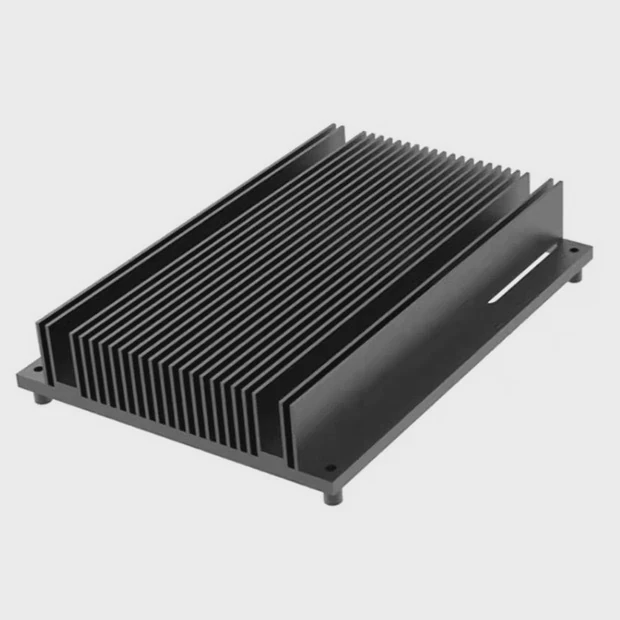
A small M.2 drive can run hot very fast, and this often worries many system builders.
Gigabyte M.2 heatsinks work well for most daily builds because they lower peak temperatures and slow thermal throttling in many real workloads. Their value depends on airflow, SSD power draw, and case structure.
Many new users want a simple answer, but cooling always depends on context. I explain the details below so you can judge if these heatsinks fit your own system.
Why do M.2 temps vary?
Small drives face heat buildup fast, and this makes many users confused and stressed.
M.2 temps vary because SSD controllers use different power levels, cases have different airflow paths, and workloads push drives in very different ways. These factors create a wide range of temperatures even with the same heatsink.
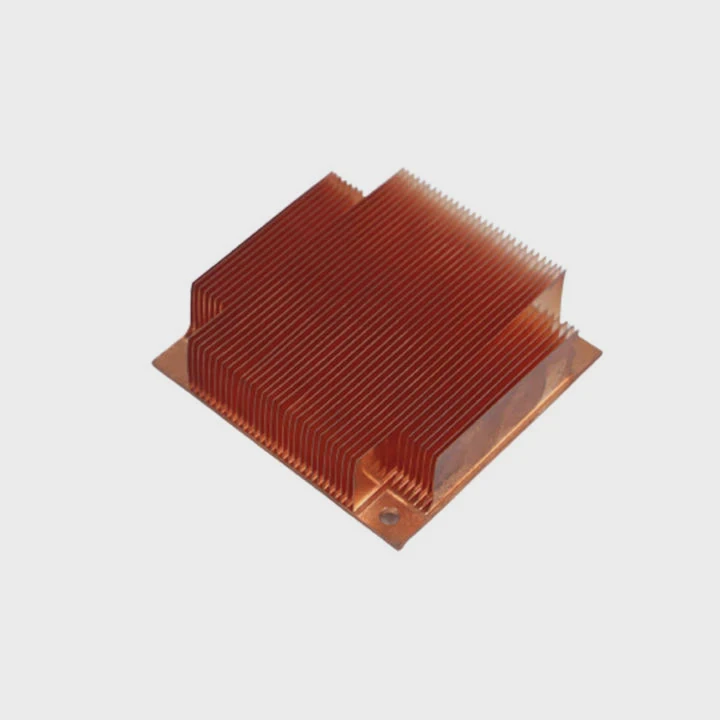
When I look at different builds, I see that many people assume SSD heat comes from one single thing. That is not true. Many small parts affect the final temperature, and each part creates a new heat pattern.
Controller and NAND behavior
Every M.2 SSD has a controller chip. This chip is the main source of heat. Some high-end controllers draw more power. They push performance higher, but they also run hotter. NAND type also matters because some types write faster and produce more heat.
Case style and airflow logic
Some cases place the M.2 slot under the GPU. This makes the drive hot even when idle. Other boards place the slot near VRMs. This adds more heat into the small space. The heatsink can help, but it cannot remove heat from the whole system. It only spreads heat away from the SSD.
Workload differences
Light tasks keep SSDs cool. Heavy tasks push them near their limit. This is why two users with the same drive can report very different numbers. Understanding this pattern helps you choose better cooling later.
Table: Common factors that change M.2 temperature
| Factor | Impact Level | Simple Explanation |
|---|---|---|
| Controller Power | High | Hot chip means higher peak temps |
| NAND Type | Medium | Some NAND writes faster and heats more |
| Airflow | High | Poor airflow traps heat |
| Case Position | Medium | GPU or VRM heat spreads to SSD |
| Workload | High | Heavy writes create fast temperature rise |
How does design affect cooling?
Many users want a simple heatsink solution, and they hope the shape fixes all heat issues.
Heatsink design affects cooling because surface area, pressure on the controller, material choice, and contact quality determine how quickly heat moves into the air. A well-designed heatsink spreads heat fast and delays throttling.
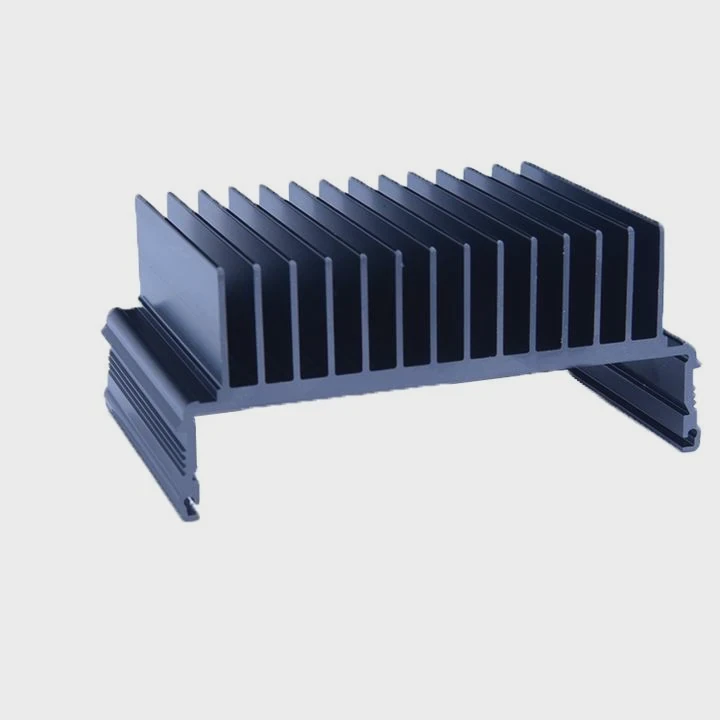
When I study many heatsink samples, I notice a few basic rules that always hold true, no matter the brand. These rules help you decide if a Gigabyte heatsink fits your system.
Surface area and thickness
A large heatsink spreads heat over a wide area. This makes heat move away from the SSD faster. Thin armor plates look nice, but they do not handle big heat loads. A thicker plate with ridges works much better. It does not need to be heavy. It only needs more spread area.
Pressure and thermal pad quality
The heatsink must press evenly on the SSD controller. If the pressure is weak, heat does not move well. If the pad is too thick, the contact becomes soft. If the pad is too thin, it might not touch the controller at all. Many users do not check this part, but it changes temps more than expected.
Material simple rules
Aluminum is common. It moves heat fast and stays light. Copper is better, but it is heavy and rare in motherboard heatsinks. Gigabyte uses aluminum plates with simple patterns. These plates are good for mid-range workloads. They are not built for extreme endurance tests.
Table: Key design traits and their effect
| Design Trait | Effect on Cooling | Comment |
|---|---|---|
| Surface Area | Big improvement | More fins help a lot |
| Pressure Quality | Big improvement | Good contact lowers peak temps |
| Pad Thickness | Medium | Must match SSD height |
| Aluminum Plate | Medium | Good for mid-load |
| Copper Base | High | Few boards include this |
Which workloads test heat limits?
Many users see stable temps in daily use and think the drive stays cool forever.
Heavy workloads such as large 4K transfers, long PCIe Gen4 writes, game installs, video editing, and OS cloning push SSD controllers into high heat zones. These tasks reveal the real thermal limit of M.2 drives.
In normal use, the SSD does very small reads and writes. These tasks stay cool. The high heat shows up only when the controller and NAND work at full power. This is why thermal throttling often appears in specific tasks.
Large file copy sessions
When I copy long files between two NVMe drives, heat builds up fast. The drive writes at top speed, then the SLC cache fills, and the controller ramps up power. At this point, the temperature can rise more than 20°C in a short time.
PCIe Gen4 and Gen5 pressure
Newer PCIe versions move data faster. This demands more power. Many Gen4 controllers already run near 70–80°C under load. Gen5 pushes even farther. A simple board heatsink cannot remove all this heat. It only delays the peak.
Game installs and updates
Many games ship huge files. Game installers write many gigabytes without pause. Some users think only benchmarks cause heat, but game installs can create equal stress. A heatsink helps keep speeds stable.
Video editing and media caching
Video editing software moves large data blocks. It also writes cache files constantly. These tasks push heat slowly but steadily. A drive with poor cooling rises in temperature with each minute of editing.
OS cloning and backup tasks
Cloning moves huge image files. Backup tools do the same. When the controller works nonstop, heat becomes a big issue. Many drives throttle without a good heatsink.
Can airflow improve performance?
Some users upgrade heatsinks many times and still see high temps. They think the drive is faulty.
Airflow improves performance because moving air removes heat from the heatsink surface. Even small airflow changes can drop SSD temperatures by 5–15°C and delay throttling in sustained transfers.
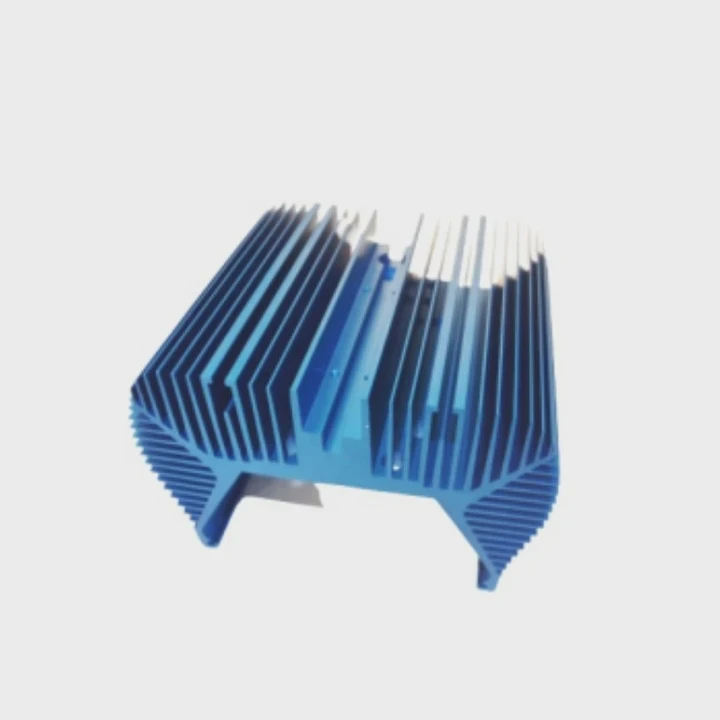
I often see that many systems have a good heatsink but no airflow around the drive. A heatsink does not cool by itself. It only spreads heat. Airflow is the part that finishes the job.
Front-to-back airflow path
A simple airflow path works well. Air enters the case from the front and moves out the back. If this path is blocked by cables or large GPUs, the SSD stays hot. Cleaning the path helps the heatsink work better.
Fan placement tricks
A small fan blowing across the board can help a lot. It does not need high speed. Even a slow fan moves heat away from the heatsink. Many users think only GPU or CPU fans matter. But a small board-level fan can change SSD temps dramatically.
Case pressure balance
A balanced case has equal intake and exhaust. Many cases fail because they have weak intake. This traps heat. Fixing intake pressure often drops SSD temperatures without touching the heatsink.
Simple airflow test
A simple hand test helps. If you place a hand near the M.2 area and feel no air movement, the heatsink does not receive cooling. This small test explains many thermal issues.
When airflow beats a bigger heatsink
Sometimes a smaller heatsink with good airflow performs better than a larger one with no airflow. This is because airflow removes heat faster than mass can store it. Many builders miss this simple truth.
Conclusion
Gigabyte M.2 heatsinks work well for many systems, but their real performance depends on airflow, case design, SSD power draw, and workload patterns. A balanced setup always delivers better cooling than a single large heatsink.
TAGS
Latest Articles

Volume discount levels for heat sink orders?
Buyers often ask when heat sink prices start to drop with volume. Many worry they’re overpaying for small orders. This guide explains how B2B volume pricing works for thermal components. Heat sink
21 Dec,2025
Heat sink long-term supply contract options?
Many buyers want stable pricing and reliable delivery for heat sinks. But without a clear contract, risks grow over time. This article explores how to secure better long-term supply deals. Long-term
21 Dec,2025
Tooling cost for new heat sink profiles?
Many engineers struggle to understand why tooling for custom heat sinks costs so much. They worry about budgeting and production timelines. This article breaks down the cost drivers behind tooling.
21 Dec,2025
Heat sink custom sample process steps?
Sometimes, starting a custom heat sink project feels overwhelming—too many steps, too many unknowns, and too many risks. You want a sample, but not endless delays. The process for requesting and
20 Dec,2025
Standard B2B terms for heat sink payments?
When buyers and sellers in B2B heat sink markets talk about payment, many don’t fully understand what’s standard. This can lead to delayed orders, miscommunication, and even lost business
20 Dec,2025
Heat sink pricing factors for large orders?
Heat sinks are vital for many systems. When prices rise, projects stall and budgets break. This problem can hit teams hard without warning. Large order heat sink pricing depends on many factors. You
20 Dec,2025Related Articles
- How to get legendary heatsinks?
- Is it hard to install a heatsink to a CPU?
- is paste on new heatsink enough?
- does a heatsink need to be plugged in?
- how to remove xbox one heatsink?
- do you need a ssd heatsink if motherboard has one?
- do you have to reapply thermal paste after removing heatsink?
- Can you run a computer without a heatsink CPU fan?
- Does air blow through heatsink?
- Are stock GPU heatsinks suitable?
- how to install heatsink on xbox 360 hana ana chips?
- Is the stock i7 heatsink good?
Author
Dr. Emily Chen
Chief AI Researcher
Leading expert in thermal dynamics and AI optimization with over 15 years of experience in data center efficiency research.
Categories
Latest Products

M.2 Heatpipe Heatsink With Dual Fans For Pc Case
19 Mar,2026

Heavy-Duty Aluminum Heat Sink Custom
19 Mar,2026

Oem Skived Fin Heatsink Aluminum Radiator For Plants
19 Mar,2026

Water Cooled Cnc Aluminum Heat Sink For Medical
19 Mar,2026

High Density 6000 Series Aluminum Heat Sink Profile
19 Mar,2026

High-Density Extruded Aluminum & Bonded-Fin Heat Sink Profile
19 Mar,2026
Recommend Categories
- Liquid cooling plate Manufacturer
- Industrial Heat Sink Manufacturer
- Standard Heat Sink Manufacturer
- Aluminum Heat Sink Manufacturer
- Copper Heat Sink Manufacturer
- Anodized Heatsink Manufacturer
- Stamping heat sink Manufacturer
- Die Casting Heatsink Manufacturer
- Soldering heat sink Manufacturer
- CNC Parts Manufacturer
Latest Products
- M.2 Heatpipe Heatsink With Dual Fans For Pc Case
- Heavy-Duty Aluminum Heat Sink Custom
- Oem Skived Fin Heatsink Aluminum Radiator For Plants
- Water Cooled Cnc Aluminum Heat Sink For Medical
- High Density 6000 Series Aluminum Heat Sink Profile
- High-Density Extruded Aluminum & Bonded-Fin Heat Sink Profile
- Dongguan Cnc Aluminum Heat Sink For Led & Brass Parts
- Wholesale Cnc Aluminum Heat Sink - Custom Extruded
- Led Cnc Round Heat Sink With Screw Holes
- Copper Pin-Fin Heat-Sink Large-Area For Photoled Cooling
- Telecom Heatsink Zipper Fin Wcopper Tubes Oem
Contact Expert
Have questions about this article? Reach out to our experts directly.