does a heatsink need to be plugged in?
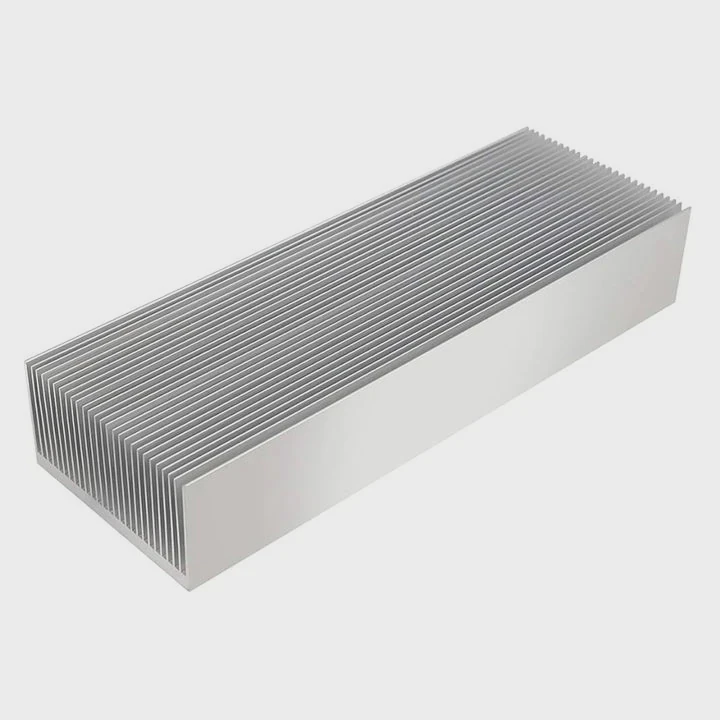
Many users wonder if a heatsink must connect to power or if it works on its own. The answer depends on the type of cooler you use.
A heatsink does not need to be plugged in unless it includes a fan. Passive heatsinks cool through metal surfaces alone, while active coolers with fans require power from motherboard fan headers.
I have seen many systems where users confused the two types. Understanding the difference helps avoid installation mistakes.
Why passive sinks need no power?
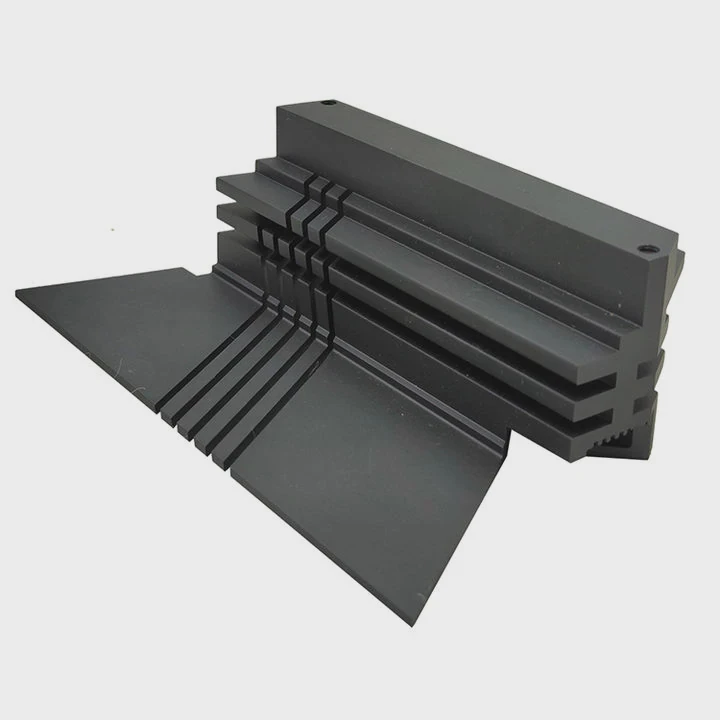
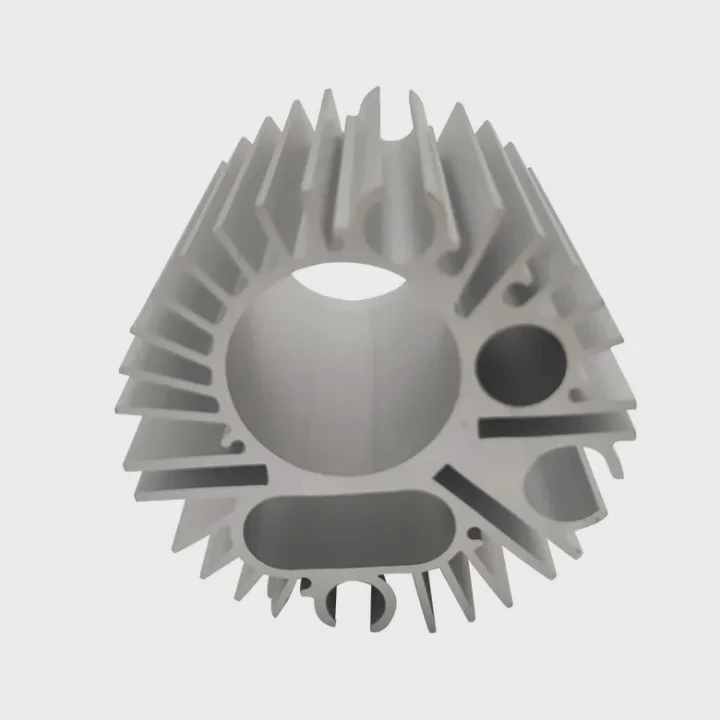
A passive heatsink removes heat only through its metal structure. It uses conduction and airflow around the device without any powered parts.
Passive sinks need no power because they rely on metal fins and natural airflow to spread heat away from the component. No motors, wires, or connectors are involved.
Why passive cooling works
Passive coolers use simple physics. Heat spreads through the metal, and air carries it away. This requires no electrical power.
Passive sink characteristics
| Feature | Power Need |
|---|---|
| Solid metal block | None |
| Aluminum fins | None |
| Copper heat spreader | None |
A deeper look at passive heatsink behavior
A passive heatsink transfers heat from the chip into a metal block. This block spreads the heat through its fins or surface area. As warm air rises, cooler air replaces it, creating natural airflow. Because the heatsink uses only metal conduction and convection, it needs no electricity.
Many devices rely on passive cooling. Small computers, routers, power modules, and basic electronics use simple aluminum blocks. These sinks work silently and last a long time because they contain no moving parts. They are ideal in dusty areas where fans fail easily.
Passive cooling also keeps energy consumption low. Since the heatsink does not draw power, it adds no load on the motherboard. This makes it a good choice for low-power systems or compact builds.
However, passive cooling reaches its limits when heat production increases. High-performance processors, strong GPUs, and power-hungry components produce more heat than passive sinks can handle alone. This is when active cooling becomes necessary.
Which heatsinks use fans?
Some heatsinks include built-in fans or attachable fans. These active coolers combine metal surfaces with powered airflow.
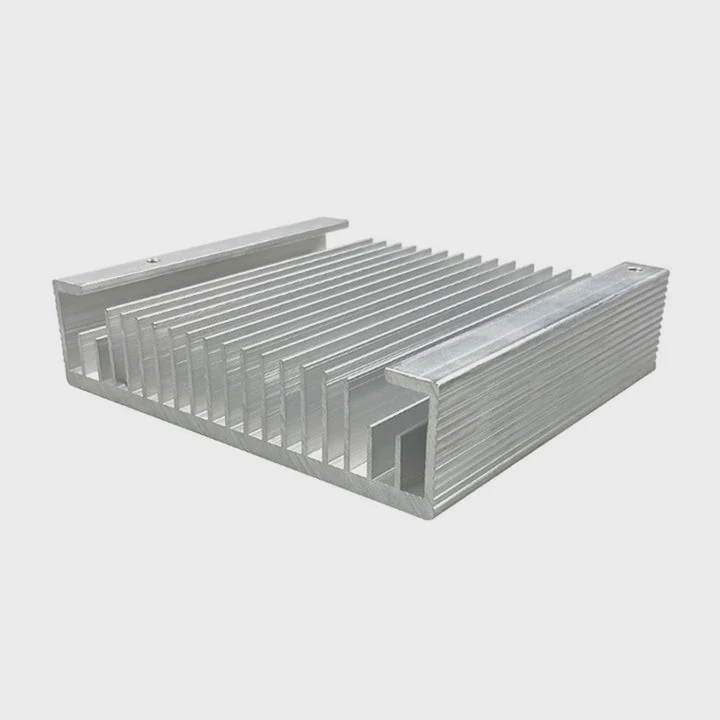
Heatsinks that use fans include CPU coolers, GPU coolers, VRM coolers, and active M.2 heatsinks. These fans require power to spin and help move air quickly across the fins.
Why some heatsinks require fans
Fans push high volumes of air across the metal fins. This removes heat faster than passive airflow can manage.
Types of active heatsinks
| Component | Uses Fan? |
|---|---|
| CPU cooler | Yes |
| GPU cooler | Yes |
| VRM cooler | Sometimes |
| M.2 SSD cooler | Optional |
A detailed view of active cooler designs
CPU coolers almost always use fans unless they belong to special fanless models. Their fans draw cool air through the fin stack and push hot air out. Without this airflow, modern CPUs would throttle or overheat.
GPUs use large fans because their chips produce heavy heat during gaming. The fans help push warm air away from the heatsink plate and heatpipes. Some cards use multiple fans to increase airflow.
VRM heatsinks rarely include fans, but high-end systems and overclocked builds sometimes use small blower fans to cool voltage regulators under extreme load.
M.2 SSDs occasionally include mini fans. Some gaming motherboards offer active cooling for NVMe drives because new high-speed models create more heat.
Any heatsink with moving components must be plugged in. Fan-based designs rely on stable airflow, and power is necessary to drive the motor.
Can powered coolers improve dissipation?
Powered coolers move more air than passive setups. More airflow increases heat removal and keeps temperatures under control.
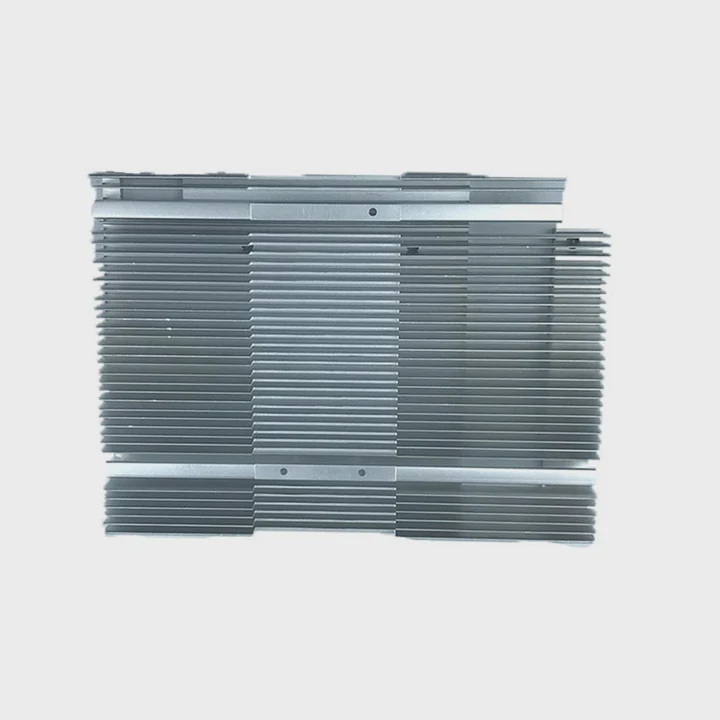
Powered coolers improve dissipation because forced air removes heat from the heatsink fins faster than normal airflow, keeping the component cooler during heavy workloads.
Why powered cooling is stronger
Airflow from fans breaks the warm air layer around the heatsink. This lets heat leave the metal faster and increases cooling efficiency.
Cooling improvements
| Cooler Type | Dissipation Level |
|---|---|
| Passive | Low |
| Single-fan | Medium |
| Multi-fan | High |
A deeper look at airflow impact
Heatsinks cool efficiently only when heat moves from the metal into the surrounding air. But warm air around the fins forms a thermal barrier. Fans solve this by blowing it away. They pull cool air in and push warm air out.
As a result, powered coolers remove far more heat per second. This keeps CPUs, GPUs, SSDs, and other components from reaching thermal throttling limits. Active coolers also respond well to sudden heat spikes caused by boosts or heavy workloads.
Some powered coolers include additional features such as vapor chambers, dual-tower fins, or high-pressure fans. These elements enhance heat movement even more. A system that struggles with high temperature often becomes stable once active cooling is added.
Powered cooling is essential for modern processors because they generate heat far beyond what passive sinks can handle alone.
Do connectors control fan speed?
Fans must connect to a power source, but modern systems use connectors that also control speed and behavior.
Connectors control fan speed because motherboard fan headers send adjustable signals that change fan RPM based on temperature conditions.
Why connectors matter
A simple power connector runs the fan at full speed. A motherboard header adjusts speed smoothly based on sensor readings.
Fan connector types
| Connector | Control Ability |
|---|---|
| 2-pin | Fixed |
| 3-pin | Voltage control |
| 4-pin (PWM) | Full control |
A deeper look at fan control
A 2-pin fan receives constant power and spins at one speed. This works for small or simple coolers, but it cannot adjust noise or cooling automatically.
A 3-pin fan uses voltage control. The motherboard changes voltage to raise or lower the fan speed. This helps reduce noise and match cooling with workload.
A 4-pin PWM fan has full control. The fourth pin sends a pulse-width signal that adjusts speed precisely. This allows quiet operation at idle and strong airflow during heavy use. Most CPU coolers use 4-pin PWM fans.
Motherboard fan headers detect temperature through built-in sensors. They adjust fan curves so cooling matches heat production. When the component warms, the fan speeds up. When it cools, the fan slows down.
External fan hubs and controllers also adjust speed. They manage multiple fans and keep airflow balanced across the system.
Fan connectors make powered cooling smarter and more flexible than passive cooling alone.
Conclusion
A heatsink does not need to be plugged in unless it includes a fan. Passive heatsinks work through metal surfaces alone, active coolers use fans that require power, powered systems improve heat dissipation, and fan connectors allow precise speed control. Understanding these differences helps you choose the right cooling setup for any build.
TAGS
Latest Articles

Volume discount levels for heat sink orders?
Buyers often ask when heat sink prices start to drop with volume. Many worry they’re overpaying for small orders. This guide explains how B2B volume pricing works for thermal components. Heat sink
21 Dec,2025
Heat sink long-term supply contract options?
Many buyers want stable pricing and reliable delivery for heat sinks. But without a clear contract, risks grow over time. This article explores how to secure better long-term supply deals. Long-term
21 Dec,2025
Tooling cost for new heat sink profiles?
Many engineers struggle to understand why tooling for custom heat sinks costs so much. They worry about budgeting and production timelines. This article breaks down the cost drivers behind tooling.
21 Dec,2025
Heat sink custom sample process steps?
Sometimes, starting a custom heat sink project feels overwhelming—too many steps, too many unknowns, and too many risks. You want a sample, but not endless delays. The process for requesting and
20 Dec,2025
Standard B2B terms for heat sink payments?
When buyers and sellers in B2B heat sink markets talk about payment, many don’t fully understand what’s standard. This can lead to delayed orders, miscommunication, and even lost business
20 Dec,2025
Heat sink pricing factors for large orders?
Heat sinks are vital for many systems. When prices rise, projects stall and budgets break. This problem can hit teams hard without warning. Large order heat sink pricing depends on many factors. You
20 Dec,2025Related Articles
- how to remove xbox one heatsink?
- do you need a ssd heatsink if motherboard has one?
- how to remove gpu heatsink screws?
- what type of heatsink does asus use laptop?
- will an older cpu heatsink fit on a 6700k?
- how to remove cpu heatsink for p5n-d?
- is paste on new heatsink enough?
- Is it hard to install a heatsink to a CPU?
- How to get legendary heatsinks?
- Are gigabyte m.2 heatsinks good?
- do you have to reapply thermal paste after removing heatsink?
- Can you run a computer without a heatsink CPU fan?
Author
Dr. Emily Chen
Chief AI Researcher
Leading expert in thermal dynamics and AI optimization with over 15 years of experience in data center efficiency research.
Categories
Latest Products

M.2 Heatpipe Heatsink With Dual Fans For Pc Case
19 Mar,2026

Heavy-Duty Aluminum Heat Sink Custom
19 Mar,2026

Oem Skived Fin Heatsink Aluminum Radiator For Plants
19 Mar,2026

Water Cooled Cnc Aluminum Heat Sink For Medical
19 Mar,2026

High Density 6000 Series Aluminum Heat Sink Profile
19 Mar,2026

High-Density Extruded Aluminum & Bonded-Fin Heat Sink Profile
19 Mar,2026
Recommend Categories
- Liquid cooling plate Manufacturer
- Industrial Heat Sink Manufacturer
- Standard Heat Sink Manufacturer
- Aluminum Heat Sink Manufacturer
- Copper Heat Sink Manufacturer
- Anodized Heatsink Manufacturer
- Stamping heat sink Manufacturer
- Die Casting Heatsink Manufacturer
- Soldering heat sink Manufacturer
- CNC Parts Manufacturer
Latest Products
- M.2 Heatpipe Heatsink With Dual Fans For Pc Case
- Heavy-Duty Aluminum Heat Sink Custom
- Oem Skived Fin Heatsink Aluminum Radiator For Plants
- Water Cooled Cnc Aluminum Heat Sink For Medical
- High Density 6000 Series Aluminum Heat Sink Profile
- High-Density Extruded Aluminum & Bonded-Fin Heat Sink Profile
- Dongguan Cnc Aluminum Heat Sink For Led & Brass Parts
- Wholesale Cnc Aluminum Heat Sink - Custom Extruded
- Led Cnc Round Heat Sink With Screw Holes
- Copper Pin-Fin Heat-Sink Large-Area For Photoled Cooling
- Telecom Heatsink Zipper Fin Wcopper Tubes Oem
Contact Expert
Have questions about this article? Reach out to our experts directly.