do you have to reapply thermal paste after removing heatsink?
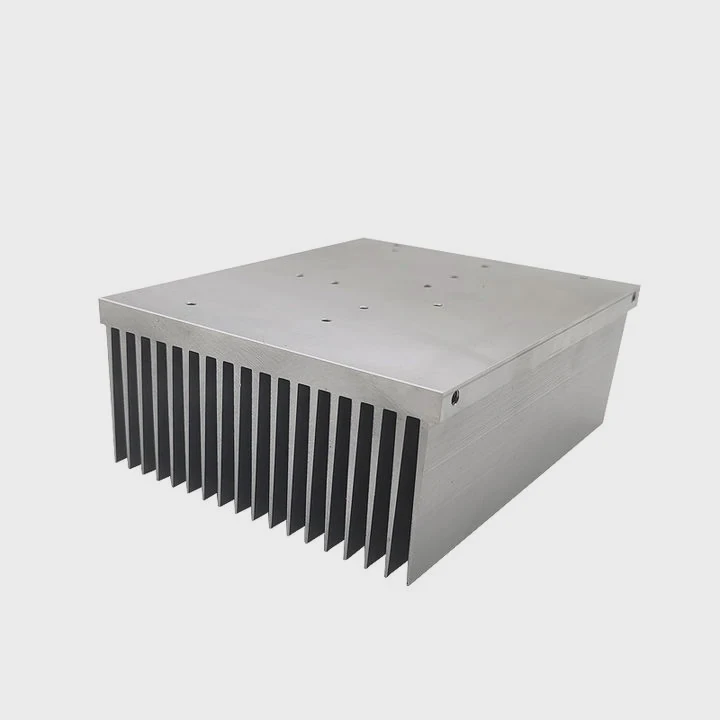
Many people feel worried after lifting a heatsink and seeing the paste look torn or stretched. Some believe the layer still works because it “looks fine.”
Yes. You must always reapply fresh thermal paste after removing a heatsink, because the original seal breaks the moment the heatsink lifts. Only a fresh layer restores full contact and prevents hotspots.
This simple action protects device life, keeps temperatures stable, and avoids sudden throttling. Below, I explain why the seal breaks, how to spot paste failure, why reused paste causes hotspots, and why full cleaning matters.
Why removal breaks the seal?
Many users assume paste can be reused if it still looks soft. But thermal paste works in a unique way that makes the layer unusable once disturbed.
The seal breaks because thermal paste forms a pressure-shaped layer that cannot return to its original form once lifted. Air enters, the texture changes, and the layer no longer matches both surfaces.

When I worked with early processors and GPU modules, I learned that thermal paste behaves like soft putty. Pressure shapes it in a very exact way. Once the pressure releases, the shape changes permanently. Below are key reasons why the seal fails.
Compression happens only once
Paste spreads evenly under strong mounting pressure. When this pressure drops, the layer relaxes in an uneven way. Pressing the heatsink back down does not bring back the original smooth structure.
Air pockets form immediately
Air is a poor heat conductor. A tiny bubble can raise temperatures dramatically. Once the heatsink lifts, even slightly, air enters gaps that cannot be removed without fresh paste.
Contact pattern is lost
Paste becomes slightly harder after heat cycles. When you lift the heatsink, the layer stretches or cracks. These changes break the once-perfect contact pattern between chip and heatsink.
Table: What changes once the seal breaks?
| Action | Result |
|---|---|
| Heatsink is removed | Pressure drops, paste shifts |
| Air enters the layer | Hotspots become likely |
| Paste distorts | Contact area decreases |
| Heatsink reinstalled | Layer cannot reform |
Extra explanation
Thermal paste carries micro-grooves shaped by the chip and heatsink. These shapes match perfectly only once. After removal, the old paste no longer aligns with the metal surfaces. Even a small loss of contact increases temperature. Sensitive devices like laptop CPUs, GPUs, and industrial modules show this effect fast. That is why reapplying paste after any removal is standard practice.
Which signs show paste failure?
Many users want to know how to tell when paste is “bad.” Some wait for major symptoms, but paste usually fails before clear signs appear.
Paste failure appears as higher temperatures, faster fans, unstable clocks, and visible cracks or dryness. These signs show that heat transfer between chip and heatsink has weakened.
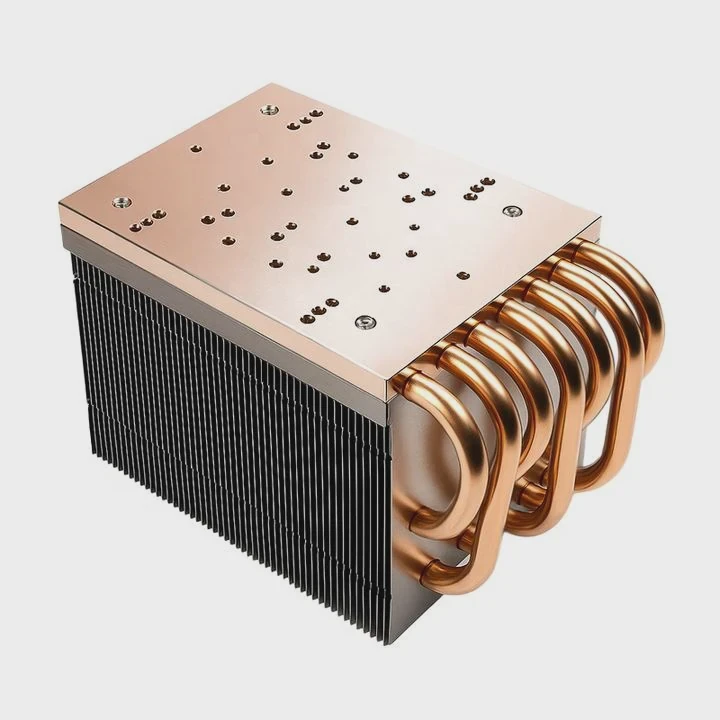
In devices I worked on in the field, dry paste was responsible for many failures. Paste usually declines slowly. Below are the most common signs.
Temperatures rise under same workload
If you notice the same tasks producing higher temperatures, paste may be drying, cracking, or pumping out from the center.
Fans get louder
Fans respond directly to thermal load. If the system has to cool more often or at higher speeds, paste performance may be dropping.
Sudden throttling
Modern chips slow down to prevent damage. If throttling shows up in simple tasks, paste is often the cause.
Paste looks dry or cracked
A good layer looks smooth and moist. Crusty paste is already failing and cannot fill micro-gaps.
Table: Symptoms and causes
| Symptom | What it means |
|---|---|
| Gradual temp increase | Paste aging or pump-out |
| Louder fans | Reduced heat flow |
| Slower performance | Chip thermal protection |
| Dry or chalky paste | Paste failure |
More detail
Different paste types age in different ways. Silicone pastes dry fast. Metal-based pastes can pump out from the center. Ceramic pastes stay stable but fail once disturbed. Heat cycles push paste outward, leaving the hottest area thin. That thin area increases temperature even if the rest looks fine. The system may seem stable until it suddenly overheats. That is why it is safer to repaste early rather than wait for clear symptoms.
Can reused paste cause hotspots?
Some users assume paste is reusable if it still “looks wet.” Others try to spread old paste again with a card or tool. This leads to serious risk.
Reused paste causes hotspots because it becomes uneven, contaminated, and unable to spread smoothly. These flaws prevent consistent heat transfer across the chip.
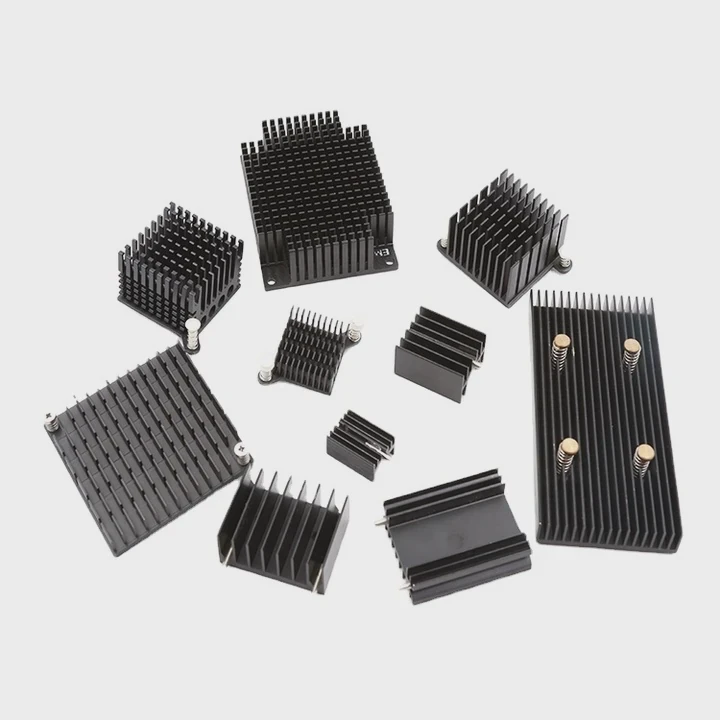
When repairing early test modules, I once reused paste to save time. The device overheated within minutes because the center ended up with weak coverage. Reused paste creates hidden problems. Here is why.
Old paste becomes uneven
Paste contains tiny particles that settle over time. After removal, these particles clump and no longer form a smooth path for heat.
Dust and oil enter the paste
Old paste collects dust, fibers, and oil from contact surfaces. Even tiny particles block heat flow.
Reused paste spreads poorly
Paste changes texture after heat cycles. When reused, it does not level out under pressure. Thick spots appear at edges, and thin spots appear at the center.
Hot areas suffer the most
Processors and GPUs do not heat evenly. Certain cores or sections run hotter. When paste coverage is weak in these spots, hotspots form.
Why hotspots matter
Hotspots raise internal stress. They can cause micro-cracks inside solder joints and damage long-term reliability. In high-power systems, hotspots shorten life significantly, even if the device appears stable at first.
Simple table on reused paste
| Condition | Impact |
|---|---|
| Uneven texture | Higher thermal resistance |
| Contamination | Local insulation |
| Thin center | Hotspot risk |
| Stretched layer | Voids increase |
Extended explanation
Hotspots are difficult to detect early because sensors measure only average readings. A device may show a safe temperature even when one region is far hotter. Reused paste increases center thinning. Heat cycles push old paste outward, and reused paste pumps out even faster. This makes the hottest region the least protected. That is why reused paste is one of the main causes of unstable gaming performance, noisy systems, and random shutdowns.
Should surfaces be fully cleaned?
Some users believe adding new paste on top of old paste is fine. But mixed or layered paste behaves unpredictably.
Yes. Both surfaces must be fully cleaned before applying new paste. Cleaning removes old residue, dust, oil, and contaminants that block even contact.
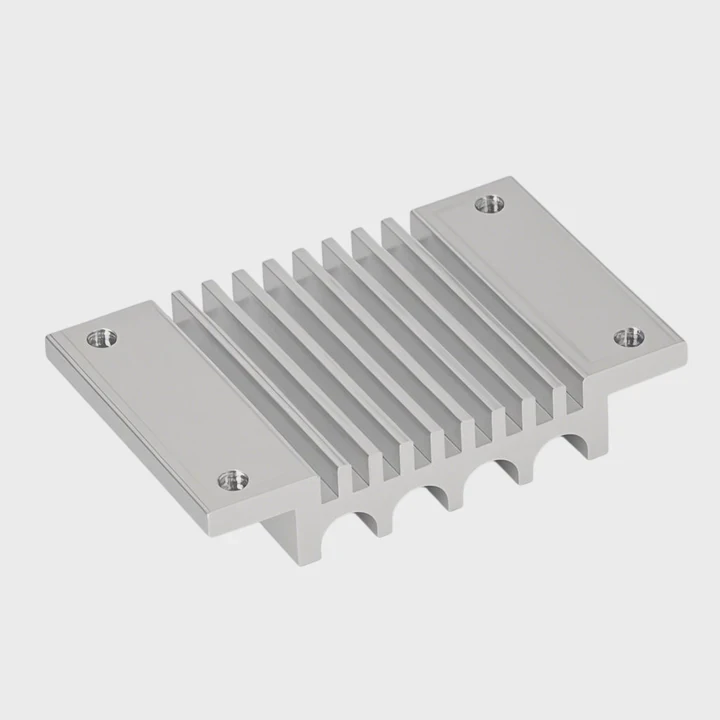
Cleaning takes little time but prevents many future problems. Here are the reasons why proper cleaning matters.
Old residue blocks smooth spreading
Fresh paste must sit on a clean surface to form a thin, uniform layer. Old residue creates bumps that trap air.
Mixing pastes creates inconsistent texture
If the old paste and new paste differ in formula, the mixture can become too thick or too runny. This reduces long-term stability.
Cleaning reveals flaws
With both surfaces clean, you can check for scratches, dents, or contamination. Any defect can reduce contact pressure.
Cleaning steps
- Remove most paste with a lint-free wipe.
- Apply isopropyl alcohol (90% or higher).
- Wipe in straight strokes.
- Let surfaces dry fully.
- Check for residue under bright light.
Do not forget the edges
Paste often builds up around chip edges or heat spreader frames. If not cleaned, these particles may fall back onto the center during mounting. Even tiny pieces create small tilts. This tilt weakens pressure at the center where heat is highest.
Extended explanation
Clean surfaces allow paste to settle into a uniform layer. Uneven surfaces cause poor pressure distribution. This accelerates pump-out and creates early hotspots. Clean surfaces also prevent chemical mixing between old and new materials. With a controlled fresh layer, the system stays stable through many heat cycles. Proper cleaning has one of the strongest impacts on temperature consistency.
Conclusion
Fresh paste keeps heat transfer stable and prevents hotspots. Once a heatsink is removed, the old layer cannot maintain full contact. The best practice is always complete cleaning and fresh application before mounting again.
TAGS
Latest Articles

Volume discount levels for heat sink orders?
Buyers often ask when heat sink prices start to drop with volume. Many worry they’re overpaying for small orders. This guide explains how B2B volume pricing works for thermal components. Heat sink
21 Dec,2025
Heat sink long-term supply contract options?
Many buyers want stable pricing and reliable delivery for heat sinks. But without a clear contract, risks grow over time. This article explores how to secure better long-term supply deals. Long-term
21 Dec,2025
Tooling cost for new heat sink profiles?
Many engineers struggle to understand why tooling for custom heat sinks costs so much. They worry about budgeting and production timelines. This article breaks down the cost drivers behind tooling.
21 Dec,2025
Heat sink custom sample process steps?
Sometimes, starting a custom heat sink project feels overwhelming—too many steps, too many unknowns, and too many risks. You want a sample, but not endless delays. The process for requesting and
20 Dec,2025
Standard B2B terms for heat sink payments?
When buyers and sellers in B2B heat sink markets talk about payment, many don’t fully understand what’s standard. This can lead to delayed orders, miscommunication, and even lost business
20 Dec,2025
Heat sink pricing factors for large orders?
Heat sinks are vital for many systems. When prices rise, projects stall and budgets break. This problem can hit teams hard without warning. Large order heat sink pricing depends on many factors. You
20 Dec,2025Related Articles
- Are gigabyte m.2 heatsinks good?
- How to get legendary heatsinks?
- Is it hard to install a heatsink to a CPU?
- is paste on new heatsink enough?
- does a heatsink need to be plugged in?
- how to remove xbox one heatsink?
- Can you run a computer without a heatsink CPU fan?
- Does air blow through heatsink?
- Are stock GPU heatsinks suitable?
- how to install heatsink on xbox 360 hana ana chips?
- Is the stock i7 heatsink good?
- What is the best heatsink compound available?
Author
Dr. Emily Chen
Chief AI Researcher
Leading expert in thermal dynamics and AI optimization with over 15 years of experience in data center efficiency research.
Categories
Latest Products

M.2 Heatpipe Heatsink With Dual Fans For Pc Case
19 Mar,2026

Heavy-Duty Aluminum Heat Sink Custom
19 Mar,2026

Oem Skived Fin Heatsink Aluminum Radiator For Plants
19 Mar,2026

Water Cooled Cnc Aluminum Heat Sink For Medical
19 Mar,2026

High Density 6000 Series Aluminum Heat Sink Profile
19 Mar,2026

High-Density Extruded Aluminum & Bonded-Fin Heat Sink Profile
19 Mar,2026
Recommend Categories
- Liquid cooling plate Manufacturer
- Industrial Heat Sink Manufacturer
- Standard Heat Sink Manufacturer
- Aluminum Heat Sink Manufacturer
- Copper Heat Sink Manufacturer
- Anodized Heatsink Manufacturer
- Stamping heat sink Manufacturer
- Die Casting Heatsink Manufacturer
- Soldering heat sink Manufacturer
- CNC Parts Manufacturer
Latest Products
- M.2 Heatpipe Heatsink With Dual Fans For Pc Case
- Heavy-Duty Aluminum Heat Sink Custom
- Oem Skived Fin Heatsink Aluminum Radiator For Plants
- Water Cooled Cnc Aluminum Heat Sink For Medical
- High Density 6000 Series Aluminum Heat Sink Profile
- High-Density Extruded Aluminum & Bonded-Fin Heat Sink Profile
- Dongguan Cnc Aluminum Heat Sink For Led & Brass Parts
- Wholesale Cnc Aluminum Heat Sink - Custom Extruded
- Led Cnc Round Heat Sink With Screw Holes
- Copper Pin-Fin Heat-Sink Large-Area For Photoled Cooling
- Telecom Heatsink Zipper Fin Wcopper Tubes Oem
Contact Expert
Have questions about this article? Reach out to our experts directly.