do you need a ssd heatsink if motherboard has one?
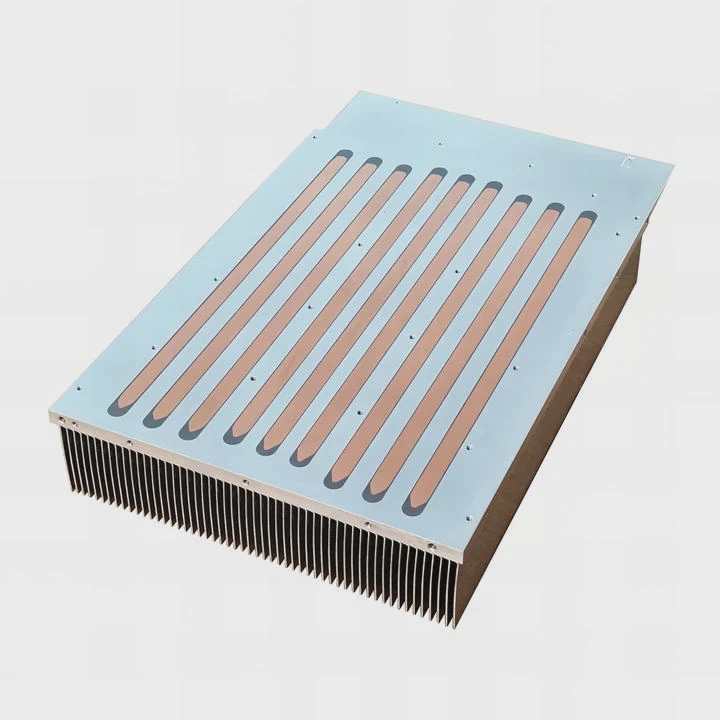
Many users wonder if they must add a heatsink when the motherboard already includes its own M.2 shield.
You usually do not need a separate SSD heatsink if your motherboard already has a built-in shield, but heavy workloads, weak airflow, or high-speed drives may still push temperatures beyond safe levels.
I have used many boards where the shield worked well, and others where it struggled under long transfers. Knowing these limits helps users avoid throttling.
Why built-in shields may suffice?
Motherboards today include metal covers called M.2 shields, which spread heat and maintain consistent SSD temperature.
Built-in shields may suffice because they use thermal pads, firm pressure, and metal plates that absorb heat from the SSD and release it into airflow around the slot.
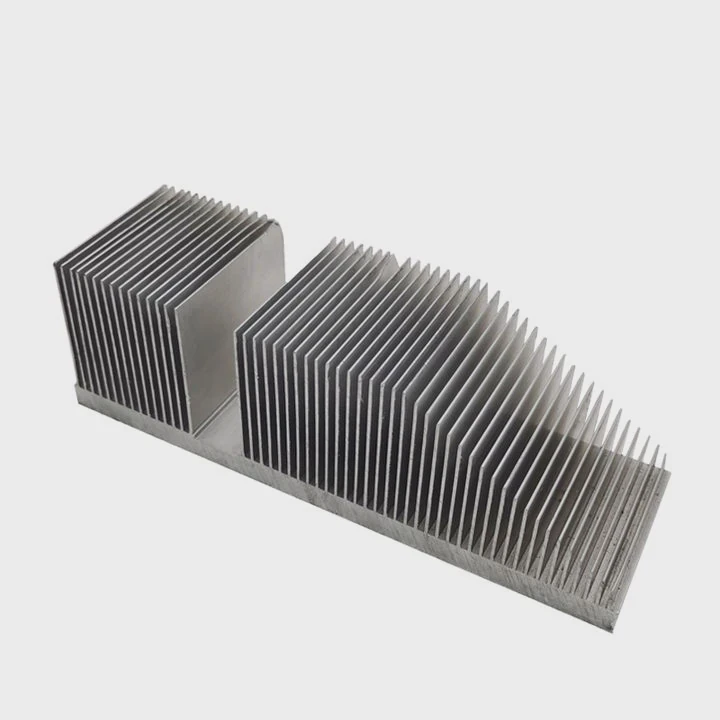
Why shields perform well
Most shields use aluminum plates that spread heat quickly. Their thermal pads fill gaps and ensure solid contact with the NVMe controller.
Shield advantages
| Feature | Benefit |
|---|---|
| Integrated design | Good alignment |
| Thermal pads | Stable contact |
| Metal plate | Decent heat spread |
A deeper look at shield performance
Motherboard shields sit directly over the SSD slot, making installation simple. The included thermal pads press against the NVMe controller and NAND modules. This contact helps absorb heat spikes during fast loads.
The metal plate works like a small heatsink. It spreads heat along the surface, preventing hotspots. Because the shield is part of the board, contact pressure stays even, reducing the risk of air gaps. The plate’s width improves heat spreading and reduces thermal peaks.
Built-in shields often cool well enough for normal gaming, browsing, or system tasks. In many mid-range boards, the shield’s thickness is enough to handle Gen3 and some Gen4 drives without overheating. This is why many users never notice throttling.
However, shield performance depends on airflow and plate thickness. Thin shields help only in short bursts. Thick, heavy plates perform better for long use. Understanding this variation helps decide whether an extra heatsink is needed.
Which workloads exceed shield cooling?
Some workloads generate heat so quickly that built-in shields struggle to maintain stable temperatures.
Workloads such as large file transfers, 4K and 8K video editing, professional workflows, high-speed backups, and game installations often exceed the cooling ability of basic motherboard shields.
Why workloads matter
Different tasks push SSD controllers differently. Some workloads draw high power and generate continuous heat.
Workload heating levels
| Workload | Heat Output |
|---|---|
| Web browsing | Low |
| Game loading | Medium |
| Video editing | High |
| Long file copies | Very high |
A deeper look at heavy load behavior
NVMe controllers generate heat whenever they manage large volumes of data. Long file transfers keep the controller active for minutes at a time. This continuous activity warms the chip beyond what a thin shield can absorb.
Video editing tools write and read data constantly. When rendering previews or exporting files, the drive handles gigabytes of information repeatedly. This sustained load quickly heats the controller. The shield absorbs the first spike but soon reaches saturation.
Game installations also produce heavy bursts. Many modern games exceed 50–100 GB in size. During these installs, the SSD writes continuously. Motherboard shields do not always transfer heat fast enough under this load.
Backup operations such as cloning or migrating systems run even longer. They keep the SSD at full throughput. When shield cooling is insufficient, the drive throttles and slows down until temperatures drop.
Understanding these workloads helps determine when an additional heatsink is necessary.
Can airflow improve shield efficiency?
Airflow plays a major role in how well a motherboard shield performs. Even a thin shield becomes effective with steady airflow.
Airflow improves shield efficiency because moving air carries heat away from the plate, reduces thermal buildup, and keeps the SSD cooler during prolonged workloads.
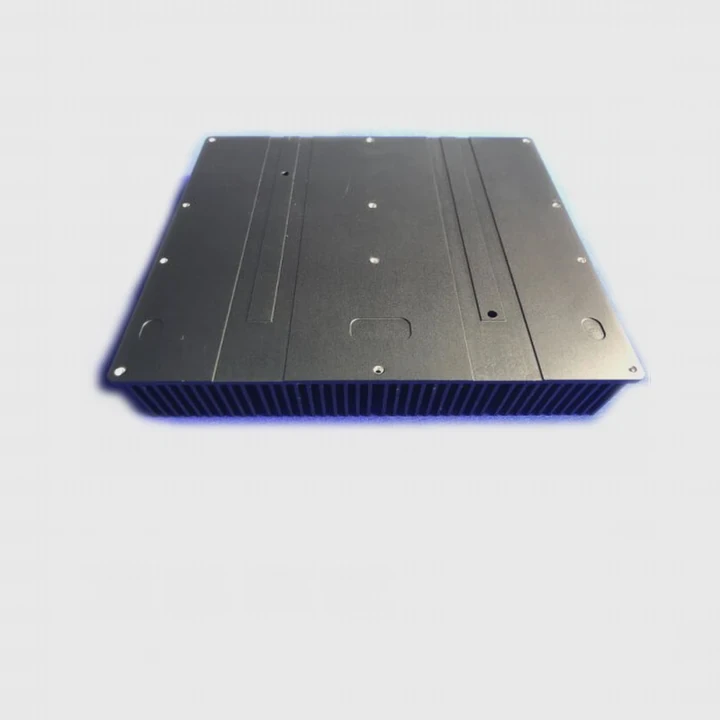
Why airflow is important
A shield spreads heat only on its surface. Airflow removes this surface heat and restores cooling capacity.
Airflow effects
| Airflow Level | Cooling Result |
|---|---|
| Weak | Hot shield |
| Medium | Stable temps |
| Strong | Best performance |
A deeper look at airflow benefits
A motherboard shield cools through conduction and convection. Conduction moves heat from the SSD to the plate. Convection removes heat from the plate into the surrounding air. Strong airflow improves convection significantly.
Fans near the GPU, CPU cooler exhaust, or case intake push air across the M.2 area. When air moves steadily over the shield, it pulls heat off the surface. This helps the plate stay cool, letting it absorb fresh heat from the SSD consistently.
In cases with poor airflow, such as small form factor builds or silent fan curves, the shield may struggle. Warm air sits around the SSD, and heat cannot escape fast enough. Even a thick metal plate becomes overwhelmed in this scenario.
Improving airflow with small adjustments—like clearing cables, adjusting fan curves, or changing intake positions—boosts shield effectiveness. In many systems, better airflow alone solves overheating without needing a separate heatsink.
Do tall SSD sinks cause fit issues?
Adding an SSD heatsink improves cooling, but tall heatsinks may interfere with GPUs, case panels, or motherboard components.
Tall SSD sinks can cause fit issues because they occupy extra vertical space, may block large graphics cards, and sometimes press against side panels in compact cases.
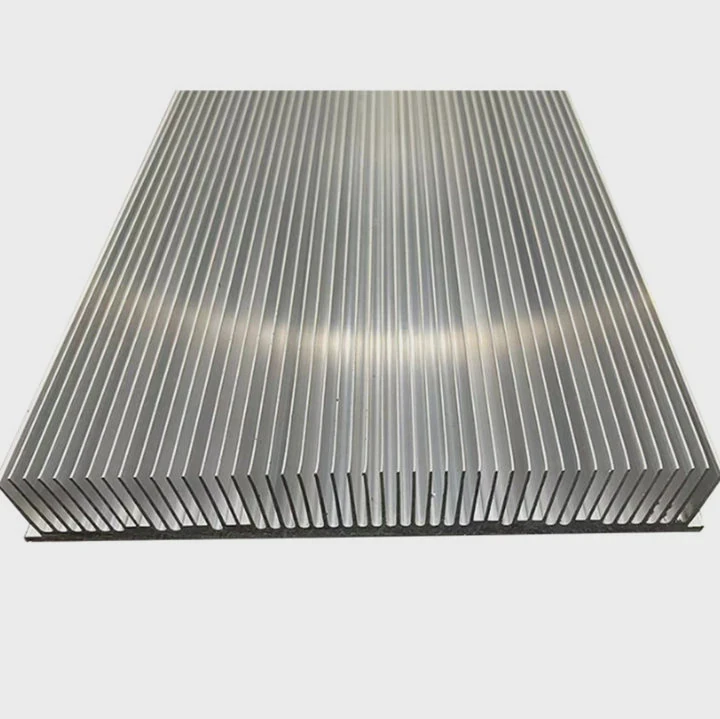
Why height matters
M.2 slots sit under GPUs or near PCIe slots. A tall heatsink can collide with nearby hardware.
Fit risk examples
| Area | Possible Issue |
|---|---|
| Under GPU | Clearance conflict |
| Small cases | Panel pressure |
| Multi-slot GPUs | Overlap risk |
A deeper look at clearance problems
Many motherboards place the primary NVMe slot under the graphics card. When the GPU sits low, tall SSD heatsinks may not fit under the card. Even if they fit, airflow becomes restricted because the GPU blocks air movement.
In compact or ITX cases, side panels sit close to the board. A tall heatsink may touch the panel, causing vibration or forcing the panel outward. Some cases leave only a few millimeters of clearance above the M.2 slot.
Multi-slot GPUs extend over multiple PCIe lanes. These cards hang low and may conflict with tall heatsinks. This happens often with large triple-fan GPUs.
Motherboard shields generally avoid this issue because they are slim and shaped for the board layout. When adding a separate sink, checking height and spacing is important.
Choosing the right size prevents physical interference and keeps airflow smooth.
Conclusion
You may not need a separate SSD heatsink if your motherboard includes a shield, especially for light and moderate workloads. Heavy tasks, weak airflow, and high-speed drives may exceed shield cooling, while tall aftermarket sinks can create clearance problems. Understanding the balance helps you choose the right cooling for your SSD.
TAGS
Latest Articles

Volume discount levels for heat sink orders?
Buyers often ask when heat sink prices start to drop with volume. Many worry they’re overpaying for small orders. This guide explains how B2B volume pricing works for thermal components. Heat sink
21 Dec,2025
Heat sink long-term supply contract options?
Many buyers want stable pricing and reliable delivery for heat sinks. But without a clear contract, risks grow over time. This article explores how to secure better long-term supply deals. Long-term
21 Dec,2025
Tooling cost for new heat sink profiles?
Many engineers struggle to understand why tooling for custom heat sinks costs so much. They worry about budgeting and production timelines. This article breaks down the cost drivers behind tooling.
21 Dec,2025
Heat sink custom sample process steps?
Sometimes, starting a custom heat sink project feels overwhelming—too many steps, too many unknowns, and too many risks. You want a sample, but not endless delays. The process for requesting and
20 Dec,2025
Standard B2B terms for heat sink payments?
When buyers and sellers in B2B heat sink markets talk about payment, many don’t fully understand what’s standard. This can lead to delayed orders, miscommunication, and even lost business
20 Dec,2025
Heat sink pricing factors for large orders?
Heat sinks are vital for many systems. When prices rise, projects stall and budgets break. This problem can hit teams hard without warning. Large order heat sink pricing depends on many factors. You
20 Dec,2025Related Articles
- how to remove gpu heatsink screws?
- what type of heatsink does asus use laptop?
- will an older cpu heatsink fit on a 6700k?
- how to remove cpu heatsink for p5n-d?
- is heatsink necessary?
- how to add holes for heatsinks pcb?
- how to remove xbox one heatsink?
- does a heatsink need to be plugged in?
- is paste on new heatsink enough?
- Is it hard to install a heatsink to a CPU?
- How to get legendary heatsinks?
- Are gigabyte m.2 heatsinks good?
Author
Dr. Emily Chen
Chief AI Researcher
Leading expert in thermal dynamics and AI optimization with over 15 years of experience in data center efficiency research.
Categories
Latest Products

M.2 Heatpipe Heatsink With Dual Fans For Pc Case
19 Mar,2026

Heavy-Duty Aluminum Heat Sink Custom
19 Mar,2026

Oem Skived Fin Heatsink Aluminum Radiator For Plants
19 Mar,2026

Water Cooled Cnc Aluminum Heat Sink For Medical
19 Mar,2026

High Density 6000 Series Aluminum Heat Sink Profile
19 Mar,2026

High-Density Extruded Aluminum & Bonded-Fin Heat Sink Profile
19 Mar,2026
Recommend Categories
- Liquid cooling plate Manufacturer
- Industrial Heat Sink Manufacturer
- Standard Heat Sink Manufacturer
- Aluminum Heat Sink Manufacturer
- Copper Heat Sink Manufacturer
- Anodized Heatsink Manufacturer
- Stamping heat sink Manufacturer
- Die Casting Heatsink Manufacturer
- Soldering heat sink Manufacturer
- CNC Parts Manufacturer
Latest Products
- M.2 Heatpipe Heatsink With Dual Fans For Pc Case
- Heavy-Duty Aluminum Heat Sink Custom
- Oem Skived Fin Heatsink Aluminum Radiator For Plants
- Water Cooled Cnc Aluminum Heat Sink For Medical
- High Density 6000 Series Aluminum Heat Sink Profile
- High-Density Extruded Aluminum & Bonded-Fin Heat Sink Profile
- Dongguan Cnc Aluminum Heat Sink For Led & Brass Parts
- Wholesale Cnc Aluminum Heat Sink - Custom Extruded
- Led Cnc Round Heat Sink With Screw Holes
- Copper Pin-Fin Heat-Sink Large-Area For Photoled Cooling
- Telecom Heatsink Zipper Fin Wcopper Tubes Oem
Contact Expert
Have questions about this article? Reach out to our experts directly.