how to remove xbox one heatsink?
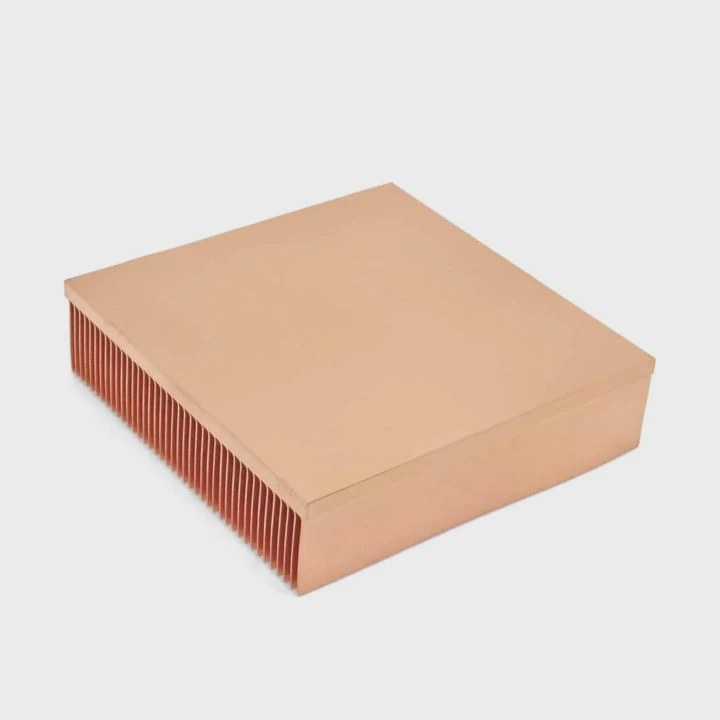
Removing the Xbox One heatsink looks easy, but the console’s tight layout, delicate cables, and hardened paste make the process more difficult than many expect.
You remove an Xbox One heatsink by opening the console carefully, removing the correct X-clamp screws, softening hardened paste with gentle rotation, and disconnecting all nearby cables before lifting the sink.
I have opened many consoles where a single rushed step caused broken clips or damaged boards. A slow and careful approach works best.
Why console teardown needs care?
Game consoles pack components tightly in a small enclosure. Everything sits close together, and many parts are fragile or easy to bend.
Console teardown needs care because the plastic clips, ribbon cables, and motherboard mounts are delicate, and applying too much force can crack the casing or damage internal components.
Why consoles are sensitive
Consoles use compact layouts to stay quiet and cool. This a tight structure that reacts badly to sudden force or twisting.
Risk areas during opening
| Component | Risk |
|---|---|
| Plastic clips | Break easily |
| Ribbon cables | Tear if pulled |
| Fan shroud | Warps under force |
A deeper look at teardown challenges
The Xbox One uses snap clips along the case edges. These clips weaken with age. If pushed too far, they snap and leave the case loose. Applying consistent light pressure preserves the clips and keeps the console intact after reassembly.
Inside the console, the motherboard sits on alignment pegs and grounding points. Tilting the system while opening it may cause stress around these mounts. Pulling the top panel quickly also risks stretching or tearing the Wi-Fi and front panel cables.
The cooling system sits close to other components. A strong push or lift may bump nearby capacitors or flex small connectors. Some parts in the Xbox One are soldered onto the board in a fragile manner, so careful handling prevents accidental cracks.
A slow, measured approach ensures the console opens safely and the heatsink can be removed without damage.
Which screws secure the sink?
The Xbox One uses an X-clamp system similar to older consoles. These screws hold the heatsink with firm pressure.
The screws that secure the heatsink are the four long Torx screws attached to the X-clamp bracket on the underside of the motherboard.
Why these screws matter
The X-clamp screws apply even pressure to the processor. Removing the wrong screws leads to unnecessary disassembly without freeing the heatsink.
Screw identification
| Screw Type | Purpose |
|---|---|
| Four long X-clamp screws | Hold heatsink |
| Fan housing screws | Do not release sink |
| Case screws | Only open console |
A deeper look at screw removal
The Xbox One heatsink mounts through the board using an X-shaped bracket. Four long screws stand at the ends of this bracket. They pull the heatsink tight against the CPU. Removing these screws releases the pressure and frees the cooler.
These screws require a Torx driver, and the correct size prevents stripping. Loosening them in a cross pattern reduces mounting stress. Starting at one corner, then loosening the opposite corner, keeps the board safe from warping.
Other screws inside the console might look similar, but they do not release the heatsink. Fan screws hold only the shroud. Case screws secure the outer panels. Removing these does not affect the heatsink.
Focusing only on the X-clamp screws simplifies the process and avoids accidental damage.
Can hardened paste resist removal?
Old thermal paste dries over time. This dried layer can glue the heatsink to the processor, making removal difficult.
Hardened paste resists removal because it loses elasticity, binds to both surfaces, and forms a seal that prevents the heatsink from lifting easily.
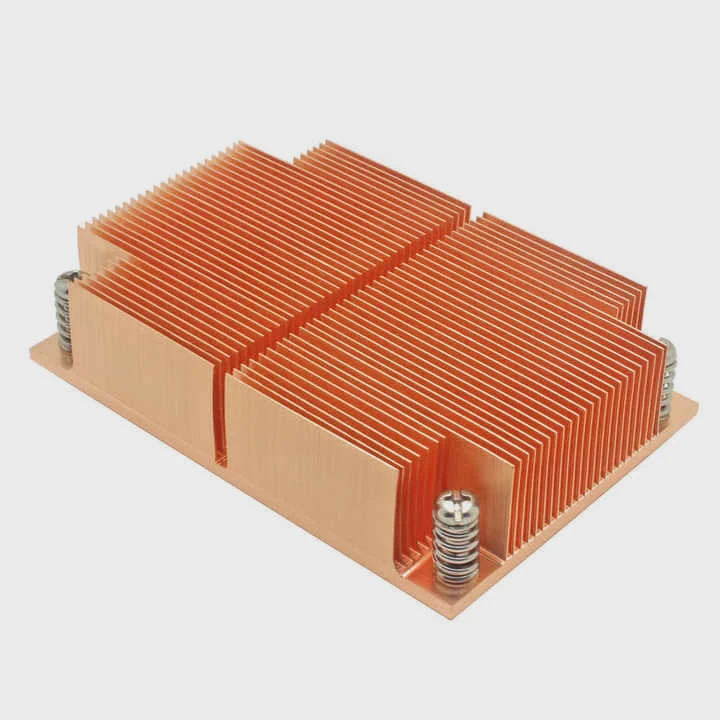
Why paste becomes stiff
Heat cycles inside the console dry the compound. As it loses moisture, it adheres strongly to the CPU surface.
Paste difficulty levels
| Paste Condition | Difficulty |
|---|---|
| Fresh | Low |
| Aged | Medium |
| Fully hardened | High |
A deeper look at hardened paste
The Xbox One runs warm, especially under long gaming sessions. Over time, the paste beneath the heatsink dries. Once hardened, it acts more like brittle clay than soft paste. This hardened layer sticks tightly, making the heatsink resist simple lifting.
Pulling straight upward may stress the CPU or board. Gentle twisting works better. By moving the heatsink in small rotations, the dried layer cracks gradually. This reduces the risk of lifting the processor or flexing the board.
Sometimes warming the console helps. Running it briefly before disassembly softens the paste slightly. This makes separation smoother. Once the heatsink is free, the old paste crumbles easily and must be cleaned fully before new paste is applied.
Understanding paste behavior prevents damage and makes removal safe.
Should cables be disconnected first?
Cables inside the Xbox One run near the heatsink area. Leaving them connected while removing the cooler risks pulling or tearing them.
Cables should be disconnected first because they limit movement, stretch during heatsink lifting, and can break if caught beneath the cooler or shroud.
Why cables interfere
The fan cable, front panel cable, and Wi-Fi module cable sit close to the heatsink path. Any sudden movement may pull them loose.
Cable caution points
| Cable | Risk |
|---|---|
| Fan cable | Tension damage |
| Front panel cable | Tearing |
| Wi-Fi cable | Connector break |
A deeper look at cable safety
Before removing the heatsink, the fan cable must disconnect. The fan often attaches directly to the heatsink shroud. If left connected, lifting the cooler pulls the wire. This may damage the connector or break the solder joint.
The front panel cable sits along the motherboard edge. When lifting the cooling assembly, the cable can snag or catch. A snag creates sudden tension, causing tearing or pulling the connector off the board.
The Wi-Fi cable connects through a delicate plug. Even slight force can break it. Removing it ensures safe movement of the heatsink and fan assembly.
Cables are small but essential. Disconnecting them first prevents silent damage that causes problems later.
Conclusion
Removing the Xbox One heatsink requires careful teardown, proper screw identification, respect for hardened paste, and safe cable disconnection. A slow and steady method protects the console and ensures the heatsink lifts cleanly without damaging the internal components.
TAGS
Latest Articles

Volume discount levels for heat sink orders?
Buyers often ask when heat sink prices start to drop with volume. Many worry they’re overpaying for small orders. This guide explains how B2B volume pricing works for thermal components. Heat sink
21 Dec,2025
Heat sink long-term supply contract options?
Many buyers want stable pricing and reliable delivery for heat sinks. But without a clear contract, risks grow over time. This article explores how to secure better long-term supply deals. Long-term
21 Dec,2025
Tooling cost for new heat sink profiles?
Many engineers struggle to understand why tooling for custom heat sinks costs so much. They worry about budgeting and production timelines. This article breaks down the cost drivers behind tooling.
21 Dec,2025
Heat sink custom sample process steps?
Sometimes, starting a custom heat sink project feels overwhelming—too many steps, too many unknowns, and too many risks. You want a sample, but not endless delays. The process for requesting and
20 Dec,2025
Standard B2B terms for heat sink payments?
When buyers and sellers in B2B heat sink markets talk about payment, many don’t fully understand what’s standard. This can lead to delayed orders, miscommunication, and even lost business
20 Dec,2025
Heat sink pricing factors for large orders?
Heat sinks are vital for many systems. When prices rise, projects stall and budgets break. This problem can hit teams hard without warning. Large order heat sink pricing depends on many factors. You
20 Dec,2025Related Articles
- do you need a ssd heatsink if motherboard has one?
- how to remove gpu heatsink screws?
- what type of heatsink does asus use laptop?
- will an older cpu heatsink fit on a 6700k?
- how to remove cpu heatsink for p5n-d?
- is heatsink necessary?
- does a heatsink need to be plugged in?
- is paste on new heatsink enough?
- Is it hard to install a heatsink to a CPU?
- How to get legendary heatsinks?
- Are gigabyte m.2 heatsinks good?
- do you have to reapply thermal paste after removing heatsink?
Author
Dr. Emily Chen
Chief AI Researcher
Leading expert in thermal dynamics and AI optimization with over 15 years of experience in data center efficiency research.
Categories
Latest Products

M.2 Heatpipe Heatsink With Dual Fans For Pc Case
19 Mar,2026

Heavy-Duty Aluminum Heat Sink Custom
19 Mar,2026

Oem Skived Fin Heatsink Aluminum Radiator For Plants
19 Mar,2026

Water Cooled Cnc Aluminum Heat Sink For Medical
19 Mar,2026

High Density 6000 Series Aluminum Heat Sink Profile
19 Mar,2026

High-Density Extruded Aluminum & Bonded-Fin Heat Sink Profile
19 Mar,2026
Recommend Categories
- Liquid cooling plate Manufacturer
- Industrial Heat Sink Manufacturer
- Standard Heat Sink Manufacturer
- Aluminum Heat Sink Manufacturer
- Copper Heat Sink Manufacturer
- Anodized Heatsink Manufacturer
- Stamping heat sink Manufacturer
- Die Casting Heatsink Manufacturer
- Soldering heat sink Manufacturer
- CNC Parts Manufacturer
Latest Products
- M.2 Heatpipe Heatsink With Dual Fans For Pc Case
- Heavy-Duty Aluminum Heat Sink Custom
- Oem Skived Fin Heatsink Aluminum Radiator For Plants
- Water Cooled Cnc Aluminum Heat Sink For Medical
- High Density 6000 Series Aluminum Heat Sink Profile
- High-Density Extruded Aluminum & Bonded-Fin Heat Sink Profile
- Dongguan Cnc Aluminum Heat Sink For Led & Brass Parts
- Wholesale Cnc Aluminum Heat Sink - Custom Extruded
- Led Cnc Round Heat Sink With Screw Holes
- Copper Pin-Fin Heat-Sink Large-Area For Photoled Cooling
- Telecom Heatsink Zipper Fin Wcopper Tubes Oem
Contact Expert
Have questions about this article? Reach out to our experts directly.