How to Check a Liquid Cooling System?
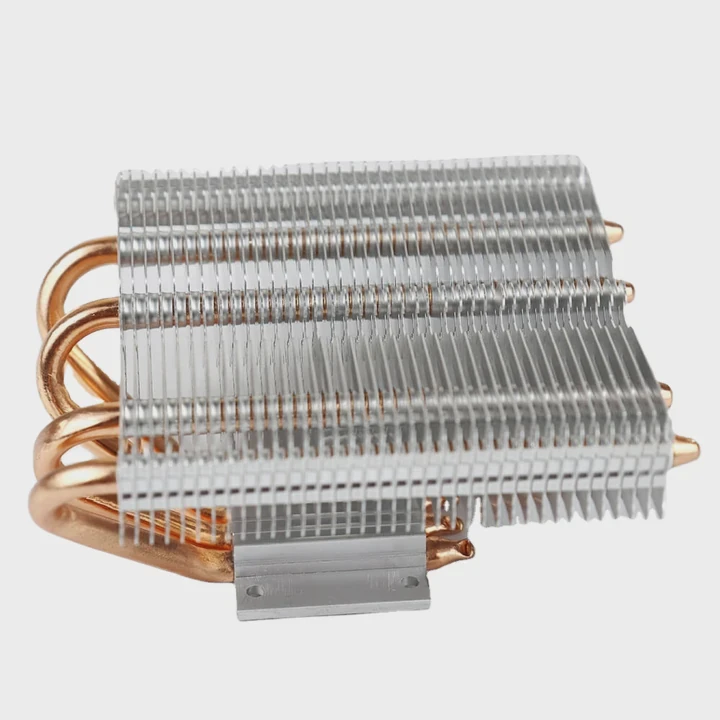
Checking the health of a liquid cooling system might seem complicated, but it’s crucial for maintaining performance and longevity. How do you check it?
To check a liquid cooling system, you need to inspect several components including the coolant level, the coolant flow, and the system’s overall performance. Regular checks can ensure the system operates smoothly and prevent overheating issues.
Understanding how to monitor the system’s operation can help you identify problems early. Let’s dive into how you can check a liquid cooling system.
How to Check a Liquid Cooling System?
It’s important to ensure your liquid cooling system is running efficiently, especially in high-performance devices like gaming computers or smartphones. How do you check it without making things complicated?
Checking a liquid cooling system involves a visual inspection, temperature monitoring, and ensuring the coolant is circulating properly. These steps help identify potential issues early before they affect performance.
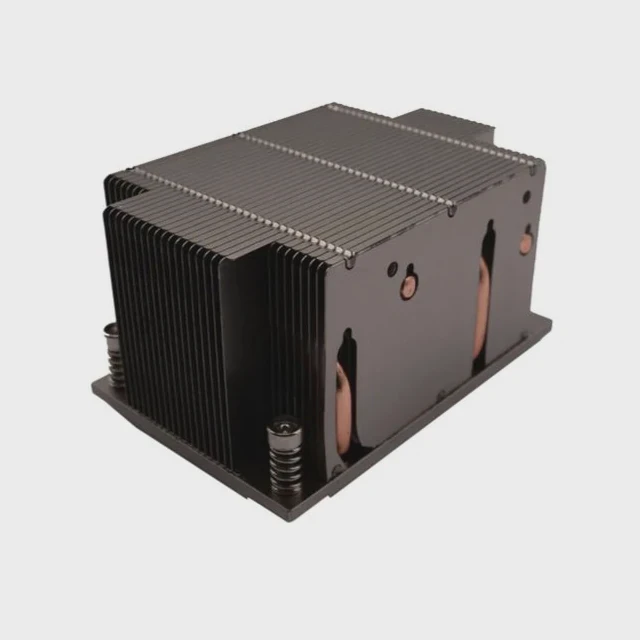
A liquid cooling system in devices like gaming PCs or high-performance smartphones can experience issues that may impact overall performance. Here’s how you can check the system:
Visual Inspection: Check for any visible leaks in the cooling pipes, tanks, or connections. Leaks can lead to coolant loss and reduced cooling efficiency.
Coolant Level: Ensure that the coolant reservoir is at the correct level. Low coolant levels can indicate a leak or evaporation, both of which affect cooling.
Check for Bubbles: Bubbles in the coolant can block flow and reduce cooling efficiency. These bubbles can occur if the system has been exposed to air or if there’s a problem with the pump.
Temperature Monitoring: Use temperature sensors or software to monitor the device’s temperature. If the system is working properly, the temperature should stay within safe limits, especially during heavy use.
Pump Check: Ensure the pump is operating correctly. You can usually hear the pump running, but if it’s silent or producing unusual sounds, there may be a blockage or malfunction.
Checking your cooling system regularly can prevent heat buildup, which can reduce device performance or cause long-term damage.
What Are the Indicators of Normal Operation?
How do you know if your liquid cooling system is working properly?
Normal operation indicators include stable temperatures during heavy use, consistent coolant flow, and the absence of leaks or abnormal sounds from the pump.
When a liquid cooling system is functioning normally, you should observe the following indicators:
Stable Temperature: The device should maintain consistent temperatures, even during heavy use. A well-functioning liquid cooling system prevents overheating and keeps the device at an optimal temperature.
Coolant Flow: The coolant should circulate smoothly through the system. You can check this by observing the flow of coolant in the tubes or reservoir.
No Leaks: There should be no visible coolant leaks. Leaks can reduce the cooling efficiency and lead to hardware damage over time.
Pump Sound: A functioning pump typically makes a soft, consistent sound. If the sound is irregular or there’s no sound at all, the pump might be malfunctioning.
No Blockages: The coolant should flow freely through the system. Blockages or obstructions can hinder the flow, leading to inefficient cooling.
When these indicators are present, your liquid cooling system is most likely working as intended.
Why Regular Inspection is Important?
Why is it necessary to inspect your liquid cooling system on a regular basis?
Regular inspection is essential to ensure the cooling system functions correctly, preventing overheating, hardware damage, and reduced performance. Early detection of problems like leaks or coolant loss can save you from expensive repairs.
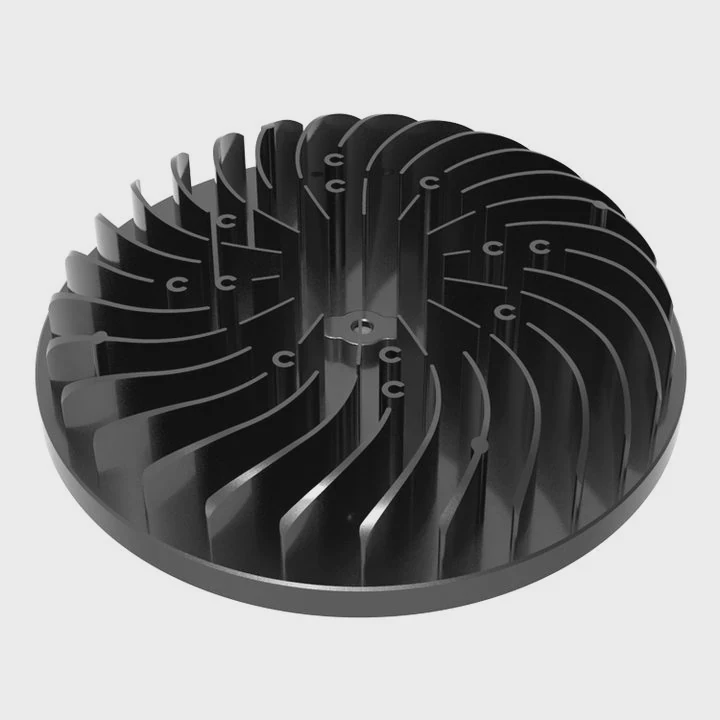
Regular inspection of your liquid cooling system can help catch problems before they become major issues. Here are some reasons why it’s important:
Prevent Overheating: Without regular checks, the system might not cool the device efficiently, leading to overheating. Overheating can cause your device to slow down or even suffer permanent damage.
Maintain Performance: A well-maintained cooling system ensures that your device performs at its peak. Regular checks can help maintain consistent performance, even under heavy workloads.
Increase Lifespan: Keeping the system in good condition prevents early wear and tear on the cooling components, extending the overall lifespan of your device.
Detect Leaks Early: Leaks can significantly impact the cooling performance. Regular checks help catch leaks early, preventing them from causing damage to other components.
By inspecting your liquid cooling system regularly, you ensure that it operates at full efficiency, which is especially important in high-performance devices.
How to Test Coolant Flow and Temperature?
How can you test coolant flow and the temperature of your liquid cooling system?
Testing coolant flow and temperature involves using diagnostic tools or software to monitor flow rate and device temperature, ensuring everything is working as expected.
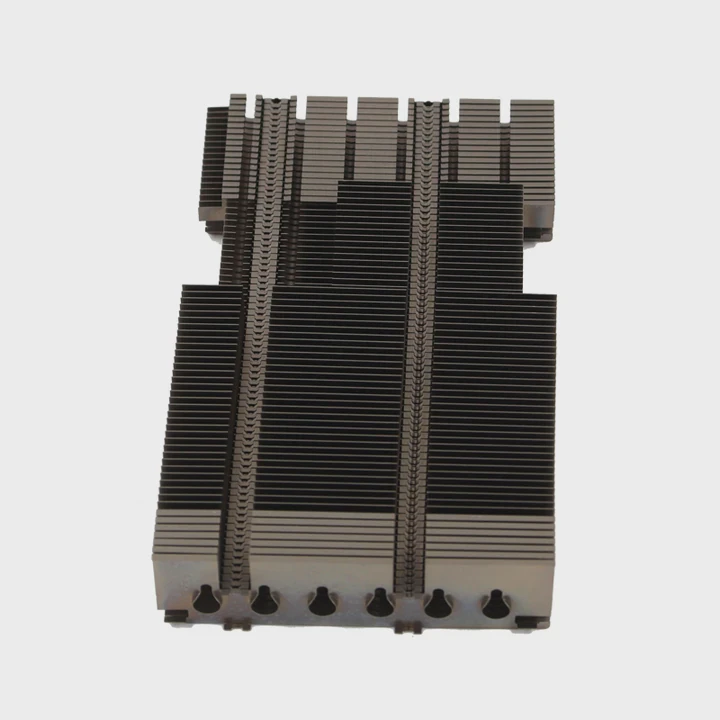
To test the coolant flow and temperature of your liquid cooling system, follow these steps:
Testing Coolant Flow:
Check Flow Visually: If your system has transparent pipes or tubes, observe the flow of the coolant. You should see a steady stream without air bubbles or interruptions. Bubbles can block the flow and reduce cooling efficiency.
Use Flow Meters: Some liquid cooling systems come with flow meters that display the flow rate. A drop in flow rate can indicate a blockage, pump failure, or other issues.
Pump Sound: Listen for the sound of the pump. If you don’t hear it running or if the sound changes, it may be a sign that the pump isn’t working properly, which could affect coolant circulation.
Testing Temperature:
Software Monitoring: Many devices, especially PCs, offer software to monitor internal temperatures. Make sure the temperature stays within a safe range, usually under 85°C for most systems under load.
Hardware Monitoring: Some systems come with built-in sensors to track temperature in real-time. Use these sensors to monitor the device’s performance during heavy use.
Check After Use: After a gaming session or intense work, check the temperature of your device. It should gradually return to normal levels after cooling down.
If either the coolant flow or temperature readings are outside normal ranges, there may be an issue with the system that requires attention.
What Are the Developments in Smart Monitoring?
How are new technologies enhancing liquid cooling systems?
Smart monitoring technologies, such as AI-driven temperature management and real-time diagnostics, are improving the efficiency and longevity of liquid cooling systems. These innovations help optimize cooling based on real-time conditions.

Recent developments in smart monitoring for liquid cooling systems are making them more efficient and user-friendly. Some of these innovations include:
1. AI-Based Thermal Management
AI is being used to manage thermal systems by adjusting the cooling output based on real-time data. For example, AI can detect when the system is under heavy use (like gaming) and increase the cooling intensity, then reduce it during lighter tasks to save energy.
2. Real-Time Data and Alerts
Smart cooling systems can send real-time temperature and flow data to the user, alerting them if temperatures exceed safe limits or if there are any issues with coolant flow. This helps users react promptly before any damage occurs.
3. Integration with Other Smart Systems
Modern cooling systems are now integrating with other smart home or office devices. For example, the cooling system might be connected to a central hub that monitors overall system health, allowing users to check status remotely or even make adjustments.
4. Self-Diagnosing Systems
Some advanced systems now include self-diagnosing features, which can alert you about potential problems before they cause any performance issues. This includes detecting issues like coolant leaks, pump failure, or blockages.
These innovations make it easier than ever to maintain and monitor the health of liquid cooling systems, ensuring they remain efficient for longer periods.
Conclusion
Regularly checking and monitoring your liquid cooling system is crucial to maintaining performance and preventing overheating. With advancements in smart monitoring, managing these systems has become easier, offering greater peace of mind.
Word count: 1,570
TAGS
Latest Articles

Volume discount levels for heat sink orders?
Buyers often ask when heat sink prices start to drop with volume. Many worry they’re overpaying for small orders. This guide explains how B2B volume pricing works for thermal components. Heat sink
21 Dec,2025
Heat sink long-term supply contract options?
Many buyers want stable pricing and reliable delivery for heat sinks. But without a clear contract, risks grow over time. This article explores how to secure better long-term supply deals. Long-term
21 Dec,2025
Tooling cost for new heat sink profiles?
Many engineers struggle to understand why tooling for custom heat sinks costs so much. They worry about budgeting and production timelines. This article breaks down the cost drivers behind tooling.
21 Dec,2025
Heat sink custom sample process steps?
Sometimes, starting a custom heat sink project feels overwhelming—too many steps, too many unknowns, and too many risks. You want a sample, but not endless delays. The process for requesting and
20 Dec,2025
Standard B2B terms for heat sink payments?
When buyers and sellers in B2B heat sink markets talk about payment, many don’t fully understand what’s standard. This can lead to delayed orders, miscommunication, and even lost business
20 Dec,2025
Heat sink pricing factors for large orders?
Heat sinks are vital for many systems. When prices rise, projects stall and budgets break. This problem can hit teams hard without warning. Large order heat sink pricing depends on many factors. You
20 Dec,2025Related Articles
- Which Phone Has a Liquid Cooling System?
- Is Alienware Liquid Cooling Worth It?
- How to Screw in a Processor Liquid Cooler?
- Why is a Liquid-Cooled System Pressurized?
- What is Mobile Liquid Cooling?
- Are Liquid-Cooled Computers Better?
- Which Liquid Cools the Fastest?
- How Does a Liquid-Cooled Engine Work?
- What is Liquid Cooled?
- Does Liquid Cooling Evaporate?
- How Tight to Tighten Liquid Cooler on CPU?
- Does RTX 3080 Need Liquid Cooling?
Author
Dr. Emily Chen
Chief AI Researcher
Leading expert in thermal dynamics and AI optimization with over 15 years of experience in data center efficiency research.
Categories
Latest Products






Recommend Categories
- Liquid cooling plate Manufacturer
- Industrial Heat Sink Manufacturer
- Standard Heat Sink Manufacturer
- Aluminum Heat Sink Manufacturer
- Copper Heat Sink Manufacturer
- Anodized Heatsink Manufacturer
- Stamping heat sink Manufacturer
- Die Casting Heatsink Manufacturer
- Soldering heat sink Manufacturer
- CNC Parts Manufacturer
Latest Products
- Wholesale Aluminum Radiator
- Water Cooling Plate Kit
- Water Cooling Heat Sink
- Water Cooling Heat Sink Kit
- Stainless Steel Water Distributor
- Server Water Cooling Plate Kit
- Server Liquid Cooling System
- Server Aluminum Cooling Kit
- S19 Full Cover Cooling Plate
- S19 Cooling Plate Kit
- S19 Aluminum Cooling Plate
Contact Expert
Have questions about this article? Reach out to our experts directly.