What Is a Liquid Cooling System for a Computer?
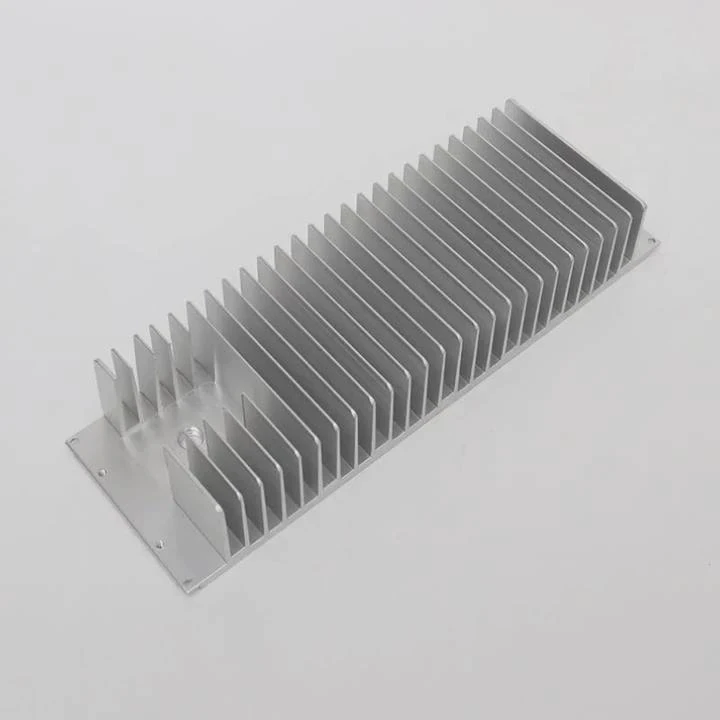
A liquid cooling system sounds high-tech, but many users still wonder what it really does and why gamers and engineers prefer it over fans.
A liquid cooling system uses liquid—usually a water-based coolant—to transfer heat away from critical components like the CPU or GPU, keeping them cooler and quieter than air cooling.
Instead of relying only on airflow, the liquid absorbs and carries heat through tubes to a radiator, where fans push it out. This method efficiently handles high-performance CPUs and GPUs that generate more heat than traditional air coolers can manage.
How Does Computer Liquid Cooling Work?
Most people know liquid cooling keeps computers cool, but few understand how the process actually works inside the case.
Liquid cooling works by circulating a coolant through a closed loop that moves heat from components to a radiator, where it is dissipated by fans into the air.
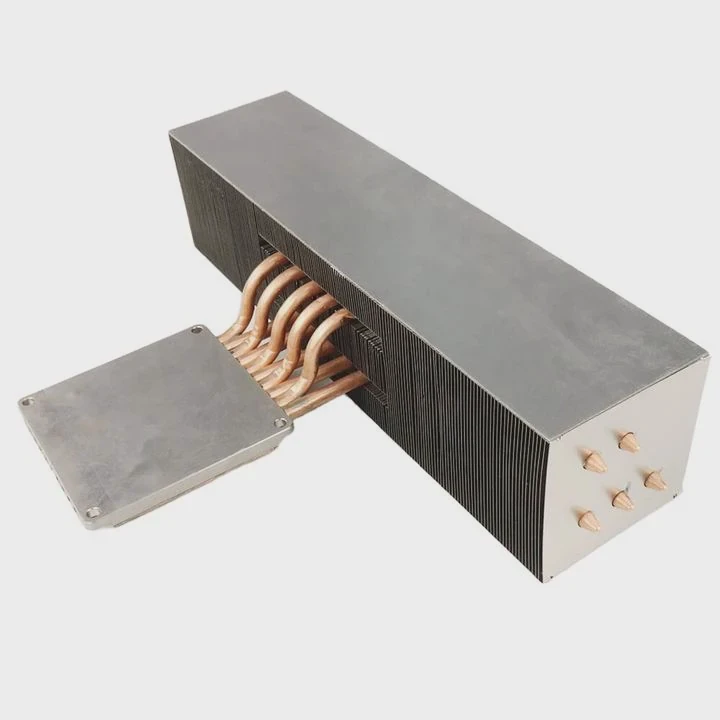
Here’s how the process flows step by step:
- Water Block: The liquid starts at the water block, which sits directly on the CPU or GPU. It absorbs heat from the chip.
- Pump: The pump pushes the heated coolant through tubing toward the radiator.
- Radiator: Inside the radiator, fans blow air through thin metal fins, cooling the liquid.
- Reservoir (optional): Some systems include a small tank that holds extra coolant and helps remove air bubbles.
- Return Flow: The cooled liquid cycles back to the block, repeating the process.
Basic Components of a Liquid Cooling System
| Component | Function | Material | Common Type |
|---|---|---|---|
| Water Block | Absorbs heat from CPU/GPU | Copper or Aluminum | CPU block / GPU block |
| Pump | Moves coolant through the loop | Plastic/Metal | Integrated or standalone |
| Radiator | Releases heat to air | Aluminum | 120mm, 240mm, 360mm |
| Tubing | Connects components | Rubber or PETG | Flexible / rigid |
| Coolant | Transfers heat | Water-based | Pre-mixed or custom blend |
This continuous circulation keeps the temperature steady even when running demanding applications or games for long periods.
What Are Its Performance Advantages?
Many PC enthusiasts switch to liquid cooling for a reason—it performs better under stress and offers more control.
The performance advantages of liquid cooling include lower temperatures, quieter operation, better overclocking stability, and improved hardware lifespan.
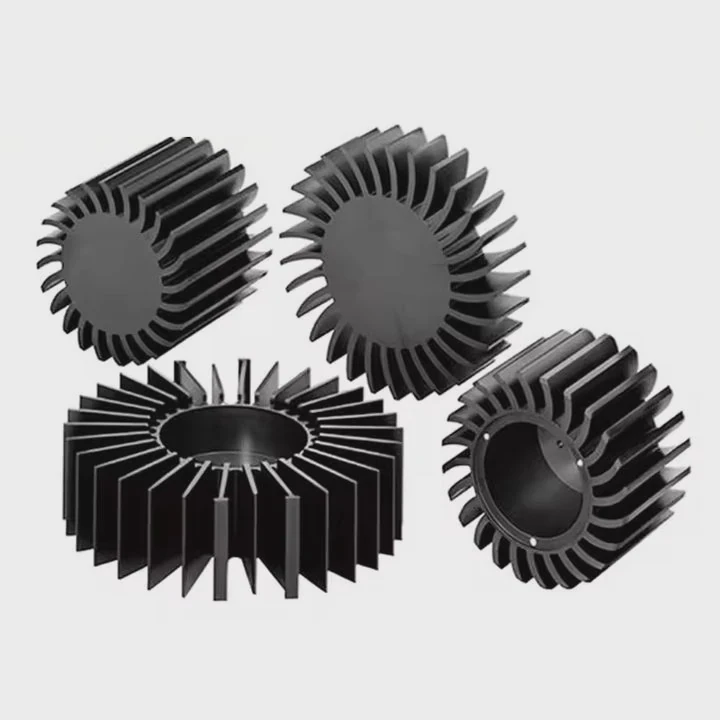
When your CPU or GPU runs cooler, it can sustain higher boost speeds longer without thermal throttling. This means smoother frame rates in gaming, faster rendering, and more stable multitasking. Liquid cooling also eliminates the noise of large air coolers spinning at high speeds.
Key Performance Benefits
| Advantage | Description |
|---|---|
| Lower temperatures | Maintains stable CPU/GPU temps even under heavy load |
| Silent operation | Fans run slower since heat is efficiently removed |
| Overclocking potential | Allows CPUs and GPUs to reach higher frequencies |
| Longer component life | Prevents overheating and premature wear |
| Better aesthetics | Adds a clean, futuristic look to your PC build |
When I installed my first liquid cooler, I noticed an immediate 15°C drop in CPU temperatures. The fan noise dropped sharply, and I could overclock without worrying about system crashes.
How to Install and Maintain It Properly?
Installing a liquid cooler may sound complex, but it’s manageable with basic tools and careful attention.
To install a liquid cooling system, mount the radiator and fans, attach the pump and water block to the CPU, connect tubes, and ensure power cables are properly routed. Regular maintenance keeps it efficient.
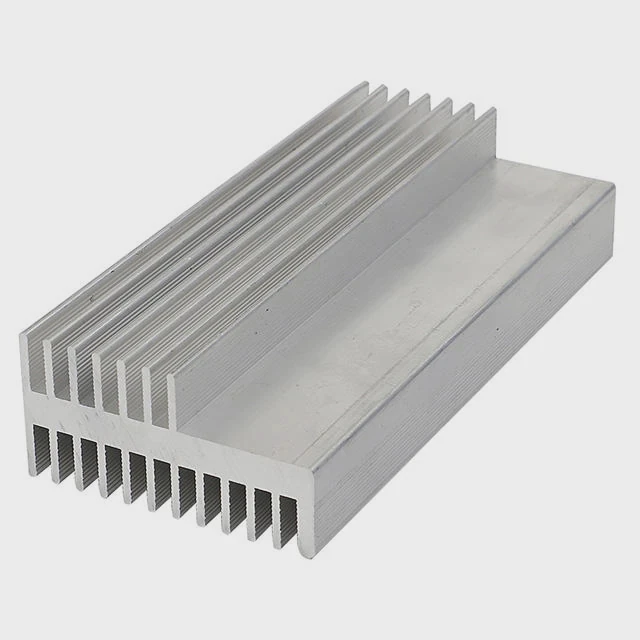
Before you begin, check compatibility with your motherboard and case. Most all-in-one (AIO) liquid coolers come pre-filled and sealed, so they require no refilling or advanced setup. Custom loops, however, involve manual assembly and coolant filling.
Step-by-Step Installation
- Prepare the CPU socket: Clean old thermal paste using isopropyl alcohol.
- Attach the backplate: Secure the cooler’s mounting plate to the motherboard.
- Apply thermal paste: Add a pea-sized drop to the CPU center.
- Mount the water block: Place it firmly over the CPU and screw it evenly.
- Install the radiator: Mount it on the top or front panel with the fans oriented for exhaust.
- Connect pump power: Plug into the CPU fan or dedicated pump header.
- Test the system: Power on and monitor temperature stability.
Maintenance Tips
- Clean Radiator Fans: Every few months, remove dust using compressed air.
- Check for Leaks: Inspect tubing and joints for moisture or discoloration.
- Replace Coolant (custom loops): Every 6–12 months, drain and refill with fresh coolant.
- Monitor Pump Speed: Ensure it’s running smoothly through BIOS or software tools.
With proper care, a liquid cooling setup can last for years without performance degradation.
What Are the Latest Innovations in PC Cooling?
Cooling technology has advanced rapidly, transforming from simple fans to smart, AI-driven thermal systems.
The latest innovations in PC cooling include AI-controlled fan systems, modular liquid cooling kits, phase-change cooling, and eco-friendly non-conductive coolants.
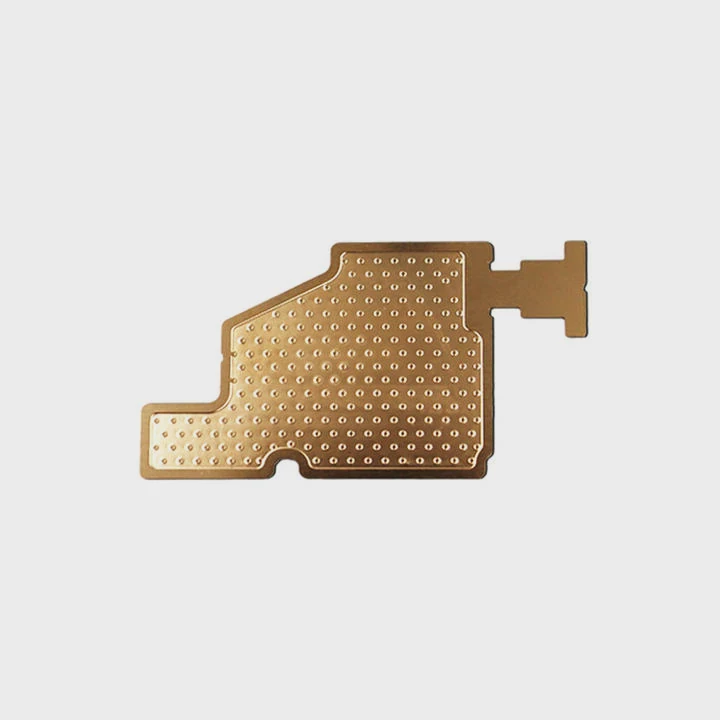
Manufacturers now design coolers with real-time thermal sensors that automatically adjust fan speed and pump pressure. This ensures efficient cooling without constant manual tuning.
Top Innovations in Modern Cooling
1. AI Thermal Management
Modern systems use AI algorithms to monitor component temperatures and dynamically adjust fan speeds and coolant flow, optimizing noise and temperature balance.
2. Modular AIO Coolers
These allow users to expand or replace parts like radiators or pumps without rebuilding the whole loop, reducing upgrade costs.
3. Phase-Change Cooling
This advanced method uses refrigerant fluids that evaporate and condense to absorb heat, similar to a mini refrigeration system.
4. Graphene-Coated Radiators
Some brands now coat radiator fins with graphene to improve thermal conductivity while reducing corrosion and extending lifespan.
5. Eco-Friendly Coolants
New non-toxic, biodegradable coolants are replacing glycol-based fluids, maintaining the same cooling efficiency but with less environmental impact.
6. Compact and Silent Pumps
Next-gen pumps now feature ceramic bearings and vibration dampers, making them nearly silent while improving reliability.
These innovations mark a shift toward smarter, greener, and more modular designs that make liquid cooling more accessible and reliable than ever before.
Conclusion
Liquid cooling systems redefine how we manage heat in modern PCs. By using a closed-loop system that moves heat away from the core, they deliver better performance, lower noise, and longer hardware life—while staying at the cutting edge of innovation.
TAGS
Latest Articles

Volume discount levels for heat sink orders?
Buyers often ask when heat sink prices start to drop with volume. Many worry they’re overpaying for small orders. This guide explains how B2B volume pricing works for thermal components. Heat sink
21 Dec,2025
Heat sink long-term supply contract options?
Many buyers want stable pricing and reliable delivery for heat sinks. But without a clear contract, risks grow over time. This article explores how to secure better long-term supply deals. Long-term
21 Dec,2025
Tooling cost for new heat sink profiles?
Many engineers struggle to understand why tooling for custom heat sinks costs so much. They worry about budgeting and production timelines. This article breaks down the cost drivers behind tooling.
21 Dec,2025
Heat sink custom sample process steps?
Sometimes, starting a custom heat sink project feels overwhelming—too many steps, too many unknowns, and too many risks. You want a sample, but not endless delays. The process for requesting and
20 Dec,2025
Standard B2B terms for heat sink payments?
When buyers and sellers in B2B heat sink markets talk about payment, many don’t fully understand what’s standard. This can lead to delayed orders, miscommunication, and even lost business
20 Dec,2025
Heat sink pricing factors for large orders?
Heat sinks are vital for many systems. When prices rise, projects stall and budgets break. This problem can hit teams hard without warning. Large order heat sink pricing depends on many factors. You
20 Dec,2025Related Articles
- Does RTX 3090 need liquid cooling?
- Why does a liquid cool down when it evaporates?
- How to transition from air to liquid cooling?
- How to check if liquid cooling pump is working?
- Why is liquid cooling bad?
- How to liquid cool a PS3?
- Is the Royal Enfield Super Meteor 650 Liquid Cooled?
- What is Liquid Cooling System in Mobile Devices?
- Are Liquid-Cooled Computers Better?
- What is Mobile Liquid Cooling?
- Why is a Liquid-Cooled System Pressurized?
- How to Screw in a Processor Liquid Cooler?
Author
Dr. Emily Chen
Chief AI Researcher
Leading expert in thermal dynamics and AI optimization with over 15 years of experience in data center efficiency research.
Categories
Latest Products






Recommend Categories
- Liquid cooling plate Manufacturer
- Industrial Heat Sink Manufacturer
- Standard Heat Sink Manufacturer
- Aluminum Heat Sink Manufacturer
- Copper Heat Sink Manufacturer
- Anodized Heatsink Manufacturer
- Stamping heat sink Manufacturer
- Die Casting Heatsink Manufacturer
- Soldering heat sink Manufacturer
- CNC Parts Manufacturer
Latest Products
- Wholesale Aluminum Radiator
- Water Cooling Plate Kit
- Water Cooling Heat Sink
- Water Cooling Heat Sink Kit
- Stainless Steel Water Distributor
- Server Water Cooling Plate Kit
- Server Liquid Cooling System
- Server Aluminum Cooling Kit
- S19 Full Cover Cooling Plate
- S19 Cooling Plate Kit
- S19 Aluminum Cooling Plate
Contact Expert
Have questions about this article? Reach out to our experts directly.