How to transition from air to liquid cooling?
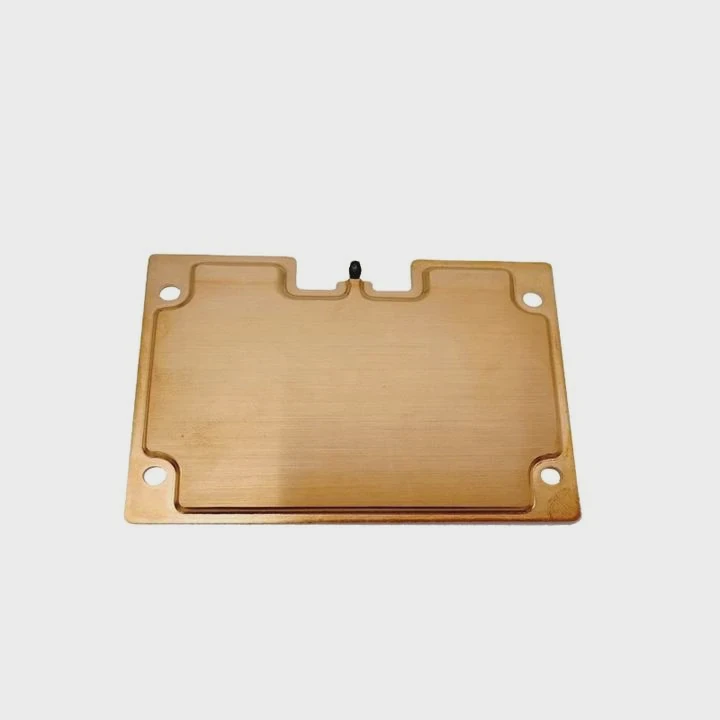
When I first built my gaming PC, I started with air cooling. It was simple and easy to install. But as I pushed my CPU and GPU harder, temperatures rose fast. I knew it was time for something better.
Transitioning from air to liquid cooling means replacing air-based heatsinks with a water or coolant-based system to achieve better heat dissipation and quieter performance.
Moving to liquid cooling is not as difficult as it sounds. With the right plan, you can upgrade your system smoothly while keeping your components safe.
What are the differences between air and liquid cooling?
Air and liquid cooling both aim to remove heat from your CPU or GPU, but they work in very different ways.
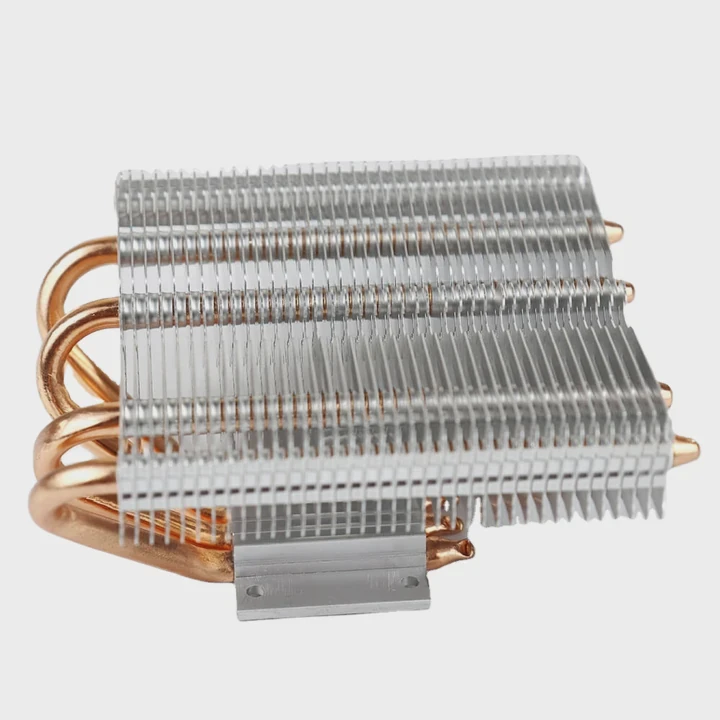
Air cooling uses metal heatsinks and fans to move heat away from components, while liquid cooling uses water blocks and pumps to transfer heat more efficiently.
Key differences
| Feature | Air Cooling | Liquid Cooling |
|---|---|---|
| Cooling Medium | Air | Liquid (coolant) |
| Heat Transfer Method | Convection | Conduction + Circulation |
| Noise Level | Moderate | Low |
| Maintenance | Minimal | Occasional refill/check |
| Installation Complexity | Easy | Moderate to complex |
| Aesthetics | Basic | Customizable |
| Performance | Adequate for most CPUs | Best for high-performance CPUs/GPUs |
Understanding how each system works
Air cooling relies on a heatsink that absorbs heat from the processor. A fan pushes air through the fins to cool it down. The system depends on ambient air temperature — if the room is hot, the PC runs hotter too.
Liquid cooling, however, uses a loop filled with coolant. The heat moves from the CPU to the water block, then through tubes to a radiator, where fans dissipate the heat. This method removes heat faster and more evenly.
When to consider liquid cooling
If your PC runs heavy workloads — like gaming, video rendering, or AI modeling — air cooling may not be enough. Liquid cooling becomes ideal when:
- You want lower temperatures.
- You need quiet performance.
- You plan to overclock your CPU or GPU.
- You prefer a clean or aesthetic PC build.
My own upgrade reason
I switched to liquid cooling because my CPU fan was loud, and performance dropped under heavy load. The moment I switched to an AIO (All-in-One) liquid cooler, the difference was clear. Temperatures fell by almost 15°C, and the system became nearly silent.
What are the benefits of switching?
Once you install a liquid cooling system, you’ll notice improvements not only in temperature but also in performance and noise.
The benefits of switching include better cooling performance, reduced fan noise, longer component lifespan, and improved system aesthetics.
Main benefits explained
Better temperature control
Liquid conducts heat faster than air. This means your CPU and GPU can run cooler, even under heavy load. Cooler parts perform more consistently.Lower noise levels
Since liquid cooling is more efficient, fans don’t have to spin as fast. This makes your PC much quieter — perfect for studios or workspaces.Overclocking potential
If you enjoy pushing your hardware beyond stock settings, liquid cooling helps you reach higher speeds without thermal throttling.Longer component lifespan
Lower temperatures reduce wear on silicon and capacitors, extending the life of your CPU, GPU, and even motherboard.Aesthetic design
Liquid cooling systems, especially custom loops, make PCs look modern and professional. RGB-lit tubes and clear reservoirs add a visual touch.
Example of performance difference
| Test Condition | Air Cooling | Liquid Cooling |
|---|---|---|
| Idle Temperature | 38°C | 30°C |
| Load Temperature | 82°C | 60°C |
| Fan Noise | High | Low |
| CPU Clock Stability | Fluctuates | Stable |
| Overclock Headroom | Limited | Higher |
User experience
After switching, I could play Cyberpunk 2077 at ultra settings without worrying about thermal limits. The CPU ran cooler, and the GPU maintained boost frequencies longer. The quiet hum of the radiator fans replaced the constant roar of my old air cooler.
Real-world reliability
Many think liquid cooling requires constant maintenance, but most AIO units are sealed and last for years without refilling. The only check you need is cleaning dust from the radiator fins occasionally.
How to make the transition step-by-step?
Switching from air to liquid cooling can seem complex, but if you follow the right process, it’s quite straightforward.
To transition from air to liquid cooling, choose your system type, prepare your case, install the radiator, and connect all fittings carefully before powering on.
Step 1: Choose your liquid cooling type
You have two main choices:
- AIO (All-in-One): Prebuilt and sealed. Easy to install, minimal maintenance.
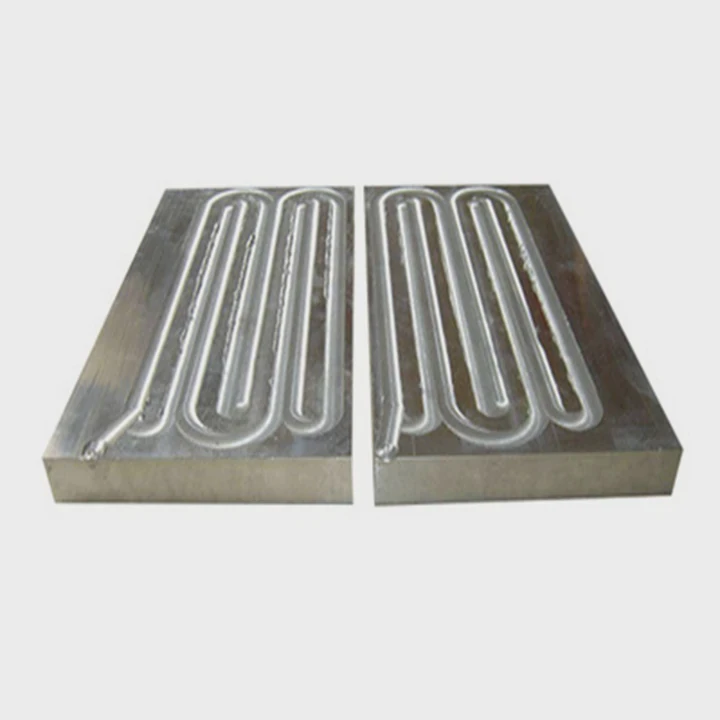
- Custom loop: Fully customizable, includes water blocks, pump, reservoir, and tubes.
If you are new to liquid cooling, start with an AIO system. It provides 80–90% of the performance of a custom loop but requires almost no maintenance.
Step 2: Prepare your PC case
Check your case for radiator compatibility. Most modern cases support 120mm, 240mm, or 360mm radiators. Measure the space at the top or front of your case to make sure the radiator fits.
Step 3: Remove your air cooler
- Power off your PC and unplug it.
- Gently remove the air cooler and clean any thermal paste from the CPU.
- Wipe it clean with isopropyl alcohol for a smooth surface.
Step 4: Install the liquid cooler
- Mount the radiator and fans in the chosen position (front or top).
- Attach the CPU water block using the correct mounting bracket.
- Plug in the pump and fan headers into your motherboard.
Step 5: Apply new thermal paste
Apply a small pea-sized amount of thermal paste to your CPU before installing the water block. This ensures proper thermal contact.
Step 6: Check and cable manage
Make sure all cables are tidy and not blocking airflow. Connect the pump header to a dedicated power source, not a fan splitter.
Step 7: Test and monitor
Turn on your PC and monitor temperatures using software like HWMonitor or NZXT CAM. Check for leaks and listen for unusual sounds. The pump should be quiet and smooth.
Pro tip
If using a custom loop:
- Run a leak test for at least 12 hours before powering components.
- Use non-conductive coolant for added safety.
Step 8: Optimize fan curves
Adjust fan speeds in BIOS or software. Aim for a balance between cooling and noise. You can set fans to ramp up only under heavy load.
Personal result
After following this process, I saw a 22°C drop in load temperatures. My system stayed cool even after hours of gaming. The clean setup made maintenance easier and improved airflow inside the case.
What are the upgrade trends in PC cooling?
Cooling technology is evolving fast, driven by rising CPU and GPU power consumption and the need for compact, silent builds.
The latest PC cooling trends focus on hybrid systems, AI-based fan control, and phase-change solutions for better performance and noise reduction.
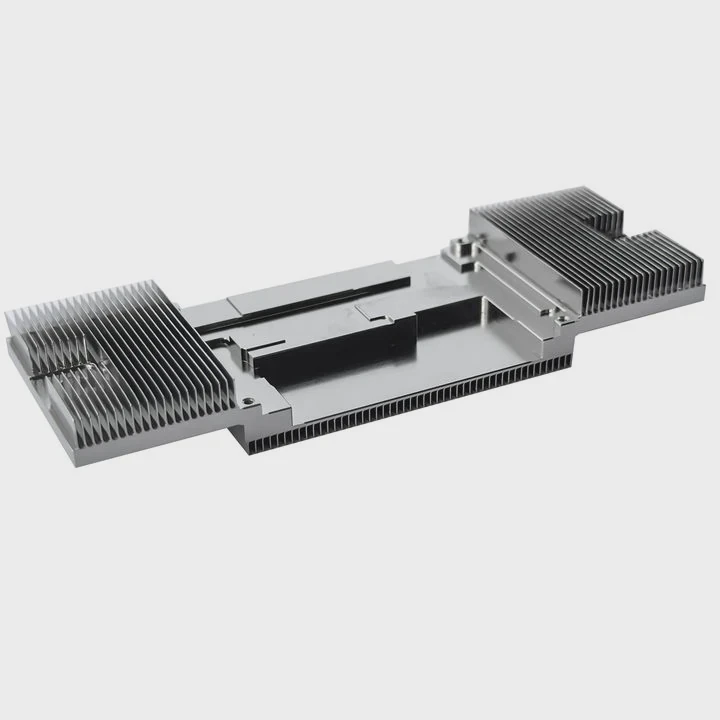
Key upgrade trends
1. Hybrid cooling systems
Modern GPUs and CPUs are starting to use hybrid cooling, combining air and liquid methods. These systems use a small vapor chamber or liquid plate with fans for added airflow.
2. AI-driven cooling control
Smart cooling software now adjusts fan and pump speeds based on workload predictions. ASUS, MSI, and NZXT have integrated adaptive systems that balance performance and noise in real time.
3. Phase-change and vapor chamber cooling
Some high-end systems include phase-change cooling, where coolant evaporates and condenses like in industrial chillers. Vapor chambers are becoming standard in GPUs and high-end laptops.
4. Nanofluid coolants
Coolants with nanoparticles improve thermal conductivity and reduce corrosion inside loops. They are safer and more durable than older coolants.
5. Modular AIO systems
Manufacturers now offer AIO coolers with detachable tubes and refill ports, making them easier to maintain and upgrade.
Cooling performance roadmap
| Year | Innovation | Description |
|---|---|---|
| 2018 | AIO Cooling Popularization | Easier for beginners |
| 2020 | Smart Fan Control | Adaptive fan curves |
| 2022 | Vapor Chamber GPUs | High-end standard |
| 2024 | Hybrid Liquid-Air Systems | Improved compact efficiency |
| 2025+ | Nano-phase Cooling | Merging liquid and vapor tech |
Eco-friendly direction
Sustainability is also shaping cooling design. Some brands now use biodegradable coolants and recyclable materials in radiators and fans. This shift shows how even gaming hardware aligns with environmental goals.
Compact cooling solutions
Small form factor PCs (Mini-ITX) are driving innovation. Manufacturers design slim radiators and compact pumps that still deliver high cooling performance, fitting powerful components into small cases.
My view on the future
The next generation of liquid cooling will likely blend AI control with nano-enhanced fluids. Systems will self-optimize based on ambient temperature and component usage. This means less manual tuning, lower energy waste, and quieter operation.
Conclusion
Transitioning from air to liquid cooling gives any PC builder a major upgrade in performance and silence. It’s no longer just for enthusiasts — AIO systems make it simple for everyone. As cooling technology evolves toward smarter, hybrid, and more sustainable designs, the gap between air and liquid cooling continues to grow, defining the next era of PC hardware innovation.
TAGS
Latest Articles

Volume discount levels for heat sink orders?
Buyers often ask when heat sink prices start to drop with volume. Many worry they’re overpaying for small orders. This guide explains how B2B volume pricing works for thermal components. Heat sink
21 Dec,2025
Heat sink long-term supply contract options?
Many buyers want stable pricing and reliable delivery for heat sinks. But without a clear contract, risks grow over time. This article explores how to secure better long-term supply deals. Long-term
21 Dec,2025
Tooling cost for new heat sink profiles?
Many engineers struggle to understand why tooling for custom heat sinks costs so much. They worry about budgeting and production timelines. This article breaks down the cost drivers behind tooling.
21 Dec,2025
Heat sink custom sample process steps?
Sometimes, starting a custom heat sink project feels overwhelming—too many steps, too many unknowns, and too many risks. You want a sample, but not endless delays. The process for requesting and
20 Dec,2025
Standard B2B terms for heat sink payments?
When buyers and sellers in B2B heat sink markets talk about payment, many don’t fully understand what’s standard. This can lead to delayed orders, miscommunication, and even lost business
20 Dec,2025
Heat sink pricing factors for large orders?
Heat sinks are vital for many systems. When prices rise, projects stall and budgets break. This problem can hit teams hard without warning. Large order heat sink pricing depends on many factors. You
20 Dec,2025Related Articles
- How to check if liquid cooling pump is working?
- Why is liquid cooling bad?
- How to liquid cool a PS3?
- How to set up a liquid cooling CPU?
- What Is the Best Liquid Cooling System?
- How to use liquid nitrogen for cooling?
- Why does a liquid cool down when it evaporates?
- Does RTX 3090 need liquid cooling?
- What Is a Liquid Cooling System for a Computer?
- Is the Royal Enfield Super Meteor 650 Liquid Cooled?
- What is Liquid Cooling System in Mobile Devices?
- Are Liquid-Cooled Computers Better?
Author
Dr. Emily Chen
Chief AI Researcher
Leading expert in thermal dynamics and AI optimization with over 15 years of experience in data center efficiency research.
Categories
Latest Products






Recommend Categories
- Liquid cooling plate Manufacturer
- Industrial Heat Sink Manufacturer
- Standard Heat Sink Manufacturer
- Aluminum Heat Sink Manufacturer
- Copper Heat Sink Manufacturer
- Anodized Heatsink Manufacturer
- Stamping heat sink Manufacturer
- Die Casting Heatsink Manufacturer
- Soldering heat sink Manufacturer
- CNC Parts Manufacturer
Latest Products
- Wholesale Aluminum Radiator
- Water Cooling Plate Kit
- Water Cooling Heat Sink
- Water Cooling Heat Sink Kit
- Stainless Steel Water Distributor
- Server Water Cooling Plate Kit
- Server Liquid Cooling System
- Server Aluminum Cooling Kit
- S19 Full Cover Cooling Plate
- S19 Cooling Plate Kit
- S19 Aluminum Cooling Plate
Contact Expert
Have questions about this article? Reach out to our experts directly.