How to know if liquid cooling is working?
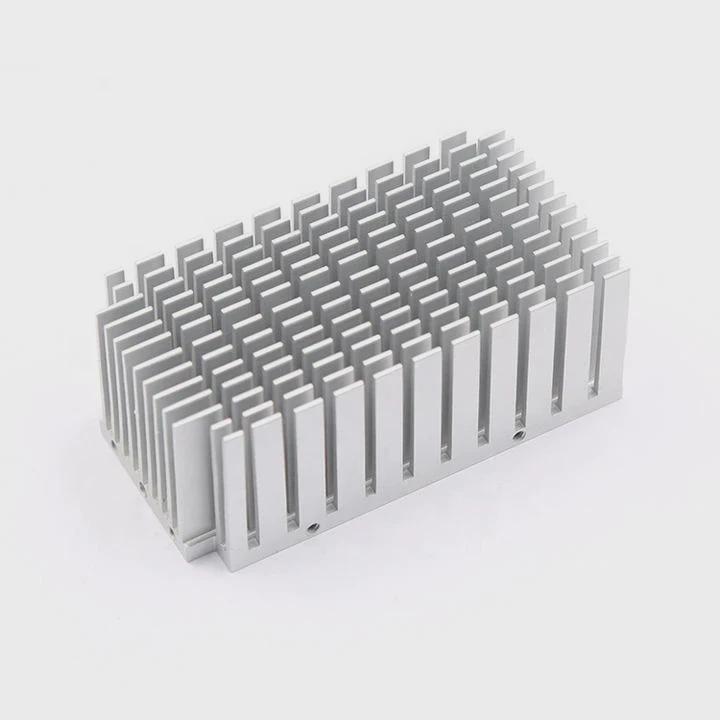
Sometimes, even the best cooling setup can fail quietly, leading to overheating risks. You might not notice until it is too late.
To know if liquid cooling is working, check coolant flow, pump noise, system temperature, and radiator warmth. Each sign helps confirm that the loop runs smoothly and removes heat efficiently.
If your system stays cool and quiet under load, it is a good sign. But if you hear strange noises, see high temperatures, or notice uneven heat, it might be time to inspect the loop more closely.
What are the signs of proper cooling operation?
When a liquid cooling system works properly, it often goes unnoticed. But the small details tell the story.
The signs of proper cooling operation include steady temperature levels, silent pump performance, warm but not hot radiator surfaces, and visible coolant flow without air bubbles.
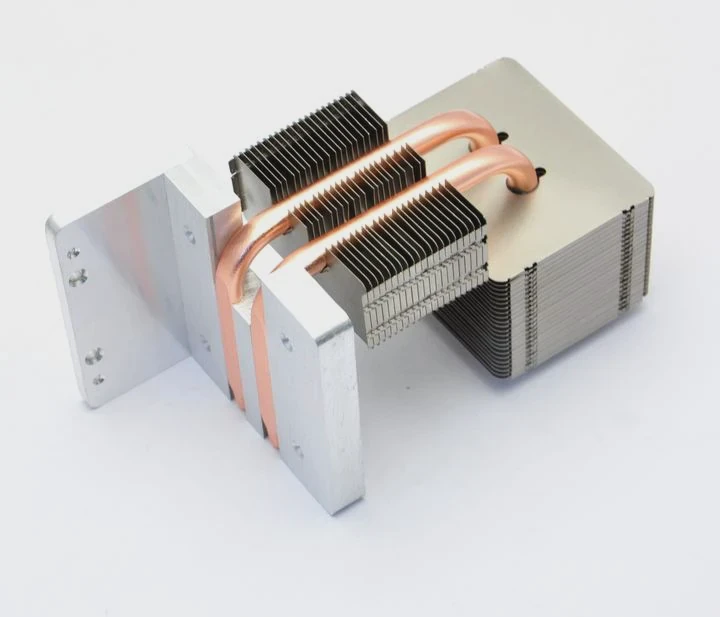
Stable Temperature Pattern
When the liquid cooling is functioning, temperature readings remain stable. For example, during a CPU stress test, the temperature may rise quickly but should level out once the coolant starts circulating. A consistent range—without sudden spikes—indicates effective heat transfer.
Pump Sound and Vibration
A healthy pump emits a faint hum or almost no noise. If you hear grinding, rattling, or clicking, air might be trapped inside, or the impeller could be damaged. Light vibration is acceptable, but excessive shaking shows a problem in the loop.
Radiator Warmth Test
You can gently touch the radiator. It should feel warm, not cold or scorching. Cold means coolant is not reaching it, while very hot could mean poor airflow or pump failure. This simple test helps identify issues quickly.
| Checkpoint | Healthy System | Possible Issue |
|---|---|---|
| CPU Temperature | 30–60°C (idle to load) | Above 80°C |
| Radiator Temperature | Mildly warm | Cold or hot |
| Pump Noise | Low hum | Grinding or rattling |
| Coolant Flow | Smooth | Bubbling or stagnant |
These clues often reveal more than fancy monitoring tools. Regularly checking them helps prevent long-term damage.
Why is monitoring temperature important?
When it comes to cooling, what you cannot see can hurt your system. Overheating can shorten component lifespan without showing instant failure.
Monitoring temperature helps detect cooling failures early, preventing system damage and ensuring stable performance. It allows quick action before critical components overheat.
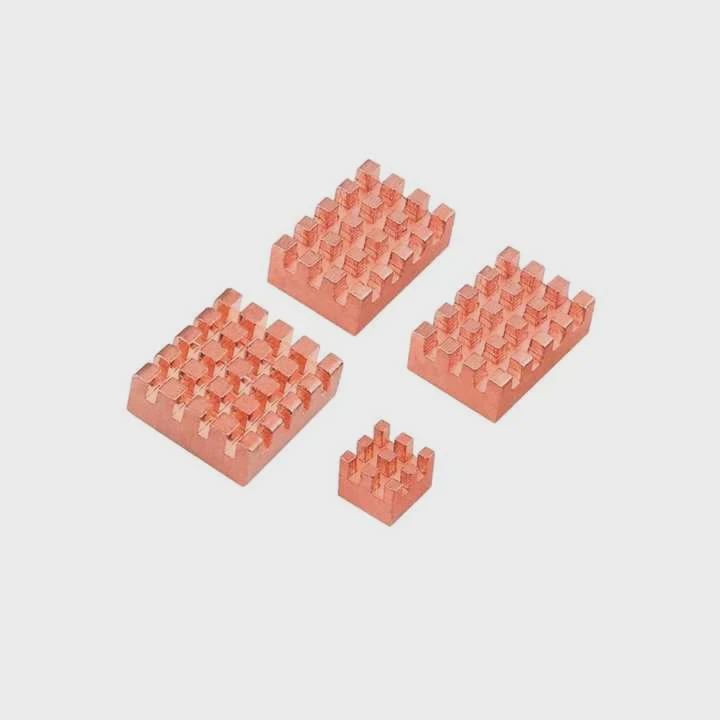
The Link Between Heat and Performance
Every electronic component generates heat. If the heat is not removed quickly, performance drops. CPUs throttle down to protect themselves, GPUs slow rendering, and servers can crash. Temperature monitoring ensures that these parts stay within safe limits.
The Role of Sensors
Modern systems have multiple temperature sensors. They track CPU, GPU, coolant, and ambient temperatures. You can use software like HWMonitor, AIDA64, or BIOS utilities to view live data. When all readings align with the expected range, you can be confident the system is cooling properly.
The Preventive Advantage
Regular monitoring gives you a history of how your system behaves. You can detect slow coolant degradation, dust buildup, or fan failure early. A small temperature increase over weeks often signals the need for maintenance before major issues arise.
| Component | Safe Operating Range | Critical Threshold |
|---|---|---|
| CPU | 30–75°C | 85°C+ |
| GPU | 35–80°C | 90°C+ |
| Coolant | 25–50°C | 60°C+ |
By watching these values regularly, you can extend the life of your system and avoid costly failures.
How to verify coolant circulation?
Sometimes the system appears fine, but the coolant might not be flowing properly inside. Detecting it early can prevent overheating and leaks.
To verify coolant circulation, check the reservoir for fluid motion, feel the tubes for heat difference, and observe radiator temperature balance under load.

Visual Inspection
Start with the reservoir. If your setup has transparent tubing or a sight glass, you should see fluid moving when the pump runs. Bubbles indicate air trapped inside, which reduces efficiency. Clear, steady flow means the loop is healthy.
Tube Temperature Test
Touch the tubes near the pump and radiator. One should feel warmer than the other after a few minutes under load. The warm tube carries heat away from the CPU, while the cool tube returns it. If both are cold, the pump might not be circulating coolant.
Using Software and Sensors
Many pumps connect to the motherboard. Software can show pump RPM. A steady speed signal confirms it is running. If the RPM reads zero or fluctuates abnormally, the pump might be stuck or failing.
Maintenance Insight
Dust or residue inside the loop can restrict flow. Performing a periodic flush and refill every 6–12 months ensures long-term performance. Always use recommended coolant to avoid corrosion or buildup.
In short, smooth flow equals safe cooling. When in doubt, shut down and check before heat causes damage.
What are the trends in smart cooling sensors?
Technology is transforming even the way we keep systems cool. Smart sensors are now key to efficiency and safety.
Smart cooling sensors are moving toward integrated digital control, AI-based monitoring, and real-time diagnostics, enabling automatic adjustments for optimal temperature balance.
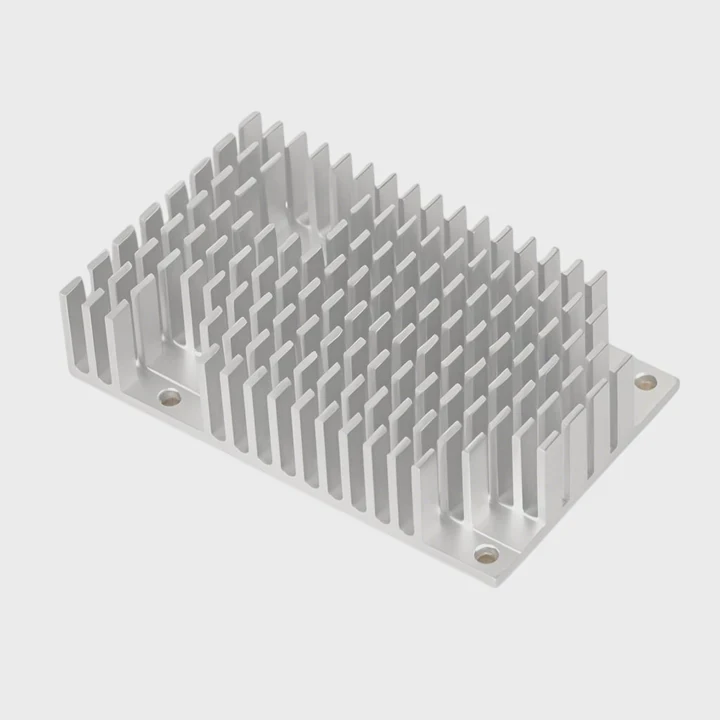
From Basic to Intelligent Systems
Old systems relied only on manual checks. Today’s smart sensors use microcontrollers to monitor and adjust coolant flow automatically. They can change pump speed or fan performance based on temperature readings, improving both noise and efficiency.
Predictive Maintenance
New sensors use pattern recognition to predict potential failures. For instance, if pump speed drops slightly every few hours, the system warns users before a complete breakdown. This predictive feature helps industrial and server applications maintain uptime.
Connectivity and Data Logging
Modern systems now connect through Bluetooth or Wi-Fi. Users can view real-time data on their phones or dashboards. They can set custom alerts when temperature exceeds limits or coolant levels fall below a threshold.
Integration with AI and IoT
AI-driven cooling systems are becoming common in data centers and high-performance computing. They analyze environmental data—humidity, air pressure, and temperature—to optimize liquid flow dynamically. This reduces energy use and increases reliability.
In consumer systems, smart RGB controllers even integrate with sensors, showing coolant temperature through color changes. Blue means cool, red means hot, giving instant visual feedback.
Conclusion
Knowing if liquid cooling works is simple once you understand the signs—steady temperature, smooth flow, and quiet operation. Regular monitoring and smart sensors make it easier to prevent overheating and keep systems safe for the long term.
TAGS
Latest Articles

Volume discount levels for heat sink orders?
Buyers often ask when heat sink prices start to drop with volume. Many worry they’re overpaying for small orders. This guide explains how B2B volume pricing works for thermal components. Heat sink
21 Dec,2025
Heat sink long-term supply contract options?
Many buyers want stable pricing and reliable delivery for heat sinks. But without a clear contract, risks grow over time. This article explores how to secure better long-term supply deals. Long-term
21 Dec,2025
Tooling cost for new heat sink profiles?
Many engineers struggle to understand why tooling for custom heat sinks costs so much. They worry about budgeting and production timelines. This article breaks down the cost drivers behind tooling.
21 Dec,2025
Heat sink custom sample process steps?
Sometimes, starting a custom heat sink project feels overwhelming—too many steps, too many unknowns, and too many risks. You want a sample, but not endless delays. The process for requesting and
20 Dec,2025
Standard B2B terms for heat sink payments?
When buyers and sellers in B2B heat sink markets talk about payment, many don’t fully understand what’s standard. This can lead to delayed orders, miscommunication, and even lost business
20 Dec,2025
Heat sink pricing factors for large orders?
Heat sinks are vital for many systems. When prices rise, projects stall and budgets break. This problem can hit teams hard without warning. Large order heat sink pricing depends on many factors. You
20 Dec,2025Related Articles
- Is liquid cooling high maintenance?
- How to use liquid cooling?
- How to change liquid cooling?
- Is liquid cooling better for CPU?
- Is liquid or air cooling better?
- Which is better, air cooling or liquid cooling?
- What happens to a liquid when it cools?
- How Does a Liquid-Cooled Computer Work?
- Is 120mm Liquid Cooling Enough?
- What is the difference between air cooling and liquid cooling?
- Is liquid cooling good?
- Are liquid-cooled computers quieter?
Author
Dr. Emily Chen
Chief AI Researcher
Leading expert in thermal dynamics and AI optimization with over 15 years of experience in data center efficiency research.
Categories
Latest Products






Recommend Categories
- Liquid cooling plate Manufacturer
- Industrial Heat Sink Manufacturer
- Standard Heat Sink Manufacturer
- Aluminum Heat Sink Manufacturer
- Copper Heat Sink Manufacturer
- Anodized Heatsink Manufacturer
- Stamping heat sink Manufacturer
- Die Casting Heatsink Manufacturer
- Soldering heat sink Manufacturer
- CNC Parts Manufacturer
Latest Products
- Wholesale Aluminum Radiator
- Water Cooling Plate Kit
- Water Cooling Heat Sink
- Water Cooling Heat Sink Kit
- Stainless Steel Water Distributor
- Server Water Cooling Plate Kit
- Server Liquid Cooling System
- Server Aluminum Cooling Kit
- S19 Full Cover Cooling Plate
- S19 Cooling Plate Kit
- S19 Aluminum Cooling Plate
Contact Expert
Have questions about this article? Reach out to our experts directly.