how to remove top mount cpu heatsink?
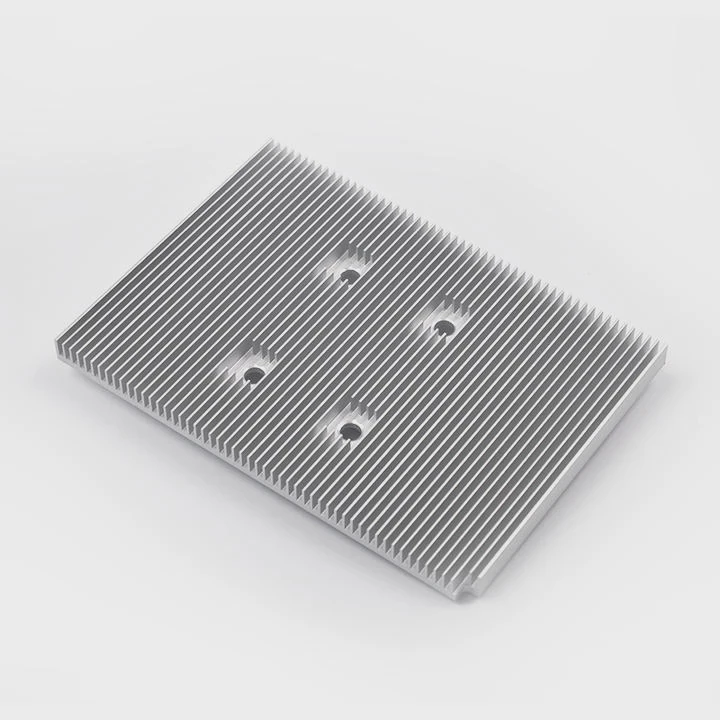
I often remove top-mount CPU heatsinks when I repair old systems. I see tight clips, dry paste, and stiff brackets that make the job hard.
You can remove a top-mount CPU heatsink by releasing its clips, easing tension, loosening in stages, and lifting the unit straight up after breaking the paste bond.
I rely on steady hand control and slow steps. This keeps the board safe. It also prevents socket damage and bent pins during removal.
What clips secure top-mount heatsinks?
I see many clip styles in old and new systems. Some use metal hooks. Some use plastic tabs. Some use a full frame with latches on both sides.
Top-mount heatsinks use metal hooks, plastic tabs, or a locking frame to keep pressure on the CPU. These clips hold the base tight, so heat moves from the chip into the fins.
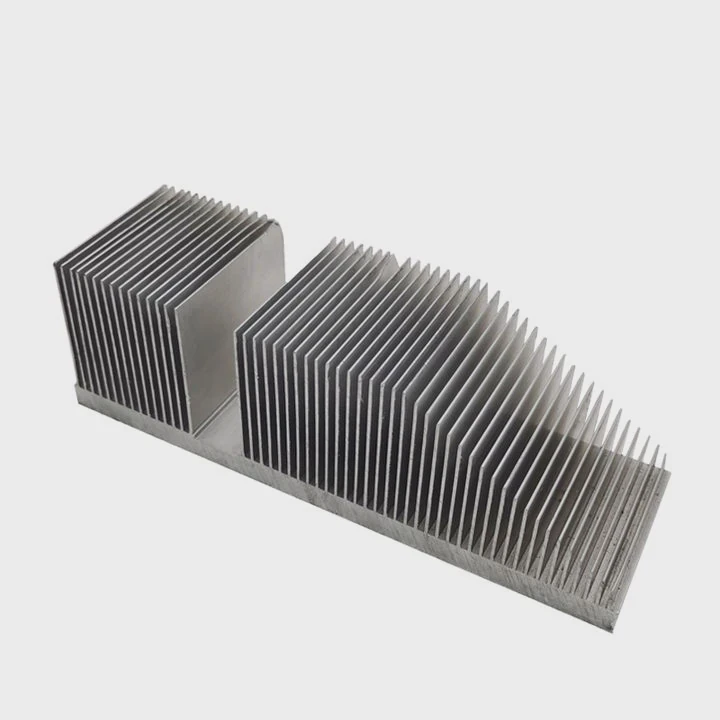
Common clip types
I check the clip type before I start removal. Metal hooks sit on the retention frame. They need a small lift to release. Plastic tabs twist or press down. Latch frames need a small lever to open. I watch for markings on the top surface. They often show the lock and unlock direction.
I always take a close look at the spring arms. These arms add downward force. The spring arms keep the base pushed onto the CPU. This force makes strong thermal contact. When I release the clip, I hold the heatsink with one hand. This stops it from jumping up from sudden force release.
Clip wear and aging
I clean dust around the clip area. Dust makes the clips stiff. I also see plastic that becomes brittle after many heat cycles. I press slowly to avoid breaking it. If the clip snaps, the heatsink becomes loose. This raises the CPU temperature during later use.
Below is a table I use to judge clip behavior:
| Clip type | How to release |
|---|---|
| Metal hook | Lift or push sideways from frame |
| Plastic tab | Press, twist, or lift gently |
| Latch frame | Open lever in shown direction |
Safety steps
I unplug the system. I ground myself to avoid static. I press the heatsink lightly to lower tension before I release clips. This step keeps the force under control. I also check the socket area for cables. Some wires sit too close. I move them away.
These steps make the clip release smooth. They keep the board safe. They also help me prepare for the next removal stage.
Why does tension increase removal difficulty?
I always feel strong tension when I remove a top-mount heatsink. The clip and spring arms push hard. The paste bond also adds resistance.
Tension makes removal hard because the spring force and dried paste hold the heatsink tight to the CPU. This force must be eased carefully to avoid socket damage.
Downward pressure force
I see high downward force in many designs. This force helps heat transfer. It removes air gaps between the CPU and the base plate. But this same force fights removal. I always press down a bit before I lift. This reduces the strain on the clip arms. It also prevents sudden snap-back action.
I use slow movement. Sudden moves bend the board. Some boards flex easily because they are thin. I place one hand under the board if needed. This supports it during clip release.
Paste bond
Dry paste acts like glue. After long use, the paste becomes hard. It sticks the base plate to the CPU. I warm the system for a minute before I shut it down. This softens the paste.
I then twist the heatsink gently. I do not lift yet. Twisting breaks the paste bond. After the bond breaks, the heatsink becomes loose. Only then do I lift the unit straight up. This keeps the CPU safe inside the socket.
Tension and geometry
I watch the angle of the heatsink. If I pull from one side, the force becomes uneven. Uneven force twists the socket. This can damage pins. I lift from the center axis. I hold the heatsink close to the base to reduce leverage.
Tension is not my enemy. It only needs control. When I control the tension, the removal becomes smooth and safe.
Can staged loosening prevent board strain?
I learned to loosen clips in stages after I damaged a board years ago. Sudden release can bend the board or crack traces.
Yes, staged loosening prevents strain because slow and even release spreads the force across the board. This stops flex and keeps sockets and traces safe.
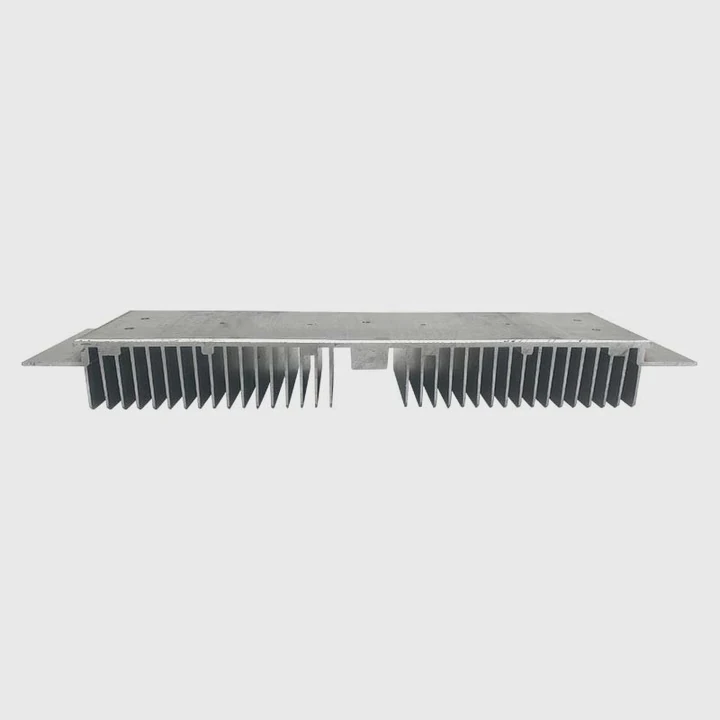
Step-by-step approach
I release tension one side at a time. I do not take off one clip fully before touching the others. I ease each clip until I feel the force drop. Then I return to the first clip. This keeps the tension balanced.
I also check the board for signs of flex. When I see the board bend, I stop. I support the back side with one hand. This gives the board a firm surface. It also stops micro cracks in the solder joints.
Even pressure and slow release
I keep my fingers close to the clip pivot. This gives better control. If the clip jumps, I catch it. I also keep my face away. Some clips jump with force.
Below is a second table that shows staged steps I follow:
| Stage | Action |
|---|---|
| 1 | Ease first clip but do not remove fully |
| 2 | Ease second clip to match tension |
| 3 | Slightly loosen all clips again |
| 4 | Remove each clip in final pass |
Why staged loosening matters
I work with many boards that sit inside packed cases. The board edges are tight. The heatsink may sit near tall capacitors. Staged loosening stops sudden movement that can hit these parts.
I also see many boards with thin copper layers. They tear under stress. When I loosen in stages, the board stays flat. The tension leaves slowly. This keeps the CPU safe and the board stable.
Staged loosening looks slow, but it saves time. It prevents damage. It keeps the removal under control.
Is thermal paste reapplication mandatory?
I always reapply paste after removal. The old paste loses shape once the heatsink lifts. Air enters the gap. Heat transfer becomes weak.
Yes, reapplying thermal paste is mandatory because removing the heatsink breaks the seal. A fresh layer ensures proper heat transfer and prevents overheating.
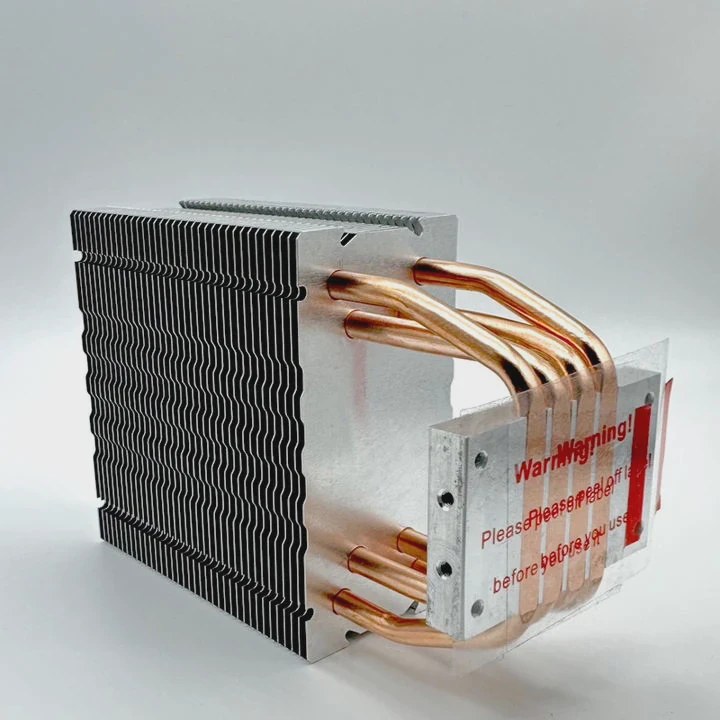
Why new paste is required
Old paste cracks when I lift the heatsink. It cannot return to its old shape. Even if it looks wet, the bond is gone. I clean both surfaces with alcohol. I use a lint-free cloth. I apply a thin, even layer.
Many users put too much paste. A thick layer acts like insulation. I apply only enough to fill small marks. This keeps heat transfer strong. I also check the base plate for old residue. Some base plates have scratches. If the surface looks rough, I add a bit more paste to fill the gaps.
How I apply new paste
I place a small dot in the center. I press the heatsink down evenly. The paste spreads under pressure. I do not lift again. Lifting creates air pockets.
I secure the clips again in stages. I check that the heatsink sits flat. If the heatsink tilts, the paste spreads unevenly. This creates hot spots on the CPU.
Long-term stability
Fresh paste keeps temperatures low. It also prevents early throttling. When clients complain about random shutdown, I often find dry paste as the cause. After reapply, the system becomes stable.
Reapplying paste is simple. It keeps the chip cool. It also extends the life of the system. I never skip this step after removal.
Conclusion
Top-mount CPU heatsink removal becomes safe when I understand clip types, manage tension, loosen in stages, and reapply fresh paste. These steps protect the board and keep the CPU cool after reassembly.
TAGS
Latest Articles

Volume discount levels for heat sink orders?
Buyers often ask when heat sink prices start to drop with volume. Many worry they’re overpaying for small orders. This guide explains how B2B volume pricing works for thermal components. Heat sink
21 Dec,2025
Heat sink long-term supply contract options?
Many buyers want stable pricing and reliable delivery for heat sinks. But without a clear contract, risks grow over time. This article explores how to secure better long-term supply deals. Long-term
21 Dec,2025
Tooling cost for new heat sink profiles?
Many engineers struggle to understand why tooling for custom heat sinks costs so much. They worry about budgeting and production timelines. This article breaks down the cost drivers behind tooling.
21 Dec,2025
Heat sink custom sample process steps?
Sometimes, starting a custom heat sink project feels overwhelming—too many steps, too many unknowns, and too many risks. You want a sample, but not endless delays. The process for requesting and
20 Dec,2025
Standard B2B terms for heat sink payments?
When buyers and sellers in B2B heat sink markets talk about payment, many don’t fully understand what’s standard. This can lead to delayed orders, miscommunication, and even lost business
20 Dec,2025
Heat sink pricing factors for large orders?
Heat sinks are vital for many systems. When prices rise, projects stall and budgets break. This problem can hit teams hard without warning. Large order heat sink pricing depends on many factors. You
20 Dec,2025Related Articles
- how to remove cpu fused to heatsink?
- how well do heatsink style coolers work?
- does the wd sn850x need a heatsink?
- How do heatsinks work Elite Dangerous?
- do you need raspberry pi heatsinks?
- Are M.2 heatsinks necessary?
- How to TO-220 heatsink bolt?
- how to remove 2010 mac pro heatsink?
- What direction does the blow Intel heatsink E97381?
- does your ssd need a heatsink?
- where to find double heatsinks battletech?
- How to connect a heatsink to 7805 regulator?
Author
Dr. Emily Chen
Chief AI Researcher
Leading expert in thermal dynamics and AI optimization with over 15 years of experience in data center efficiency research.
Categories
Latest Products






Recommend Categories
- Liquid cooling plate Manufacturer
- Industrial Heat Sink Manufacturer
- Standard Heat Sink Manufacturer
- Aluminum Heat Sink Manufacturer
- Copper Heat Sink Manufacturer
- Anodized Heatsink Manufacturer
- Stamping heat sink Manufacturer
- Die Casting Heatsink Manufacturer
- Soldering heat sink Manufacturer
- CNC Parts Manufacturer
Latest Products
- Wholesale Aluminum Radiator
- Water Cooling Plate Kit
- Water Cooling Heat Sink
- Water Cooling Heat Sink Kit
- Stainless Steel Water Distributor
- Server Water Cooling Plate Kit
- Server Liquid Cooling System
- Server Aluminum Cooling Kit
- S19 Full Cover Cooling Plate
- S19 Cooling Plate Kit
- S19 Aluminum Cooling Plate
Contact Expert
Have questions about this article? Reach out to our experts directly.