how to choose a heatsink for cpu?
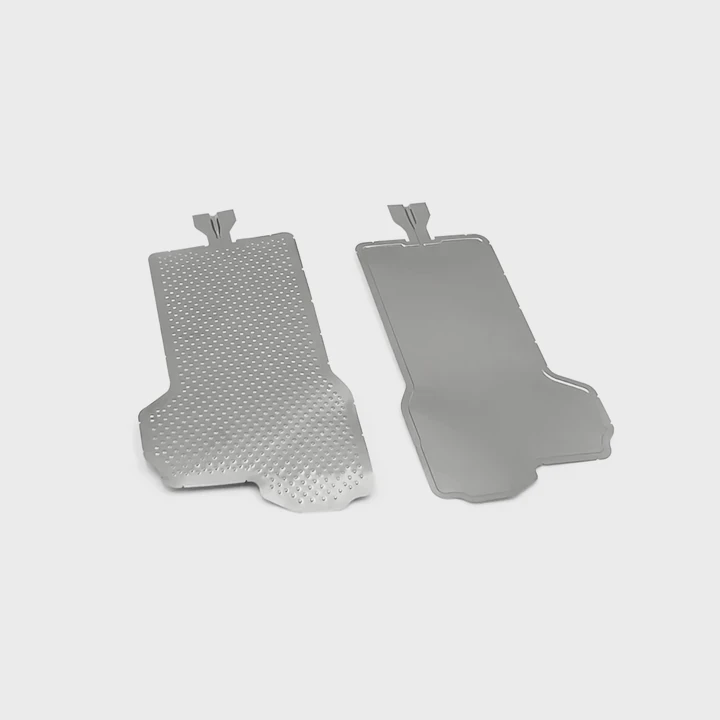
Choosing a CPU heatsink seems simple, but the wrong choice can lead to overheating, unstable performance, or loud noise.
You choose a CPU heatsink by matching its TDP rating to the processor, checking design for airflow, ensuring the base size fits the CPU, and selecting materials that move heat effectively.
I have seen many systems run hot only because the cooler did not match the CPU load. A clear approach removes guesswork and prevents thermal problems.
Why TDP rating matters?
Most people look at size or price first, but the thermal capacity is the true limit. A cooler without enough capacity cannot protect the CPU under heavy load.
The TDP rating matters because it tells you how much heat the heatsink can remove. A cooler with lower TDP than the CPU will throttle, overheat, or cause system instability.
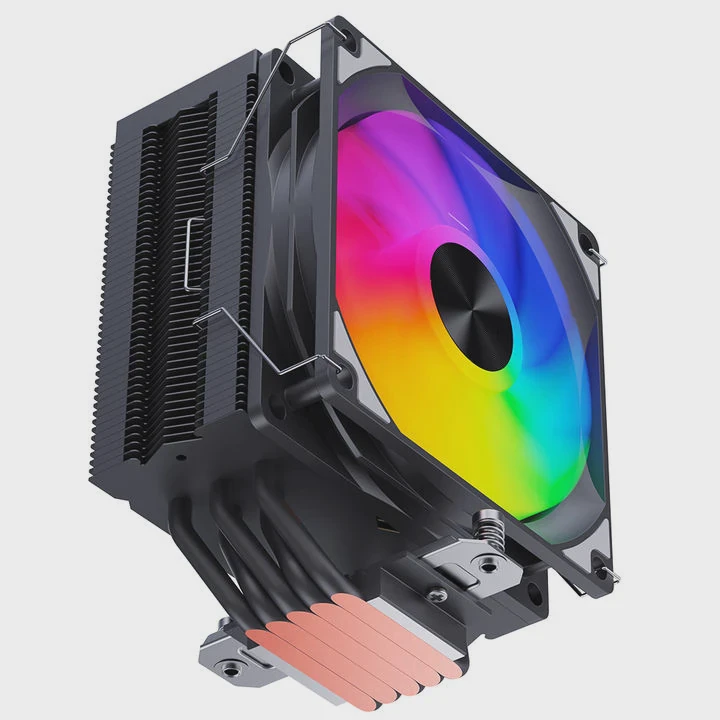
Why matching TDP is the first step
TDP compares the CPU’s heat output with the cooler’s capacity. If the cooler cannot handle the heat, the CPU reduces speed. This cuts performance. A cooler with proper TDP keeps temperatures low and performance stable.
Typical TDP behavior
| CPU Heat Output | Required Cooler TDP |
|---|---|
| Low (35–65W) | Basic air cooler |
| Medium (65–105W) | Mid-tier tower cooler |
| High (125W+) | Large tower or liquid |
A deeper look at TDP matching
TDP numbers can confuse buyers because different brands rate TDP differently. CPU TDP often reflects average load, not peak stress. Some CPUs spike higher during heavy tasks. If the cooler matches only the base TDP, it may still overheat during bursts.
A safe strategy is choosing a cooler rated above the CPU’s TDP. This overhead helps with turbo boost loads. It also helps in hot rooms where ambient temperature rises. When a cooler has strong capacity, the fan spins slower. Slower fans make less noise. Tall tower coolers often handle high TDP because their fin stacks are large. But size alone is not enough. Real capacity comes from fin density, base quality, and airflow.
Choosing the right TDP rating prevents thermal throttling. Without correct TDP, even good paste and strong airflow cannot fix the temperature problem. Matching TDP is the foundation for stable cooling.
Which designs improve airflow?
Heatsink designs affect how well air moves through the fins. Poor airflow raises temperatures even when the heatsink looks big.
Airflow improves when the heatsink uses wide fin spacing, optimized fan placement, and a shape that guides air smoothly through the stack without blocking nearby components.
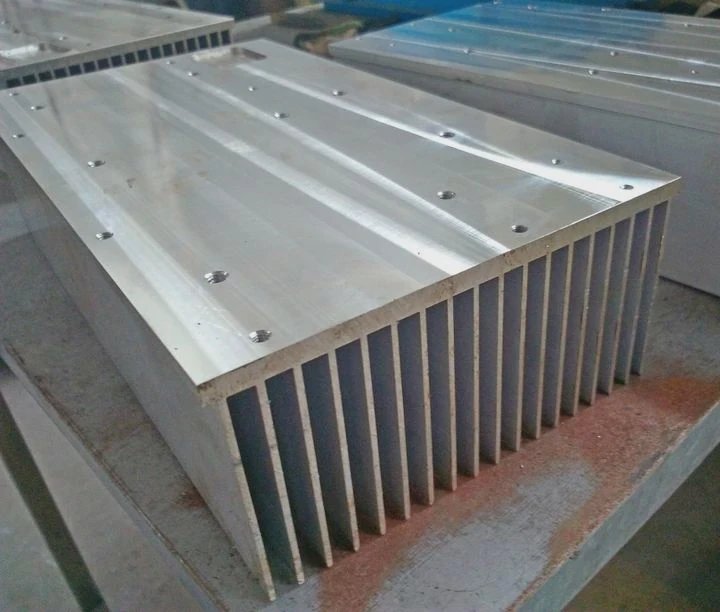
Why airflow design matters
Fins remove heat. Air must pass between them. When fins sit too close, airflow slows. When the heatsink blocks other components, air becomes trapped. Good design avoids turbulence and dead zones.
Common airflow advantages
| Design | Benefit |
|---|---|
| Tower with single fan | Direct front-to-back flow |
| Dual-fan setup | Higher pressure through fins |
| Top-down cooler | Air onto VRMs and memory |
A deeper look at airflow engineering
Tower coolers move air from the front of the case to the rear exhaust. This path works well when the cooler aligns with the case fans. Dual-tower designs use two fin stacks. They move more heat but need more space. They also require good case airflow because hot air must exit easily.
Top-down coolers push air downward. These help motherboards with weak VRM cooling. They cool the surrounding area but may struggle with high TDP CPUs because the airflow path is short and tight.
Fan pressure matters too. Some heatsinks need high static pressure fans to push air through dense fins. Low-pressure fans move air well in open space but fail inside tight fin packs. A strong heatsink pairs the right fin spacing with the right fan type.
Heatpipes also influence airflow. Some heatsinks use U-shaped heatpipes to distribute heat across the fins. Others use direct-touch heatpipes. Both work, but direct-touch models rely on consistent airflow to stay efficient. A well-designed airflow system balances fan noise, fin density, and heatpipe layout.
Can larger bases improve contact?
The base is the first contact point with the CPU. A small or uneven base wastes potential cooling power.
A larger, well-machined base improves contact because it covers the entire CPU heat spreader and reduces gaps. Better contact lowers thermal resistance and improves heat transfer.
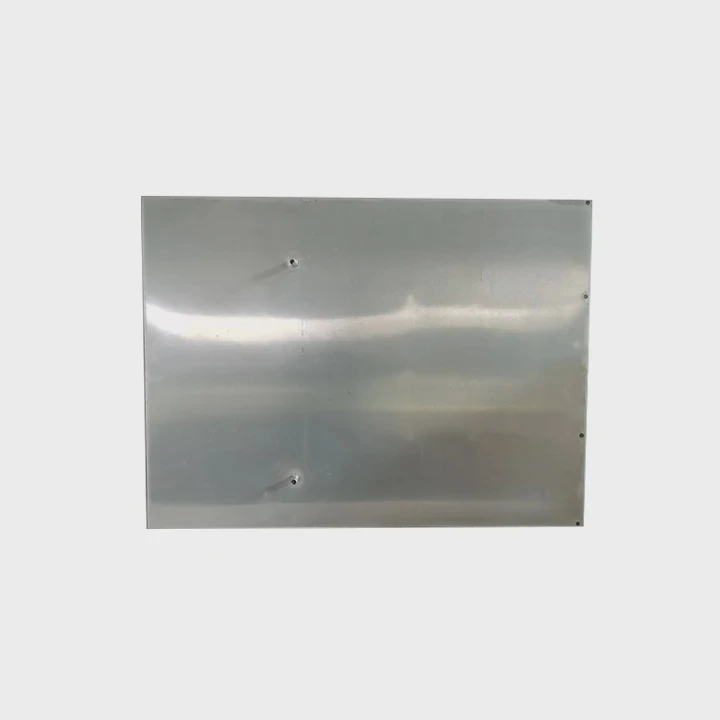
Why base size matters
Modern CPUs have large heat spreaders. A base that is too small does not pick up heat from the edges. This creates hot zones. Large bases collect heat evenly.
Base-contact advantages
| Base Type | Feature |
|---|---|
| Full copper | Strong heat spreading |
| Direct heatpipe | Quick heat pickup |
| Large plate | Covers whole IHS |
A deeper look at base performance
A CPU heat spreader is not perfectly flat. The heatsink base must match its surface well. Good bases are machined flat or slightly convex. Convex bases press harder in the center. This helps reduce tiny gaps. Poor machining creates micro-bumps that increase resistance.
A larger base helps distribute heat to all heatpipes. Small bases often heat only the middle pair of heatpipes. This limits full cooling potential. Large bases spread heat across more pipes, improving efficiency.
Direct-touch bases place heatpipes directly against the CPU. This gives fast thermal movement but depends on good paste application because the gaps between pipes are small. Many users like these coolers because they react quickly to temperature spikes. However, large copper plates offer more consistent performance under long loads.
Base thickness also matters. A thick base stores heat and spreads it before sending it to the fins. This helps when the CPU has rapid load changes. A thin base reacts fast but struggles with heavy sustained workloads. Choosing between the two depends on your CPU and usage.
Do materials affect cooling?
Materials change how quickly heat moves from the CPU into the heatsink. Using the right materials improves cooling efficiency.
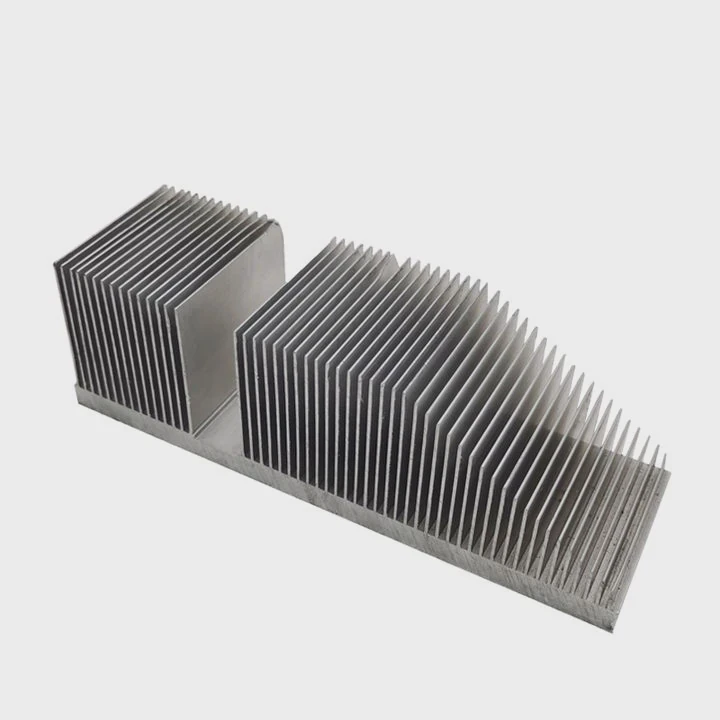
Yes, materials affect cooling because copper transfers heat faster, while aluminum spreads heat with less weight. Many coolers mix the two to balance cost, speed, and performance.
Why material choice matters
Heat transfer depends on conductivity. Copper moves heat fast. Aluminum cools fins well because it is light and easy to shape. A smart design uses both.
Material comparison
| Material | Benefit | Weakness |
|---|---|---|
| Copper | High conductivity | Heavy, expensive |
| Aluminum | Lightweight | Lower heat transfer |
| Hybrid | Balanced system | Needs good bonding |
A deeper look at material science in coolers
Copper bases pull heat from the CPU quickly. This fast movement reduces temperature spikes. Many high-end coolers use all-copper bases with nickel plating. Nickel protects copper from oxidation. Oxidation slows heat transfer over time. A clean, plated surface stays consistent.
Aluminum fins move heat to air because they cool down quickly. Large towers rely on these fins. Hundreds of thin fins create massive surface area. Copper fins would work better but would be too heavy. Aluminum keeps the cooler light so the motherboard does not bend.
Heatpipes usually contain copper because copper conducts heat well. Inside the heatpipe, a tiny amount of liquid evaporates and carries heat upward. Aluminum cannot perform this job. So even budget coolers use copper heatpipes.
Hybrid designs use a copper base and aluminum fins. This mix gives performance and affordability. High-end models sometimes add vapor chambers. Vapor chambers are flat sealed plates filled with liquid. They spread heat more evenly than heatpipes but cost more.
Material choice affects weight, lifespan, cost, and cooling strength. Understanding these differences helps pick the right heatsink for your CPU and your case size.
Conclusion
Choosing a CPU heatsink becomes simple when you match TDP ratings, pick airflow-friendly designs, use bases with strong contact, and understand material differences. These factors work together to deliver stable, cool, and reliable CPU performance.
TAGS
Latest Articles

Volume discount levels for heat sink orders?
Buyers often ask when heat sink prices start to drop with volume. Many worry they’re overpaying for small orders. This guide explains how B2B volume pricing works for thermal components. Heat sink
21 Dec,2025
Heat sink long-term supply contract options?
Many buyers want stable pricing and reliable delivery for heat sinks. But without a clear contract, risks grow over time. This article explores how to secure better long-term supply deals. Long-term
21 Dec,2025
Tooling cost for new heat sink profiles?
Many engineers struggle to understand why tooling for custom heat sinks costs so much. They worry about budgeting and production timelines. This article breaks down the cost drivers behind tooling.
21 Dec,2025
Heat sink custom sample process steps?
Sometimes, starting a custom heat sink project feels overwhelming—too many steps, too many unknowns, and too many risks. You want a sample, but not endless delays. The process for requesting and
20 Dec,2025
Standard B2B terms for heat sink payments?
When buyers and sellers in B2B heat sink markets talk about payment, many don’t fully understand what’s standard. This can lead to delayed orders, miscommunication, and even lost business
20 Dec,2025
Heat sink pricing factors for large orders?
Heat sinks are vital for many systems. When prices rise, projects stall and budgets break. This problem can hit teams hard without warning. Large order heat sink pricing depends on many factors. You
20 Dec,2025Related Articles
- do you put thermal paste on the cpu and heatsink?
- can you put ssd with heatsink in laptop?
- how to put a heatsink on motherboard 1366?
- what is the difference between dialectric grease and heatsink compound?
- how to remove a heatsink from a cpu?
- how to clean cpu heatsink and fan?
- is it better to get ssd with heatsink?
- how to clip fan to heatsink?
- how to pain heatsinks?
- are m2 ssd heatsinks recommended?
- what heatsink should i get for i7 6700?
- do i need heatsink for nvme ssd?
Author
Dr. Emily Chen
Chief AI Researcher
Leading expert in thermal dynamics and AI optimization with over 15 years of experience in data center efficiency research.
Categories
Latest Products

M.2 Heatpipe Heatsink With Dual Fans For Pc Case
19 Mar,2026

Heavy-Duty Aluminum Heat Sink Custom
19 Mar,2026

Oem Skived Fin Heatsink Aluminum Radiator For Plants
19 Mar,2026

Water Cooled Cnc Aluminum Heat Sink For Medical
19 Mar,2026

High Density 6000 Series Aluminum Heat Sink Profile
19 Mar,2026

High-Density Extruded Aluminum & Bonded-Fin Heat Sink Profile
19 Mar,2026
Recommend Categories
- Liquid cooling plate Manufacturer
- Industrial Heat Sink Manufacturer
- Standard Heat Sink Manufacturer
- Aluminum Heat Sink Manufacturer
- Copper Heat Sink Manufacturer
- Anodized Heatsink Manufacturer
- Stamping heat sink Manufacturer
- Die Casting Heatsink Manufacturer
- Soldering heat sink Manufacturer
- CNC Parts Manufacturer
Latest Products
- M.2 Heatpipe Heatsink With Dual Fans For Pc Case
- Heavy-Duty Aluminum Heat Sink Custom
- Oem Skived Fin Heatsink Aluminum Radiator For Plants
- Water Cooled Cnc Aluminum Heat Sink For Medical
- High Density 6000 Series Aluminum Heat Sink Profile
- High-Density Extruded Aluminum & Bonded-Fin Heat Sink Profile
- Dongguan Cnc Aluminum Heat Sink For Led & Brass Parts
- Wholesale Cnc Aluminum Heat Sink - Custom Extruded
- Led Cnc Round Heat Sink With Screw Holes
- Copper Pin-Fin Heat-Sink Large-Area For Photoled Cooling
- Telecom Heatsink Zipper Fin Wcopper Tubes Oem
Contact Expert
Have questions about this article? Reach out to our experts directly.