how to clip fan to heatsink?
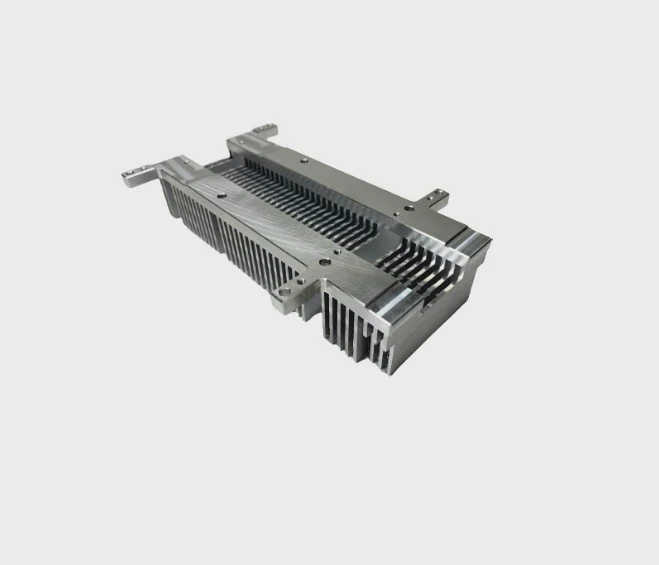
Clipping a fan onto a heatsink looks simple, but small mistakes cause weak airflow, vibration noise, or poor cooling.
You clip a fan to a heatsink by using tension clips that grip the frame, aligning airflow direction, securing the fan without looseness, and routing cables so they avoid blades and heatpipes.
I have seen many systems overheat only because the fan was mounted in the wrong direction or held with weak tension. A clean method prevents these issues.
Why tension clips hold securely?
Loose fasteners and weak fittings create wobble. This wobble leads to noise and reduced cooling efficiency.
Tension clips hold securely because metal spring pressure grips the fan frame, keeping it aligned and tight against the fins without screws. They maintain stable contact even under vibration and temperature cycles.
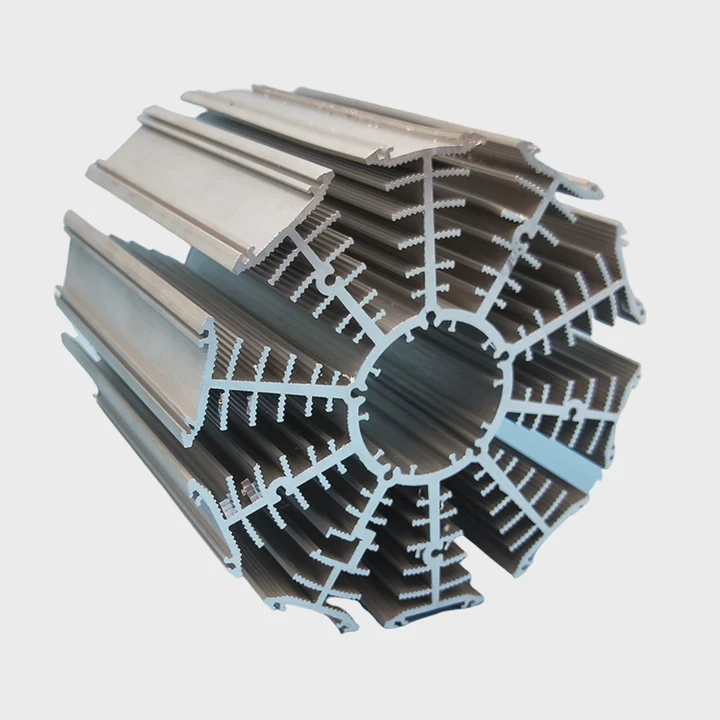
Why tension clips make fan mounting simple
Tension clips use spring force to clamp the fan body. The curve of the clip matches the fan’s edges. When you pull the clip and hook it, the spring locks it into place. This pressure keeps the fan stable.
Key clip features
| Clip Feature | Purpose |
|---|---|
| Spring tension | Holds fan tight |
| Hook ends | Attach to heatsink |
| Contoured shape | Grip fan frame |
A deeper view of secure mounting
Tension clips stay stable because they use controlled force. This force does not rely on thread friction like screws. The clip bends slightly under load. This bend gives constant pressure, even when the heatsink expands or contracts due to temperature changes. The clips adapt naturally.
Spring clips also resist vibration. When a fan spins, it creates small vibrations. Screws can loosen over time if the fan vibrates against the frame. Clips hold steady because they flex with the vibration. Their elasticity keeps the fan centered.
Heatsinks often use wide fin stacks. Clips anchor into small cutouts or grooves on the sides of these stacks. These anchor points prevent the clip from sliding upward. When the clip pulls evenly on both sides of the fan, it establishes flat contact across the fins. This helps airflow enter the stack correctly.
The clip method also protects the fan frame. Screws may crack plastic if overtightened. Clips apply even pressure without drilling or forcing. This reduces stress on both the fan and the heatsink. Over long use, the clip system remains stable because it uses simple physics rather than friction-based holding.
Which orientations improve airflow?
Fan orientation shapes how air moves through the case. Wrong orientation traps hot air near the heatsink.
The best orientation pushes air through the heatsink toward the case exhaust path. Aligning the fan so air flows front to back or bottom to top improves cooling and reduces turbulence.
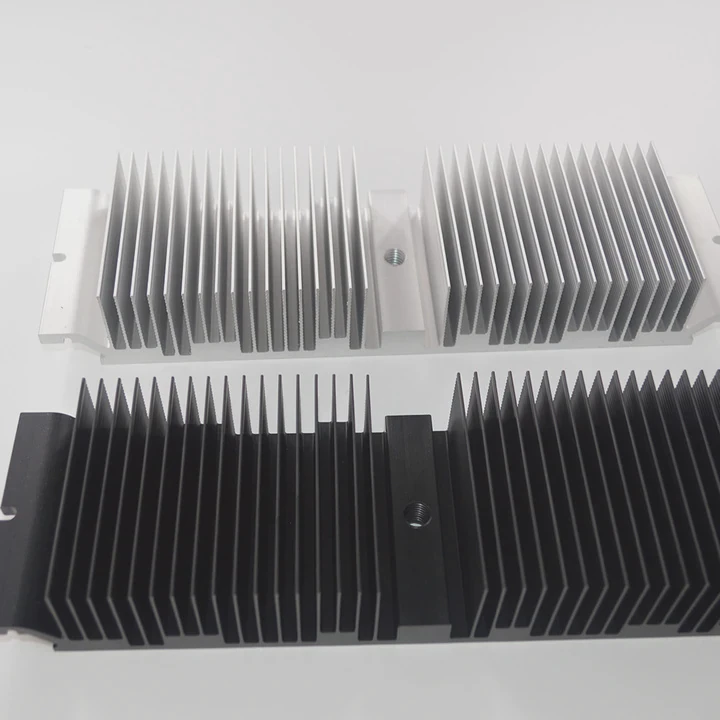
Why airflow direction matters
Airflow must follow the case path. When the fan faces the wrong direction, cool air does not reach the CPU, and hot air remains near the fins. Proper alignment creates steady flow.
Common airflow setups
| Fan Orientation | Air Direction |
|---|---|
| Intake | Air enters fins |
| Exhaust | Air exits fins |
| Dual-fan push–pull | Higher pressure |
A deeper look at airflow orientation
Fans blow air toward the side with support arms. This makes orientation easy to check. The label side usually shows where air exits. When mounting to a heatsink, the push direction should face the cooler’s fin stack.
Push orientation places cool case air straight into the heatsink. Pull orientation removes air from the fins and sends it toward the exhaust fan. Both work well when used correctly. Push–pull setups combine both methods. One fan pushes, and another pulls. This increases pressure and helps air flow through dense fins.
The airflow path must follow the case design. Many cases use front-to-back flow. Air enters the front and leaves the back. Mounting the fan against this pattern creates turbulence. Turbulence slows airflow and traps heat. Noise also increases because the fan fights the flow.
Heatsinks with tall stacks benefit most from push orientation. Top-down coolers push air onto the motherboard. These designs cool VRMs and memory. But they require space above the board. Orientation depends on the socket position and motherboard layout.
Good airflow also depends on fan spacing. If the fan sits too close to cables or the side panel, airflow becomes blocked. Keeping the fan aligned with open airflow paths ensures steady cooling.
Can loose clips rattle?
Noise problems often come from poor clip tension. Even small looseness becomes loud during operation.
Yes, loose clips can rattle because they let the fan shift against the heatsink. Any gap creates vibration, and the fan body taps the fins at high speed.
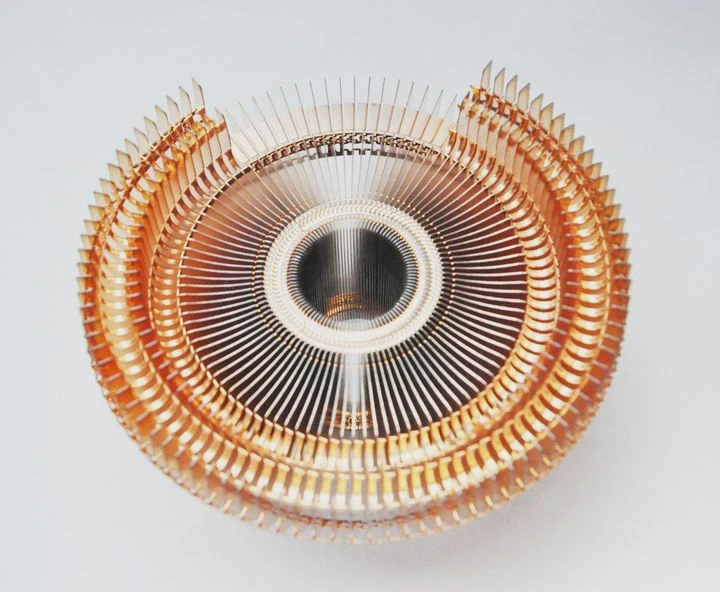
Why clips become loose
Clips loosen when not hooked fully or when bent. Improper installation also leaves gaps. Sometimes the clip does not seat into the correct anchor hole.
Loose-clip issues
| Problem | Cause |
|---|---|
| Rattling noise | Unstable clip |
| Vibrations | Poor pressure |
| Reduced cooling | Misaligned fan |
A deeper view of rattling causes
A vibrating fan produces sideways motion. When clips do not apply enough pressure, the fan shifts slightly. Even a small shift becomes repeated tapping against the heatsink fins. This tapping creates rattling noise.
Clip looseness can come from warped fan frames. Some fans use soft plastic that bends when pressure is applied. If the frame bends, the clip may not catch firmly. Other times, the clip anchor points are shallow or uneven. This reduces how deeply the clip seats.
Heat cycles also weaken clip tension. Metal clips expand and contract. Over many cycles, poorly designed clips lose elasticity. This reduces their ability to hold the fan tightly. High-quality clips use stronger spring steel to prevent this effect.
If the clip is installed in the wrong groove on the heatsink, the pressure becomes uneven. One side holds strongly while the other side barely grips. This uneven grip causes tilt. A tilted fan creates more vibration, leading to louder noise.
Rattling not only bothers users but also reduces cooling efficiency. Movement widens the gap between the fan and the fins. Air escapes through gaps instead of going through the fins. This reduces pressure and lowers performance.
Should cables avoid interference?
Fan cables look small but easily disrupt airflow or get caught by spinning blades.
Yes, cables should avoid interference because loose cables block airflow, increase noise, and can hit the blades. Proper routing keeps airflow smooth and prevents mechanical damage.
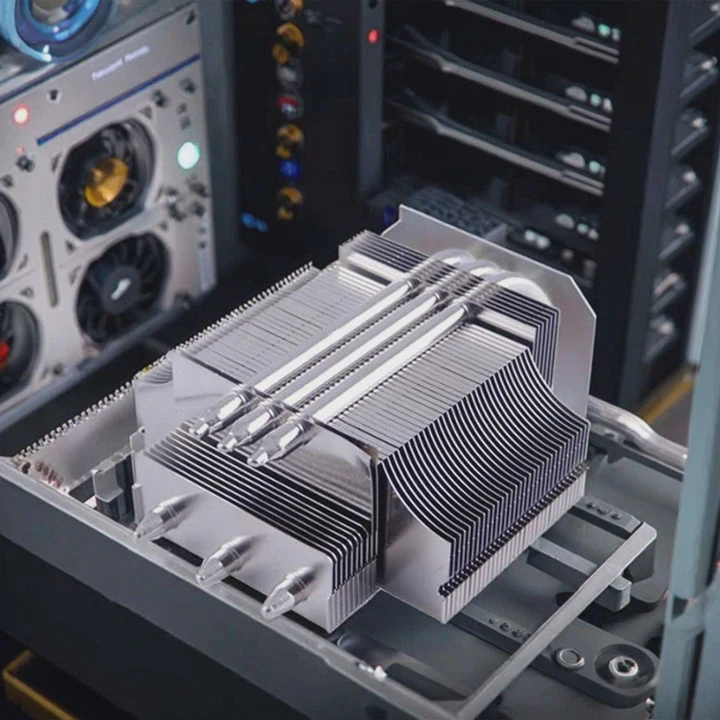
Why cable management matters
Airflow patterns rely on open space. A cable hanging across the fan intake reduces flow and adds turbulence. A cable touching the blades becomes dangerous.
Cable routing checklist
| Issue | Solution |
|---|---|
| Cable near blades | Tie it to frame |
| Cable blocking intake | Move to side channel |
| Cable rubbing fins | Clip to tower edge |
A deeper look at cable interference
Fan cables often exit the fan frame at one corner. If the clip covers this area, the cable may bend sharply. Sharp bends weaken wires. They also push the cable outward. If the cable moves into the blade path, hitting the blades creates clicking noise. Over time, the cable can wear out.
Routing the cable behind the fan frame keeps airflow clean. Many heatsinks have small channels or grooves for cable management. These channels help keep the wire away from heatpipes and sharp metal edges.
Cables also affect airflow when hanging in front of the fan intake. Intake airflow must remain smooth. Turbulence reduces effective cooling. A cable lying across the opening disrupts the pattern. Even a thin wire can create noise and reduce performance.
Some cases include tie points or clips for cables. Using these helps secure the wire. A secure cable does not move during vibration. It also prevents accidental contact with moving parts during installation or cleaning.
Cable routing supports long-term stability. Clean routing keeps the fan area free, maintains airflow strength, and prevents mechanical wear.
Conclusion
Clipping a fan to a heatsink becomes easy when tension clips sit firmly, airflow direction stays correct, clips avoid looseness, and cables stay out of the way. These simple steps protect performance, reduce noise, and create stable cooling for long-term use.
TAGS
Latest Articles

Volume discount levels for heat sink orders?
Buyers often ask when heat sink prices start to drop with volume. Many worry they’re overpaying for small orders. This guide explains how B2B volume pricing works for thermal components. Heat sink
21 Dec,2025
Heat sink long-term supply contract options?
Many buyers want stable pricing and reliable delivery for heat sinks. But without a clear contract, risks grow over time. This article explores how to secure better long-term supply deals. Long-term
21 Dec,2025
Tooling cost for new heat sink profiles?
Many engineers struggle to understand why tooling for custom heat sinks costs so much. They worry about budgeting and production timelines. This article breaks down the cost drivers behind tooling.
21 Dec,2025
Heat sink custom sample process steps?
Sometimes, starting a custom heat sink project feels overwhelming—too many steps, too many unknowns, and too many risks. You want a sample, but not endless delays. The process for requesting and
20 Dec,2025
Standard B2B terms for heat sink payments?
When buyers and sellers in B2B heat sink markets talk about payment, many don’t fully understand what’s standard. This can lead to delayed orders, miscommunication, and even lost business
20 Dec,2025
Heat sink pricing factors for large orders?
Heat sinks are vital for many systems. When prices rise, projects stall and budgets break. This problem can hit teams hard without warning. Large order heat sink pricing depends on many factors. You
20 Dec,2025Related Articles
- is it better to get ssd with heatsink?
- how to choose a heatsink for cpu?
- do you put thermal paste on the cpu and heatsink?
- can you put ssd with heatsink in laptop?
- how to put a heatsink on motherboard 1366?
- what is the difference between dialectric grease and heatsink compound?
- how to pain heatsinks?
- are m2 ssd heatsinks recommended?
- what heatsink should i get for i7 6700?
- do i need heatsink for nvme ssd?
- does r16 nvme slot comes with heatsink?
- is it okay to clean a heatsink with canned air?
Author
Dr. Emily Chen
Chief AI Researcher
Leading expert in thermal dynamics and AI optimization with over 15 years of experience in data center efficiency research.
Categories
Latest Products

M.2 Heatpipe Heatsink With Dual Fans For Pc Case
19 Mar,2026

Heavy-Duty Aluminum Heat Sink Custom
19 Mar,2026

Oem Skived Fin Heatsink Aluminum Radiator For Plants
19 Mar,2026

Water Cooled Cnc Aluminum Heat Sink For Medical
19 Mar,2026

High Density 6000 Series Aluminum Heat Sink Profile
19 Mar,2026

High-Density Extruded Aluminum & Bonded-Fin Heat Sink Profile
19 Mar,2026
Recommend Categories
- Liquid cooling plate Manufacturer
- Industrial Heat Sink Manufacturer
- Standard Heat Sink Manufacturer
- Aluminum Heat Sink Manufacturer
- Copper Heat Sink Manufacturer
- Anodized Heatsink Manufacturer
- Stamping heat sink Manufacturer
- Die Casting Heatsink Manufacturer
- Soldering heat sink Manufacturer
- CNC Parts Manufacturer
Latest Products
- M.2 Heatpipe Heatsink With Dual Fans For Pc Case
- Heavy-Duty Aluminum Heat Sink Custom
- Oem Skived Fin Heatsink Aluminum Radiator For Plants
- Water Cooled Cnc Aluminum Heat Sink For Medical
- High Density 6000 Series Aluminum Heat Sink Profile
- High-Density Extruded Aluminum & Bonded-Fin Heat Sink Profile
- Dongguan Cnc Aluminum Heat Sink For Led & Brass Parts
- Wholesale Cnc Aluminum Heat Sink - Custom Extruded
- Led Cnc Round Heat Sink With Screw Holes
- Copper Pin-Fin Heat-Sink Large-Area For Photoled Cooling
- Telecom Heatsink Zipper Fin Wcopper Tubes Oem
Contact Expert
Have questions about this article? Reach out to our experts directly.