how to add holes for heatsinks pcb?
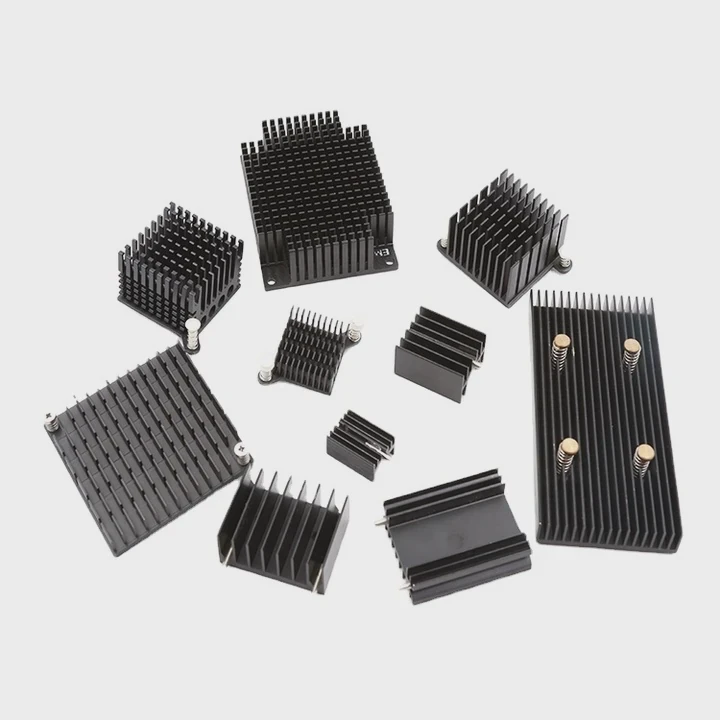
Adding holes for heatsinks on a PCB looks simple, but drilling or planning hole positions requires caution because PCBs contain fragile layers.
You add holes for heatsinks on a PCB by planning safe spacing, using proper drilling tools, checking copper trace layout, and mounting with standoffs to prevent stress on the board.
I have seen many boards fail only because holes were added without considering internal layers or clearance.
Why spacing matters for drilling?
Holes drilled too close to components, traces, or board edges weaken the PCB. Proper spacing ensures safe mounting and stable heatsink support.
Spacing matters for drilling because holes need clearance from copper layers and components. Safe spacing prevents cracks, shorts, and mechanical stress when the heatsink mounts tightly.
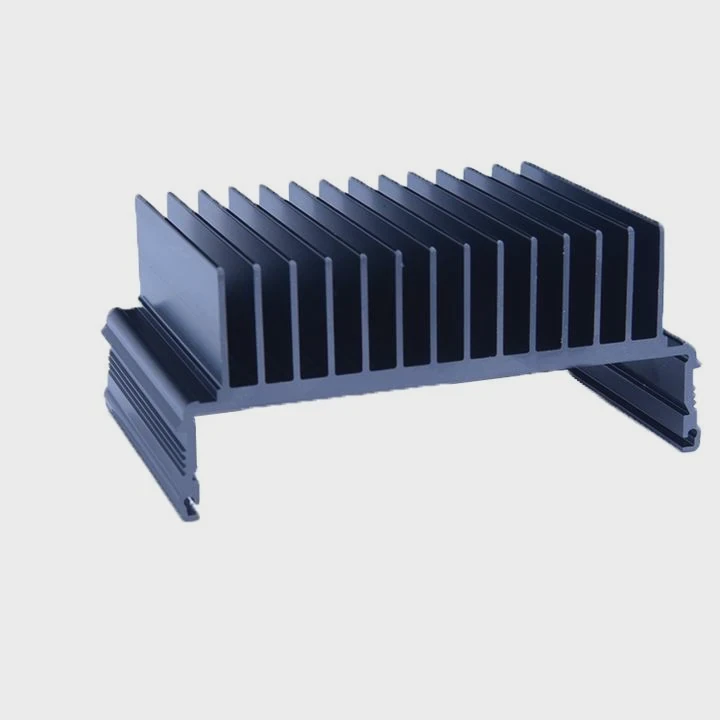
Why spacing protects the PCB
PCBs include copper paths inside the layers. Drilling too close to these paths cuts them. Extra spacing keeps the drill away from traces and supports mechanical strength.
Recommended spacing table
| Area | Recommended Clearance |
|---|---|
| Edge of board | 2–3 mm minimum |
| Near traces | 1 mm minimum |
| Near components | 2–5 mm |
A deeper look at spacing practices
A PCB uses multi-layer copper routing. When drilling a hole, the drill bit travels through all these layers. If a hole sits too close to sensitive copper traces, the bit may scrape or cut internal paths. Once damaged, these paths are almost impossible to repair. Proper spacing avoids this risk.
Mechanical strength matters too. Holes placed near the board edge increase stress. When a heatsink mounts and pressure applies, the board may crack. Setting holes farther from edges prevents flexing. Larger heatsinks require stronger anchoring, so hole spacing should match the heatsink’s footprint to distribute pressure evenly.
Spacing around components also prevents accidental collisions. Solder joints, tall components, and capacitors need room. Leaving space allows the heatsink to sit comfortably without hitting surrounding parts.
Planning spacing before drilling ensures the board stays strong, electrically safe, and ready for secure heatsink mounting.
Which tools avoid PCB damage?
Drilling into a PCB requires fine tools that prevent tearing, chipping, or delamination of layers.
Tools that avoid PCB damage include carbide micro drill bits, low-speed rotary tools, and firm drill stands. These tools create clean holes without cracking the board.
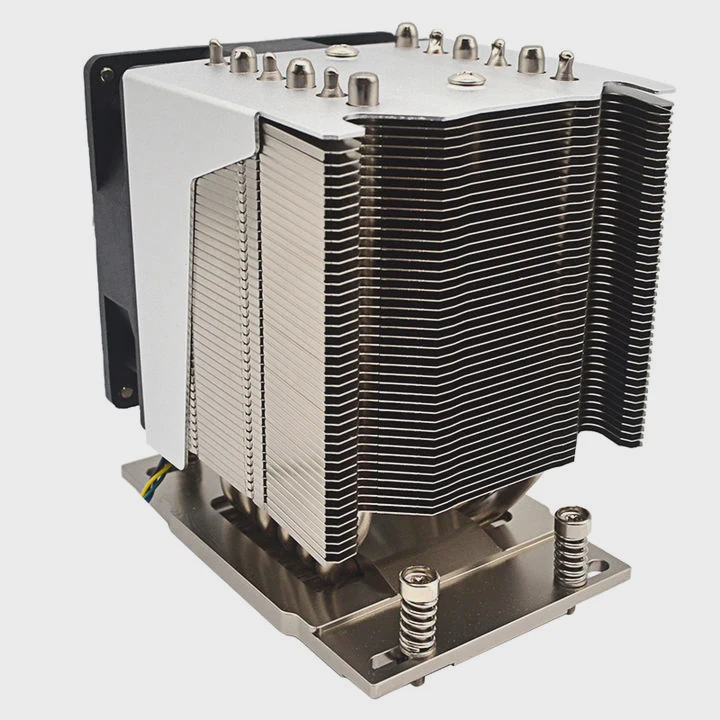
Why tool choice makes a difference
PCBs use fiberglass and copper. Hard materials need sharp bits and stable drilling. Wrong tools tear the laminate or break copper edges.
Safe drilling tool list
| Tool Type | Benefit |
|---|---|
| Carbide bits | Clean cuts |
| Drill press stand | Stable pressure |
| Low-speed rotary tool | Reduces heat |
A deeper look at drilling technique
Carbide bits handle PCB materials well because they stay sharp and resist bending. High-speed steel bits dull quickly and tear material. Carbide cuts cleanly through copper and fiberglass without ripping layers.
A drill press stand stabilizes the drilling path. Hand-held drills introduce wobble, which scrapes copper pads. Wobble also changes the drill angle and widens the hole. Controlled downward pressure helps the bit cut instead of grind.
Speed control is essential. High speeds heat the board and melt the resin. Low-speed drilling reduces heat, preserves copper adhesion, and keeps edges smooth. Using short pulses instead of long steady pressure prevents delamination.
Backing material also helps. Placing a wood block under the PCB protects the board and prevents exit-side tear-out. Without backing, the drill may pull copper upward when exiting, causing peeling.
Correct tools ensure holes stay round, clean, and structurally strong for heatsink mounting.
Can standoffs improve mounting?
Heatsinks mounted directly on PCBs push against delicate components. Standoffs add controlled spacing and reduce stress.
Standoffs improve mounting because they distribute pressure evenly, lift the heatsink off sensitive parts, and prevent bending when screws tighten.
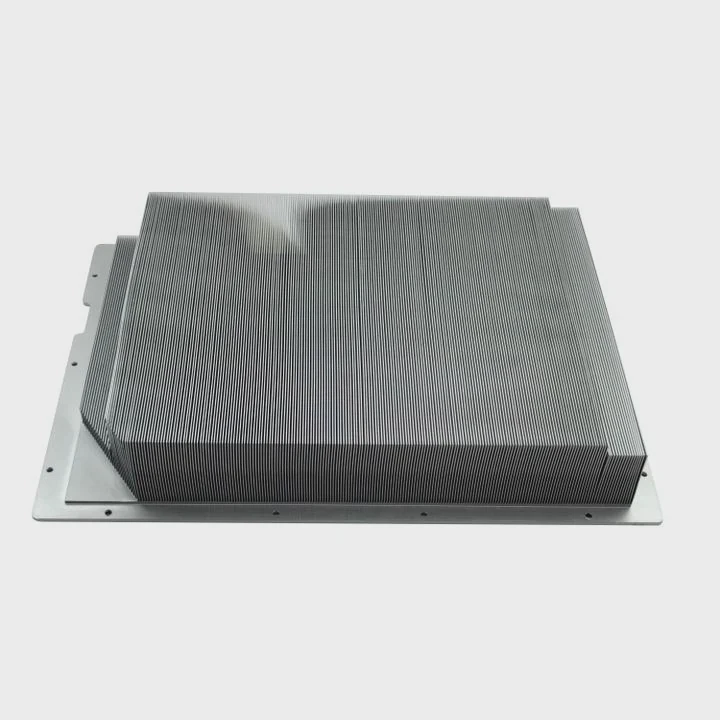
Why standoffs protect the board
Standoffs create a firm mechanical support between the heatsink and PCB. This stops the board from flexing under screw tension.
Standoff types
| Type | Use Case |
|---|---|
| Metal standoff | Strong mounts |
| Nylon standoff | Electrically safe |
| Threaded spacer | Adjustable fit |
A deeper look at standoff benefits
When a heatsink mounts flat against the PCB, pressure goes directly into the board. This flexing stresses solder joints and tiny components. Standoffs reduce flex by acting as anchor points. They spread the force across a larger area and keep the heatsink stable.
Metal standoffs provide strong support for heavy heatsinks. They hold the sink firmly and transfer load away from fragile PCB layers. Nylon standoffs help when electrical insulation matters, such as near exposed pads or components.
Standoffs also improve airflow. Raising the heatsink slightly above the board lets air move under it. Better airflow reduces heat buildup and helps the heatsink cool the part more efficiently.
Adjustable spacers work when components vary in height. They help match the heatsink surface to the component package. This avoids uneven mounting pressure that might damage the chip.
Overall, standoffs make heatsink installations safer, more stable, and more efficient.
Do copper traces affect placement?
Copper traces carry electrical signals and power. Drilling above or near them risks shorts or broken paths.
Copper traces affect placement because holes must avoid routing lines inside the PCB layers. Heavy copper zones, power planes, and signal paths require safe clearance to prevent structural and electrical damage.
Why copper layout matters
Copper exists not only on the surface but also inside layers. Drilling into these areas can cut signals or expose conductive material.
Copper-related placement rules
| PCB Layer | Risk Level |
|---|---|
| Surface traces | High |
| Inner planes | Medium |
| Ground areas | Low |
A deeper look at copper placement concerns
A PCB often has multiple internal layers. Power planes supply stable voltage. Signal traces carry fast data. When drilling holes for a heatsink, the internal copper paths may be invisible. Cutting into these paths leads to malfunction or complete board failure.
Surface traces are easy to spot, but internal ones require checking PCB design files or documentation. If files are unavailable, avoiding dense component areas is safer. Drilling should happen only in known low-risk zones such as mechanical corners or mounting regions.
Drilling near high-current copper planes weakens thermal and electrical performance. Removing copper changes resistance and adds heat buildup. For sensitive circuits, even small cuts affect stability.
Copper clearance also prevents short circuits. If a metal screw touches exposed copper, shorts may occur. Insulated washers or nylon screws help prevent electrical contact when hole locations are close to copper.
Careful planning ensures heatsink holes stay clear of copper paths and maintain full PCB functionality.
Conclusion
Adding holes for heatsinks on a PCB requires attention to spacing, safe tools, strong mounting hardware, and copper layout. Proper drilling protects internal traces, standoffs improve support, and smart placement ensures both cooling performance and board safety.
TAGS
Latest Articles

Volume discount levels for heat sink orders?
Buyers often ask when heat sink prices start to drop with volume. Many worry they’re overpaying for small orders. This guide explains how B2B volume pricing works for thermal components. Heat sink
21 Dec,2025
Heat sink long-term supply contract options?
Many buyers want stable pricing and reliable delivery for heat sinks. But without a clear contract, risks grow over time. This article explores how to secure better long-term supply deals. Long-term
21 Dec,2025
Tooling cost for new heat sink profiles?
Many engineers struggle to understand why tooling for custom heat sinks costs so much. They worry about budgeting and production timelines. This article breaks down the cost drivers behind tooling.
21 Dec,2025
Heat sink custom sample process steps?
Sometimes, starting a custom heat sink project feels overwhelming—too many steps, too many unknowns, and too many risks. You want a sample, but not endless delays. The process for requesting and
20 Dec,2025
Standard B2B terms for heat sink payments?
When buyers and sellers in B2B heat sink markets talk about payment, many don’t fully understand what’s standard. This can lead to delayed orders, miscommunication, and even lost business
20 Dec,2025
Heat sink pricing factors for large orders?
Heat sinks are vital for many systems. When prices rise, projects stall and budgets break. This problem can hit teams hard without warning. Large order heat sink pricing depends on many factors. You
20 Dec,2025Related Articles
- do you need heatsink on m 2?
- how to put heatsink on raspberry pi?
- what does a cpu heatsink do?
- what does a motherboard heatsink do?
- should i change cpu heatsink when system is hot?
- is it okay to clean a heatsink with canned air?
- is heatsink necessary?
- how to remove cpu heatsink for p5n-d?
- will an older cpu heatsink fit on a 6700k?
- what type of heatsink does asus use laptop?
- how to remove gpu heatsink screws?
- do you need a ssd heatsink if motherboard has one?
Author
Dr. Emily Chen
Chief AI Researcher
Leading expert in thermal dynamics and AI optimization with over 15 years of experience in data center efficiency research.
Categories
Latest Products

M.2 Heatpipe Heatsink With Dual Fans For Pc Case
19 Mar,2026

Heavy-Duty Aluminum Heat Sink Custom
19 Mar,2026

Oem Skived Fin Heatsink Aluminum Radiator For Plants
19 Mar,2026

Water Cooled Cnc Aluminum Heat Sink For Medical
19 Mar,2026

High Density 6000 Series Aluminum Heat Sink Profile
19 Mar,2026

High-Density Extruded Aluminum & Bonded-Fin Heat Sink Profile
19 Mar,2026
Recommend Categories
- Liquid cooling plate Manufacturer
- Industrial Heat Sink Manufacturer
- Standard Heat Sink Manufacturer
- Aluminum Heat Sink Manufacturer
- Copper Heat Sink Manufacturer
- Anodized Heatsink Manufacturer
- Stamping heat sink Manufacturer
- Die Casting Heatsink Manufacturer
- Soldering heat sink Manufacturer
- CNC Parts Manufacturer
Latest Products
- M.2 Heatpipe Heatsink With Dual Fans For Pc Case
- Heavy-Duty Aluminum Heat Sink Custom
- Oem Skived Fin Heatsink Aluminum Radiator For Plants
- Water Cooled Cnc Aluminum Heat Sink For Medical
- High Density 6000 Series Aluminum Heat Sink Profile
- High-Density Extruded Aluminum & Bonded-Fin Heat Sink Profile
- Dongguan Cnc Aluminum Heat Sink For Led & Brass Parts
- Wholesale Cnc Aluminum Heat Sink - Custom Extruded
- Led Cnc Round Heat Sink With Screw Holes
- Copper Pin-Fin Heat-Sink Large-Area For Photoled Cooling
- Telecom Heatsink Zipper Fin Wcopper Tubes Oem
Contact Expert
Have questions about this article? Reach out to our experts directly.