is heatsink necessary?
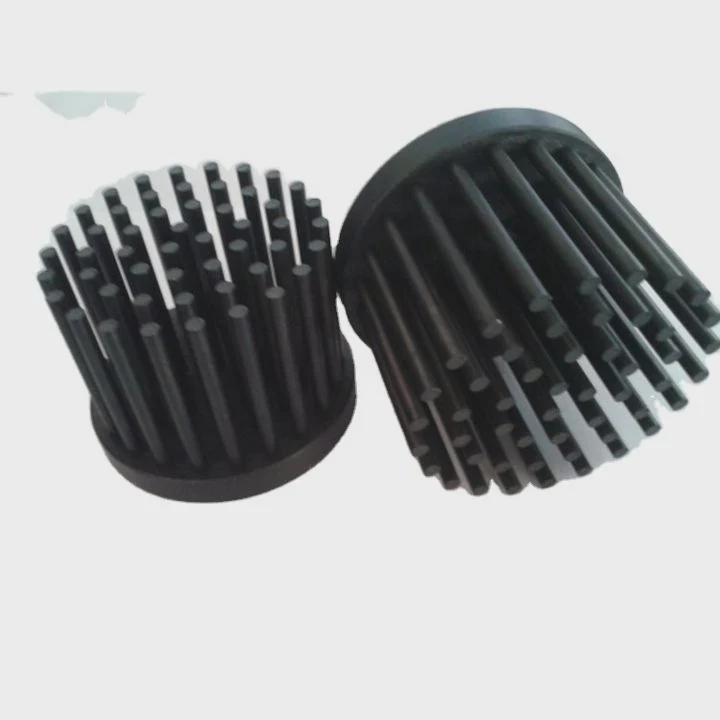
Many people wonder if a heatsink is truly required, especially when devices appear small or low-power.
A heatsink is necessary whenever a component produces more heat than it can release on its own. It absorbs heat, spreads it out, and cools the device so it runs safely and reliably.
I have seen many electronics fail early because cooling was ignored. A simple heatsink often prevents long-term issues.
Why electronics generate heat?
Electronic parts work by switching electrical signals. This switching needs power, and power becomes heat inside the device.
Electronics generate heat because current flows through components, transistors switch rapidly, and resistance inside circuits releases energy as thermal output.
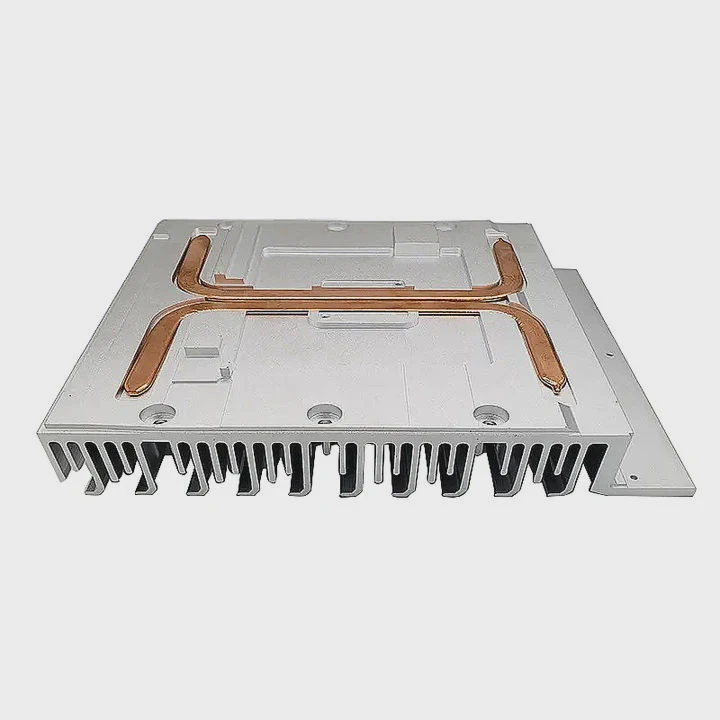
Why heat appears in every circuit
Even small circuits produce heat because electricity never moves with perfect efficiency. Every part wastes some power as thermal loss.
Common heat sources
| Component | Heat Level |
|---|---|
| CPUs and GPUs | High |
| Voltage regulators | Medium |
| Storage controllers | Medium |
A deeper look at electronic heat creation
Heat appears when electrons move through resistance. All components contain some resistance, even efficient ones. When current flows, a portion of power becomes heat. Powerful components like CPUs switch billions of transistors per second. Each switch requires power. This power becomes heat within the tiny silicon die.
Voltage regulators also generate warmth. These chips convert incoming voltage to stable outputs. This conversion wastes energy, which appears as heat. When the load increases, the regulator must work harder, raising temperature.
Storage controllers and high-speed interfaces heat up during constant data transfer. They execute logic operations and route signals at fast rates. As these operations repeat, heat builds up.
Some components heat instantly under heavy load. Others warm slowly over time. When heat is not removed fast enough, temperatures rise until performance drops or the part becomes damaged. A heatsink keeps these temperatures stable and prevents failure.
Which parts require cooling most?
Not all components need a heatsink. Some run cold, others get extremely hot and require cooling to avoid throttling or malfunction.
Parts that require cooling most include CPUs, GPUs, VRMs, chipsets, high-speed storage, and power modules because they draw significant power and generate concentrated heat.
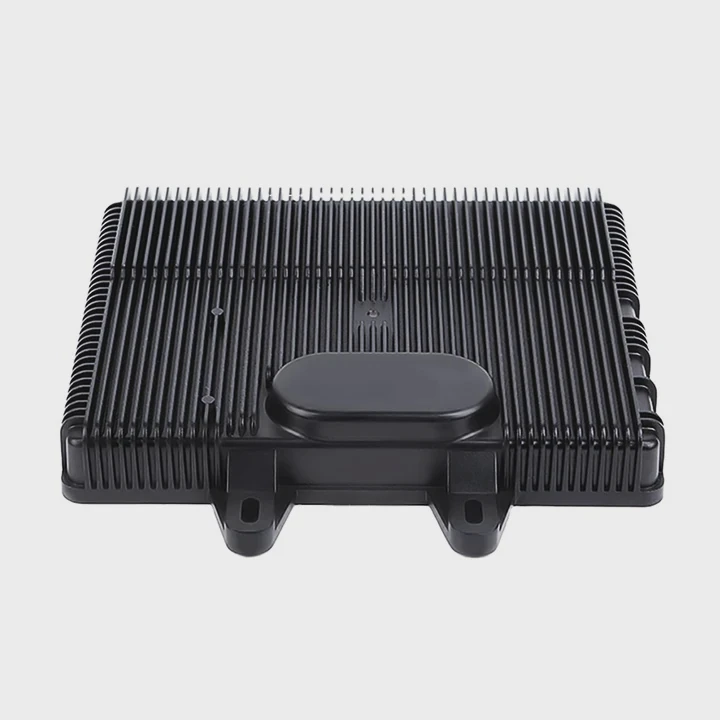
Why certain parts heat more
Components that push data faster or deliver more power heat up more because their workloads demand stronger switching and higher current.
Critical components needing heatsinks
| Part | Reason for Cooling |
|---|---|
| CPU / GPU | High computation heat |
| VRM stages | Power conversion heat |
| Chipsets | Constant routing activity |
| NVMe SSDs | Fast controller heat |
A deeper look at cooling priority
The CPU produces the highest heat in many systems. During gaming, coding, or office work, it runs continuous tasks. Without a heatsink, it could rise to unsafe temperatures within seconds. GPUs behave similarly because they calculate complex graphics and AI tasks.
VRM stages convert power for the CPU and GPU. They heat rapidly when delivering high current. A heatsink stops VRMs from overheating and prevents voltage instability.
Chipsets route data from USB, PCIe, networking, and storage. This constant workload produces steady heat. A small heatsink stabilizes performance and avoids random disconnects.
Modern NVMe SSDs also need cooling. Their controllers push gigabytes of data per second, making them one of the hottest parts on a motherboard. A simple heatsink prevents throttling during long transfers.
High-power LEDs, amplifiers, and power supply modules also benefit from heatsinks. These parts dissipate heat through their casings and need thermal management to keep performance stable.
Knowing which parts heat most helps decide where a heatsink is essential.
Can passive cooling be enough?
Passive cooling uses metal surfaces, fins, and air movement without fans. It works well for low or moderate heat loads.
Passive cooling can be enough when the component produces limited heat, airflow is open, and the heatsink has enough surface area to release heat naturally.
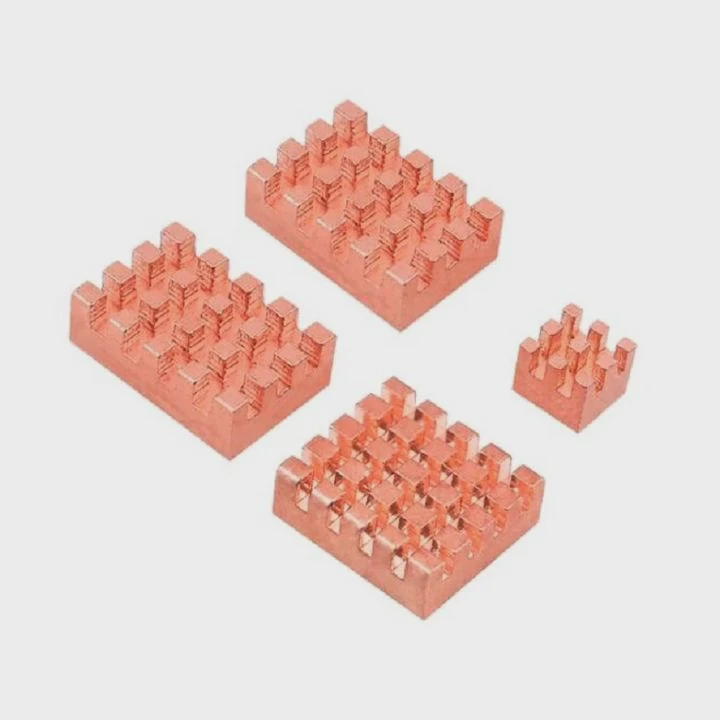
Why passive cooling works in many cases
A heatsink with wide fins spreads heat across a large area. Natural convection carries heat upward and away even without a fan.
Passive cooling conditions
| Condition | Passive Cooling Result |
|---|---|
| Open airflow | Good |
| Low power load | Very good |
| Tight enclosure | Poor |
A deeper look at passive cooling behavior
Passive heatsinks rely entirely on natural airflow. Warm air rises through the fins, and cooler air enters from below. The larger the heatsink surface, the better this process works. Aluminum and copper absorb heat quickly and release it through the fins.
Devices like Raspberry Pi boards, routers, small regulators, and some home electronics use passive cooling successfully. They rely on free airflow and modest power draw. In these environments, passive heatsinks keep temperatures steady.
Passive cooling also works well in fanless PCs. These computers use large heatsink blocks or metal cases that act as giant thermal spreaders. When designed correctly, fanless systems stay quiet and stable under moderate loads.
However, passive cooling struggles in confined spaces. Small cases trap heat, slowing convection. Passive sinks also fail when power draw increases sharply. Once a component exceeds the heatsink’s ability to release heat, temperature continues rising.
Passive cooling is enough for many electronics, but for high-performance parts, active cooling becomes necessary.
Do workloads change cooling needs?
Cooling requirements shift with workload intensity. Light tasks may not heat components much, but heavy tasks can raise temperature fast.
Workloads change cooling needs because higher processing demand increases power draw, causing components to heat faster and require stronger heat dissipation.
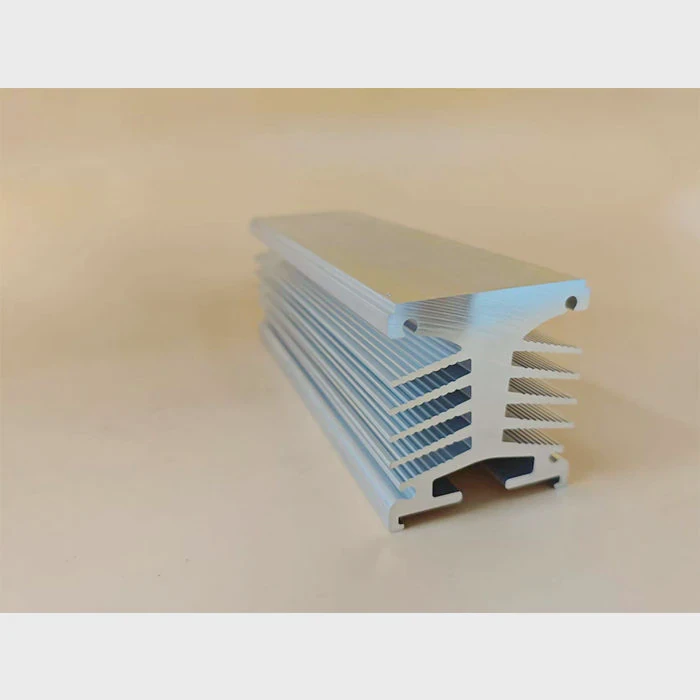
Why workload intensity matters
A part running at low activity stays cool. Heavy tasks push performance limits, making the component heat far more quickly.
Workload impact on heat
| Workload | Heat Output |
|---|---|
| Idle | Low |
| Web browsing | Medium |
| Gaming / video rendering | High |
| Large data transfers | Very high |
A deeper look at workload-driven heat changes
During idle, components switch slowly and consume little power. A small heatsink can keep them cool because heat output stays modest. For simple office work, temperatures rarely spike.
Browsing or light editing increases switching activity. Components warm a bit more. Passive cooling still works in many cases, especially if airflow is open.
Gaming, rendering, and simulations demand maximum processor activity. CPUs and GPUs enter boost states, raising voltage and frequency. Power spikes dramatically, and heat rises sharply. Heavy tasks can double or triple heat output compared to idle.
Storage workloads also change cooling needs. NVMe drives heat up fast when transferring large files or loading games. Their controllers run at full speed, making heatsinks or motherboard shields important.
Long workloads extend heat buildup. Even modest heat becomes dangerous over time if cooling cannot keep up. Sustained heat weakens components and forces throttling.
Workload patterns determine how strong cooling must be. A heatsink that is enough for light tasks may not protect the device during intense workloads.
Conclusion
A heatsink is necessary when a component produces more heat than it can release naturally. Electronics generate heat through switching and power conversion. High-power parts such as CPUs, GPUs, VRMs, and NVMe drives need cooling most. Passive cooling works in open, low-load situations, but heavy workloads require stronger cooling to maintain stable temperature and performance.
TAGS
Latest Articles

Volume discount levels for heat sink orders?
Buyers often ask when heat sink prices start to drop with volume. Many worry they’re overpaying for small orders. This guide explains how B2B volume pricing works for thermal components. Heat sink
21 Dec,2025
Heat sink long-term supply contract options?
Many buyers want stable pricing and reliable delivery for heat sinks. But without a clear contract, risks grow over time. This article explores how to secure better long-term supply deals. Long-term
21 Dec,2025
Tooling cost for new heat sink profiles?
Many engineers struggle to understand why tooling for custom heat sinks costs so much. They worry about budgeting and production timelines. This article breaks down the cost drivers behind tooling.
21 Dec,2025
Heat sink custom sample process steps?
Sometimes, starting a custom heat sink project feels overwhelming—too many steps, too many unknowns, and too many risks. You want a sample, but not endless delays. The process for requesting and
20 Dec,2025
Standard B2B terms for heat sink payments?
When buyers and sellers in B2B heat sink markets talk about payment, many don’t fully understand what’s standard. This can lead to delayed orders, miscommunication, and even lost business
20 Dec,2025
Heat sink pricing factors for large orders?
Heat sinks are vital for many systems. When prices rise, projects stall and budgets break. This problem can hit teams hard without warning. Large order heat sink pricing depends on many factors. You
20 Dec,2025Related Articles
- how to add holes for heatsinks pcb?
- do you need heatsink on m 2?
- how to put heatsink on raspberry pi?
- what does a cpu heatsink do?
- what does a motherboard heatsink do?
- should i change cpu heatsink when system is hot?
- how to remove cpu heatsink for p5n-d?
- will an older cpu heatsink fit on a 6700k?
- what type of heatsink does asus use laptop?
- how to remove gpu heatsink screws?
- do you need a ssd heatsink if motherboard has one?
- how to remove xbox one heatsink?
Author
Dr. Emily Chen
Chief AI Researcher
Leading expert in thermal dynamics and AI optimization with over 15 years of experience in data center efficiency research.
Categories
Latest Products

M.2 Heatpipe Heatsink With Dual Fans For Pc Case
19 Mar,2026

Heavy-Duty Aluminum Heat Sink Custom
19 Mar,2026

Oem Skived Fin Heatsink Aluminum Radiator For Plants
19 Mar,2026

Water Cooled Cnc Aluminum Heat Sink For Medical
19 Mar,2026

High Density 6000 Series Aluminum Heat Sink Profile
19 Mar,2026

High-Density Extruded Aluminum & Bonded-Fin Heat Sink Profile
19 Mar,2026
Recommend Categories
- Liquid cooling plate Manufacturer
- Industrial Heat Sink Manufacturer
- Standard Heat Sink Manufacturer
- Aluminum Heat Sink Manufacturer
- Copper Heat Sink Manufacturer
- Anodized Heatsink Manufacturer
- Stamping heat sink Manufacturer
- Die Casting Heatsink Manufacturer
- Soldering heat sink Manufacturer
- CNC Parts Manufacturer
Latest Products
- M.2 Heatpipe Heatsink With Dual Fans For Pc Case
- Heavy-Duty Aluminum Heat Sink Custom
- Oem Skived Fin Heatsink Aluminum Radiator For Plants
- Water Cooled Cnc Aluminum Heat Sink For Medical
- High Density 6000 Series Aluminum Heat Sink Profile
- High-Density Extruded Aluminum & Bonded-Fin Heat Sink Profile
- Dongguan Cnc Aluminum Heat Sink For Led & Brass Parts
- Wholesale Cnc Aluminum Heat Sink - Custom Extruded
- Led Cnc Round Heat Sink With Screw Holes
- Copper Pin-Fin Heat-Sink Large-Area For Photoled Cooling
- Telecom Heatsink Zipper Fin Wcopper Tubes Oem
Contact Expert
Have questions about this article? Reach out to our experts directly.