Does a 4090 need liquid cooling?
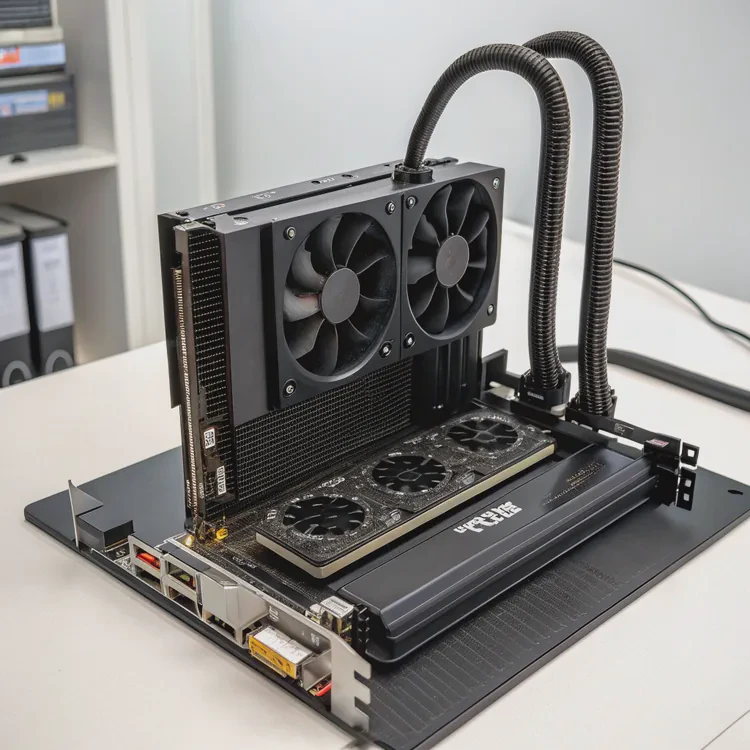
The RTX 4090 is one of the most powerful consumer GPUs ever built — and also one of the hottest. Many users ask whether liquid cooling is necessary to unlock its full potential.
The RTX 4090 does not require liquid cooling to operate safely, but using it can significantly improve performance stability, reduce noise, and enhance overclocking potential.
The card’s massive 450W power draw generates substantial heat. While high-end air coolers can manage it, liquid cooling offers a more efficient and consistent way to keep temperatures under control, especially in compact or silent builds.
How does GPU liquid cooling function?
To understand why liquid cooling works so well for a GPU like the 4090, it helps to know how it functions.
GPU liquid cooling uses a closed-loop or custom loop system where coolant absorbs heat from the GPU block and transfers it to a radiator, which then dissipates it through fans.
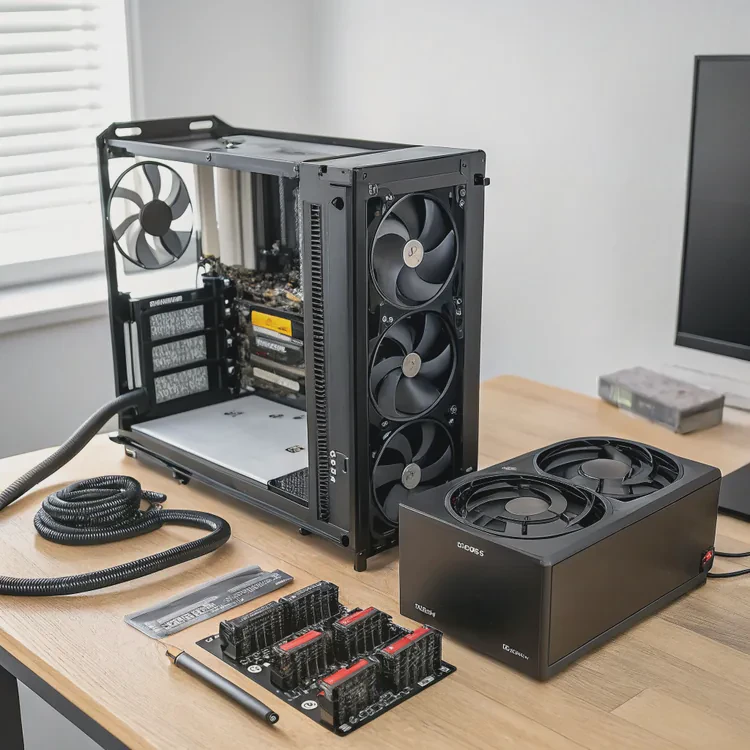
Unlike air cooling, which relies on metal fins and airflow, liquid cooling uses thermal fluid to move heat more efficiently away from the GPU die.
Components of a GPU Liquid Cooling System
| Component | Function | Description |
|---|---|---|
| Water Block | Heat Absorption | Mounted directly on the GPU chip; transfers heat from GPU to coolant. |
| Pump | Coolant Circulation | Moves coolant continuously through the loop. |
| Radiator | Heat Dissipation | Transfers heat from coolant to air via fins and fans. |
| Coolant | Thermal Medium | Usually a glycol-based liquid with corrosion inhibitors. |
| Reservoir (custom loops) | Coolant Storage | Helps fill and maintain fluid levels. |
How the Cooling Cycle Works
- The GPU’s core generates heat during operation.
- The water block absorbs heat through direct contact with the GPU die.
- The pump circulates the heated coolant to the radiator.
- The radiator’s fins and fans cool the fluid before it returns to the GPU block.
- The cycle repeats continuously to maintain thermal equilibrium.
Types of Liquid Cooling Systems
- AIO (All-In-One) Systems: Pre-assembled, maintenance-free coolers like Corsair, NZXT, or ASUS hybrid GPU coolers.
- Custom Loops: Fully modular setups that allow for multi-component cooling — CPU, GPU, and even VRMs — ideal for enthusiasts.
In both cases, the principle is the same: moving heat via a liquid medium is far more efficient than air, which has much lower heat capacity.
Why Liquid Cooling Excels
Water conducts heat roughly 25 times better than air. This makes it ideal for removing the dense heat produced by modern GPUs with hundreds of watts of power consumption. As a result, GPU core temperatures stay lower and fan noise is dramatically reduced.
What are the benefits of liquid cooling for GPUs?
Beyond the cool aesthetic appeal, liquid cooling provides tangible technical benefits.
Liquid cooling reduces GPU temperature, minimizes noise, improves performance stability, and can extend the GPU’s lifespan.
1. Lower Operating Temperatures
Air-cooled RTX 4090 cards typically idle around 35–40°C and can reach 75–80°C under full load. With liquid cooling, peak temperatures can drop to 50–60°C, depending on radiator size and ambient temperature.
Lower temperatures prevent thermal throttling, ensuring the GPU maintains maximum boost clocks during extended workloads or gaming sessions.
2. Reduced Fan Noise
Because liquid systems dissipate heat more efficiently, they require less airflow. Radiator fans often spin slower than air cooler fans, resulting in much quieter operation. This makes liquid cooling ideal for workstation or studio environments where silence matters.
3. Stable Overclocking Potential
Thermal headroom directly affects overclocking. Cooler operating conditions mean the GPU can sustain higher voltages and boost frequencies without throttling. Many 4090 users report an additional +100–200 MHz boost clock gain under liquid cooling setups.
4. Better Case Airflow
A liquid-cooled GPU pushes most of its heat directly to a radiator mounted outside the GPU’s immediate area. This improves internal case airflow and lowers ambient temperature, benefiting other components like the CPU, SSD, and VRMs.
5. Longevity and Component Reliability
Heat is a major factor in long-term component wear. Maintaining lower average temperatures reduces stress on the GPU’s VRMs, capacitors, and memory modules, potentially extending the card’s lifespan.
6. Aesthetic and System Integration
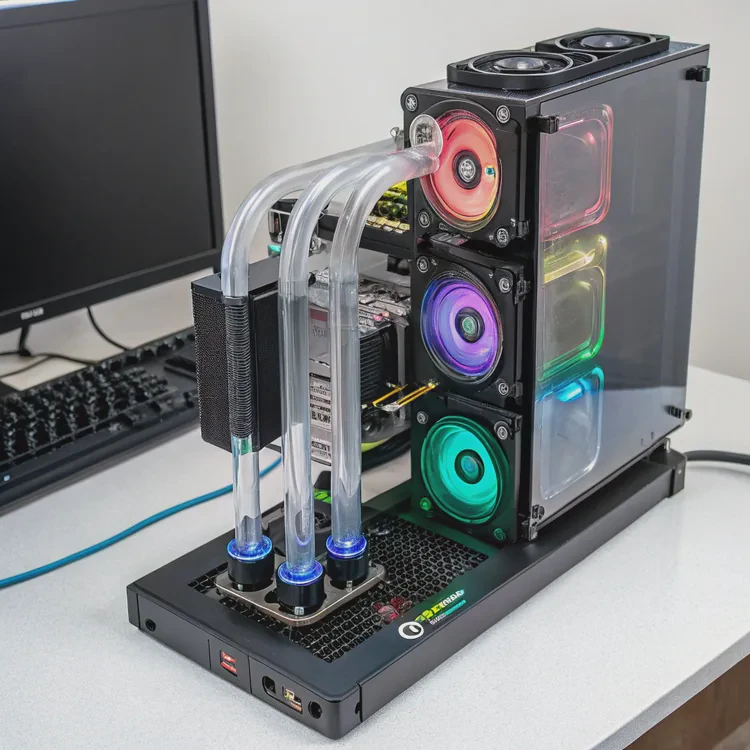
Liquid cooling adds a clean, high-end visual appeal — especially with RGB-equipped blocks, fittings, and coolant. Many enthusiasts combine liquid-cooled GPUs and CPUs into unified loops for both performance and design harmony.
Example: RTX 4090 Temperature Comparison
| Cooling Type | Load Temperature | Noise Level | Boost Frequency |
|---|---|---|---|
| Air Cooling | 78°C | 40–45 dBA | ~2,550 MHz |
| AIO Liquid Cooling | 60°C | 30–35 dBA | ~2,650 MHz |
| Custom Loop Cooling | 55°C | 28–30 dBA | ~2,700 MHz |
The data shows that liquid cooling doesn’t just keep the GPU cooler — it also improves acoustics and sustained clock speeds.
How to choose the best AIO for RTX 4090?
Not all AIO coolers are created equal. Choosing the right one involves understanding radiator size, compatibility, pump quality, and noise characteristics.
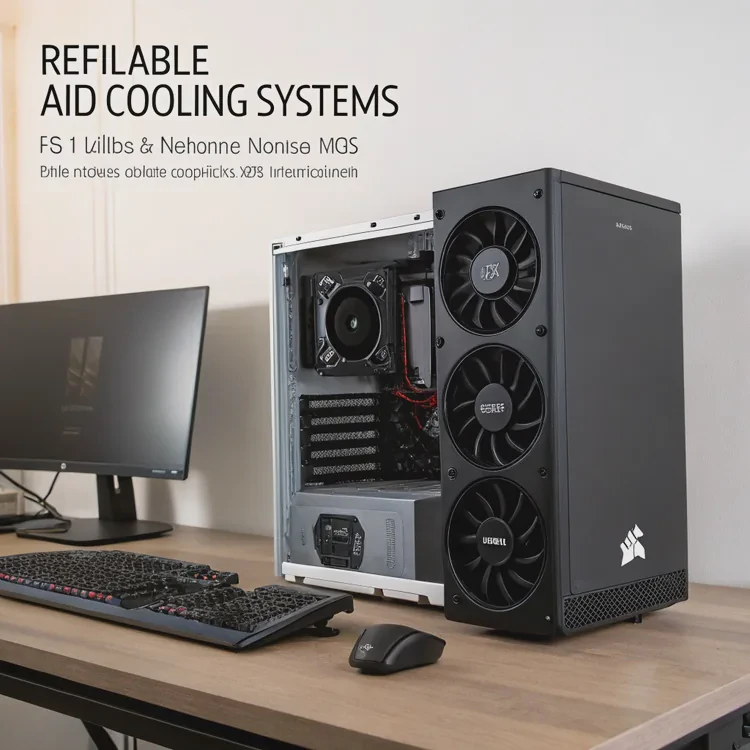
To choose the best AIO for an RTX 4090, match the cooler’s thermal capacity, radiator size, and compatibility with your case and GPU model.
1. Check Compatibility
Some RTX 4090 models come pre-equipped with hybrid AIO cooling systems (like the ASUS ROG Strix LC or MSI Suprim Liquid X). For standard cards, you’ll need GPU-specific mounting kits or conversion brackets such as NZXT’s G12 or Alphacool’s Eiswolf systems.
Always verify:
- Radiator and fan size fit inside your case (240mm, 280mm, or 360mm).
- Hose length is adequate for your case layout.
- The AIO supports GPU die coverage or has a compatible water block.
2. Choose Radiator Size Based on Power Draw
| Radiator Size | Typical Fan Configuration | Suitable For |
|---|---|---|
| 240mm (2×120mm fans) | Compact cases, moderate cooling | RTX 4080 or lower power GPUs |
| 280mm (2×140mm fans) | Balanced performance and noise | RTX 4090 standard cooling |
| 360mm (3×120mm fans) | Maximum heat dissipation | Overclocked RTX 4090 or multi-GPU setups |
A 360mm radiator provides the best thermal headroom for heavy GPU loads but requires sufficient case space.
3. Evaluate Pump and Fan Quality
The pump is the heart of the AIO. Look for:
- Ceramic bearings for longevity.
- Low-vibration mounting to minimize noise.
- PWM fan control for dynamic speed adjustment.
Reliable AIO brands include Corsair (H150i Elite), NZXT (Kraken series), Arctic (Liquid Freezer), and ASUS (ROG Ryujin II).
4. Consider Noise and Aesthetics
Silent performance is a key reason for liquid cooling. Choose models with noise ratings below 35 dBA and customizable RGB or LCD screens if aesthetics matter to your build.
5. Maintenance and Warranty
AIO coolers are sealed systems that require no maintenance for 3–5 years. Check warranty coverage for leaks or pump failure before purchasing.
Recommended AIO Models for RTX 4090
| Brand | Model | Radiator Size | Key Features |
|---|---|---|---|
| ASUS ROG Strix LC 4090 | Integrated AIO | 240mm | Pre-installed, no modification required |
| Corsair iCUE H150i Elite Capellix XT | Universal AIO | 360mm | High cooling capacity, RGB control |
| Arctic Liquid Freezer III 360 | Universal AIO | 360mm | Low noise, excellent thermal performance |
| NZXT Kraken X73 RGB | Universal AIO | 360mm | LCD display, strong pump pressure |
| Alphacool Eiswolf 2 360 | GPU-specific AIO | 360mm | Designed for 4090 water blocks |
Selecting the right AIO ensures efficient cooling and long-term reliability without compromising system aesthetics.
What trends shape GPU cooling in next-gen cards?
As GPUs continue to evolve, cooling technology must advance even faster. Future trends are already reshaping how thermal management is designed for next-generation cards.
Key GPU cooling trends include hybrid cooling systems, vapor chamber integration, eco-friendly materials, and AI-driven fan control.
1. Hybrid Cooling Systems
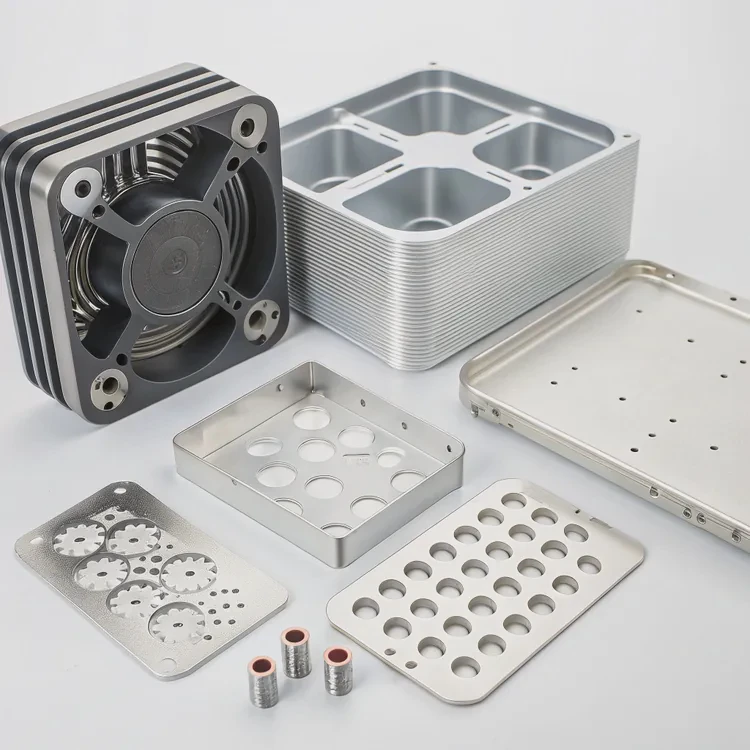
Manufacturers are combining air and liquid cooling into single solutions — often called “hybrid coolers.” These designs integrate a compact AIO loop with auxiliary fans to cool memory and power delivery modules (VRMs), offering the best of both worlds.
2. Advanced Vapor Chamber Designs
Vapor chambers, once reserved for enterprise GPUs, are becoming standard in high-end consumer cards. They evenly distribute heat across the baseplate, enhancing air or liquid cooling efficiency by up to 15–20%.
3. Eco-Friendly and Recyclable Materials
With sustainability now central to electronics manufacturing, GPU cooling components increasingly use recyclable aluminum, lead-free solders, and low-carbon anodizing. Manufacturers also design coolers that are easier to disassemble for recycling.
4. AI and Smart Fan Control
Modern GPUs already include onboard microcontrollers that regulate fan speeds. Next-gen systems will use AI-based thermal prediction, adjusting pump and fan curves based on usage patterns for optimal efficiency and noise reduction.
5. Compact and Modular Cooling Solutions
As small-form-factor (SFF) PCs grow in popularity, cooling systems are being redesigned to fit tighter spaces without losing performance. Expect modular cooling units with detachable radiators and flexible tubing that simplify installation.
6. Integration with System-Level Cooling
Future GPUs will be part of coordinated thermal ecosystems — cooling not only the GPU but also CPU, VRMs, and SSDs through shared radiators or coolant loops. This system-level approach is already seen in workstation designs and will likely reach consumer desktops soon.
7. Phase-Change and Advanced Fluids
Research is advancing toward phase-change cooling and dielectric fluids, offering next-level performance beyond water-based systems. These could revolutionize thermal management by eliminating pump requirements and maximizing efficiency.
Example: Cooling Evolution Over GPU Generations
| GPU Generation | Typical TDP | Cooling Trend | Noise Level (avg) |
|---|---|---|---|
| GTX 1080 Ti (2017) | 250W | Air cooling | 42–45 dBA |
| RTX 2080 Ti (2018) | 300W | Air + vapor chamber | 40 dBA |
| RTX 3090 (2020) | 350W | Hybrid + large fin stacks | 38 dBA |
| RTX 4090 (2022–2024) | 450W | AIO liquid and hybrid loops | 30–35 dBA |
| Next Gen (2025+) | 500W+ | Intelligent hybrid + AI cooling | <30 dBA |
The clear direction is efficiency and intelligence — smarter, quieter, and more sustainable cooling systems designed to handle ever-increasing GPU performance demands.
Conclusion
The RTX 4090 runs safely on air cooling but benefits greatly from liquid cooling in temperature, noise, and stability. AIO and custom liquid coolers provide superior thermal control and overclocking headroom. Looking ahead, GPU cooling is shifting toward hybrid, intelligent, and eco-friendly designs that will redefine how next-gen cards manage extreme power in smaller, quieter systems.
TAGS
Latest Articles

Volume discount levels for heat sink orders?
Buyers often ask when heat sink prices start to drop with volume. Many worry they’re overpaying for small orders. This guide explains how B2B volume pricing works for thermal components. Heat sink
21 Dec,2025
Heat sink long-term supply contract options?
Many buyers want stable pricing and reliable delivery for heat sinks. But without a clear contract, risks grow over time. This article explores how to secure better long-term supply deals. Long-term
21 Dec,2025
Tooling cost for new heat sink profiles?
Many engineers struggle to understand why tooling for custom heat sinks costs so much. They worry about budgeting and production timelines. This article breaks down the cost drivers behind tooling.
21 Dec,2025
Heat sink custom sample process steps?
Sometimes, starting a custom heat sink project feels overwhelming—too many steps, too many unknowns, and too many risks. You want a sample, but not endless delays. The process for requesting and
20 Dec,2025
Standard B2B terms for heat sink payments?
When buyers and sellers in B2B heat sink markets talk about payment, many don’t fully understand what’s standard. This can lead to delayed orders, miscommunication, and even lost business
20 Dec,2025
Heat sink pricing factors for large orders?
Heat sinks are vital for many systems. When prices rise, projects stall and budgets break. This problem can hit teams hard without warning. Large order heat sink pricing depends on many factors. You
20 Dec,2025Related Articles
- Can full test reports and certifications be delivered with orders?
- Do we have green certifications for our production processes?
- What export regulations apply to heat sinks for the US market?
- Can we provide MSDS or material certificates for heat sinks?
- Do our anodizing processes meet MIL-A-8625 standards?
- Can we manufacture to CNS or JIS heat sink standards?
- Which is better, air cooled or liquid cooled engine?
- How does liquid cooling work in PCs?
- What is a liquid cooling system?
- How to make a liquid cooling system?
- How to check if liquid cooling is working?
- Is a liquid cooling system worth it?
Author
Dr. Emily Chen
Chief AI Researcher
Leading expert in thermal dynamics and AI optimization with over 15 years of experience in data center efficiency research.
Categories
Latest Products






Recommend Categories
- Liquid cooling plate Manufacturer
- Industrial Heat Sink Manufacturer
- Standard Heat Sink Manufacturer
- Aluminum Heat Sink Manufacturer
- Copper Heat Sink Manufacturer
- Anodized Heatsink Manufacturer
- Stamping heat sink Manufacturer
- Die Casting Heatsink Manufacturer
- Soldering heat sink Manufacturer
- CNC Parts Manufacturer
Latest Products
- Wholesale Aluminum Radiator
- Water Cooling Plate Kit
- Water Cooling Heat Sink
- Water Cooling Heat Sink Kit
- Stainless Steel Water Distributor
- Server Water Cooling Plate Kit
- Server Liquid Cooling System
- Server Aluminum Cooling Kit
- S19 Full Cover Cooling Plate
- S19 Cooling Plate Kit
- S19 Aluminum Cooling Plate
Contact Expert
Have questions about this article? Reach out to our experts directly.