How to check if liquid cooling is working?
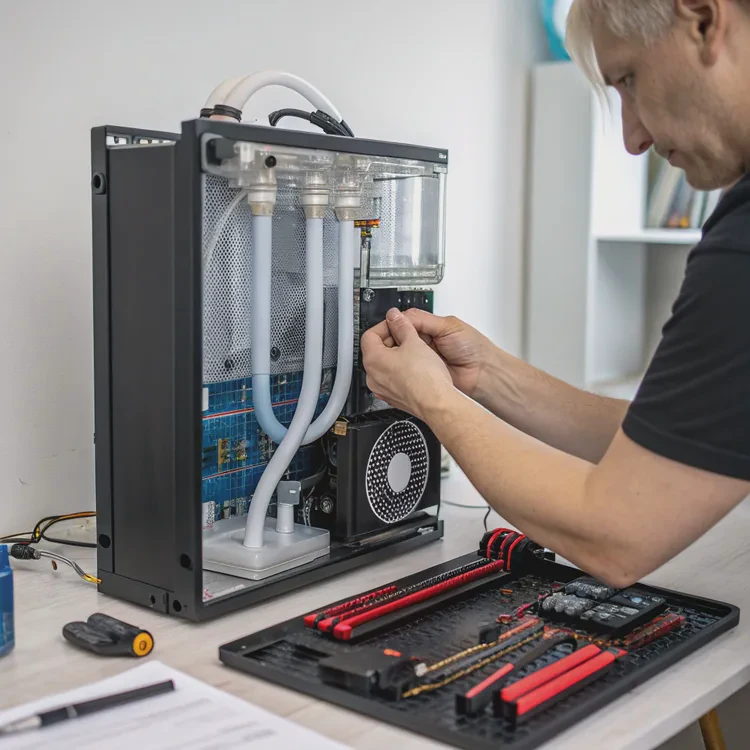
Liquid cooling systems are designed to keep high-performance components cool, but like any mechanical system, they can fail or lose efficiency over time. Regular checks are essential to ensure stable performance and prevent damage.
To check if liquid cooling is working, monitor coolant flow, pump vibration, fan speed, and component temperatures using system software or physical inspection.
A properly functioning system should circulate coolant smoothly, maintain steady temperatures, and produce minimal noise. Any drop in flow, unusual sound, or sudden heat rise signals that the cooling loop may need attention.
What signs show liquid cooling issues?
Liquid cooling problems can appear gradually or suddenly. Early detection prevents costly repairs or component failure.
Common signs of liquid cooling issues include temperature spikes, abnormal noise, leaks, reduced coolant flow, and system instability.

Recognizing these warning signs allows quick action before overheating occurs.
1. Unusually High Temperatures
If your CPU or GPU temperatures climb higher than normal (for example, above 80–90°C under load), the liquid cooling system may not be transferring heat properly.
Possible causes:
- Pump failure or reduced flow.
- Blocked radiator or clogged fins.
- Old or evaporated coolant reducing heat capacity.
Use software like HWMonitor, MSI Afterburner, or NZXT CAM to check real-time temperature data.
2. No Coolant Movement
Open the reservoir (if visible) and look for fluid motion. A still surface usually means the pump isn’t running. You should see turbulence or bubbles when the pump operates normally.
3. Strange Noises or Vibrations
Gurgling or grinding sounds often indicate:
- Air trapped in the loop.
- Pump bearings wearing out.
- Cavitation (pump running dry).
A smooth humming vibration is normal, but loud or irregular noises require inspection.
4. Visible Leaks or Residue
Moisture or white crust around fittings or radiators suggests a coolant leak or evaporation. Even minor leaks can cause long-term corrosion or electrical hazards.
5. Fan Irregularities
Fans that fail to spin or spin erratically reduce radiator performance. Check that all fans connected to the radiator are powered, clean, and set to appropriate RPMs.
6. Coolant Discoloration
Over time, coolant can darken or develop particles, indicating algae growth, corrosion, or breakdown of additives. Replace coolant immediately if this occurs.
7. System Instability
Unexpected shutdowns, throttling, or blue screens may stem from overheating due to poor cooling performance.
Quick Reference: Signs and Possible Causes
| Symptom | Likely Cause | Solution |
|---|---|---|
| High temperatures | Low coolant flow or air bubbles | Check pump and refill loop |
| Gurgling noise | Air trapped in radiator | Tilt case and bleed air |
| Leaking or residue | Loose fittings | Tighten or reseal |
| Fan not spinning | Power or PWM issue | Reconnect or replace fan |
| Cloudy coolant | Contamination | Drain and flush loop |
Catching these signs early ensures your system continues to run efficiently and safely.
Why does monitoring liquid temperature matter?
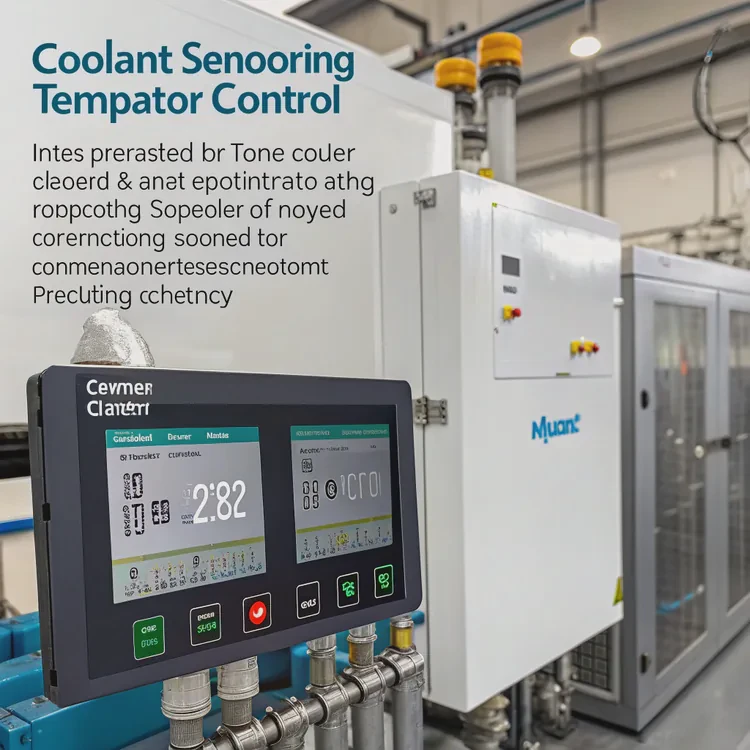
Temperature is the most reliable indicator of system health. Even if everything appears normal, rising coolant temperature over time can reveal hidden inefficiencies.
Monitoring liquid temperature helps maintain stable performance, prevent overheating, and extend component lifespan.
1. Prevents Overheating
The coolant absorbs heat from the CPU and GPU. If its temperature rises excessively (typically above 50–60°C in PCs), the loop’s ability to dissipate heat decreases rapidly. Monitoring ensures early detection of flow or radiator issues.
2. Maintains Performance
Modern CPUs and GPUs throttle performance when thermal limits are reached. Keeping coolant within an optimal range allows the processor to maintain full speed consistently.
3. Protects the Pump and Seals
Prolonged high coolant temperature can degrade pump seals and O-rings. Maintaining moderate fluid temperature extends system longevity.
4. Indicates Loop Efficiency
By comparing coolant inlet and outlet temperatures, you can measure radiator efficiency. A difference of 5–10°C is typical; smaller differences may mean poor airflow or clogged fins.
5. Enables Smart Control
Many systems adjust fan and pump speed automatically based on coolant temperature. Monitoring enables intelligent control curves, balancing cooling power and noise.
Recommended Coolant Temperature Ranges
| System Type | Normal Range | Critical Level |
|---|---|---|
| Gaming PC / Workstation | 30–50°C | >60°C |
| Server / Data Center Loop | 35–55°C | >65°C |
| Automotive / Industrial | 70–90°C | >100°C |
By watching trends over time — not just single readings — you can spot gradual degradation before it becomes a failure.
How to test pump and fan performance?
The pump and fans are the heart of a liquid cooling system. Together, they control coolant movement and heat dissipation. Testing both ensures your system runs at full potential.
To test pump and fan performance, monitor flow rate, RPM, and temperature response using diagnostic tools, software control panels, or visual inspection.
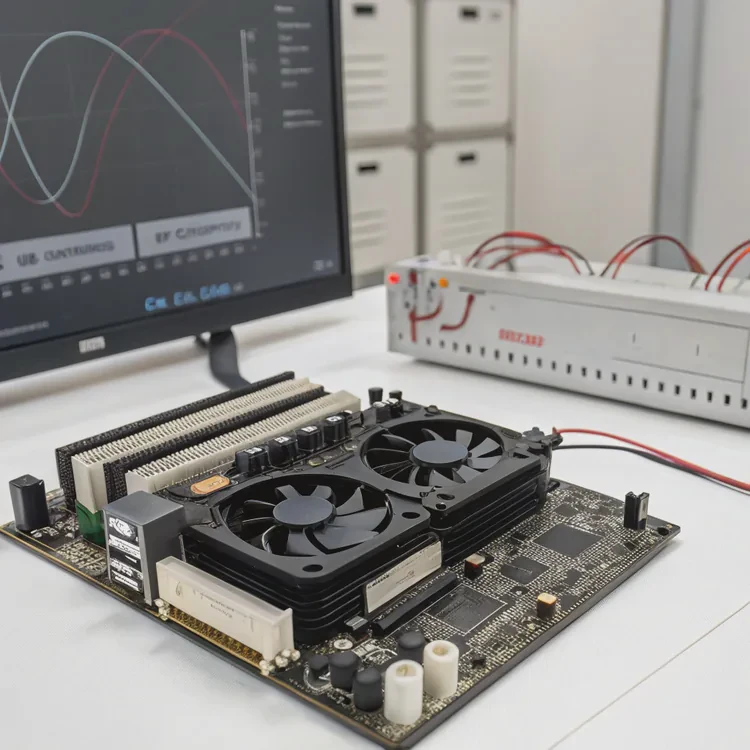
Testing the Pump
Listen for Operation
When powered, a working pump emits a gentle hum or vibration. If it’s silent, it may be disconnected or malfunctioning.Check Flow Visually
Look through clear tubing or the reservoir. Moving bubbles or visible turbulence confirm the pump is circulating coolant.Monitor Pump RPM
Connect the pump’s tachometer cable to the motherboard. Use BIOS or software (like Corsair iCUE or Aquasuite) to verify RPM — typically 1,500–4,500 RPM for most pumps.Measure Flow Rate
Many systems include a flow sensor measured in liters per hour (L/h). A healthy flow rate ranges from 80–200 L/h for PC loops. A sudden drop indicates blockage or pump wear.Check for Heat Buildup
If the pump feels warm but coolant isn’t circulating, it may be running dry — shut down immediately to prevent damage.
Testing Radiator Fans
Visual and Physical Check
Ensure all fans spin freely without wobble or noise. Clean any dust buildup that may restrict airflow.Monitor Fan RPM
Fan speeds should match your control settings. If software reports 0 RPM while fans are spinning, check sensor connections.Temperature Response Test
Run a stress test (e.g., Cinebench, FurMark) while monitoring temperatures. Fans should ramp up as coolant temperature rises.PWM and Voltage Control
Test fan curve functionality in BIOS or control software. Proper modulation ensures fans adjust speed dynamically based on thermal demand.
Diagnostic Tools and Software
| Tool | Purpose | Example |
|---|---|---|
| BIOS / UEFI | Check pump and fan RPM | Built-in on most motherboards |
| Software Monitoring | Real-time temperature and speed data | HWMonitor, HWiNFO, CAM |
| Flow Meter | Measures coolant flow rate | Aquacomputer High Flow NEXT |
| Infrared Thermometer | Measures surface temperature | Useful for radiator output |
| Multimeter | Tests fan voltage supply | Ensures proper power delivery |
Performance Check Example
Run the system under load for 15–20 minutes and observe:
- Pump RPM remains steady.
- Fan RPM scales smoothly with temperature.
- Coolant temperature increases gradually, then stabilizes.
Any erratic behavior or temperature plateau suggests circulation or heat transfer problems.
What new sensors enhance cooling diagnostics?
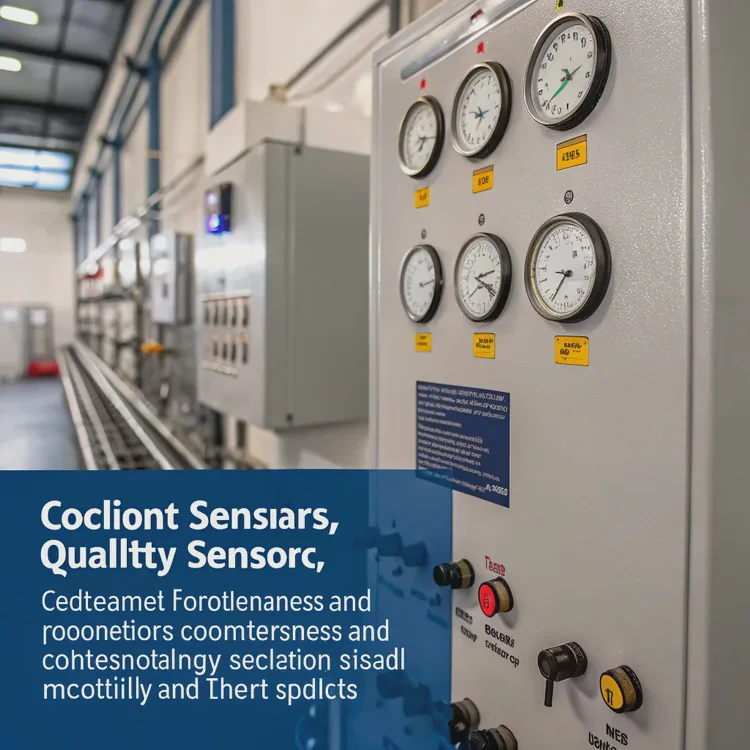
Modern cooling systems have evolved beyond simple fans and pumps. Today’s smart systems integrate digital sensors and AI controls for precision monitoring and early fault detection.
New sensors for cooling diagnostics include digital flow meters, temperature probes, pressure sensors, and smart leak detectors that communicate directly with system software.
1. Digital Flow Sensors
Measure the coolant’s flow rate and send real-time data to software dashboards. They detect blockages, trapped air, or pump degradation before failure occurs.
- Example: Aquacomputer High Flow NEXT, Barrowch OLED Flow Meter.
2. Temperature Probes
Installed at various loop points (inlet, outlet, radiator), these sensors track how efficiently heat is transferred.
- Temperature difference analysis helps identify clogged blocks or inefficient radiators.
3. Pressure Sensors
Monitor system pressure to detect air buildup or leaks. A slow pressure drop indicates evaporation or small leaks even before liquid becomes visible.
4. Smart Leak Detectors
These sensors detect moisture or droplets near fittings and radiators. When triggered, they can:
- Shut down the PC automatically.
- Send alerts to monitoring software.
- Prevent electrical short circuits.
5. Conductivity and Coolant Quality Sensors
Measure coolant purity and conductivity to detect contamination or breakdown of additives. Useful for long-term maintenance and reliability.
6. Vibration Sensors
Mounted near the pump, they track vibration frequency to identify mechanical wear or imbalance in real time.
7. Integrated Sensor Hubs
Modern controllers like Corsair Commander Core XT, Aquaero 6 XT, and EK Loop Connect combine all sensor data — temperature, flow, and pressure — into unified dashboards.
This integration allows AI-driven control curves that optimize cooling automatically while minimizing power use.
Example: Smart Diagnostic Integration
| Sensor Type | Function | Benefit |
|---|---|---|
| Flow Sensor | Detects coolant movement | Prevents overheating |
| Pressure Sensor | Monitors system seal | Detects micro-leaks |
| Temperature Probe | Measures coolant temps | Enables precision control |
| Leak Detector | Senses moisture | Prevents component damage |
| Vibration Sensor | Monitors pump health | Early wear detection |
8. Cloud-Connected Monitoring
High-end systems can now upload sensor data to cloud dashboards for remote diagnostics, predictive maintenance, and long-term performance analysis — especially useful in data centers and industrial setups.
9. AI and Predictive Maintenance
Machine-learning algorithms can analyze trends in sensor data to predict when parts will fail. Instead of reacting to overheating, the system preemptively adjusts pump speed or alerts the user to replace components.
10. Modular Diagnostic Displays
OLED and LCD displays mounted on pumps or reservoirs show live stats — coolant temperature, flow, pressure — without needing software access. These displays give instant confirmation that the system is running normally.
Conclusion
To ensure your liquid cooling system works correctly, check coolant movement, pump vibration, fan response, and temperature trends. Watch for leaks, noise, or performance drops that signal trouble.
Monitoring liquid temperature and using smart sensors for flow, pressure, and leaks greatly improve reliability. With new diagnostic tools and intelligent controllers, keeping your liquid cooling system running efficiently is easier and safer than ever.
TAGS
Latest Articles

Volume discount levels for heat sink orders?
Buyers often ask when heat sink prices start to drop with volume. Many worry they’re overpaying for small orders. This guide explains how B2B volume pricing works for thermal components. Heat sink
21 Dec,2025
Heat sink long-term supply contract options?
Many buyers want stable pricing and reliable delivery for heat sinks. But without a clear contract, risks grow over time. This article explores how to secure better long-term supply deals. Long-term
21 Dec,2025
Tooling cost for new heat sink profiles?
Many engineers struggle to understand why tooling for custom heat sinks costs so much. They worry about budgeting and production timelines. This article breaks down the cost drivers behind tooling.
21 Dec,2025
Heat sink custom sample process steps?
Sometimes, starting a custom heat sink project feels overwhelming—too many steps, too many unknowns, and too many risks. You want a sample, but not endless delays. The process for requesting and
20 Dec,2025
Standard B2B terms for heat sink payments?
When buyers and sellers in B2B heat sink markets talk about payment, many don’t fully understand what’s standard. This can lead to delayed orders, miscommunication, and even lost business
20 Dec,2025
Heat sink pricing factors for large orders?
Heat sinks are vital for many systems. When prices rise, projects stall and budgets break. This problem can hit teams hard without warning. Large order heat sink pricing depends on many factors. You
20 Dec,2025Related Articles
- How to make a liquid cooling system?
- What is a liquid cooling system?
- How does liquid cooling work in PCs?
- Which is better, air cooled or liquid cooled engine?
- Does a 4090 need liquid cooling?
- Can full test reports and certifications be delivered with orders?
- Is a liquid cooling system worth it?
- What is liquid cooling made of?
- How often to change liquid cooling?
- How to mount a liquid CPU cooler?
- What is the best liquid CPU cooler?
- Which is better, air cooled or liquid cooled?
Author
Dr. Emily Chen
Chief AI Researcher
Leading expert in thermal dynamics and AI optimization with over 15 years of experience in data center efficiency research.
Categories
Latest Products






Recommend Categories
- Liquid cooling plate Manufacturer
- Industrial Heat Sink Manufacturer
- Standard Heat Sink Manufacturer
- Aluminum Heat Sink Manufacturer
- Copper Heat Sink Manufacturer
- Anodized Heatsink Manufacturer
- Stamping heat sink Manufacturer
- Die Casting Heatsink Manufacturer
- Soldering heat sink Manufacturer
- CNC Parts Manufacturer
Latest Products
- Wholesale Aluminum Radiator
- Water Cooling Plate Kit
- Water Cooling Heat Sink
- Water Cooling Heat Sink Kit
- Stainless Steel Water Distributor
- Server Water Cooling Plate Kit
- Server Liquid Cooling System
- Server Aluminum Cooling Kit
- S19 Full Cover Cooling Plate
- S19 Cooling Plate Kit
- S19 Aluminum Cooling Plate
Contact Expert
Have questions about this article? Reach out to our experts directly.