How does liquid cooling work in PCs?
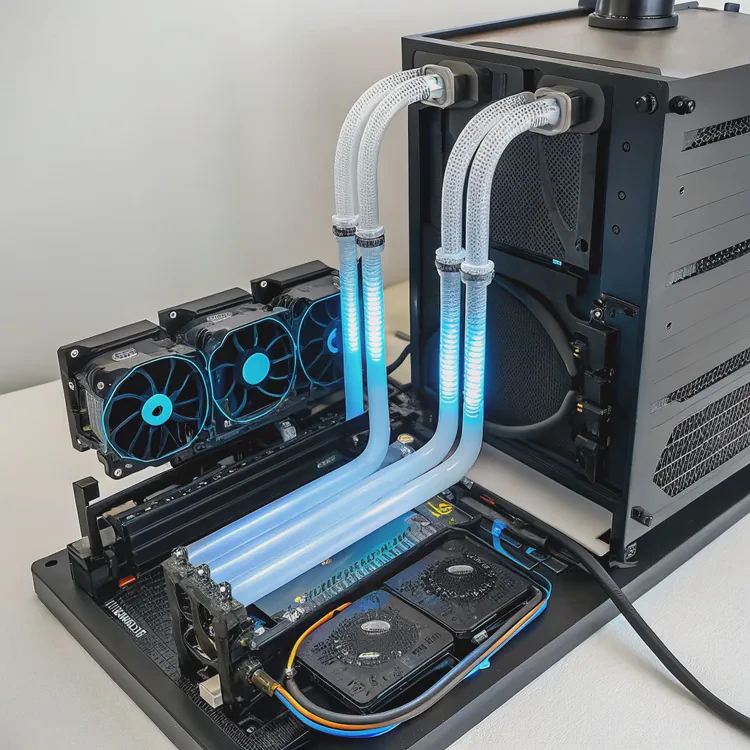
When your computer runs heavy workloads like gaming, 3D rendering, or AI modeling, the CPU and GPU can generate enormous amounts of heat. Traditional air coolers use fans and metal fins to remove it, but as power increases, air alone often isn’t enough.
Liquid cooling works by circulating coolant through water blocks that absorb heat from components and transfer it to a radiator, where it’s released into the air.
This system allows the PC to maintain lower and more stable temperatures, keeping performance consistent even under extreme processing loads.
What are the main parts of a PC liquid cooling system?
A liquid cooling setup may look complex, but it’s built from a few key parts that work together to form a closed loop.
The main components of a PC liquid cooling system are the water block, pump, radiator, tubing, coolant, and (in custom loops) a reservoir.
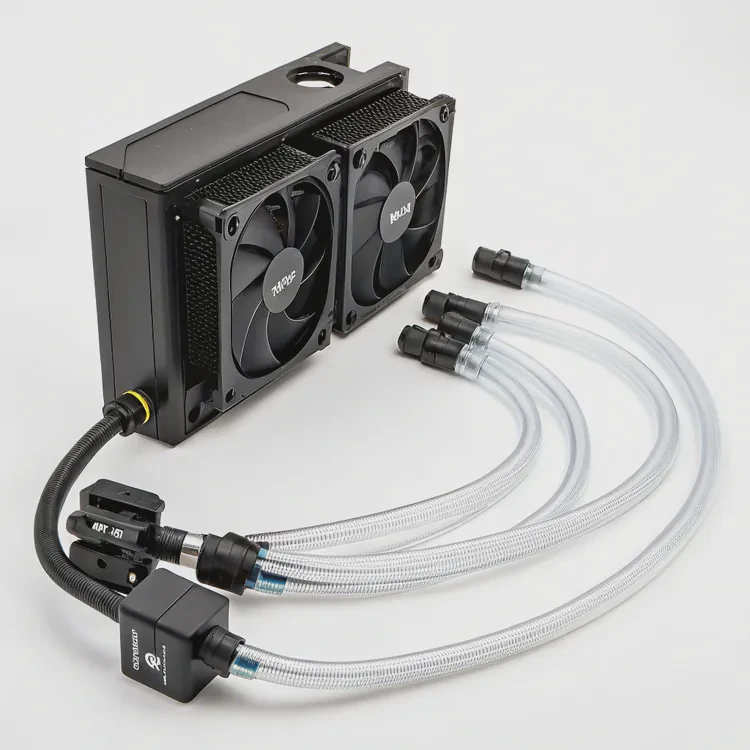
Each component has a specific role in moving heat efficiently out of the system.
Overview of Core Components
| Component | Function | Notes |
|---|---|---|
| Water Block | Transfers heat from CPU or GPU to coolant | Made of copper or nickel-plated metal |
| Pump | Circulates coolant through the loop | Determines flow rate and pressure |
| Radiator | Removes heat from the coolant | Uses fans for airflow |
| Coolant | Medium that carries heat | Usually glycol- or water-based fluid |
| Tubing | Connects all components | Can be soft PVC or rigid acrylic |
| Reservoir | Holds extra coolant and air bubble buffer | Optional in closed loops; standard in custom loops |
| Fans | Push air through the radiator | Affect cooling performance and noise levels |
How the Loop Works Step-by-Step
- The water block sits directly on the CPU or GPU surface.
- The block’s metal plate absorbs heat and transfers it to the coolant flowing through microchannels.
- The pump moves this heated coolant to the radiator.
- The radiator’s fans blow air across thin fins, cooling the liquid.
- The coolant, now cooler, circulates back to the block to repeat the process.
Types of PC Liquid Cooling Systems
AIO (All-In-One) Systems:
Pre-assembled and sealed units — simple, reliable, and maintenance-free. Common for CPU cooling (e.g., Corsair H150i, NZXT Kraken).Custom Loops:
Modular systems built with separate components for CPUs, GPUs, and even motherboards. Custom loops allow higher performance and unique aesthetics but require assembly and maintenance.Hybrid Systems:
Combine air and liquid cooling, such as GPU hybrid coolers with built-in pumps and fans (e.g., ASUS ROG Strix LC, EVGA Hybrid).
Example Layout
A simple CPU AIO system:
Pump (on CPU block) → Radiator → Fans → Coolant Loop → Back to Pump
A complex custom loop:
Reservoir → Pump → CPU Block → GPU Block → Radiator 1 → Radiator 2 → Back to Reservoir
This flow ensures every major heat source in the system stays within safe temperature limits.
Why do PCs perform better with liquid cooling?
Thermal management directly impacts computer performance. CPUs and GPUs automatically reduce speed when temperatures rise too high — a process called thermal throttling.
Liquid cooling prevents throttling by maintaining low, stable temperatures, allowing the CPU and GPU to sustain maximum clock speeds for longer.
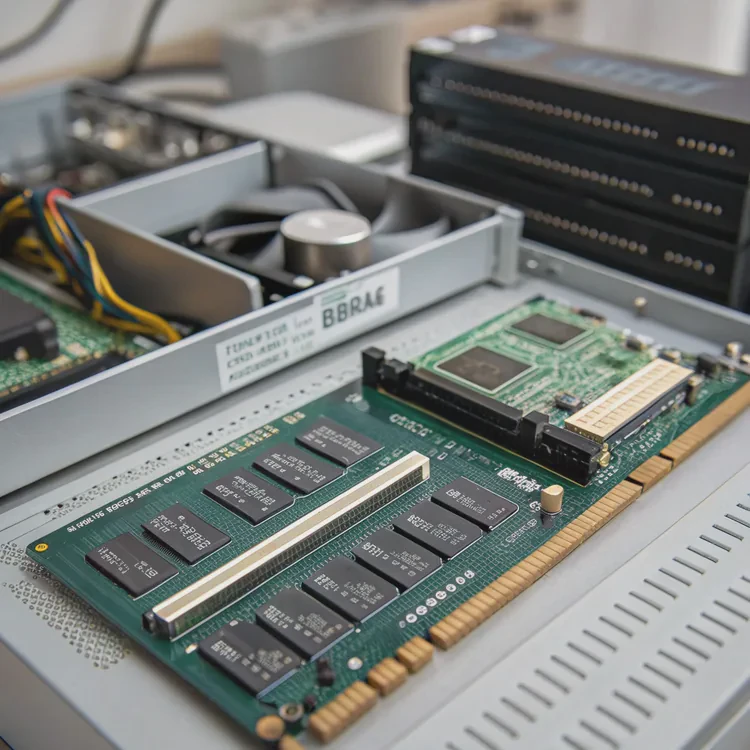
1. Superior Heat Dissipation
Liquid has a higher thermal capacity than air — it absorbs and transfers heat much faster.
This means:
- Temperature spikes are reduced.
- Performance stays consistent during long workloads.
- Boost clocks remain stable under heavy gaming or rendering.
2. Lower Noise Levels
Since liquid cooling transfers heat more efficiently, fans don’t need to spin as fast.
The result: quieter operation compared to large air coolers that rely on high-speed fans.
3. Better Overclocking Potential
Lower temperatures equal more overclocking headroom. Enthusiasts use liquid cooling to push CPUs and GPUs to higher frequencies safely without overheating or voltage instability.
4. Compact and Aesthetic Design
Liquid cooling can reduce clutter compared to large tower air coolers. Tubing routes heat to radiators mounted elsewhere in the case, freeing up visual space and improving overall airflow.
Many gamers also enjoy the aesthetic value — custom loops with RGB-lit tubes and clear reservoirs have become a popular showcase feature in modern builds.
5. Improved Component Longevity
High temperatures accelerate component wear. Maintaining stable cooling helps protect VRMs, memory modules, and power delivery circuits from heat-related degradation.
Example: CPU Thermal Comparison
| Cooling Type | Load Temperature | Noise Level | Sustained Boost Clock |
|---|---|---|---|
| Air Cooling | 80–85°C | 45–50 dBA | 4.8 GHz |
| AIO Liquid Cooling | 60–70°C | 35–40 dBA | 5.0 GHz |
| Custom Loop Cooling | 50–60°C | 30–35 dBA | 5.1–5.2 GHz |
Even modest temperature reductions can yield smoother performance and extended hardware life.
How to install liquid cooling in a desktop PC?
Installing a liquid cooler might seem intimidating, but with the right steps, it’s straightforward.
The process depends on whether you’re using an All-In-One (AIO) or a custom cooling loop.
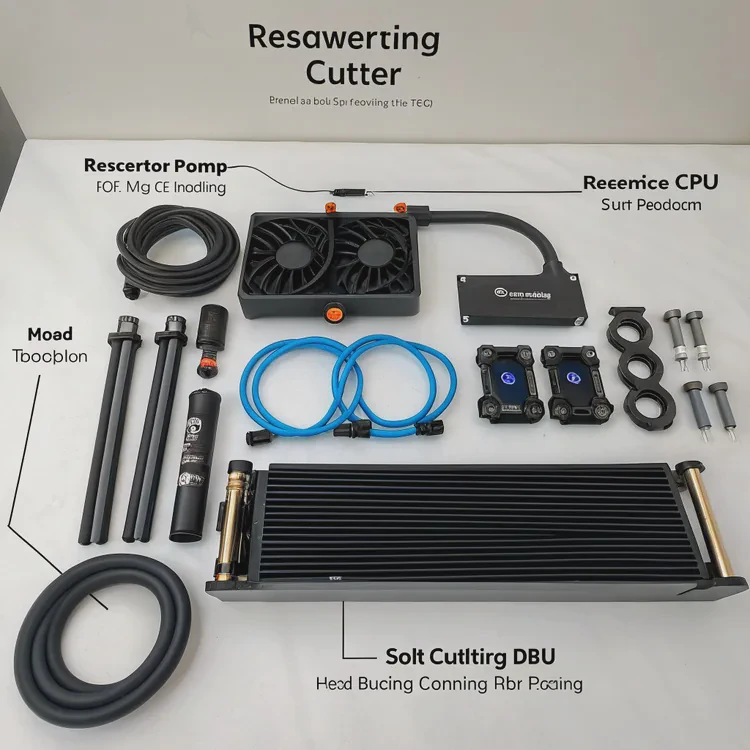
Below is a simplified guide for both.
Installing an All-In-One (AIO) Liquid Cooler
Check Compatibility
- Ensure the cooler fits your CPU socket (Intel LGA1700, AMD AM5, etc.).
- Confirm that the radiator size (120mm, 240mm, 360mm) fits your case.
- Ensure the cooler fits your CPU socket (Intel LGA1700, AMD AM5, etc.).
Prepare the Case
- Decide radiator placement: top, front, or rear.
- Remove existing case fans if necessary.
- Decide radiator placement: top, front, or rear.
Mount the Radiator
- Use the provided screws to attach the radiator and fans.
- Ensure fans are oriented to push or pull air properly (intake or exhaust configuration).
- Use the provided screws to attach the radiator and fans.
Install the CPU Water Block
- Apply thermal paste (a pea-sized amount).
- Mount the block using the manufacturer’s bracket.
- Tighten screws evenly to avoid uneven pressure.
- Apply thermal paste (a pea-sized amount).
Connect the Pump and Fans
- Plug the pump header into the CPU_FAN or dedicated PUMP_FAN connector on your motherboard.
- Connect radiator fans to a fan header or controller.
- Some AIOs have RGB cables for lighting control via software.
- Plug the pump header into the CPU_FAN or dedicated PUMP_FAN connector on your motherboard.
Power Up and Test
- Boot the PC and check temperatures.
- Ensure the pump and fans run quietly and coolant flows smoothly.
- Typical idle temps: 25–35°C, load temps: 60–70°C.
- Boot the PC and check temperatures.
Installing a Custom Liquid Cooling Loop
Custom loops require more planning and precision.
Plan Your Loop
Sketch the flow path: Reservoir → Pump → CPU → GPU → Radiator(s) → Reservoir.Measure and Cut Tubing
Use a cutter for soft tubing or a heat-bending kit for hard acrylic tubes.Install the Water Blocks
Attach blocks to CPU and GPU carefully, applying new thermal paste and thermal pads as needed.Mount Pump and Reservoir
Secure them at the lowest point of the loop for easy filling and air bleeding.Assemble the Loop
Connect components with compression fittings or push-locks. Ensure all seals are tight.Fill and Leak-Test
- Fill the loop with coolant using a funnel or fill bottle.
- Run the pump (without powering other components) for several hours to check for leaks.
- Fill the loop with coolant using a funnel or fill bottle.
Run and Monitor
Once verified, power the full system and monitor temperatures using software like HWMonitor or NZXT CAM.
Safety Tips
- Never power the PC fully during leak testing.
- Always use non-conductive coolant for added safety.
- Replace coolant every 12–18 months to avoid buildup or algae.
- Ensure radiators and fans are dust-free for consistent performance.
What are the latest trends in PC cooling?
Cooling technology continues to evolve as CPUs and GPUs grow more powerful.
New PC cooling trends focus on hybrid systems, smart control, advanced materials, and eco-friendly coolants.
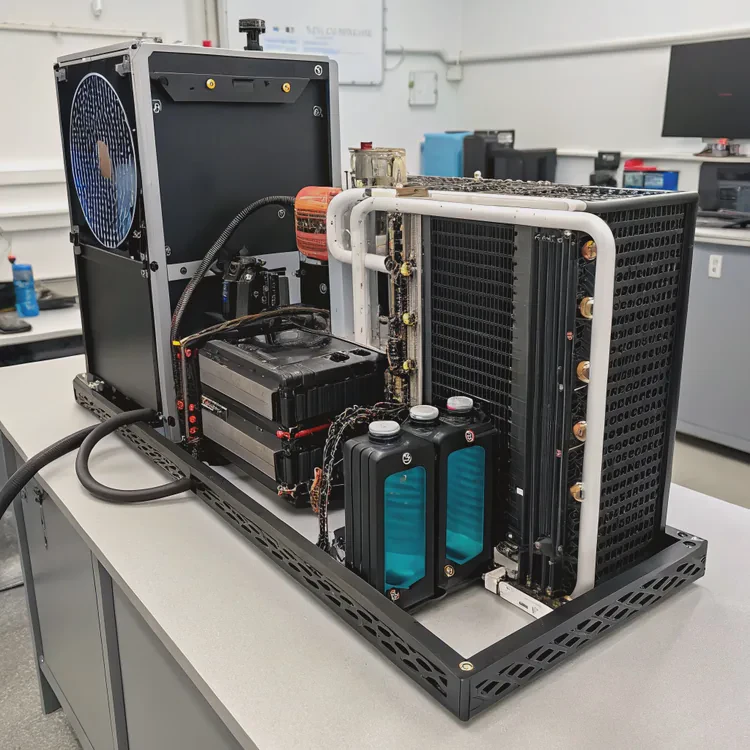
1. Hybrid Air-Liquid Cooling Systems
Manufacturers are integrating air and liquid cooling into single designs — for example, hybrid GPU coolers with both fans and small AIO pumps. This offers a good balance between efficiency and simplicity.
2. AI-Based Fan and Pump Control
Modern motherboards and software now use AI algorithms to optimize cooling automatically. Systems can predict workload patterns and adjust fan speeds dynamically, maintaining ideal temperatures while reducing noise.
3. Improved Radiator and Pump Technology
Radiators are adopting micro-channel designs that increase surface area without adding bulk. Pumps are now smaller, quieter, and more durable, using ceramic bearings and PWM speed control for efficiency.
4. Liquid Metal and Phase-Change Cooling
Enthusiasts are experimenting with liquid metal (gallium-based compounds) as ultra-efficient thermal interfaces.
Emerging phase-change cooling (solid–liquid transitions) could revolutionize how PCs manage thermal spikes.
5. Modular and Maintenance-Free Custom Loops
Companies are releasing modular cooling kits that combine the flexibility of custom loops with the ease of AIOs. These plug-and-play systems simplify installation and reduce maintenance needs.
6. Environmentally Friendly Coolants
Next-gen coolants are shifting toward biodegradable, glycol-free formulations that are safer and more sustainable. Some even use transparent, non-toxic bases that resist algae growth.
7. Integrated System-Level Cooling
Future gaming PCs and workstations will feature shared cooling loops that manage both CPU and GPU simultaneously through intelligent distribution valves. This unified design reduces tubing clutter and optimizes radiator efficiency.
Example: Cooling Innovation Timeline
| Year | Innovation | Impact |
|---|---|---|
| 2010 | First AIO coolers (Corsair H50) | Easy water cooling access |
| 2015 | RGB and glass PC cases | Aesthetic focus on liquid cooling |
| 2020 | Smart fan and pump control | Quieter, efficient systems |
| 2023 | Hybrid GPU + CPU cooling | Unified loop performance |
| 2025+ | AI thermal optimization & nanofluids | Predictive, adaptive cooling |
8. Smart Sensors and Real-Time Monitoring
Liquid cooling systems are now equipped with flow rate, temperature, and pressure sensors, allowing real-time feedback through software dashboards. This provides data-driven control and early warning for maintenance needs.
9. Silent and Passive Cooling Goals
As noise reduction becomes a design priority, companies are exploring semi-passive liquid systems that can operate with minimal or no fan use under light loads — ideal for home studios and professional environments.
Conclusion
Liquid cooling in PCs uses coolant to transfer heat from the CPU or GPU to a radiator, achieving better temperature stability and quieter operation than air cooling. Its main components — the block, pump, radiator, and coolant — form a closed-loop system that keeps performance steady.
With AI-controlled pumps, hybrid designs, and eco-friendly coolants shaping the future, liquid cooling is evolving into an intelligent, efficient, and visually stunning solution for next-generation computing power.
TAGS
Latest Articles

Volume discount levels for heat sink orders?
Buyers often ask when heat sink prices start to drop with volume. Many worry they’re overpaying for small orders. This guide explains how B2B volume pricing works for thermal components. Heat sink
21 Dec,2025
Heat sink long-term supply contract options?
Many buyers want stable pricing and reliable delivery for heat sinks. But without a clear contract, risks grow over time. This article explores how to secure better long-term supply deals. Long-term
21 Dec,2025
Tooling cost for new heat sink profiles?
Many engineers struggle to understand why tooling for custom heat sinks costs so much. They worry about budgeting and production timelines. This article breaks down the cost drivers behind tooling.
21 Dec,2025
Heat sink custom sample process steps?
Sometimes, starting a custom heat sink project feels overwhelming—too many steps, too many unknowns, and too many risks. You want a sample, but not endless delays. The process for requesting and
20 Dec,2025
Standard B2B terms for heat sink payments?
When buyers and sellers in B2B heat sink markets talk about payment, many don’t fully understand what’s standard. This can lead to delayed orders, miscommunication, and even lost business
20 Dec,2025
Heat sink pricing factors for large orders?
Heat sinks are vital for many systems. When prices rise, projects stall and budgets break. This problem can hit teams hard without warning. Large order heat sink pricing depends on many factors. You
20 Dec,2025Related Articles
- Which is better, air cooled or liquid cooled engine?
- Does a 4090 need liquid cooling?
- Can full test reports and certifications be delivered with orders?
- Do we have green certifications for our production processes?
- What export regulations apply to heat sinks for the US market?
- Can we provide MSDS or material certificates for heat sinks?
- What is a liquid cooling system?
- How to make a liquid cooling system?
- How to check if liquid cooling is working?
- Is a liquid cooling system worth it?
- What is liquid cooling made of?
- How often to change liquid cooling?
Author
Dr. Emily Chen
Chief AI Researcher
Leading expert in thermal dynamics and AI optimization with over 15 years of experience in data center efficiency research.
Categories
Latest Products






Recommend Categories
- Liquid cooling plate Manufacturer
- Industrial Heat Sink Manufacturer
- Standard Heat Sink Manufacturer
- Aluminum Heat Sink Manufacturer
- Copper Heat Sink Manufacturer
- Anodized Heatsink Manufacturer
- Stamping heat sink Manufacturer
- Die Casting Heatsink Manufacturer
- Soldering heat sink Manufacturer
- CNC Parts Manufacturer
Latest Products
- Wholesale Aluminum Radiator
- Water Cooling Plate Kit
- Water Cooling Heat Sink
- Water Cooling Heat Sink Kit
- Stainless Steel Water Distributor
- Server Water Cooling Plate Kit
- Server Liquid Cooling System
- Server Aluminum Cooling Kit
- S19 Full Cover Cooling Plate
- S19 Cooling Plate Kit
- S19 Aluminum Cooling Plate
Contact Expert
Have questions about this article? Reach out to our experts directly.