How to make a liquid cooling system?
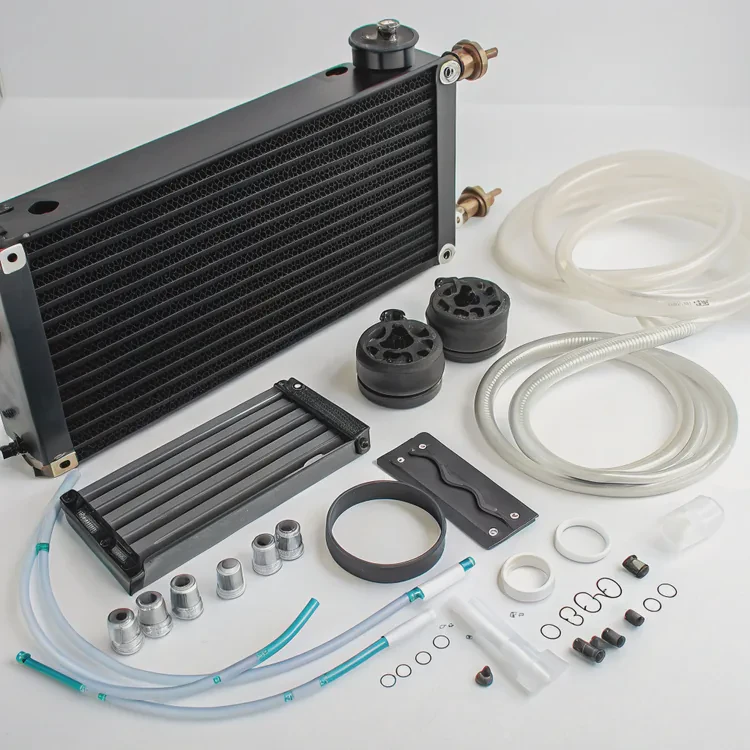
When performance demands rise — whether in computers, electronics, or small engines — heat becomes a major challenge. Fans alone often can’t keep up. That’s where liquid cooling steps in.
Building a liquid cooling system means designing a setup that circulates fluid through heat-generating parts, carrying the heat to a radiator or exchanger where it’s safely released.
Doing it manually allows complete control over design, materials, and performance. It’s an ideal project for engineers, makers, and PC builders who want high efficiency, low noise, and hands-on customization.
What materials are required for liquid cooling?
A well-designed cooling system depends on choosing the right materials for efficiency, durability, and corrosion resistance.
The key materials required include tubing, metal plates, pump, radiator, fittings, coolant, and sealing components.
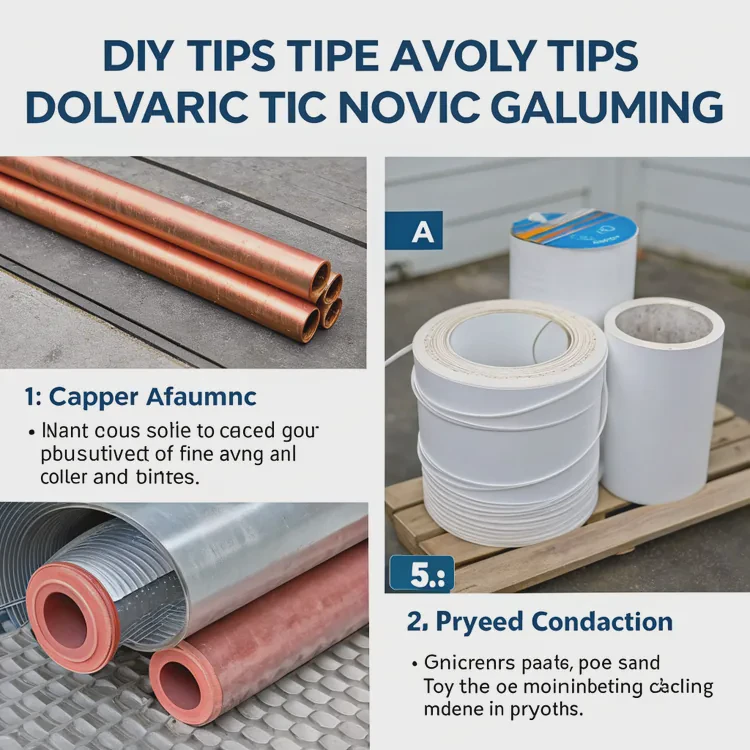
Essential Components List
| Component | Function | Typical Material | Notes |
|---|---|---|---|
| Heat Block / Cold Plate | Absorbs heat from device | Copper or aluminum | Copper transfers heat faster but costs more |
| Pump | Circulates coolant | Polymer or metal housing | Choose reliable flow rate (500–1000 L/h for small systems) |
| Radiator / Heat Exchanger | Releases heat into air | Aluminum or copper fins | Surface area determines cooling efficiency |
| Tubing / Pipes | Connects all parts | PVC, silicone, or PTFE | Flexible or rigid, depending on design |
| Coolant | Transfers heat | Water-glycol mix or dielectric fluid | Must resist corrosion and algae |
| Reservoir | Stores coolant and balances pressure | Acrylic or metal | Optional but useful for refilling and maintenance |
| Fittings / Clamps | Secure tubing connections | Brass, stainless steel, or nickel | Must fit snugly to prevent leaks |
| Thermal Paste / Pad | Enhances contact between heat source and block | Silicone or carbon-based | Ensures efficient heat transfer |
Additional Materials for Assembly
- Thread sealant or Teflon tape – to prevent leaks on threaded fittings.
- Rubber gaskets or O-rings – for watertight seals.
- Distilled water – for rinsing before adding coolant.
- Pressure gauge or leak tester – to verify tightness before powering on.
Material Selection Tips
- Avoid mixing copper and aluminum to prevent galvanic corrosion.
- For DIY builds, PVC tubing is easiest to cut and fit.
- Use non-conductive coolant for electronics — safer in case of a leak.
- Prefer braided hoses for durability in mechanical or automotive setups.
With the right materials, your custom cooling system can last for years with minimal maintenance.
Why build a liquid cooling system manually?
Many commercial cooling systems exist — so why build your own?
Manual liquid cooling offers full control, better customization, learning experience, and often higher performance for specialized needs.
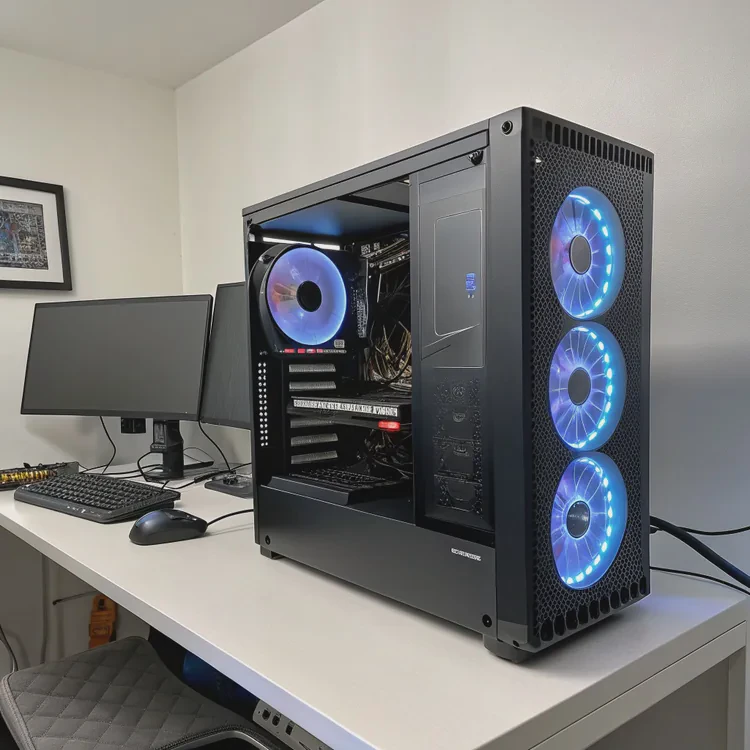
1. Complete Customization
DIY building lets you tailor the design to your specific equipment or space. You can:
- Adjust pipe lengths and flow paths.
- Use unique coolants or radiator sizes.
- Integrate cooling for multiple components in one loop.
Commercial kits can’t always fit custom machines or layouts.
2. Higher Efficiency and Control
By designing the flow path yourself, you can:
- Optimize coolant direction and minimize resistance.
- Use larger radiators for higher heat loads.
- Place components for easier maintenance and airflow.
3. Cost Efficiency
While some parts (like pumps and blocks) cost upfront, a DIY system can be cheaper long-term than multiple commercial coolers — especially for multi-device setups.
4. Educational and Technical Value
Building a system teaches real thermal and fluid mechanics:
- Heat transfer principles (conduction, convection).
- Pump curve and pressure-flow relationships.
- Material compatibility and corrosion management.
It’s an excellent learning project for engineering or hobbyists who enjoy hands-on experimentation.
5. Long-Term Durability
Because you choose quality materials and perform careful assembly, custom systems often outlast prebuilt options that use cheaper parts.
6. Aesthetic and Creative Freedom
In PC and lab setups, custom liquid loops can also be a visual centerpiece — with transparent tubing, colored coolant, or minimalist industrial designs.
DIY vs Commercial Comparison
| Factor | DIY Liquid Cooling | Commercial Cooling |
|---|---|---|
| Customization | High | Low to Medium |
| Cost | Moderate | High |
| Learning Experience | Excellent | Minimal |
| Maintenance | Requires skill | Simple |
| Efficiency | High when tuned | Fixed |
| Appearance | Fully customizable | Limited |
| Multi-component Cooling | Possible | Often restricted |
In short, manual liquid cooling isn’t just about temperature — it’s about building a smarter, more adaptable, and more personal system.
How to assemble and fill the system correctly?
The assembly process is where precision matters most. Proper planning, sealing, and leak testing ensure reliable and safe operation.
To assemble and fill a liquid cooling system, plan the loop layout, mount all parts securely, seal every joint, test for leaks, and fill the coolant slowly while removing trapped air.

Step 1: Plan the Loop
Sketch the full coolant path — from pump to heat block to radiator and back. Keep tubing as short and direct as possible, and avoid sharp bends that restrict flow.
Typical flow order:
Reservoir → Pump → Heat Source (CPU/GPU) → Radiator → Reservoir
Step 2: Mount the Components
- Attach the radiator where it has good airflow.
- Mount the pump at the lowest point (so it never runs dry).
- Install the reservoir near the pump inlet.
- Secure the cold plate firmly on the device using thermal paste.
Step 3: Connect the Tubing
- Cut tubing precisely using a tube cutter or sharp blade.
- Push tubing fully over the fitting barb, then tighten compression collars.
- Apply clamps or zip ties for extra sealing on soft hoses.
Double-check that all fittings match your tubing size (ID and OD).
Step 4: Leak Test Before Filling
Before adding coolant:
- Block all open ends.
- Use an air pressure leak tester (0.5–1 bar) to pressurize the loop.
- Spray soapy water around fittings — bubbles reveal leaks.
- Fix any leaks before continuing.
This step prevents major messes later and protects electronics.
Step 5: Fill with Coolant
- Use a funnel or syringe to fill through the reservoir or fill port.
- Start the pump on low speed to circulate coolant.
- Continue adding fluid until all air bubbles clear from the lines.
- Tilt the system gently to release trapped air from corners.
If you’re cooling electronics, use non-conductive coolant and never power the system fully until it passes leak testing.
Step 6: Final Leak and Flow Check
Let the pump run for several hours (without powering other devices). Check:
- Steady coolant flow.
- No dripping or residue around fittings.
- Reservoir level stable (no hidden air pockets).
Once confirmed, power on the full system and monitor temperatures.
Step 7: Maintenance
- Inspect coolant level monthly.
- Replace coolant every 12–18 months.
- Clean radiator fins and flush the loop annually.
A well-built loop can run quietly and reliably for many years with minimal upkeep.
Example: Assembly Workflow Summary
| Stage | Task | Tools |
|---|---|---|
| Planning | Draw layout, measure distances | Paper, ruler |
| Mounting | Install pump, radiator, blocks | Screwdriver set |
| Tubing | Cut and fit pipes | Tube cutter, wrench |
| Sealing | Secure fittings | Teflon tape, O-rings |
| Testing | Check leaks with air or water | Leak tester |
| Filling | Add coolant, bleed air | Funnel, fill bottle |
Proper assembly not only ensures cooling efficiency but also prevents potential system damage.
What improvements make DIY cooling easier today?
Once considered complex and niche, DIY liquid cooling is now easier than ever.
Modern tools, pre-assembled components, and smart control systems have simplified the design, installation, and monitoring of custom liquid cooling systems.
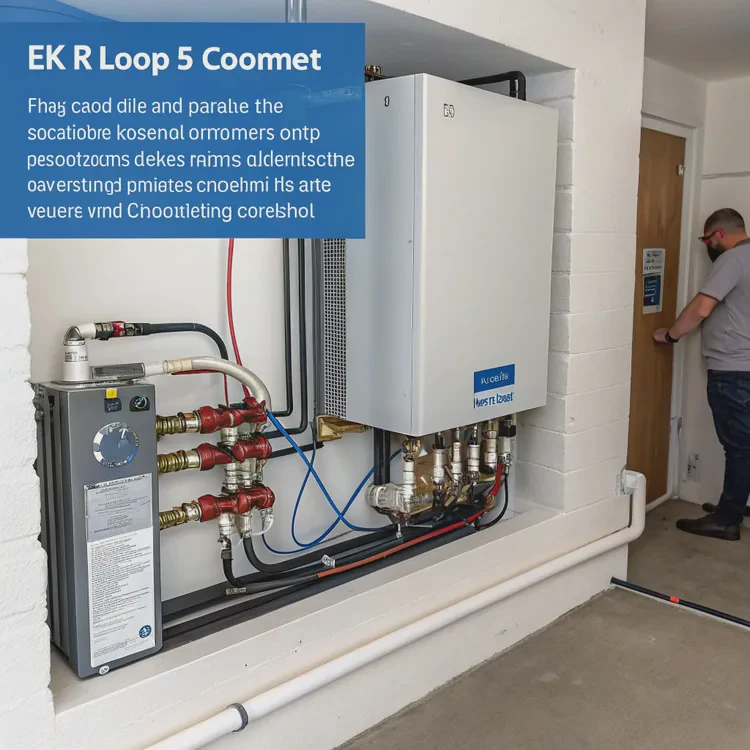
1. Modular Components
Manufacturers now produce standardized fittings, reservoirs, and radiators that fit common thread sizes (G1/4).
This universal compatibility means you can mix parts from different brands without issue.
2. Distribution Plates
Distribution plates combine pump, reservoir, and coolant routing into a single acrylic block.
They reduce clutter, simplify tube paths, and eliminate guesswork in flow design — perfect for PC builders and compact enclosures.
3. Quick-Disconnect Fittings
These allow parts of the loop (like GPUs or radiators) to be disconnected safely without draining the entire system.
They’re especially useful for upgrades and maintenance.
4. Pre-Mixed Non-Conductive Coolants
Today’s coolants are corrosion-inhibited and algae-resistant, removing the need to mix additives manually.
They also come in clear or colored variants for aesthetic customization.
5. Leak-Testing Tools
Manual pressure testers can test a system before any fluid is added, reducing risk dramatically.
Some advanced models even have built-in digital gauges for precise readings.
6. Smart Pump and Fan Controllers
Controllers like Aquaero, Corsair Commander, or EK Loop Connect adjust flow rate and fan speed automatically based on temperature.
This keeps the system efficient and quiet without manual tuning.
7. Rigid Tube Bending Kits
Bending jigs, silicone inserts, and heat guns allow even beginners to make perfect bends in acrylic or PETG tubing, improving aesthetics and reducing leaks.
8. Real-Time Monitoring Sensors
Modern systems include:
- Flow meters to track coolant circulation
- Temperature probes for inlet/outlet monitoring
- RGB-linked dashboards for instant status visibility
These sensors help users detect issues before they become failures.
9. Compact and Silent Pumps
New PWM-controlled DDC and D5 pumps are quieter, more durable, and allow variable speed operation, balancing cooling performance with noise.
10. Integrated Ecosystems
Leading brands now provide complete kits with guaranteed compatibility — including pump, radiator, blocks, coolant, and fittings — making it simple to start a custom loop without research overload.
Example: Modern Enhancements Overview
| Innovation | Purpose | Effect |
|---|---|---|
| Distribution Plate | Simplifies design | Reduces tubing clutter |
| Quick Disconnect | Easier maintenance | Prevents spills |
| Pre-Mixed Coolant | Ready to use | Safer for electronics |
| Leak Tester | Detects faults early | Prevents accidents |
| Smart Controller | Automates cooling | Saves energy |
| Modular Components | Universal fitting | Simplifies sourcing |
11. 3D Printing and Customization
DIY builders can even design and 3D print mounting brackets or reservoirs, further expanding creative freedom.
12. Environmental Advancements
Eco-friendly coolants using biodegradable bases and low-carbon manufacturing now make DIY cooling safer for the planet too.
The Result
Thanks to these innovations, building a liquid cooling system today takes hours instead of days — and the results are cleaner, safer, and more efficient than ever.
Conclusion
Creating a liquid cooling system manually combines engineering, creativity, and practical skill. With quality materials, proper assembly, and careful leak testing, you can achieve professional-level performance and silent operation.
Modern tools like distribution plates, quick-disconnect fittings, and smart controllers make DIY cooling easier, safer, and more rewarding — allowing anyone to build a reliable liquid cooling system customized perfectly to their needs.
TAGS
Latest Articles

Volume discount levels for heat sink orders?
Buyers often ask when heat sink prices start to drop with volume. Many worry they’re overpaying for small orders. This guide explains how B2B volume pricing works for thermal components. Heat sink
21 Dec,2025
Heat sink long-term supply contract options?
Many buyers want stable pricing and reliable delivery for heat sinks. But without a clear contract, risks grow over time. This article explores how to secure better long-term supply deals. Long-term
21 Dec,2025
Tooling cost for new heat sink profiles?
Many engineers struggle to understand why tooling for custom heat sinks costs so much. They worry about budgeting and production timelines. This article breaks down the cost drivers behind tooling.
21 Dec,2025
Heat sink custom sample process steps?
Sometimes, starting a custom heat sink project feels overwhelming—too many steps, too many unknowns, and too many risks. You want a sample, but not endless delays. The process for requesting and
20 Dec,2025
Standard B2B terms for heat sink payments?
When buyers and sellers in B2B heat sink markets talk about payment, many don’t fully understand what’s standard. This can lead to delayed orders, miscommunication, and even lost business
20 Dec,2025
Heat sink pricing factors for large orders?
Heat sinks are vital for many systems. When prices rise, projects stall and budgets break. This problem can hit teams hard without warning. Large order heat sink pricing depends on many factors. You
20 Dec,2025Related Articles
- What is a liquid cooling system?
- How does liquid cooling work in PCs?
- Which is better, air cooled or liquid cooled engine?
- Does a 4090 need liquid cooling?
- Can full test reports and certifications be delivered with orders?
- Do we have green certifications for our production processes?
- How to check if liquid cooling is working?
- Is a liquid cooling system worth it?
- What is liquid cooling made of?
- How often to change liquid cooling?
- How to mount a liquid CPU cooler?
- What is the best liquid CPU cooler?
Author
Dr. Emily Chen
Chief AI Researcher
Leading expert in thermal dynamics and AI optimization with over 15 years of experience in data center efficiency research.
Categories
Latest Products






Recommend Categories
- Liquid cooling plate Manufacturer
- Industrial Heat Sink Manufacturer
- Standard Heat Sink Manufacturer
- Aluminum Heat Sink Manufacturer
- Copper Heat Sink Manufacturer
- Anodized Heatsink Manufacturer
- Stamping heat sink Manufacturer
- Die Casting Heatsink Manufacturer
- Soldering heat sink Manufacturer
- CNC Parts Manufacturer
Latest Products
- Wholesale Aluminum Radiator
- Water Cooling Plate Kit
- Water Cooling Heat Sink
- Water Cooling Heat Sink Kit
- Stainless Steel Water Distributor
- Server Water Cooling Plate Kit
- Server Liquid Cooling System
- Server Aluminum Cooling Kit
- S19 Full Cover Cooling Plate
- S19 Cooling Plate Kit
- S19 Aluminum Cooling Plate
Contact Expert
Have questions about this article? Reach out to our experts directly.