how to clean heatsink?
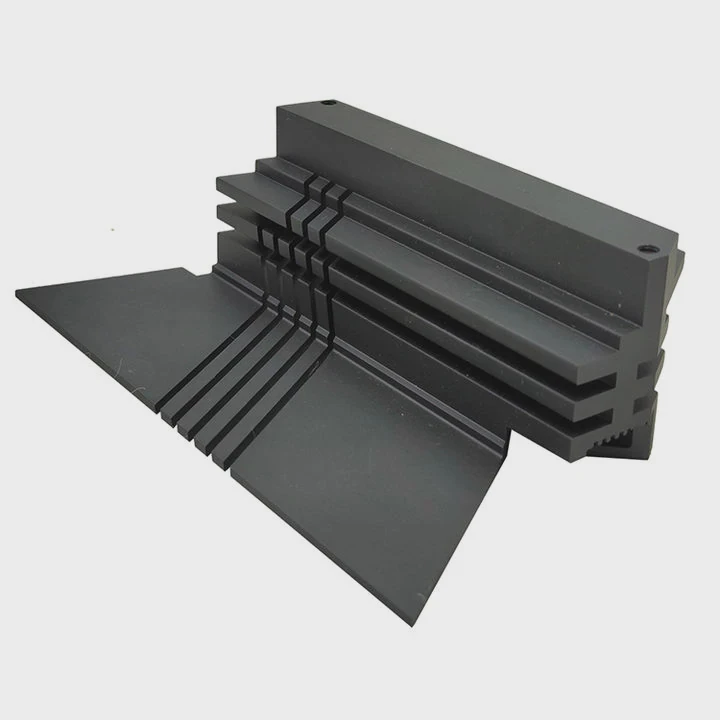
I remember the first time I opened an old PC and looked at the heatsink. I saw a thick carpet of dust sitting between the fins. I knew the system was slower than before, but I did not expect dust to be the main reason. That moment changed the way I think about cooling.
Cleaning a heatsink is simple, but it must be done the right way. A clean heatsink removes heat faster, keeps temperatures stable, and improves long-term performance without replacing any parts.
I want to explain why cleaning matters, what tools help, and what steps keep the heatsink safe during the process. These lessons come from many rebuilds, upgrades, and maintenance work I have done over the years.
Why remove dust from fins?
I know many users notice dust, but they do not understand how fast it affects cooling. I had the same thought years ago. The heatsink looked fine at a glance, so I ignored it. Then the temperatures climbed. That was when I learned how harmful dust can be.
Dust blocks the flow of air through the fins. When air cannot move, the heatsink cannot release heat. Removing dust restores airflow and brings the cooling performance back to normal.
Dust stops airflow
A heatsink needs air to carry heat away. When dust sits in front of the fins, the air slows down. When dust fills the gaps between the fins, the air stops moving at all. The heatsink begins to trap heat instead of releasing it. Even a small layer of dust can raise temperatures by many degrees.
Dust holds heat
Dust is light, but it holds heat. When dust sits on the metal surface, it becomes a thin blanket that keeps heat inside the fins. The metal cannot release heat into the air fast enough. This problem gets worse in cases with weak airflow.
Fans work harder with dust
When dust blocks airflow, fans spin faster to try to move air through the fins. This makes the system louder. It also puts more wear on the fan bearings. Cleaning dust lowers fan speed and noise.
Where dust collects most often
Dust collects in these common areas:
- the front of the fins
- the narrow gaps between fins
- the base of tower coolers
- the edges near the fan clips
- the area behind the fan blades
Dust appears in different shapes. Sometimes it is a thin film. Sometimes it is a thick layer. Sometimes it forms a sheet like felt.
Table: Dust impact on cooling
| Dust Level | Airflow Condition | Temperature Impact |
|---|---|---|
| Light film | Slightly reduced | Mild temperature rise |
| Medium buildup | Strongly reduced | Noticeable heat gain |
| Heavy block | Almost no airflow | High risk of throttle |
| Full clog | Air stops | Dangerous temperature spikes |
What I learned from testing dusty systems
I tested a dusty tower cooler by running a simple CPU load. The temperature jumped 15°C higher than normal. After cleaning the fins, the temperature dropped back to the normal range. This test showed me how fast dust hurts cooling. Removing dust is one of the easiest ways to fix heat issues.
What tools reach tight spaces?
I know many users want to clean their heatsink, but they worry about damaging fins. I felt the same when I cleaned my first thin-fin heatsink. The fins looked fragile. I did not want to bend anything. That is why the right tools matter.
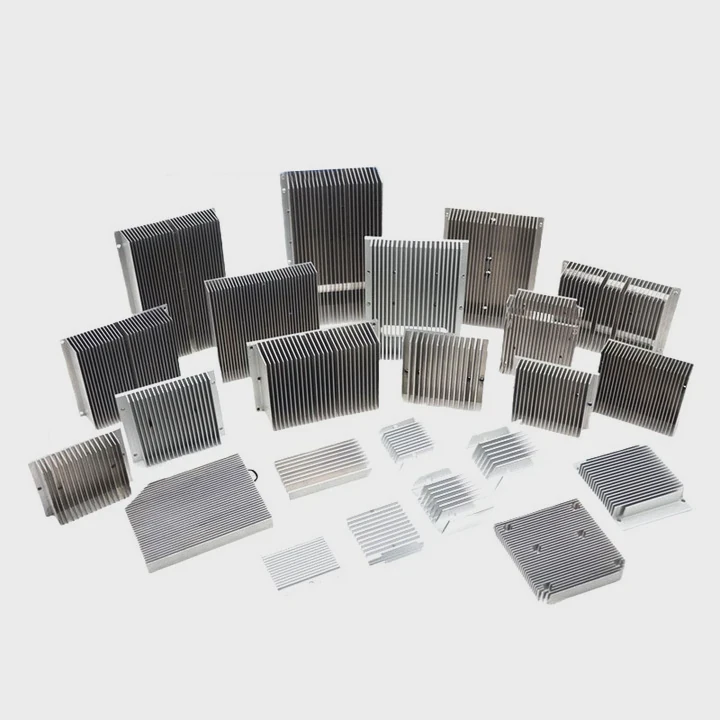
Small brushes, compressed air, cotton swabs, and soft cloths can reach tight spaces safely. These tools remove dust without bending fins or scratching the surface.
Small brushes for delicate areas
A small brush with soft bristles reaches narrow gaps well. It pushes dust loose without bending the fins. I use a simple paintbrush or a small electronics brush. Both work well. I move the brush gently along the airflow path.
Compressed air for deeper dust
Compressed air blows dust out of the fins. It reaches spaces the brush cannot touch. I use short bursts to avoid spinning fans too fast. It is important to hold the fan blades still with a finger or a small tool. Spinning the fan at high speed can damage the bearings.
Cotton swabs for corners
Some heatsinks have corners where dust hides. Cotton swabs help reach these spots. They are soft and safe on metal surfaces. I use them around the base of the cooler and behind the fan clips.
Soft cloths for the base
The base of the heatsink collects oil, fingerprints, and fine dust. A soft cloth removes these marks without scratching the metal. I avoid any cloth that sheds fibers because loose fibers can stick to the paste later.
Table: Tools for cleaning tight spaces
| Tool | Best Use | Safety Level |
|---|---|---|
| Soft brush | Surface dust in fins | Very safe |
| Compressed air | Deep dust removal | Safe with short bursts |
| Cotton swab | Corners and edges | Very safe |
| Soft cloth | Base cleaning | Safe and gentle |
Why tool choice matters
Heatsinks use thin fins to increase surface area. These fins bend easily. If a tool is too stiff or too sharp, it may damage the fins. Damaged fins reduce airflow. They also reduce the surface area that dissipates heat. Using the right tools keeps the heatsink working at full performance.
My simple cleaning routine
I follow this routine:
- remove the fan
- brush loose dust
- blow deep dust with short bursts of air
- clean corners with a cotton swab
- wipe the base gently
This routine keeps the heatsink clean without risking any damage.
Can washing damage coatings?
I know many users wonder if they should wash a heatsink under water. I had the same question when I saw a very dirty heatsink that brushes could not clean. Water seems like a simple solution, but it comes with risks.
Washing can damage coatings if the heatsink uses painted, anodized, or coated surfaces. Water also stays trapped in narrow fins, which may cause corrosion if the heatsink is not dried fully.
Why washing is risky
A heatsink may look like bare metal, but some models use coatings. These coatings improve appearance or reduce corrosion. When water sits on these coatings, it may weaken them. Some coatings peel. Some discolor. Some lose their protective layer.
Narrow fins trap water
Heatsinks use narrow gaps between fins. Water can hide in these gaps for a long time. Even a small amount of trapped water can cause corrosion, especially on aluminum. Corrosion reduces surface quality and heat transfer.
Washing does not remove all dust
Water removes loose dust, but it does not remove fine debris stuck deep inside. Sometimes water mixes with fine dust and forms a paste-like layer. This layer is harder to remove and may dry in small clumps.
When washing is safe
Washing is safe only when:
- the heatsink is uncoated bare metal
- the fins are thick enough
- the heatsink is fully dried for 24–48 hours
- all fans are removed before washing
Fans must never be washed. Water damages the bearings and electronics.
When washing is unsafe
Washing is unsafe when:
- the heatsink has black anodizing
- the heatsink has a painted finish
- the fins are very thin
- the base has a mirror polish
- the design traps water easily
Many modern heatsinks use colored coatings or anodized finishes. Water may damage them.
Table: Washing risks by heatsink type
| Heatsink Type | Washing Risk | Notes |
|---|---|---|
| Bare aluminum block | Low | Must dry fully |
| Bare copper block | Low to medium | Copper may tarnish |
| Anodized aluminum | Medium to high | Coating may fade |
| Painted surface | High | Paint may peel |
| Thin-fin tower design | High | Water may stay trapped |
A story from my testing
I once washed an old bare-aluminum heatsink. It looked safe. But water stayed between the fins even after 12 hours. When I heated the cooler during CPU testing, small droplets appeared between the fins. After that experience, I rarely wash heatsinks. I only do it when the design is simple and easy to dry.
Should paste be replaced afterward?
I know many users feel unsure when they clean a heatsink and see old thermal paste. I felt the same confusion during my first rebuild. I wondered if the old paste was still good. After many tests, I learned that paste plays a big role in temperature stability.
Paste should be replaced after removing the heatsink because old paste cracks, dries, or loses contact. New paste restores the thermal link between the CPU and the heatsink.
Why old paste fails
Thermal paste ages when exposed to heat. It dries out slowly. When it dries, it forms gaps. These gaps trap heat. Even small gaps increase temperature. When I clean a heatsink, I always remove old paste from the CPU and the base.
Removing old paste safely
I use a soft cloth or a cotton pad with a small amount of isopropyl alcohol. This removes the old paste without scratching the metal. I clean both the CPU heat spreader and the heatsink base until the surfaces look smooth.
Applying fresh paste
Fresh paste fills microscopic
TAGS
Latest Articles

Volume discount levels for heat sink orders?
Buyers often ask when heat sink prices start to drop with volume. Many worry they’re overpaying for small orders. This guide explains how B2B volume pricing works for thermal components. Heat sink
21 Dec,2025
Heat sink long-term supply contract options?
Many buyers want stable pricing and reliable delivery for heat sinks. But without a clear contract, risks grow over time. This article explores how to secure better long-term supply deals. Long-term
21 Dec,2025
Tooling cost for new heat sink profiles?
Many engineers struggle to understand why tooling for custom heat sinks costs so much. They worry about budgeting and production timelines. This article breaks down the cost drivers behind tooling.
21 Dec,2025
Heat sink custom sample process steps?
Sometimes, starting a custom heat sink project feels overwhelming—too many steps, too many unknowns, and too many risks. You want a sample, but not endless delays. The process for requesting and
20 Dec,2025
Standard B2B terms for heat sink payments?
When buyers and sellers in B2B heat sink markets talk about payment, many don’t fully understand what’s standard. This can lead to delayed orders, miscommunication, and even lost business
20 Dec,2025
Heat sink pricing factors for large orders?
Heat sinks are vital for many systems. When prices rise, projects stall and budgets break. This problem can hit teams hard without warning. Large order heat sink pricing depends on many factors. You
20 Dec,2025Related Articles
- Do transistors need to have a heatsink?
- is replacing laptop heatsink worth it?
- what to do without a cpu heatsink?
- Can you remove heatsink from motherboard?
- can you clean the stock.microsoft heatsink under water?
- How to remove CPU from heatsink?
- do noctua chromax heatsink covers impact?
- which to 220 heatsink?
- what is a heatsink and fan?
- Do you need heatsinks in liquid cooling?
- what is a processor heatsink?
- Does Coffee Lake come with heatsink and fans?
Author
Dr. Emily Chen
Chief AI Researcher
Leading expert in thermal dynamics and AI optimization with over 15 years of experience in data center efficiency research.
Categories
Latest Products






Recommend Categories
- Liquid cooling plate Manufacturer
- Industrial Heat Sink Manufacturer
- Standard Heat Sink Manufacturer
- Aluminum Heat Sink Manufacturer
- Copper Heat Sink Manufacturer
- Anodized Heatsink Manufacturer
- Stamping heat sink Manufacturer
- Die Casting Heatsink Manufacturer
- Soldering heat sink Manufacturer
- CNC Parts Manufacturer
Latest Products
- Wholesale Aluminum Radiator
- Water Cooling Plate Kit
- Water Cooling Heat Sink
- Water Cooling Heat Sink Kit
- Stainless Steel Water Distributor
- Server Water Cooling Plate Kit
- Server Liquid Cooling System
- Server Aluminum Cooling Kit
- S19 Full Cover Cooling Plate
- S19 Cooling Plate Kit
- S19 Aluminum Cooling Plate
Contact Expert
Have questions about this article? Reach out to our experts directly.