How to make a custom liquid cooling system?
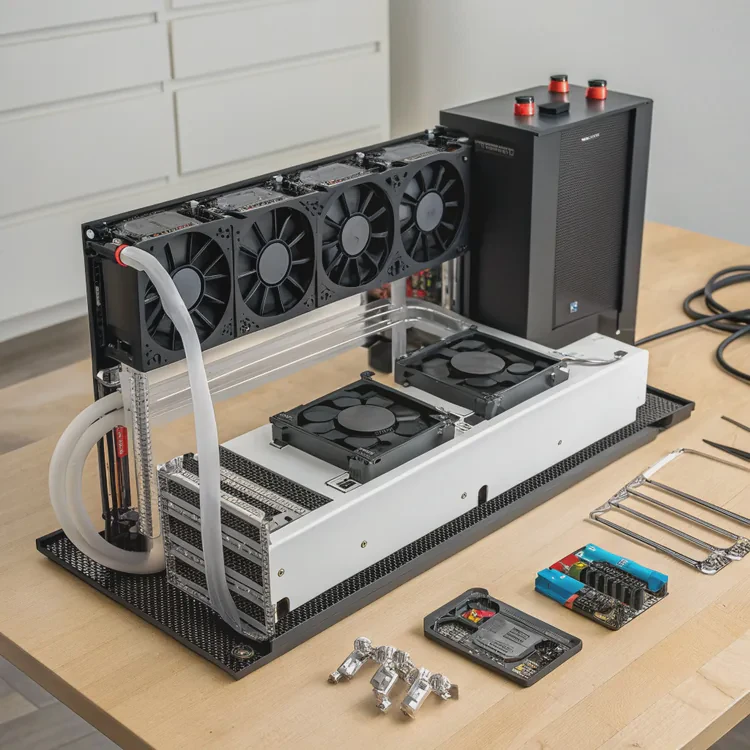
Creating a custom liquid cooling system might seem complex, but it’s one of the most rewarding upgrades for any PC or industrial setup.
To make a custom liquid cooling system, you must plan the loop, choose the right components, assemble them carefully, and test the system to ensure efficient heat dissipation and leak-free performance.
With patience and attention to detail, you can achieve quiet operation, cooler temperatures, and an impressive aesthetic that no air cooler can match.
What components are required for a liquid cooling system?
Many first-time builders ask what parts are truly essential and what can be optional. In reality, every component in a liquid cooling loop plays a specific and important role.
A custom liquid cooling system requires a pump, radiator, reservoir, water blocks, tubing, fittings, and coolant — all working together in a closed loop to remove heat from critical components.
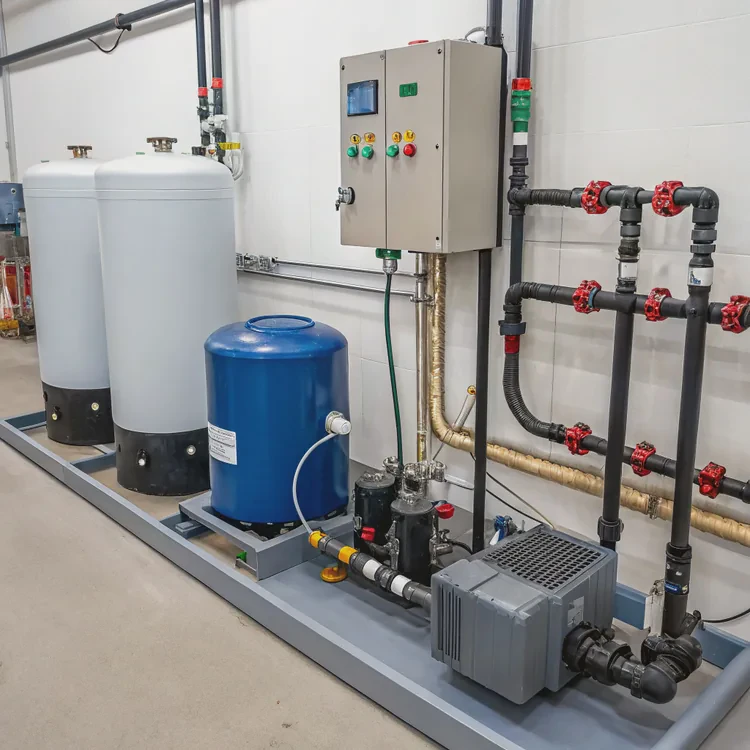
Main Components Overview
| Component | Function |
|---|---|
| Pump | Moves coolant through the loop |
| Radiator | Transfers heat from the coolant to the air |
| Reservoir | Holds coolant and helps remove air bubbles |
| Water Blocks | Draw heat from components like CPUs and GPUs |
| Tubing | Connects all parts and defines loop path |
| Fittings | Secure connections between tubing and components |
| Coolant | Transfers heat and prevents corrosion |
Additional Accessories
Optional parts include temperature sensors, flow meters, and RGB lighting. These enhance control and visual appeal but aren’t mandatory for functionality.
Each part should be chosen carefully, with compatibility and materials in mind. For example, don’t mix copper and aluminum components, as this can cause corrosion over time.
What are the advantages of building a custom liquid cooling system?
When I built my first custom cooling loop, I immediately noticed two things — the silence and the stability under full load. It felt like breathing new life into my system.
Building a custom liquid cooling system improves thermal performance, reduces noise, extends component lifespan, and offers complete control over design and maintenance.
Why Custom Cooling Is Worth It
| Benefit | Description |
|---|---|
| Superior Cooling Efficiency | Liquid absorbs heat faster than air, lowering temperatures significantly |
| Silent Operation | Large radiators and slow fans mean near-silent performance |
| Extended Lifespan | Lower heat stress keeps hardware healthier for longer |
| Overclocking Potential | Stable temperatures allow higher CPU and GPU speeds |
| Customization | Colored coolants, lighting, and layouts make each system unique |
Real-World Advantages
In gaming PCs, this means smoother performance during long sessions. In industrial systems, it means consistent operation under high thermal loads without overheating.
The beauty of custom loops is that you can design them to match your exact needs — whether you want maximum performance, quiet operation, or a visual showpiece.
How to design and assemble your custom liquid cooling setup?
Designing a cooling loop is both a technical and creative process. The key is to plan before you buy anything. A clear layout saves time, money, and frustration.
To design and assemble a custom liquid cooling setup, plan the loop layout, install water blocks, connect tubing, fill with coolant, and test the system for leaks before full operation.
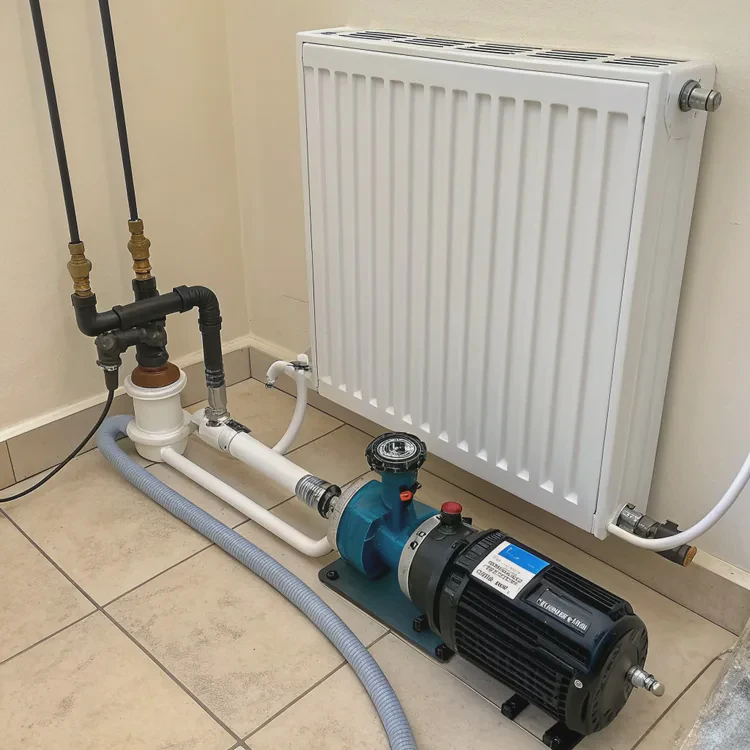
Step 1: Plan the Loop
Sketch your loop layout. Identify the sequence of parts. While order doesn’t affect performance much, it’s best to position the reservoir above the pump for easy filling and bleeding.
Step 2: Prepare the Components
Clean radiators and blocks before assembly. This removes any dust or residue that may have settled during manufacturing.
Step 3: Mount Water Blocks
Install CPU, GPU, or other component blocks securely. Apply an even layer of thermal paste between the block and the component surface.
Step 4: Connect Tubing and Fittings
Measure tubing precisely. Avoid sharp bends that restrict flow. Tighten fittings gently but firmly — enough to seal but not enough to damage threads.
Step 5: Add Pump, Reservoir, and Radiator
Mount the pump at the bottom for gravity-assisted flow. The radiator should be placed where it gets good airflow — usually the top or front of the case.
Step 6: Fill and Leak Test
Use distilled water or non-conductive coolant. Power the pump alone for at least 24 hours to check for leaks. Only power other components after confirming the loop is dry and stable.
Step 7: Maintenance
Drain and replace coolant every 6–12 months. Clean dust from the radiator regularly. Inspect fittings and tubing for wear or discoloration.
Basic Maintenance Checklist
| Task | Frequency | Purpose |
|---|---|---|
| Check coolant level | Monthly | Prevent air intake |
| Replace coolant | 6–12 months | Maintain efficiency |
| Inspect fittings | Quarterly | Detect potential leaks |
| Clean radiator | Semi-annually | Keep airflow optimal |
Good maintenance ensures the system performs well for years. A little care goes a long way toward keeping temperatures consistent and noise low.
What future trends will influence custom liquid cooling systems?
Liquid cooling is evolving fast. It’s no longer just a hobby for enthusiasts — it’s becoming standard in high-performance and professional environments.
The future of custom liquid cooling will be shaped by modular designs, smart control systems, eco-friendly materials, and integration into industrial-grade and AI computing hardware.
Key Future Trends
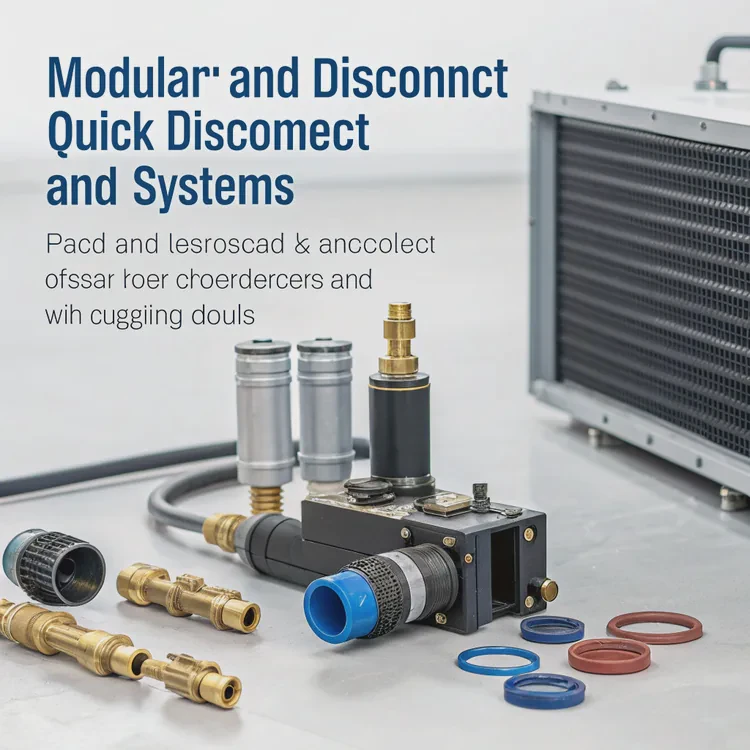
1. Modular and Quick-Disconnect Systems
Manufacturers are moving toward modular cooling parts that can be replaced or upgraded without draining the loop. Quick-disconnect fittings make this process simple and clean.
2. Intelligent Cooling Control
AI-driven software now monitors temperature, flow rate, and pump speed. It adjusts system behavior automatically to optimize performance and reduce energy use.
3. Sustainable Materials and Fluids
New coolants are biodegradable and non-toxic. Some are even derived from renewable resources, reducing environmental impact and simplifying disposal.
4. Hybrid Thermal Solutions
Future systems will blend air and liquid cooling for cost-effective, compact, and flexible configurations — ideal for smaller devices or mobile workstations.
5. Direct-to-Chip Cooling
Industrial systems and data centers are adopting direct liquid cooling that transfers heat directly from processor surfaces to fluid channels for unmatched efficiency.
Looking Ahead
As hardware power increases, the need for efficient and silent thermal management will only grow. Custom liquid cooling systems will become smarter, safer, and easier to maintain, bridging the gap between performance and sustainability.
Conclusion
Building a custom liquid cooling system is both a technical and creative journey. It gives you full control over temperature, sound, and design. With the right planning and care, you can achieve a perfect balance of power, performance, and personality in your machine.
TAGS
Latest Articles

Volume discount levels for heat sink orders?
Buyers often ask when heat sink prices start to drop with volume. Many worry they’re overpaying for small orders. This guide explains how B2B volume pricing works for thermal components. Heat sink
21 Dec,2025
Heat sink long-term supply contract options?
Many buyers want stable pricing and reliable delivery for heat sinks. But without a clear contract, risks grow over time. This article explores how to secure better long-term supply deals. Long-term
21 Dec,2025
Tooling cost for new heat sink profiles?
Many engineers struggle to understand why tooling for custom heat sinks costs so much. They worry about budgeting and production timelines. This article breaks down the cost drivers behind tooling.
21 Dec,2025
Heat sink custom sample process steps?
Sometimes, starting a custom heat sink project feels overwhelming—too many steps, too many unknowns, and too many risks. You want a sample, but not endless delays. The process for requesting and
20 Dec,2025
Standard B2B terms for heat sink payments?
When buyers and sellers in B2B heat sink markets talk about payment, many don’t fully understand what’s standard. This can lead to delayed orders, miscommunication, and even lost business
20 Dec,2025
Heat sink pricing factors for large orders?
Heat sinks are vital for many systems. When prices rise, projects stall and budgets break. This problem can hit teams hard without warning. Large order heat sink pricing depends on many factors. You
20 Dec,2025Related Articles
- How to do custom liquid cooling?
- How much does custom liquid cooling cost?
- What does a heat sink do for an SSD?
- Do I need a heat sink for my SSD?
- Do you need a heat sink for SSD?
- What are heat sinks made of?
- How to make a custom loop liquid cooler?
- Is Custom Liquid Cooling Worth It?
- Is liquid cooling more efficient?
- Does the i7-13700K need liquid cooling?
- Is Interceptor 650 liquid cooled?
- Does liquid cooling improve performance?
Author
Dr. Emily Chen
Chief AI Researcher
Leading expert in thermal dynamics and AI optimization with over 15 years of experience in data center efficiency research.
Categories
Latest Products






Recommend Categories
- Liquid cooling plate Manufacturer
- Industrial Heat Sink Manufacturer
- Standard Heat Sink Manufacturer
- Aluminum Heat Sink Manufacturer
- Copper Heat Sink Manufacturer
- Anodized Heatsink Manufacturer
- Stamping heat sink Manufacturer
- Die Casting Heatsink Manufacturer
- Soldering heat sink Manufacturer
- CNC Parts Manufacturer
Latest Products
- Wholesale Aluminum Radiator
- Water Cooling Plate Kit
- Water Cooling Heat Sink
- Water Cooling Heat Sink Kit
- Stainless Steel Water Distributor
- Server Water Cooling Plate Kit
- Server Liquid Cooling System
- Server Aluminum Cooling Kit
- S19 Full Cover Cooling Plate
- S19 Cooling Plate Kit
- S19 Aluminum Cooling Plate
Contact Expert
Have questions about this article? Reach out to our experts directly.