How to make a custom loop liquid cooler?
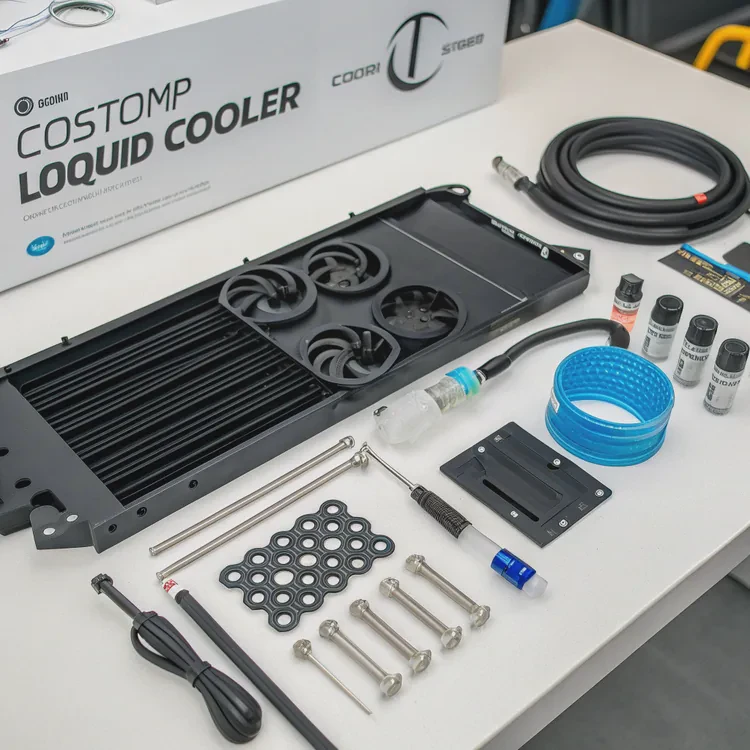
For many enthusiasts, building a custom loop liquid cooler is the ultimate expression of performance and creativity. It’s about taking control of your system’s temperature, noise, and visual design.
To make a custom loop liquid cooler, you must plan the layout, select compatible components, install water blocks, connect tubing and fittings, fill the system with coolant, and run leak tests before full operation.
Once completed, you’ll enjoy quieter operation, lower temperatures, and a unique aesthetic that defines your machine.
What defines a custom loop liquid cooler?
A custom loop liquid cooler differs from an all-in-one (AIO) cooler in one key way: you design and assemble it yourself. Every part is chosen and configured to fit your needs.
A custom loop liquid cooler is a fully customizable cooling system that circulates liquid through water blocks, radiators, pumps, and reservoirs to remove heat from critical components like CPUs and GPUs.
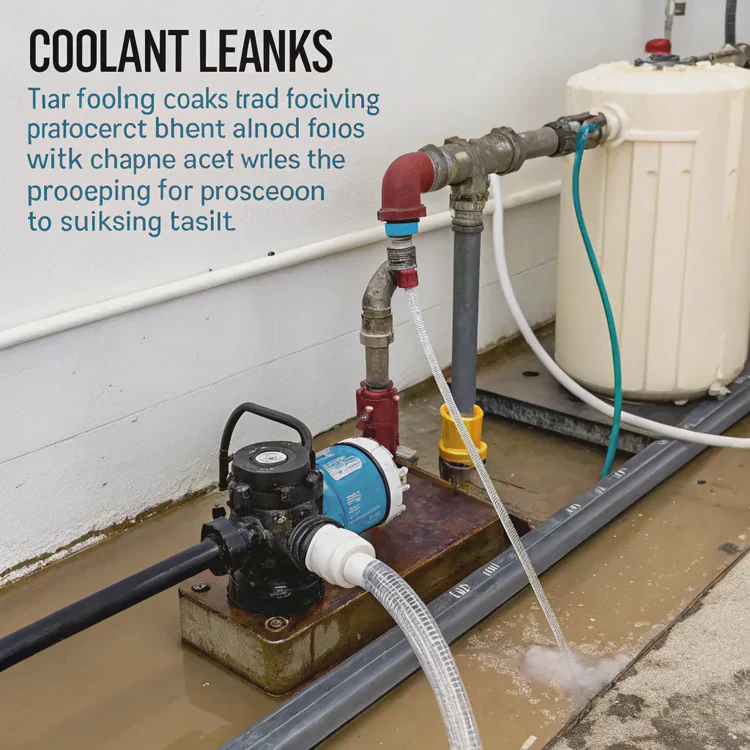
Core Components of a Custom Loop
| Component | Function |
|---|---|
| Pump | Moves coolant throughout the system |
| Reservoir | Stores coolant and removes trapped air |
| Radiator | Dissipates heat from the coolant |
| Water Blocks | Absorb heat from CPU, GPU, or other components |
| Tubing | Connects each component and defines loop path |
| Fittings | Secure tubing connections to prevent leaks |
| Coolant | Transfers heat and prevents corrosion |
How It Works
The pump pushes liquid through the system. The coolant absorbs heat from the blocks attached to the components, then flows through the radiator where fans cool it before cycling back to repeat the process.
It’s a closed loop — efficient, silent, and highly adaptable. Unlike pre-built AIO units, a custom loop can cool multiple components at once and is completely serviceable.
Why do gamers prefer custom loop coolers?
When I installed my first custom loop, the temperature dropped instantly, and the PC ran almost silently even under full load. That’s why many gamers make the switch.
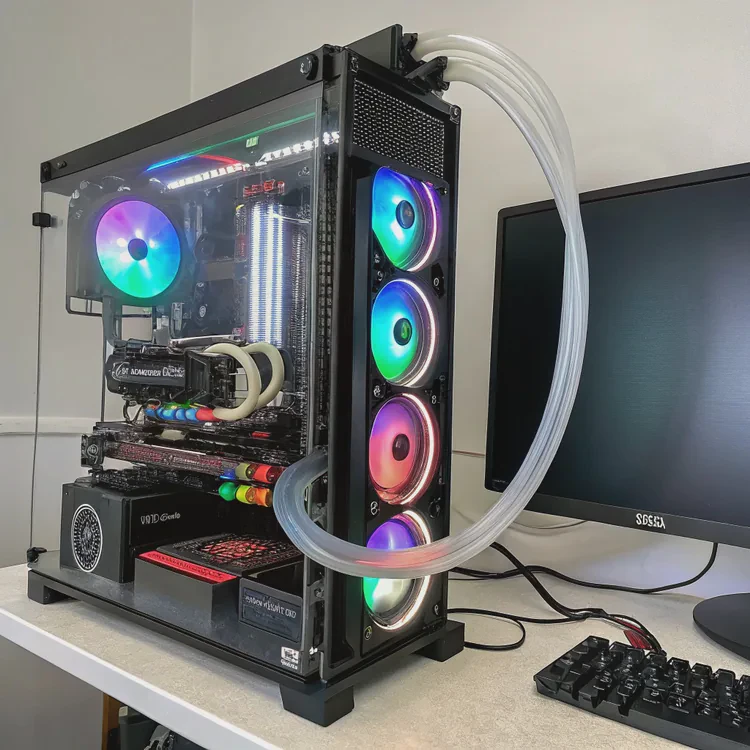
Gamers prefer custom loop coolers because they provide superior cooling performance, quieter operation, longer component life, and aesthetic customization that air or AIO coolers can’t match.
Key Benefits for Gamers
| Feature | Air Cooling | AIO Cooling | Custom Loop Cooling |
|---|---|---|---|
| Cooling Performance | Moderate | Good | Excellent |
| Noise Level | High | Medium | Very Low |
| Overclocking Support | Limited | Moderate | Excellent |
| Customization | Minimal | Low | High |
| Maintenance | Low | Moderate | Moderate |
The Gaming Advantage
Custom loop systems can handle the heat from overclocked CPUs and GPUs far better than air coolers. This keeps frame rates high and prevents thermal throttling.
They also let gamers personalize their rigs. From colored coolants to transparent tubing and RGB lighting, each loop becomes part of a gamer’s identity — performance meeting personality.
And beyond looks, it’s about reliability. Cooler components last longer and perform more consistently, especially during marathon gaming or streaming sessions.
How to plan and configure a custom loop cooling build?
The biggest mistake beginners make is skipping the planning phase. A well-planned loop saves time, money, and headaches later.
To plan and configure a custom loop cooling build, map your loop layout, select compatible components, install carefully, and test thoroughly for leaks and performance.
Step 1: Plan the Loop
Draw your loop on paper. Decide which components to cool — usually CPU and GPU. The order of parts doesn’t impact cooling much, but keep the reservoir above the pump to help air escape easily.
Step 2: Choose Compatible Components
Select a pump powerful enough to maintain flow through your chosen number of blocks and radiators. Match tubing and fitting sizes precisely to prevent leaks. Avoid mixing metals such as copper and aluminum to stop corrosion.
Step 3: Mount the Hardware
Install the water blocks on the CPU and GPU with proper thermal paste. Secure radiators where airflow is best — typically at the top or front of the case. Position the pump and reservoir where filling and draining are easy.
Step 4: Connect Tubing and Fittings
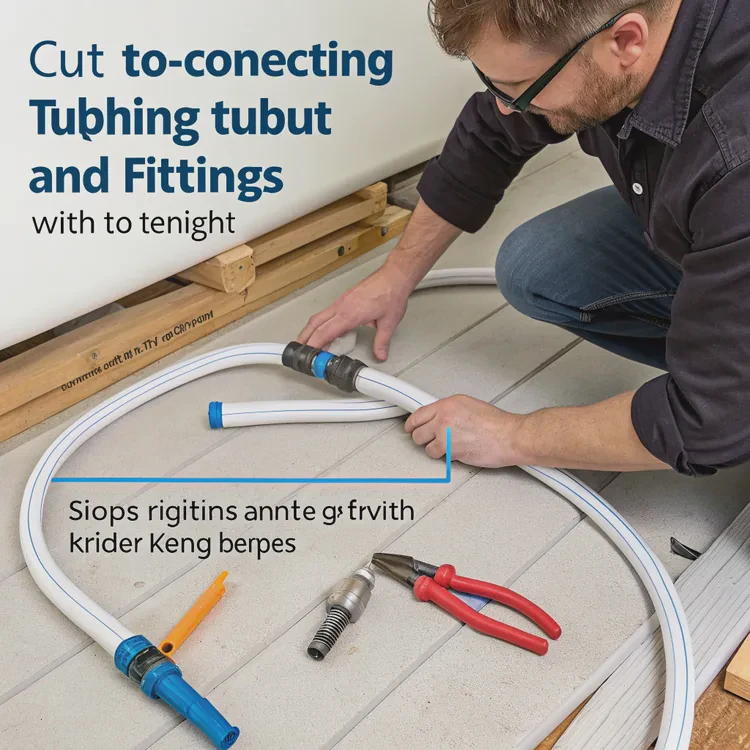
Cut tubing to the right length, ensuring smooth bends without kinks. Tighten fittings by hand, not tools, to avoid damaging seals.
Step 5: Fill, Bleed, and Leak Test
Fill the system slowly with coolant. Use an external power supply to run only the pump. Let it circulate for 24 hours to check for leaks. Once clear, connect other components and power up.
Step 6: Maintenance
Replace coolant every 6–12 months, check fittings quarterly, and clean radiators semi-annually. Proper maintenance ensures your loop remains efficient and safe.
Custom Loop Maintenance Table
| Task | Frequency | Purpose |
|---|---|---|
| Check coolant level | Monthly | Prevent air bubbles |
| Replace coolant | 6–12 months | Maintain heat transfer efficiency |
| Clean radiators | Every 6 months | Keep airflow optimal |
| Inspect tubing and fittings | Quarterly | Prevent leaks |
Taking time to plan your build properly not only avoids leaks and blockages but also results in a cleaner, more professional-looking setup.
What emerging technologies affect custom loop liquid cooling?
Liquid cooling is not static — it’s evolving rapidly with new materials, sensors, and smart controls reshaping how systems operate.
Emerging technologies in custom loop liquid cooling include AI-driven control systems, modular fittings, eco-friendly coolants, direct-to-chip cooling, and hybrid cooling architectures.
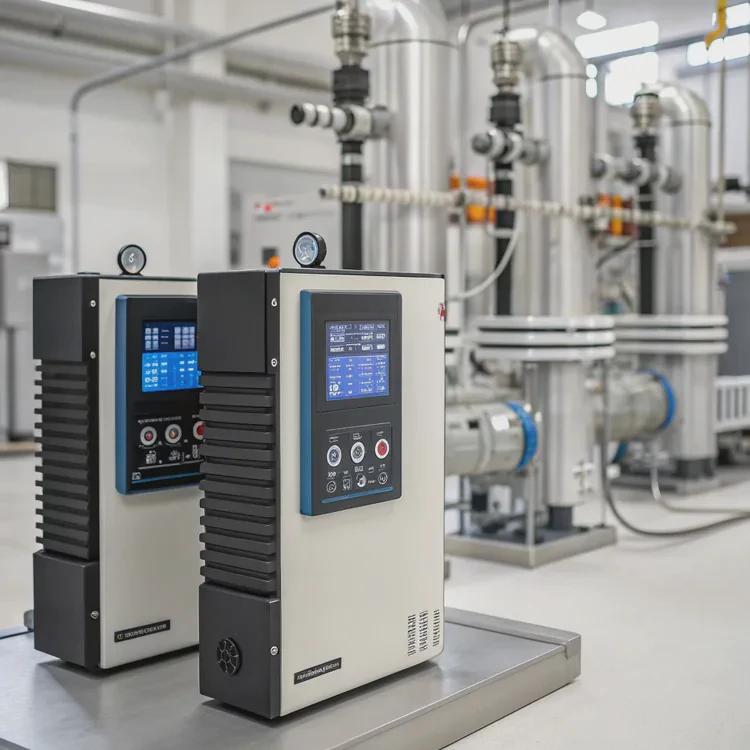
1. AI-Driven Thermal Control
Advanced controllers now use AI to monitor temperature, pump speed, and flow rates. They adjust performance automatically, reducing noise and improving efficiency in real-time.
2. Modular Components
Quick-disconnect fittings and modular blocks allow users to upgrade or repair parts without draining the entire loop. This simplifies both maintenance and expansion.
3. Sustainable and Non-Toxic Coolants
Manufacturers are developing biodegradable, non-conductive, and non-toxic fluids. These make custom loops safer and more environmentally friendly.
4. Direct-to-Chip and Immersion Cooling
In data centers and industrial computing, direct liquid cooling is already replacing air. These designs push coolant directly over chips, providing extreme thermal control.
5. Hybrid Systems
Future cooling solutions will merge liquid and air cooling for the best of both worlds — efficiency and cost-effectiveness in smaller form factors.
Looking Ahead
As CPUs and GPUs become more powerful, heat management will remain a core challenge. Custom loop technology will continue to adapt, combining smart control, better materials, and modularity to meet the growing thermal demands of modern computing.
Conclusion
Building a custom loop liquid cooler requires care and precision, but the results are worth it. With the right planning and components, you can create a system that’s quiet, efficient, and uniquely yours — ready for the future of performance computing.
TAGS
Latest Articles

Volume discount levels for heat sink orders?
Buyers often ask when heat sink prices start to drop with volume. Many worry they’re overpaying for small orders. This guide explains how B2B volume pricing works for thermal components. Heat sink
21 Dec,2025
Heat sink long-term supply contract options?
Many buyers want stable pricing and reliable delivery for heat sinks. But without a clear contract, risks grow over time. This article explores how to secure better long-term supply deals. Long-term
21 Dec,2025
Tooling cost for new heat sink profiles?
Many engineers struggle to understand why tooling for custom heat sinks costs so much. They worry about budgeting and production timelines. This article breaks down the cost drivers behind tooling.
21 Dec,2025
Heat sink custom sample process steps?
Sometimes, starting a custom heat sink project feels overwhelming—too many steps, too many unknowns, and too many risks. You want a sample, but not endless delays. The process for requesting and
20 Dec,2025
Standard B2B terms for heat sink payments?
When buyers and sellers in B2B heat sink markets talk about payment, many don’t fully understand what’s standard. This can lead to delayed orders, miscommunication, and even lost business
20 Dec,2025
Heat sink pricing factors for large orders?
Heat sinks are vital for many systems. When prices rise, projects stall and budgets break. This problem can hit teams hard without warning. Large order heat sink pricing depends on many factors. You
20 Dec,2025Related Articles
- How to make a custom liquid cooling system?
- How to do custom liquid cooling?
- How much does custom liquid cooling cost?
- What does a heat sink do for an SSD?
- Do I need a heat sink for my SSD?
- Do you need a heat sink for SSD?
- Is Custom Liquid Cooling Worth It?
- Is liquid cooling more efficient?
- Does the i7-13700K need liquid cooling?
- Is Interceptor 650 liquid cooled?
- Does liquid cooling improve performance?
- Which is better, liquid cooled or air cooled?
Author
Dr. Emily Chen
Chief AI Researcher
Leading expert in thermal dynamics and AI optimization with over 15 years of experience in data center efficiency research.
Categories
Latest Products






Recommend Categories
- Liquid cooling plate Manufacturer
- Industrial Heat Sink Manufacturer
- Standard Heat Sink Manufacturer
- Aluminum Heat Sink Manufacturer
- Copper Heat Sink Manufacturer
- Anodized Heatsink Manufacturer
- Stamping heat sink Manufacturer
- Die Casting Heatsink Manufacturer
- Soldering heat sink Manufacturer
- CNC Parts Manufacturer
Latest Products
- Wholesale Aluminum Radiator
- Water Cooling Plate Kit
- Water Cooling Heat Sink
- Water Cooling Heat Sink Kit
- Stainless Steel Water Distributor
- Server Water Cooling Plate Kit
- Server Liquid Cooling System
- Server Aluminum Cooling Kit
- S19 Full Cover Cooling Plate
- S19 Cooling Plate Kit
- S19 Aluminum Cooling Plate
Contact Expert
Have questions about this article? Reach out to our experts directly.