How to setup liquid CPU cooler?
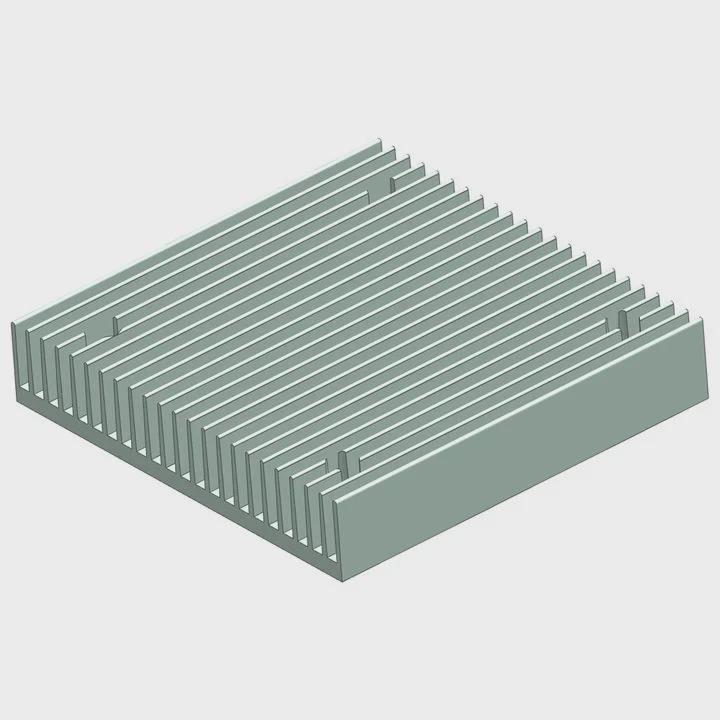
When building a PC, cooling is one of the most important factors. Overheating can limit performance or even damage components. But for many builders, setting up a liquid CPU cooler seems intimidating.
To set up a liquid CPU cooler, install the radiator, mount the pump, connect tubing, and ensure proper power and fan connections.
Once you understand the components and follow the right steps, it becomes simple. Let’s walk through each part of the process, from choosing the hardware to optimizing performance.
What components are needed?
Before touching any screws or cables, it is important to know what parts make up a liquid cooling system.
A liquid CPU cooler includes a radiator, fans, pump, water block, tubing, and coolant. You may also need mounting brackets and thermal paste.
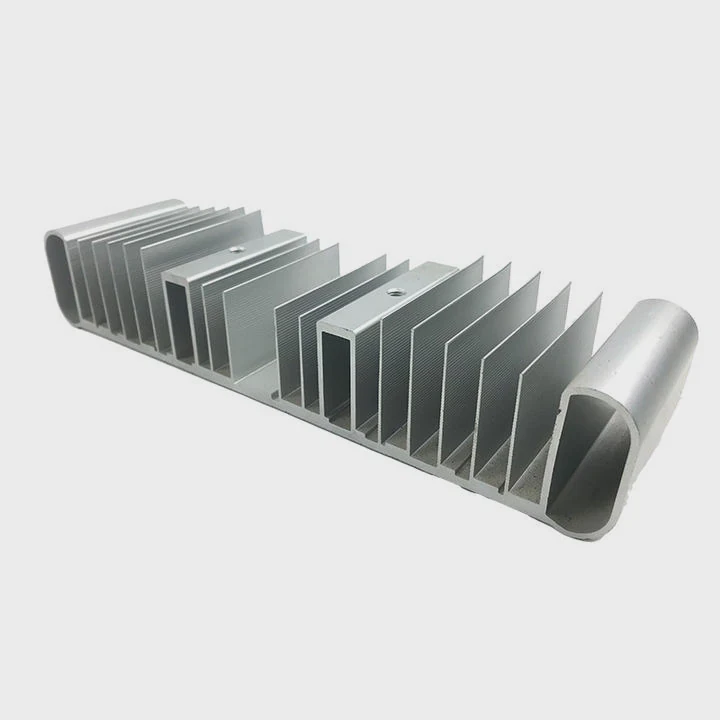
Each component plays a different role in keeping your CPU cool.
Main components overview
| Component | Function | Installation Tip |
|---|---|---|
| Radiator | Dissipates heat from coolant | Mount it near a case vent |
| Pump | Circulates coolant through loop | Connect to CPU_FAN or AIO_PUMP header |
| Water Block | Transfers heat from CPU to coolant | Apply thin thermal paste layer |
| Tubing | Routes coolant between components | Avoid sharp bends or kinks |
| Fans | Push air through radiator fins | Use correct airflow direction |
| Coolant | Transfers and releases heat | Pre-filled in AIO or filled manually in custom loop |
Choosing compatible parts
Compatibility matters most. Radiator size (120mm, 240mm, 360mm) must fit your case. The socket bracket must match your CPU (Intel LGA1700, AMD AM5, etc.). Using thermal paste of good quality ensures efficient contact between CPU and cooler base.
When I first built my workstation, I mistakenly used a case that could not fit the 360mm radiator. I had to reorder a larger case, which delayed my setup. Now, I always measure twice before installation.
What are the advantages of correct setup?
Proper installation is not just about preventing leaks. It directly affects temperature, performance, and system lifespan.
A correct liquid cooler setup provides better thermal performance, lower noise, and longer component life.
If the cooler is installed poorly, you might see higher temperatures, noisy pumps, or uneven coolant flow. Let’s look at why precision matters.
Key benefits of proper setup
| Advantage | Description |
|---|---|
| Optimal Cooling | Maintains lower CPU temperature under heavy load |
| Quiet Operation | Reduces fan speed and noise levels |
| Extended Lifespan | Prevents pump wear and overheating damage |
| Stable Performance | Keeps consistent boost clock speeds |
| Leak Prevention | Ensures tubing and fittings are secure |
The science behind better performance
When the cooler is aligned correctly, the pump doesn’t have to work as hard. Fluid flows evenly through micro-channels inside the CPU block. Heat moves away faster, and the radiator dissipates it efficiently.
A correct setup also reduces air bubbles, which can otherwise block coolant flow and increase noise.
From my experience, a well-installed liquid cooler can keep CPU temperature 15–20°C lower compared to a stock air cooler. It makes a huge difference in system stability during rendering, gaming, or data processing tasks.
How to set it up step-by-step?
Now let’s go through the actual installation process. Whether you’re using an All-in-One (AIO) cooler or a custom loop, the method follows the same principles.
To install a liquid CPU cooler, prepare the parts, mount the radiator, attach the CPU block, connect the pump and fans, then power test before sealing the case.
Step-by-step installation guide
Step 1: Prepare your workspace
Turn off the PC and disconnect all power cables. Work on a flat, clean surface. Ground yourself to avoid static discharge.
Step 2: Apply thermal paste
Clean the CPU surface with alcohol and apply a small pea-sized drop of paste. This ensures even contact with the water block.
Step 3: Mount the radiator
Install the radiator inside the case. Most users place it at the top or front for better airflow. Ensure the fans push air out of the case for exhaust.
Step 4: Install the pump and water block
Attach the correct mounting bracket for your CPU socket. Secure the water block onto the CPU gently but firmly. Tighten screws in an “X” pattern to distribute pressure evenly.
Step 5: Connect pump and fans
Plug the pump into the AIO_PUMP or CPU_FAN header. Connect radiator fans to a fan hub or motherboard header. Check fan direction arrows for proper airflow.
Step 6: Manage cables and tubing
Arrange tubing in smooth curves without twists. Secure cables with ties to prevent vibration or tangling with fans.
Step 7: Power on and test
Turn on the system. Observe pump operation and fan movement. Check CPU temperature in BIOS or monitoring software. If you hear gurgling, tilt the case slightly to remove air bubbles.
Troubleshooting quick tips
- Pump not running: Check header connection or BIOS settings.
- High temperature: Reapply thermal paste or reseat block.
- Noise or vibration: Reduce pump speed or add damping pads.
- Air bubbles: Cycle the system and tilt to bleed trapped air.
After testing, close the side panel. Your system should now run cooler and quieter. Always monitor performance for a few hours after first installation to ensure stability.
What are the setup optimization trends?
Liquid cooling technology keeps evolving. Modern systems now include digital control, adaptive flow, and smart thermal management.
The latest setup trends focus on AI control, smart pumps, modular tubes, and eco-friendly coolant materials for better performance and silence.
Modern optimization trends
| Trend | Description | Benefit |
|---|---|---|
| AI Thermal Control | Adjusts pump and fan speed automatically | Improved balance and efficiency |
| Modular Tube Design | Quick disconnect fittings for easy upgrades | Faster maintenance |
| RGB + Sensor Integration | Real-time thermal visualization | Easier system monitoring |
| Eco Coolant | Non-toxic, low-evaporation liquids | Safe and stable long-term use |
| Smart Power Routing | Direct power for pump and fans | More stable voltage, less noise |
Future direction of setup optimization
Manufacturers are adding temperature sensors inside water blocks and radiators to measure flow precision. Software can now predict thermal spikes and adjust pump curves before overheating occurs.
Some new systems even use wireless pump controllers that connect to mobile apps, giving builders full remote control.
We are also seeing maintenance-free designs—sealed AIOs that last over five years without needing a refill. Custom loop enthusiasts, on the other hand, benefit from quick-release fittings that simplify cleaning or upgrading.
From my perspective, these trends make cooling setups more accessible and less technical. You no longer need engineering skills to enjoy high-performance, silent, and efficient cooling.
Conclusion
Setting up a liquid CPU cooler is straightforward once you know the parts and process. A correct installation ensures lower temperatures, quiet operation, and long-term reliability. With new AI-controlled and modular trends, the future of cooling looks smarter and simpler.
TAGS
Latest Articles

Volume discount levels for heat sink orders?
Buyers often ask when heat sink prices start to drop with volume. Many worry they’re overpaying for small orders. This guide explains how B2B volume pricing works for thermal components. Heat sink
21 Dec,2025
Heat sink long-term supply contract options?
Many buyers want stable pricing and reliable delivery for heat sinks. But without a clear contract, risks grow over time. This article explores how to secure better long-term supply deals. Long-term
21 Dec,2025
Tooling cost for new heat sink profiles?
Many engineers struggle to understand why tooling for custom heat sinks costs so much. They worry about budgeting and production timelines. This article breaks down the cost drivers behind tooling.
21 Dec,2025
Heat sink custom sample process steps?
Sometimes, starting a custom heat sink project feels overwhelming—too many steps, too many unknowns, and too many risks. You want a sample, but not endless delays. The process for requesting and
20 Dec,2025
Standard B2B terms for heat sink payments?
When buyers and sellers in B2B heat sink markets talk about payment, many don’t fully understand what’s standard. This can lead to delayed orders, miscommunication, and even lost business
20 Dec,2025
Heat sink pricing factors for large orders?
Heat sinks are vital for many systems. When prices rise, projects stall and budgets break. This problem can hit teams hard without warning. Large order heat sink pricing depends on many factors. You
20 Dec,2025Related Articles
- How Hard Is It to Install Liquid Cooling?
- Where to install a liquid CPU cooler?
- Does liquid cooling increase performance?
- What is liquid cooling for computers?
- Is liquid cooling quieter?
- What Is All-in-One Liquid Cooling?
- Is air cooling better than liquid cooling?
- How to liquid cool?
- How to set up a liquid cooler?
- How Expensive Is Liquid Cooling?
- Is air cooling or liquid cooling better?
- What is liquid cooling system?
Author
Dr. Emily Chen
Chief AI Researcher
Leading expert in thermal dynamics and AI optimization with over 15 years of experience in data center efficiency research.
Categories
Latest Products






Recommend Categories
- Liquid cooling plate Manufacturer
- Industrial Heat Sink Manufacturer
- Standard Heat Sink Manufacturer
- Aluminum Heat Sink Manufacturer
- Copper Heat Sink Manufacturer
- Anodized Heatsink Manufacturer
- Stamping heat sink Manufacturer
- Die Casting Heatsink Manufacturer
- Soldering heat sink Manufacturer
- CNC Parts Manufacturer
Latest Products
- Wholesale Aluminum Radiator
- Water Cooling Plate Kit
- Water Cooling Heat Sink
- Water Cooling Heat Sink Kit
- Stainless Steel Water Distributor
- Server Water Cooling Plate Kit
- Server Liquid Cooling System
- Server Aluminum Cooling Kit
- S19 Full Cover Cooling Plate
- S19 Cooling Plate Kit
- S19 Aluminum Cooling Plate
Contact Expert
Have questions about this article? Reach out to our experts directly.