How to reapply Intel heatsink Ivy Bridge?
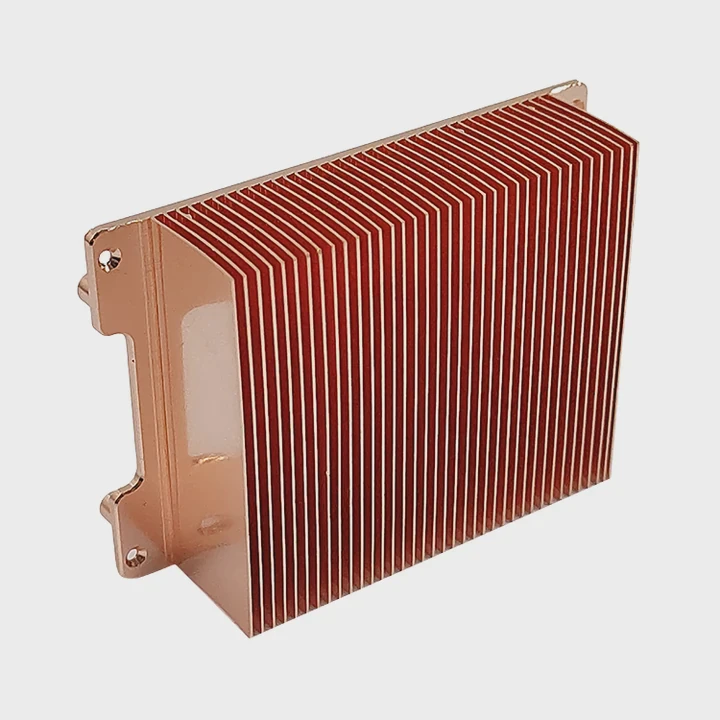
I still remember my first Ivy Bridge build. When I removed the cooler to clean it, I realized how much the paste had dried and how uneven the contact looked.
You can reapply an Intel heatsink on Ivy Bridge by cleaning old paste, adding a small fresh paste dot, locking the push-pin pattern, and matching the fan to your case airflow. This keeps the CPU cool and stable.
I want to share what I learned from many Ivy Bridge systems so you can refresh yours safely and get smooth cooling again.
Why clean paste completely first?
I once tried to add new paste on top of old paste. The result was a mess: higher temperature and uneven spread.
You must clean paste completely first because old paste becomes dry, cracked, and uneven. Fresh paste needs a clean surface to fill tiny gaps between the CPU and the heatsink base.
When paste ages, it loses oils and becomes thick. This thick layer does not spread well. Even if the cooler presses down, the old paste forms lumps. These lumps trap small pockets of air. Air slows heat transfer. I saw this during a test on an Ivy Bridge i5. When I left a thin layer of old paste, the temperature rose quickly. After cleaning the CPU fully, the temperature dropped right away.
I always wipe the CPU heat spreader and heatsink base with alcohol. This removes the old paste and leaves a smooth metal finish. If the surface is not smooth, the new paste cannot make a proper bond.
What happens if paste is not cleaned
If the old layer stays, you may see:
- Uneven mounting pressure
- Hot spots on the CPU
- Slow temperature response
- Quick thermal throttling
I saw all of these on a dusty Ivy Bridge office machine. The paste was almost like dry clay. After a full clean, the cooler performed like new.
Table: Paste condition and cooling quality
| Paste Condition | Cooling Result | Notes |
|---|---|---|
| Fresh | Best | Smooth spread |
| Slightly old | Good | Still workable |
| Dry and cracked | Poor | Causes heat pockets |
| Mixed old + new | Bad | Uneven contact |
How I clean paste safely
I use a soft cloth, alcohol, and slow motion. I wipe until both surfaces look clear. I never scratch the metal because scratches trap paste. I keep wiping until the shine returns. Cleaning takes only minutes, but it makes the biggest difference.
Cleaning old paste is the first and most important step. Once you start with a clean surface, the rest becomes easy.
How much paste ensures proper spread?
When I first learned about thermal paste, I used far too much. The extra paste squeezed out all over the CPU and made a mess.
A small pea-sized dot of paste ensures proper spread on Ivy Bridge CPUs. The cooler pressure spreads this dot into a thin, even layer that fills microscopic gaps without spilling over.
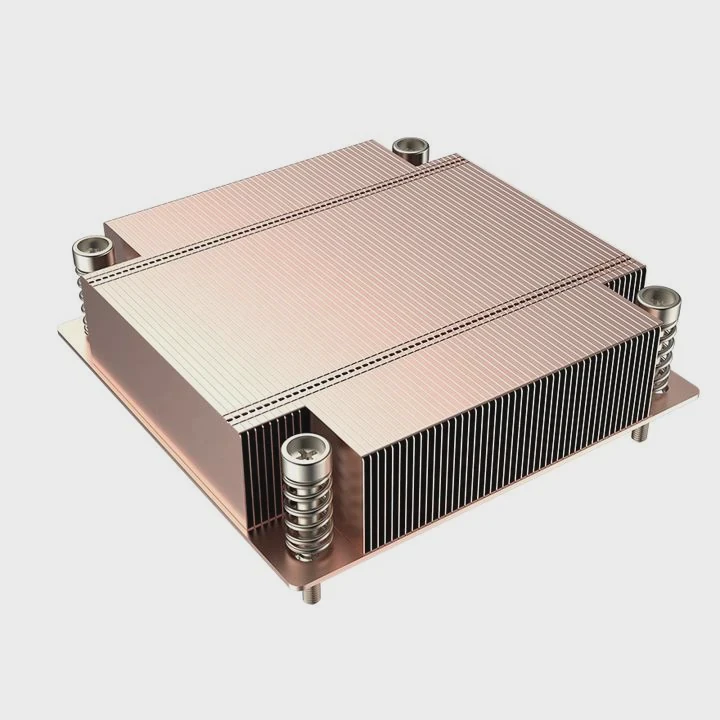
Ivy Bridge CPUs have a flat heat spreader. A small dot works well because the contact surface is large enough for simple pressure spread. If you use too much paste, it becomes thick and slows heat transfer. If you use too little, the metal surfaces touch directly, and heat pockets form.
During my first tests, I tried different amounts. A large dot made the edges messy. A very small dot left the center dry. The perfect dot made a smooth circle under pressure. This circle transferred heat well and kept the temperature stable under load.
Why a small dot works
Paste fills the tiny bumps on the metal. These bumps are invisible, but they prevent perfect contact. A thin layer fills them. A thick layer acts like insulation. This is why the right amount is so important.
Table: Paste amount effects
| Paste Amount | Spread Quality | Cooling Result |
|---|---|---|
| Too much | Thick layer | Hotter |
| Perfect dot | Thin, even film | Best |
| Too little | Gaps and dry spots | Poor |
| Spread by hand | Uneven | Inconsistent |
How I apply the dot
I place the dot directly in the center. I do not spread it with a finger. The Intel heatsink pressure spreads it for me. When I lift a cooler later for inspection, I see a perfect circle when the amount is right.
The proper paste amount keeps the CPU cool without waste or mess. Once I learned the correct dot, every installation became simple and consistent.
Which pin pattern secures cooler?
When I first locked an Intel cooler, I pushed the pins in random order. The cooler tilted and did not sit flat. After that mistake, I learned the correct pattern.
The Intel cooler locks best when the pins are pressed in a cross pattern: top-left, bottom-right, top-right, bottom-left. This keeps the heatsink level and prevents uneven pressure.
Intel push pins are simple, but they need steady force in the right order. When the pins go in unevenly, one side presses the paste more than the other. This makes the cooler sit crooked. A crooked cooler cannot spread heat well.
The cross pattern solves this. It pulls the cooler down evenly. I always follow this pattern for Ivy Bridge systems, and the cooler always ends flat.
Why the cross pattern works
The CPU heat spreader must touch the cooler base in a level way. Even tiny tilt angles hurt cooling. The cross pattern lowers the cooler evenly and spreads the paste in a clean circle.
Table: Push-pin pattern results
| Pattern | Result |
|---|---|
| Random | Tilt, poor cooling |
| Straight line | Uneven pressure |
| Cross pattern | Even pressure, best contact |
How I secure the push pins
Here is my routine:
- I align the cooler over the socket
- I rotate all pins to “lock” position
- I push top-left first
- Then bottom-right
- Then top-right
- Then bottom-left
- I check each pin for a solid click
When the pins all click, the cooler sits tight. I try to shake it gently. If it does not move, I know the mount is strong.
Using the right pattern gives the cooler the best chance to transfer heat evenly. This step matters as much as the paste.
Should fan orientation match airflow?
When I built my first Ivy Bridge computer, I installed the fan without thinking about airflow direction. The case became warm fast. Then I learned why direction matters so much.
Yes, the fan orientation should match your case airflow. The cooler must push warm air toward the case exhaust path, not against it, to keep temperatures low.
Airflow inside a case must move in a smooth path. Most cases pull air from the front and push it out the back and top. The Intel stock cooler blows air downward onto the fins, then the case fans pull this warm air away. If the fan faces the wrong way or fights the case airflow, warm air stays near the CPU.
I saw this once when someone set their rear fan as an intake instead of exhaust. The CPU stayed warm even with a fresh paste job. After fixing the fan direction, the cooling improved instantly.
How to check fan direction
All fans have arrows on the frame. One arrow shows rotation. One arrow shows airflow. I look for these before mounting the cooler. On Intel stock coolers, airflow always goes downward into the fins. The case must then pull warm air out through its rear fan.
Table: Airflow setups and results
| Setup | Air Direction | Performance |
|---|---|---|
| Correct airflow | Front → CPU → Rear | Best |
| Reversed airflow | Rear → CPU → Front | Warm |
| Mixed intake/exhaust | Confused flow | Poor |
| No exhaust fan | Heat buildup | Very warm |
Why airflow matters more in old systems
Ivy Bridge systems run cooler than newer CPUs, but they still need clean airflow. Dust builds up, fans slow down, and warm pockets form. When the cooler works with the airflow instead of against it, the system stays stable.
How I align airflow in a full build
Here is the order I check:
- Front fans blow in
- CPU cooler blows down
- Rear fans blow out
- Top fans blow out
With this direction, heat flows smoothly. The cooler removes heat fast, and the case takes it away.
Matching fan direction to airflow makes the biggest difference in long-term performance. With proper flow, the cooler works at full strength.
Conclusion
You can reapply an Intel heatsink on Ivy Bridge by cleaning old paste fully, placing a small dot of fresh paste, locking the cooler with a cross-pattern pin layout, and matching fan direction to your case airflow. With these steps, the CPU stays cool, steady, and ready for many more years of use.
TAGS
Latest Articles

Volume discount levels for heat sink orders?
Buyers often ask when heat sink prices start to drop with volume. Many worry they’re overpaying for small orders. This guide explains how B2B volume pricing works for thermal components. Heat sink
21 Dec,2025
Heat sink long-term supply contract options?
Many buyers want stable pricing and reliable delivery for heat sinks. But without a clear contract, risks grow over time. This article explores how to secure better long-term supply deals. Long-term
21 Dec,2025
Tooling cost for new heat sink profiles?
Many engineers struggle to understand why tooling for custom heat sinks costs so much. They worry about budgeting and production timelines. This article breaks down the cost drivers behind tooling.
21 Dec,2025
Heat sink custom sample process steps?
Sometimes, starting a custom heat sink project feels overwhelming—too many steps, too many unknowns, and too many risks. You want a sample, but not endless delays. The process for requesting and
20 Dec,2025
Standard B2B terms for heat sink payments?
When buyers and sellers in B2B heat sink markets talk about payment, many don’t fully understand what’s standard. This can lead to delayed orders, miscommunication, and even lost business
20 Dec,2025
Heat sink pricing factors for large orders?
Heat sinks are vital for many systems. When prices rise, projects stall and budgets break. This problem can hit teams hard without warning. Large order heat sink pricing depends on many factors. You
20 Dec,2025Related Articles
- Does LED strip need heatsink?
- how long does heatsinks last on gaming pcs?
- how to make a heatsink more efficient?
- what a good heatsink and cpu fan?
- how to install ps5 ssd with heatsink?
- what is the purpose of a heatsink?
- should you replace stock heatsink?
- how to remove a processor and heatsink from motherboard?
- do you need to put thermal past when changing heatsinks?
- how to install chipset heatsink?
- what heatsinks fit evga z390 dark?
- does the ssd need a heatsink?
Author
Dr. Emily Chen
Chief AI Researcher
Leading expert in thermal dynamics and AI optimization with over 15 years of experience in data center efficiency research.
Categories
Latest Products

M.2 Heatpipe Heatsink With Dual Fans For Pc Case
19 Mar,2026

Heavy-Duty Aluminum Heat Sink Custom
19 Mar,2026

Oem Skived Fin Heatsink Aluminum Radiator For Plants
19 Mar,2026

Water Cooled Cnc Aluminum Heat Sink For Medical
19 Mar,2026

High Density 6000 Series Aluminum Heat Sink Profile
19 Mar,2026

High-Density Extruded Aluminum & Bonded-Fin Heat Sink Profile
19 Mar,2026
Recommend Categories
- Liquid cooling plate Manufacturer
- Industrial Heat Sink Manufacturer
- Standard Heat Sink Manufacturer
- Aluminum Heat Sink Manufacturer
- Copper Heat Sink Manufacturer
- Anodized Heatsink Manufacturer
- Stamping heat sink Manufacturer
- Die Casting Heatsink Manufacturer
- Soldering heat sink Manufacturer
- CNC Parts Manufacturer
Latest Products
- M.2 Heatpipe Heatsink With Dual Fans For Pc Case
- Heavy-Duty Aluminum Heat Sink Custom
- Oem Skived Fin Heatsink Aluminum Radiator For Plants
- Water Cooled Cnc Aluminum Heat Sink For Medical
- High Density 6000 Series Aluminum Heat Sink Profile
- High-Density Extruded Aluminum & Bonded-Fin Heat Sink Profile
- Dongguan Cnc Aluminum Heat Sink For Led & Brass Parts
- Wholesale Cnc Aluminum Heat Sink - Custom Extruded
- Led Cnc Round Heat Sink With Screw Holes
- Copper Pin-Fin Heat-Sink Large-Area For Photoled Cooling
- Telecom Heatsink Zipper Fin Wcopper Tubes Oem
Contact Expert
Have questions about this article? Reach out to our experts directly.