How does CPU liquid cooling work?
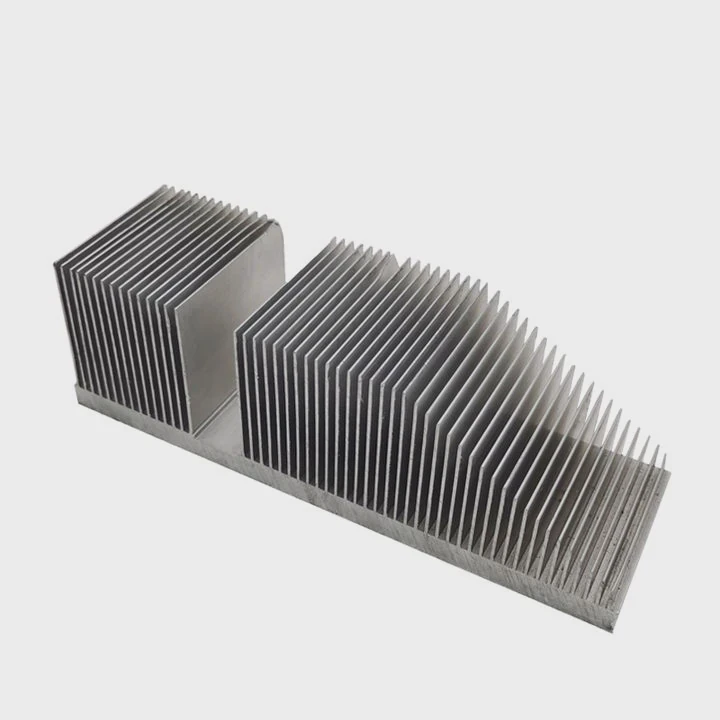
When your CPU runs at full power—during gaming, rendering, or AI computation—it produces significant heat. Managing that heat determines your system’s stability and performance. Traditional air coolers do a good job, but liquid cooling brings it to another level.
CPU liquid cooling works by circulating coolant through a loop that absorbs heat from the processor and transfers it to a radiator, where fans expel the heat into the air.
I still remember the first time I installed a liquid cooling system on my workstation. The temperature drop was immediate, the fan noise disappeared, and I finally saw my processor running cool even under full load. It felt like unlocking a new level of performance.
What is the working principle of CPU cooling?
Every cooling method, whether air or liquid, relies on one key physical process—heat transfer. The goal is to move heat away from the CPU’s surface as quickly as possible and release it into the surrounding environment.
The working principle of CPU liquid cooling is based on heat conduction and convection—heat is absorbed by a water block, carried away by liquid, and dissipated through a radiator.
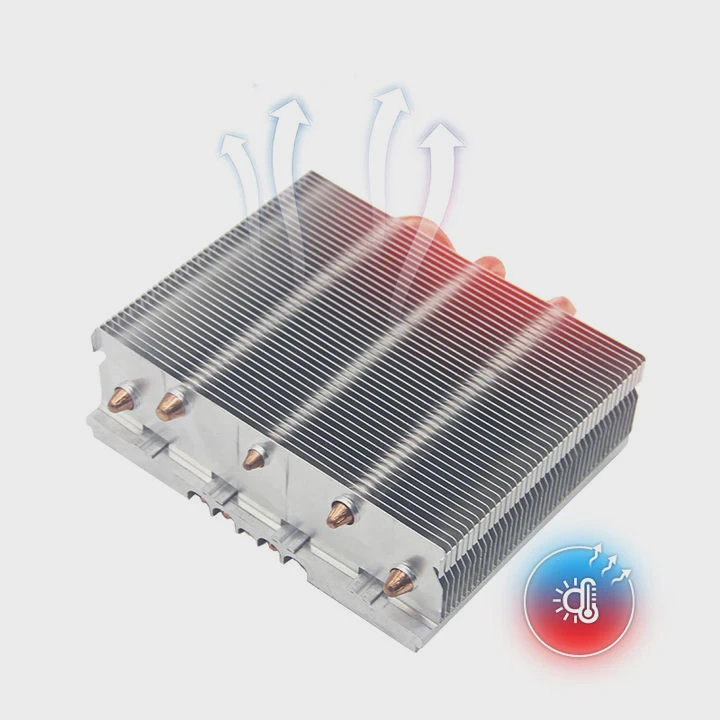
Step-by-step Breakdown
| Step | Component | Function |
|---|---|---|
| 1. Heat Absorption | Water Block | A copper or nickel plate sits on the CPU. Thermal paste ensures contact. Heat transfers into the block. |
| 2. Coolant Circulation | Pump | The pump pushes liquid through the system continuously. |
| 3. Heat Transfer | Tubing | The hot coolant travels through flexible or rigid tubes to the radiator. |
| 4. Heat Dissipation | Radiator + Fans | Airflow through the radiator fins removes heat from the liquid. |
| 5. Return Flow | Reservoir (optional) | The cooled liquid returns to the CPU block to repeat the process. |
The Physics Behind It
Two primary thermal processes make this system efficient:
- Conduction: Heat moves from the CPU’s integrated heat spreader to the metal plate of the water block.
- Convection: The coolant absorbs this heat and transports it through the tubing.
Since water has a much higher specific heat capacity than air, it can absorb and move more heat without increasing much in temperature. This is the foundation of why liquid cooling performs better than air systems.
When I started designing thermal modules for high-performance servers, we used this same principle—liquid loops with microchannel plates. They moved heat 100 times faster than comparable air setups.
What are its efficiency benefits?
Every CPU has a thermal design power (TDP), the maximum amount of heat it can safely handle. Efficient cooling ensures it stays below this threshold and runs smoothly. The efficiency of liquid cooling lies in its ability to handle high TDPs with minimal noise and consistent performance.
Liquid cooling is more efficient than air cooling because liquids transfer heat faster, maintain stable temperatures, and reduce noise by requiring less fan speed.
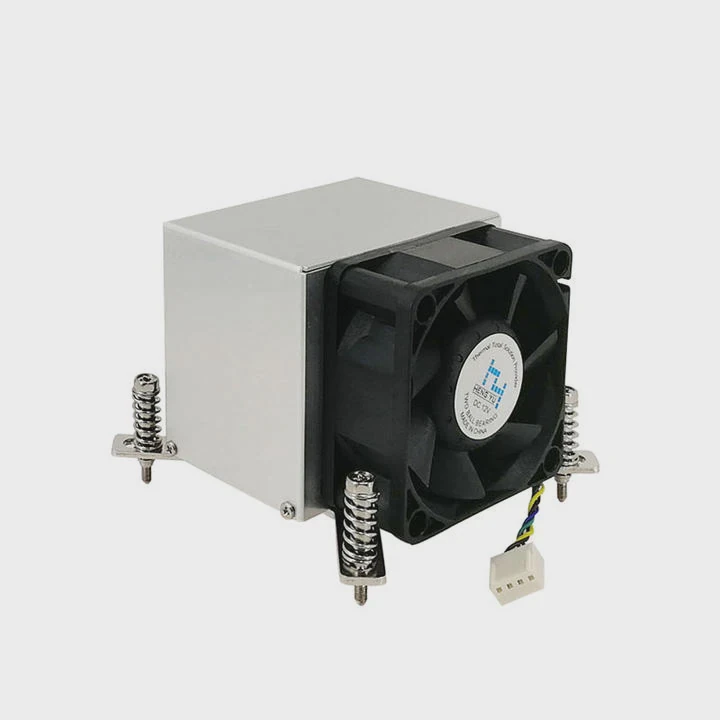
Major Efficiency Benefits
Higher Heat Capacity
Liquids absorb and carry more heat energy before rising in temperature. This makes them ideal for overclocked CPUs or heavy workloads.Even Temperature Distribution
Water flows continuously, removing heat evenly and preventing hot spots. Air systems often suffer from uneven cooling due to airflow limitations.Lower Noise Levels
Fans in a liquid cooling setup spin slower because the radiator has a large surface area. Less fan speed means quieter operation.Stable Long-term Performance
Because the CPU stays within its ideal temperature range, thermal throttling (automatic speed reduction due to overheating) is minimized. You get consistent performance for longer periods.Improved Aesthetics and Space Efficiency
Radiators can be mounted away from the CPU, freeing up motherboard space and allowing for cleaner system layouts.
Example: Air vs. Liquid Cooling Efficiency
| Parameter | Air Cooling | Liquid Cooling |
|---|---|---|
| Heat Transfer Rate | Moderate | High |
| Operating Noise | High | Low |
| Overclocking Stability | Limited | Excellent |
| Component Lifespan | Standard | Extended |
| Thermal Throttling | Frequent | Rare |
In one of my builds using a Ryzen 9 processor, switching from a large air cooler to a 240 mm AIO liquid system dropped idle temperatures by 10°C and load temperatures by 25°C. This not only improved performance but also prolonged system lifespan.
For industrial systems or high-end workstations, such thermal consistency is critical. Even a 5°C improvement can prevent long-term degradation of solder joints or transistors.
How to ensure optimal operation?
Even the best cooling system underperforms if not installed or maintained properly. Optimal performance depends on a combination of good setup, regular care, and smart monitoring.
To ensure optimal operation of a CPU liquid cooling system, maintain proper coolant flow, keep the radiator clean, use quality thermal paste, and monitor pump speed and temperatures regularly.
1. Installation Best Practices
- Mount the radiator correctly: The top or front of the case works best for airflow efficiency.
- Orient the pump below the radiator: Prevents air bubbles from being trapped in the pump, which can cause noise or cavitation.
- Apply thermal paste evenly: A thin, even layer ensures maximum contact between CPU and water block.
- Check tubing tightness: Loose fittings can lead to leaks or trapped air pockets.
2. Regular Maintenance
| Task | Frequency | Purpose |
|---|---|---|
| Dust cleaning (radiator & fans) | Monthly | Keeps airflow strong |
| Coolant level check | Every 3–6 months | Prevents pump cavitation |
| Coolant replacement | Every 12–18 months | Maintains corrosion resistance |
| System flush | Annually | Removes buildup or algae |
| Pump speed monitoring | Ongoing | Detects early failure |
3. Optimal Temperature Range
For most CPUs:
- Idle: 30–40°C
- Load: 60–75°C
- Critical limit: 90°C
If your CPU regularly exceeds 80°C, check for radiator blockage or poor coolant flow. A properly installed loop rarely goes beyond 70°C under stress.
4. Use Monitoring Software
Modern BIOS and third-party tools like HWMonitor or MSI Afterburner can track:
- Pump RPM
- Coolant temperature
- CPU temperature trends
A sudden drop in pump speed or coolant flow rate can indicate early failure. I once caught a failing pump this way before it overheated a workstation during a long simulation run.
5. Airflow Management
Ensure that intake and exhaust fans create balanced pressure. Poor airflow can trap heat inside the case, negating the benefits of liquid cooling.
- Use intake filters to reduce dust.
- Maintain a clear air path between the radiator and the exhaust area.
- Align fans in a push-pull configuration for maximum cooling efficiency.
A well-tuned system isn’t just about low temperature—it’s about balance, reliability, and quiet performance.
What are the innovations in CPU cooling systems?
The world of cooling is advancing fast. Manufacturers and researchers are constantly developing new technologies to meet the growing thermal demands of CPUs and GPUs, especially in data centers and AI computing.
Recent innovations in CPU cooling include microchannel cold plates, phase-change materials, liquid metal interfaces, and AI-based control systems for smart thermal management.
1. Microchannel Cold Plates
Microchannel cold plates feature extremely small fluid channels inside the cooling block. These increase surface area and turbulence, boosting heat transfer efficiency. This design, originally from aerospace and semiconductor cooling, is now making its way into consumer CPU systems.
Benefits:
- 30–50% higher heat transfer efficiency
- Compact design for modern CPUs
- Uniform temperature distribution
2. Phase-Change Cooling Systems
Instead of relying on standard liquid circulation, phase-change systems use evaporation and condensation to move heat. As the liquid evaporates at the hot surface, it absorbs large amounts of heat energy (latent heat), then condenses elsewhere in the system.
Applications:
- High-density servers
- Space or vacuum environments
- Extreme overclocking setups
3. Liquid Metal Thermal Interface Materials (TIMs)
Replacing traditional thermal paste, liquid metal (usually gallium-based) provides exceptional conductivity—up to 80 W/m·K, compared to 5–10 W/m·K for normal paste. It’s more delicate to apply but drastically improves heat transfer between the CPU and water block.
Caution: Liquid metal is electrically conductive and must be applied carefully to avoid short circuits.
4. Smart and AI-Controlled Cooling
Modern systems integrate sensors and algorithms that dynamically adjust fan and pump speeds. AI learns workload patterns, predicting when higher cooling capacity will be needed and when to reduce noise or power draw.
For example, ASUS and Corsair are now releasing AIO coolers with machine learning temperature profiles. These systems automatically optimize cooling for both performance and acoustics.
5. Eco-friendly and Non-conductive Coolants
Coolant manufacturers are introducing biodegradable, non-toxic fluids that reduce corrosion and resist algae without using harsh chemicals. Some include nanofluids with suspended particles to enhance heat transfer.
6. Hybrid and Direct Die Cooling
Hybrid systems combine liquid cooling and vapor chamber technology for next-level performance. Direct die cooling removes the CPU’s integrated heat spreader entirely, placing the cooling block directly on the silicon for minimal resistance.
When I tested a prototype direct-die system, I recorded a temperature drop of nearly 15°C compared to standard setups. It shows how close innovation is bringing us to the limits of thermal physics.
Comparison of Emerging Innovations
| Technology | Efficiency Gain | Application Area | Status |
|---|---|---|---|
| Microchannel Plates | +40% | Consumer/Server CPUs | Available |
| Phase-Change Cooling | +60% | HPC, Data Centers | Emerging |
| Liquid Metal TIM | +50% | Enthusiast CPUs | Commercial |
| AI Thermal Control | +20% | Gaming/Workstations | Growing |
| Hybrid Vapor-Liquid Cooling | +70% | Industrial, Aerospace | Experimental |
The Future Outlook
As CPU power density keeps rising, liquid cooling will no longer be an enthusiast’s luxury—it will be standard. The future may bring self-contained nanofluid systems, solid-state heat spreaders, and intelligent control algorithms that tune cooling in real time.
I believe we’re heading toward fully autonomous cooling solutions—where the system not only cools itself but predicts when it needs to, adapting dynamically to user behavior and workload.
Conclusion
CPU liquid cooling works by combining heat conduction and convection to transfer heat away efficiently. It offers superior thermal performance, quiet operation, and stable performance over air systems. By maintaining your loop, optimizing flow, and embracing new technologies like microchannels and AI control, you can achieve efficient, reliable, and future-ready cooling for any workload.
TAGS
Latest Articles

Volume discount levels for heat sink orders?
Buyers often ask when heat sink prices start to drop with volume. Many worry they’re overpaying for small orders. This guide explains how B2B volume pricing works for thermal components. Heat sink
21 Dec,2025
Heat sink long-term supply contract options?
Many buyers want stable pricing and reliable delivery for heat sinks. But without a clear contract, risks grow over time. This article explores how to secure better long-term supply deals. Long-term
21 Dec,2025
Tooling cost for new heat sink profiles?
Many engineers struggle to understand why tooling for custom heat sinks costs so much. They worry about budgeting and production timelines. This article breaks down the cost drivers behind tooling.
21 Dec,2025
Heat sink custom sample process steps?
Sometimes, starting a custom heat sink project feels overwhelming—too many steps, too many unknowns, and too many risks. You want a sample, but not endless delays. The process for requesting and
20 Dec,2025
Standard B2B terms for heat sink payments?
When buyers and sellers in B2B heat sink markets talk about payment, many don’t fully understand what’s standard. This can lead to delayed orders, miscommunication, and even lost business
20 Dec,2025
Heat sink pricing factors for large orders?
Heat sinks are vital for many systems. When prices rise, projects stall and budgets break. This problem can hit teams hard without warning. Large order heat sink pricing depends on many factors. You
20 Dec,2025Related Articles
- How to install GPU liquid cooling?
- What does liquid cooled mean?
- How does the liquid cooling system work?
- What is liquid immersion cooling?
- What happens when you cool a liquid?
- What should my CPU temp be with liquid cooling?
- Which PowerEdge server supports direct liquid cooling?
- Does Ryzen 9 5950X need liquid cooling?
- Is liquid cooling hard to install?
- Does Ryzen 7 7700X Need Liquid Cooling?
- Is liquid cooling quiet?
- How to do liquid cooling?
Author
Dr. Emily Chen
Chief AI Researcher
Leading expert in thermal dynamics and AI optimization with over 15 years of experience in data center efficiency research.
Categories
Latest Products






Recommend Categories
- Liquid cooling plate Manufacturer
- Industrial Heat Sink Manufacturer
- Standard Heat Sink Manufacturer
- Aluminum Heat Sink Manufacturer
- Copper Heat Sink Manufacturer
- Anodized Heatsink Manufacturer
- Stamping heat sink Manufacturer
- Die Casting Heatsink Manufacturer
- Soldering heat sink Manufacturer
- CNC Parts Manufacturer
Latest Products
- Wholesale Aluminum Radiator
- Water Cooling Plate Kit
- Water Cooling Heat Sink
- Water Cooling Heat Sink Kit
- Stainless Steel Water Distributor
- Server Water Cooling Plate Kit
- Server Liquid Cooling System
- Server Aluminum Cooling Kit
- S19 Full Cover Cooling Plate
- S19 Cooling Plate Kit
- S19 Aluminum Cooling Plate
Contact Expert
Have questions about this article? Reach out to our experts directly.