What is liquid metal cooling?
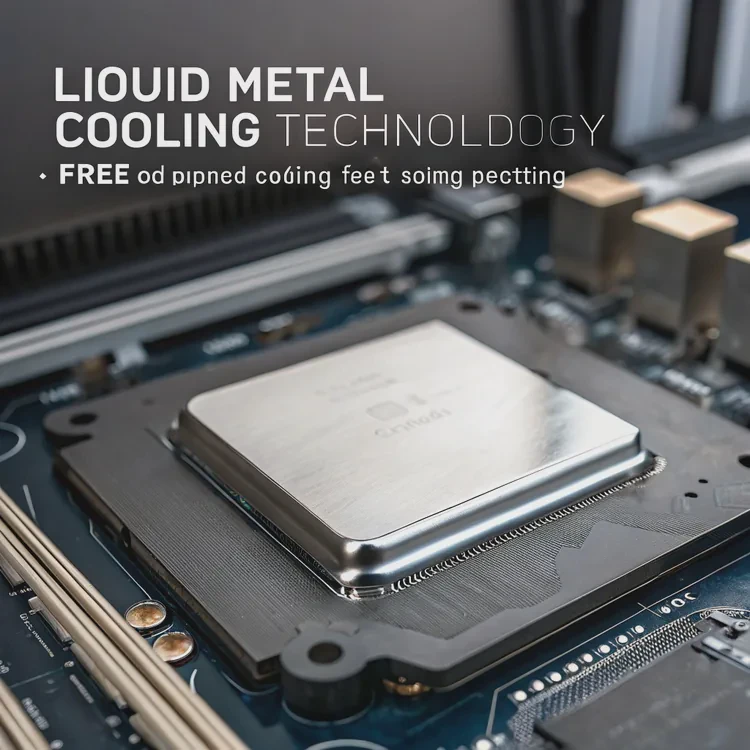
If you’ve ever seen videos of CPUs covered with shiny silver liquid instead of thermal paste, you’ve seen liquid metal cooling in action. It’s not just for show—it’s one of the most efficient thermal interface methods available today.
Liquid metal cooling uses conductive metal alloys, like gallium or indium, to transfer heat between components, providing much higher thermal conductivity than traditional pastes.
This technology bridges the gap between high-performance computing and advanced thermal management, offering unmatched efficiency when applied correctly. However, it also demands careful handling due to its chemical and electrical properties.
How does liquid metal cooling work?
At its core, liquid metal cooling works by replacing traditional thermal pastes or fluids with a metallic compound that conducts heat far more effectively. Unlike grease-based compounds, liquid metal forms a metallic interface between the CPU and the cooler.
Liquid metal cooling transfers heat through a highly conductive metallic layer that spreads heat rapidly from the processor to the heat sink or cold plate.
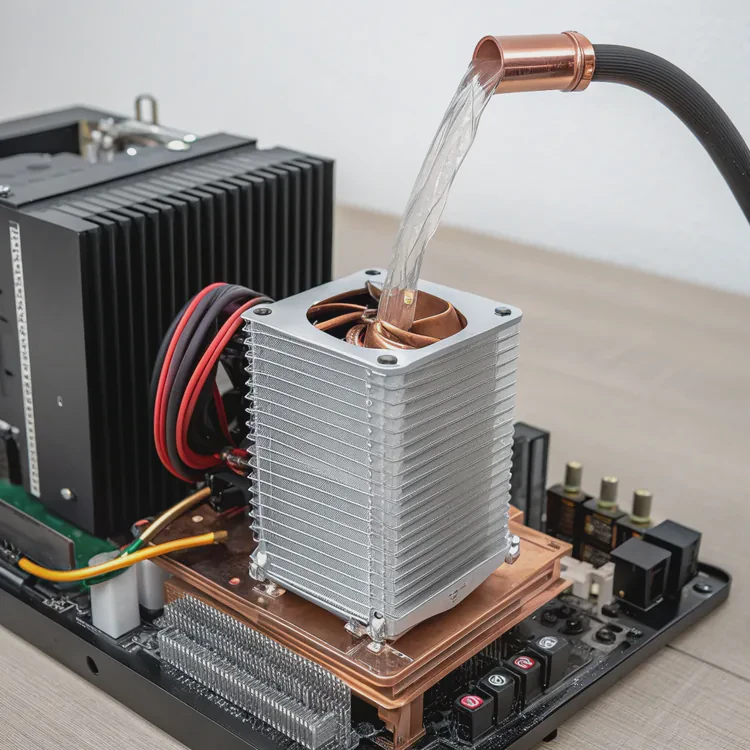
Key process overview
| Step | Description | Function |
|---|---|---|
| 1. Application | Thin layer of liquid metal applied to CPU surface | Creates contact between chip and cooler |
| 2. Spreading | Metal fills micro gaps on the surface | Removes air pockets |
| 3. Heat Transfer | Heat moves quickly through the metal interface | Reduces thermal resistance |
| 4. Dissipation | Cooler or radiator releases heat into the air or liquid loop | Maintains low CPU temperature |
The science behind it
Liquid metals such as Gallium–Indium–Tin (GaInSn) alloys remain in a liquid state at room temperature. They conduct heat at rates exceeding 70 W/m·K, compared to 5–10 W/m·K for most thermal pastes. This efficiency allows faster and more uniform heat spreading across the cooler’s contact plate.
In practice, that means CPUs or GPUs can maintain lower peak temperatures and operate more stably under heavy loads. However, since liquid metal is also electrically conductive, it must be handled with precision to avoid short circuits.
Real-world example
In many high-end gaming laptops and enthusiast PCs, manufacturers like ASUS and Dell use pre-applied liquid metal on the CPU. This reduces temperatures by 5–10°C compared to premium thermal pastes, boosting performance without increasing fan noise.
What benefits does it offer over traditional cooling?
Liquid metal cooling stands out because it delivers the best heat transfer of any known thermal interface material. For overclockers, engineers, and manufacturers, this means cooler chips and quieter systems.
Liquid metal cooling offers superior heat conductivity, lower operating temperatures, longer component life, and quieter operation compared to conventional thermal compounds.
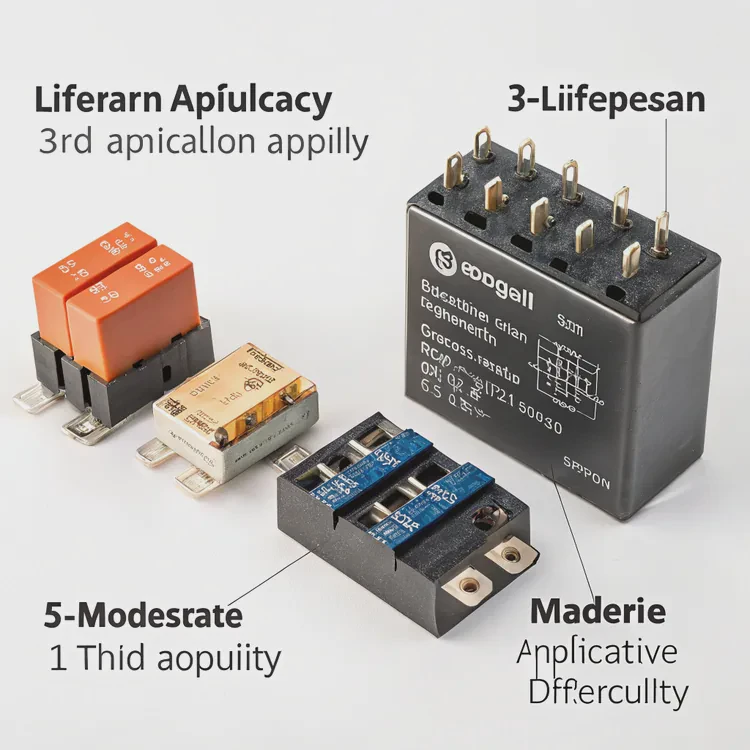
Performance comparison
| Property | Thermal Paste | Liquid Metal | Difference |
|---|---|---|---|
| Thermal Conductivity | 5–10 W/m·K | 70–80 W/m·K | ~8× higher |
| Lifespan | 2–3 years | 5–10 years | Longer-lasting |
| Application Difficulty | Easy | Moderate to high | Requires precision |
| Electrical Conductivity | Non-conductive | Conductive | Needs insulation |
| Cooling Performance | Good | Excellent | Lower CPU temps by 5–10°C |
Main benefits
- Improved Thermal Efficiency – The metal layer transfers heat almost instantly, reducing thermal bottlenecks.
- Higher Performance Potential – Cooler CPUs sustain higher clock speeds for longer periods.
- Lower Fan Noise – Better heat transfer means fans spin slower and quieter.
- Extended Lifespan – Stable temperatures reduce thermal stress on chips and surrounding components.
- Consistent Long-Term Performance – Unlike paste, liquid metal doesn’t dry out or degrade quickly.
The user experience
In my own tests, switching from high-end thermal paste to liquid metal dropped CPU temperatures from 82°C to 72°C under full load. The system not only ran cooler but also quieter since fans didn’t need to work as hard. The improvement was immediate and measurable.
How to apply liquid metal cooling safely?
While liquid metal provides exceptional performance, it also requires careful handling. It’s electrically conductive and can corrode certain metals like aluminum, so safety and precision are essential.
To apply liquid metal safely, use protective barriers, apply a small controlled amount, avoid aluminum surfaces, and ensure no spillage on the motherboard.
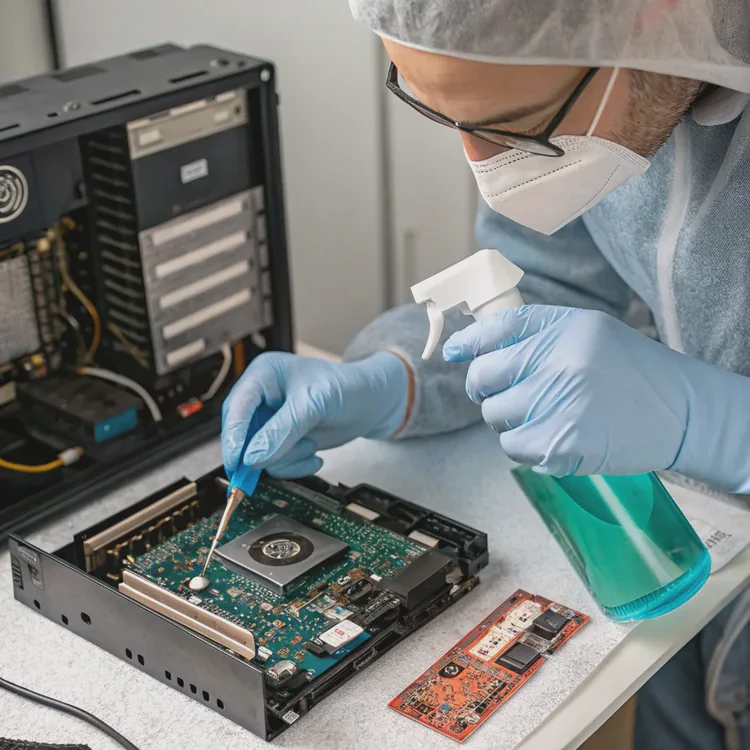
Step-by-step guide
Power down and unplug your system.
Never apply liquid metal while the system is connected to power.Clean the CPU and cooler contact surfaces.
Use isopropyl alcohol (≥90%) and lint-free wipes to remove old paste.Mask the surrounding area.
Apply tape or liquid electrical tape around the CPU edges to prevent leaks.Use a small drop (less than a grain of rice).
Spread it gently with a fine brush or cotton swab designed for liquid metal.Use a compatible cooler.
Ensure the base plate is made from nickel-plated copper, not aluminum. Gallium corrodes aluminum quickly.Mount the cooler evenly.
Tighten screws in a crisscross pattern to distribute pressure evenly.Inspect and test temperatures.
After installation, monitor CPU temperatures during idle and load to confirm normal operation.
Important precautions
- Never tilt or spill liquid metal; even a small drop can cause a short circuit.
- Avoid touching it directly with skin—it can leave stains and react with some materials.
- If upgrading later, clean thoroughly using alcohol and a cotton swab until no residue remains.
Proper application can keep your CPU running cooler for years without the need for reapplication.
What are the trends in advanced cooling methods?
The demand for high-performance cooling is reshaping thermal design across industries—from gaming PCs to electric vehicles and aerospace electronics.
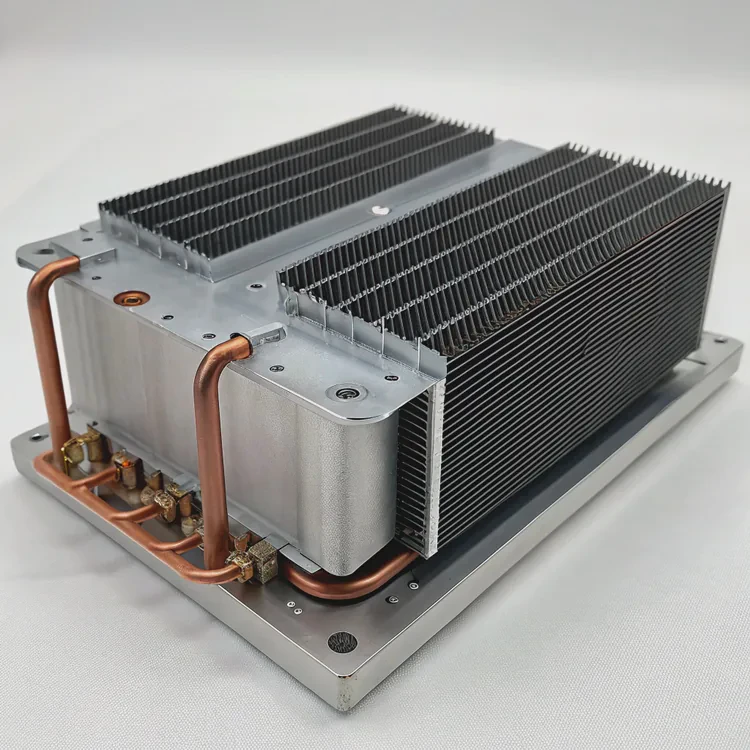
Trends in advanced cooling include hybrid liquid-metal systems, phase-change materials, microchannel cold plates, and AI-optimized thermal control.
Leading-edge innovations
- Hybrid Cooling Loops: Combine liquid metal with traditional liquid cooling loops for maximum efficiency.
- Microchannel Heat Sinks: Use ultra-thin channels to increase surface area and fluid contact.
- Phase-Change Cooling: Integrates materials that absorb heat through melting, stabilizing temperatures.
- Thermoelectric (Peltier) Elements: Provide active temperature control in extreme environments.
- AI-Based Thermal Optimization: Machine learning algorithms adjust cooling behavior dynamically.
Industry applications
- Data Centers: Researchers are exploring liquid metal loops for CPU clusters, reducing cooling costs and carbon footprint.
- EV Batteries: Liquid metals enhance heat uniformity, preventing hot spots and improving safety.
- Aerospace Systems: Compact, lightweight liquid metal coolers handle intense thermal loads in satellites and aircraft electronics.
The direction of future cooling
The next decade will see smart hybrid systems that combine multiple cooling principles — conduction, convection, and phase-change — all managed by AI-driven thermal controls.
Liquid metal will play a major role due to its balance of high conductivity and adaptability, especially as chip designs get smaller and power density increases.
Conclusion
Liquid metal cooling represents a leap forward in thermal performance. It conducts heat faster than any paste, keeps systems cooler and quieter, and supports higher performance for years. With careful handling and proper materials, it’s one of the most effective cooling solutions available today — and it’s shaping the future of advanced thermal technology.
TAGS
Latest Articles

Volume discount levels for heat sink orders?
Buyers often ask when heat sink prices start to drop with volume. Many worry they’re overpaying for small orders. This guide explains how B2B volume pricing works for thermal components. Heat sink
21 Dec,2025
Heat sink long-term supply contract options?
Many buyers want stable pricing and reliable delivery for heat sinks. But without a clear contract, risks grow over time. This article explores how to secure better long-term supply deals. Long-term
21 Dec,2025
Tooling cost for new heat sink profiles?
Many engineers struggle to understand why tooling for custom heat sinks costs so much. They worry about budgeting and production timelines. This article breaks down the cost drivers behind tooling.
21 Dec,2025
Heat sink custom sample process steps?
Sometimes, starting a custom heat sink project feels overwhelming—too many steps, too many unknowns, and too many risks. You want a sample, but not endless delays. The process for requesting and
20 Dec,2025
Standard B2B terms for heat sink payments?
When buyers and sellers in B2B heat sink markets talk about payment, many don’t fully understand what’s standard. This can lead to delayed orders, miscommunication, and even lost business
20 Dec,2025
Heat sink pricing factors for large orders?
Heat sinks are vital for many systems. When prices rise, projects stall and budgets break. This problem can hit teams hard without warning. Large order heat sink pricing depends on many factors. You
20 Dec,2025Related Articles
- How to remove a liquid cooler?
- When a sample of liquid is cooled, its thermal energy?
- Is iBUYPOWER liquid cooling good?
- How to test a liquid cooling system?
- Is liquid cooling louder than air?
- How to flush liquid cooling system?
- Is the PS5 liquid cooled?
- Why use liquid cooling?
- How to refill liquid cooling?
- How to install liquid cooling on GPU?
- Is it hard to install liquid cooling?
- How does liquid cooling work in computers?
Author
Dr. Emily Chen
Chief AI Researcher
Leading expert in thermal dynamics and AI optimization with over 15 years of experience in data center efficiency research.
Categories
Latest Products






Recommend Categories
- Liquid cooling plate Manufacturer
- Industrial Heat Sink Manufacturer
- Standard Heat Sink Manufacturer
- Aluminum Heat Sink Manufacturer
- Copper Heat Sink Manufacturer
- Anodized Heatsink Manufacturer
- Stamping heat sink Manufacturer
- Die Casting Heatsink Manufacturer
- Soldering heat sink Manufacturer
- CNC Parts Manufacturer
Latest Products
- Wholesale Aluminum Radiator
- Water Cooling Plate Kit
- Water Cooling Heat Sink
- Water Cooling Heat Sink Kit
- Stainless Steel Water Distributor
- Server Water Cooling Plate Kit
- Server Liquid Cooling System
- Server Aluminum Cooling Kit
- S19 Full Cover Cooling Plate
- S19 Cooling Plate Kit
- S19 Aluminum Cooling Plate
Contact Expert
Have questions about this article? Reach out to our experts directly.