How often to change liquid cooling?
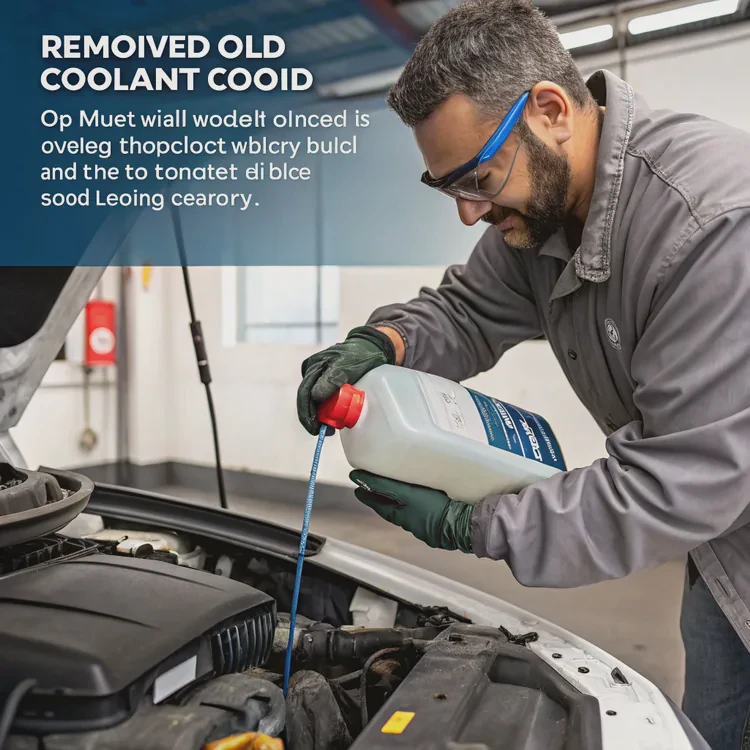
Liquid cooling systems are efficient and long-lasting, but like any fluid-based mechanism, they need regular maintenance. Over time, the coolant inside a loop can lose performance, collect debris, and affect overall cooling efficiency.
You should change your liquid cooling coolant every 12 to 18 months for most PC systems, or every 2 to 3 years for industrial or automotive cooling setups, depending on the fluid type and operating conditions.
This interval ensures that the system remains free from corrosion, algae, and buildup while keeping the pump and cold plates running smoothly.
What factors affect liquid lifespan?
Coolant degradation happens gradually and depends on multiple variables — from the environment to the materials used inside the loop.
The main factors affecting coolant lifespan include temperature, coolant composition, system material compatibility, contamination, and maintenance habits.
1. Operating Temperature and Load
Higher temperatures accelerate chemical reactions inside the fluid.
If a system consistently runs above 60°C, corrosion inhibitors and biocides inside the coolant break down faster.
This leads to discoloration, sludge, or reduced heat transfer efficiency.
2. Coolant Type
Different coolants have different chemical durability:
- Distilled water + additive mix: Efficient but short-lived; requires change every 12 months.
- Premixed glycol coolants: Last 18–24 months due to corrosion protection additives.
- Synthetic or dielectric coolants: Designed for long-term performance; last up to 5 years.
3. Material Compatibility
When incompatible metals mix (e.g., copper and aluminum), galvanic corrosion occurs.
This reaction releases metal ions that contaminate the fluid and reduce its lifespan. Always use matching metals across your cold plates, radiators, and fittings.
4. Air and Environmental Contamination
If the system isn’t properly sealed, air exposure introduces oxygen and moisture, which react with the metal surfaces.
Dust and external particles can also enter during refilling or maintenance, accelerating degradation.
5. Pump Flow Rate
Consistent coolant flow keeps temperatures even and prevents sedimentation.
A weak or failing pump can cause stagnant zones where corrosion or algae may grow.
6. Maintenance Frequency
Systems that are cleaned, flushed, and inspected regularly tend to maintain fluid quality much longer.
Neglecting maintenance is one of the fastest ways to reduce coolant lifespan.
Typical Lifespan by Coolant Type
| Coolant Type | Lifespan | Recommended Replacement | Notes |
|---|---|---|---|
| Distilled Water + Additives | 12 months | Yearly | Budget, high performance |
| Premixed Glycol Coolant | 18–24 months | Every 2 years | Standard AIO systems |
| Synthetic / Dielectric Coolant | 3–5 years | Every 3 years | Industrial systems |
| Nanofluid / Hybrid | 2–4 years | Every 2 years | Advanced research & servers |
By understanding these variables, you can predict when to change your coolant — before it causes performance or reliability issues.
Why is maintenance crucial for liquid cooling?
Even the most advanced liquid cooler will fail without maintenance. Regular upkeep ensures that all parts — the pump, radiator, and coolant — perform efficiently for years.
Maintenance is crucial for liquid cooling because it prevents corrosion, blockages, leaks, and biological growth, ensuring consistent thermal performance and system reliability.
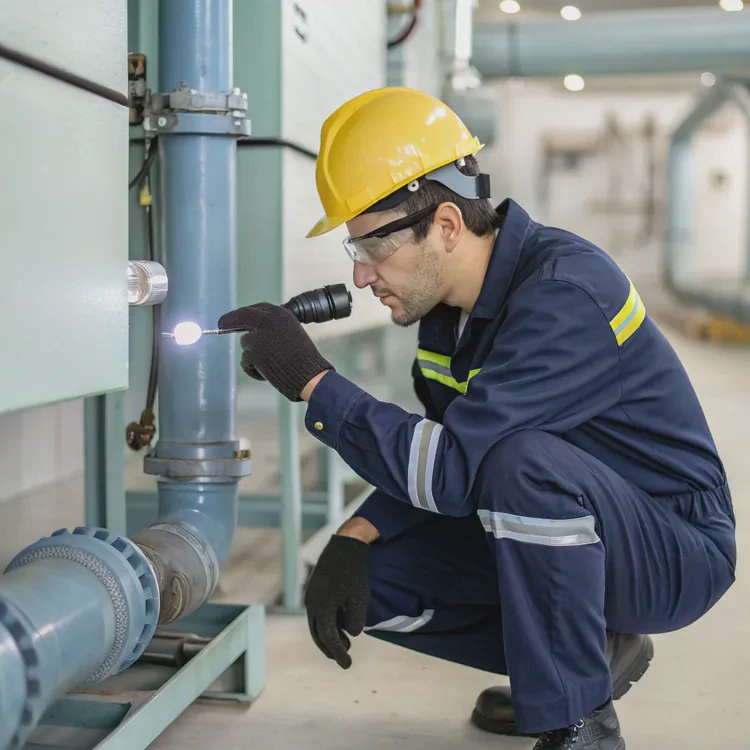
1. Prevents Corrosion
Corrosion is the silent enemy of every liquid cooling system. As protective additives wear out, metals begin to oxidize, releasing particles that can clog microchannels and reduce conductivity.
2. Maintains Coolant Quality
Over time, coolants lose their pH balance and clarity. Replacing fluid keeps it chemically stable and ensures consistent performance.
3. Stops Bacterial and Algae Growth
Without proper biocides or replacement, microbes thrive in warm, oxygenated coolant. These organisms can form slimy films that reduce coolant flow and damage seals.
4. Ensures Stable Temperatures
Old coolant has lower thermal conductivity. Replacing it restores the loop’s ability to maintain optimal operating temperatures and prevents thermal throttling in CPUs and GPUs.
5. Reduces Pump Wear
Clean coolant minimizes friction and prevents debris from entering the pump housing. This extends the lifespan of your pump bearings and impeller.
6. Detects and Prevents Leaks
Routine inspection during maintenance helps identify small leaks before they cause major system failures.
7. Keeps the System Quiet
Dirty coolant or clogged radiators often lead to cavitation and noise. A clean loop operates more quietly and efficiently.
Maintenance Frequency Guide
| Component | Task | Frequency |
|---|---|---|
| Coolant | Replace fluid | 12–18 months |
| Pump | Check flow and sound | Every 6 months |
| Radiator | Clean dust and debris | Every 6 months |
| Tubing | Inspect for clouding or cracks | Annually |
| Fittings and O-rings | Check for leaks | Annually |
Regular maintenance doesn’t just protect hardware — it also ensures that your system performs at its absolute best year after year.
How to safely drain and refill coolant?
Changing liquid coolant isn’t complicated, but it requires precision and patience. A rushed process can lead to air pockets, spills, or leaks.
To safely drain and refill coolant, turn off and unplug the system, open the lowest drain port, flush with distilled water, and refill slowly while removing air bubbles.
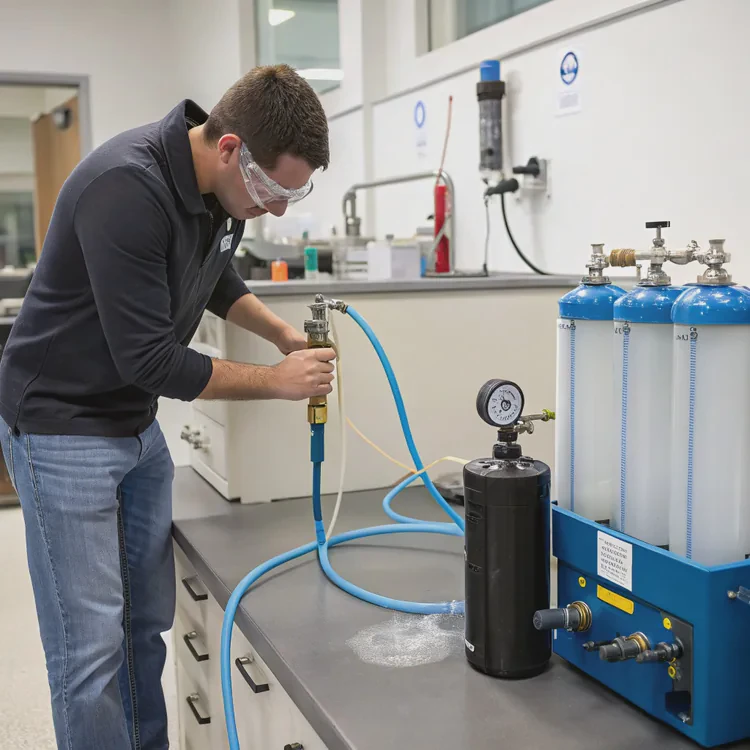
Step 1: Power Down and Prepare
- Shut down the system completely.
- Unplug all power cables.
- Place paper towels or cloths under the system to catch any spills.
- Use a plastic container to collect old coolant.
Step 2: Open the Drain Valve
If your setup includes a drain port, open it at the loop’s lowest point.
If not, disconnect the lowest tube or fitting carefully and let the coolant drain via gravity.
Step 3: Flush the System
Flush out any leftover fluid or residue using distilled water or a specialized cleaner.
Run the pump briefly (powered externally, not via motherboard) to circulate the cleaning fluid.
Repeat this step until the drained water runs clear.
Step 4: Dry and Inspect
Once drained, inspect all components:
- Check radiators and blocks for residue.
- Replace worn-out O-rings or tubing if needed.
- Ensure all fittings are tightened evenly.
Step 5: Refill with Fresh Coolant
Use a funnel or syringe to add coolant through the reservoir or fill port.
Run the pump on low power to circulate coolant slowly while adding more as the level drops.
Continue until the loop is completely filled.
Step 6: Bleed Air from the Loop
Air trapped in the system can cause noise and poor cooling efficiency.
- Tilt and rotate the case gently while running the pump.
- Tap tubing and fittings to release trapped bubbles.
- Keep topping up until no air remains in the reservoir.
Step 7: Leak Test
Before reconnecting everything:
- Run the pump for several hours using a PSU jumper plug (without powering other components).
- Check for leaks using tissue paper near fittings.
If dry, reconnect power and monitor temperatures.
Quick Reference: Draining and Refilling Process
| Step | Action | Tool Needed |
|---|---|---|
| 1 | Power down and disconnect | PSU switch |
| 2 | Open drain valve | Allen key or wrench |
| 3 | Flush loop | Funnel + distilled water |
| 4 | Inspect and clean | Paper towels |
| 5 | Refill and bleed air | Fill bottle + pump |
| 6 | Leak test | PSU jumper |
Following these steps ensures that your new coolant runs clean, smooth, and efficient from day one.
What are future trends in long-life coolants?
Coolant chemistry is advancing quickly. Manufacturers are focusing on extending lifespan, improving performance, and reducing environmental impact.
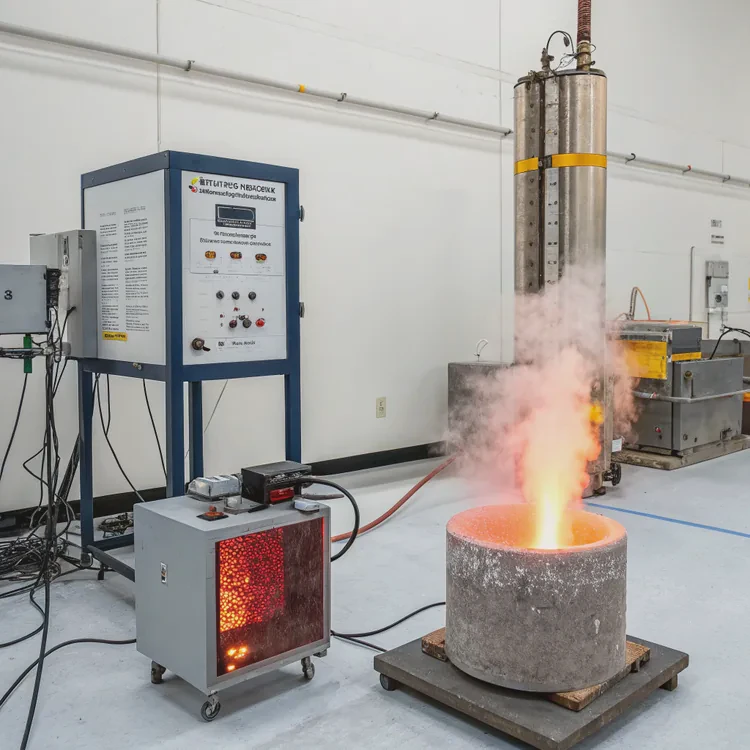
Next-generation coolants use advanced inhibitors, nanotechnology, and smart sensors to last up to 5–10 years with minimal maintenance.
1. Extended-Life Additives
Future coolants use multi-layer additive systems that actively regenerate corrosion protection.
These self-replenishing inhibitors maintain optimal pH and chemical stability over long cycles, extending life beyond five years.
2. Nanofluids
Nanofluids are engineered liquids containing microscopic metallic or ceramic nanoparticles (like aluminum oxide or copper oxide).
These particles improve thermal conductivity by up to 30% and resist thermal breakdown.
Their enhanced stability means they don’t separate or settle over time, unlike traditional coolants.
3. Dielectric Fluids
Dielectric fluids, such as 3M Novec and Fluorinert, allow direct immersion cooling for electronic systems.
- Non-conductive and non-flammable.
- Long-lasting (up to 10 years).
- Require no traditional radiator or airflow system.
These are already common in data centers and high-performance computing.
4. Phase-Change Hybrid Coolants
Future cooling loops may combine liquid and phase-change materials (PCMs).
- PCM absorbs excess heat when melting and releases it when solidifying.
- This stabilizes temperature spikes during heavy load cycles.
- Common in aerospace and electric vehicle thermal systems.
5. Smart Self-Monitoring Coolants
Emerging technologies include coolants with built-in sensors that measure pH, temperature, and contamination in real time.
These “intelligent fluids” can alert users when maintenance is needed or even trigger automatic purification cycles.
6. Biodegradable and Eco-Friendly Coolants
With environmental regulations tightening, research is moving toward plant-based glycol alternatives that are biodegradable, non-toxic, and renewable.
They perform comparably to synthetic fluids but have a smaller environmental footprint.
7. Continuous Purification Systems
High-end cooling setups are starting to include microfiltration and reconditioning modules that continuously clean coolant during operation, effectively creating maintenance-free systems.
8. Cooling System Integration with AI
Smart controllers use AI algorithms to monitor coolant properties and adjust flow, pump speed, and fan RPM dynamically.
This reduces waste, extends coolant life, and keeps systems operating at peak efficiency automatically.
Innovation Overview Table
| Innovation Type | Lifespan | Benefit | Application |
|---|---|---|---|
| Nanofluids | 4–6 years | Higher conductivity | HPC, GPUs |
| Dielectric Fluids | 8–10 years | Non-conductive | Data centers |
| PCM Hybrids | 5+ years | Temperature buffering | Aerospace, EVs |
| Smart Fluids | 5–8 years | Real-time diagnostics | Industrial cooling |
| Eco Glycols | 3–5 years | Biodegradable | Sustainable computing |
As technology matures, the future of cooling looks toward low-maintenance, self-regulating, and environmentally safe fluids capable of running for nearly a decade without replacement.
Conclusion
Coolant change intervals depend on usage, environment, and fluid type — but most systems benefit from replacement every 12–18 months.
Regular maintenance protects against corrosion and microbial buildup, while proper draining and refilling keep performance consistent.
With innovations such as nanofluids, dielectric coolants, and AI-driven diagnostics, the next generation of long-life coolants will make liquid cooling more sustainable, reliable, and virtually maintenance-free.
TAGS
Latest Articles

Volume discount levels for heat sink orders?
Buyers often ask when heat sink prices start to drop with volume. Many worry they’re overpaying for small orders. This guide explains how B2B volume pricing works for thermal components. Heat sink
21 Dec,2025
Heat sink long-term supply contract options?
Many buyers want stable pricing and reliable delivery for heat sinks. But without a clear contract, risks grow over time. This article explores how to secure better long-term supply deals. Long-term
21 Dec,2025
Tooling cost for new heat sink profiles?
Many engineers struggle to understand why tooling for custom heat sinks costs so much. They worry about budgeting and production timelines. This article breaks down the cost drivers behind tooling.
21 Dec,2025
Heat sink custom sample process steps?
Sometimes, starting a custom heat sink project feels overwhelming—too many steps, too many unknowns, and too many risks. You want a sample, but not endless delays. The process for requesting and
20 Dec,2025
Standard B2B terms for heat sink payments?
When buyers and sellers in B2B heat sink markets talk about payment, many don’t fully understand what’s standard. This can lead to delayed orders, miscommunication, and even lost business
20 Dec,2025
Heat sink pricing factors for large orders?
Heat sinks are vital for many systems. When prices rise, projects stall and budgets break. This problem can hit teams hard without warning. Large order heat sink pricing depends on many factors. You
20 Dec,2025Related Articles
- What is liquid cooling made of?
- Is a liquid cooling system worth it?
- How to check if liquid cooling is working?
- How to make a liquid cooling system?
- What is a liquid cooling system?
- How does liquid cooling work in PCs?
- How to mount a liquid CPU cooler?
- What is the best liquid CPU cooler?
- Which is better, air cooled or liquid cooled?
- Does liquid cooling need maintenance?
- What liquid is used in liquid cooling?
- What does a liquid cooler do?
Author
Dr. Emily Chen
Chief AI Researcher
Leading expert in thermal dynamics and AI optimization with over 15 years of experience in data center efficiency research.
Categories
Latest Products






Recommend Categories
- Liquid cooling plate Manufacturer
- Industrial Heat Sink Manufacturer
- Standard Heat Sink Manufacturer
- Aluminum Heat Sink Manufacturer
- Copper Heat Sink Manufacturer
- Anodized Heatsink Manufacturer
- Stamping heat sink Manufacturer
- Die Casting Heatsink Manufacturer
- Soldering heat sink Manufacturer
- CNC Parts Manufacturer
Latest Products
- Wholesale Aluminum Radiator
- Water Cooling Plate Kit
- Water Cooling Heat Sink
- Water Cooling Heat Sink Kit
- Stainless Steel Water Distributor
- Server Water Cooling Plate Kit
- Server Liquid Cooling System
- Server Aluminum Cooling Kit
- S19 Full Cover Cooling Plate
- S19 Cooling Plate Kit
- S19 Aluminum Cooling Plate
Contact Expert
Have questions about this article? Reach out to our experts directly.