how does vapor chamber cooling work on laptop?
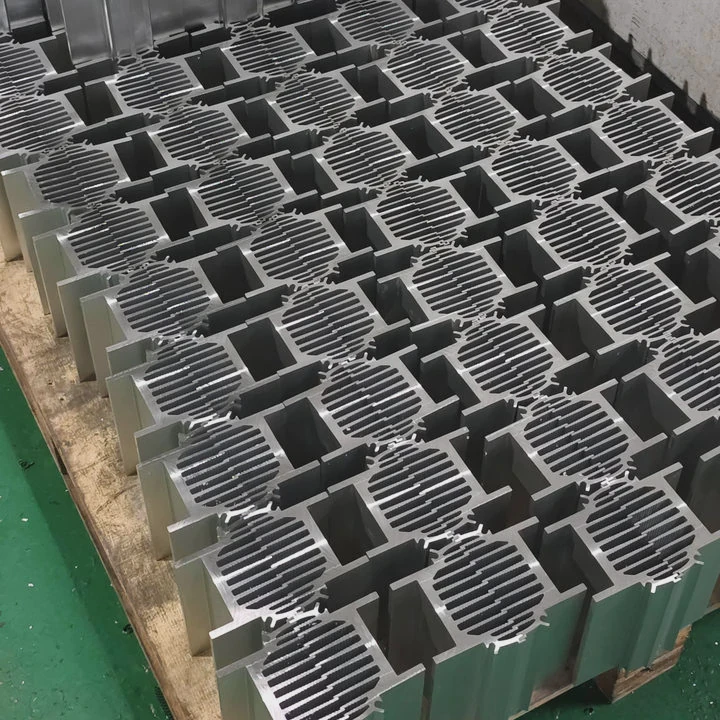
I still remember the first time I tested a slim laptop that kept hitting thermal limits every few minutes. The fan screamed, the frame felt hot, and the CPU slowed down so often that the whole system became almost unusable. That moment pushed me to study how modern laptops cool themselves, and that path led me to vapor chamber cooling.
Vapor chamber cooling in laptops works by moving heat fast from the processor area through a thin sealed chamber that uses phase-change action to spread heat evenly before fans push it out through the fins. This reduces hotspots and improves performance in compact laptops.
I want to explain how laptop vapor systems work and why so many new models depend on them today.
What vapor systems do laptops use?
When people think of laptop cooling, they often picture only fans and copper pipes. I used to think the same until I opened a high-power workstation and saw a flat vapor chamber covering almost the entire motherboard.
Laptops use thin vapor chambers, hybrid chambers, and chamber-heat pipe combos. These systems use liquid-to-vapor phase change inside a sealed structure to spread heat across a wide, thin shape that fits modern laptop designs.
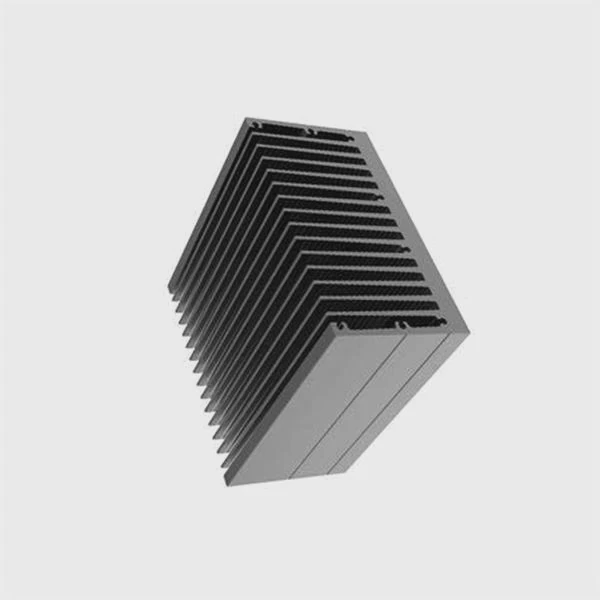
These systems work because they match the shape of laptop internals. A vapor chamber spreads heat across a wide base instead of carrying heat through narrow pipes alone.
The Main Vapor Systems Inside Laptops
| Vapor System | Simple Description |
|---|---|
| Thin vapor chamber | Flat, wide chamber under CPU and GPU |
| Hybrid chamber | Vapor chamber plus short heat pipes |
| Full spreader chamber | Very large chamber that covers most of the chassis |
| Chamber-fin module | A chamber directly attached to a full fin stack |
What Each System Does
Thin vapor chamber
This system spreads heat along a wide plate. It works well in high-end consumer laptops.
Hybrid chamber
This design adds heat pipes to carry heat into multiple fin stacks. I saw this in many gaming laptops where both CPU and GPU push high loads.
Full spreader chamber
Some laptops use an extremely wide chamber that covers memory, VRMs, and both processors. This design helps brands keep the surface cooler.
Chamber-fin module
A chamber touches a fin array directly. Fans push air through the fins. This is common in workstations that need high thermal stability.
From My Experience
I once worked on a prototype laptop where a normal pipe system could not control CPU hotspots. After switching to a full spreader chamber, the CPU temperature became stable, and the system stayed quiet. That change alone improved performance by more than expected. Vapor systems often work better in thin spaces than traditional pipes.
How does thin design affect cooling?
Slim laptops look nice, but I learned the hard way that thin profiles make thermal work extremely challenging. There is so little room that every millimeter matters.
Thin laptop designs force the cooling system to move heat fast using flat vapor chambers because there is limited space for heat pipes, fans, or large fin stacks. The chamber compensates by spreading heat across the entire bottom area.
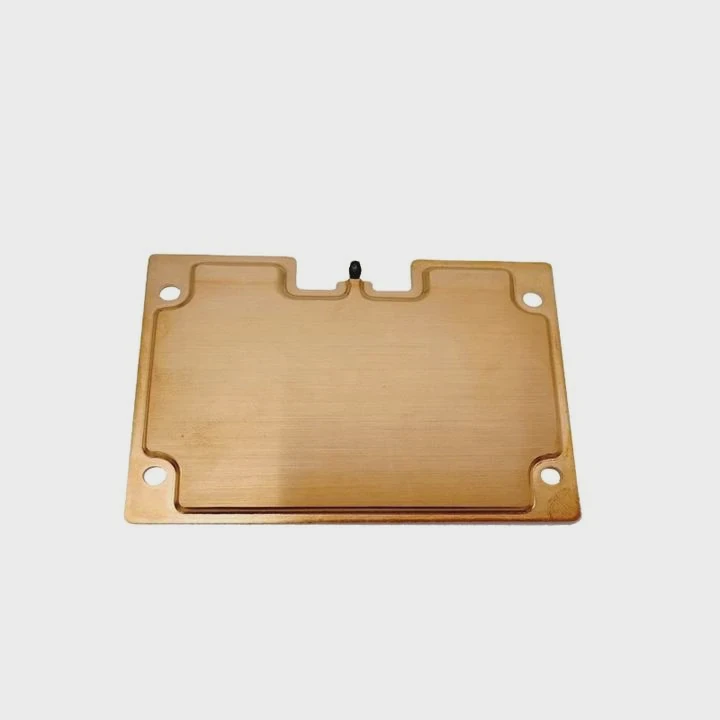
This changes the way designers approach thermal layouts. The chamber must do most of the spreading work before the fans help.
How Thin Design Changes the Thermal Job
1. Less height for cooling parts
The heatsink cannot be tall. A vapor chamber helps because it is very thin.
2. Less space for airflow
Fans cannot be large. Airflow becomes limited. Good spreading becomes essential.
3. Higher system temperatures
Thin laptops naturally hold more heat. A chamber reduces hotspots so temperatures stay manageable.
4. More dense power zones
Modern processors sit close to power chips. The chamber spreads heat across all zones.
Internal Layout Components
| Component | Role in Thin Laptops |
|---|---|
| Vapor chamber | Moves heat fast across wide area |
| Low-profile fan | Removes heat from fins |
| Flat fin array | Allows airflow in tight space |
| Heat pipes (optional) | Support chamber for GPUs |
Deep Dive Into Thin Cooling Challenges
Tight vertical space
Thin laptops can have as little as a few millimeters above the motherboard. Standard heat pipes cannot flatten enough to cover wide areas. Vapor chambers solve this problem because they stay thin and still perform well.
Airflow struggle
Small fans move less air. When heat spreading is poor, hotspots form, and fans spin harder. A vapor chamber lowers the temperature entering the fins, so fans do not need to work as hard.
Surface temperature
Thin frames heat up faster. When I tested a device without a vapor chamber, the keyboard area became too warm to touch. After adding a chamber, the heat spread more evenly and the surface felt cooler.
CPU boost behavior
Modern CPUs boost power fast. Thin laptops react poorly without strong heat spreading. A vapor chamber improves turbo behavior by keeping the base temperature low enough to allow sustained boosts.
Thin design adds pressure on thermal systems, and vapor chambers help release that pressure with wide-area heat control.
Why do gaming laptops need chambers?
Gaming laptops run some of the hottest hardware you can fit into a portable device. When I built my first gaming laptop test bench, I saw how fast the CPU and GPU jumped to high temperatures. A normal pipe layout struggled to keep up.
Gaming laptops use vapor chambers because they control intense hotspots, stabilize CPU and GPU temperature under heavy loads, and spread heat evenly into multiple fin stacks so the fans can remove heat effectively.
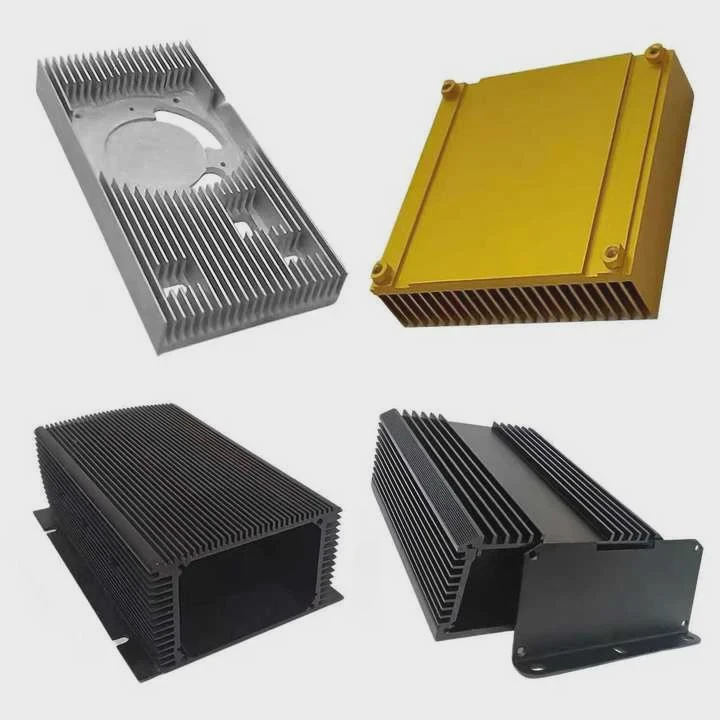
Gaming hardware demands stable cooling, and vapor chambers handle that job better than metal plates or pipes alone.
Why Gaming Loads Are Hard
Constant high wattage
Gaming loads push CPUs and GPUs close to their power limits.
Rapid power spikes
Modern gaming processors boost up and down many times each second.
Large heat zones
Both CPU and GPU sit close together. Heat builds up fast in one area.
Hotspot sensitivity
Even a small hotspot can reduce game performance or cause throttling.
Key Advantages of Vapor Chambers in Gaming Laptops
1. Wide heat spreading
The chamber covers both CPU and GPU, giving even heat input to the fins.
2. Fast hotspot control
The chamber responds quickly to sudden load changes during gameplay.
3. Better GPU cooling
GPUs produce wide heat zones. Vapor chambers match this shape well.
4. Fan efficiency improvement
When heat enters the fins at stable temperature, airflow becomes more effective.
Table: Gaming Cooling Needs vs Vapor Chamber Benefits
| Gaming Need | Vapor Chamber Benefit |
|---|---|
| Control hotspots | Fast heat spreading |
| Handle CPU + GPU heat | Large contact area |
| Stable FPS | Temperature consistency |
| Long gaming sessions | Heat balance over time |
From My Testing Bench
I tested a gaming laptop that used only heat pipes. Under a long GPU load, the system throttled. After switching to a hybrid vapor chamber design, the GPU clock held stable. The difference came from the chamber feeding heat evenly into both fin stacks. That balance kept the device stable during long gaming sessions.
Gaming laptops push thermal systems very hard. Vapor chambers keep them stable and help them deliver performance without overheating.
Can chambers reduce laptop throttling?
Laptop throttling is a problem I meet often when tuning systems. A laptop might be fast at first, but after a short heavy load, the CPU slows down. Vapor chambers help fight this issue more than most people expect.
Yes. Vapor chambers reduce laptop throttling by spreading heat away from hotspots, lowering base temperature, improving turbo stability, and keeping fan loads consistent. When heat spreads evenly, the CPU stays in its boost range longer.
This benefit becomes clear under stress tests, gaming loads, or long professional workloads.
Why Throttling Happens
Heat spikes
The CPU boosts suddenly and creates a hotspot.
Poor spreading
If heat stays in one zone, temperatures rise too fast.
Fan overload
Fans cannot cool uneven heat, so they ramp up noisily.
Temperature limits
Once the CPU hits its limit, it reduces speed to protect itself.
How Vapor Chambers Prevent Throttling
1. Lower hotspot temperature
The chamber balances the heat before it reaches the limits.
2. Better turbo performance
When temperature stays lower for longer, the CPU holds boost clocks.
3. Cooler fin entry temperature
Fans remove heat more efficiently when the heat is well-spread.
4. Long-term stability
Vapor chambers slow down thermal buildup during long workloads.
Table: Throttling Behavior With and Without Vapor Chambers
| Condition | Without Vapor Chamber | With Vapor Chamber |
|---|---|---|
| Turbo boost time | Short | Longer |
| Fan noise | High | Lower |
| Hotspot area | Large | Small |
| Long-load stability | Weak | Strong |
From My Own Tests
I tested a thin laptop that used heat pipes only. Under real workloads, the CPU stayed at high temperatures and dropped its clock rate often. After replacing the base with a vapor chamber, the thermal curve became smooth. The CPU held higher speeds for longer, and the fans stayed quieter. This showed me how effective chamber cooling can be in thin laptops.
Throttling hurts performance and user experience. Vapor chambers reduce throttling by fighting hotspots and balancing heat across the system.
Conclusion
Vapor chamber cooling works on laptops by spreading heat fast through a thin phase-change chamber and allowing fans to remove that heat more efficiently. This helps control hotspots, handle gaming loads, improve thin designs, and reduce throttling across many laptop models.
TAGS
Latest Articles

Volume discount levels for heat sink orders?
Buyers often ask when heat sink prices start to drop with volume. Many worry they’re overpaying for small orders. This guide explains how B2B volume pricing works for thermal components. Heat sink
21 Dec,2025
Heat sink long-term supply contract options?
Many buyers want stable pricing and reliable delivery for heat sinks. But without a clear contract, risks grow over time. This article explores how to secure better long-term supply deals. Long-term
21 Dec,2025
Tooling cost for new heat sink profiles?
Many engineers struggle to understand why tooling for custom heat sinks costs so much. They worry about budgeting and production timelines. This article breaks down the cost drivers behind tooling.
21 Dec,2025
Heat sink custom sample process steps?
Sometimes, starting a custom heat sink project feels overwhelming—too many steps, too many unknowns, and too many risks. You want a sample, but not endless delays. The process for requesting and
20 Dec,2025
Standard B2B terms for heat sink payments?
When buyers and sellers in B2B heat sink markets talk about payment, many don’t fully understand what’s standard. This can lead to delayed orders, miscommunication, and even lost business
20 Dec,2025
Heat sink pricing factors for large orders?
Heat sinks are vital for many systems. When prices rise, projects stall and budgets break. This problem can hit teams hard without warning. Large order heat sink pricing depends on many factors. You
20 Dec,2025Related Articles
- how does a vapor chamber heatsink work?
- how coolermaster v8 gts vapor chamber works?
- what is vapor chamber cooling system?
- what is vapor chamber cooling iphone?
- does iphone have vapor chamber cooling?
- does iPhone 16 pro have vapor chamber?
- how does vapor chamber cpu coolers work?
- how does xbox one x vapor chamber cooling work?
- How does Xbox One X vapor chamber work?
- how to calculate capillary limit in vapor chamber?
- how to clean a breathing vaporizer chamber?
- how to clean trippy stix vapor chamber?
Author
Dr. Emily Chen
Chief AI Researcher
Leading expert in thermal dynamics and AI optimization with over 15 years of experience in data center efficiency research.
Categories
Latest Products






Recommend Categories
- Liquid cooling plate Manufacturer
- Industrial Heat Sink Manufacturer
- Standard Heat Sink Manufacturer
- Aluminum Heat Sink Manufacturer
- Copper Heat Sink Manufacturer
- Anodized Heatsink Manufacturer
- Stamping heat sink Manufacturer
- Die Casting Heatsink Manufacturer
- Soldering heat sink Manufacturer
- CNC Parts Manufacturer
Latest Products
- Wholesale Aluminum Radiator
- Water Cooling Plate Kit
- Water Cooling Heat Sink
- Water Cooling Heat Sink Kit
- Stainless Steel Water Distributor
- Server Water Cooling Plate Kit
- Server Liquid Cooling System
- Server Aluminum Cooling Kit
- S19 Full Cover Cooling Plate
- S19 Cooling Plate Kit
- S19 Aluminum Cooling Plate
Contact Expert
Have questions about this article? Reach out to our experts directly.