how long does heatsinks last on gaming pcs?
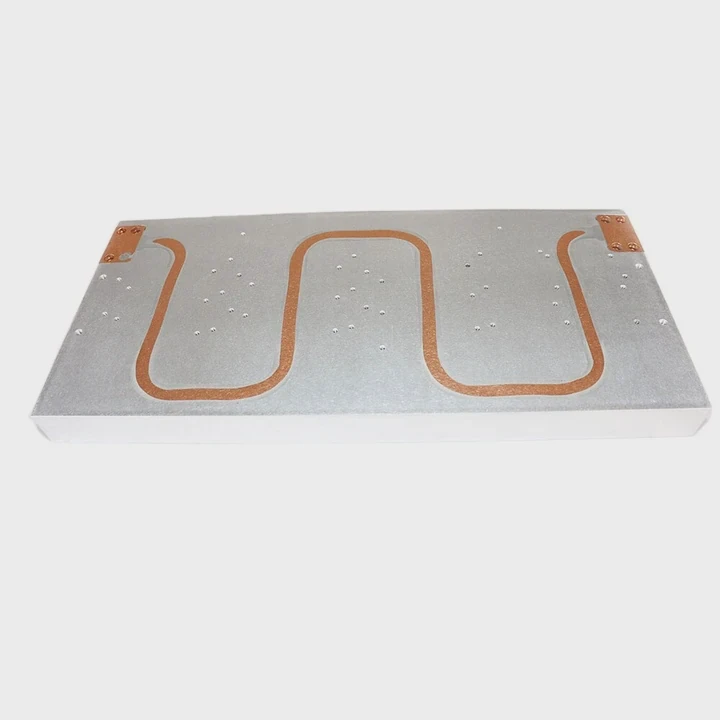
I still remember the first gaming PC I built. The heatsink looked solid and felt heavy. I thought it would last forever. Years later, dust, dry paste, and long gaming sessions taught me that even metal coolers change with time.
A heatsink on a gaming PC can last many years because the metal does not expire, but dust buildup, paste aging, and fan wear slowly reduce cooling performance. Regular cleaning and fresh paste keep it working like new.
I want to explain what really limits heatsink lifespan so you know how to keep cooling strong year after year.
Why dust reduces cooling over time?
Years ago, I opened my old gaming PC after months of use. The heatsink fins were packed with dust. The fan was loud. Temps were high. That sight showed me exactly how dust steals performance.
Dust reduces cooling because it blocks airflow, sticks to fins, and traps heat between layers of buildup. When air stops moving, heat stays inside the metal and cooling becomes weaker.
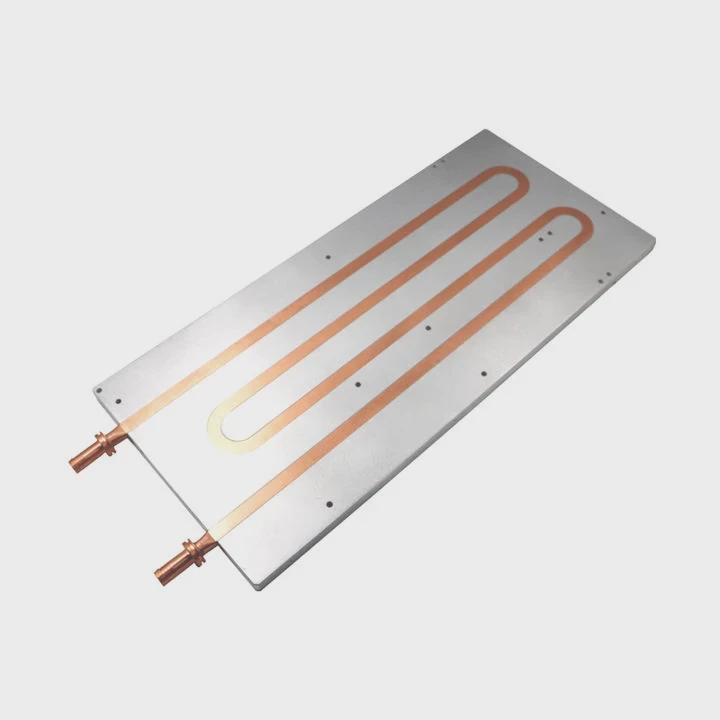
Dust enters through case fans. It settles in the tight gaps between fins. Over time, this buildup acts like insulation and slows the cooling system.
Why dust disrupts airflow
Airflow keeps the heatsink alive. When the fins are clean, air can pass through and carry heat away. When dust builds up, air cannot move. The fan spins harder, but temps keep rising because heat has nowhere to go.
Where dust collects the most
Dust loves narrow fin channels, fan blades, and corners near the base. These are small areas where air slows down, making dust settle faster. After many gaming sessions, these spots fill up first.
Dust impact table
| Dust Level | Airflow Quality | Cooling Result |
|---|---|---|
| Low | Good | Stable temps |
| Medium | Weak | Higher temps |
| Heavy | Very poor | Overheating risk |
Why cleaning extends heatsink life
A metal heatsink can last many years, but dust makes it act old long before it wears out. When I clean my cooler every few months, temps drop right away. It feels like giving the PC a breath of fresh air.
What I learned from dusty PCs
I once ignored dust for too long. The cooler almost stopped working. After cleaning, the temps dropped by more than 10°C. That one moment taught me that dust is the biggest enemy of long-term cooling.
Which parts wear out first?
Many people think the metal radiator wears out first. It does not. The metal lasts for years. What actually wears out are the parts around it.
The parts that wear out first are the fan bearings, thermal paste, and mounting hardware. These pieces change with time, while the aluminum or copper block usually lasts the longest.
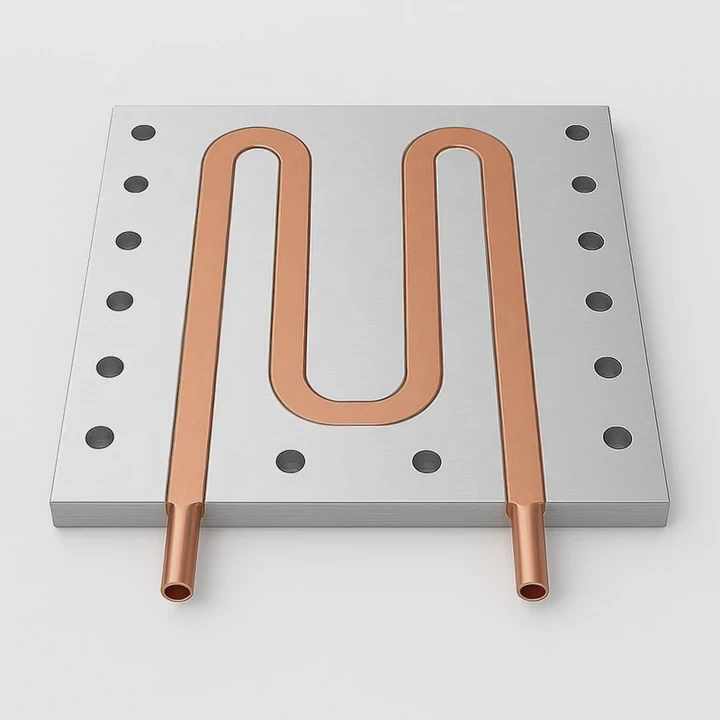
Metal stays strong, but the other parts face heat, vibration, and movement every day.
Fans wear out faster than the heatsink
The fan spins thousands of times per minute. Its bearings dry out. It starts to rattle, whine, or slow down. A weak fan lowers airflow and raises temps. This is often the first part that limits the cooler’s life.
Mounting hardware loosens over the years
Springs, brackets, and plastic clips face stress from heat cycles. Some loosen or warp. When the cooler shifts even slightly, contact pressure drops. This makes temps rise even if the metal stays fine.
Paste ages long before the cooler
Thermal paste dries out after long use. It becomes thick, brittle, and less effective. This dry layer reduces heat flow, making the cooler work harder.
Wear comparison table
| Part | Lifespan | Failure Sign |
|---|---|---|
| Fan bearings | Medium | Noise or slow speed |
| Thermal paste | Medium | High temps |
| Mounting clips | Medium | Loose contact |
| Metal heatsink | Very long | Rare issues |
Why the metal lasts the longest
Aluminum and copper do not wear out from heat unless something extreme happens. They work for many years with little change. This is why replacing the fan or paste often brings the entire cooler back to life.
What I learned from aging coolers
I once replaced a “bad” cooler, only to learn the fan was the only failed part. The metal block was perfect. After replacing the fan, the cooler worked like new. That taught me to check small parts first.
Can paste longevity affect temps?
I once checked an old gaming PC that kept overheating during long sessions. When I removed the cooler, the paste was dry and cracked. It looked like dried mud. That sight explained everything.
Yes, paste longevity affects temps because old paste becomes hard, uneven, and unable to transfer heat properly. Fresh paste restores contact and lowers temps quickly.
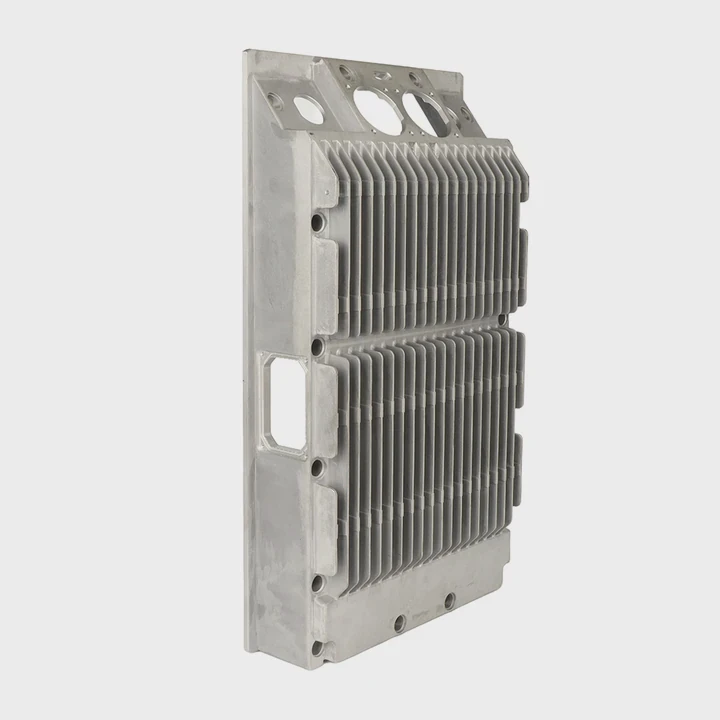
Thermal paste is the link between the CPU and the cooler. When that link weakens, heat does not move far.
Why paste wears out
Paste faces heat cycles every time the PC runs. It expands when hot and shrinks when cold. Over years, this stress breaks down the paste. It dries, cracks, and pulls away from the surface.
How old paste changes cooling
Old paste leaves gaps between the CPU and the cooler. These gaps trap warm air. Air slows heat transfer. Even a tiny air pocket can raise temps by many degrees.
Paste lifespan table
| Paste Age | Condition | Temperature Effect |
|---|---|---|
| New | Soft and even | Best temps |
| 1–2 years | Slightly dry | Mild temp rise |
| 3+ years | Hard or cracked | Large temp rise |
Why fresh paste restores performance
Fresh paste spreads thin and fills tiny surface gaps. This creates strong contact. When I replace old paste, I often see drops of 5–15°C depending on the cooler and CPU.
What I learned from old paste
I once ran stress tests on a system with dry paste. It throttled quickly. After applying new paste, it stayed stable. That moment showed me how much paste affects real-world performance over time.
Do heavy loads shorten lifespan?
I built a gaming PC for a friend who played long sessions every night. After a year, his temps were higher than mine even though our coolers were identical. I learned that heavy loads change how fast parts age.
Yes, heavy loads shorten lifespan because long gaming sessions heat the cooler, fan, and paste more often. These heat cycles wear out the moving parts faster and dry the paste sooner.
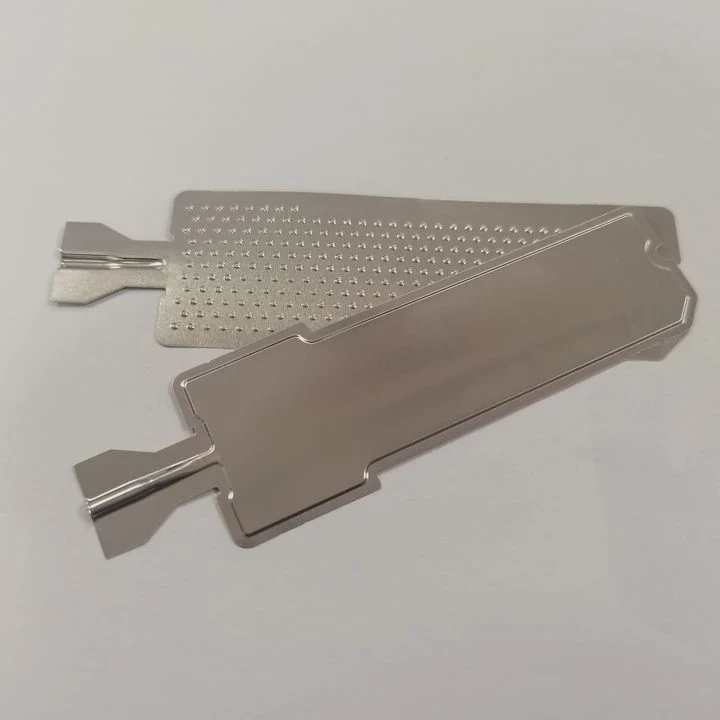
Games push the CPU hard. When the cooler gets hot often, its parts age faster.
Why heat cycles speed up wear
When metal and paste heat up and cool down every day, they expand and shrink over and over. This stress affects paste, fan bearings, and mounting brackets.
Why heavy games raise temps
Modern games push high frame rates and intense physics. The CPU stays near max load for long periods. This keeps the heatsink warm almost the whole time.
Load effect table
| Usage Level | Heat Stress | Wear Speed |
|---|---|---|
| Light | Low | Slow |
| Moderate | Medium | Normal |
| Heavy gaming | High | Faster |
| Extreme loads | Very high | Fastest |
What heavy loads really change
Heavy use does not break the metal. It simply accelerates the weakening of paste and fan parts. This makes maintenance more important for gaming PCs than for office PCs.
What I learned from long gaming sessions
I once helped maintain a gaming PC that ran daily for hours. The fan bearings worn out within a year. The paste dried early. The metal cooler stayed fine. That experience taught me that load matters more than age alone.
Conclusion
A heatsink on a gaming PC can last many years, but dust, worn fans, dry paste, and heavy loads slowly reduce its performance. Regular cleaning and fresh thermal paste keep cooling stable and extend the lifespan of the entire system.
TAGS
Latest Articles

Volume discount levels for heat sink orders?
Buyers often ask when heat sink prices start to drop with volume. Many worry they’re overpaying for small orders. This guide explains how B2B volume pricing works for thermal components. Heat sink
21 Dec,2025
Heat sink long-term supply contract options?
Many buyers want stable pricing and reliable delivery for heat sinks. But without a clear contract, risks grow over time. This article explores how to secure better long-term supply deals. Long-term
21 Dec,2025
Tooling cost for new heat sink profiles?
Many engineers struggle to understand why tooling for custom heat sinks costs so much. They worry about budgeting and production timelines. This article breaks down the cost drivers behind tooling.
21 Dec,2025
Heat sink custom sample process steps?
Sometimes, starting a custom heat sink project feels overwhelming—too many steps, too many unknowns, and too many risks. You want a sample, but not endless delays. The process for requesting and
20 Dec,2025
Standard B2B terms for heat sink payments?
When buyers and sellers in B2B heat sink markets talk about payment, many don’t fully understand what’s standard. This can lead to delayed orders, miscommunication, and even lost business
20 Dec,2025
Heat sink pricing factors for large orders?
Heat sinks are vital for many systems. When prices rise, projects stall and budgets break. This problem can hit teams hard without warning. Large order heat sink pricing depends on many factors. You
20 Dec,2025Related Articles
- how to make a heatsink more efficient?
- what a good heatsink and cpu fan?
- how to install ps5 ssd with heatsink?
- what is the purpose of a heatsink?
- How to remove Intel heatsink?
- why isn't my heatsink fan working?
- Does LED strip need heatsink?
- How to reapply Intel heatsink Ivy Bridge?
- should you replace stock heatsink?
- how to remove a processor and heatsink from motherboard?
- do you need to put thermal past when changing heatsinks?
- how to install chipset heatsink?
Author
Dr. Emily Chen
Chief AI Researcher
Leading expert in thermal dynamics and AI optimization with over 15 years of experience in data center efficiency research.
Categories
Latest Products

M.2 Heatpipe Heatsink With Dual Fans For Pc Case
19 Mar,2026

Heavy-Duty Aluminum Heat Sink Custom
19 Mar,2026

Oem Skived Fin Heatsink Aluminum Radiator For Plants
19 Mar,2026

Water Cooled Cnc Aluminum Heat Sink For Medical
19 Mar,2026

High Density 6000 Series Aluminum Heat Sink Profile
19 Mar,2026

High-Density Extruded Aluminum & Bonded-Fin Heat Sink Profile
19 Mar,2026
Recommend Categories
- Liquid cooling plate Manufacturer
- Industrial Heat Sink Manufacturer
- Standard Heat Sink Manufacturer
- Aluminum Heat Sink Manufacturer
- Copper Heat Sink Manufacturer
- Anodized Heatsink Manufacturer
- Stamping heat sink Manufacturer
- Die Casting Heatsink Manufacturer
- Soldering heat sink Manufacturer
- CNC Parts Manufacturer
Latest Products
- M.2 Heatpipe Heatsink With Dual Fans For Pc Case
- Heavy-Duty Aluminum Heat Sink Custom
- Oem Skived Fin Heatsink Aluminum Radiator For Plants
- Water Cooled Cnc Aluminum Heat Sink For Medical
- High Density 6000 Series Aluminum Heat Sink Profile
- High-Density Extruded Aluminum & Bonded-Fin Heat Sink Profile
- Dongguan Cnc Aluminum Heat Sink For Led & Brass Parts
- Wholesale Cnc Aluminum Heat Sink - Custom Extruded
- Led Cnc Round Heat Sink With Screw Holes
- Copper Pin-Fin Heat-Sink Large-Area For Photoled Cooling
- Telecom Heatsink Zipper Fin Wcopper Tubes Oem
Contact Expert
Have questions about this article? Reach out to our experts directly.