How does a liquid CPU cooler work?
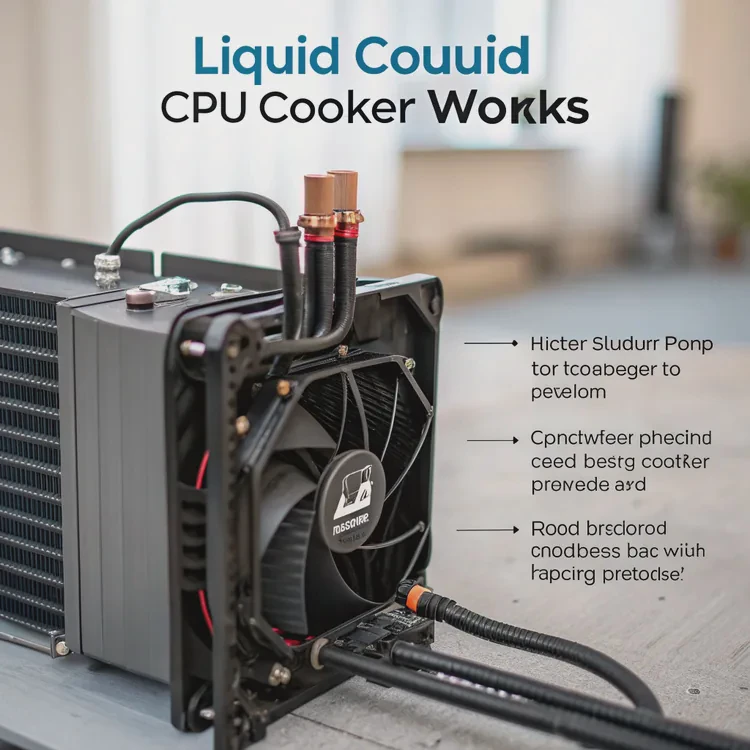
When your CPU gets hot, performance drops and components age faster. That’s why cooling is critical. Among all solutions, liquid cooling stands out for its high efficiency and quiet performance.
A liquid CPU cooler works by circulating coolant through a closed loop that absorbs heat from the CPU, transfers it to a radiator, and releases it into the air. This process keeps the processor at a stable, low temperature.
Let’s explore how it works, why it performs better than air cooling, how to optimize it, and what innovations are shaping the future of CPU cooling.
What is the mechanism behind a liquid CPU cooler?
Every CPU generates heat when it processes data. Without proper cooling, the temperature rises quickly, leading to thermal throttling and instability.
The mechanism behind a liquid CPU cooler involves heat absorption, fluid circulation, and heat dissipation through a radiator — all in a sealed system.
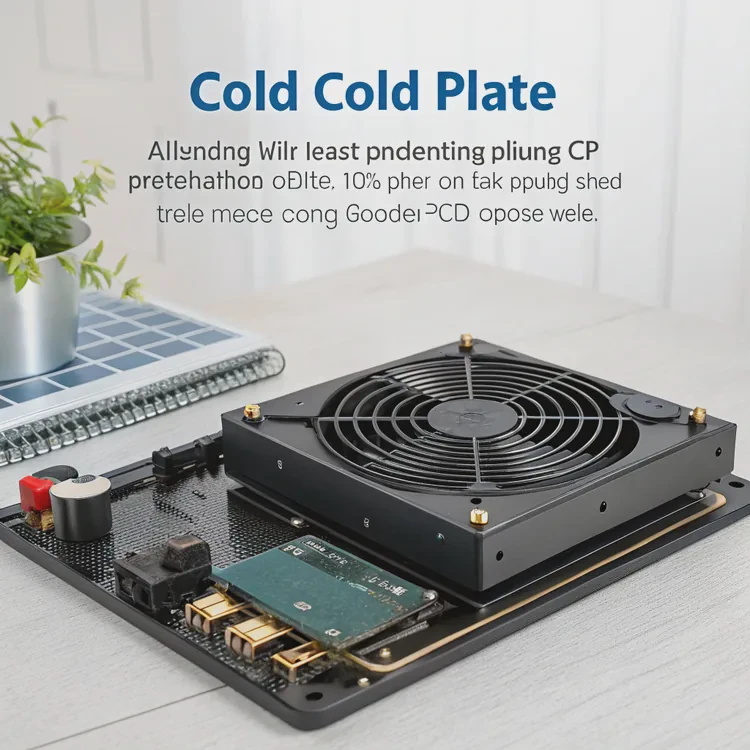
Here’s how the process works in detail:
Step 1: Heat Absorption
A cold plate, often made of copper or aluminum, sits directly on top of the CPU. Between them is thermal paste, which ensures efficient heat transfer. The cold plate has small channels inside that allow coolant to pass through.
Step 2: Coolant Circulation
A pump, usually built into the cold plate, moves liquid through the system. The coolant absorbs heat from the CPU as it flows across the cold plate’s microchannels.
Step 3: Heat Transfer to Radiator
The warm liquid then travels through tubes to the radiator, where heat is released to the surrounding air. The radiator is made of thin fins that increase surface area for better cooling.
Step 4: Heat Dissipation
Fans attached to the radiator push air through these fins, carrying heat away efficiently. The cooled liquid then returns to the pump block to start the cycle again.
Step 5: Continuous Loop
This process happens continuously and automatically. Because liquid conducts and transports heat more effectively than air, the CPU stays much cooler under load.
Components Overview
| Component | Function |
|---|---|
| Cold Plate | Absorbs heat from the CPU |
| Pump | Circulates coolant through the system |
| Tubes | Transport coolant between cold plate and radiator |
| Radiator | Releases heat into the air |
| Fans | Assist with air movement for cooling |
| Coolant | Transfers heat through the closed loop |
In short, a liquid CPU cooler turns your CPU heat into fluid motion — and then releases it far from the chip, keeping your system stable and efficient.
What are its performance benefits?
Liquid CPU coolers are becoming popular not only among gamers but also among engineers, designers, and professionals who demand consistent performance.
The main performance benefits of liquid CPU coolers are lower temperatures, quieter operation, improved overclocking potential, and longer component lifespan.
Let’s explore these advantages in detail.
1. Superior Thermal Efficiency
Water and coolants have higher specific heat capacity than air, meaning they can absorb and transport more heat. This gives liquid cooling a major edge in handling high-performance CPUs.
A good liquid cooler can reduce CPU temperatures by 20°C or more compared to stock air coolers. This helps the system sustain maximum clock speeds for longer periods.
2. Quiet Operation
Liquid coolers rely on a single pump and larger radiator fans that spin slowly yet move a lot of air. This design minimizes fan noise, making them ideal for quiet workspaces or recording environments.
3. Stable Overclocking
When you overclock your CPU, power consumption and heat output increase. Liquid cooling allows stable overclocking by keeping temperatures within safe limits, preventing throttling during high load.
4. Better Temperature Uniformity
Air coolers often create temperature hotspots. Liquid coolers distribute heat more evenly across the system, improving overall efficiency and balance.
5. Extended Hardware Lifespan
Keeping components cool reduces thermal stress on circuits and solder joints, preventing premature aging and improving reliability.
6. Compact and Aesthetic Design
Liquid coolers are compact around the CPU socket, freeing up space for memory modules and making the system look clean and professional.
Performance Comparison Table
| Feature | Air Cooling | Liquid Cooling |
|---|---|---|
| Cooling Power | Moderate | High |
| Noise | Louder | Quieter |
| Overclocking Support | Limited | Excellent |
| Space Use | Bulky | Compact |
| Temperature Stability | Average | High |
| Longevity | Medium | Long |
In short, liquid cooling offers stronger, quieter, and more consistent performance — ideal for any high-demand computing setup.
How to optimize liquid CPU cooling performance?
Even the best liquid cooler won’t perform well without proper setup and maintenance. Small adjustments can significantly improve performance and reliability.
To optimize liquid CPU cooling, ensure correct radiator placement, manage airflow, maintain pump speed, use high-quality thermal paste, and keep the system clean from dust.
Here’s a list of key optimization tips.
1. Choose the Right Radiator Position
The radiator’s placement affects temperature and noise levels:
- Top mount: Best for exhausting hot air out of the case.
- Front mount: Pulls in cool air for better CPU cooling.
- Bottom mount: Least common, but possible in some cases.
Avoid positioning the pump higher than the radiator, which could trap air bubbles and reduce performance.
2. Balance Airflow Direction
For ideal cooling, maintain a balance between intake and exhaust airflow:
- Front fans = cool air intake
- Top/rear fans = hot air exhaust
Ensure fans on the radiator match your system’s airflow pattern to prevent heat buildup.
3. Adjust Fan and Pump Curves
Most motherboards and software allow custom fan and pump control. Set your pump to run at full speed and adjust fan curves to scale with CPU temperature. This keeps noise low during idle and boosts cooling under load.
4. Apply Thermal Paste Correctly
The thermal interface between CPU and cooler affects performance. Apply a pea-sized drop of paste and avoid spreading it manually — the pump block pressure will distribute it evenly.
5. Keep the Radiator Clean
Dust buildup on radiator fins can block airflow. Clean your cooler every few months using compressed air or a soft brush. Always turn off and unplug the PC before cleaning.
6. Monitor Temperatures Regularly
Use monitoring tools like HWMonitor, NZXT CAM, or MSI Afterburner. Ideal CPU temperatures under load should stay below 75°C for most modern processors.
Example: Optimized Performance Results
| Setup | Idle Temp | Full Load Temp | Noise Level |
|---|---|---|---|
| Poorly Installed | 45°C | 90°C | High |
| Optimized Setup | 30°C | 65°C | Low |
A few small adjustments can drastically improve efficiency, ensuring both quieter operation and longer system life.
What are the latest innovations in CPU cooling tech?
Technology never stands still — and CPU cooling is advancing faster than ever.
The latest innovations in CPU cooling include two-phase cooling, microchannel cold plates, AI-based control systems, magnetic fans, and eco-friendly coolants.
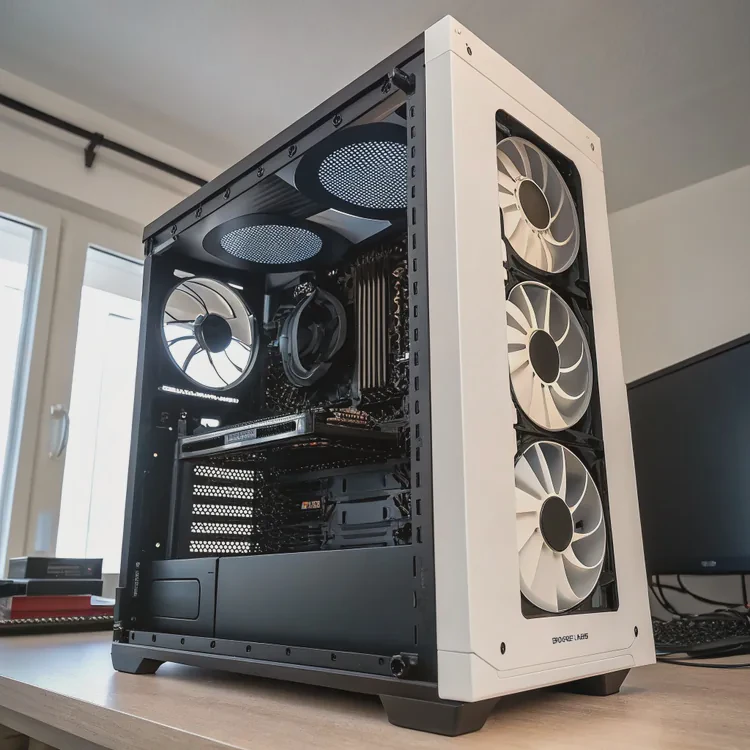
Let’s explore the most exciting developments shaping the next generation of CPU coolers.
1. Two-Phase Cooling Systems
Next-gen coolers use phase-change fluids that evaporate when heated and condense when cooled. This method, inspired by refrigeration systems, allows ultra-efficient heat transfer with no moving parts besides fans.
2. Microchannel Cold Plates
Manufacturers now design cold plates with microchannel structures — tiny fluid pathways that dramatically increase surface area and improve heat absorption. These designs allow smaller, more powerful coolers.
3. Smart AI Cooling Control
AI-powered coolers monitor temperature, load, and ambient conditions in real time. They automatically adjust pump and fan speeds to optimize cooling, noise, and energy efficiency. This reduces manual configuration and extends cooler lifespan.
4. Magnetic Levitation Fans
MagLev fans use magnetic fields to eliminate mechanical friction in the bearings. This innovation results in quieter operation, smoother airflow, and longer-lasting components.
5. Compact Modular Radiators
Modern AIO coolers are becoming modular — users can swap out radiators, pumps, or fans without replacing the entire unit. This makes maintenance easier and extends system usability.
6. Environmentally Friendly Coolants
Manufacturers are moving toward non-toxic, biodegradable, and dielectric coolants, which improve safety and sustainability. These new fluids also resist corrosion and extend cooler life.
7. Integrated Cooling for CPUs and GPUs
Some new systems feature shared cooling loops for both CPU and GPU, balancing temperatures across high-performance components for maximum efficiency.
Innovation Overview Table
| Innovation | Description | Main Benefit |
|---|---|---|
| Two-Phase Cooling | Uses evaporation and condensation cycles | Extreme efficiency |
| Microchannel Plates | Ultra-fine heat exchange structures | Better heat absorption |
| AI Cooling Control | Smart temperature management | Automated optimization |
| MagLev Fans | Magnetic bearing technology | Quiet, durable cooling |
| Modular Design | Replaceable parts | Easy upgrades |
| Eco-Friendly Coolant | Non-toxic, safe fluids | Sustainability and safety |
These innovations are transforming CPU cooling from a mechanical process into an intelligent, sustainable technology that adapts to modern computing needs.
Conclusion
A liquid CPU cooler works by moving heat through a loop of coolant and releasing it through a radiator. It delivers stronger, quieter, and more consistent performance than air cooling. With proper optimization and new technologies like AI control and two-phase systems, liquid cooling continues to set the standard for high-efficiency, next-generation thermal management.
TAGS
Latest Articles

Volume discount levels for heat sink orders?
Buyers often ask when heat sink prices start to drop with volume. Many worry they’re overpaying for small orders. This guide explains how B2B volume pricing works for thermal components. Heat sink
21 Dec,2025
Heat sink long-term supply contract options?
Many buyers want stable pricing and reliable delivery for heat sinks. But without a clear contract, risks grow over time. This article explores how to secure better long-term supply deals. Long-term
21 Dec,2025
Tooling cost for new heat sink profiles?
Many engineers struggle to understand why tooling for custom heat sinks costs so much. They worry about budgeting and production timelines. This article breaks down the cost drivers behind tooling.
21 Dec,2025
Heat sink custom sample process steps?
Sometimes, starting a custom heat sink project feels overwhelming—too many steps, too many unknowns, and too many risks. You want a sample, but not endless delays. The process for requesting and
20 Dec,2025
Standard B2B terms for heat sink payments?
When buyers and sellers in B2B heat sink markets talk about payment, many don’t fully understand what’s standard. This can lead to delayed orders, miscommunication, and even lost business
20 Dec,2025
Heat sink pricing factors for large orders?
Heat sinks are vital for many systems. When prices rise, projects stall and budgets break. This problem can hit teams hard without warning. Large order heat sink pricing depends on many factors. You
20 Dec,2025Related Articles
- How to install liquid cooling?
- How to install liquid CPU cooler?
- How to install a single liquid cooler CPU?
- Is liquid cooling better?
- Is liquid cooling better than air cooling?
- How does liquid cooling work?
- How to install a liquid cooler?
- How to install liquid cooling on CPU?
- What is a liquid cooler?
- How to install CPU liquid cooler?
- How long does liquid cooling last?
- How to install liquid cooler?
Author
Dr. Emily Chen
Chief AI Researcher
Leading expert in thermal dynamics and AI optimization with over 15 years of experience in data center efficiency research.
Categories
Latest Products






Recommend Categories
- Liquid cooling plate Manufacturer
- Industrial Heat Sink Manufacturer
- Standard Heat Sink Manufacturer
- Aluminum Heat Sink Manufacturer
- Copper Heat Sink Manufacturer
- Anodized Heatsink Manufacturer
- Stamping heat sink Manufacturer
- Die Casting Heatsink Manufacturer
- Soldering heat sink Manufacturer
- CNC Parts Manufacturer
Latest Products
- Wholesale Aluminum Radiator
- Water Cooling Plate Kit
- Water Cooling Heat Sink
- Water Cooling Heat Sink Kit
- Stainless Steel Water Distributor
- Server Water Cooling Plate Kit
- Server Liquid Cooling System
- Server Aluminum Cooling Kit
- S19 Full Cover Cooling Plate
- S19 Cooling Plate Kit
- S19 Aluminum Cooling Plate
Contact Expert
Have questions about this article? Reach out to our experts directly.