how to add heatsink to raspberry pi 3?
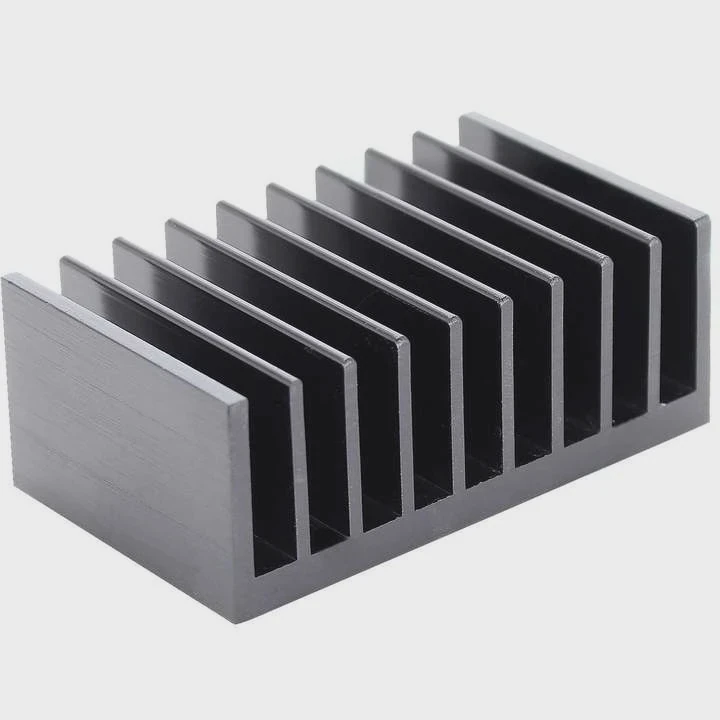
I see many new Raspberry Pi users worry about heat because the Pi 3 runs warm during long tasks. I had the same concern when I started setting up my first Pi build years ago.
You can add a heatsink to a Raspberry Pi 3 by cleaning the chip surface, placing a small metal sink on the main hotspots, and bonding it with a proper adhesive so the heat can spread into the air more easily.
I want to show you the simple steps I use in my own builds so your Pi stays stable and smooth even during long work sessions.
Why target Pi hotspots?
The Raspberry Pi 3 has small chips on a compact board. These chips heat up fast during tasks like web browsing, coding, or light server loads. A heatsink helps only when placed on the right spot.
You should target Pi hotspots because the CPU, Wi-Fi chip, and sometimes the RAM create most of the heat, and cooling them prevents thermal slowdown and keeps performance steady.
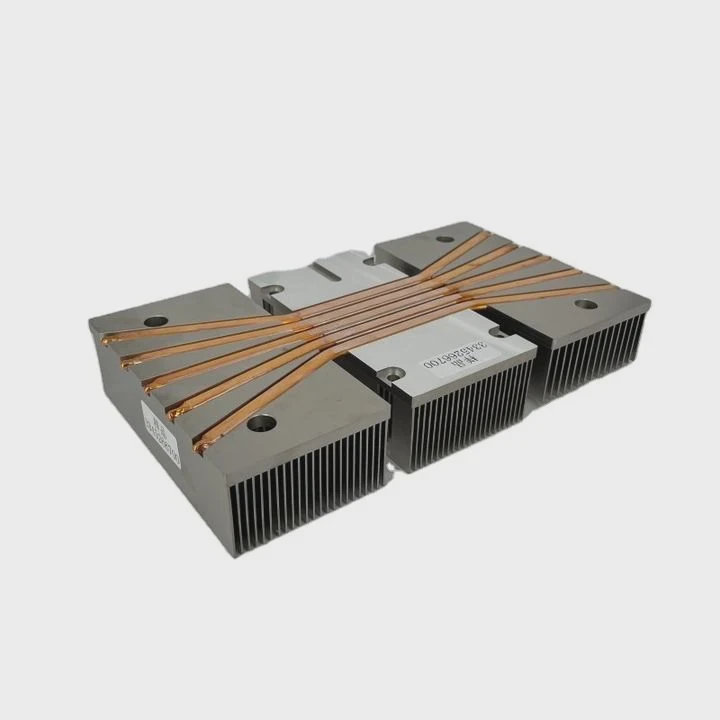
When I first installed a heatsink on my Pi 3, I placed small sinks everywhere, thinking more was better. But the result was the same. I later learned that only a few chips truly matter. These chips build heat quickly and cause slowdowns if not cooled well.
Key Pi hotspots
Here is a simple table that shows the heat sources:
| Component | Heat Level |
|---|---|
| CPU (main hotspot) | High |
| Wi-Fi/Bluetooth chip | Medium |
| RAM chip | Medium |
| USB/Ethernet chip | Low to medium |
Why hotspot cooling matters
The CPU is the core of the Pi. When it gets too hot, the system reduces speed. This is called thermal throttle. I saw this during long Python tasks. My Pi slowed down until I added a small aluminum heatsink. The temperature dropped and the speed stayed stable.
The Wi-Fi chip also heats up when you transfer files or stream video. When this chip gets warm, signal stability changes. A small heatsink or metal case plate can help it stay cool.
The RAM chip warms up under heavy multitasking. Cooling it helps keep data stable and smooth inside the system.
How I locate hotspots
I use a simple method. I run a short stress test and place my finger lightly on each chip. The warmest chip is the target. This simple trick helped me every time I set up a new Pi.
Why you should not overcool random parts
Some parts stay cool most of the time. Adding heatsinks to non-hot parts adds weight but does not improve performance. Focus on hotspots. This gives better results with fewer parts.
Which adhesives ensure good bonding?
Heatsinks only work when they touch well. A poor bond leaves gaps. These gaps trap air. Air slows heat movement. This is why the adhesive is important.
The best adhesives for Raspberry Pi heatsinks are thermal pads and thermal tapes because they hold the sink firmly without making removal unsafe, while keeping good heat contact with the chip surface.
When I placed my first heatsink, I used a random double-sided tape. It stuck well but cooled poorly. The chip stayed warm. I learned that only thermal pads or thermal tapes move heat well.
Adhesive types
| Adhesive Type | Cooling Quality | Removal Safety |
|---|---|---|
| Thermal pad | Good | Safe |
| Thermal tape | Good | Mostly safe |
| Thermal glue | Very good | Not safe |
| Regular tape | Very poor | Safe |
Why thermal pads work best
Thermal pads are soft. They fill gaps between the heatsink and chip. When I press the heatsink onto the chip, the pad forms a tight bond. This helps heat move into the metal. Pads are also easy to remove. I can lift the heatsink slowly and the pad peels off.
Why thermal glue is risky
Thermal glue cools well but sticks hard. When I once used glue on a small board, I could not remove the heatsink without bending the board. This risk is too high for the Pi 3 because the chips sit close to the edges of the board.
Why clean surfaces help
Before sticking a heatsink, I wipe the chip with a soft cloth. Dust makes the pad sit uneven. Clean chips give a tighter bond. This improves heat flow and keeps temperatures stable even during long use.
Why correct pad thickness matters
Pads that are too thick reduce cooling. Pads that are too thin leave gaps. I always use pads made for small chips. They are just thick enough to create firm contact without pushing the heatsink away.
Can metal cases improve cooling?
Metal cases look simple, but they work like big heatsinks. Many Pi users skip small heatsinks when using a strong metal case because the case itself spreads heat.
Metal cases improve cooling because the case body acts like a large heat spreader, pulling heat from the Pi’s hotspots through contact blocks or pads and releasing it into the air more evenly.
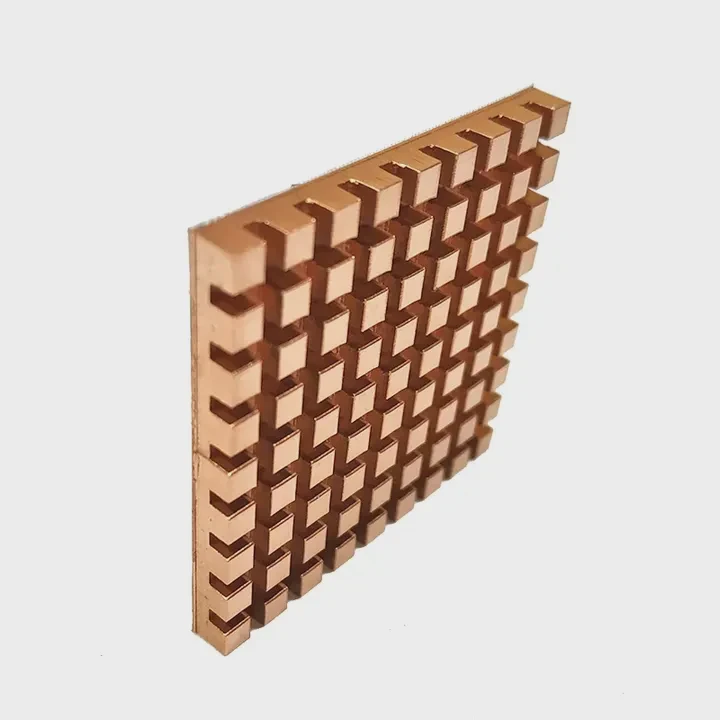
I tested a classic open plastic case and a full aluminum case. The plastic case kept the heat inside. The metal case dropped the temperature by several degrees because heat moved into the case walls.
How metal cases cool the Pi
| Case Type | Cooling Ability |
|---|---|
| Open plastic case | Low |
| Closed plastic case | Very low |
| Mixed plastic/metal | Medium |
| Full aluminum case | High |
How heat moves inside a metal case
A good metal case touches the CPU through a pad or a small metal post. When the CPU heats up, the heat moves into the post, then into the case body. The case acts like a giant heatsink. When air flows around the case, heat leaves.
Metal cases also cool the Wi-Fi chip if the case design places a plate near it. This keeps signal stable.
Why case design matters
Some metal cases trap air because they have no vents. Even though the case spreads heat, the trapped air slows cooling. I learned this when testing a sealed metal case. The Pi stayed warm until I removed a top cover.
Cases with side vents or open holes cool much better. Air moves across the case and removes heat faster.
When to use a heatsink with a metal case
Some metal cases already include built-in heatsink blocks. In these cases, you do not need a separate heatsink. But if the case does not touch the chip directly, you can use a small sink to help move heat into the air.
Do stacked boards reduce airflow?
Many Pi projects use stacked boards. These include HAT modules, shields, or multi-Pi clusters. Stacks look clean but often trap heat because airflow becomes weak.
Stacked boards reduce airflow because the layers sit close together, blocking air movement around the heatsinks and letting warm air collect between the boards.
When I built my first cluster stack with two Pis, I noticed that the lower board heated up fast. Warm air from the top board fell onto the lower one. This trapped heat and reduced cooling even when I used good heatsinks.
Airflow limits in stacks
| Stack Layout | Airflow Level |
|---|---|
| Wide spacing | Medium |
| Close spacing | Low |
| Tight sandwich | Very low |
| Stack with fan | High |
Why stacking traps heat
Air must move for cooling to work. In a stack, the space between boards is small. The heatsinks cannot get enough fresh air. Warm air stays inside. The temperature rises quickly. Even a small gap reduces cooling.
I saw this clearly when I placed a thermal probe inside the stack. The air inside stayed warm long after the workload ended.
How I fix airflow problems
I use longer standoffs to increase space. This creates a gap that allows air to move. Even a small increase helps. I also place a small fan at the side of the stack. The airflow pushes warm air out and brings cool air in.
Why fans help stacked boards
A fan breaks the warm pocket of air. It pushes warm air away from the Pi. This keeps the heatsink working well. In my builds, a tiny 30 mm fan made a large difference. The temperature dropped by several degrees instantly.
When to avoid stacking
If your Pi runs heavy workloads, stacking can make cooling hard. In these cases, a single board layout cools better. I learned this when running long data tasks. A single open board with a small heatsink and airflow stayed much cooler than a cramped stack.
Conclusion
Adding a heatsink to a Raspberry Pi 3 is simple and useful. Target the hotspots, use the right adhesive, consider metal cases, and watch your airflow. With these steps, your Pi stays cool, stable, and ready for long projects.
TAGS
Latest Articles

Volume discount levels for heat sink orders?
Buyers often ask when heat sink prices start to drop with volume. Many worry they’re overpaying for small orders. This guide explains how B2B volume pricing works for thermal components. Heat sink
21 Dec,2025
Heat sink long-term supply contract options?
Many buyers want stable pricing and reliable delivery for heat sinks. But without a clear contract, risks grow over time. This article explores how to secure better long-term supply deals. Long-term
21 Dec,2025
Tooling cost for new heat sink profiles?
Many engineers struggle to understand why tooling for custom heat sinks costs so much. They worry about budgeting and production timelines. This article breaks down the cost drivers behind tooling.
21 Dec,2025
Heat sink custom sample process steps?
Sometimes, starting a custom heat sink project feels overwhelming—too many steps, too many unknowns, and too many risks. You want a sample, but not endless delays. The process for requesting and
20 Dec,2025
Standard B2B terms for heat sink payments?
When buyers and sellers in B2B heat sink markets talk about payment, many don’t fully understand what’s standard. This can lead to delayed orders, miscommunication, and even lost business
20 Dec,2025
Heat sink pricing factors for large orders?
Heat sinks are vital for many systems. When prices rise, projects stall and budgets break. This problem can hit teams hard without warning. Large order heat sink pricing depends on many factors. You
20 Dec,2025Related Articles
- how to install mosfet heatsinks?
- how to take heatsink of 3070 ti strix?
- how much does intel stock heatsink cost?
- Do you need a heatsink for M.2 SSD?
- can extruded aluminum be a heatsink?
- what is a heatsink chipset?
- How to clean a processor CPU heatsink?
- how to clean ps4 fan and heatsink?
- how to remove ram heatsink without heat gun?
- how to remove thermal compound from heatsink?
- Does Ryzen come with heatsink and compound?
- does gpu heatsink have liquid?
Author
Dr. Emily Chen
Chief AI Researcher
Leading expert in thermal dynamics and AI optimization with over 15 years of experience in data center efficiency research.
Categories
Latest Products

M.2 Heatpipe Heatsink With Dual Fans For Pc Case
19 Mar,2026

Heavy-Duty Aluminum Heat Sink Custom
19 Mar,2026

Oem Skived Fin Heatsink Aluminum Radiator For Plants
19 Mar,2026

Water Cooled Cnc Aluminum Heat Sink For Medical
19 Mar,2026

High Density 6000 Series Aluminum Heat Sink Profile
19 Mar,2026

High-Density Extruded Aluminum & Bonded-Fin Heat Sink Profile
19 Mar,2026
Recommend Categories
- Liquid cooling plate Manufacturer
- Industrial Heat Sink Manufacturer
- Standard Heat Sink Manufacturer
- Aluminum Heat Sink Manufacturer
- Copper Heat Sink Manufacturer
- Anodized Heatsink Manufacturer
- Stamping heat sink Manufacturer
- Die Casting Heatsink Manufacturer
- Soldering heat sink Manufacturer
- CNC Parts Manufacturer
Latest Products
- M.2 Heatpipe Heatsink With Dual Fans For Pc Case
- Heavy-Duty Aluminum Heat Sink Custom
- Oem Skived Fin Heatsink Aluminum Radiator For Plants
- Water Cooled Cnc Aluminum Heat Sink For Medical
- High Density 6000 Series Aluminum Heat Sink Profile
- High-Density Extruded Aluminum & Bonded-Fin Heat Sink Profile
- Dongguan Cnc Aluminum Heat Sink For Led & Brass Parts
- Wholesale Cnc Aluminum Heat Sink - Custom Extruded
- Led Cnc Round Heat Sink With Screw Holes
- Copper Pin-Fin Heat-Sink Large-Area For Photoled Cooling
- Telecom Heatsink Zipper Fin Wcopper Tubes Oem
Contact Expert
Have questions about this article? Reach out to our experts directly.