how to clean ps4 fan and heatsink?
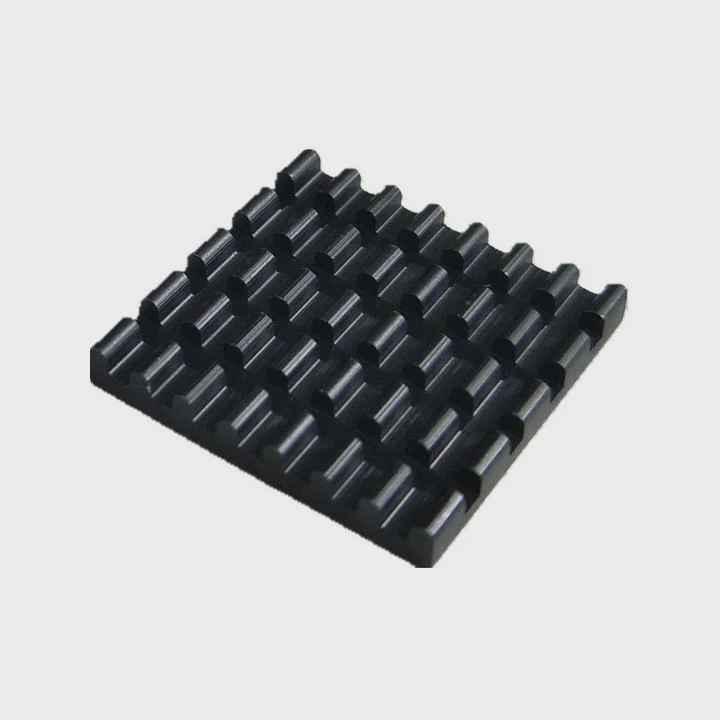
I still remember the first time I opened my PS4. I heard the loud fan noise for months and felt nervous touching the screws. But once I learned the steps, cleaning became simple and calm.
You can clean a PS4 fan and heatsink by opening the case carefully, removing dust with soft brushes and air, and reapplying thermal paste after exposing the heatsink.
I want to guide you through each idea so you feel confident and safe during the process.
Why disassembly improves airflow?
I used to think blowing air through the vents could fix everything. But my PS4 stayed loud. Only when I disassembled it did I see the real problem—dust hiding deep inside.
Disassembly improves airflow because dust builds up behind the fan, inside the heatsink fins, and under the shroud where simple surface cleaning cannot reach.
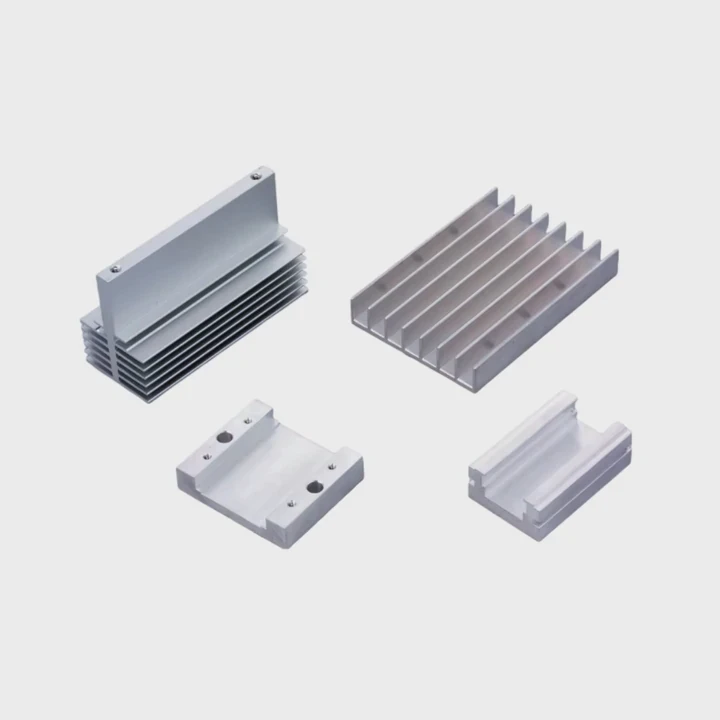
When I open a PS4, I always find dust in places I cannot see from the outside. The fan pulls air from the vents every time the console runs. Over time, dust slips past the filters and collects inside the heatsink channels. These channels are narrow, so even a thin dust layer slows down airflow. When airflow slows, the system gets hot. The fan spins faster, becomes louder, and the console throttles performance. This is why disassembly helps. I can clean the real problem areas instead of only the surface.
How airflow changes inside the PS4
I understand airflow better by thinking of the console like a long tunnel:
| Area | Role in Cooling |
|---|---|
| Fan shroud | Moves air toward heatsink |
| Heatsink fins | Transfer heat from APU |
| Rear vents | Let warm air leave the console |
Dust blocks these parts, so heat stays inside.
What I see when I disassemble a dusty PS4
I notice a few clear signs:
Thick dust cakes
Dust forms pads that stick to the heatsink. These pads act like insulation.
Weak airflow
The fan spins fast but cannot push air through the clogged fins.
Hot metal surfaces
The heatsink becomes too warm because heat does not move out fast enough.
These signs show why deep cleaning helps so much.
Why external cleaning is not enough
External cleaning only removes dust stuck to the vents. Inside, dust sits in layers. The shroud traps it. Air pressure from canned air cannot reach it unless the console is open. When I clean the PS4 from the inside, I remove almost all dust. Airflow becomes smooth again. The fan becomes quiet. The console runs cooler. This is why disassembly is the best way to restore airflow.
Which screws open PS4 safely?
The first time I opened a PS4, I did not know which screws mattered. I tried guessing. I made mistakes. Later, I learned the screw layout and felt much more confident.
You can open a PS4 safely by removing the outer plastic panel screws, then removing the T8 or T9 security Torx screws, and finally loosening internal Phillips screws that hold the PSU and frame.
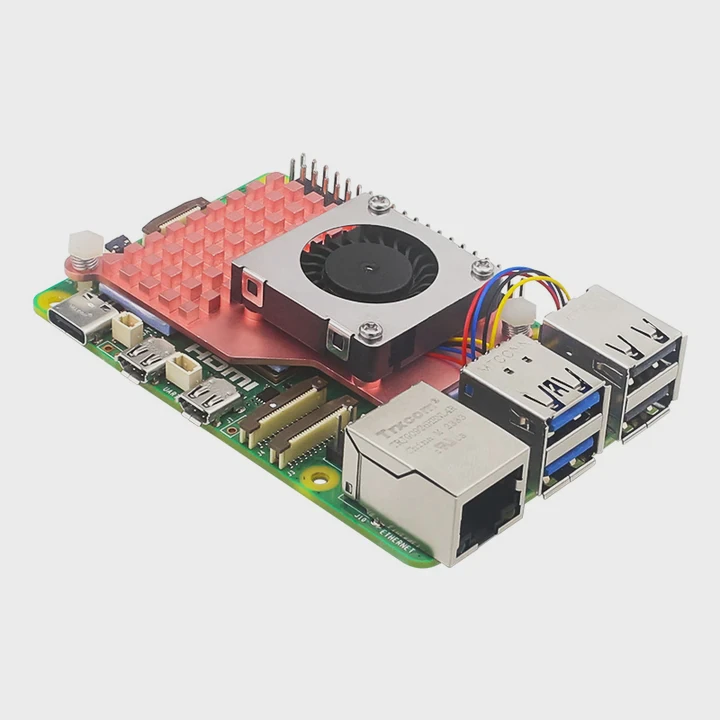
Different PS4 models use different screws, but the idea stays simple. I always check the screw type before I start. A Torx security bit has a small hole in the center. Without the right tool, the screw will not turn. When I use the correct bit, the screw turns smoothly. This keeps the console safe from damage.
Common screw types used in PS4 models
Here is a simple table to help you understand:
| PS4 Model | Screw Type |
|---|---|
| PS4 Original | T8 security + Phillips |
| PS4 Slim | T8 security + Phillips |
| PS4 Pro | T9 security + Phillips |
I keep both T8 and T9 bits nearby because I work on all three versions.
How I remove the screws safely
I push firmly
Torx screws slip if I do not push straight down.
I turn slowly
Fast turns can strip the head if the bit slips.
I organize the screws
I sort them in rows so I do not mix them up later.
When I stay patient, the whole process feels smooth.
Why screw order matters
When I open a PS4, I start with the outer shell screws. Then I lift the cover. After that, I remove the power supply screws. These screws hold the PSU tightly. If I remove them in the wrong order, the frame shifts. This makes the PSU harder to lift. When I follow the correct order, the parts come off cleanly.
How to avoid stripping screws
I learned a simple rule: never use a worn-out bit. A fresh Torx bit turns the screw firmly. When a bit is loose, it damages the screw head. Once a screw head strips, opening the PS4 becomes much harder. So I choose strong bits and press straight. This keeps the console safe.
Can dust clog fins deeply?
The deeper I went into each PS4, the more dust I found. The heatsink fins always surprised me. They trap dust in a way that simple vent cleaning cannot reach.
Dust can clog heatsink fins deeply because the PS4 pulls air through tight metal channels where dust collects layer by layer until airflow becomes almost blocked.
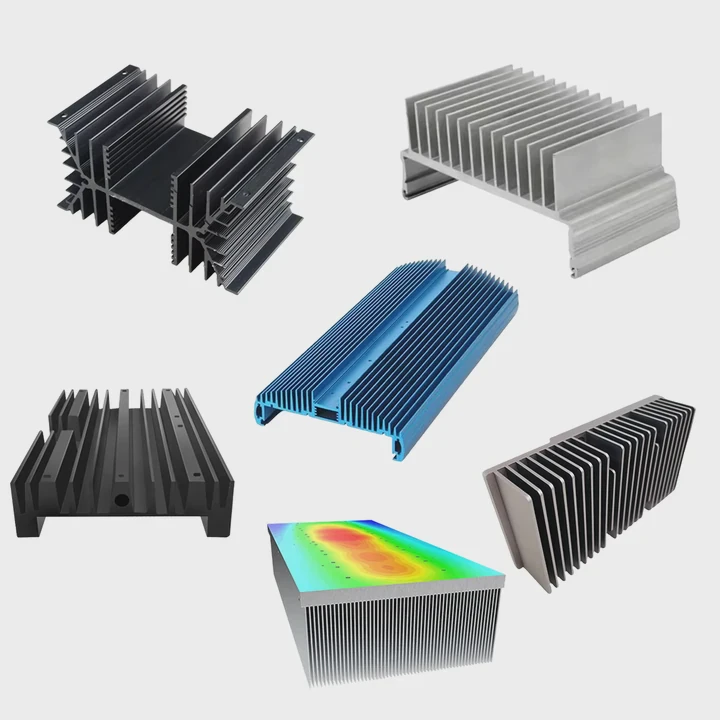
When I look at the heatsink, I see a metal block with thin, stacked fins. Air must pass between these fins to move heat away. But dust sits in the gaps like soft walls. After months of use, these small gaps fill up. The fan tries to push air across them, but the dust blocks the path. The PS4 becomes loud. The APU heats up. Games stutter or freeze. This is all caused by dust trapped deep in the fins.
How dust enters the heatsink
I see a simple pattern:
Air intake
The console pulls in air from side vents.
Dust slips inside
Small dust particles pass the foam filters.
Fins trap dust
The narrow channels catch dust easily.
Once enough dust collects, the airflow slows almost to a stop.
Why deep dust makes fans noisy
Here are the effects I notice:
| Dust Level | Fan Behavior |
|---|---|
| Light dust | Slightly louder |
| Medium dust | Loud during games |
| Heavy dust | Very loud even at idle |
The fan works harder because heat does not leave the heatsink. The PS4 tries to protect itself, so the fan ramps up. Once I clean the fins, the noise drops. The difference feels huge every time.
Why fins fill faster than vents
The vents stay open because dust passes through them. But the fins catch dust. They trap it. As dust collects, the gap between fins gets narrower. More dust sticks, creating a cycle. This is why the fins always look worse than the vents when I open a PS4.
How I clean the fins safely
I use simple tools:
- A small brush
- Low air pressure
- A soft cloth
I brush gently. I do not bend the fins. I blow air from the side, not the front. This removes dust trapped between the channels. When the fins look clear, the PS4 runs much cooler.
Should paste be replaced after teardown?
The first time I opened a PS4, I thought I could reuse the same thermal paste. I was wrong. The old paste was dry and cracked. The system stayed hot until I replaced it.
You should replace the thermal paste after teardown because old paste dries out, loses softness, and cannot transfer heat between the APU and heatsink effectively.
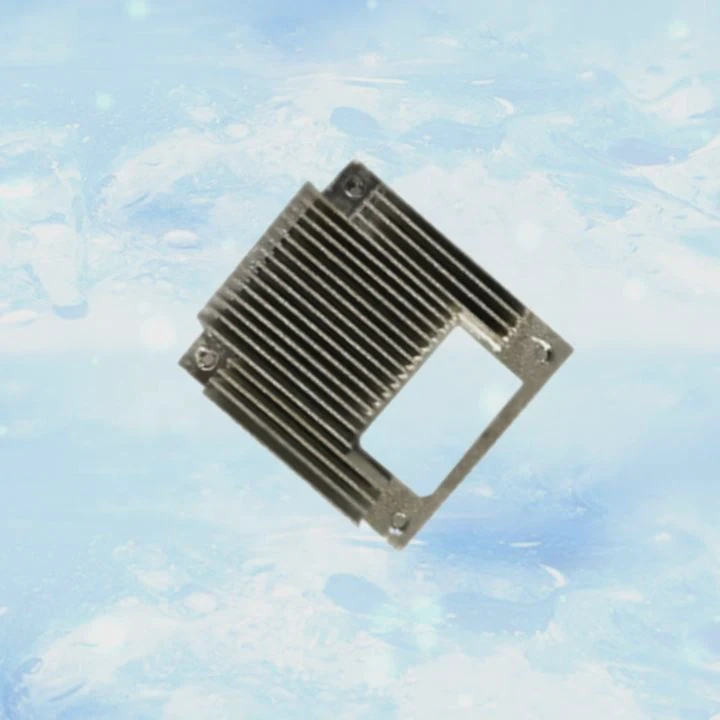
When I remove the heatsink, the paste breaks apart. This breaks the seal between surfaces. Even if the paste looks fine, it has lost its original texture. Dry paste cannot fill the tiny gaps on the CPU surface. Without fresh paste, heat stays trapped. The PS4 runs hot. Games lag. The fan becomes very loud. Replacing the paste solves all of this.
Why paste becomes dry
Heat cycles
The console heats and cools many times.
Pressure changes
Removing the heatsink breaks the contact bond.
Age
Paste dries naturally over time.
The paste becomes powdery. It loses its ability to spread.
What new paste does better
Here is a simple view:
| Paste Condition | Cooling Quality |
|---|---|
| Fresh paste | Fast heat transfer |
| Old paste | Weak heat transfer |
Fresh paste fills tiny gaps between metal surfaces. It spreads smoothly. This lets heat move from the APU to the heatsink fast.
How I replace paste safely
I follow a small routine:
Clean old paste
I use isopropyl alcohol and wipe until the surface shines.
Apply a small dot
I place a pea-sized dot in the center.
Lower heatsink straight
I do not slide it once the paste touches.
This creates clean contact and stable cooling.
Why paste replacement matters after every teardown
Any time I lift the heatsink, the paste bond weakens. Even if I press it back, it will not spread evenly. A fresh application makes the system run cooler. It keeps the fan quiet. It makes the PS4 feel new again. This is why I always replace the paste during cleaning.
Conclusion
Cleaning a PS4 fan and heatsink works best when the case is opened, the dust inside is removed, and the thermal paste is replaced. With careful steps and steady hands, the PS4 becomes quieter, cooler, and far more stable.
TAGS
Latest Articles

Volume discount levels for heat sink orders?
Buyers often ask when heat sink prices start to drop with volume. Many worry they’re overpaying for small orders. This guide explains how B2B volume pricing works for thermal components. Heat sink
21 Dec,2025
Heat sink long-term supply contract options?
Many buyers want stable pricing and reliable delivery for heat sinks. But without a clear contract, risks grow over time. This article explores how to secure better long-term supply deals. Long-term
21 Dec,2025
Tooling cost for new heat sink profiles?
Many engineers struggle to understand why tooling for custom heat sinks costs so much. They worry about budgeting and production timelines. This article breaks down the cost drivers behind tooling.
21 Dec,2025
Heat sink custom sample process steps?
Sometimes, starting a custom heat sink project feels overwhelming—too many steps, too many unknowns, and too many risks. You want a sample, but not endless delays. The process for requesting and
20 Dec,2025
Standard B2B terms for heat sink payments?
When buyers and sellers in B2B heat sink markets talk about payment, many don’t fully understand what’s standard. This can lead to delayed orders, miscommunication, and even lost business
20 Dec,2025
Heat sink pricing factors for large orders?
Heat sinks are vital for many systems. When prices rise, projects stall and budgets break. This problem can hit teams hard without warning. Large order heat sink pricing depends on many factors. You
20 Dec,2025Related Articles
- How to clean a processor CPU heatsink?
- how to add heatsink to raspberry pi 3?
- how to install mosfet heatsinks?
- how to take heatsink of 3070 ti strix?
- how much does intel stock heatsink cost?
- Do you need a heatsink for M.2 SSD?
- how to remove ram heatsink without heat gun?
- how to remove thermal compound from heatsink?
- Does Ryzen come with heatsink and compound?
- does gpu heatsink have liquid?
- how do heatsink launchers work?
- what to do if secondary heatsink is too high?
Author
Dr. Emily Chen
Chief AI Researcher
Leading expert in thermal dynamics and AI optimization with over 15 years of experience in data center efficiency research.
Categories
Latest Products

M.2 Heatpipe Heatsink With Dual Fans For Pc Case
19 Mar,2026

Heavy-Duty Aluminum Heat Sink Custom
19 Mar,2026

Oem Skived Fin Heatsink Aluminum Radiator For Plants
19 Mar,2026

Water Cooled Cnc Aluminum Heat Sink For Medical
19 Mar,2026

High Density 6000 Series Aluminum Heat Sink Profile
19 Mar,2026

High-Density Extruded Aluminum & Bonded-Fin Heat Sink Profile
19 Mar,2026
Recommend Categories
- Liquid cooling plate Manufacturer
- Industrial Heat Sink Manufacturer
- Standard Heat Sink Manufacturer
- Aluminum Heat Sink Manufacturer
- Copper Heat Sink Manufacturer
- Anodized Heatsink Manufacturer
- Stamping heat sink Manufacturer
- Die Casting Heatsink Manufacturer
- Soldering heat sink Manufacturer
- CNC Parts Manufacturer
Latest Products
- M.2 Heatpipe Heatsink With Dual Fans For Pc Case
- Heavy-Duty Aluminum Heat Sink Custom
- Oem Skived Fin Heatsink Aluminum Radiator For Plants
- Water Cooled Cnc Aluminum Heat Sink For Medical
- High Density 6000 Series Aluminum Heat Sink Profile
- High-Density Extruded Aluminum & Bonded-Fin Heat Sink Profile
- Dongguan Cnc Aluminum Heat Sink For Led & Brass Parts
- Wholesale Cnc Aluminum Heat Sink - Custom Extruded
- Led Cnc Round Heat Sink With Screw Holes
- Copper Pin-Fin Heat-Sink Large-Area For Photoled Cooling
- Telecom Heatsink Zipper Fin Wcopper Tubes Oem
Contact Expert
Have questions about this article? Reach out to our experts directly.