do i need heatsink for nvme ssd?
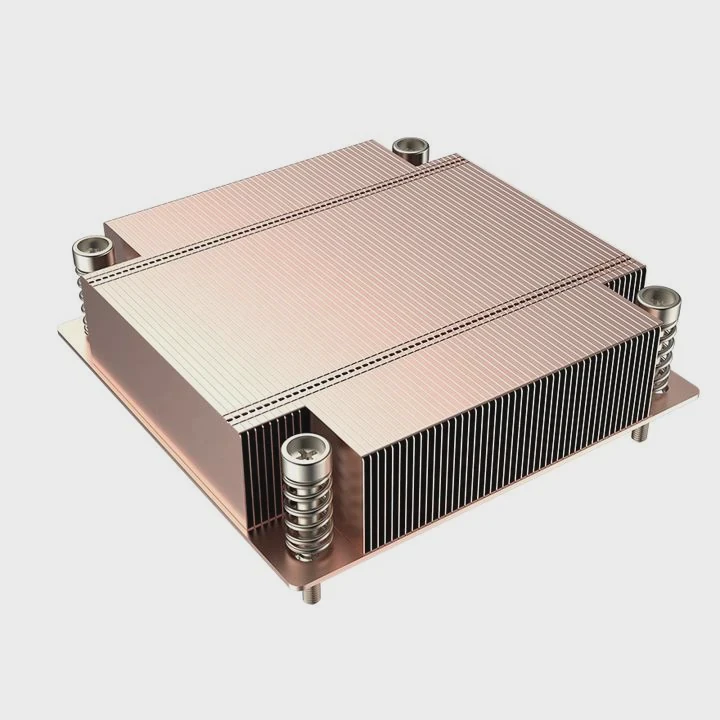
Many users wonder if an NVMe SSD needs a heatsink, especially when drives reach high temperatures during heavy tasks.
You need a heatsink for many NVMe SSDs because fast controllers heat up during sustained workloads. A heatsink lowers temperature, protects performance, and helps prevent thermal throttling in most systems.
I have seen many NVMe drives lose speed only because they ran without proper cooling. A clear method helps decide if you need one.
Why NVMe heat under sustained writes?
NVMe drives work at high speeds, moving large amounts of data through a compact controller chip. This rapid processing raises temperature quickly.
NVMe SSDs heat under sustained writes because the controller works continuously at high throughput, drawing more power and producing more heat than light workloads.
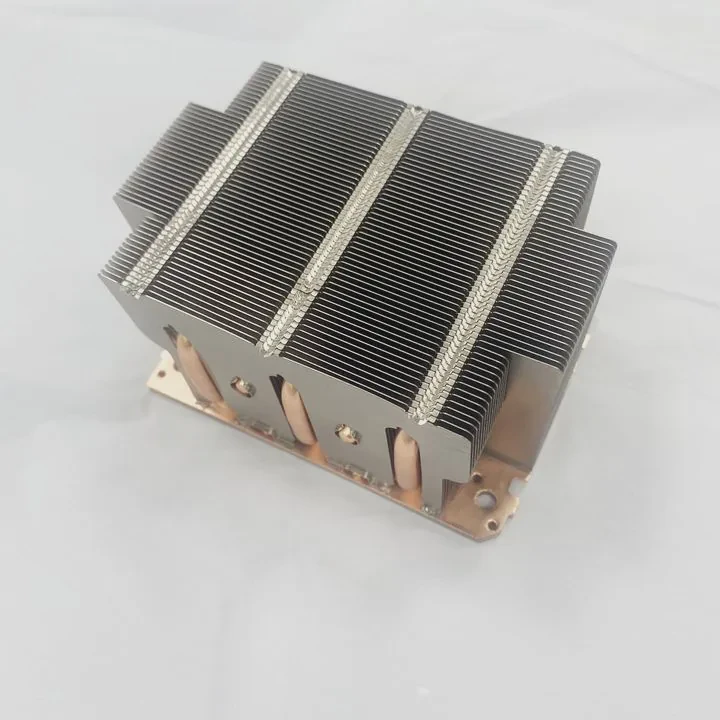
Why heavy writes generate heat
Continuous writing keeps the controller busy. It must manage flash mapping, handle data checks, and push data down the PCIe lanes. This constant work increases heat buildup.
Heat sources during long writes
| Component | Heat Level |
|---|---|
| Controller | Very high |
| DRAM cache | Medium |
| NAND modules | Medium at long duration |
A deeper view of sustained-write heating
During long writes, the controller handles rapid, non-stop operations. These operations hit the flash translation tables, ECC engines, and wear-leveling algorithms. Each process adds electrical activity inside the controller. More activity means more heat.
High-end NVMe drives, especially Gen4 and Gen5 models, draw more power during these workloads. Power becomes heat. The controller reaches thermal limits if heat cannot escape fast enough.
NAND chips also warm when written continuously. While they do not get as hot as the controller, their temperature still increases during long writes. Combined heat from controller and NAND raises the overall SSD temperature.
Inside many devices, airflow is limited. Small cases or laptop bays keep heat trapped. Without a heatsink, temperature climbs faster, pushing the drive into throttling behavior. Heat stability becomes harder to maintain.
Sustained writes are one of the most demanding situations for an NVMe SSD. Without cooling support, many drives reach high temperatures in minutes. A heatsink slows this rise and maintains consistent performance.
Which slots heat fastest?
Different SSD slots receive different levels of airflow and thermal exposure. Placement inside the system changes heat buildup.
The fastest-heating NVMe slots are those under GPUs, near chipsets, or inside tight enclosures with poor airflow. Upper slots near the CPU usually stay cooler.
Why some slots run hotter than others
Slots near strong heat sources receive thermal radiation. Slots in closed areas trap warm air. These conditions raise SSD temperatures quickly.
Slot heat comparison
| Slot Location | Heat Level |
|---|---|
| Under GPU | Very high |
| Beside chipset | High |
| Top slot near CPU | Medium |
| Open airflow slot | Low |
A deeper look at slot temperature behavior
Slots under GPUs receive direct heat from the graphics card. A GPU under heavy load releases large amounts of heat downward. This warms the SSD instantly. NVMe drives in these positions often need heatsinks even for light workloads.
Chipset areas also radiate heat. Chipsets warm during normal operation. If the SSD sits close to the chipset heatsink, passive heat transfer occurs. The SSD heats even when idle.
Motherboard designs place some M.2 slots under metal shields. These shields help when well-designed, but in tight layouts, they trap warm air. A shield without airflow becomes a heat box.
Top slots closer to the CPU receive better airflow. The CPU cooler or case fans pull air across that region. These slots usually maintain more stable temperatures.
Small form factor systems place M.2 slots in compact spaces near power regulators, Wi-Fi modules, or fanless regions. These areas heat even faster.
Choosing the right slot reduces the need for heavy cooling. But when placement increases heat load, a heatsink becomes essential for stable performance.
Can airflow lower SSD temps?
Airflow is one of the simplest ways to lower SSD temperature. Even small increases in air movement create noticeable cooling improvements.
Yes, airflow lowers SSD temperatures by moving warm air away from the drive. Better case ventilation, fan placement, and open paths reduce heat buildup around NVMe modules.
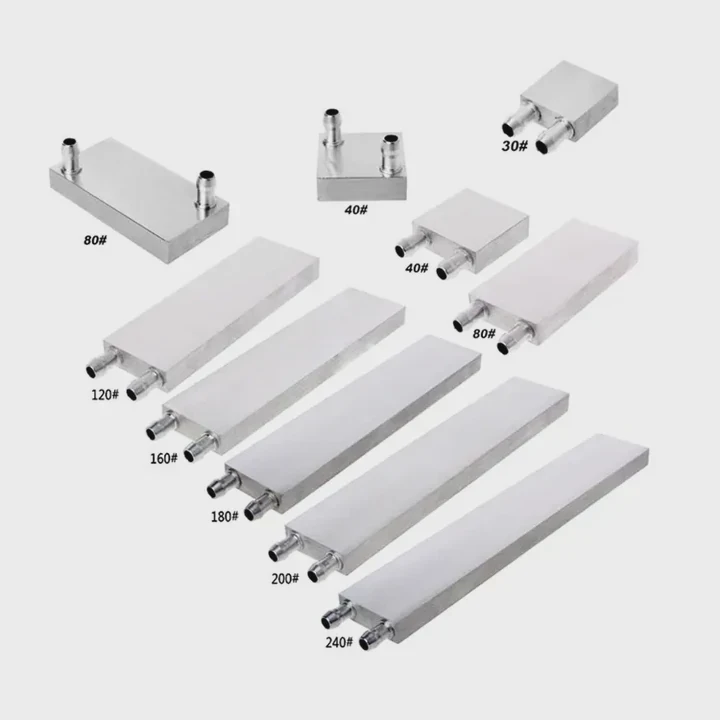
Why airflow helps instantly
NVMe drives rely on convection to release heat. When airflow passes over the heatsink or drive, heat escapes faster. Without airflow, heat collects in the area.
Airflow options
| Airflow Change | Cooling Effect |
|---|---|
| Add front intake fan | Strong |
| Clear cable blockage | Medium |
| Increase exhaust airflow | Medium |
| Open case panel | High but temporary |
A deeper look at airflow performance
Airflow works by carrying heat away from the SSD surface. A direct stream of cool air lowers temperature quickly. This prevents thermal buildup during long transfers.
When airflow is weak, heat stays around the drive. Even a good heatsink becomes less effective because hot air lingers near the fins. Heat moves slower into warm air. Strong airflow improves this exchange.
Front intake fans create a steady supply of cool air. This air passes over the motherboard and SSD. Rear exhaust fans remove hot air. Both fans work together to preserve low drive temperatures.
Cables or tight component layouts block airflow. Many systems run hotter simply because cables sit in front of air paths. Clearing these paths creates immediate temperature drops.
In compact cases or laptops, airflow is limited. Even small improvements help—laptops improve SSD temps when their vents stay clear. Desktop cases respond well to additional fans.
Airflow cannot fix all problems, especially when the SSD sits under a GPU or inside a shielded slot. But when airflow improves, thermal stability becomes easier to maintain. In many builds, airflow changes reduce the need for large heatsinks.
Do sinks prevent throttling?
Throttling is a built-in safety function. Drives reduce speed when hot to avoid damage. Heatsinks help avoid this by improving thermal spread.
Yes, heatsinks prevent throttling by slowing down temperature rise, maintaining stable controller temps, and extending the time before thermal limits activate.
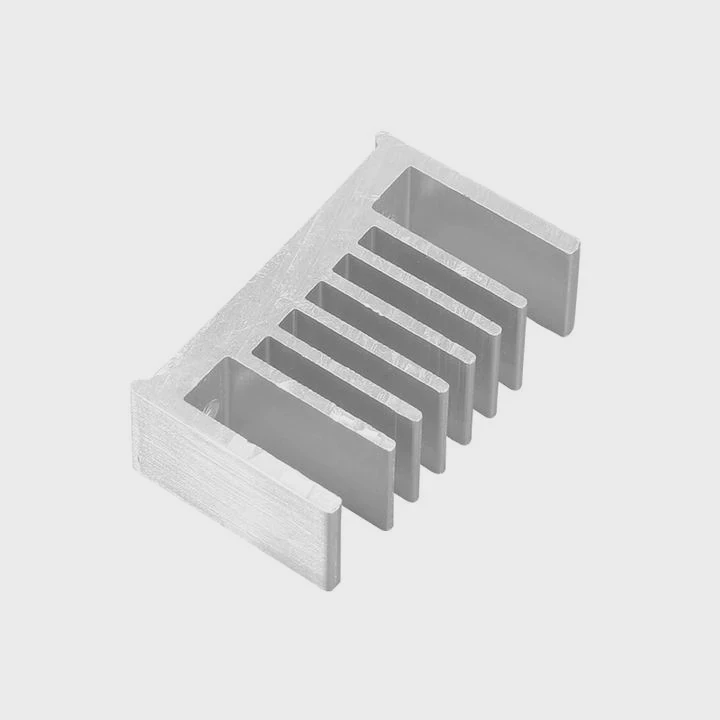
Why heatsinks fight throttling
Throttling starts when the controller hits its maximum safe temperature. A heatsink gives heat more surface area to escape. This keeps the controller cooler.
How heatsinks change behavior
| Cooling Factor | Result |
|---|---|
| More surface area | Lower peak temps |
| Even heat spread | Fewer spikes |
| Stable pads | Better contact |
A deeper look at throttling prevention
Throttling happens when heat rises faster than the SSD can release it. Bare NVMe drives have small surface area. They heat quickly. A heatsink multiplies that surface. It absorbs heat and spreads it across fins or a plate.
Thermal pads help the heatsink touch the controller and NAND evenly. Even contact improves heat transfer. Without pads, parts of the SSD heat unevenly and reach throttling faster.
Heatsinks also stabilize temperature swings. Bare drives spike from idle to hot quickly. A heatsink slows this spike. The drive stays under the throttling threshold longer, allowing sustained speed during large file writes.
For Gen4 and Gen5 drives, heatsinks often make the difference between stable performance and repeated slowdowns. These drives generate more heat than older models and rely heavily on cooling.
Even mid-range NVMe drives benefit. While they may not reach extreme temperatures, they still perform better under sustained load when equipped with a simple passive heatsink.
Conclusion
An NVMe SSD often needs a heatsink because fast speeds cause high heat during sustained workloads. Hot slots warm the drive, airflow lowers temperatures, and heatsinks help prevent throttling. Matching cooling to your drive and system improves speed, endurance, and stability.
TAGS
Latest Articles

Volume discount levels for heat sink orders?
Buyers often ask when heat sink prices start to drop with volume. Many worry they’re overpaying for small orders. This guide explains how B2B volume pricing works for thermal components. Heat sink
21 Dec,2025
Heat sink long-term supply contract options?
Many buyers want stable pricing and reliable delivery for heat sinks. But without a clear contract, risks grow over time. This article explores how to secure better long-term supply deals. Long-term
21 Dec,2025
Tooling cost for new heat sink profiles?
Many engineers struggle to understand why tooling for custom heat sinks costs so much. They worry about budgeting and production timelines. This article breaks down the cost drivers behind tooling.
21 Dec,2025
Heat sink custom sample process steps?
Sometimes, starting a custom heat sink project feels overwhelming—too many steps, too many unknowns, and too many risks. You want a sample, but not endless delays. The process for requesting and
20 Dec,2025
Standard B2B terms for heat sink payments?
When buyers and sellers in B2B heat sink markets talk about payment, many don’t fully understand what’s standard. This can lead to delayed orders, miscommunication, and even lost business
20 Dec,2025
Heat sink pricing factors for large orders?
Heat sinks are vital for many systems. When prices rise, projects stall and budgets break. This problem can hit teams hard without warning. Large order heat sink pricing depends on many factors. You
20 Dec,2025Related Articles
- what heatsink should i get for i7 6700?
- are m2 ssd heatsinks recommended?
- how to pain heatsinks?
- how to clip fan to heatsink?
- is it better to get ssd with heatsink?
- how to choose a heatsink for cpu?
- does r16 nvme slot comes with heatsink?
- is it okay to clean a heatsink with canned air?
- should i change cpu heatsink when system is hot?
- what does a motherboard heatsink do?
- what does a cpu heatsink do?
- how to put heatsink on raspberry pi?
Author
Dr. Emily Chen
Chief AI Researcher
Leading expert in thermal dynamics and AI optimization with over 15 years of experience in data center efficiency research.
Categories
Latest Products

M.2 Heatpipe Heatsink With Dual Fans For Pc Case
19 Mar,2026

Heavy-Duty Aluminum Heat Sink Custom
19 Mar,2026

Oem Skived Fin Heatsink Aluminum Radiator For Plants
19 Mar,2026

Water Cooled Cnc Aluminum Heat Sink For Medical
19 Mar,2026

High Density 6000 Series Aluminum Heat Sink Profile
19 Mar,2026

High-Density Extruded Aluminum & Bonded-Fin Heat Sink Profile
19 Mar,2026
Recommend Categories
- Liquid cooling plate Manufacturer
- Industrial Heat Sink Manufacturer
- Standard Heat Sink Manufacturer
- Aluminum Heat Sink Manufacturer
- Copper Heat Sink Manufacturer
- Anodized Heatsink Manufacturer
- Stamping heat sink Manufacturer
- Die Casting Heatsink Manufacturer
- Soldering heat sink Manufacturer
- CNC Parts Manufacturer
Latest Products
- M.2 Heatpipe Heatsink With Dual Fans For Pc Case
- Heavy-Duty Aluminum Heat Sink Custom
- Oem Skived Fin Heatsink Aluminum Radiator For Plants
- Water Cooled Cnc Aluminum Heat Sink For Medical
- High Density 6000 Series Aluminum Heat Sink Profile
- High-Density Extruded Aluminum & Bonded-Fin Heat Sink Profile
- Dongguan Cnc Aluminum Heat Sink For Led & Brass Parts
- Wholesale Cnc Aluminum Heat Sink - Custom Extruded
- Led Cnc Round Heat Sink With Screw Holes
- Copper Pin-Fin Heat-Sink Large-Area For Photoled Cooling
- Telecom Heatsink Zipper Fin Wcopper Tubes Oem
Contact Expert
Have questions about this article? Reach out to our experts directly.