How to connect liquid CPU cooler?
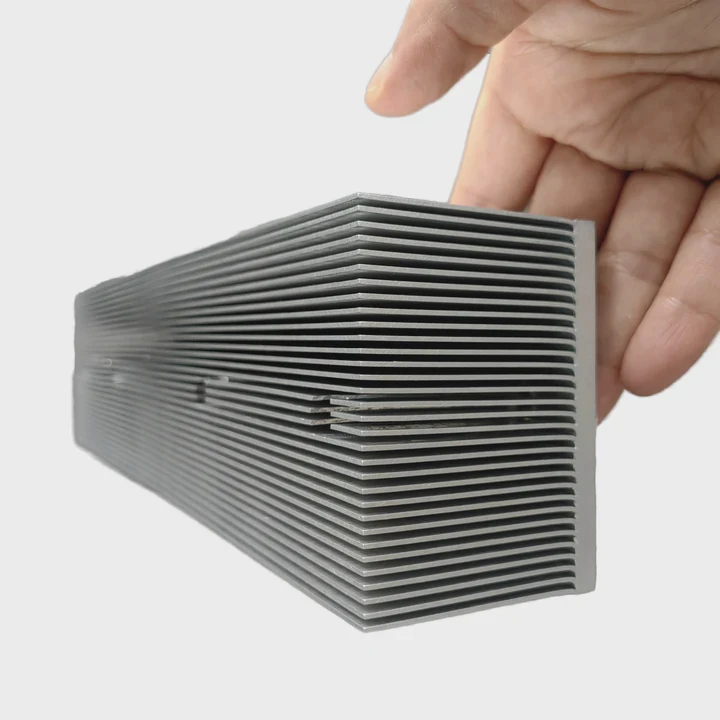
I know many builders feel lost when they try to set up a liquid CPU cooler for the first time. The cables look confusing and the steps look risky.
You can connect a liquid CPU cooler by following a clear order: prepare all parts, mount the radiator, secure the pump, attach the tubes, connect the pump header, and manage the fans. This method keeps the cooler safe and stable.
I want to guide you through each step, so you can install your system with calm and confidence.
What parts are required for proper installation?
Many first-time builders feel stressed when they see many brackets, screws, cables, and plates. The mess makes the process look scary.
You need a radiator, fans, pump block, mounting brackets, screws, backplate, thermal paste, and the correct power cables to complete a proper liquid cooler installation. These parts ensure stable mounting and safe cooling.
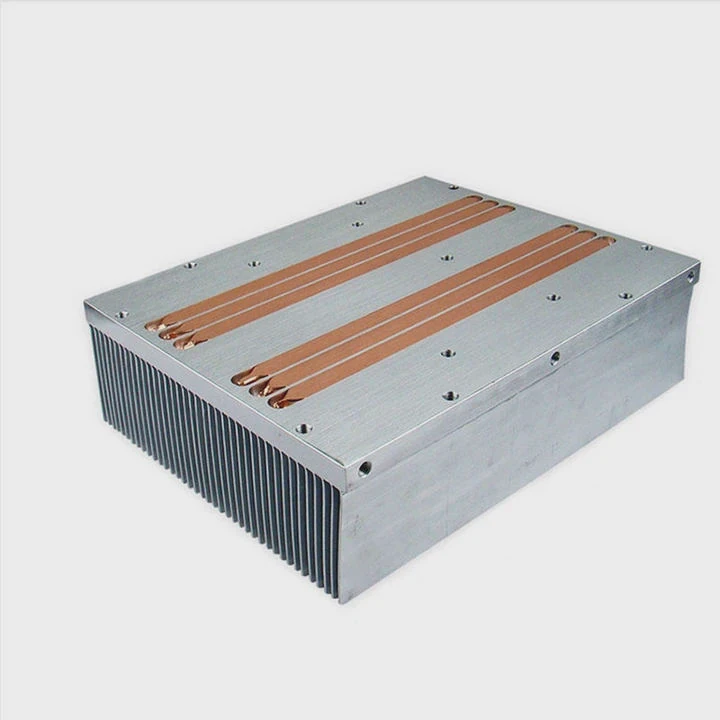
When I install a liquid cooler, I check every part before I start. I want to avoid missing a bracket or screw halfway through the build. I also make sure the thermal paste is ready, because it plays a key role in cooling. I want the whole setup to feel simple and smooth.
Main Parts Overview
Here is a simple table I often use to confirm all items:
| Part | Purpose |
|---|---|
| Radiator | Removes heat from the liquid |
| Fans | Push or pull air through the radiator |
| Pump Block | Moves liquid and contacts the CPU |
| Backplate | Supports the mounting pressure |
| Brackets & Screws | Hold the block and radiator in place |
| Cables | Power and control the pump and fans |
Why these parts matter
Every part has a clear job. The radiator handles heat. The fans help the radiator move hot air out. The pump moves liquid fast enough to keep the CPU cool. The backplate keeps the block from bending the motherboard. The brackets and screws create tight pressure. The cables allow the system to sense speed and temperature.
Extra notes from my builds
I always keep the original box until I finish the installation. The box keeps small screws safe. I also check the motherboard’s manual. Some boards require specific mounting hardware. Some coolers include both Intel and AMD kits. I choose the correct one before I start.
Checklist before installation
- Radiator size matches case
- Fans are the right direction
- Pump plate is clean
- Thermal paste is ready
- All screws are sorted
These small steps save time and prevent mistakes. They make the installation smooth even for beginners.
Where should pump headers be connected?
Many people feel unsure when they see labels like CPU_FAN, CPU_OPT, AIO_PUMP, and SYS_FAN. The names look similar, and a mistake can stop the system.
The pump header should connect to the AIO_PUMP or PUMP header on the motherboard. This header provides full-speed power to keep the pump running at a stable rate.
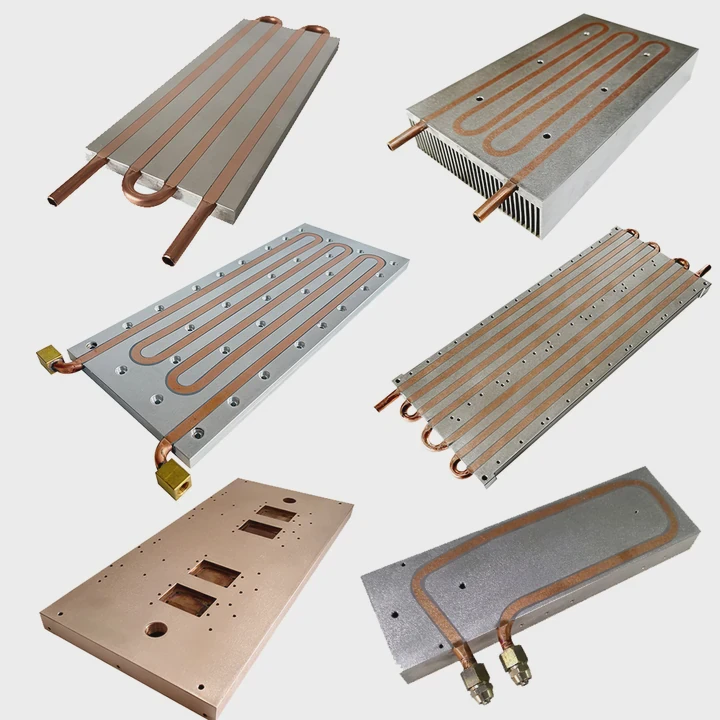
When I teach beginners, the pump header is often the step they fear most. They worry that a wrong plug will burn the part. I tell them the pump is safe if they follow the labels. The AIO_PUMP header is made to run pumps. It provides steady voltage and avoids sudden speed drops.
Common header names
Here is a quick header reference table:
| Header | Use |
|---|---|
| AIO_PUMP | Best header for pump |
| PUMP | Also good for pump |
| CPU_FAN | Use for radiator fan |
| CPU_OPT | Use for second radiator fan |
| SYS_FAN | Case fan headers |
Why the pump needs a specific header
The pump must stay at a stable speed. It moves liquid around the loop. If the speed drops, heat stays near the CPU. If the pump stops, the CPU overheats in seconds. The AIO_PUMP header keeps it safe. Many boards lock this header at full speed by default.
My installation habit
I always plug the pump cable first before mounting the radiator. This makes the cable easy to reach. I also tuck the cable behind the motherboard tray. This keeps the build clean. It also avoids the cable touching the fan blades.
Notes for special cases
Some motherboards do not have an AIO_PUMP header. In these cases, I use CPU_FAN and set the BIOS to full-speed mode. This keeps the pump running safely.
Why must tubing orientation be considered?
New builders often ignore tube direction. They think tubes just need to reach the pump and radiator. But tube placement changes noise, lifespan, and cooling.
Tubing orientation must be considered because the pump must stay below the highest point of the loop. This prevents air from entering the pump and reduces noise, heat spikes, and long-term damage.
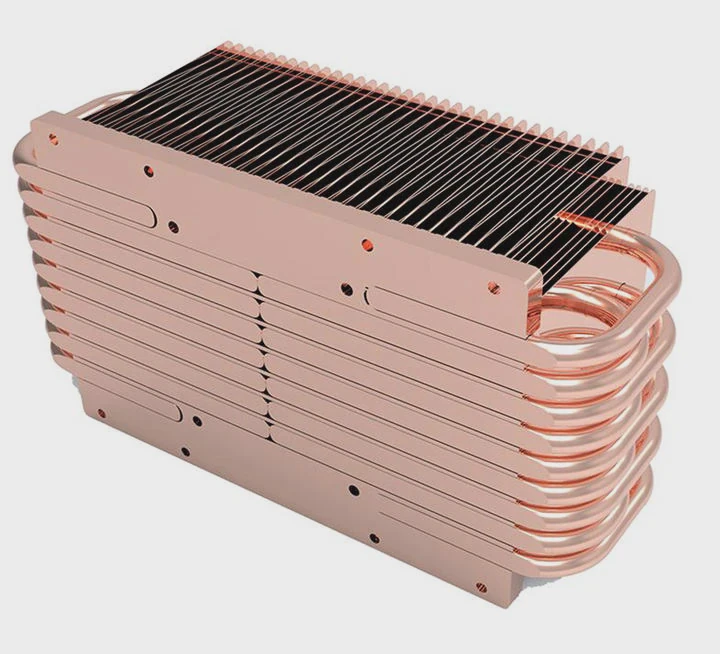
I learned this the hard way years ago. I installed my radiator with tubes at the top. The pump stayed higher than the radiator. After a while, the pump made gurgling sounds. The CPU temperature jumped. I replaced the whole unit. Since then, I teach every customer how tube routing affects performance.
Correct orientation guidelines
1. Pump should not be the highest point
Air always rises. When the pump sits higher than the radiator, air moves into the pump. Air inside the pump causes noise, poor cooling, and early failure.
2. Radiator on top? Tubes must be down
If your case uses a top-mounted radiator, keep the tubes facing downward toward the pump. This keeps air inside the radiator instead of the pump.
3. Front mount is often ideal
A front-mounted radiator with tubes at the bottom is usually the safest setup. The pump stays lower. Air collects at the top of the radiator away from the pump.
Tube routing mistakes I often see
- Tubes forced into sharp bends
- Tubes touching fan blades
- Tubes stretched too tight
- Pump higher than radiator
These mistakes reduce cooling and create noise. I fix them by giving the tubes a natural curve and choosing the right radiator position.
Simple orientation rules
- Pump lower than radiator
- Tubes free from stress
- Radiator bleed point at the top
- Fans do not pinch the tubes
These simple rules keep the system quiet and safe.
Can improper mounting affect cooling performance?
Many people think AIO coolers are plug-and-play. They think mounting does not matter. But a wrong mount can raise temperatures by 10–20°C.
Improper mounting affects cooling performance because uneven pressure, air gaps, wrong brackets, or loose screws prevent the cold plate from touching the CPU evenly. Heat cannot move out fast enough.
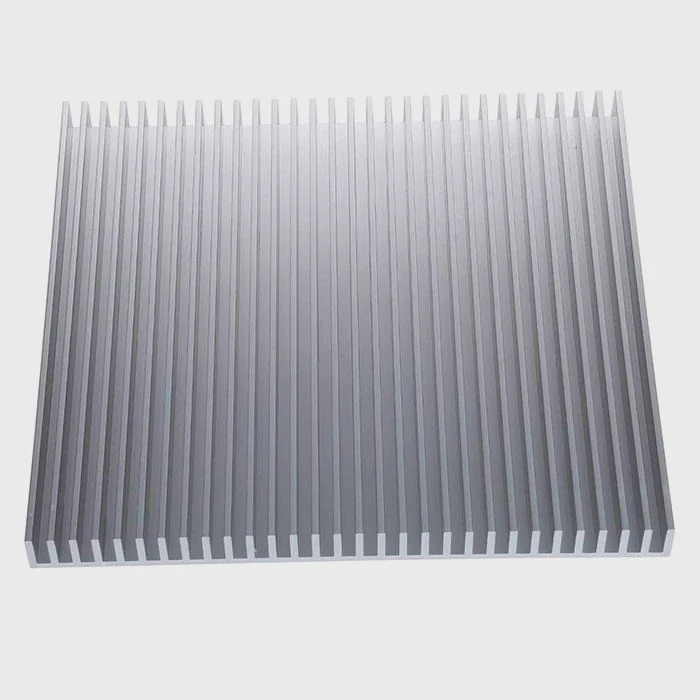
I have seen many systems overheat because the block was tilted or the screws were uneven. In some cases, the cooler was new. The builder just used the wrong bracket. I always show customers how a flat and even mount makes a big difference.
Key risks of improper mounting
1. Uneven contact
When the block does not touch the CPU evenly, thermal paste cannot fill the space. Heat stays trapped.
2. Too much thermal paste
A thick layer creates a barrier. Heat moves slower. I use a thin pea-sized dot.
3. Wrong screw pressure
If one corner is tighter, the block tilts. This creates a gap on the opposite side.
Signs of a bad mount
- CPU temperature jumps under light load
- Pump and fan stay loud
- Liquid cooler feels warm but radiator feels cool
- Temperatures change too fast
These signs tell me the block is not touching the CPU well.
How I fix improper mounting
- Remove the block
- Clean both surfaces
- Apply a thin amount of thermal paste
- Tighten screws in a cross pattern
- Check the bracket type
- Test temperatures again
This method fixes most cooling issues. It also helps the cooler run quieter.
Final notes on mounting
Every cooler has its own bracket system. I always check the manual before I start. I want the pressure to be even. I want the plate to sit flat. A good mount makes the system stable for years.
Conclusion
A liquid CPU cooler works well when every step is done with care. When you use the right parts, connect the pump correctly, set the tubes in a safe way, and mount everything evenly, the system stays cool and quiet for a long time.
TAGS
Latest Articles

Volume discount levels for heat sink orders?
Buyers often ask when heat sink prices start to drop with volume. Many worry they’re overpaying for small orders. This guide explains how B2B volume pricing works for thermal components. Heat sink
21 Dec,2025
Heat sink long-term supply contract options?
Many buyers want stable pricing and reliable delivery for heat sinks. But without a clear contract, risks grow over time. This article explores how to secure better long-term supply deals. Long-term
21 Dec,2025
Tooling cost for new heat sink profiles?
Many engineers struggle to understand why tooling for custom heat sinks costs so much. They worry about budgeting and production timelines. This article breaks down the cost drivers behind tooling.
21 Dec,2025
Heat sink custom sample process steps?
Sometimes, starting a custom heat sink project feels overwhelming—too many steps, too many unknowns, and too many risks. You want a sample, but not endless delays. The process for requesting and
20 Dec,2025
Standard B2B terms for heat sink payments?
When buyers and sellers in B2B heat sink markets talk about payment, many don’t fully understand what’s standard. This can lead to delayed orders, miscommunication, and even lost business
20 Dec,2025
Heat sink pricing factors for large orders?
Heat sinks are vital for many systems. When prices rise, projects stall and budgets break. This problem can hit teams hard without warning. Large order heat sink pricing depends on many factors. You
20 Dec,2025Related Articles
- Is liquid cooled CPU worth it?
- Which electric cars have liquid cooled batteries?
- Does Liquid CPU Cooler Need Thermal Paste?
- Which Is Better Air Cooled or Liquid Cooled?
- Heat Sink Manufacturer in Senegal
- Heat Sink Manufacturer in San Marino
- How does CPU liquid cooler work?
- which is better air cooled or liquid cooled generators?
- what is a liquid cooled engine?
- How to Set Up Liquid Cooler?
- Which Is Better Air Cooled or Liquid?
- Does liquid cooler need water?
Author
Dr. Emily Chen
Chief AI Researcher
Leading expert in thermal dynamics and AI optimization with over 15 years of experience in data center efficiency research.
Categories
Latest Products






Recommend Categories
- Liquid cooling plate Manufacturer
- Industrial Heat Sink Manufacturer
- Standard Heat Sink Manufacturer
- Aluminum Heat Sink Manufacturer
- Copper Heat Sink Manufacturer
- Anodized Heatsink Manufacturer
- Stamping heat sink Manufacturer
- Die Casting Heatsink Manufacturer
- Soldering heat sink Manufacturer
- CNC Parts Manufacturer
Latest Products
- Wholesale Aluminum Radiator
- Water Cooling Plate Kit
- Water Cooling Heat Sink
- Water Cooling Heat Sink Kit
- Stainless Steel Water Distributor
- Server Water Cooling Plate Kit
- Server Liquid Cooling System
- Server Aluminum Cooling Kit
- S19 Full Cover Cooling Plate
- S19 Cooling Plate Kit
- S19 Aluminum Cooling Plate
Contact Expert
Have questions about this article? Reach out to our experts directly.