How to liquid cool your computer?
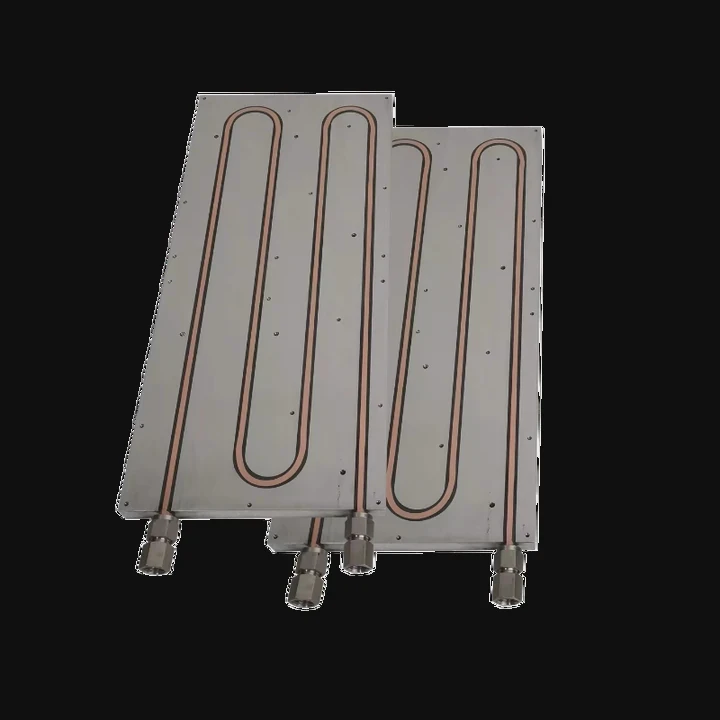
When I built my first gaming PC years ago, I used only air coolers. They were simple and affordable, but once I started pushing performance limits, I realized air just wasn’t enough. That’s when I began exploring liquid cooling. It looked intimidating at first—tubes, pumps, and radiators—but it turned out to be one of the most satisfying upgrades I’ve ever done.
Liquid cooling a computer works by circulating coolant through water blocks, radiators, and pumps to remove heat from components more efficiently than air cooling.
This method keeps temperatures lower, noise levels down, and aesthetics stunning. Let’s explore how it works and how you can build one safely.
What is PC liquid cooling?
Many people imagine liquid cooling as something only for enthusiasts or overclockers, but it’s actually quite practical for anyone who wants quieter and cooler performance.
PC liquid cooling is a thermal management system that uses liquid coolant to absorb and transfer heat from computer components to a radiator, where it is released into the air.
How it works
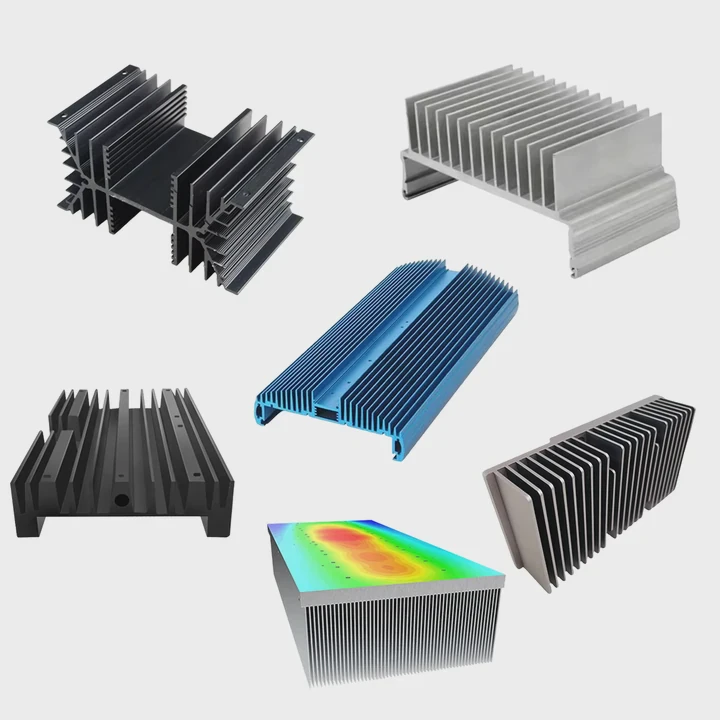
The process begins with a water block, a metal plate attached to the CPU or GPU. The coolant flows through channels inside the block, absorbing heat from the chip. Then, a pump moves the hot liquid to a radiator, where fans push air through thin fins to release the heat. The cooled liquid returns to the block, repeating the cycle.
| Component | Function | Example Material |
|---|---|---|
| Water Block | Absorbs heat from CPU/GPU | Copper, Nickel |
| Pump | Circulates coolant | Ceramic bearings |
| Radiator | Dissipates heat to air | Aluminum, Copper |
| Reservoir | Stores coolant | Acrylic, Glass |
| Tubing | Connects loop parts | Rubber, PETG, or hard acrylic |
Types of liquid cooling
There are two main categories:
- AIO (All-in-One) systems: Pre-assembled, sealed loops that require no maintenance.
- Custom loops: User-built systems that allow flexibility in design, materials, and performance.
AIO coolers are best for beginners, while custom loops attract builders who want complete control over performance and aesthetics.
Why liquid instead of air?
Liquids can absorb and transport heat much faster than air. This means better performance, especially under high loads, and quieter operation since fans don’t need to spin as fast.
What are its advantages over air cooling?
When I switched from air to liquid cooling, the first thing I noticed was silence. Then came the temperature drop—my CPU went from 85°C under load to around 60°C. It was a clear upgrade.
Liquid cooling provides higher thermal efficiency, lower noise, better overclocking potential, and improved aesthetics compared to air cooling.
1. Better thermal performance
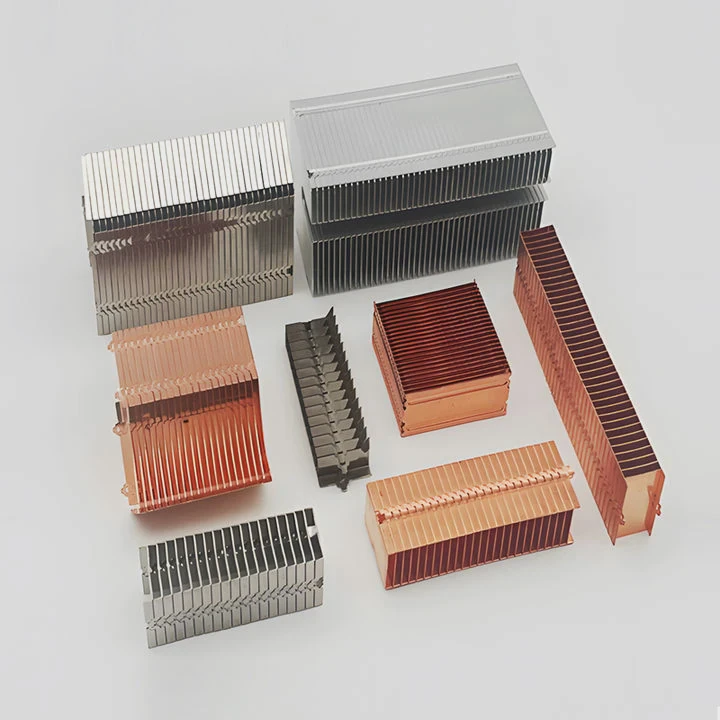
Liquid can absorb more heat per volume than air. In practical terms, that means you can cool high-performance CPUs or GPUs without reaching dangerous temperatures. This is especially important for gaming, rendering, and scientific computing tasks.
| Feature | Air Cooling | Liquid Cooling |
|---|---|---|
| Thermal Capacity | Medium | High |
| Noise Level | Higher | Lower |
| Space Requirement | Large tower fans | Flexible |
| Aesthetic Appeal | Moderate | Excellent |
| Maintenance | Low | Medium |
2. Lower noise levels
Because radiators and fans are more efficient, they run at lower speeds. A well-built liquid cooling setup is nearly silent, even under heavy workloads.
3. Better performance headroom
Liquid cooling allows you to overclock CPUs or GPUs safely. Stable temperatures mean more consistent performance without thermal throttling.
4. Aesthetic customization
From glowing coolant to transparent tubes, liquid-cooled PCs look like works of art. Many builders see them as a form of creative expression.
5. Longevity and dust resistance
With fewer large fans, your system attracts less dust and maintains stable temperatures over time, reducing wear on components.
How to install a liquid cooling loop?
Building a liquid cooling loop looks complicated, but it’s mainly about planning and patience. I’ve guided many first-time builders, and once they understand the flow order and safety steps, it becomes a fun, hands-on project.
To install a liquid cooling loop, plan your layout, mount key components (pump, reservoir, radiator, and blocks), connect tubing securely, fill the system with coolant, and test for leaks before powering on.
Step 1: Plan your loop
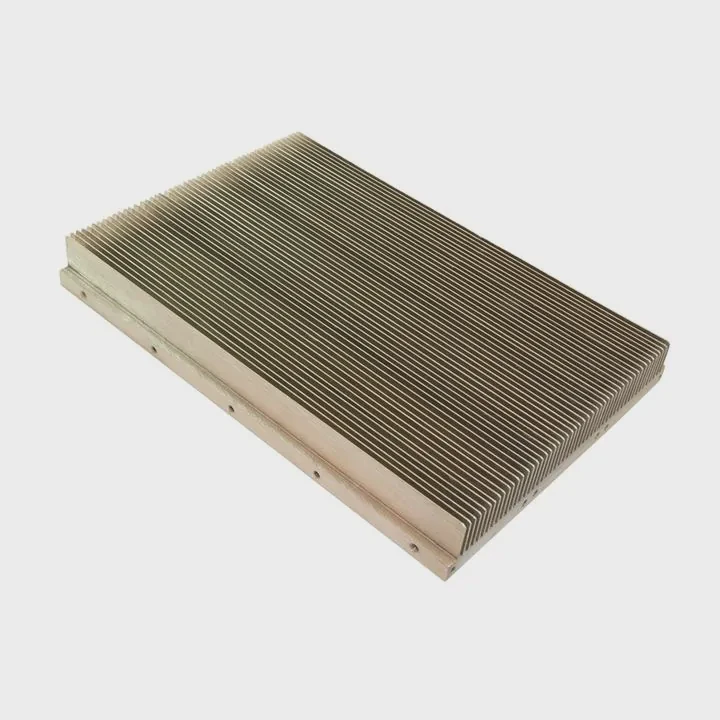
Before touching any parts, sketch your layout. Decide the loop order—usually Pump → CPU → GPU → Radiator → Reservoir → Pump. Make sure tubing paths are short and smooth to avoid flow resistance.
Step 2: Install water blocks
Remove your CPU and GPU coolers and install water blocks according to their manuals. Apply thermal paste evenly between the chip and block surface. Tighten screws in a cross pattern for even pressure.
Step 3: Mount the radiator and fans
Choose radiator sizes that fit your case (120mm, 240mm, or 360mm). Mount them with fans pushing or pulling air through the fins. Ensure proper airflow direction—cool air in, hot air out.
Step 4: Position the pump and reservoir
The reservoir should feed directly into the pump to avoid dry starts. Mount them securely, ideally at the bottom of your loop so gravity helps with filling.
Step 5: Connect tubing
Measure and cut tubing carefully. Avoid sharp bends that restrict flow. Use compression or push fittings for secure connections. Always double-check that each fitting is tight but not over-torqued.
Step 6: Fill the loop
Fill your reservoir slowly with coolant while running the pump from an external power supply (not your motherboard). Keep filling until the loop is full and no air bubbles remain.
Step 7: Leak testing
Before powering on your PC, run the pump for 24 hours to check for leaks. Use paper towels under fittings to detect any drips. Only connect components to power once you’re sure the system is sealed.
| Installation Step | Key Action | Common Mistake to Avoid |
|---|---|---|
| Loop Planning | Draw the layout first | Crossing tubes or long paths |
| Block Installation | Apply paste and align | Uneven mounting pressure |
| Filling | Use funnel and fill slowly | Air trapped in pump |
| Leak Testing | Run pump only | Powering motherboard too early |
Step 8: Power on and monitor
Once leak-free, power on your system and monitor temperatures. Idle temps should be near room temperature, while full-load temps should stay 20–30°C lower than air cooling.
Tips for beginners
- Start with an AIO before trying a custom loop.
- Use non-conductive coolant for safety.
- Keep spare fittings and clamps ready.
- Always check component compatibility (CPU socket, GPU block model, radiator size).
What are the latest PC cooling trends?
Over the past few years, PC cooling has evolved rapidly. When I attend tech shows, I see more emphasis on integration, automation, and sustainability. It’s no longer just about flashy builds—it’s about smarter systems.
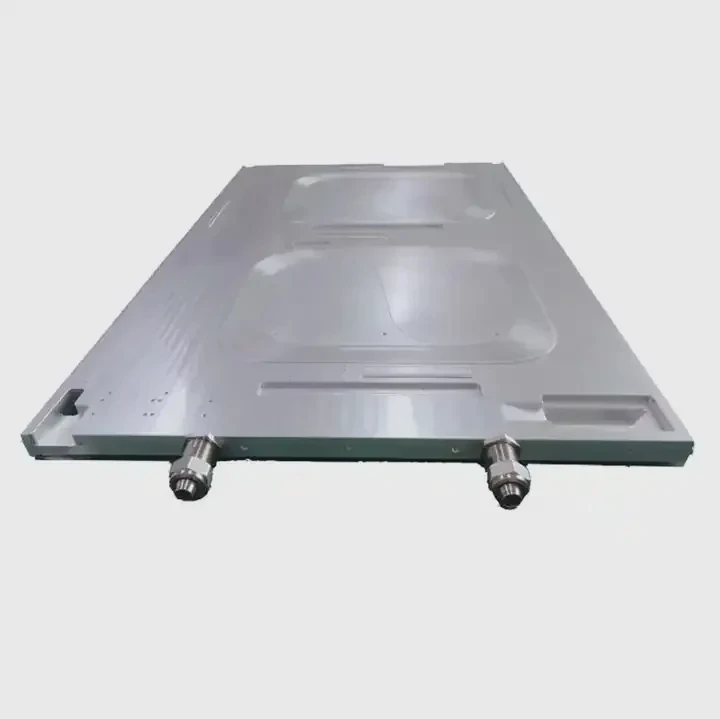
Modern PC cooling trends focus on hybrid designs, AI-controlled temperature management, modular quick-connect fittings, and eco-friendly coolants for safer, quieter, and more efficient performance.
1. Hybrid air-liquid systems
Manufacturers are now creating hybrid systems that combine both cooling methods. These designs use liquid for major heat sources like CPUs and GPUs, and air for less critical components, reducing overall complexity.
2. Smart sensors and AI control
AI-controlled coolers adjust pump speed and fan curves automatically based on real-time temperature data. This not only keeps the system quiet but also prolongs component life.
3. Quick-connect fittings
Quick-disconnect fittings make maintenance easier. They allow users to remove parts like GPUs or radiators without draining the entire system, saving hours of work.
4. Modular and external cooling units
External cooling modules are becoming popular, especially for compact builds. These modules house the radiator, pump, and reservoir outside the case, freeing up internal space.
5. RGB and visual customization
Aesthetic design continues to evolve. Addressable RGB lighting, custom coolant colors, and acrylic distribution plates let users build unique visual themes. Some systems even synchronize lighting with temperature changes.
6. Environmentally friendly coolants
Eco-safe coolants now use biodegradable and non-toxic compounds. They deliver excellent thermal performance without environmental harm, which is a growing priority in the PC community.
7. Compact form factor innovations
Mini-ITX builders now enjoy access to liquid cooling systems designed for small cases. Slim radiators, integrated pump-block combos, and flexible tubing make it easier to fit high-end cooling into small spaces.
8. Silent operation focus
With improved pump design and magnetic levitation fans, noise levels in modern systems have dropped dramatically. Builders can now achieve powerful cooling with almost no audible sound.
9. Integration with PC management software
Many modern cooling systems integrate with software like Corsair iCUE, ASUS Armoury Crate, or MSI Center. These platforms allow users to monitor flow rate, coolant temperature, and RGB control from one interface.
10. Future outlook
Looking ahead, liquid cooling will likely move toward self-contained, smart adaptive systems that require minimal maintenance. Closed-loop liquid-metal coolers and nanofluid technologies are already being tested, promising even higher performance and reliability.
Conclusion
Liquid cooling your computer involves circulating coolant through a loop of blocks, pumps, and radiators to remove heat efficiently. It offers quieter operation, better performance, and stunning aesthetics. With smarter controls and eco-safe materials leading the latest trends, liquid cooling is now more accessible and reliable than ever for PC enthusiasts and professionals alike.
TAGS
Latest Articles

Volume discount levels for heat sink orders?
Buyers often ask when heat sink prices start to drop with volume. Many worry they’re overpaying for small orders. This guide explains how B2B volume pricing works for thermal components. Heat sink
21 Dec,2025
Heat sink long-term supply contract options?
Many buyers want stable pricing and reliable delivery for heat sinks. But without a clear contract, risks grow over time. This article explores how to secure better long-term supply deals. Long-term
21 Dec,2025
Tooling cost for new heat sink profiles?
Many engineers struggle to understand why tooling for custom heat sinks costs so much. They worry about budgeting and production timelines. This article breaks down the cost drivers behind tooling.
21 Dec,2025
Heat sink custom sample process steps?
Sometimes, starting a custom heat sink project feels overwhelming—too many steps, too many unknowns, and too many risks. You want a sample, but not endless delays. The process for requesting and
20 Dec,2025
Standard B2B terms for heat sink payments?
When buyers and sellers in B2B heat sink markets talk about payment, many don’t fully understand what’s standard. This can lead to delayed orders, miscommunication, and even lost business
20 Dec,2025
Heat sink pricing factors for large orders?
Heat sinks are vital for many systems. When prices rise, projects stall and budgets break. This problem can hit teams hard without warning. Large order heat sink pricing depends on many factors. You
20 Dec,2025Related Articles
- How does liquid nitrogen cooling work?
- What is the best CPU liquid cooler?
- How to maintain liquid cooling?
- Does the i9 9900K need liquid cooling?
- What is an AIO liquid cooler?
- Which is better, air cooler or liquid cooler?
- How to install a CPU liquid cooler?
- Where to plug in a liquid cooling pump?
- How to refill a liquid cooler?
- Who makes liquid-cooled servers?
- Is liquid cooling CPU worth it?
- What is the best liquid for water cooling?
Author
Dr. Emily Chen
Chief AI Researcher
Leading expert in thermal dynamics and AI optimization with over 15 years of experience in data center efficiency research.
Categories
Latest Products






Recommend Categories
- Liquid cooling plate Manufacturer
- Industrial Heat Sink Manufacturer
- Standard Heat Sink Manufacturer
- Aluminum Heat Sink Manufacturer
- Copper Heat Sink Manufacturer
- Anodized Heatsink Manufacturer
- Stamping heat sink Manufacturer
- Die Casting Heatsink Manufacturer
- Soldering heat sink Manufacturer
- CNC Parts Manufacturer
Latest Products
- Wholesale Aluminum Radiator
- Water Cooling Plate Kit
- Water Cooling Heat Sink
- Water Cooling Heat Sink Kit
- Stainless Steel Water Distributor
- Server Water Cooling Plate Kit
- Server Liquid Cooling System
- Server Aluminum Cooling Kit
- S19 Full Cover Cooling Plate
- S19 Cooling Plate Kit
- S19 Aluminum Cooling Plate
Contact Expert
Have questions about this article? Reach out to our experts directly.