How to maintain liquid cooling?
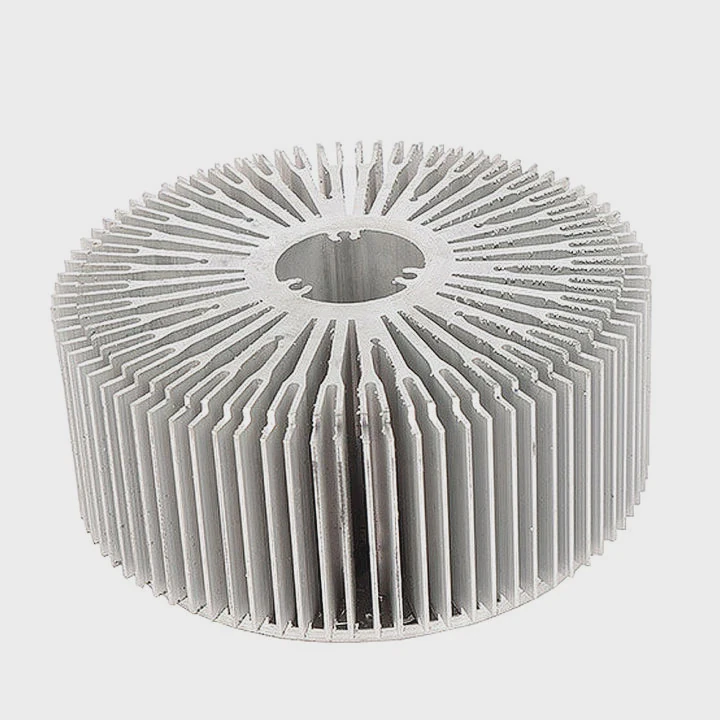
Liquid cooling systems provide excellent performance, but they need proper care to stay reliable over time. While many modern AIO systems are designed to be low-maintenance, custom loops and older coolers require more attention.
Maintaining a liquid cooling system involves inspecting, cleaning, and occasionally refilling components to prevent leaks, corrosion, and thermal performance loss.
With simple, regular maintenance, you can extend the lifespan of your cooling system and ensure your CPU or GPU stays cool and stable.
What is included in liquid cooling maintenance?
Maintenance tasks vary depending on the type of liquid cooling system — an AIO (All-in-One) setup needs minimal work, while a custom loop requires more frequent care.
Liquid cooling maintenance includes checking coolant levels, cleaning radiators and fans, inspecting fittings, and monitoring pump performance to ensure consistent cooling.
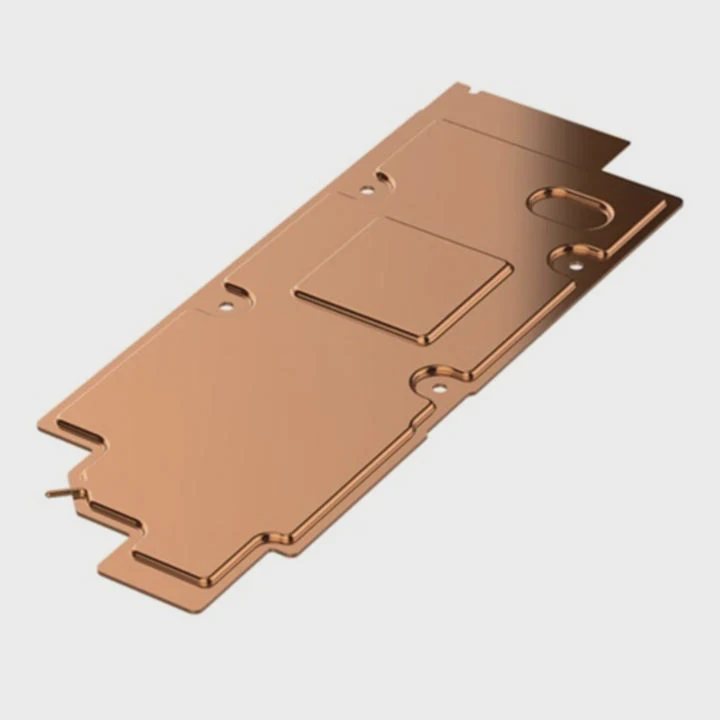
Key Maintenance Tasks
| Task | Description | Frequency |
|---|---|---|
| Visual Inspection | Check tubing, fittings, and pump for leaks or discoloration | Monthly |
| Dust Cleaning | Remove dust from fans, radiators, and grills | Every 1–2 months |
| Coolant Check | Inspect color and clarity of coolant (custom loops) | Every 3–6 months |
| Pump Function Test | Verify smooth and quiet operation | Every 6 months |
| Full System Flush (custom loop) | Drain and replace coolant | Every 12 months |
For AIO Coolers
AIOs are sealed, so you mostly need to:
- Keep dust off the radiator and fans
- Ensure cables and tubes are secure
- Check for unusual pump noises
For Custom Loops
Custom loops need more active care:
- Refill coolant to maintain proper pressure
- Replace coolant yearly to avoid contamination
- Tighten fittings and inspect O-rings periodically
These preventive steps help maintain optimal performance and avoid costly damage from leaks or blockages.
What are the benefits of regular maintenance?
Skipping maintenance might not show immediate problems, but over time, it reduces cooling performance and increases the risk of leaks or pump failure.
Regular maintenance improves heat transfer efficiency, prevents leaks, extends component lifespan, and keeps your system running quietly and safely.
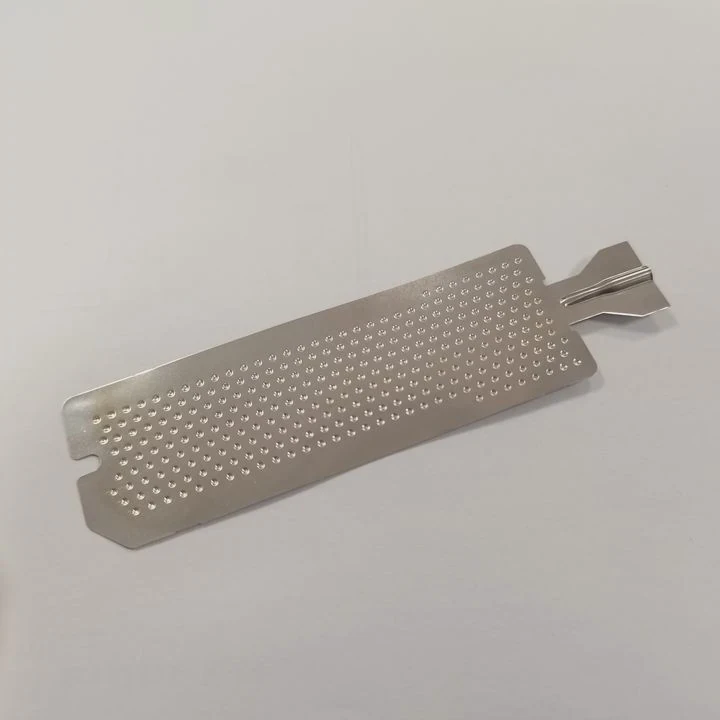
Key Benefits
1. Improved Cooling Efficiency
Dust buildup and dirty coolant restrict airflow and heat transfer. Regular cleaning restores radiator performance and keeps CPU or GPU temperatures lower.
2. Longer System Life
Coolants degrade over time, and old fluid can corrode or clog the system. Replacing coolant and inspecting seals prevents early component wear.
3. Reduced Noise
A clean, well-maintained system runs smoother and quieter because fans and pumps don’t have to work as hard.
4. Leak Prevention
Regular checks detect small issues — such as loose fittings or micro-leaks — before they become major problems.
5. Stable Performance
Consistent maintenance ensures stable temperatures, avoiding thermal throttling or system instability during gaming or high-load tasks.
| Benefit | Description | Impact |
|---|---|---|
| Efficiency | Better heat dissipation | Cooler system under load |
| Durability | Less wear on parts | Longer lifespan |
| Silence | Reduced fan speed | Quieter operation |
| Safety | Early leak detection | Prevents hardware damage |
| Reliability | Consistent cooling | Stable system performance |
A few minutes of maintenance every few months can save you from expensive replacements and downtime.
How to clean and refill liquid cooling systems?
Cleaning and refilling are the most technical parts of liquid cooling maintenance, mainly relevant for custom loops. AIO systems are sealed and cannot be refilled easily.
To clean and refill a liquid cooling system, drain the old coolant, flush with distilled water, clean the radiator and fittings, and refill with new coolant carefully to remove air bubbles.
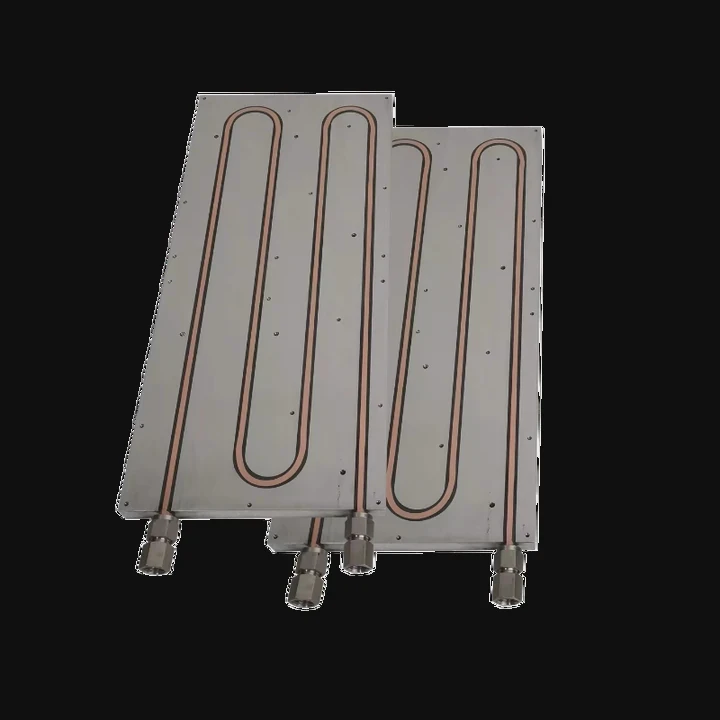
Step-by-Step Cleaning Process (for Custom Loops)
Step 1: Power Down and Drain
- Turn off your PC and disconnect all power cables.
- Place towels or absorbent mats under fittings.
- Open the reservoir or drain valve and let the old coolant flow out.
Step 2: Flush the Loop
- After draining, fill the loop with distilled water.
- Run the pump briefly (using an external power supply if possible).
- Drain again to remove any remaining coolant or debris.
- Repeat until water comes out clear.
Step 3: Clean Radiator and Reservoir
- Use soft brushes or compressed air to clean radiator fins.
- Wipe the reservoir and fittings with lint-free cloths.
Step 4: Refill the Loop
- Fill the reservoir with new coolant slowly.
- Tilt the case to help air bubbles escape from tubing.
- Run the pump at low speed until the loop is fully circulated.
Step 5: Leak Test
- Power the pump only (not the full system).
- Check all joints and seals for leaks over 1–2 hours before restarting the PC.
Recommended Tools and Materials
| Item | Purpose |
|---|---|
| Distilled Water | Flushing old coolant |
| New Coolant | Refill fluid (choose manufacturer-approved type) |
| Soft Brush | Cleaning radiator and reservoir |
| Paper Towels / Mat | Spill protection |
| Funnel | Easier refilling |
| Leak Tester | Checking system pressure |
Performing this cleaning annually keeps the system efficient and minimizes the risk of internal corrosion or clogging.
What are the trends in maintenance-free cooling?
Liquid cooling systems are becoming smarter and more reliable. Manufacturers are developing self-contained, sealed designs that eliminate most maintenance tasks.
The latest trends in maintenance-free cooling include sealed AIO systems, self-healing coolants, AI pump control, and hybrid vapor-liquid technology for long-term stability.
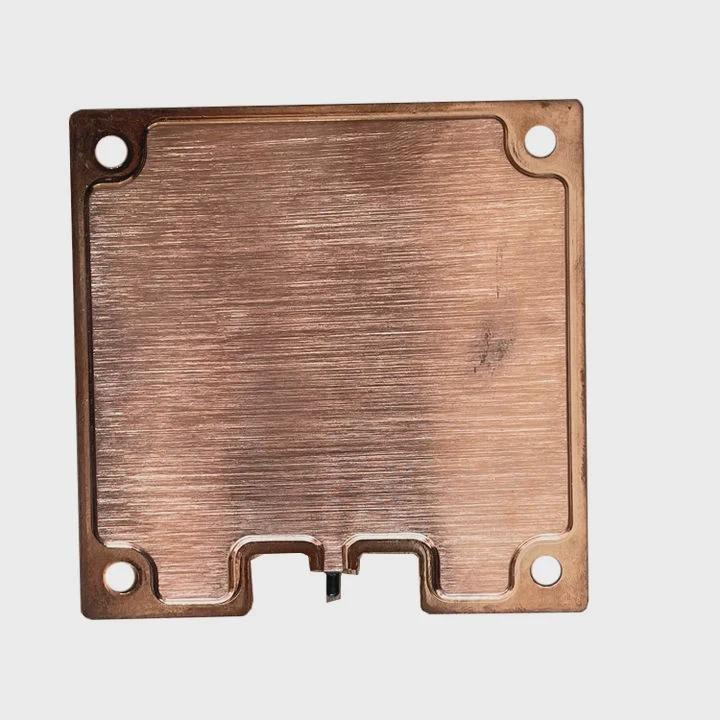
1. Fully Sealed AIO Coolers
Modern AIO coolers use advanced materials and low-evaporation tubing that keep coolant intact for over five years without any user intervention.
2. Self-Healing Coolants
New coolant formulations contain additives that neutralize corrosion and prevent microbial growth automatically, extending service life.
3. AI-Controlled Pump Systems
Smart sensors adjust pump speed dynamically based on temperature and pressure, optimizing performance and reducing wear.
4. Hybrid Vapor-Liquid Cooling
Combining vapor chambers with micro liquid channels increases efficiency while minimizing liquid volume — making systems lighter and maintenance-free.
5. Smart Monitoring and Alerts
Some premium coolers now include embedded chips and software that monitor coolant flow, pump health, and temperature, alerting users if issues arise.
| Innovation | Description | Benefit |
|---|---|---|
| Sealed AIOs | No-refill designs | Zero maintenance |
| Smart Coolants | Auto-cleaning formulas | Longer lifespan |
| AI Pump Control | Dynamic speed adjustment | Energy efficiency |
| Hybrid Cooling | Vapor + liquid systems | Compact and quiet |
| Smart Sensors | Health monitoring | Early warning system |
These technologies are moving liquid cooling toward “install-and-forget” solutions — combining performance with peace of mind.
Conclusion
Maintaining a liquid cooling system ensures consistent performance, quiet operation, and long-term reliability. Regular cleaning, inspection, and coolant replacement prevent leaks and corrosion. However, with the rise of sealed, AI-controlled, and self-healing systems, the future of liquid cooling is heading toward maintenance-free performance — powerful, efficient, and effortless to own.
TAGS
Latest Articles

Volume discount levels for heat sink orders?
Buyers often ask when heat sink prices start to drop with volume. Many worry they’re overpaying for small orders. This guide explains how B2B volume pricing works for thermal components. Heat sink
21 Dec,2025
Heat sink long-term supply contract options?
Many buyers want stable pricing and reliable delivery for heat sinks. But without a clear contract, risks grow over time. This article explores how to secure better long-term supply deals. Long-term
21 Dec,2025
Tooling cost for new heat sink profiles?
Many engineers struggle to understand why tooling for custom heat sinks costs so much. They worry about budgeting and production timelines. This article breaks down the cost drivers behind tooling.
21 Dec,2025
Heat sink custom sample process steps?
Sometimes, starting a custom heat sink project feels overwhelming—too many steps, too many unknowns, and too many risks. You want a sample, but not endless delays. The process for requesting and
20 Dec,2025
Standard B2B terms for heat sink payments?
When buyers and sellers in B2B heat sink markets talk about payment, many don’t fully understand what’s standard. This can lead to delayed orders, miscommunication, and even lost business
20 Dec,2025
Heat sink pricing factors for large orders?
Heat sinks are vital for many systems. When prices rise, projects stall and budgets break. This problem can hit teams hard without warning. Large order heat sink pricing depends on many factors. You
20 Dec,2025Related Articles
- Does the i9 9900K need liquid cooling?
- What is an AIO liquid cooler?
- Which is better, air cooler or liquid cooler?
- What happens when liquid magma is cooled?
- How much does liquid cooling cost?
- What is a liquid-cooled engine?
- What is the best CPU liquid cooler?
- How does liquid nitrogen cooling work?
- How to liquid cool your computer?
- How to install a CPU liquid cooler?
- Where to plug in a liquid cooling pump?
- How to refill a liquid cooler?
Author
Dr. Emily Chen
Chief AI Researcher
Leading expert in thermal dynamics and AI optimization with over 15 years of experience in data center efficiency research.
Categories
Latest Products






Recommend Categories
- Liquid cooling plate Manufacturer
- Industrial Heat Sink Manufacturer
- Standard Heat Sink Manufacturer
- Aluminum Heat Sink Manufacturer
- Copper Heat Sink Manufacturer
- Anodized Heatsink Manufacturer
- Stamping heat sink Manufacturer
- Die Casting Heatsink Manufacturer
- Soldering heat sink Manufacturer
- CNC Parts Manufacturer
Latest Products
- Wholesale Aluminum Radiator
- Water Cooling Plate Kit
- Water Cooling Heat Sink
- Water Cooling Heat Sink Kit
- Stainless Steel Water Distributor
- Server Water Cooling Plate Kit
- Server Liquid Cooling System
- Server Aluminum Cooling Kit
- S19 Full Cover Cooling Plate
- S19 Cooling Plate Kit
- S19 Aluminum Cooling Plate
Contact Expert
Have questions about this article? Reach out to our experts directly.