What is an AIO liquid cooler?
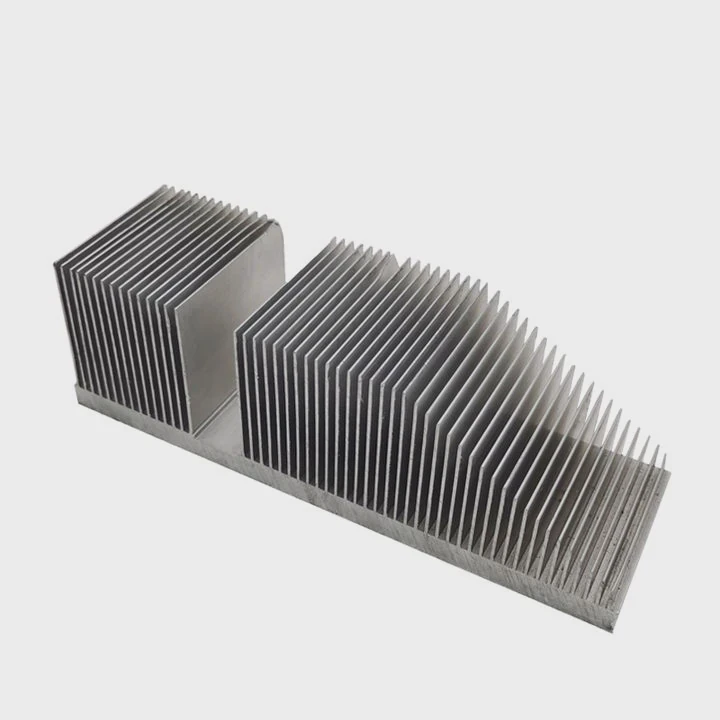
In modern computers, keeping the CPU cool is essential for performance and stability. While traditional air coolers have been popular for decades, AIO (All-In-One) liquid coolers have quickly become the preferred choice for many PC builders seeking better efficiency and cleaner designs.
An AIO liquid cooler is a sealed, pre-assembled liquid cooling system that combines a pump, radiator, tubes, and cooling block into one unit, providing efficient and quiet CPU temperature control.
Unlike custom loops, AIO coolers come pre-filled with coolant and require no maintenance, making them ideal for beginners and professionals alike.
How does an AIO liquid cooler work?
AIO coolers may look complex, but their cooling principle is simple: they transfer heat away from the CPU using liquid movement and a radiator to dissipate that heat into the air.
An AIO cooler works by pumping liquid through a block attached to the CPU, where it absorbs heat, then moving the heated liquid to a radiator where fans expel the heat before recirculating it.
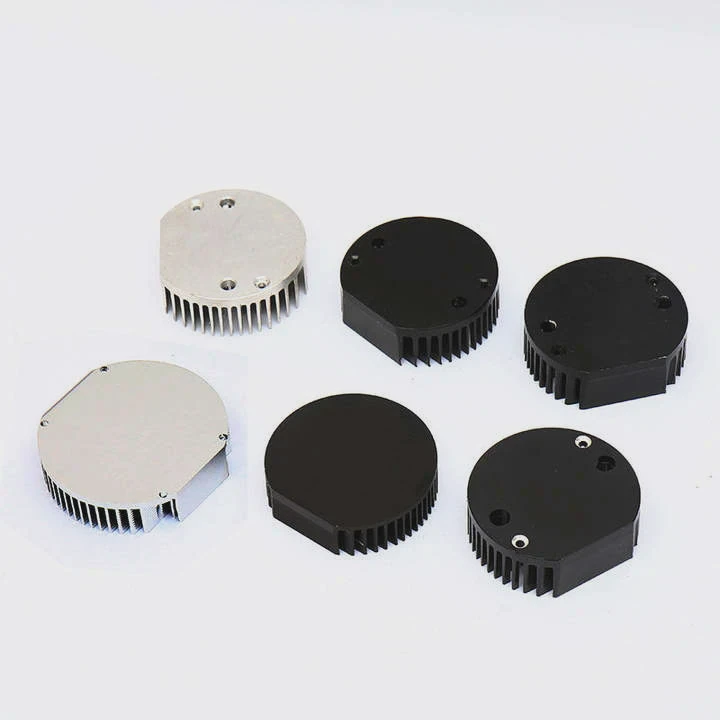
Step-by-Step Cooling Process
Heat Absorption:
The cold plate, usually made of copper, sits directly on top of the CPU. Thermal paste fills microscopic gaps for better contact. Heat from the CPU transfers into the liquid inside the block.Heat Transport:
The built-in pump moves the heated liquid through tubes toward the radiator.Heat Dissipation:
In the radiator, fans blow air across metal fins, transferring heat from the liquid to the surrounding air.Recirculation:
The cooled liquid flows back to the block, and the cycle repeats continuously as long as the system is powered.
Core Components of an AIO
| Component | Function | Description |
|---|---|---|
| Water Block | Absorbs heat from CPU | Contains the cold plate and pump |
| Pump | Circulates coolant | Moves fluid through the system |
| Tubes | Transfers liquid | Connects the block and radiator |
| Radiator | Releases heat | Dissipates heat via metal fins |
| Fans | Forces air | Improves cooling efficiency |
This closed-loop design ensures safety and simplicity, with no need to refill or manage the liquid manually.
What are its main benefits?
AIO coolers combine the performance of custom water cooling with the convenience of air coolers. They have become the go-to choice for users looking for balance between performance, noise, and aesthetics.
The main benefits of AIO liquid coolers include superior cooling performance, lower noise levels, compact design, and easy installation.
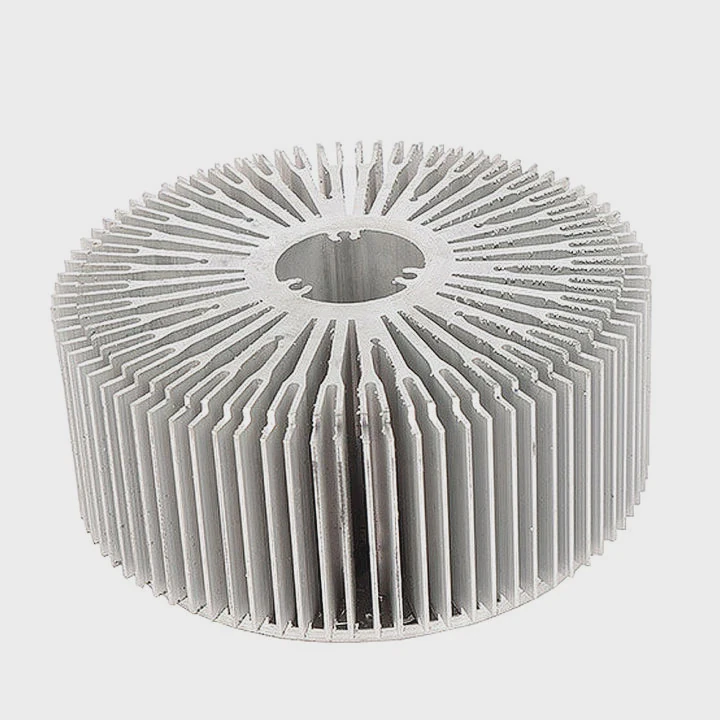
1. Excellent Cooling Efficiency
Liquid can absorb and move heat faster than air. This makes AIO coolers ideal for high-performance CPUs, gaming rigs, and workstations that run heavy workloads.
2. Quieter Operation
Since liquid cooling removes heat more efficiently, the fans don’t need to spin as fast, resulting in lower overall noise levels.
3. Space-Saving Design
AIO coolers move the heat dissipation to the radiator, freeing up space around the CPU area. This improves airflow and makes cable management easier.
4. Sleek Appearance
Modern AIOs have clean, minimalistic designs, often with RGB lighting or even small displays showing system temperatures.
5. Simple Maintenance
Unlike custom liquid systems, AIOs are sealed and pre-filled at the factory, meaning no leaks, refills, or maintenance.
| Benefit | Description | Impact |
|---|---|---|
| Efficient Cooling | Handles high thermal loads | Better CPU performance |
| Quiet Operation | Low fan noise | Ideal for silent builds |
| Compact Design | Less space around CPU | Easier installation |
| Aesthetics | RGB and clean design | Visually appealing |
| Maintenance-Free | No refills needed | Long-term reliability |
These advantages make AIO systems perfect for users who want top-tier cooling without the hassle of custom loops.
How to install an AIO liquid cooler?
Installing an AIO cooler is straightforward but requires care to ensure proper mounting and airflow. Most come with all necessary hardware and clear instructions.
To install an AIO liquid cooler, mount the radiator and fans, attach the CPU block, apply thermal paste, and connect the pump and fan cables to the motherboard.
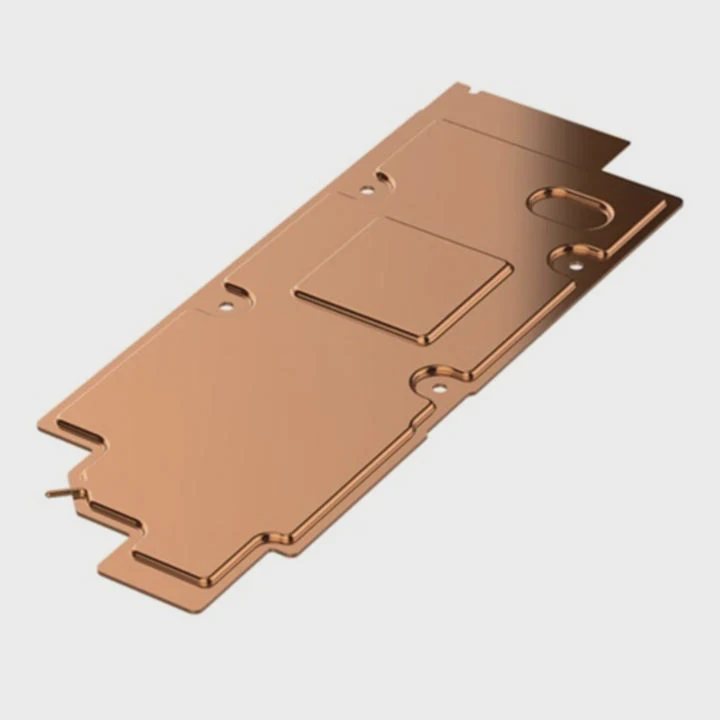
Step-by-Step Installation Guide
Step 1: Preparation
- Turn off your PC and unplug the power supply.
- Remove the existing CPU cooler.
- Clean the CPU surface with isopropyl alcohol.
Step 2: Radiator and Fan Setup
- Decide where to mount the radiator (top, front, or rear of the case).
- Ensure airflow direction: cool air should enter the radiator, and warm air should exit the case.
- Attach fans to the radiator using the included screws.
Step 3: Mount the Water Block
- Apply a pea-sized amount of thermal paste to the CPU (some coolers come pre-applied).
- Secure the mounting bracket to the motherboard.
- Align and gently press the water block onto the CPU.
- Tighten the screws diagonally for even pressure.
Step 4: Connect the Cables
- Connect the pump power cable to the CPU_FAN or PUMP header.
- Plug the radiator fans into the motherboard or controller.
- Optionally, connect RGB cables to your lighting hub.
Step 5: Power On and Test
- Power on the PC.
- Check that the pump and fans are running quietly.
- Monitor CPU temperatures to confirm correct installation.
Pro Tips
- Avoid bending the tubes sharply — it restricts coolant flow.
- Keep the pump below the radiator level to prevent air bubbles.
- Always double-check for proper fan orientation and tight screws.
Correct installation ensures optimal performance and prevents overheating or noise issues.
What are the innovations in AIO cooling?
The AIO market is evolving rapidly as CPUs get more powerful and user expectations rise. Modern coolers now blend smart control, better materials, and visual customization.
The latest innovations in AIO cooling include AI-controlled pumps, modular designs, next-generation coolants, vapor chamber radiators, and integrated display panels.
1. AI and Smart Control Systems
New AIOs feature built-in microcontrollers that automatically adjust pump speed and fan curves based on CPU temperature, noise targets, and ambient conditions.
2. Modular and Expandable Systems
Manufacturers are introducing semi-modular AIOs that allow users to expand cooling capacity or include GPU blocks — a bridge between AIO and custom loops.
3. Advanced Coolant Formulas
Next-generation coolants use nano-additives for improved thermal transfer, longer lifespan, and lower evaporation rates.
4. Vapor Chamber Radiators
Some high-end AIOs use vapor chambers integrated into the radiator, offering faster heat dissipation and more consistent temperature balance.
5. Integrated LCD Displays
Premium models now include small screens on the CPU block that display system stats, logos, or animations — blending performance with personalization.
| Innovation | Description | Benefit |
|---|---|---|
| AI Control | Dynamic thermal management | Smarter, quieter operation |
| Modular Design | Expandable loop options | Future-ready flexibility |
| Advanced Coolants | Long-life, high-transfer fluids | Lower maintenance |
| Vapor Radiators | Faster heat spreading | Better cooling balance |
| LCD Integration | Customizable info panels | Aesthetic appeal |
These advancements push AIO technology toward smarter, quieter, and more efficient solutions, making them the preferred choice for modern high-performance systems.
Conclusion
An AIO liquid cooler offers the best of both worlds — high cooling efficiency and simple installation. It works by circulating coolant between the CPU and radiator, keeping temperatures low and noise minimal. With innovations like AI-controlled pumps and modular designs, the future of AIO cooling promises even greater performance, reliability, and visual customization for PC enthusiasts.
TAGS
Latest Articles

Volume discount levels for heat sink orders?
Buyers often ask when heat sink prices start to drop with volume. Many worry they’re overpaying for small orders. This guide explains how B2B volume pricing works for thermal components. Heat sink
21 Dec,2025
Heat sink long-term supply contract options?
Many buyers want stable pricing and reliable delivery for heat sinks. But without a clear contract, risks grow over time. This article explores how to secure better long-term supply deals. Long-term
21 Dec,2025
Tooling cost for new heat sink profiles?
Many engineers struggle to understand why tooling for custom heat sinks costs so much. They worry about budgeting and production timelines. This article breaks down the cost drivers behind tooling.
21 Dec,2025
Heat sink custom sample process steps?
Sometimes, starting a custom heat sink project feels overwhelming—too many steps, too many unknowns, and too many risks. You want a sample, but not endless delays. The process for requesting and
20 Dec,2025
Standard B2B terms for heat sink payments?
When buyers and sellers in B2B heat sink markets talk about payment, many don’t fully understand what’s standard. This can lead to delayed orders, miscommunication, and even lost business
20 Dec,2025
Heat sink pricing factors for large orders?
Heat sinks are vital for many systems. When prices rise, projects stall and budgets break. This problem can hit teams hard without warning. Large order heat sink pricing depends on many factors. You
20 Dec,2025Related Articles
- Which is better, air cooler or liquid cooler?
- What happens when liquid magma is cooled?
- How much does liquid cooling cost?
- What is a liquid-cooled engine?
- Which is better, air-cooled or liquid-cooled CPU?
- How to remove a liquid cooler from your CPU?
- Does the i9 9900K need liquid cooling?
- How to maintain liquid cooling?
- What is the best CPU liquid cooler?
- How does liquid nitrogen cooling work?
- How to liquid cool your computer?
- How to install a CPU liquid cooler?
Author
Dr. Emily Chen
Chief AI Researcher
Leading expert in thermal dynamics and AI optimization with over 15 years of experience in data center efficiency research.
Categories
Latest Products






Recommend Categories
- Liquid cooling plate Manufacturer
- Industrial Heat Sink Manufacturer
- Standard Heat Sink Manufacturer
- Aluminum Heat Sink Manufacturer
- Copper Heat Sink Manufacturer
- Anodized Heatsink Manufacturer
- Stamping heat sink Manufacturer
- Die Casting Heatsink Manufacturer
- Soldering heat sink Manufacturer
- CNC Parts Manufacturer
Latest Products
- Wholesale Aluminum Radiator
- Water Cooling Plate Kit
- Water Cooling Heat Sink
- Water Cooling Heat Sink Kit
- Stainless Steel Water Distributor
- Server Water Cooling Plate Kit
- Server Liquid Cooling System
- Server Aluminum Cooling Kit
- S19 Full Cover Cooling Plate
- S19 Cooling Plate Kit
- S19 Aluminum Cooling Plate
Contact Expert
Have questions about this article? Reach out to our experts directly.