How to mount a liquid CPU cooler?
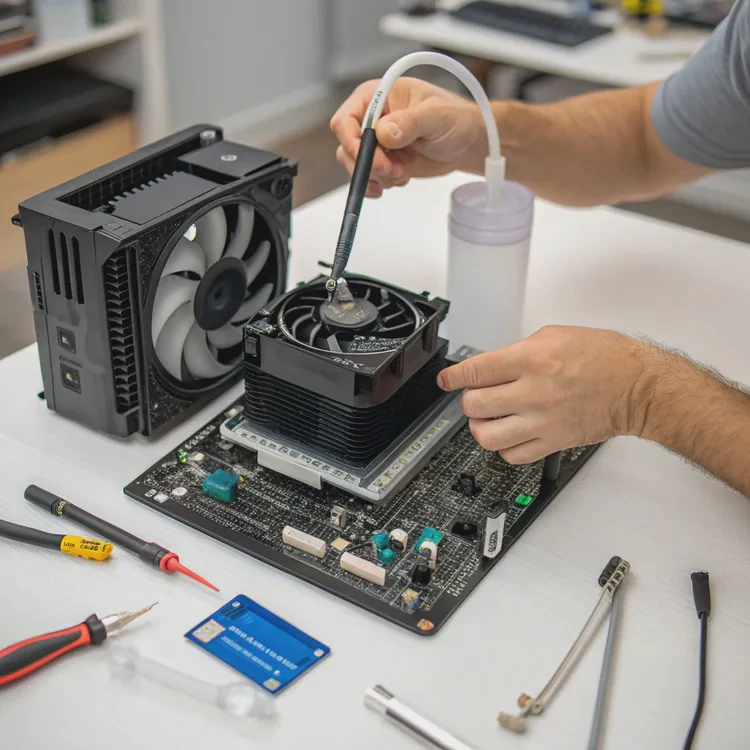
Many people struggle when installing a liquid CPU cooler for the first time. A wrong move can lead to leaks, high temperatures, or even hardware damage.
To mount a liquid CPU cooler safely, you need to prepare the right tools, follow the correct order of installation, and check the pump and radiator alignment carefully.
Most modern coolers come with brackets and screws for both Intel and AMD sockets, but every setup requires attention to detail. In this article, I’ll walk you through each step clearly.
What tools are needed for installation?
Many beginners start without the right tools and end up scratching the board or bending the bracket. It’s a simple job, but precision matters.
You need a Phillips screwdriver, thermal paste, lint-free cloth, isopropyl alcohol, and the mounting kit that comes with the cooler.
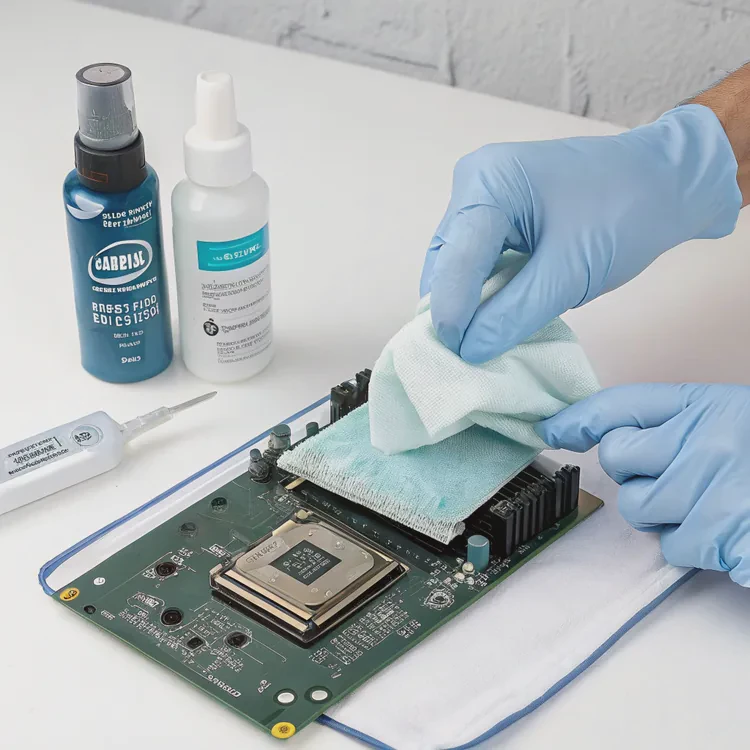
When I first installed my liquid cooler, I tried using whatever tools I had around — that was a mistake. The screws didn’t fit properly, and I had to redo everything. Having the correct tools makes the process faster and safer.
Recommended Tools Table
| Tool | Purpose | Notes |
|---|---|---|
| Phillips screwdriver | Tighten screws on bracket and radiator | Use magnetic tip if possible |
| Thermal paste | Ensures good CPU contact | Apply a small pea-sized drop |
| Isopropyl alcohol | Clean old paste | 99% purity recommended |
| Lint-free cloth | Wipe CPU surface | Avoid paper towels |
| Mounting kit | Comes with cooler | Includes brackets and screws |
Step-by-step guide
- Clean the CPU surface – Always remove old thermal paste using alcohol and a lint-free cloth.
- Prepare the backplate – Choose the one matching your motherboard socket.
- Place standoffs – Insert and tighten them gently; don’t overtighten.
- Apply thermal paste – A pea-sized dot is enough for even spread.
- Position the cooler pump – Align it so that tubing has minimal tension.
- Secure screws diagonally – Tighten in a cross pattern for even pressure.
Many people skip cleaning or use too much paste. That creates air gaps and uneven heat transfer. Keeping every step clean and controlled helps ensure optimal performance and long lifespan.
Why does proper mounting affect performance?
Many users blame their cooler or CPU when temperatures run high, but often the real cause is poor installation.
Proper mounting ensures even pressure on the CPU surface and allows heat to move quickly to the cooler, improving thermal efficiency and preventing throttling.
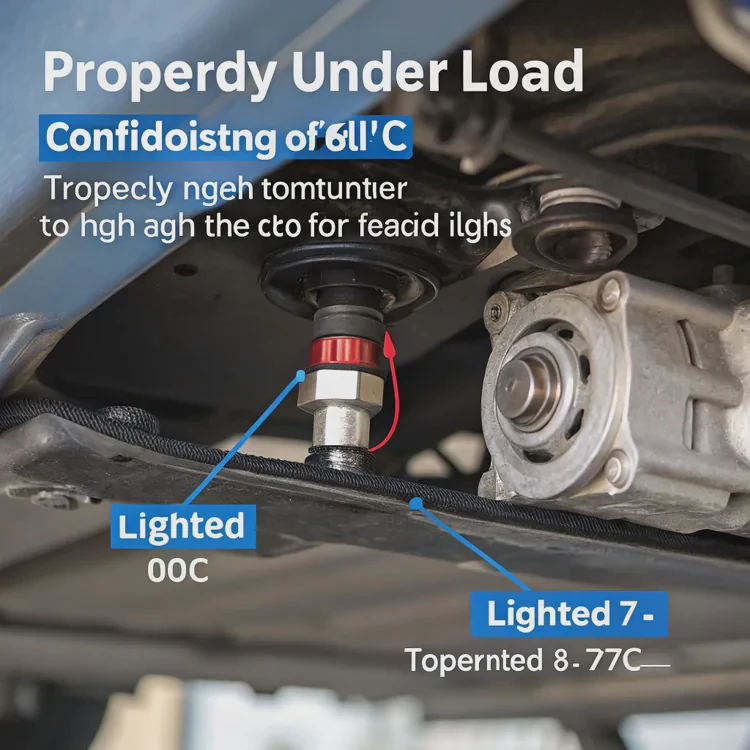
When the pump or cold plate doesn’t sit evenly, one side of the CPU gets more contact than the other. This imbalance can cause thermal hotspots. Over time, it affects performance stability and may shorten the CPU’s life.
The science behind it
Heat transfer efficiency depends on surface contact and thermal conductivity. Air pockets act as insulators. If you overtighten the screws, the cooler may warp the CPU substrate. If it’s too loose, there won’t be enough pressure.
Here’s a quick comparison:
| Mounting Condition | Temperature Result | Efficiency |
|---|---|---|
| Properly tightened | 60°C under load | Excellent |
| Overtightened | 70°C under load | Poor |
| Loose contact | 80°C or more | Very poor |
Pressure and contact balance
To test contact, some users check the spread of thermal paste after removing the cooler. A perfect circular pattern shows even pressure. Irregular patterns mean something went wrong.
My tip
Once, I installed a cooler on an AMD AM5 board and left one screw slightly loose. The system kept reaching 85°C while idling. Reinstalling with even torque dropped it back to 40°C. That shows how small details can make a big difference.
How to align pump and radiator safely?
Many builders get anxious about tubing direction and radiator placement. Wrong alignment can lead to noise, trapped air, or even leaks.
Aligning the pump and radiator safely means positioning the radiator higher than the pump, avoiding sharp tubing bends, and ensuring airflow through the radiator fins.
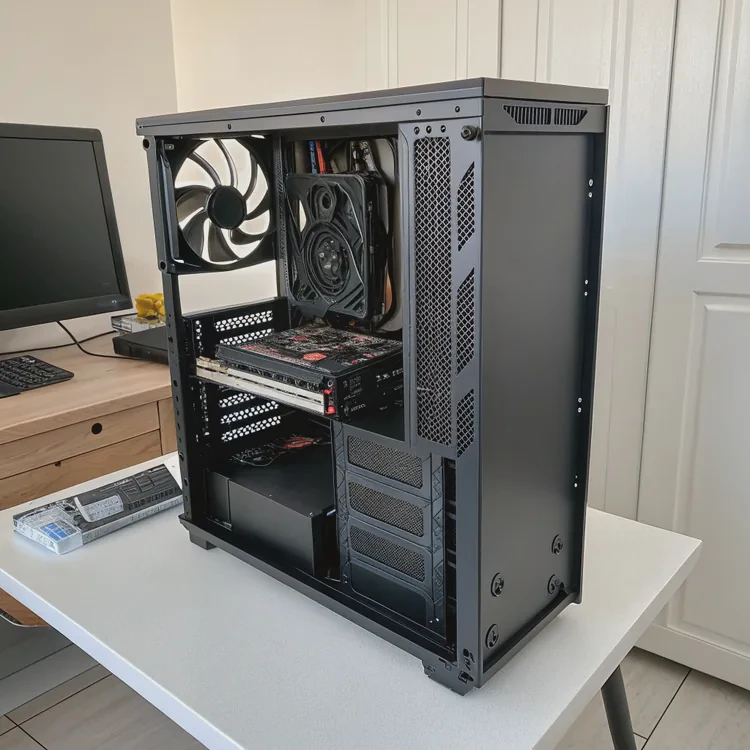
Key alignment principles
- Radiator above the pump – Always mount it so that air bubbles stay in the radiator, not the pump.
- Avoid tight bends – Tubes should flow smoothly without kinks or stress points.
- Check airflow direction – Fans should push air through or pull it evenly across the radiator.
- Secure tubes gently – Never twist or pull the tubes to force alignment.
Typical installation options
| Case Type | Radiator Position | Recommended Orientation |
|---|---|---|
| Mid-tower | Top or front | Top exhaust preferred |
| Mini-tower | Front | Ensure tubes point downwards |
| Open bench | Side or top | Any direction with airflow |
Common mistakes
Many people mount the radiator below the pump. This traps air in the pump housing, causing gurgling sounds and reduced performance. The pump can even wear out early because it starts pulling air instead of coolant.
Another mistake is twisting the tubes too tightly during mounting. That might look neat, but it stresses the internal seals. A relaxed curve is safer and allows better coolant flow.
My experience
I once built a compact mini-ITX PC with a front-mounted 240mm AIO. The tubes looked tight, and I ignored it. Two weeks later, the pump started rattling. After remounting the radiator with gentler bends, the noise disappeared. Since then, I always check tube tension before closing the case.
What new mounting designs ease installation?
Over the past few years, cooler manufacturers have made huge improvements in mounting systems. Older designs often required juggling brackets, screws, and springs at the same time.
New mounting designs use pre-installed brackets, magnetic alignment, and tool-free mechanisms that reduce installation time and risk of uneven pressure.
Major innovations
- Magnetic top plates – Some brands now include magnetic pump covers that snap into place.
- Pre-installed backplates – Many AIOs come with universal backplates already fixed.
- Thumbscrew designs – Tool-free tightening helps prevent overtightening.
- Rotatable pump caps – These allow logo orientation without removing the cooler.
Comparison of old vs. new designs
| Feature | Old Design | Modern Design |
|---|---|---|
| Bracket installation | Manual with screws | Pre-fitted or magnetic |
| Pressure control | User-dependent | Spring-loaded screws |
| Compatibility | Socket-specific | Multi-socket universal |
| Installation time | 20–30 minutes | 10 minutes or less |
How these help in real builds
These changes make the process less stressful, especially for first-time builders. With spring-loaded screws, it’s nearly impossible to overtighten the cooler. Magnetic alignment ensures the cold plate sits flat right away. Even professional system builders appreciate the time savings.
My story
When I upgraded to a new 360mm cooler, it came with a magnetic bracket. The pump snapped into place perfectly within seconds. No sliding, no re-seating. It made the process almost fun. If you’re building frequently, these new systems are worth choosing.
Extra advice
- Always check if your cooler supports your motherboard socket before purchase.
- Keep the manual nearby; even modern designs vary slightly between brands.
- After installation, run a stress test for 10–15 minutes to check temperature stability.
Conclusion
Mounting a liquid CPU cooler is not hard if you prepare well and follow each step carefully. Using the right tools, maintaining even pressure, and aligning the pump and radiator correctly can make a big difference in performance and noise. New mounting systems have made the process faster and safer for everyone.
TAGS
Latest Articles

Volume discount levels for heat sink orders?
Buyers often ask when heat sink prices start to drop with volume. Many worry they’re overpaying for small orders. This guide explains how B2B volume pricing works for thermal components. Heat sink
21 Dec,2025
Heat sink long-term supply contract options?
Many buyers want stable pricing and reliable delivery for heat sinks. But without a clear contract, risks grow over time. This article explores how to secure better long-term supply deals. Long-term
21 Dec,2025
Tooling cost for new heat sink profiles?
Many engineers struggle to understand why tooling for custom heat sinks costs so much. They worry about budgeting and production timelines. This article breaks down the cost drivers behind tooling.
21 Dec,2025
Heat sink custom sample process steps?
Sometimes, starting a custom heat sink project feels overwhelming—too many steps, too many unknowns, and too many risks. You want a sample, but not endless delays. The process for requesting and
20 Dec,2025
Standard B2B terms for heat sink payments?
When buyers and sellers in B2B heat sink markets talk about payment, many don’t fully understand what’s standard. This can lead to delayed orders, miscommunication, and even lost business
20 Dec,2025
Heat sink pricing factors for large orders?
Heat sinks are vital for many systems. When prices rise, projects stall and budgets break. This problem can hit teams hard without warning. Large order heat sink pricing depends on many factors. You
20 Dec,2025Related Articles
- How often to change liquid cooling?
- What is liquid cooling made of?
- Is a liquid cooling system worth it?
- How to check if liquid cooling is working?
- How to make a liquid cooling system?
- What is a liquid cooling system?
- What is the best liquid CPU cooler?
- Which is better, air cooled or liquid cooled?
- Does liquid cooling need maintenance?
- What liquid is used in liquid cooling?
- What does a liquid cooler do?
- What is in liquid cooling?
Author
Dr. Emily Chen
Chief AI Researcher
Leading expert in thermal dynamics and AI optimization with over 15 years of experience in data center efficiency research.
Categories
Latest Products






Recommend Categories
- Liquid cooling plate Manufacturer
- Industrial Heat Sink Manufacturer
- Standard Heat Sink Manufacturer
- Aluminum Heat Sink Manufacturer
- Copper Heat Sink Manufacturer
- Anodized Heatsink Manufacturer
- Stamping heat sink Manufacturer
- Die Casting Heatsink Manufacturer
- Soldering heat sink Manufacturer
- CNC Parts Manufacturer
Latest Products
- Wholesale Aluminum Radiator
- Water Cooling Plate Kit
- Water Cooling Heat Sink
- Water Cooling Heat Sink Kit
- Stainless Steel Water Distributor
- Server Water Cooling Plate Kit
- Server Liquid Cooling System
- Server Aluminum Cooling Kit
- S19 Full Cover Cooling Plate
- S19 Cooling Plate Kit
- S19 Aluminum Cooling Plate
Contact Expert
Have questions about this article? Reach out to our experts directly.