how to remove 2010 mac pro heatsink?
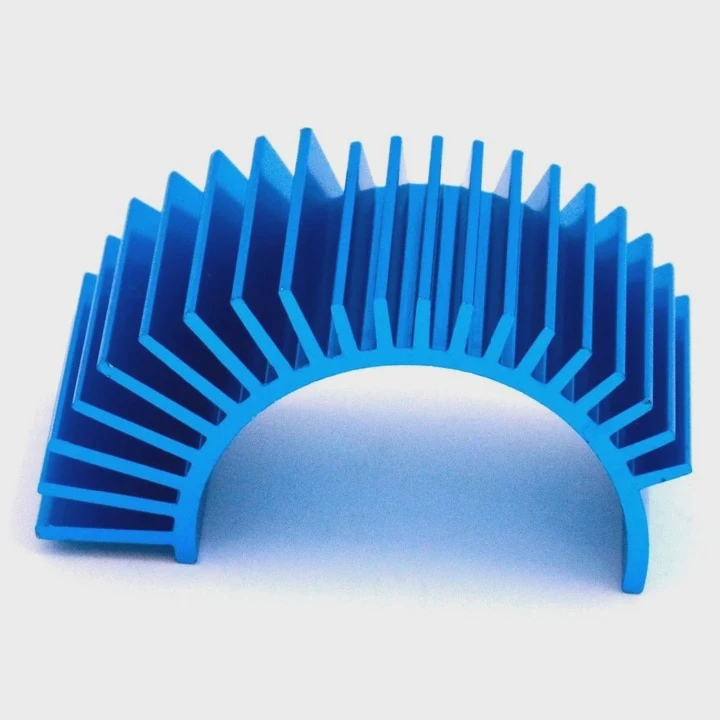
I still remember the first time I opened a 2010 Mac Pro. I felt nervous because the heatsinks looked huge and heavy, and the screws sat deep inside the frame.
You can remove a 2010 Mac Pro heatsink by using the correct long T-handle driver, clearing cables, lifting evenly, and softening old paste. Proper tools and slow moves prevent board or socket damage.
I want to share my simple method because many people feel stressed when they face this tall metal block inside the old Mac tower.
What tools fit Mac Pro heatsink screws?
When I worked on my first 2010 Mac Pro, I tried three drivers before I found the right length and head size. The screws sat deep inside the heatsink tubes, and short bits did not reach at all.
You need a long T15 driver or a long T15 security Torx driver to reach the Mac Pro heatsink screws. The shaft must be long enough to pass the heatsink tunnel and sit fully inside the screw head.
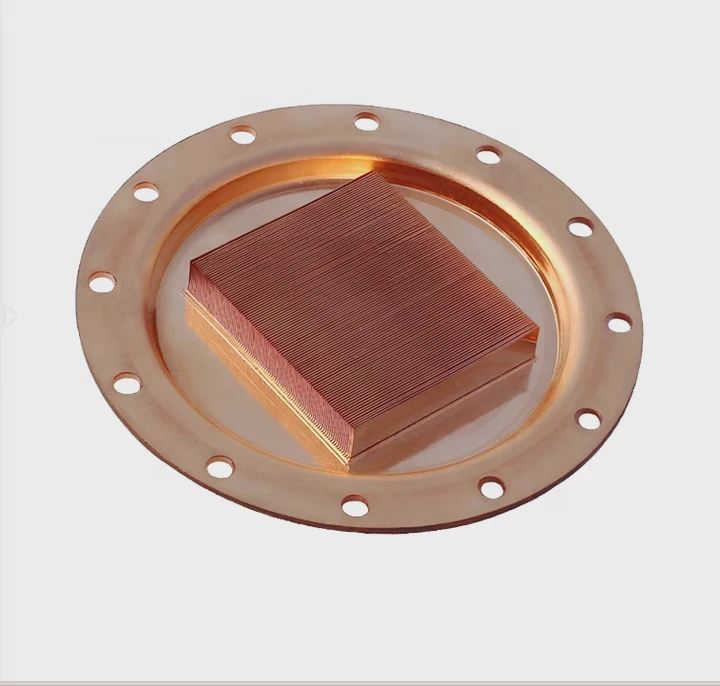
The Mac Pro uses deep screw wells. If the driver shaft is too short or too thick, it cannot enter the tunnel. This is why many people strip screws. I learned to check length and fit before I apply any force.
Why length matters
The heatsink has metal tunnels that guide the driver down. These tunnels are narrow and deep. A short bit cannot reach the screw. A thick bit cannot slide inside. A thin but long T15 works best.
Why the right head shape matters
The screw uses Torx shape. A Phillips head will slip. A random Torx bit might not grip well. A T15 fits the center perfectly. If you use a T10 or T20, you might damage the head.
Here is a simple comparison table:
| Driver Type | Works? | Notes |
|---|---|---|
| Short Torx bit | No | Cannot reach the screw |
| Long T15 | Yes | Best fit for most units |
| Long T15 security Torx | Yes | Needed if screws have center pin |
| Phillips driver | No | Slips and damages the screw |
Why a T-handle helps
A T-handle gives better control. I turn slowly. I keep my wrist steady. The long shaft stays straight. If I tilt it, I might scrape the tunnel or strip the screw. I learned this the hard way when one screw refused to turn because I tilted the driver a little.
What I do before turning
I clean the tunnel with a little air to remove dust. I check the screw head with a flashlight. This helps me seat the driver fully. A fully seated driver turns the screw with less force and less risk.
Why is cable clearance important?
The first time I removed a Mac Pro heatsink, the power cables for the RAM riser board blocked my driver. I did not want to force anything because these cables are old and stiff.
Cable clearance matters because tight wires can block the driver path, twist connectors, or snag the heatsink during lifting. Free space prevents damage when you pull the heavy block out.
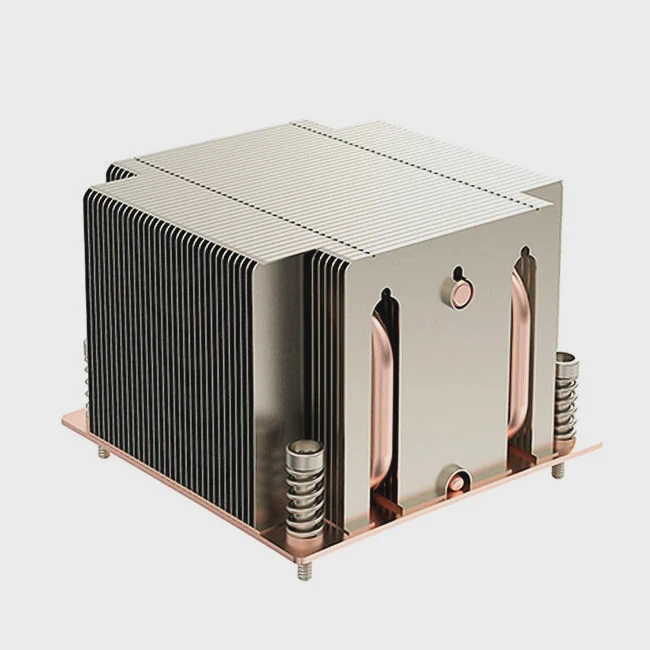
The Mac Pro interior looks clean, but the wires sit close to the heatsink. When you loosen the screws, the block may shift a little. If a cable presses against the metal fins, it can bend or tear.
Why cables sit close
Apple placed the RAM riser cables, fan cables, and sensor wires near the CPU tray. They did this to keep the layout compact. But this also means the heatsink sits in a crowded space.
What can happen if cables get caught
If the cable hooks under the heatsink lip, the block might lift unevenly. This can twist the CPU under the plate. I saw someone break the socket pins this way. If the cable bends too hard, the insulation might crack. Old insulation becomes brittle.
Here is a clear table:
| Cable Type | Risk if Not Cleared |
|---|---|
| RAM riser power cable | Gets pressed under heatsink during lift |
| Fan cable | Snags on fin edges when block moves |
| Sensor cable | Might tear if pulled sideways |
How I clear cables safely
I push cables gently to the side. I never pull them. I hold the connector body if I need to unplug something. I check for slack. If a cable looks too tight, I free it from clips first.
Why patience helps
When I rush, I miss small wires. When I move slowly, I see them. This keeps the board safe. The Mac Pro is old now, so every cable matters.
Can dust buildup hinder removal?
I opened one 2010 Mac Pro that looked like it lived in a woodshop. Thick dust sat inside the heatsink tunnels, and the screws felt stuck.
Yes. Dust buildup can block the screw tunnels, add friction to the threads, and trap heat that bakes the paste. This makes the heatsink harder to remove and increases the chance of stripping screws.
Dust seems harmless, but inside a Mac Pro it becomes a real problem. Dust forms layers that reduce airflow. When airflow drops, the CPU runs hotter. Hotter systems bake paste faster.
How dust blocks screws
Dust sticks to old thermal paste that leaks from the edges. It mixes with small metal flakes. This forms a gritty layer. When the driver enters the tunnel, this grit stops the shaft from seating fully.
How dust makes screws tight
When dust mixes with metal threads, it creates friction. The screws turn harder. If you push too hard, you might twist the shaft off-center and damage the screw head.
How I handle dusty units
I always blow air down the tunnels. I use a small brush to clean the edges around the heatsink. I vacuum the loose dust. I check the screw head again. Then I push the driver straight down until I feel full contact.
How dust affects paste
When dust blocks airflow, the CPU stays warm even at idle. The paste dries out. Dry paste bonds the heatsink to the CPU plate. This makes lifting harder. Sometimes I warm the system for a few minutes before the teardown. This softens the paste a bit.
Simple checks before removal
I ask myself:
- Does the driver seat fully?
- Does the screw turn smoothly?
- Does the heatsink rock slightly when loose?
- Does the paste edge look dried?
If the answer is no, I clean again. This small step reduces risk.
Should you repaste CPUs after teardown?
The first time I removed a Mac Pro heatsink, the paste under it looked like chalk. I knew right away that I had to repaste the CPUs.
Yes. You should repaste the CPUs after removing the heatsink because old thermal compound dries, cracks, and loses heat transfer. Fresh paste keeps temperatures stable and prevents future overheating.
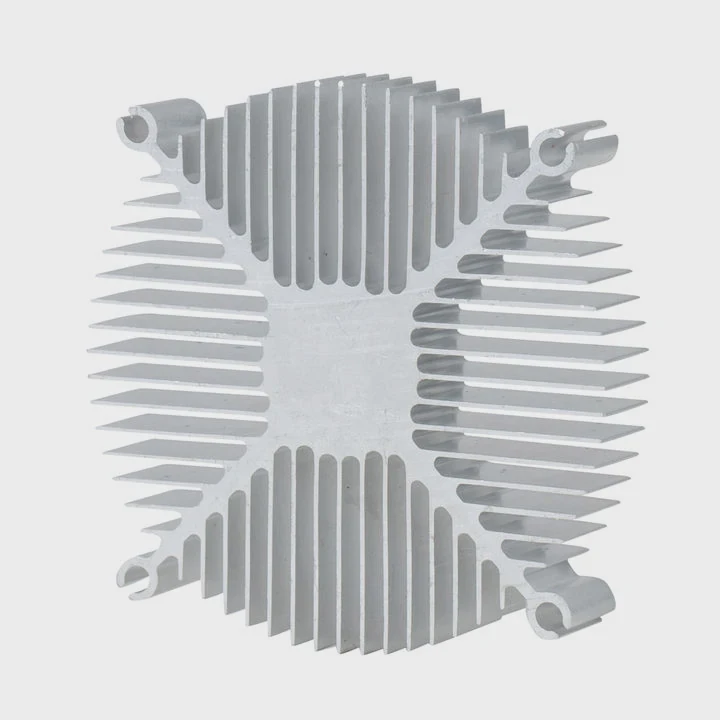
Old Mac Pros often run warm. Many units still use their original paste from more than a decade ago. Time and heat make the paste dry. When the paste dries, temperatures rise. Higher temperatures reduce CPU life.
Why repasting helps
Fresh paste fills tiny gaps between the CPU lid and the heatsink. This improves heat transfer. Better heat transfer lowers temperature. Lower temperature helps the fans stay quiet. It keeps performance stable.
What paste to use
I choose a simple, non-conductive paste. I avoid liquid metal because the Mac Pro heatsinks use aluminum, and liquid metal can damage aluminum surfaces.
How I apply paste
I clean the old paste with isopropyl alcohol. I wipe both surfaces until they look clean. I add a small drop of new paste in the center. When I tighten the heatsink, the pressure spreads the paste evenly.
Why tightening order matters
I tighten the screws in a cross pattern. I start from one corner, then move to the opposite corner. This keeps pressure even. Even pressure protects the CPU socket pins and prevents paste voids.
Small H3 section to explain when to repaste
When repasting is required
I repaste every time the heatsink moves even a little. Once the bond breaks, the paste film becomes uneven. Even if the paste looks soft, the contact will not be the same. Fresh paste is always safer.
Signs that old paste needs replacement
- The CPU runs hotter than before
- The fans ramp up quickly
- The paste looks dry or cracked
- The heatsink surface looks dusty or stained
Repasting is simple and cheap. It keeps the old Mac Pro running strong for many more years.
Conclusion
Removing a 2010 Mac Pro heatsink becomes simple when you use the correct driver, clear cables, clean dust, and repaste the CPUs after the teardown. Slow steps and proper tools protect the board and keep the system healthy.
TAGS
Latest Articles

Volume discount levels for heat sink orders?
Buyers often ask when heat sink prices start to drop with volume. Many worry they’re overpaying for small orders. This guide explains how B2B volume pricing works for thermal components. Heat sink
21 Dec,2025
Heat sink long-term supply contract options?
Many buyers want stable pricing and reliable delivery for heat sinks. But without a clear contract, risks grow over time. This article explores how to secure better long-term supply deals. Long-term
21 Dec,2025
Tooling cost for new heat sink profiles?
Many engineers struggle to understand why tooling for custom heat sinks costs so much. They worry about budgeting and production timelines. This article breaks down the cost drivers behind tooling.
21 Dec,2025
Heat sink custom sample process steps?
Sometimes, starting a custom heat sink project feels overwhelming—too many steps, too many unknowns, and too many risks. You want a sample, but not endless delays. The process for requesting and
20 Dec,2025
Standard B2B terms for heat sink payments?
When buyers and sellers in B2B heat sink markets talk about payment, many don’t fully understand what’s standard. This can lead to delayed orders, miscommunication, and even lost business
20 Dec,2025
Heat sink pricing factors for large orders?
Heat sinks are vital for many systems. When prices rise, projects stall and budgets break. This problem can hit teams hard without warning. Large order heat sink pricing depends on many factors. You
20 Dec,2025Related Articles
- How to TO-220 heatsink bolt?
- how to remove top mount cpu heatsink?
- how to remove cpu fused to heatsink?
- how well do heatsink style coolers work?
- does the wd sn850x need a heatsink?
- How do heatsinks work Elite Dangerous?
- What direction does the blow Intel heatsink E97381?
- does your ssd need a heatsink?
- where to find double heatsinks battletech?
- How to connect a heatsink to 7805 regulator?
- what is the main obsticle when using heatsinks?
- do heatsinks work on m.2 drive?
Author
Dr. Emily Chen
Chief AI Researcher
Leading expert in thermal dynamics and AI optimization with over 15 years of experience in data center efficiency research.
Categories
Latest Products






Recommend Categories
- Liquid cooling plate Manufacturer
- Industrial Heat Sink Manufacturer
- Standard Heat Sink Manufacturer
- Aluminum Heat Sink Manufacturer
- Copper Heat Sink Manufacturer
- Anodized Heatsink Manufacturer
- Stamping heat sink Manufacturer
- Die Casting Heatsink Manufacturer
- Soldering heat sink Manufacturer
- CNC Parts Manufacturer
Latest Products
- Wholesale Aluminum Radiator
- Water Cooling Plate Kit
- Water Cooling Heat Sink
- Water Cooling Heat Sink Kit
- Stainless Steel Water Distributor
- Server Water Cooling Plate Kit
- Server Liquid Cooling System
- Server Aluminum Cooling Kit
- S19 Full Cover Cooling Plate
- S19 Cooling Plate Kit
- S19 Aluminum Cooling Plate
Contact Expert
Have questions about this article? Reach out to our experts directly.