do heatsinks work on m.2 drive?
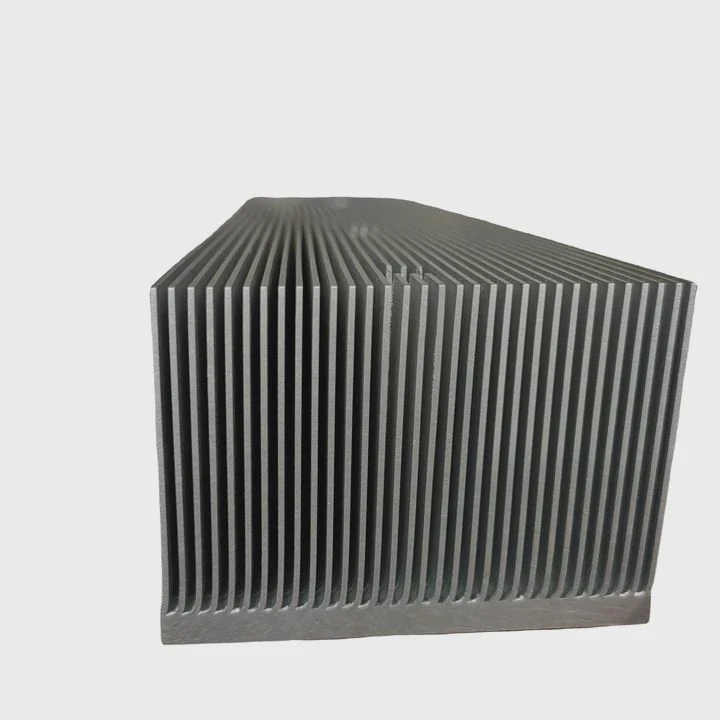
I see many users worry about M.2 SSD heat, and I understand why. These slim drives look small, but they run fast and create real heat. I want to explain this in a simple way.
Heatsinks work on M.2 drives when they spread heat evenly and help the drive stay in a safe temperature range. They do not boost speed directly, but they stop throttling and keep long-term stability.
I want to guide you through the key ideas I learned while testing M.2 drives in real systems. These lessons came from many builds, many failures, and many quiet fixes.
Why do slim SSDs heat quickly?
I see many people surprised by how fast an M.2 SSD heats up. The drive looks thin. It looks harmless. But these slim parts hide a lot of power.
Slim SSDs heat quickly because the controller works very hard in a tiny space with almost no surface area. The drive has nowhere to move heat, so the temperature rises fast during heavy read and write tasks.
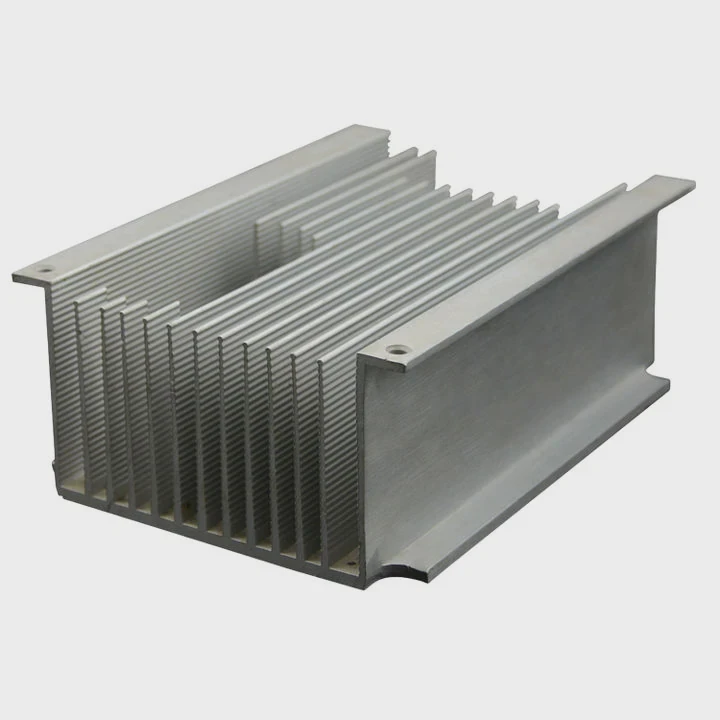
When I test M.2 drives, I always watch the controller chip. This small chip does the heavy lifting. It handles data, error checks, caching, and flash control. It works like a tiny CPU. When it is busy, it draws power. When it draws power, it heats up.
Why size becomes a real limit
I break the main heat issues into simple points:
| Reason for fast heat | What happens | Why it matters |
|---|---|---|
| Tiny footprint | Small surface area | Heat builds up quickly |
| High controller load | Heavy work inside | Heat spikes during transfers |
| Flash routing | Dense layout | Less space for heat paths |
| No built-in airflow | Exposed PCB | Air does not move well |
How heat builds inside the drive
I often compare M.2 drives to phones. Both pack a lot of power in a small shape. But drives lack cases that spread heat. Many PC cases push air toward the GPU or CPU, not the M.2 slot. So the drive sits in a warm zone.
I also see heat spikes during large file transfers. The controller works at full speed. The temperature climbs to 70–90°C in seconds. At this point, the drive slows down to protect itself. This slowdown is thermal throttling.
What I learned from direct tests
I tested many slim drives on open benches and inside cases. Open benches look cool, but they hide real problems. Inside a case, the drive sits close to the GPU backplate or under a hot CPU. Both spots warm the drive even when idle.
This is why slim SSDs heat fast. They are strong. They are small. They have limited heat escape paths. Good cooling helps stop the climb.
How do thermal pads aid heat spread?
Some users think thermal pads are simple foam sheets. I used to think this too. But thermal pads matter a lot. They control how heat moves away from the drive.
Thermal pads aid heat spread by filling air gaps between the SSD and the heatsink. They pass heat from the controller and flash chips into a larger metal surface, which lowers peak temperature and delays throttling.
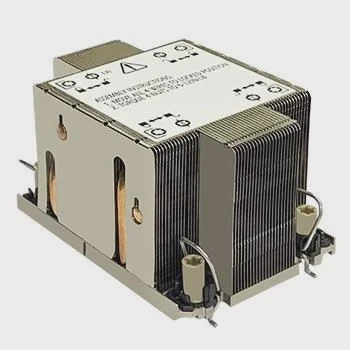
I test pads often. I try many thicknesses and softness levels. I check how they press on chips. I learned that pads are not optional parts. They are the bridges that move heat from the PCB to the heatsink.
Why air gaps are the real enemy
I show the core idea in a small table:
| Situation | What happens | Result |
|---|---|---|
| Pad used | Air replaced with soft material | Heat spreads to the sink |
| Pad missing | Air sits between chip and sink | Heat stays trapped |
| Pad too thick | Pressure pushes PCB | Damage risk |
| Pad too thin | Pad does not touch chip | No heat transfer |
How pads change the heat path
Heat moves poorly through air. Air has very low thermal conductivity. When the chip sits under a metal plate without a pad, the thermal path breaks. The chip heats the PCB, but not the metal plate.
Pads fix this. They touch the chip. They pass heat upward. The heatsink then spreads the heat over a larger area. The temperature rise slows down. This is why even a simple pad can drop temperatures by 10–20°C.
Lessons from pad tuning
I learned that pad thickness matters more than pad brand. If the pad does not touch the chip, it does nothing. I also learned that soft pads work better on uneven surfaces. Many SSDs do not have perfectly flat parts. Soft pads fill these dips.
I make sure the pad covers both the controller and the flash chips. Some designs focus only on the controller, but the flash chips also warm up under long writes. Balanced cooling helps the drive run well and age slowly.
Which M.2 slots get hottest?
Many users install their SSD without thinking about the slot position. I see this often in compact boards. But slot position changes the drive temperature a lot.
The hottest M.2 slots are the ones close to the GPU or under the CPU socket. These zones collect warm air, so the SSD receives less fresh airflow and heats up quickly during normal operation.
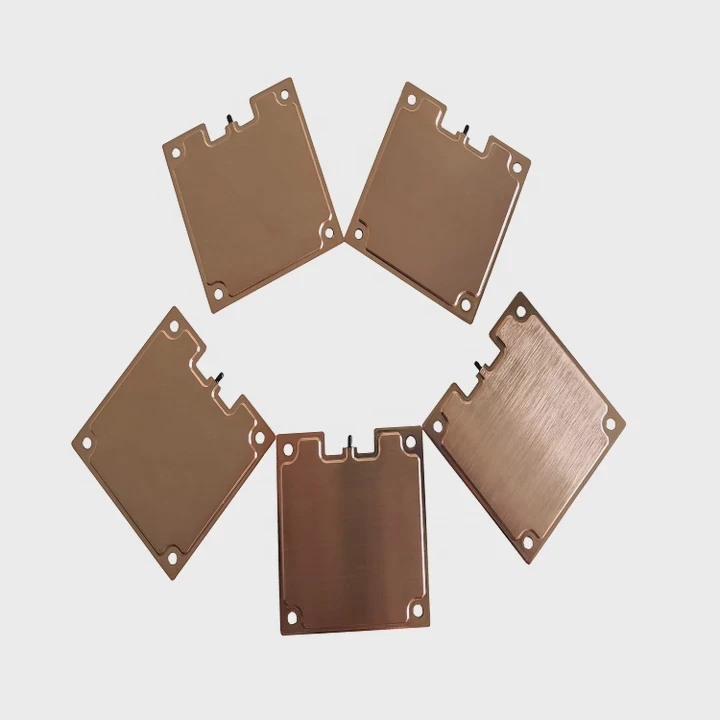
When I test systems, I check temperatures across each slot. Some slots look fine on paper but fail in real builds. I learned not to trust the board layout drawings alone. The real heat zones depend on the case, airflow, and GPU size.
Common M.2 zone patterns
Here are the typical behaviors I saw in many builds:
| Slot location | Heat level | Reason |
|---|---|---|
| Top slot near CPU | Medium–High | CPU heat rises |
| Middle slot under GPU | Very High | GPU backplate heat |
| Lower slot near PSU | Medium | Lower airflow |
| Behind motherboard | High | No direct airflow |
Why GPU heat changes everything
Modern GPUs push a lot of heat. The backplate becomes hot during gaming and workloads. This heat radiates into nearby M.2 drives. Even with case fans, this zone is warm.
I often see the middle M.2 slot reach the highest temperatures. Some motherboards add shields here, but the shield alone cannot fight the rising heat from the GPU. This is why choosing the right slot helps more than many users expect.
How to pick the best slot
When I build systems for my tests, I follow a simple rule. I choose the slot with the most airflow. If the case has a front intake, I choose the slot closer to that zone. If the case has a strong top exhaust, I avoid the slot under the GPU because hot air rises into it.
I also look at the case fans. Some cases push air across the board. Others push air around the GPU only. Understanding this airflow is the key to picking the best M.2 spot.
Can integrated shields outperform add-on sinks?
Many motherboards include M.2 shields. They look nice. They cover the drive. Some people ask if these shields work better than separate heatsinks. I tested this many times.
Integrated shields can outperform add-on heatsinks when they have good contact, large surface area, and strong airflow. But simple cosmetic shields without mass or pads perform worse than real add-on sinks.
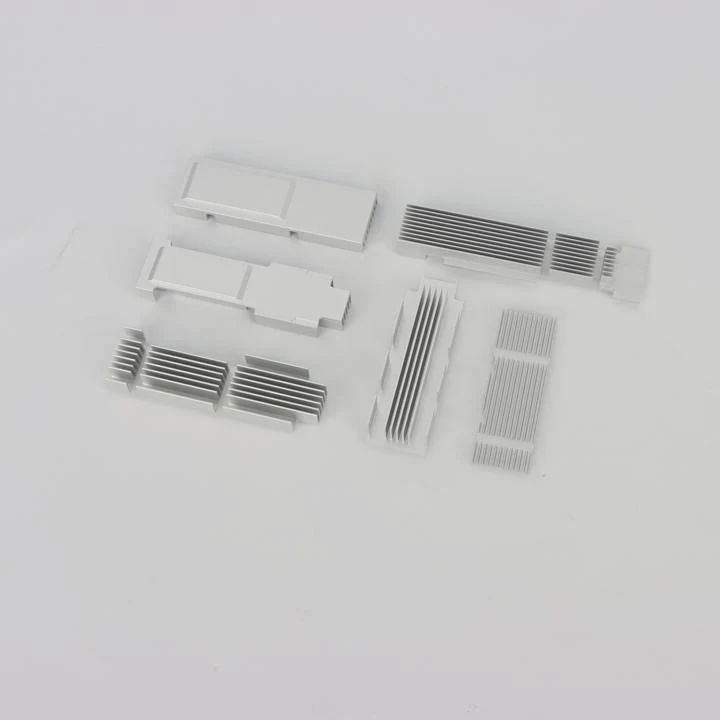
I work with many boards that ship with M.2 shields. Some shields work well. Others are thin metal covers with almost no thermal mass. The difference is big. This is why results vary.
What makes a shield good or bad
I list the key traits:
| Shield type | Performance | Reason |
|---|---|---|
| Thick aluminum shield | Good | More mass and area |
| Shield with pad | Very Good | Strong heat path |
| Thin cosmetic cover | Poor | Blocks airflow |
| Shield with low pressure | Weak | Pad does not touch |
When shields beat add-on sinks
A good shield can beat an add-on heatsink when:
- it uses the board screws to create strong pressure on the pad
- it has a large metal plate that spreads heat across the board
- it sits in a high-airflow zone
- it connects to other metal layers on the board
Some boards link the shield to the VRM heatsink. This creates a larger heat pool. In my tests, these shields drop temperatures more than small standalone heatsinks.
When add-on sinks win
Add-on heatsinks win when:
- the board shield is thin
- the board shield has no pad
- the airflow is low
- the shield traps heat under it
I tested a case where the shield looked nice but acted like a warm lid. The SSD hit 85°C fast. When I removed the shield and added a simple finned sink, the temperature dropped by 18°C.
TAGS
Latest Articles

Volume discount levels for heat sink orders?
Buyers often ask when heat sink prices start to drop with volume. Many worry they’re overpaying for small orders. This guide explains how B2B volume pricing works for thermal components. Heat sink
21 Dec,2025
Heat sink long-term supply contract options?
Many buyers want stable pricing and reliable delivery for heat sinks. But without a clear contract, risks grow over time. This article explores how to secure better long-term supply deals. Long-term
21 Dec,2025
Tooling cost for new heat sink profiles?
Many engineers struggle to understand why tooling for custom heat sinks costs so much. They worry about budgeting and production timelines. This article breaks down the cost drivers behind tooling.
21 Dec,2025
Heat sink custom sample process steps?
Sometimes, starting a custom heat sink project feels overwhelming—too many steps, too many unknowns, and too many risks. You want a sample, but not endless delays. The process for requesting and
20 Dec,2025
Standard B2B terms for heat sink payments?
When buyers and sellers in B2B heat sink markets talk about payment, many don’t fully understand what’s standard. This can lead to delayed orders, miscommunication, and even lost business
20 Dec,2025
Heat sink pricing factors for large orders?
Heat sinks are vital for many systems. When prices rise, projects stall and budgets break. This problem can hit teams hard without warning. Large order heat sink pricing depends on many factors. You
20 Dec,2025Related Articles
- what is the main obsticle when using heatsinks?
- How to connect a heatsink to 7805 regulator?
- where to find double heatsinks battletech?
- does your ssd need a heatsink?
- What direction does the blow Intel heatsink E97381?
- how to remove 2010 mac pro heatsink?
- how to install heatsink to transistor?
- does dead cpu fan imply dead or damaged heatsink?
- How to remove CPU from heatsink?
- can you clean the stock.microsoft heatsink under water?
- Can you remove heatsink from motherboard?
- what to do without a cpu heatsink?
Author
Dr. Emily Chen
Chief AI Researcher
Leading expert in thermal dynamics and AI optimization with over 15 years of experience in data center efficiency research.
Categories
Latest Products

M.2 Heatpipe Heatsink With Dual Fans For Pc Case
19 Mar,2026

Heavy-Duty Aluminum Heat Sink Custom
19 Mar,2026

Oem Skived Fin Heatsink Aluminum Radiator For Plants
19 Mar,2026

Water Cooled Cnc Aluminum Heat Sink For Medical
19 Mar,2026

High Density 6000 Series Aluminum Heat Sink Profile
19 Mar,2026

High-Density Extruded Aluminum & Bonded-Fin Heat Sink Profile
19 Mar,2026
Recommend Categories
- Liquid cooling plate Manufacturer
- Industrial Heat Sink Manufacturer
- Standard Heat Sink Manufacturer
- Aluminum Heat Sink Manufacturer
- Copper Heat Sink Manufacturer
- Anodized Heatsink Manufacturer
- Stamping heat sink Manufacturer
- Die Casting Heatsink Manufacturer
- Soldering heat sink Manufacturer
- CNC Parts Manufacturer
Latest Products
- M.2 Heatpipe Heatsink With Dual Fans For Pc Case
- Heavy-Duty Aluminum Heat Sink Custom
- Oem Skived Fin Heatsink Aluminum Radiator For Plants
- Water Cooled Cnc Aluminum Heat Sink For Medical
- High Density 6000 Series Aluminum Heat Sink Profile
- High-Density Extruded Aluminum & Bonded-Fin Heat Sink Profile
- Dongguan Cnc Aluminum Heat Sink For Led & Brass Parts
- Wholesale Cnc Aluminum Heat Sink - Custom Extruded
- Led Cnc Round Heat Sink With Screw Holes
- Copper Pin-Fin Heat-Sink Large-Area For Photoled Cooling
- Telecom Heatsink Zipper Fin Wcopper Tubes Oem
Contact Expert
Have questions about this article? Reach out to our experts directly.