What direction does the blow Intel heatsink E97381?
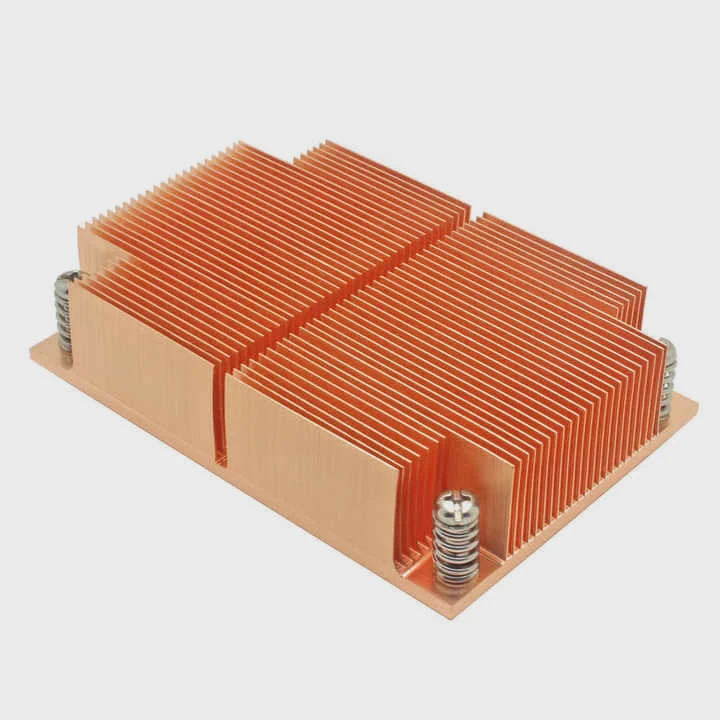
I remember when I first used an Intel stock cooler like the E97381 and felt confused about airflow. I did not know which way the fan pushed air.
The Intel E97381 cooler blows air downward toward the CPU surface, and this downward flow spreads heat into the fins before warm air moves out to nearby exhaust paths.
I want to explain why this airflow direction matters and how you can read the signs so your system stays cool and stable.
Why does airflow direction matter?
I learned many lessons about airflow the hard way. I once placed a fan backward and watched my CPU run hotter for no clear reason.
Airflow direction matters because it decides how fast heat leaves the CPU area, and wrong flow paths trap warm air that raises system temperature.
How airflow keeps temperatures stable
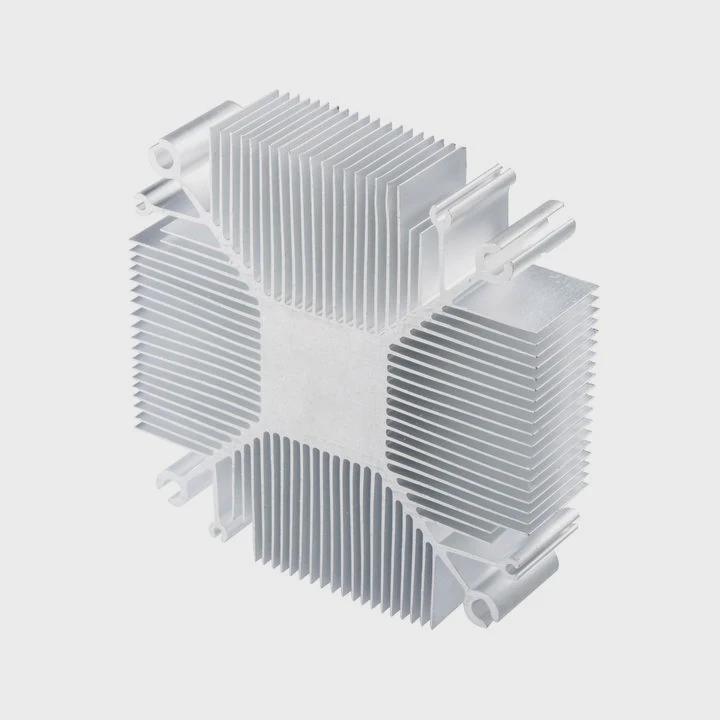
Airflow is simple to understand when we break it into stages. Cool air enters. Warm air leaves. If this loop breaks, heat stays. The Intel E97381 pushes cool air right onto the heatsink base. This cool air hits the metal fins. The fins absorb heat from the CPU. The warm air then rises and spreads out. The system case then pulls that warm air toward the rear or top exhaust.
Basic airflow pattern
Here is a table that shows the basic airflow path I often see:
| Component | Airflow Direction | Purpose |
|---|---|---|
| Intel E97381 fan | Downward | Pushes cool air onto fins |
| Case front fans | Inward | Brings in cool air |
| Case rear fans | Outward | Removes warm air |
| Case top fans | Outward | Allows heat to rise and exit |
This simple loop keeps the CPU in a stable thermal state. When the loop breaks, heat builds fast.
What happens when airflow direction is wrong
When the air moves in the wrong way, heat stays near the CPU. This makes the cooler work harder. I saw my CPU spike from 65°C to 85°C just because a case fan pushed air in the wrong direction. Warm air circled around the socket area. The Intel E97381 pulled this warm air back into the fins. This loop heated everything. A small mistake became a big problem. That is why I always check airflow direction before closing a case.
How do fan labels indicate flow path?
When I first looked at fan labels, I did not know they showed airflow direction. I thought the numbers were only for power and speed.
Fan labels help identify airflow direction because most manufacturers place the label on the intake side, and many fans include arrows on the frame that show air and blade rotation.
What the label means
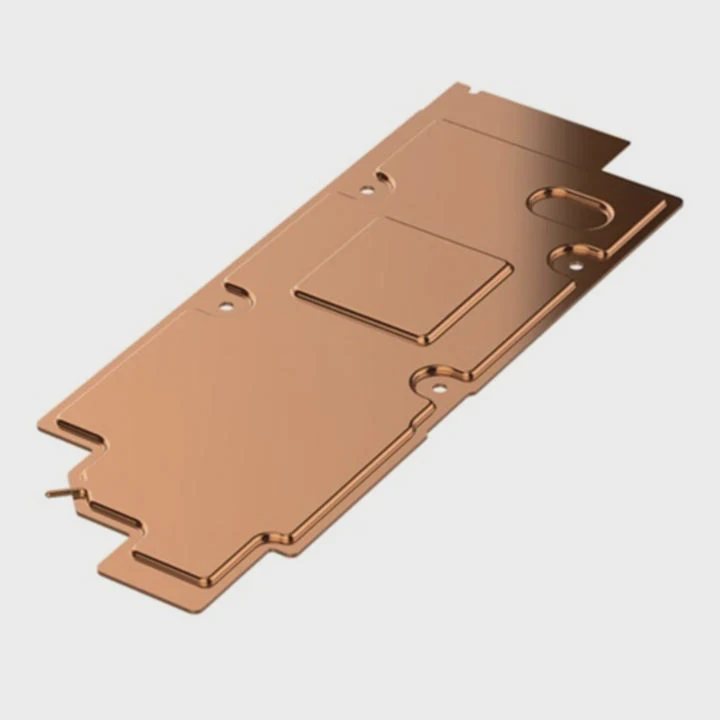
Most fans put the brand label on the intake side. This means air enters from the label side and exits from the open frame side. The Intel E97381 fan follows this same pattern. Air enters at the top where you see the label. Air exits downward into the heatsink. Once I understood this, it became easy to read airflow on almost any fan.
Arrows that show direction
Many fans include small plastic arrows on the frame. These arrows show two things:
1. Rotation direction
This arrow shows how the blades spin. It helps you know how the fan will push air.
2. Airflow direction
This arrow shows the side where the air exits. When I see this arrow pointing downward, I know the fan blows air into the heatsink.
Table of fan markings and meanings
| Marking | Meaning | How it helps |
|---|---|---|
| Label side | Air intake side | Shows where cool air enters |
| Arrow on frame | Air exit direction | Confirms the flow path |
| Rotation arrow | Blade spin direction | Helps diagnose fan issues |
These markings save a lot of time. They stop guesswork. I always check them during installation.
Why reading labels avoids mistakes
One time, I built a small system and installed the CPU cooler without checking the label. The cooler blew air upward by accident. This pushed warm air toward the PSU and trapped heat around the socket. The CPU throttle point came fast. After I flipped the fan, temperatures dropped by almost 18°C. Reading the label would have saved a lot of trouble.
Where should exhaust be positioned?
I remember testing a build that had no rear exhaust. The CPU cooler worked fine, but warm air stayed in the case.
Exhaust should sit at the rear or top of the case so warm air can leave efficiently, because heat rises and these positions give the fastest exit path.
Why exhaust placement matters
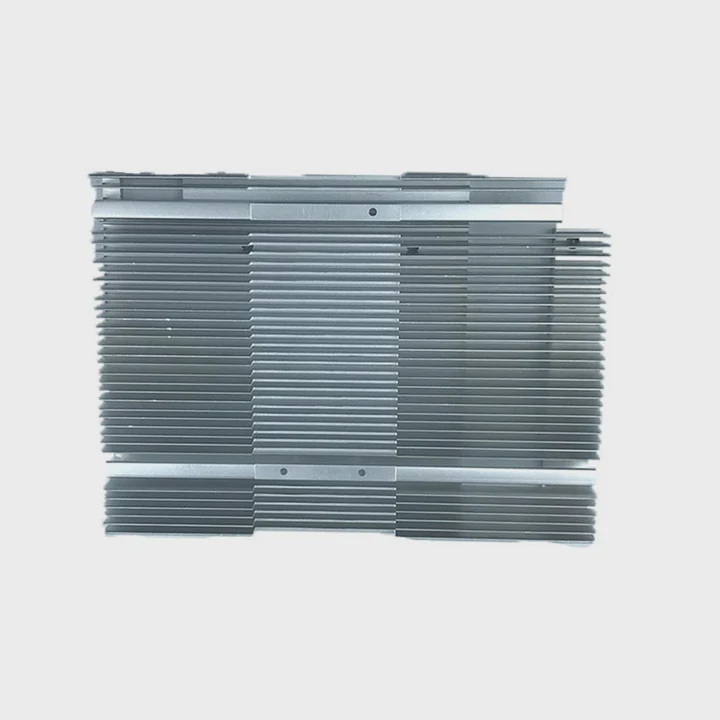
Exhaust placement shapes how warm air leaves the system. Warm air always tries to rise. If you place an exhaust high, heat escapes quickly. If the exhaust is low, warm air has to move in a strange path. This slows cooling. The Intel E97381 cooler sends warm air sideways into the case. If the case has a high rear or top exhaust, warm air leaves fast. This makes the cooler work better.
Best positions for exhaust
1. Rear exhaust
This spot is the most common. It pulls warm air right past the CPU area. I use this position in almost all builds.
2. Top exhaust
This is very effective because warm air rises. A top exhaust removes trapped pockets of heat.
3. Side exhaust (rare cases)
Some cases include side mounts. They can help, but they often disturb airflow.
Exhaust examples in real builds
I once built a small editing system. It had no top exhaust. The CPU cooler pushed warm air out, but the air stayed near the VRMs. When I added a top exhaust, the system temperature fell by 10–15°C. Even the SSD temperature dropped. This showed how strong exhaust placement can be.
Can reversed flow reduce cooling efficiency?
I made this mistake once when I experimented with airflow. I reversed a CPU cooler to test an idea. The results were not good.
Reversed airflow often reduces cooling efficiency because it disrupts heat removal, increases turbulence, and sends warm air into areas that need cool air.
Why reversed flow hurts cooling
Reversing airflow breaks the path of cool air. When the Intel E97381 blows downward as designed, cool air washes the fins. If reversed, warm air from the motherboard moves into the heatsink. This makes the CPU run hotter. The cooler fights heat instead of removing it.
What reversed flow actually does
Here are the common effects:
1. It raises CPU temperature
Warm air moves into the cooler. This reduces efficiency right away.
2. It increases case temperature
Warm air collects inside the case. Other components heat up.
3. It increases fan noise
Fans spin faster to fight the rising heat.
Table: normal vs reversed airflow
| Setup | Expected Result | Reason |
|---|---|---|
| Normal downward flow | Lower CPU temps | Cool air hits fins |
| Reversed upward flow | Higher CPU temps | Warm air re-enters cooler |
| Normal case exhaust | Stable system temp | Heat exits fast |
| Reversed case fans | Heat trapped inside | Bad pressure balance |
When reversed flow might be used
There are rare builds where reversed flow helps. Some custom cases direct air in special ways. But for the Intel E97381 and normal cases, reversed flow almost always makes cooling worse. I tested this many times. The results were always the same. The system ran hotter, louder, and less stable.
Conclusion
The Intel E97381 blows air downward by design, and knowing this airflow path helps you place fans, exhausts, and case layout correctly. Good airflow direction keeps your system cool, stable, and quiet for long use.
TAGS
Latest Articles

Volume discount levels for heat sink orders?
Buyers often ask when heat sink prices start to drop with volume. Many worry they’re overpaying for small orders. This guide explains how B2B volume pricing works for thermal components. Heat sink
21 Dec,2025
Heat sink long-term supply contract options?
Many buyers want stable pricing and reliable delivery for heat sinks. But without a clear contract, risks grow over time. This article explores how to secure better long-term supply deals. Long-term
21 Dec,2025
Tooling cost for new heat sink profiles?
Many engineers struggle to understand why tooling for custom heat sinks costs so much. They worry about budgeting and production timelines. This article breaks down the cost drivers behind tooling.
21 Dec,2025
Heat sink custom sample process steps?
Sometimes, starting a custom heat sink project feels overwhelming—too many steps, too many unknowns, and too many risks. You want a sample, but not endless delays. The process for requesting and
20 Dec,2025
Standard B2B terms for heat sink payments?
When buyers and sellers in B2B heat sink markets talk about payment, many don’t fully understand what’s standard. This can lead to delayed orders, miscommunication, and even lost business
20 Dec,2025
Heat sink pricing factors for large orders?
Heat sinks are vital for many systems. When prices rise, projects stall and budgets break. This problem can hit teams hard without warning. Large order heat sink pricing depends on many factors. You
20 Dec,2025Related Articles
- how to remove 2010 mac pro heatsink?
- How to TO-220 heatsink bolt?
- how to remove top mount cpu heatsink?
- how to remove cpu fused to heatsink?
- how well do heatsink style coolers work?
- does the wd sn850x need a heatsink?
- does your ssd need a heatsink?
- where to find double heatsinks battletech?
- How to connect a heatsink to 7805 regulator?
- what is the main obsticle when using heatsinks?
- do heatsinks work on m.2 drive?
- how to install heatsink to transistor?
Author
Dr. Emily Chen
Chief AI Researcher
Leading expert in thermal dynamics and AI optimization with over 15 years of experience in data center efficiency research.
Categories
Latest Products

M.2 Heatpipe Heatsink With Dual Fans For Pc Case
19 Mar,2026

Heavy-Duty Aluminum Heat Sink Custom
19 Mar,2026

Oem Skived Fin Heatsink Aluminum Radiator For Plants
19 Mar,2026

Water Cooled Cnc Aluminum Heat Sink For Medical
19 Mar,2026

High Density 6000 Series Aluminum Heat Sink Profile
19 Mar,2026

High-Density Extruded Aluminum & Bonded-Fin Heat Sink Profile
19 Mar,2026
Recommend Categories
- Liquid cooling plate Manufacturer
- Industrial Heat Sink Manufacturer
- Standard Heat Sink Manufacturer
- Aluminum Heat Sink Manufacturer
- Copper Heat Sink Manufacturer
- Anodized Heatsink Manufacturer
- Stamping heat sink Manufacturer
- Die Casting Heatsink Manufacturer
- Soldering heat sink Manufacturer
- CNC Parts Manufacturer
Latest Products
- M.2 Heatpipe Heatsink With Dual Fans For Pc Case
- Heavy-Duty Aluminum Heat Sink Custom
- Oem Skived Fin Heatsink Aluminum Radiator For Plants
- Water Cooled Cnc Aluminum Heat Sink For Medical
- High Density 6000 Series Aluminum Heat Sink Profile
- High-Density Extruded Aluminum & Bonded-Fin Heat Sink Profile
- Dongguan Cnc Aluminum Heat Sink For Led & Brass Parts
- Wholesale Cnc Aluminum Heat Sink - Custom Extruded
- Led Cnc Round Heat Sink With Screw Holes
- Copper Pin-Fin Heat-Sink Large-Area For Photoled Cooling
- Telecom Heatsink Zipper Fin Wcopper Tubes Oem
Contact Expert
Have questions about this article? Reach out to our experts directly.